Softpedia
 

WINDOWS CATEGORIES:


GLOBAL PAGES >>
SOFTPEDIA REVIEWS >>
MEET THE EDITORS >>
WEEK'S BEST
  • Bitdefender Total ...
  • Ocster Backup Pro ...
  • Hard Disk Sentinel...
  • FlashFXP [DISCOUNT...
  • DVDFab DVD Copy [D...
  • Kaspersky Internet...
  • Avast! Internet Se...
  • Avira Internet Sec...
  • Webroot SecureAnyw...
  • McAfee Total Prote...
  • Home > Windows > Office tools > Text editors
     Report malware

    UltraEdit 19.00.0.1031

    Softpedia Pick Award
    download button

    Part of the HEX Editor download hub (+9 others)
    Downloads: 83,098  View global page  Tell us about an update
    User Rating:
    Rated by:
    Good (3.8/5)
    44 user(s)
    Developer:

    License / Price:

    Size / OS:

    Last Updated:

    Category:

    Trial / USD 59.95 buy button
    38.7 MB / Windows 2K / XP / 2003 / Vista / Vista64 / 7
    [view history]
    C: \ Office tools \ Text editors

     Read user reviews (4)  Send to friend   Follow (7 users)

    Softpedia Editor's Review for UltraEdit

    EDITOR'S RATING:

    Text, HEX, HTML, PHP and Programmer's Editor. Supports FTP/SFTP & UNICODE

    Written by Elena Opris on November 23rd, 2012

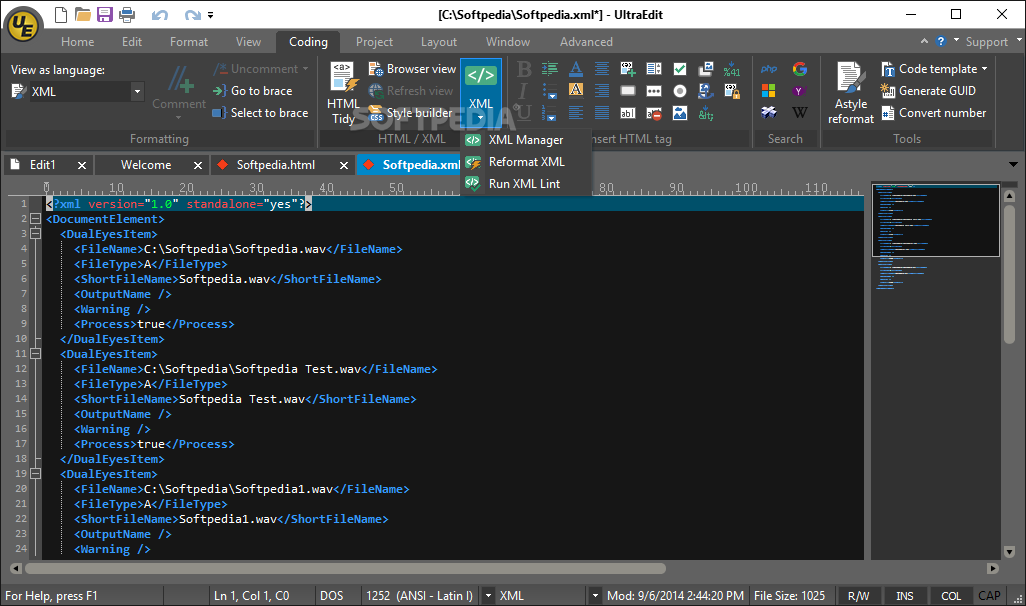
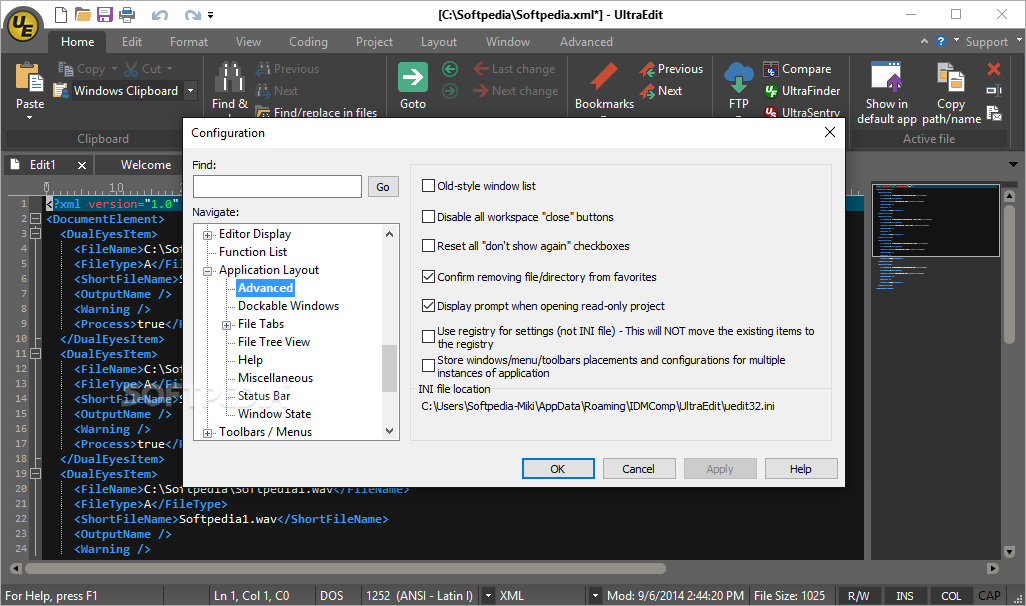
    UltraEdit is an editor that supports text, HTML, PHP, XML, JavaScript, Perl, HEX, Java and other programming tools. Basically, you can use it for web development, programming, or if you simply want to replace Notepad.

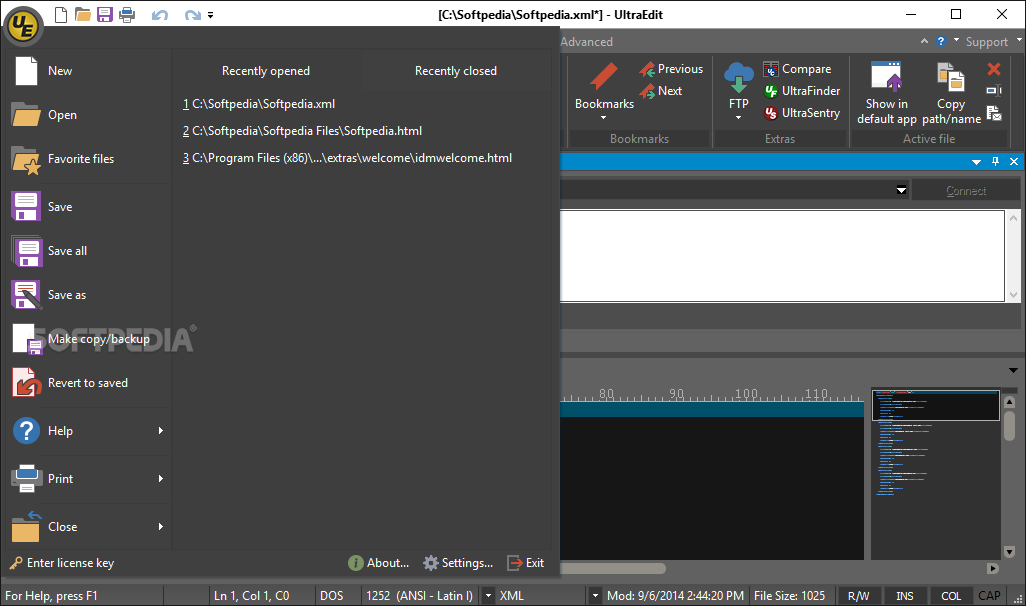
    You are welcomed by a quick start guide that shows you how to perform various tasks in UltraEdit. This is ideal for novice users.

    When you first initialize it, you can configure programming, web development and general file associations. Although it's a program with a fairly small size, UltraEdit has a complex interface.

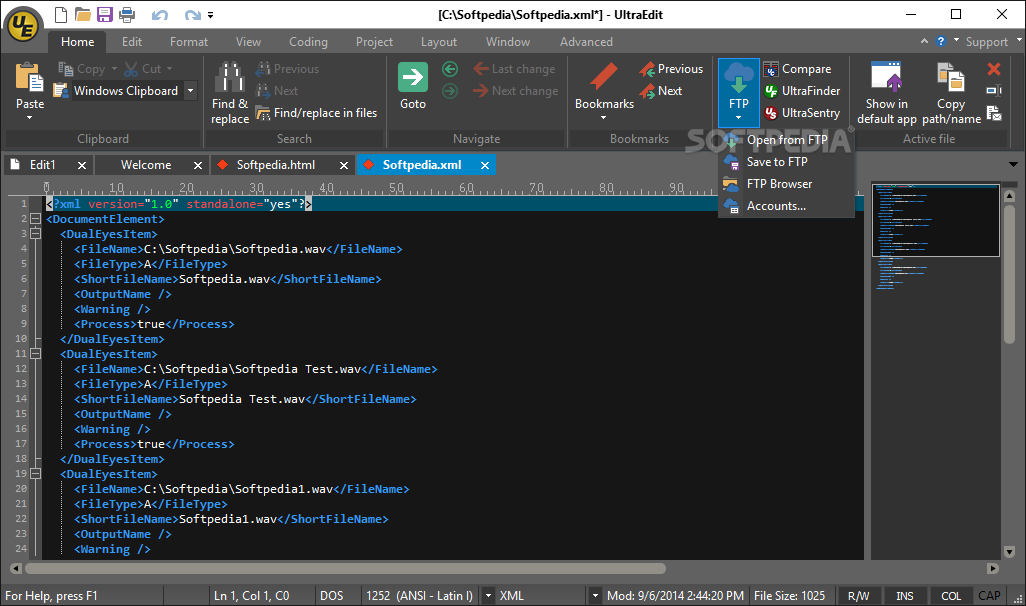
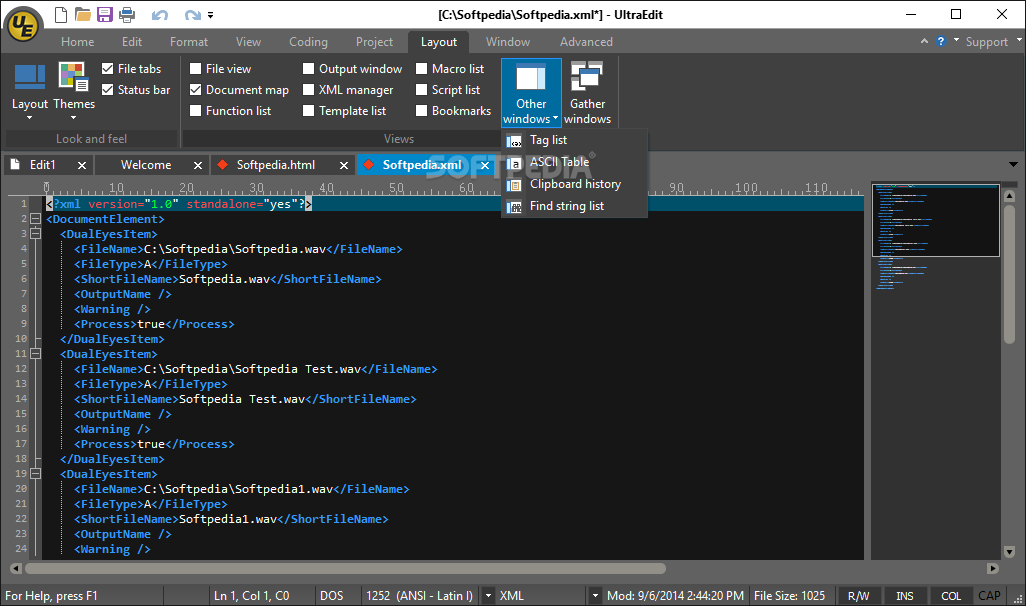
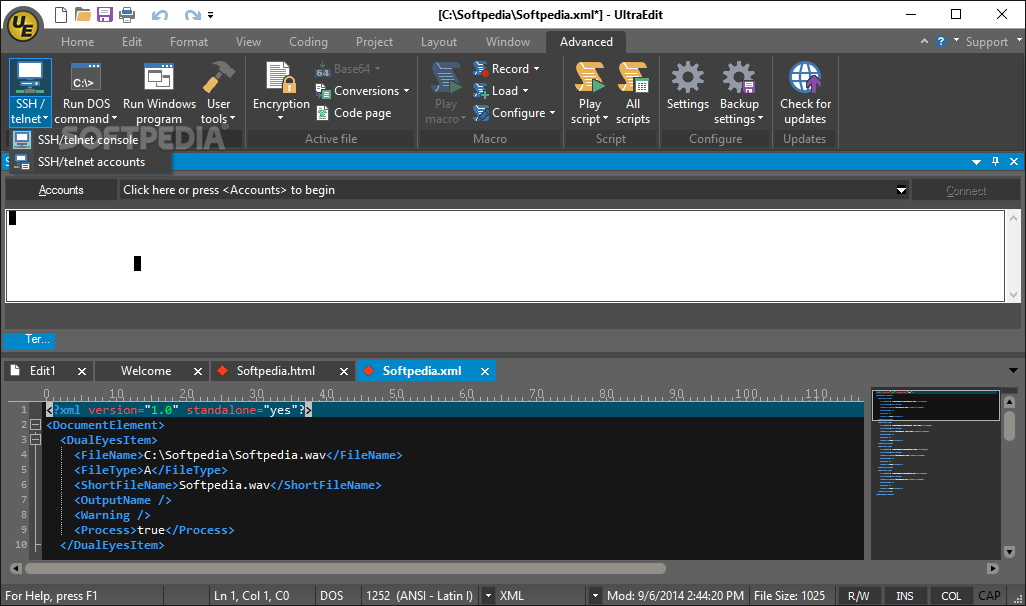
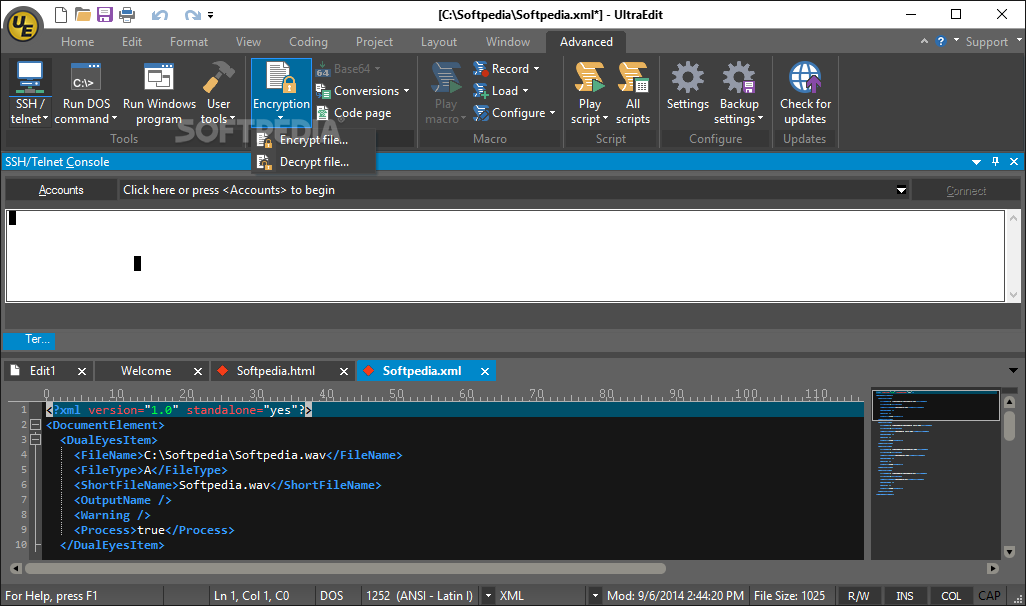
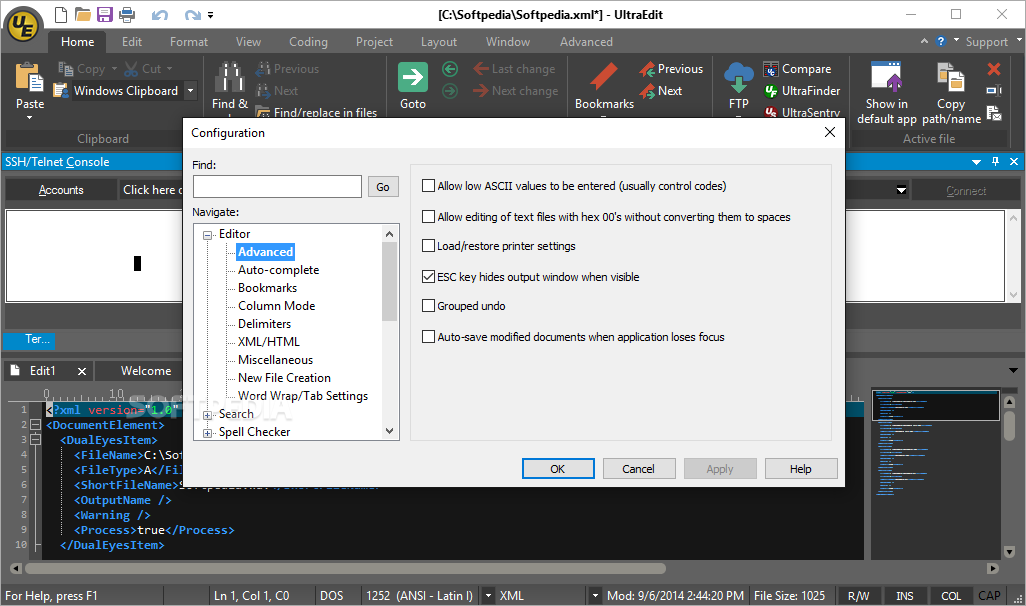
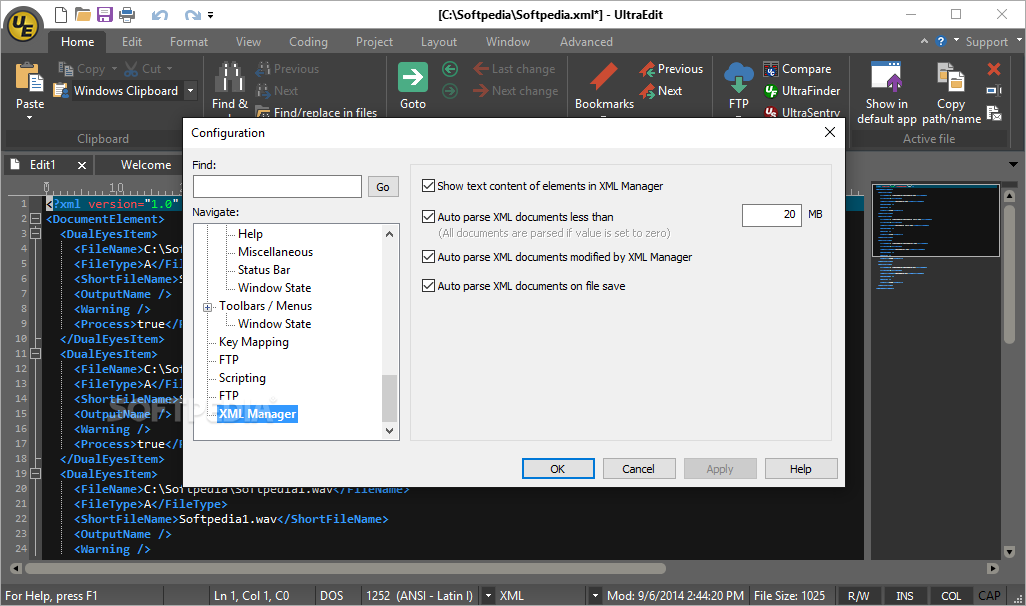
    The main sections found here are File View (a tree structure in which you browse hard drives, CDs or FTP accounts for files), Open Files, Output Window, and Template List, while the side bar contains Clipboard History, Macro List, Script List, and XML Manager.

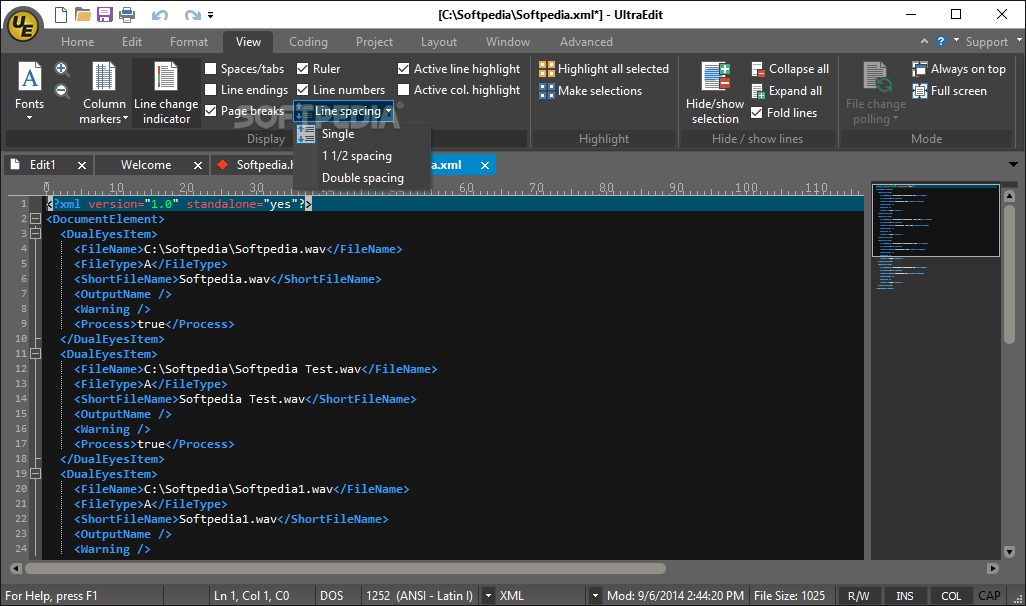
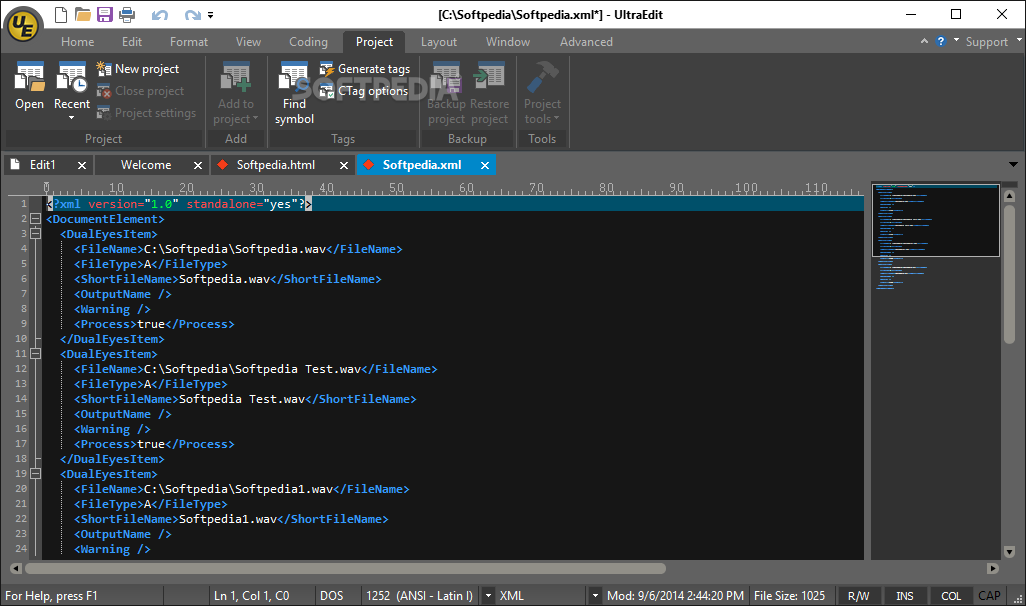
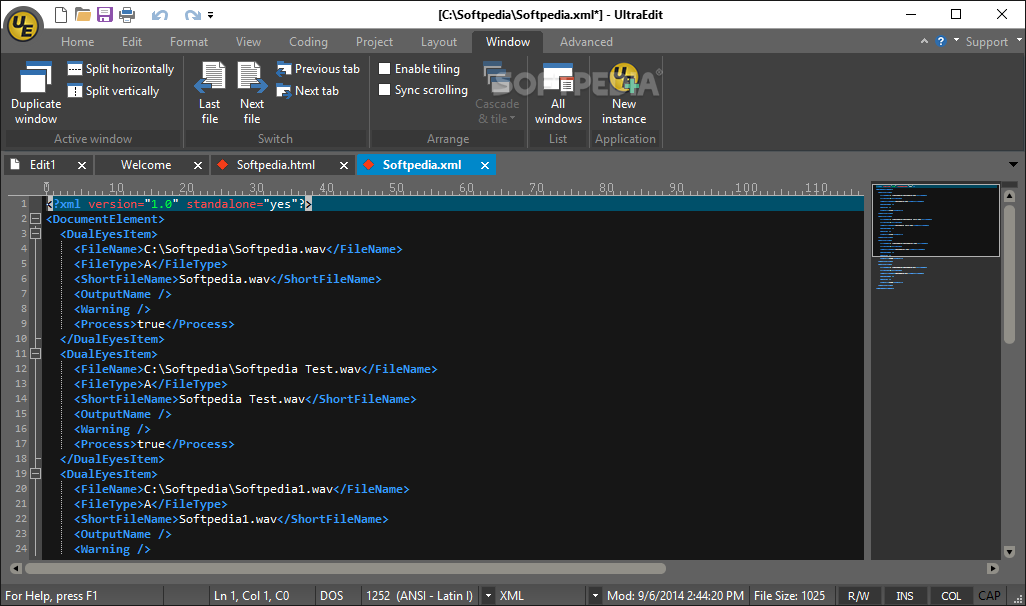
    There are many, many features displayed in the menu bar, so you need some time to go through everything. If you do not know where to start, just use the help file.

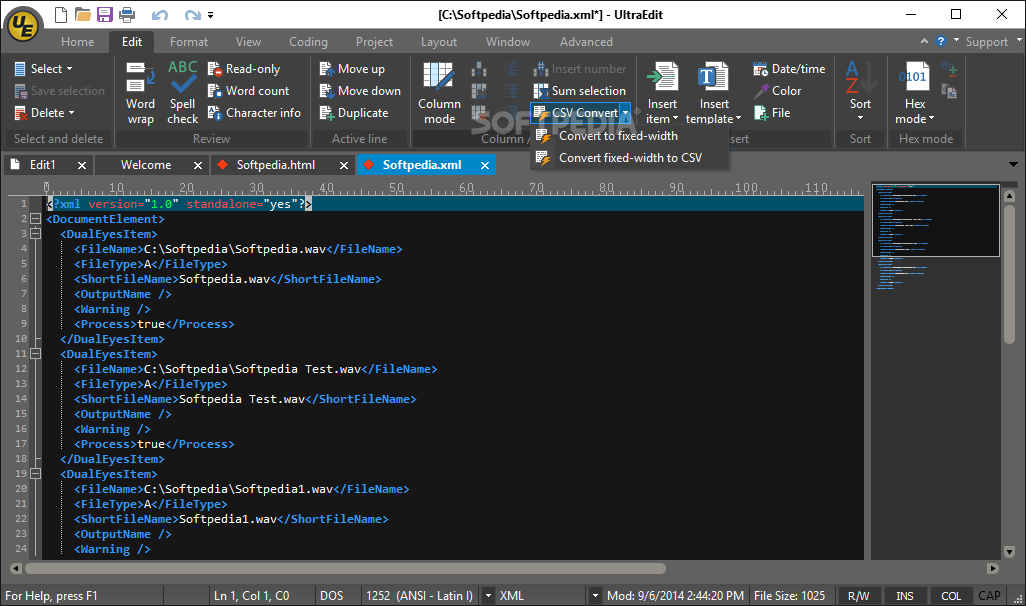
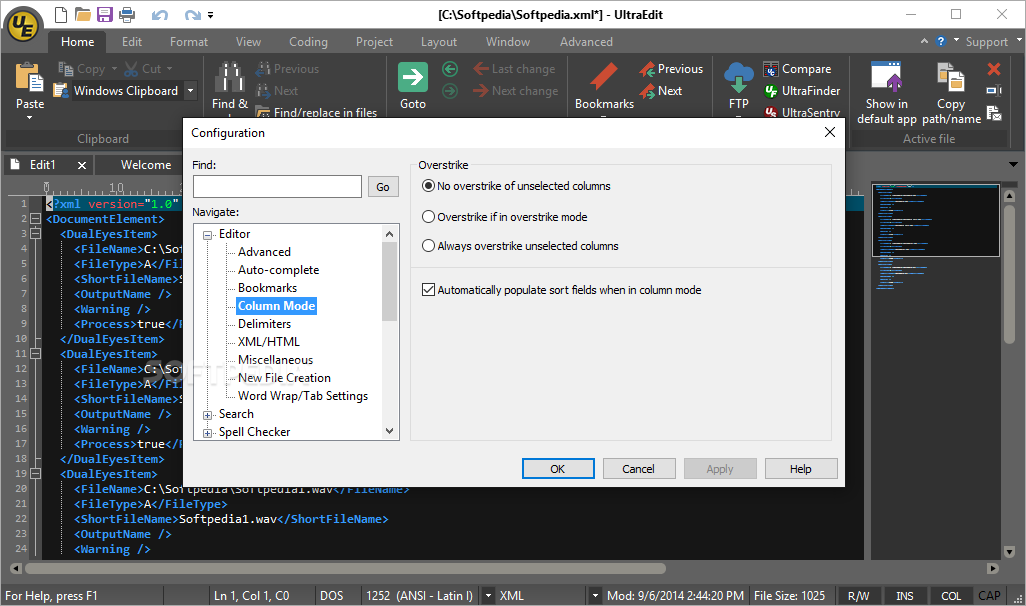
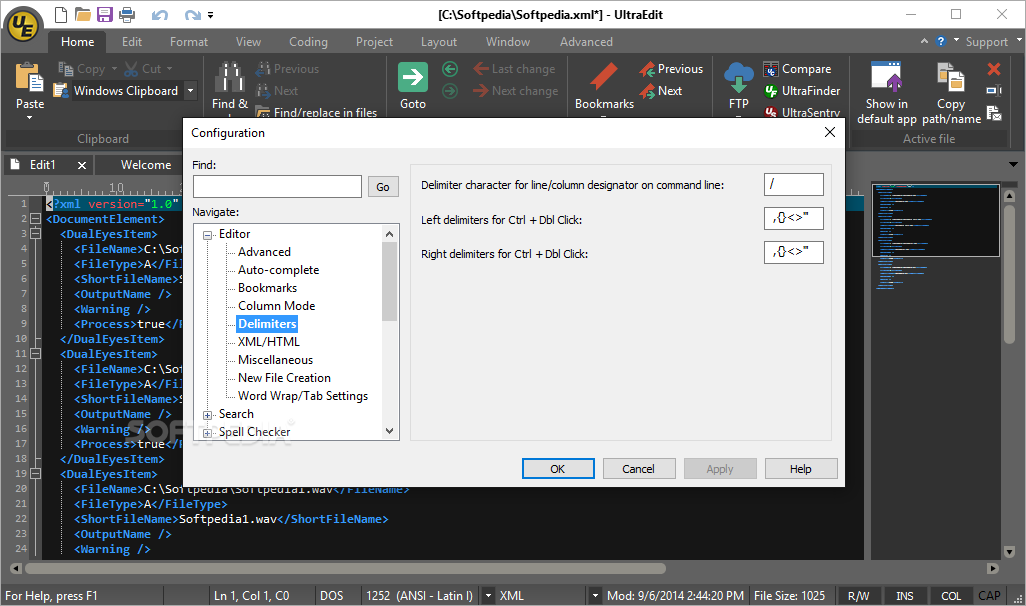
    UltraEdit has a column mode that changes the editor so you can select text, a class viewer, a resource editor and code folding.

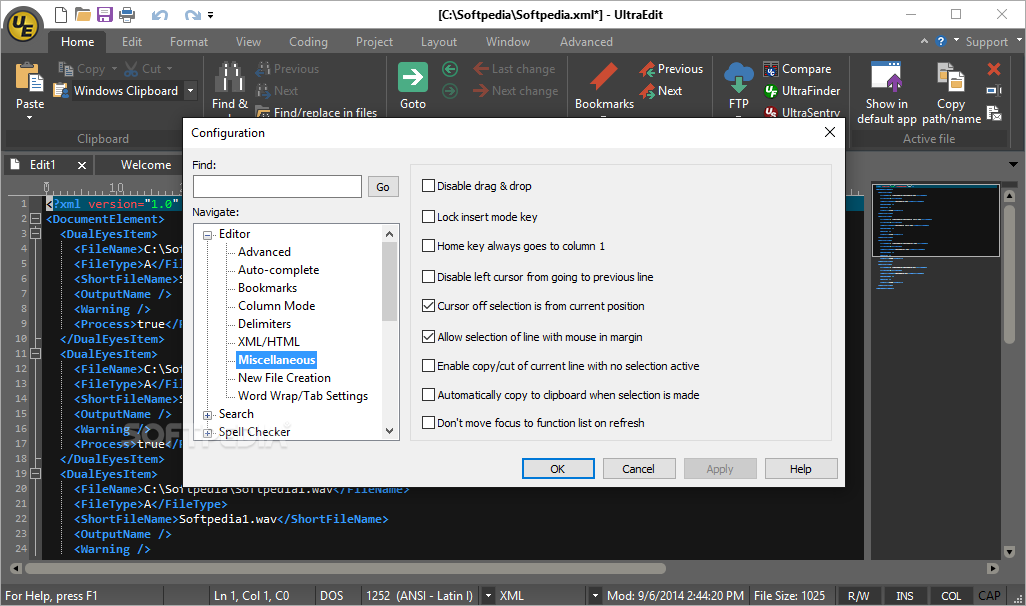
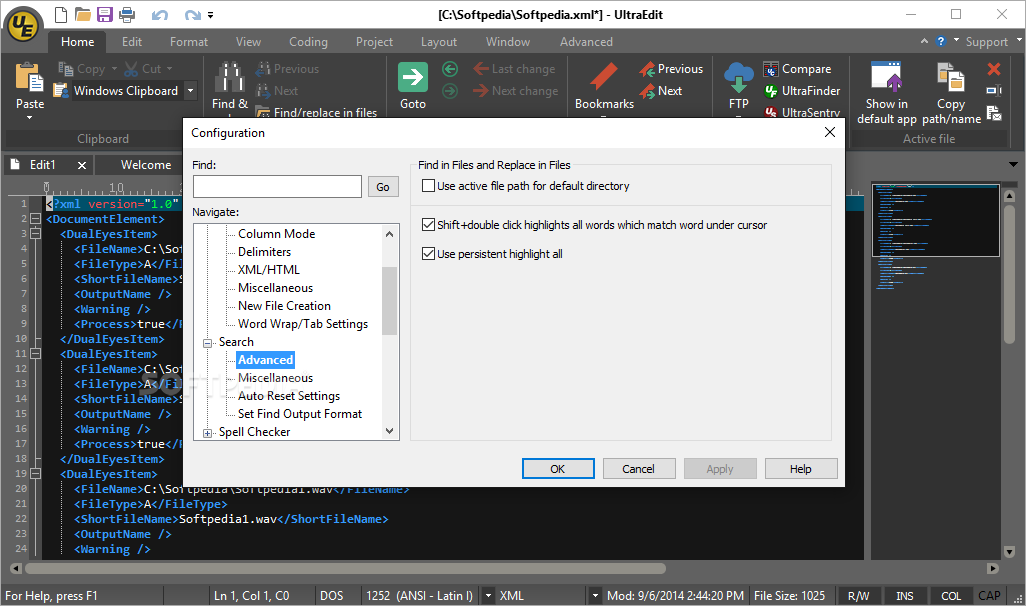
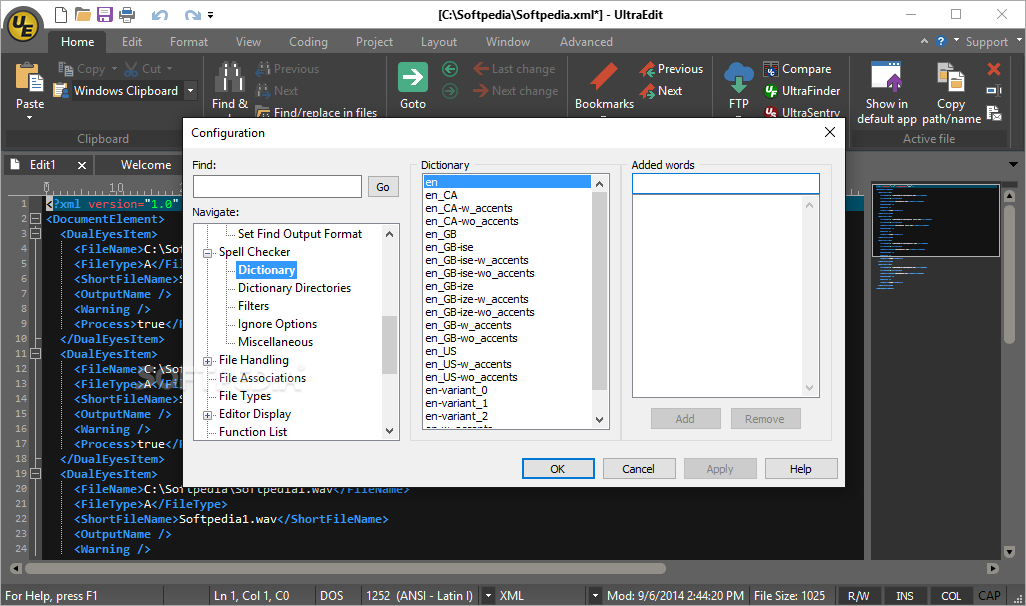
    Furthermore, it supports command line parameters, drag and drop files and text, but also sports a PHP script debugger and a spell checker while you write. You can brace match functionality, view the total number of lines which contain the find string, and more.

    On top of everything else, UltraEdit uses a small amount of CPU and memory resources.

    So, if you want the necessary software components of a web developer and programmer all rolled up into one, then you can take a look at UltraEdit.


    Read an in-depth analysis in our professional review for UltraEdit

    UltraEdit description

    Here are some key features of "UltraEdit":

    · Disk based editing for files even greater than 4GB
    · 100,000 word spell checker, with foreign language support - supports spell check as you type
    · Syntax Highlighting/Coloring for many languages including C/C++, HTML, VB, Java, Perl, ASP and more
    · Nested comments supported for syntax highlighting
    · Code Folding, Brace Matching, CTags Support, CSE HTML Validator Integration, Integrated Scripting support, Integrated IE Browser support to show active HTML file, Configurable tool support allowing running of compliers, linkers etc. from within UltraEdit
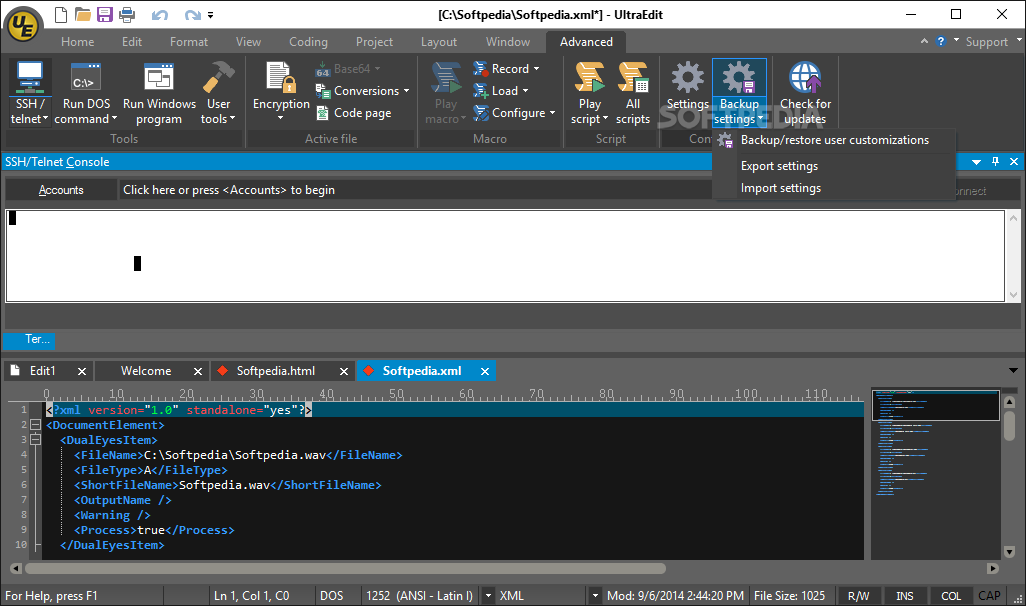
    · Configurable toolbars and menus
    · Project/Workspace support
    · Optional automatic reload of last files open
    · Dockable function list shows functions in the file or project
    · SFTP and FTP client built in with support for muliple accounts and proxy servers
    · SSH/Telnet client built in with support for multiple accounts. Hexadecimal/binary editing including find/replace
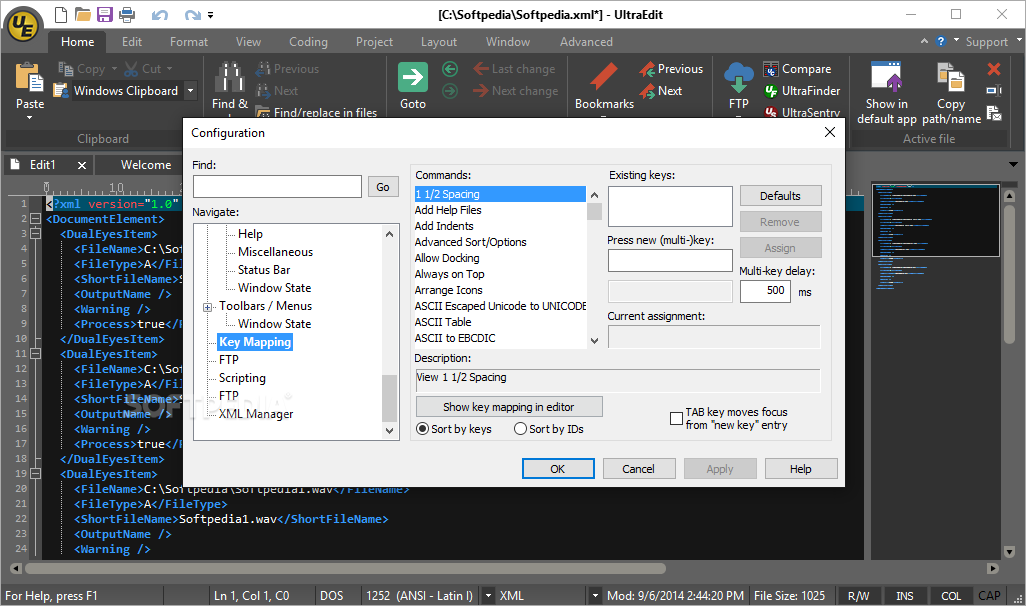
    · Configurable Key mapping, Column/Block mode editing, Insert of string, or numbers for each column, Support for UNICODE, Multi-byte and UTF-8 UNIX/MAC/DOS file support and conversions
    · Favorite files/folders list, Text formatting, alignment and centering. Print/print preview including Syntax Highlighting
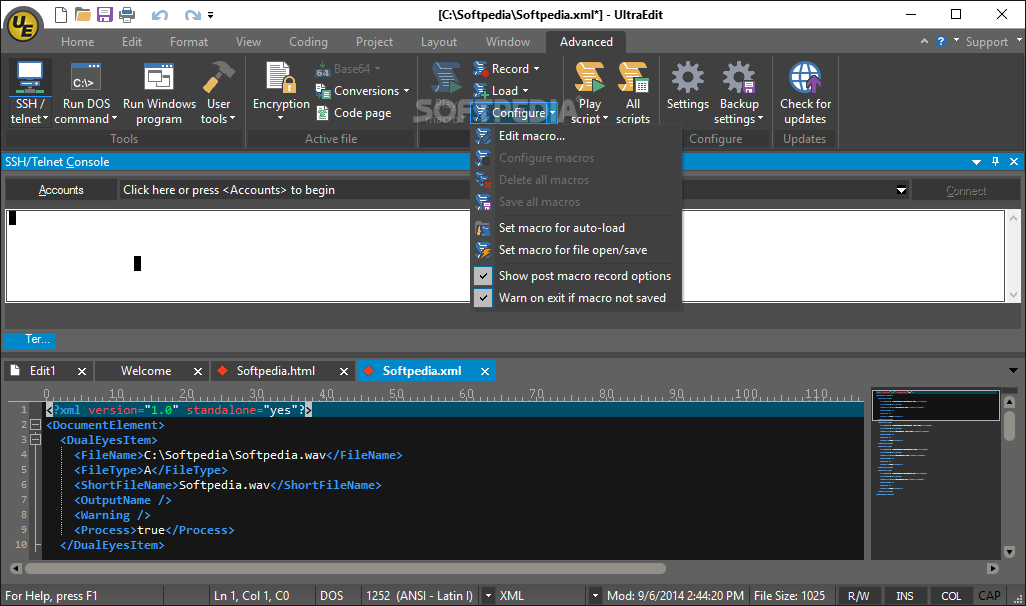
    · Find/Replace in Files, Auto-correction and auto-completion , Macro recording, playback and editing
    · Macros include if/else statements and loops
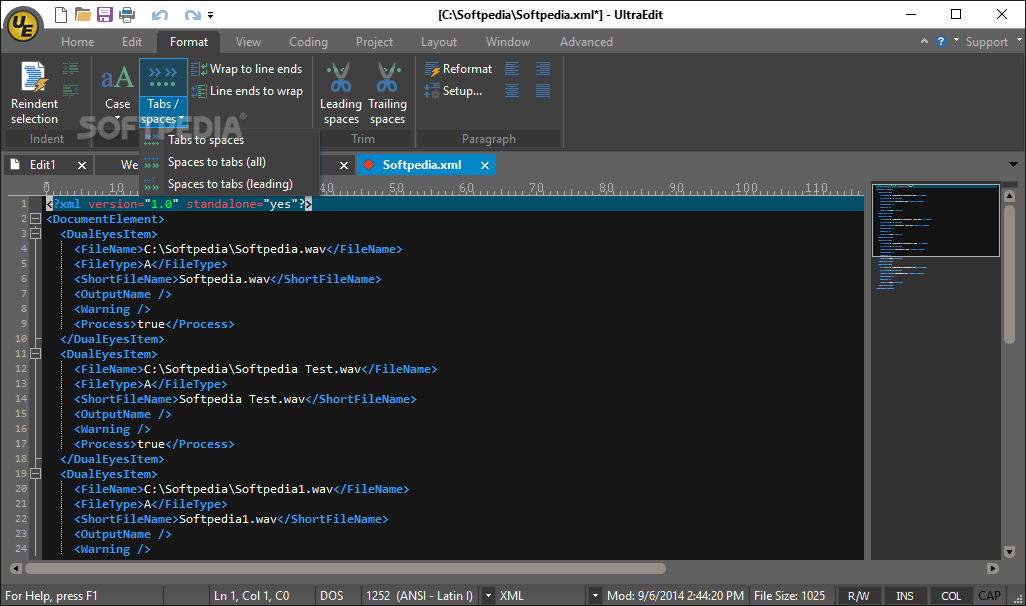
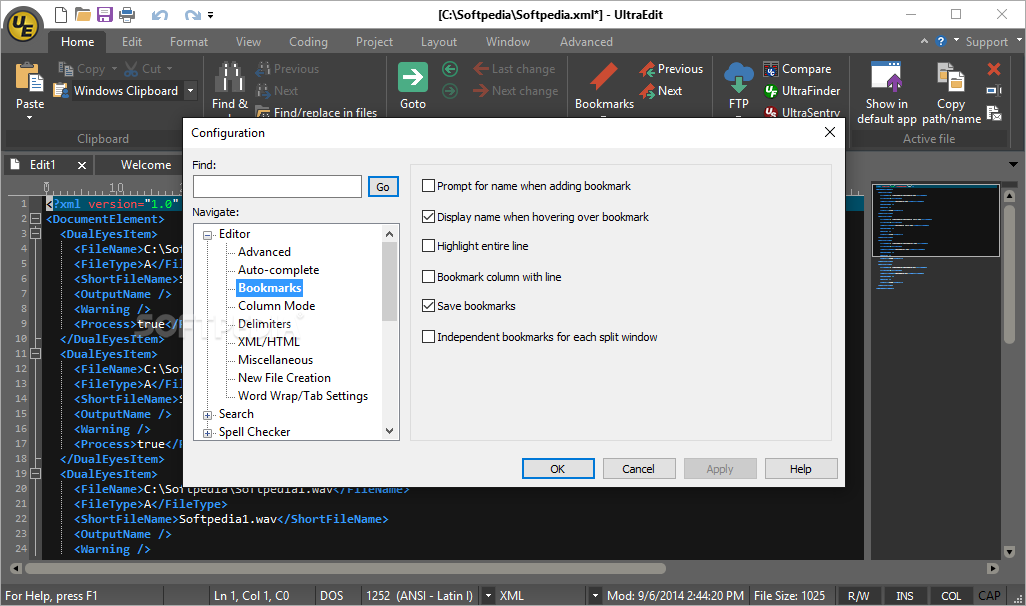
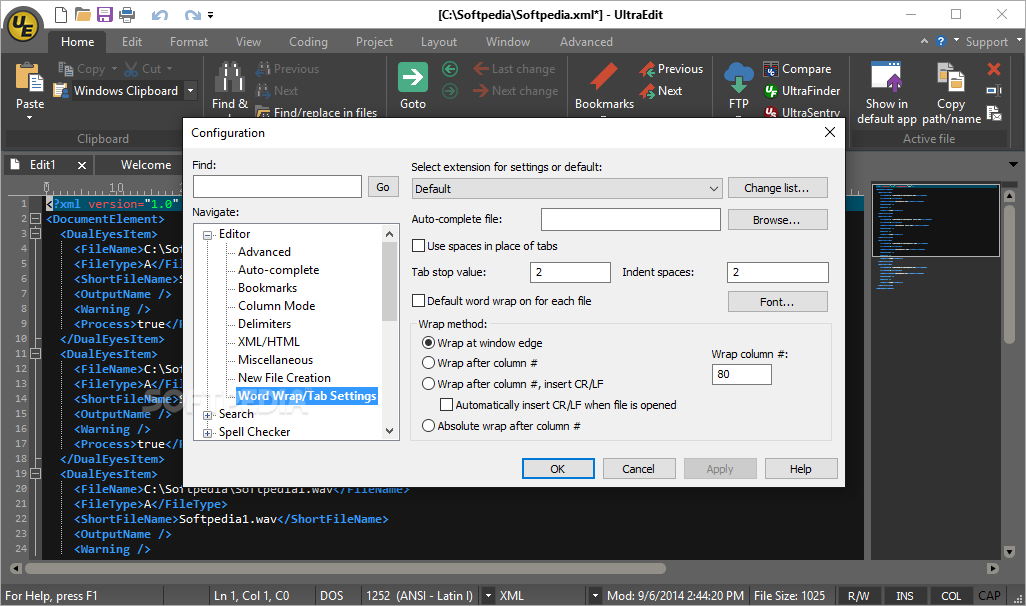
    · Templates, ANSI/OEM conversions, Tab/Space conversions, Conversion to upper/lower case or capitalize, File sort, Word-wrap support, Multiple clipboard support, Auto-save and backup file support, Always-on-top option, Minimize to system tray option, ASCII file compare, Integrated HTML Tidy, Full screen mode, Bookmarks
    · As UltraEdit is disk based, it allows editing of files even over 4GB without using large amounts of RAM

    Limitations:

    · 30 days trial
    · Nag screen

    What's New in This Release: [ read full changelog ]

    Significant performance gains in several areas:
    · Reloading of files on startup
    · Loading/opening large numbers of files (with temp files)
    · Loading very large files
    · Switching between file tabs
    · Perl regular expressions
    · Undo in larger files

    Copy/Paste syntax highlighting in RTF and HTML:
    · Available under Edit -> Copy Special
    · Paste text with HTML/CSS markup to render highlighting within a browser
    · Paste syntax colored text into other RTF editors (like MS Word)

    Automatic highlighting of file types without extension:
    · Perl via shebang (ex: #!/bin/perl)
    · PHP via shebang (ex: #!/bin/php)
    · Python via shebang (ex: #!/bin/python)
    · XML via declaration (ex: )

    New status bar:
    · Encoding selector
    · Changes encoding used to view active file
    · Will not change file's original encoding

    · Syntax highlighting selector
    · Read-only toggle
    · Insert/Overstrike t...

       Softpedia guarantees that UltraEdit 19.00.0.1031 is 100% CLEAN, which means it does not contain any form of malware, including spyware, viruses, trojans and backdoors. [read more >]


    TAGS:

    text editor | HTML editor | HEX editor | editor | edit | HTML

    Go to top

    WindowsGamesDriversMacLinuxScriptsMobileHandheldNews

    SUBMIT PROGRAM   |   ADVERTISE   |   GET HELP   |   SEND US FEEDBACK   |   RSS FEEDS   |   UPDATE YOUR SOFTWARE   |   ROMANIAN FORUM