|
|
|
Part of the ePub Readers download hub (+1 other) |
|
|
User Rating: Rated by: |
Fair (2.4/5) 41 user(s) |
|
|
|
Softpedia Editor's Review for Adobe Digital Editions
|
An engaging new way to read and manage eBooks and other digital publications
Written by Elena Opris on December 21st, 2011
Adobe Digital Editions provides an easy solution when it comes to reading eBooks. It recognizes both PDF and EPUB formats.
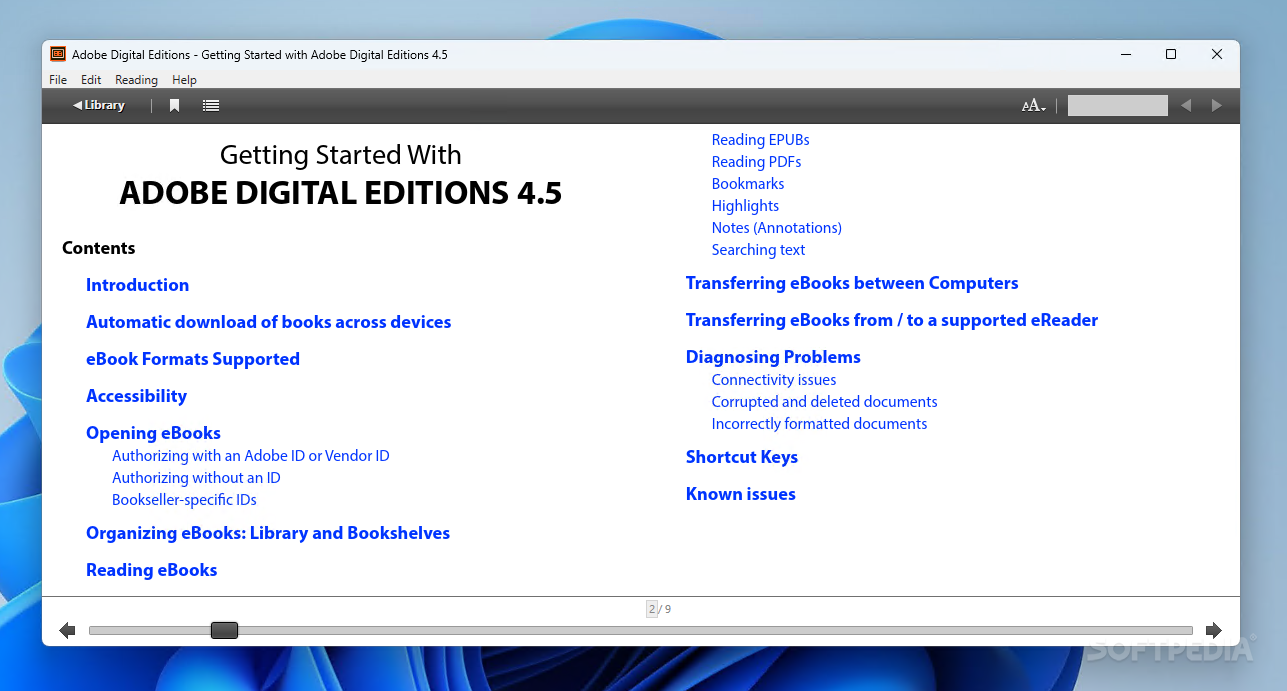
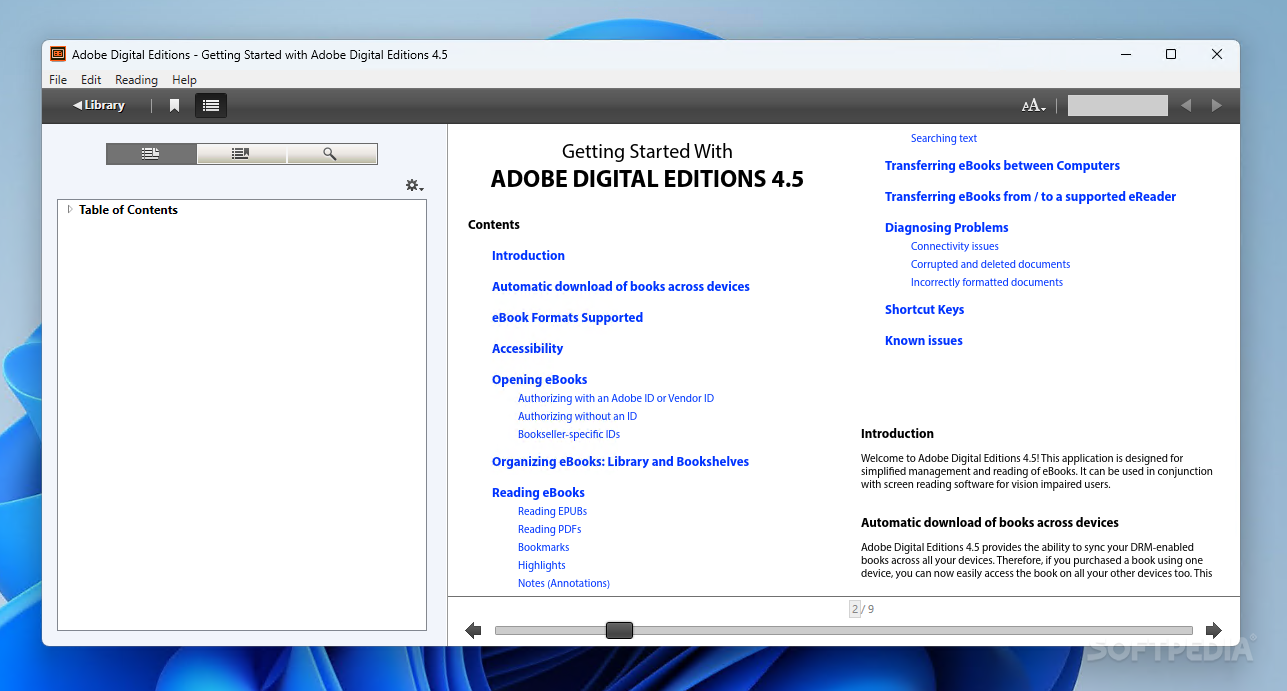
The interface of the software is very attractive and easy to navigate through. You can switch to "Reading View" or "Library View".
On the left side of the window is the navigation pane, where you can access the table of contents and bookmarks, in the "Reading View".
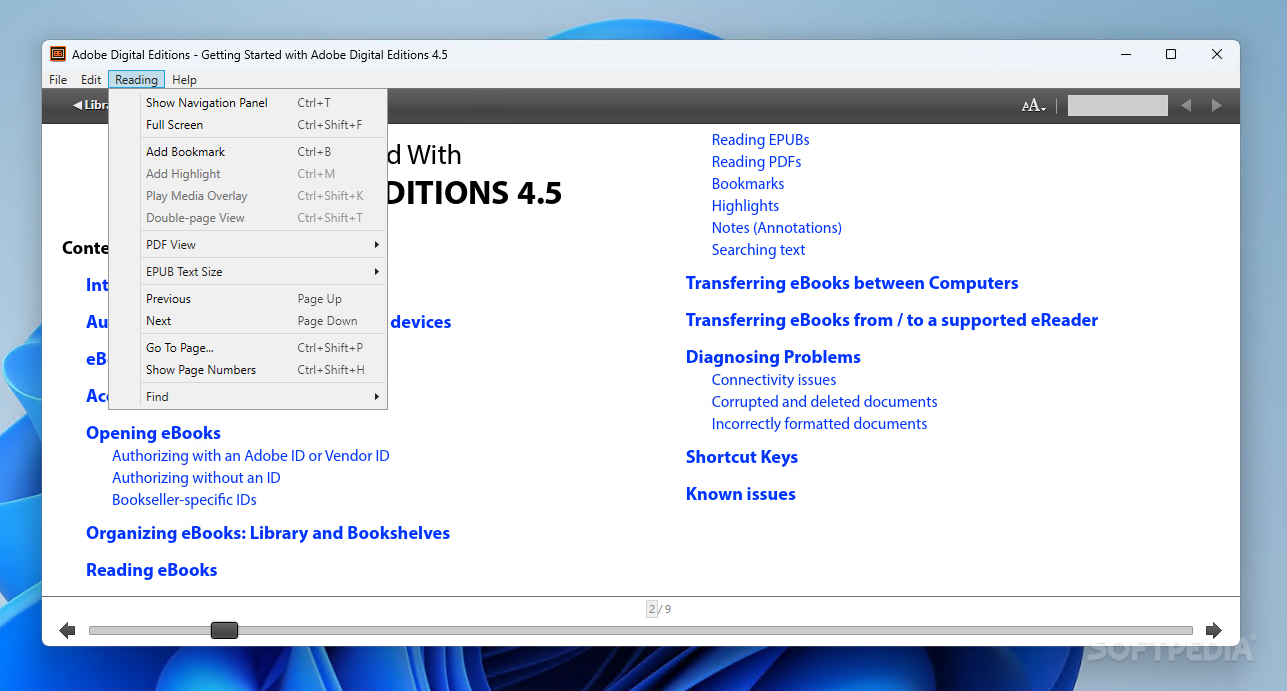
Furthermore, you can create a bookmark, copy or print text, increase or decrease text size, go to a particular page, search for text or view information on the current file.
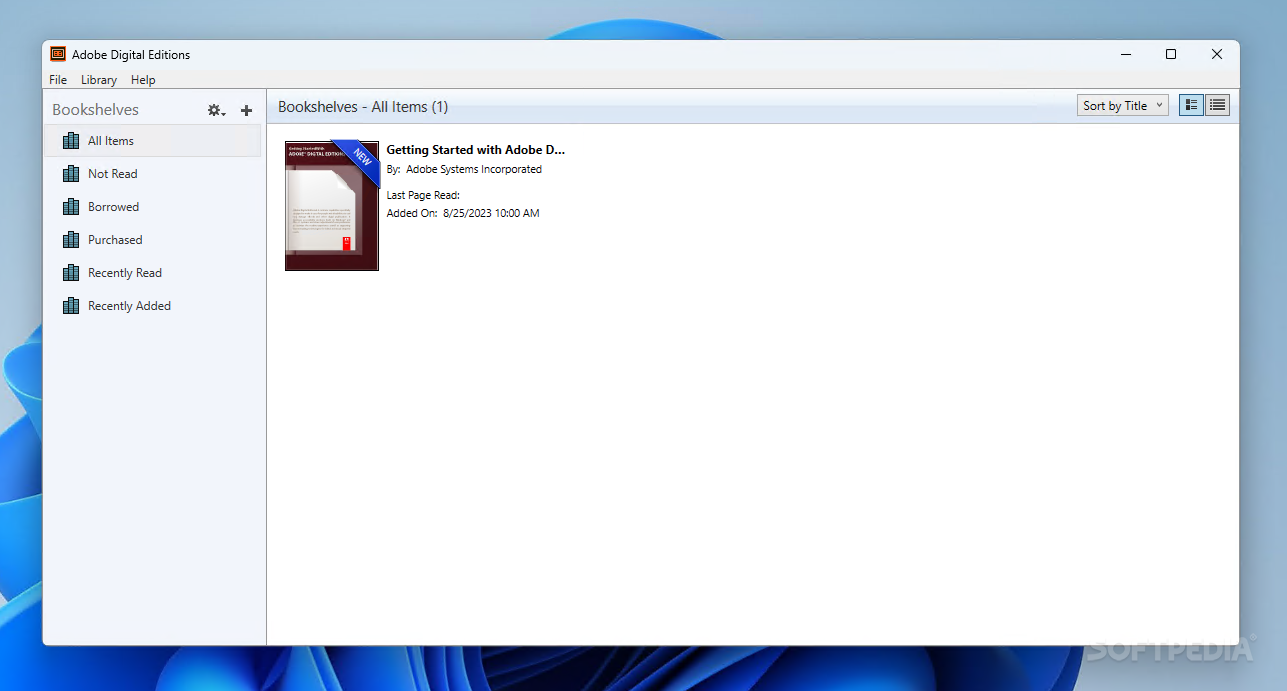
In the "Library View" you can view bookshelves - "All Items", "Borrowed", Purchased" and "Recently Read" (that cannot be removed from the interface), but you can also create your own ones.
Plus, you can view items as thumbnails or as a list, sort them (by title, author, publisher, last read, date added, pages or status), hide bookshelves, view computer authorization and access the Adobe Digital Editions help file.
The program uses a low amount of system resources and works very smoothly (we haven't encountered any problems from the navigational point of view).
However, we weren't able to access the help file for some reason (clicking the option didn't initiate anything), and the user could have been given the possibility of changing the skin (since white text on black background becomes very troubling to the eyes).
Even so, the program is simple to use even by inexperienced users, and it certainly offers a simpler solution when it comes to reading content in the PDF or EPUB file format. We strongly recommend Adobe Digital Editions.
Read an in-depth analysis in our professional review for Adobe Digital Editions
|
Adobe Digital Editions description
|
Here are some key features of "Adobe Digital Editions":
Interface designed for digital reading:
· Take advantage of a clean, well-organized interface, expressly designed for reading digital publications. Use the Reading View to view bookmarks, annotations, and a table of contents. Display your PDF files in a double-page, single page, or fit-to-width view — or specify your own custom fit. You can also increase and decrease text size with EPUB content.
Fast, free download and installation:
· Adobe® Digital Editions software is a free, lightweight client that takes less than a minute to download and install over a broadband connection. As a rich Internet application (RIA), it helps ensure that you always have the latest version, including any new features and security enhancements. Publishers can even integrate the Adobe Flash® based Digital Editions install badge with their web pages to provide a one-click install experience for their customers.
Stand-alone installer:
· Corporations, government agencies, and educational institutions can distribute Digital Editions internally on an intranet site or a local network. Refer to the Digital Publishing Technology Center to get the stand-alone installer and user documentation.
Content portability:
· Manage digital publications across multiple computers and devices using your Adobe ID and a simple authorization process. Digital Editions also provides support for content portability on next-generation mobile devices, so you can take your eBooks with you wherever you go.
Powerful markup features:
· Add bookmarks to PDF or EPUB documents so that you can quickly navigate around a document. You can also highlight text and add comments for future reference within your digital publications.
· Support for PDF and EPUB, a reflow-centric XHTML-based format
· Digital Editions offers native support for PDF/A and EPUB formats. PDF/A is the ISO-approved standard for the long-term preservation of electronic documents. EPUB is an XHTML-based file format designed to reflow text according to screen and font size, which makes it optimal for reading content on mobile devices.
Borrowing eBooks:
· Borrow eBooks from many public libraries for use with Digital Editions. Downloading digital publications from libraries is very similar to buying eBooks online except for the payment process.
File organization:
· Organize your digital publications and manage devices in the convenient Library View. Sort by title, author, and publisher, and view the covers of your favorite eBooks. You can also create custom bookshelves to further organize and manage your content.
Multiple platform support:
· Digital Editions runs on many platforms for reading digital publications on laptop and desktop computers. In addition, it allows support for the Sony® Reader.
Multimedia support:
· Digital Editions software supports embedded SWF files, making it easy to include rich multimedia experiences in digital publications.
Easy eBook creation:
· With Adobe InDesign® CS3 software, you can create engaging content and output it to both the PDF/A and EPUB formats supported by Digital Editions.
Built-in copy protection:
· Digital Editions works in conjunction with Adobe Digital Experience Protection Technology (ADEPT), a hosted service that provides publishers with copy protection in both retail and library environments.
Multilingual support:
· Digital Editions is currently offered in English, French, German, Italian, Spanish, Dutch, Brazilian Portuguese, Japanese, Korean, Chinese Simplified and Chinese Traditional versions and can display content in a wide range of languages.
Requirements:
· 500Mhz or faster Intel Pentium processor, 128MB of RAM, and a monitor with at least 800 x 600 screen resolution
· 128MB of RAM
· 800x600 monitor resolution
What's New in This Release: [ read full changelog ]
· A bug has been fixed that forced users on Vista and Windows 7 to have to turn off the User Agent Control (UAC) in order to be able to fulfill books.
· Support has been added for Windows 7 (32 and 64 bit)
· A bug was fixed that could cause repetitive activations if a user switched between a work environment and home environment if such environments handled the case of login names differently.
· Fixed a bug which could cause occasional crashes in Digital Editions if a ActiveSync enabled reading device was plugged in.
|
|
 | |  | | Softpedia guarantees that Adobe Digital Editions 1.8 Preview / 1.7.2.1131 is 100% CLEAN, which means it does not contain any form of malware, including spyware, viruses, trojans and backdoors. [read more >] |
|