
Design barcodes for your products by selecting its type, add colors and background image and export to various image types or directly print out designs. #Generate barcode #Barcode creator #Barcode designer #Barcode #Creator #Maker
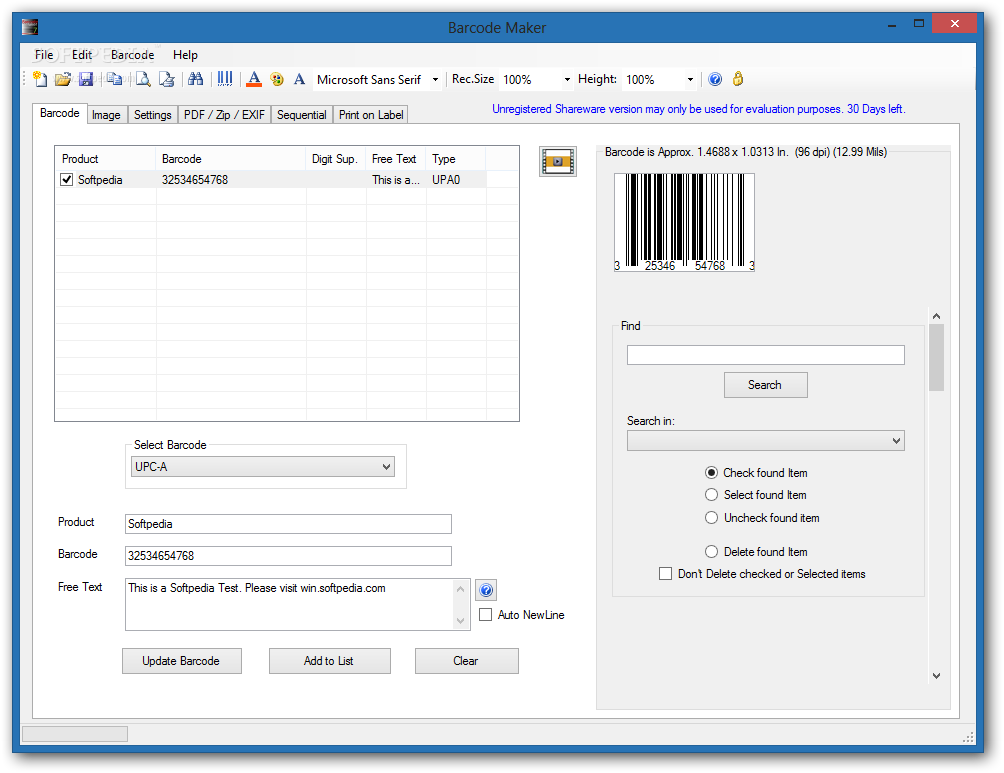
Keeping track of products of any kid is rather difficult considering the diversity in everything. However, one efficient method is with the help of barcodes, which is the virtual identity of every commercial product and stores all needed info, such as price and description. Creating one is no difficult task and you need to rely on specialized applications such as Barcode Maker.
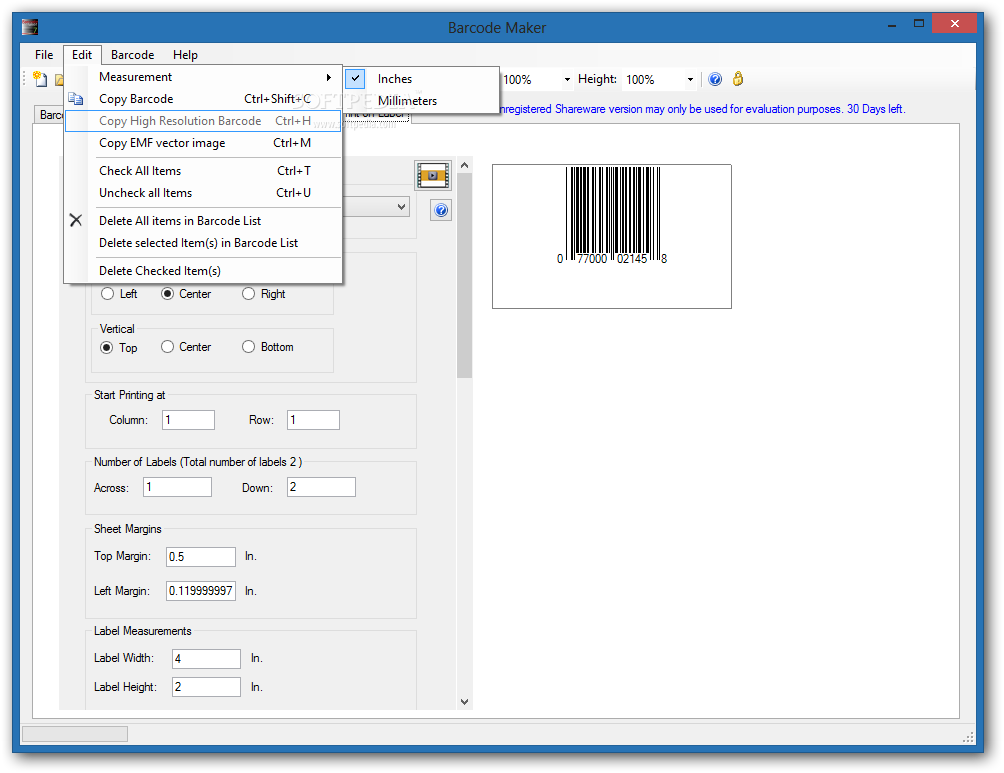
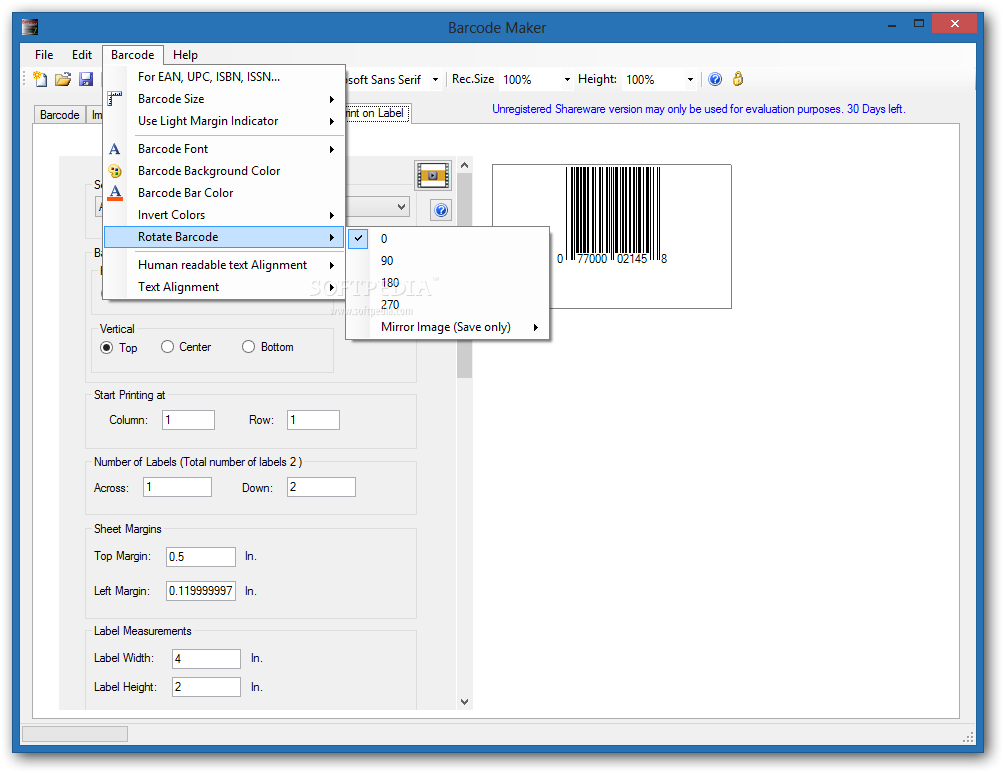
The application can feel a little overwhelming at first, even though the interface is fitted with tab support for its categories, various menus, panels and preview ares. Luckily, there's a clever button next to most features taking you online to watch a video tutorial. If you're using the application without an Internet connection, there's always the rich help manual to turn to.
Besides the help you encounter every step of the way, the application comes with another advantage. This is found in the form of a prompt for each time you try to generate or preview your work, but not all required info is given. You're pointed out to the exact issue, with clever highlighting of areas encountered in most cases.
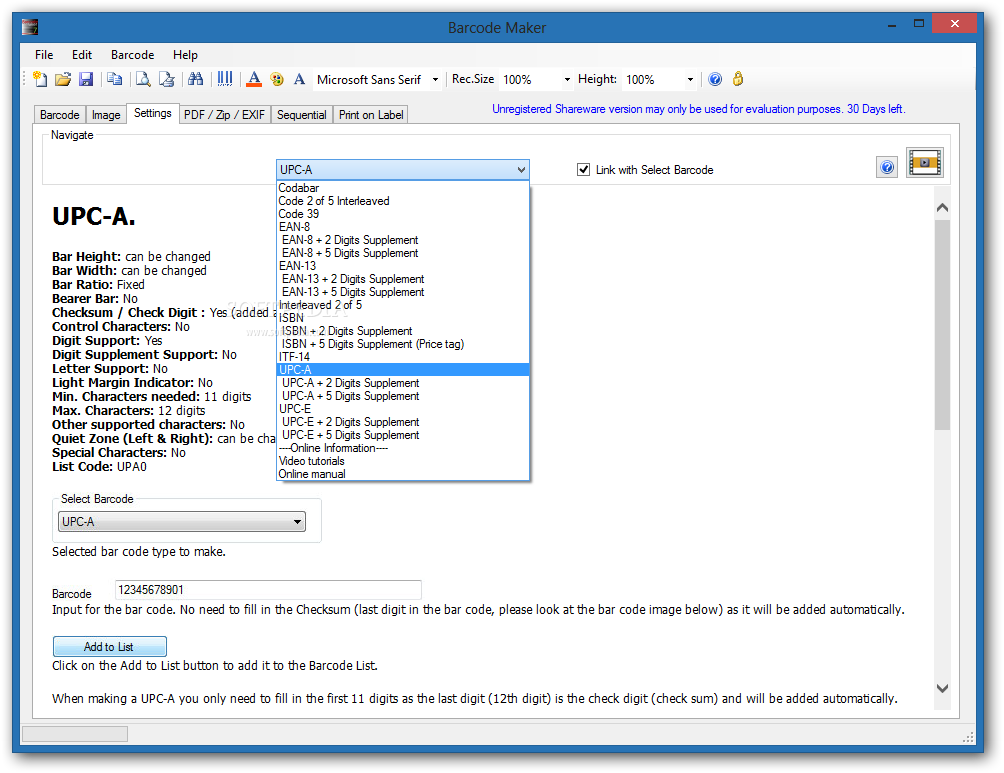
All types of barcodes you can create are selected through a drop-down menu. These are well-arranged in categories like EAN-8, EAN-13, Interleaved 2 of 5, ISBN, UPC-A, UPC-F, Code 39 and a few more. Sadly, there's no support for a more popular form, namely QR codes.
With the type selected, you need to fill in requirement fields appropriately. If you're not sure what characters can be written down, switching to the settings tab lets you carefully analyze each supported type, with info displayed for size parameters, character support, as well as a few examples.
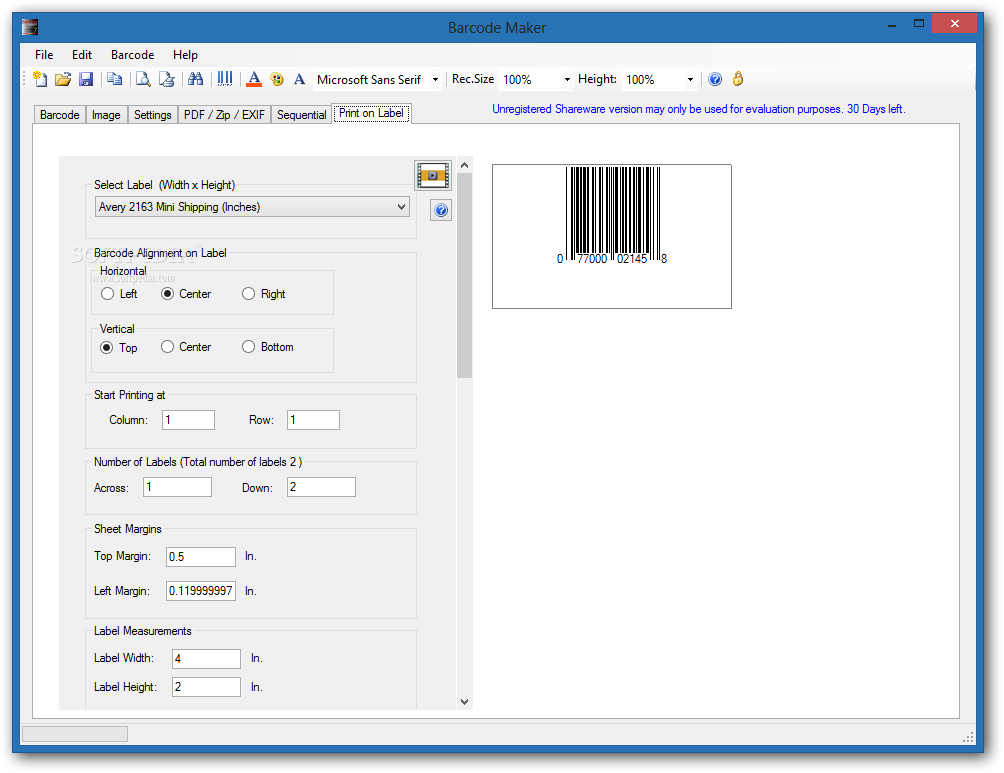
Just so you don't have to manually create a new entry for each project, the application comes with a built-in feature that can handle this repetitive task. With the help of a few parameters, sequential barcodes can be created, enlisted and then directly printed out on a sheet of paper, ready to be attached to the host product.
Customization also has a saying in all of this, providing a great deal of flexibility. You can type in differently colored characters, barcodes, as well as set up a background image. Dedicated tools let you set transparency for special image formats such as TIF or PNG.
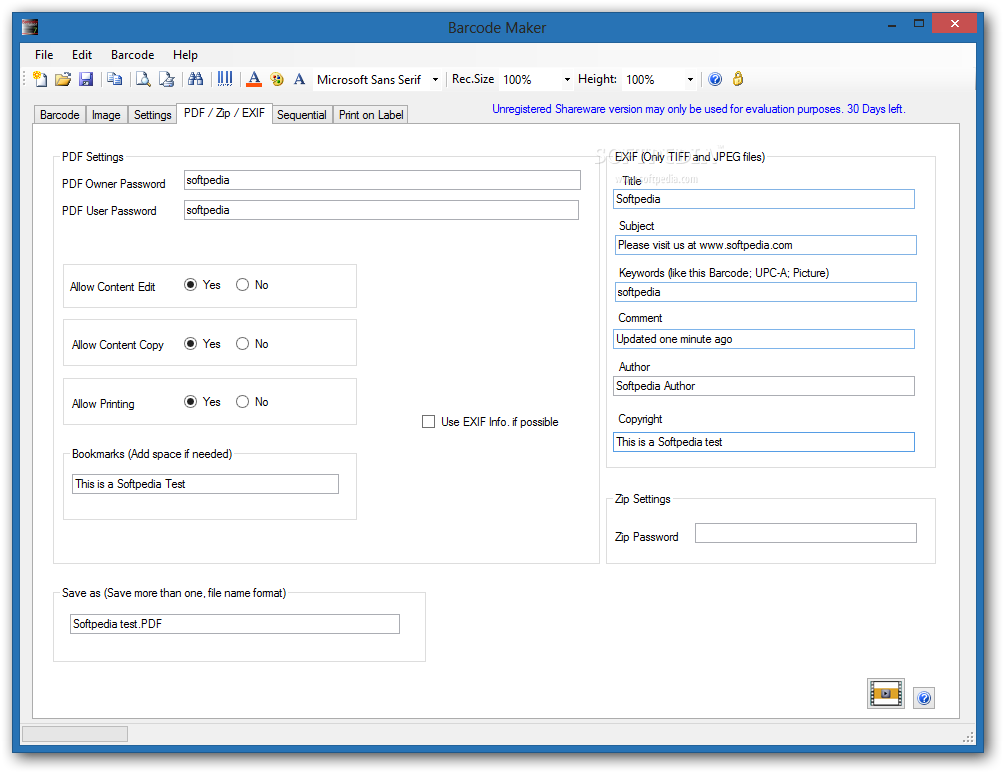
Printing is not the only output method. You can save an image file of your project under popular formats like JPG, BMP, PNG, TIF, as well as some more types such as PDF or XLS for a plain list of all entries.
Taking everything into consideration, we can say that Barcode Maker is designed as a professional approach on creating unique identities for commercial products. With a little time spent going through the set of features for accommodation, the result can pack all there is to know under barcodes of various designs and international standards.
Download Hubs
Barcode Maker is part of these download collections: Barcode Generators, Barcode Manager, Barcode Makers
Barcode Maker 8.80.0.0
add to watchlist add to download basket send us an update REPORT- runs on:
-
Windows 10 32/64 bit
Windows 8 32/64 bit
Windows 7 32/64 bit
Windows Vista 32/64 bit
Windows XP - file size:
- 18.7 MB
- main category:
- Others
- developer:
- visit homepage
7-Zip

Bitdefender Antivirus Free

4k Video Downloader

Windows Sandbox Launcher

Zoom Client

ShareX

Microsoft Teams

calibre

Context Menu Manager

IrfanView

- calibre
- Context Menu Manager
- IrfanView
- 7-Zip
- Bitdefender Antivirus Free
- 4k Video Downloader
- Windows Sandbox Launcher
- Zoom Client
- ShareX
- Microsoft Teams