WINDOWS CATEGORIES:


NEWS ARCHIVE >>
SOFTPEDIA REVIEWS >>

WEEKLY HIGHLIGHTS

DVD Cloner45
Spyware Doctor40
1Click DVD Copy40
Apollo DVD Copy40
ABC Amber BlackBer...45
Protected Music Co...40

7-DAY TOP DOWNLOAD

#
Program
Avira AntiVir
Personal - Free
Antivirus 9.0.0.415

191,793
Windows Live
Messenger 2009
14.0.8089.726

166,491
Avira Antivir Virus
Definition File
Update November 24,
2009

150,596
FreeZ Online TV 1.31
134,351
Nexus Radio 4.2
124,276
Microsoft Office
2010 14.0.4536.1000
Beta / 2007

77,311
Y! Multi Messenger
8.x and 9.x

76,292
Windows Live
Messenger
8.5.1302.1018

58,788
DVD Shrink 3.2.0.15
50,087
RemoveWGA 1.2
49,340

WEEK'S BEST

  • Faststone Image Vi...
  • Vuze (formerly Azu...
  • Softpedia Wallpape...
  • Softpedia Wallpape...
  • Softpedia Wallpape...
  • RSSOwl 2.0 Final
  • Internet Explorer ...
  • Online Armor ++ 4....
  • cFosSpeed 5.01 Bui...
  • SONY Vegas Pro 9.0...
  • Firefox 3.6 Beta 3...
  • Nokia Photos 1.6.434
  • Windows Server 200...
  • Skype Portable 4.1...
  • Google Chrome Port...
  • PCMark Vantage Bas...
  • Kaspersky Anti-Vir...
  • Microsoft Virtual ...
  • Messenger Plus! Li...
  • WinX DVD Author [F...
  • SoftPerfect Networ...
  • System Mechanic Pr...
  • Ad Muncher 4.81 Bu...
  • Windows 7 Upgrade ...
  • Pidgin 2.6.3
  • OpenOffice.org 3.2...
  • VirtualDub 1.9.7 B...
  • Maxthon [Softpedia...
  • Spyware Doctor 7.0...
  • SUPERAntiSpyware 4...
  • Home > Windows > Others > Finances & Business
     Report spyware

    Internet Caffe 5.6.5

    Download button

    Downloads: 3,474  Add to download basket  Tell us about an update
    User Rating:
    Rated by:
    Good (3.1/5)
    21 user(s)
    Developer:

    License / Price:

    Size / OS:

    Last Updated:

    Category:
    ANTAMEDIA | More programs
    Shareware / USD 180.00 | BUY the full version
    15.5 MB / Windows All
    July 13th, 2007, 07:31 GMT
    C: \ Others \ Finances & Business

     Read user reviews (0)  Add a review  Refer to a friend  Subscribe


    Internet Caffe description


    Internet Caffe - Easy and Powerful Cyber Internet Cafe Software

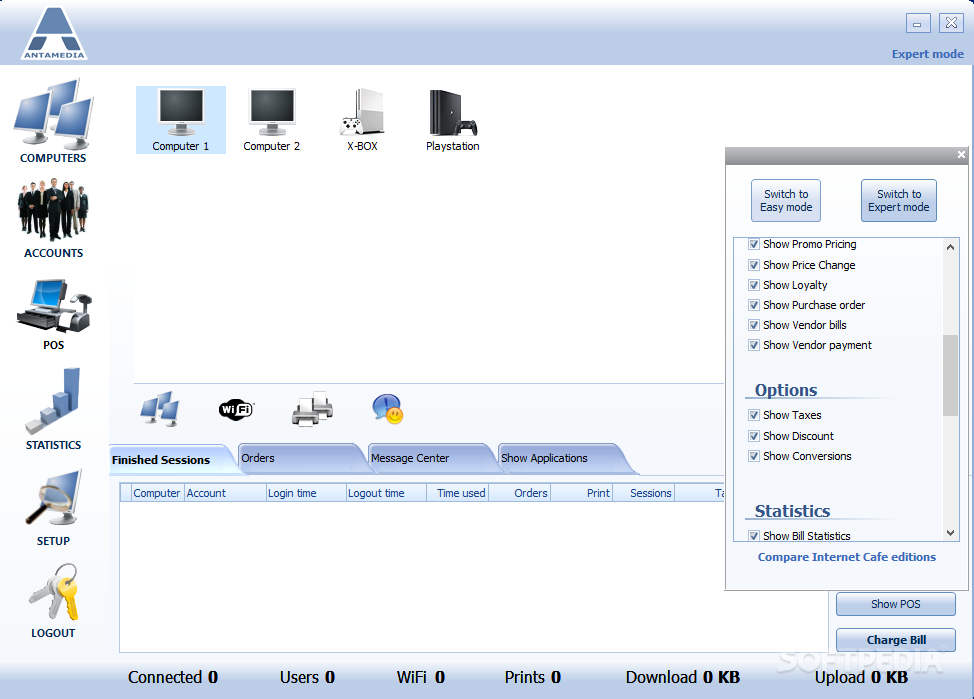
    Internet Cafe Software has features necessary for cafe owners - it provides full billing and income control, locks unused computers, generates detailed reports and statistics and supports different password protected employee accounts.

    Process payments quickly and efficiently and improve your business with various reports and statistics.

    Internet Caffe is a software that helps you to control billing and income.

    Low price, beautiful interface, user friendly, feature rich, suitable for Internet and Gaming centers ...

    Here are some key features of "Internet Caffe":


    Security
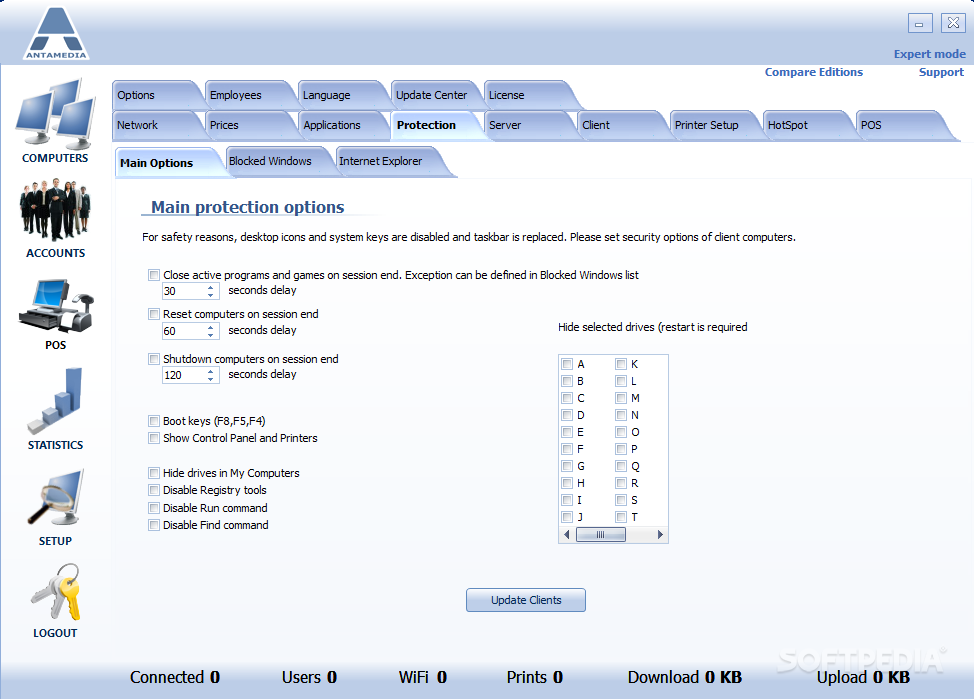
    Restrict access to Ctrl+Alt+Del and other system keys, local drives, Internet Explorer settings, Control Panel, and ANY window you choose.

    Run Client as windows shell and increase security even further ! When inactive, the Client is locked with a protection screen

    Operations
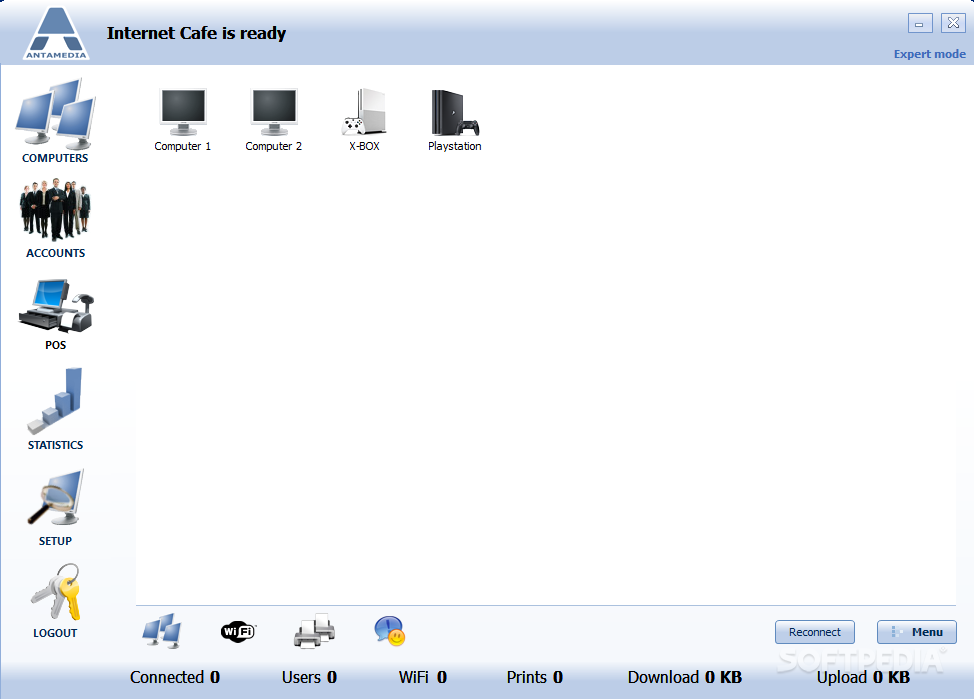
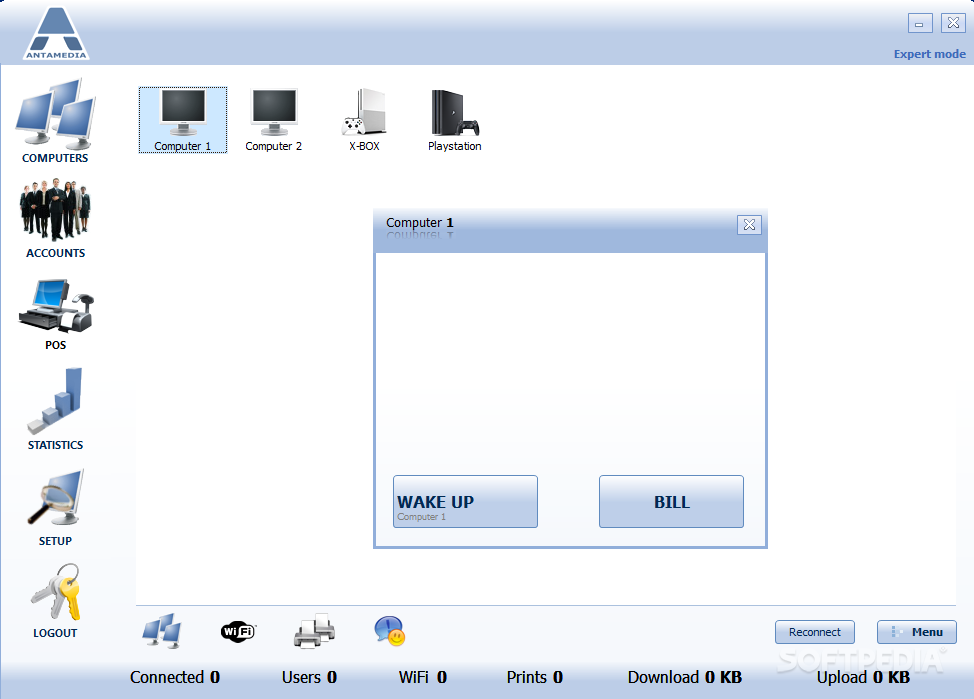
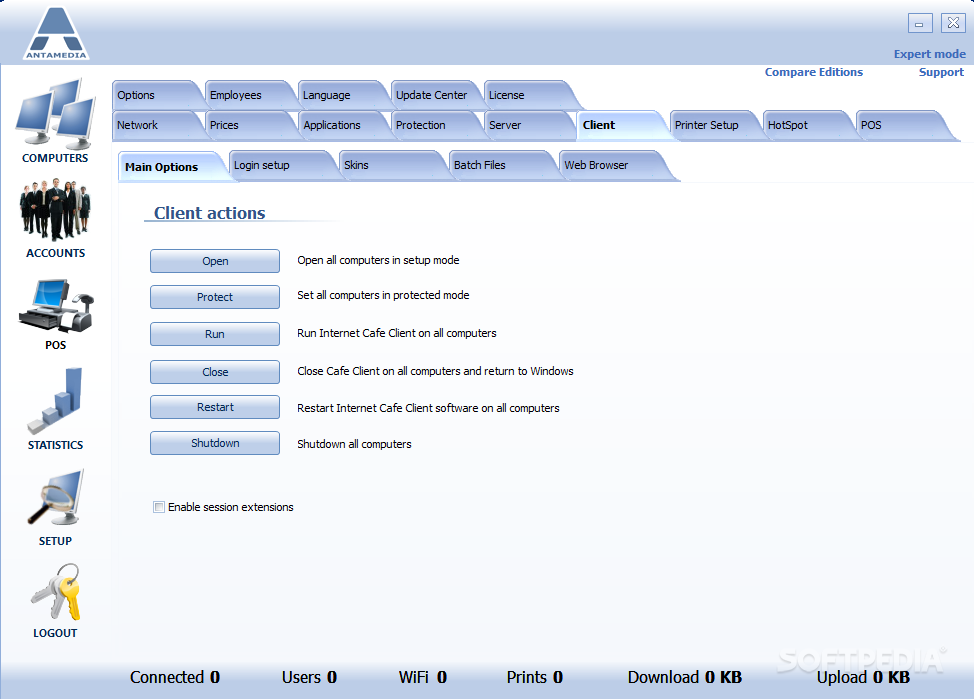
    From server you can lock and unlock, reboot, shutdown computers or take a look at their desktops

    Basic Pricing
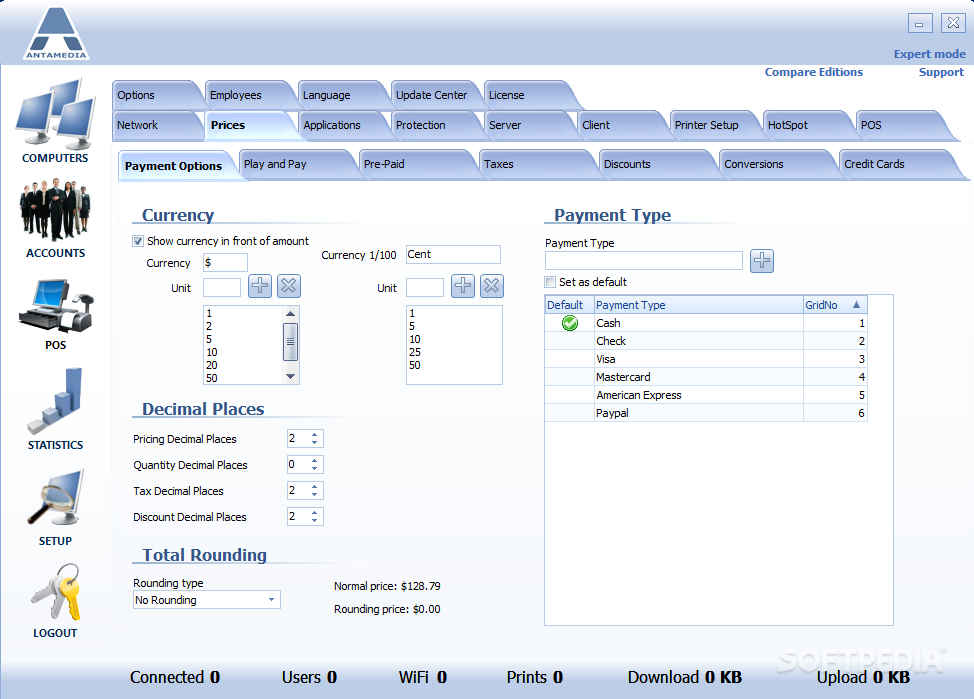
    Setup separate prices for Internet, Games and Office usage. Minimum and start price are optional.

    Block Pricing
    Similar to basic pricing, usage cost is added in specified time intervals. Example: Each 15 minutes, add $1.00. Overtime option is optional.

    Bulk Pricing
    Setup custom prices, time intervals with different duration may have different prices. Example: first 10 minutes cost $1.00, next 20 minutes cost $0.50, and every next 30 minutes cost $0.40

    Scheduled Pricing
    Setup different prices during the day for each program category. Option can be used to set special weekend pricing, happy hours etc.

    Timecodes
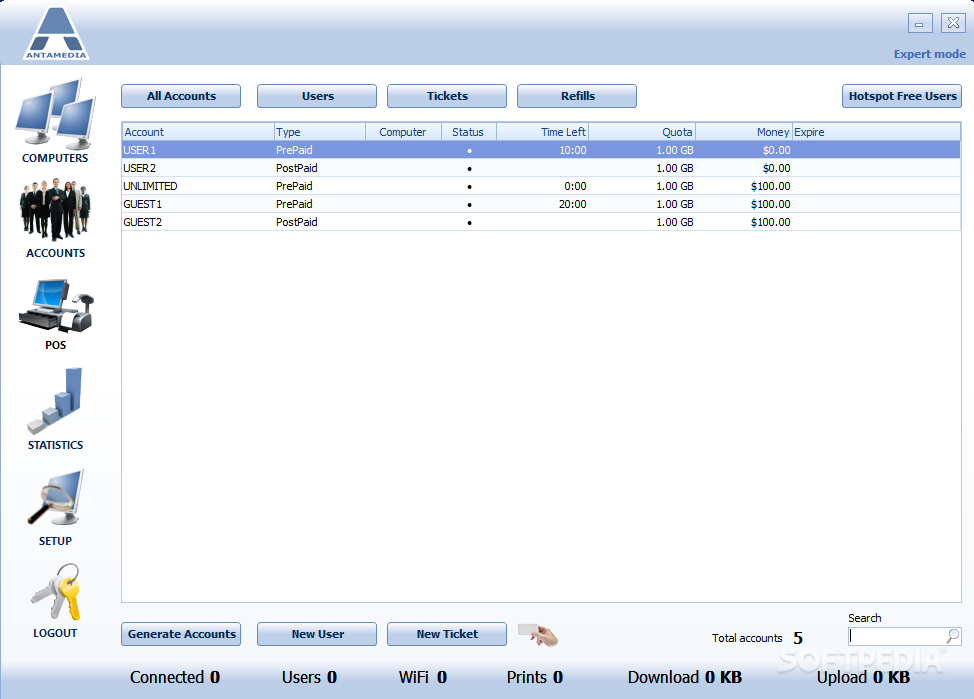
    Prepaid tickets can be generated real-time or in advance. Customers login and use computer as long as there is time on his account. Additional time can be added and login limited with expire date

    Member Accounts
    Prepaid or postpaid mode with ability to specify individual discount for each member. Regular customers logs in with username and password. There are many options to setup including configurable access options, unlimited usage etc.

    Member Photo
    Import member photo from web camera, scanner, or other twain device

    Smart Cards
    Smart Cards are reusable access cards which offer complete secure system with Internet Caffe software. Customers simply insert card in card reader and they are automatically logged. Custumers don`t have to remember username and password or timecode.

    Credit Cards
    Customer can sign up on client for new member account and pay with credit card. Process is automated and operator doesn't need to assist.

    Unlimited Time Accounts
    Option can be configured for each timecode or member account individually

    Additional Pricing Options
    Different combinations of existing pricing methods can be created including free x minutes on session start, access from-to hours etc

    Reports
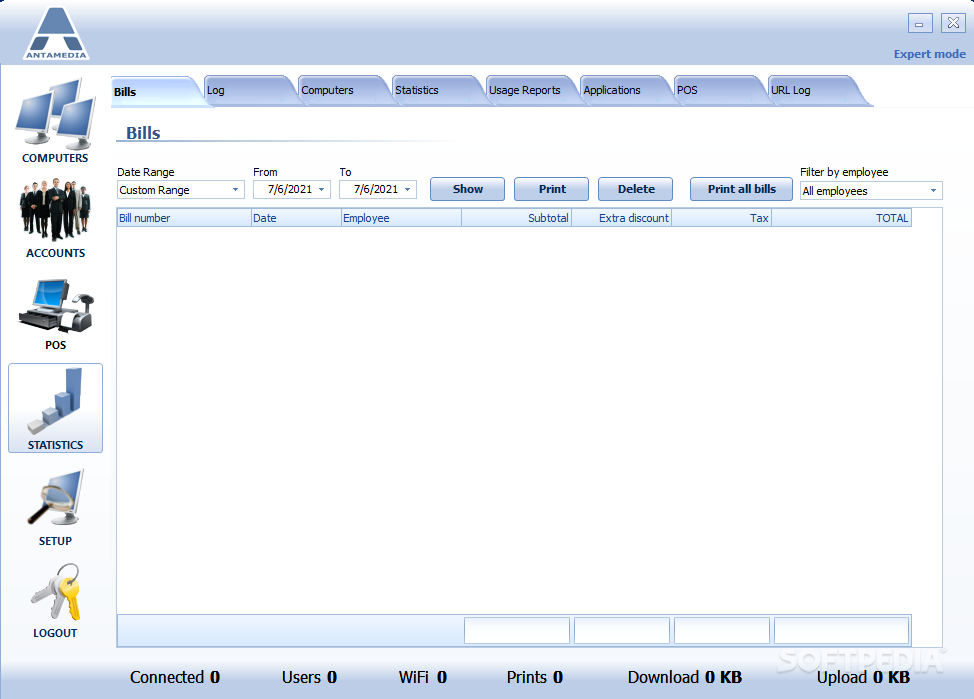
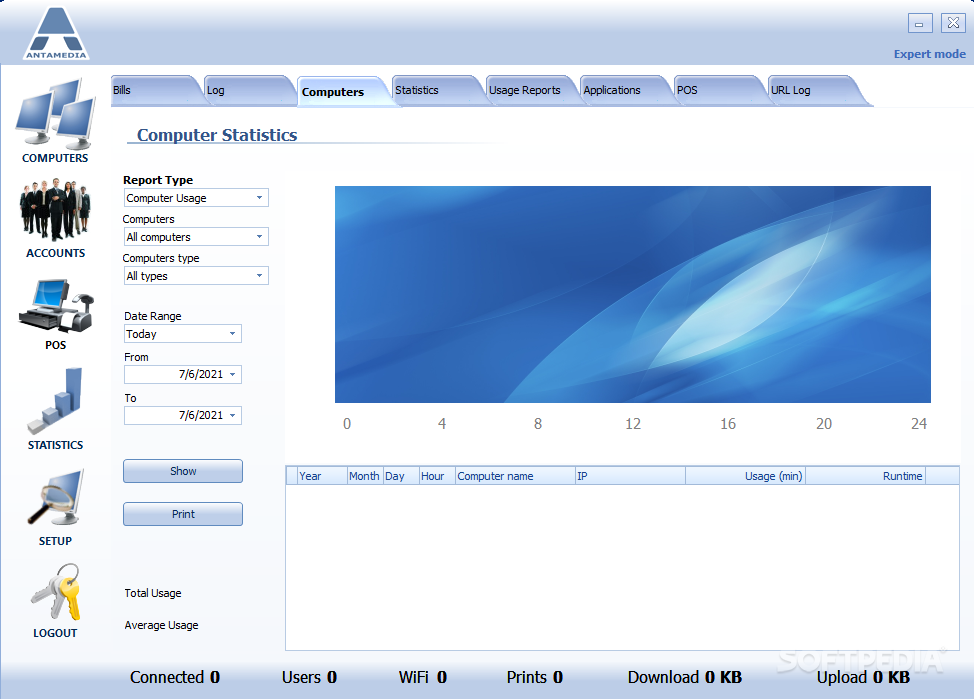
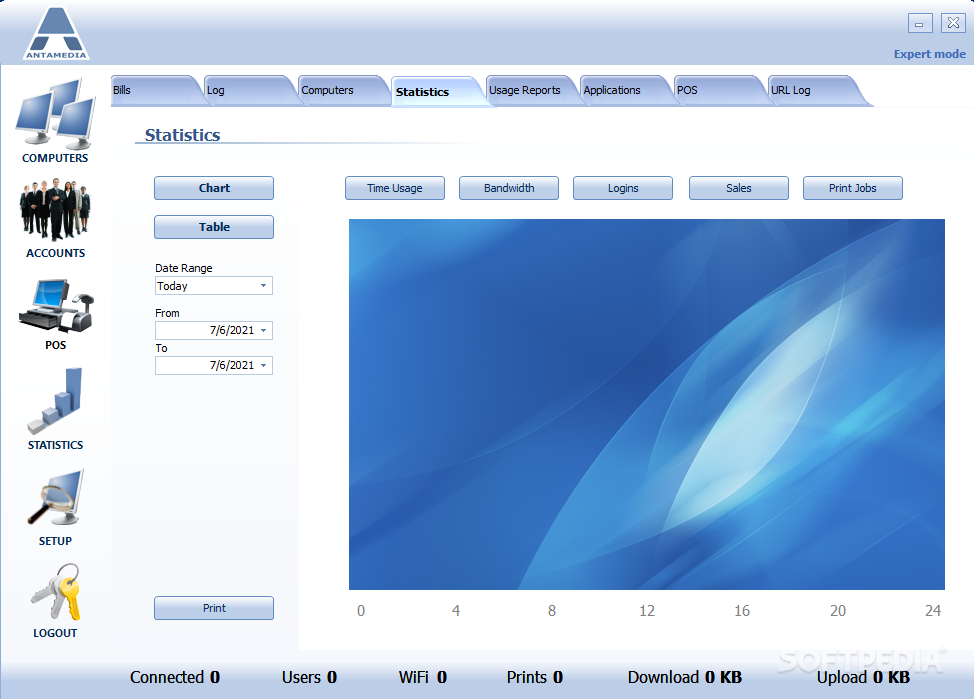
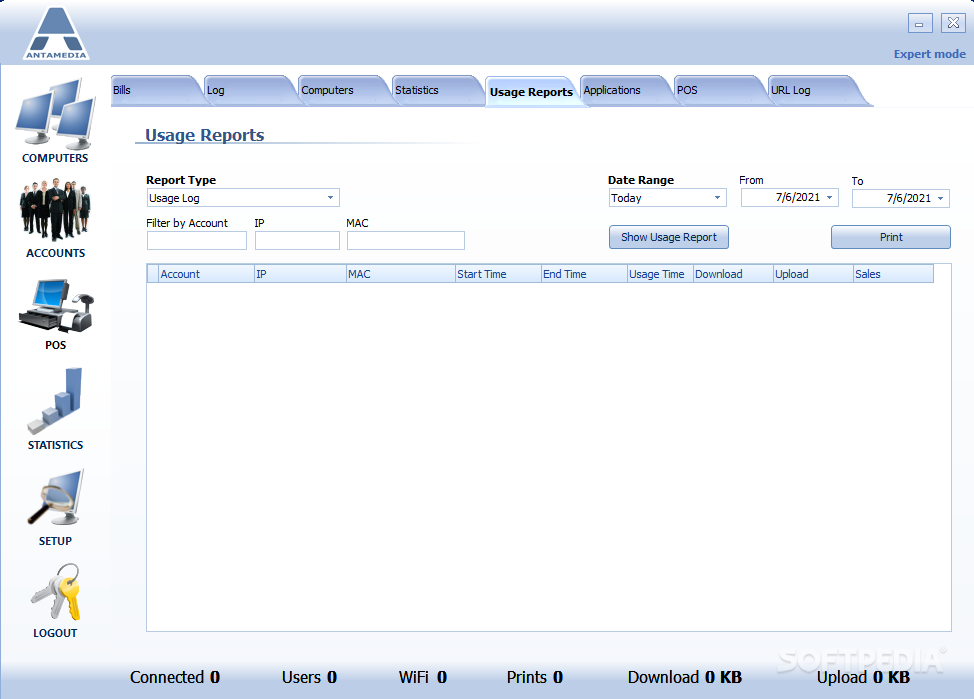
    Check out earnings and charged items for a specified time period, computer, employee or type of service. Export data as pdf, html, csv or text report

    E-mail Reporting
    Statistical HTML reports can be sent to your E-mail at specified time of the day. Employee can also do it manually

    Web Server
    Built-in web server enables management tracking from any Internet connected computer in the world. Type the IP address of Caffe Server in your browser and get instant HTML Report. Access to this report is password protected

    Point of Sale
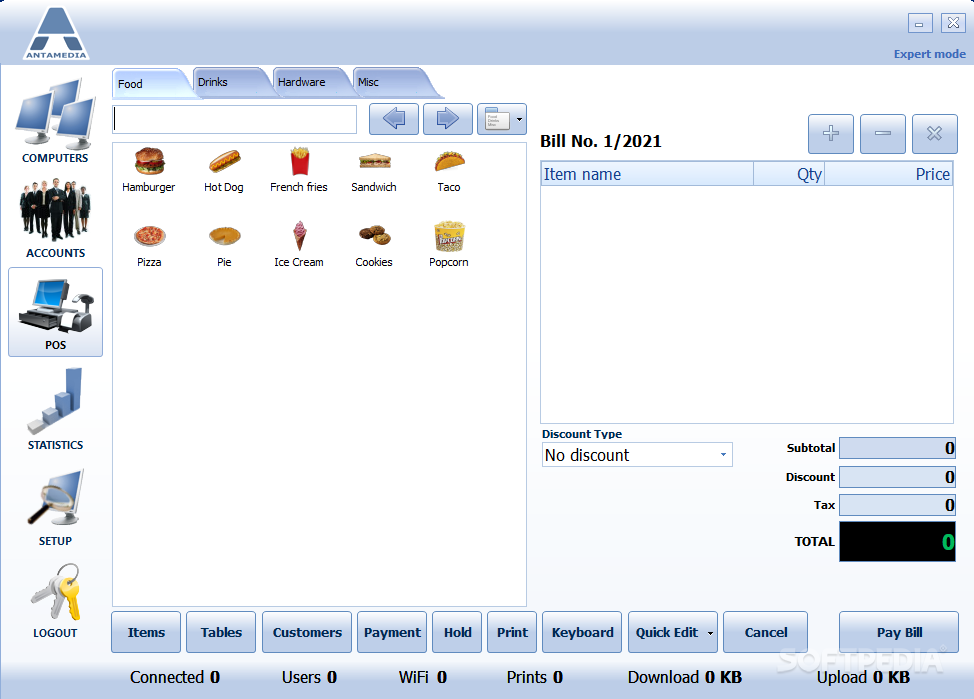
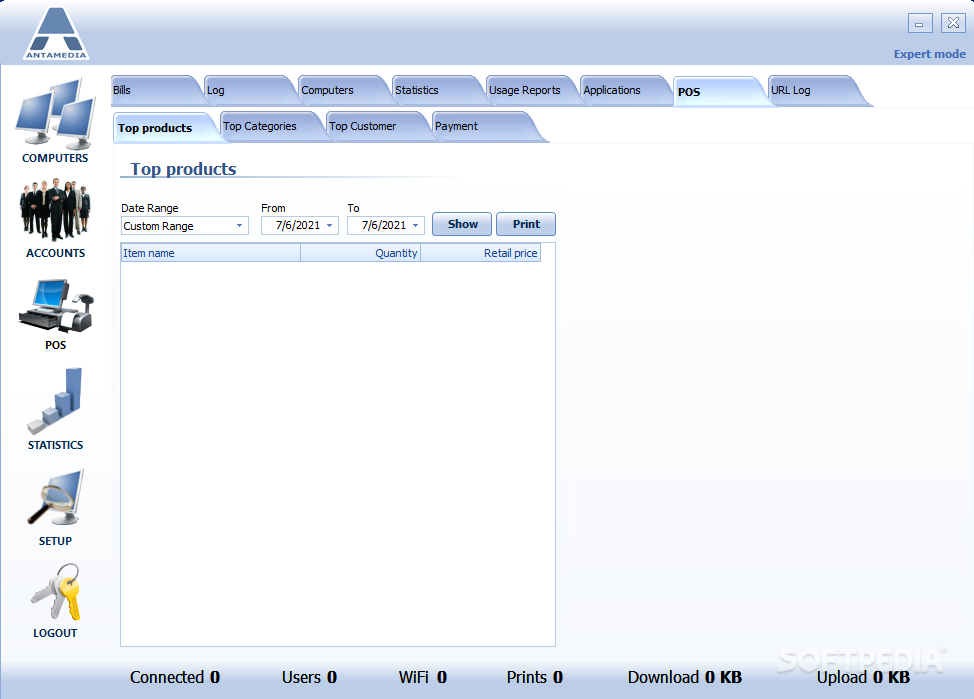
    Sell drinks, snacks, hardware and charge your services. There are 10 POS categories with 180 configurable items

    Inventory
    Keep track of your stock. All products quantities are displayed in statistics and you'll be warned when it drop below specified amount. You can check items on stock, sold today or sold in total

    Discounts
    Predefined discounts can be applied to the customer bill. You can charge, for example, 20% less for regular customers

    Taxes
    Very flexible tax system will fit in any country tax regulation. There are 3 different taxes with tax on tax option. Taxes are separately configured for time usage, each POS item, console time, printing or bandwidth

    Cash Drawer
    Support for cash drawers with predefined settings for few models

    Receipts
    Configure receipts to show your logo, header and footer

    Order System
    Your customers can easily order products from the client computer

    Tables
    If you run cafeteria, you can handle all customer orders using tables. Just add tables and you're ready to run additional business from the same software

    Internet, Games, Office, Media ...
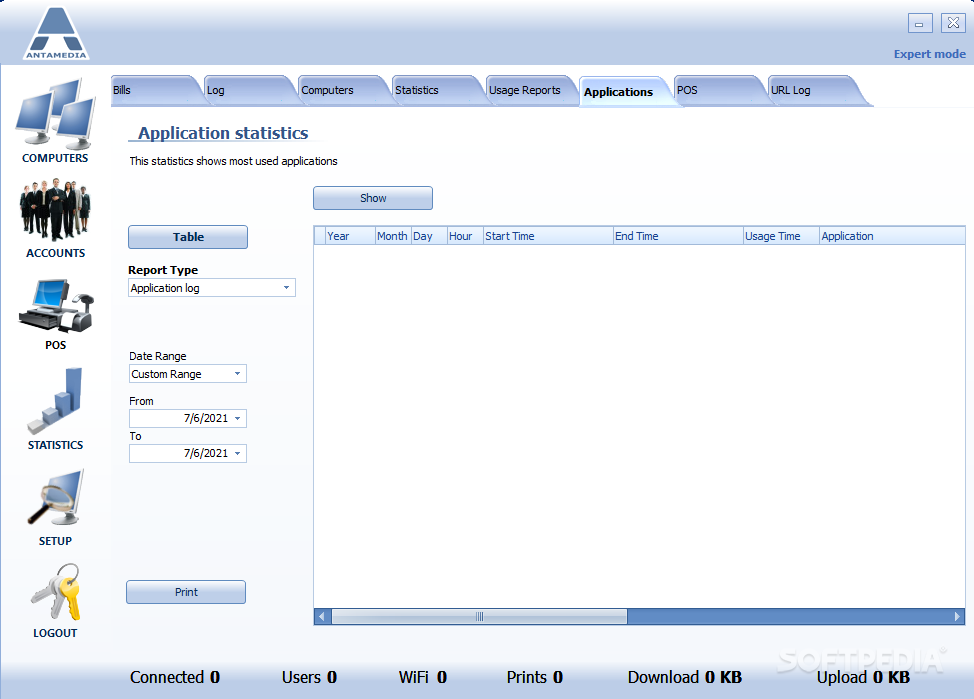
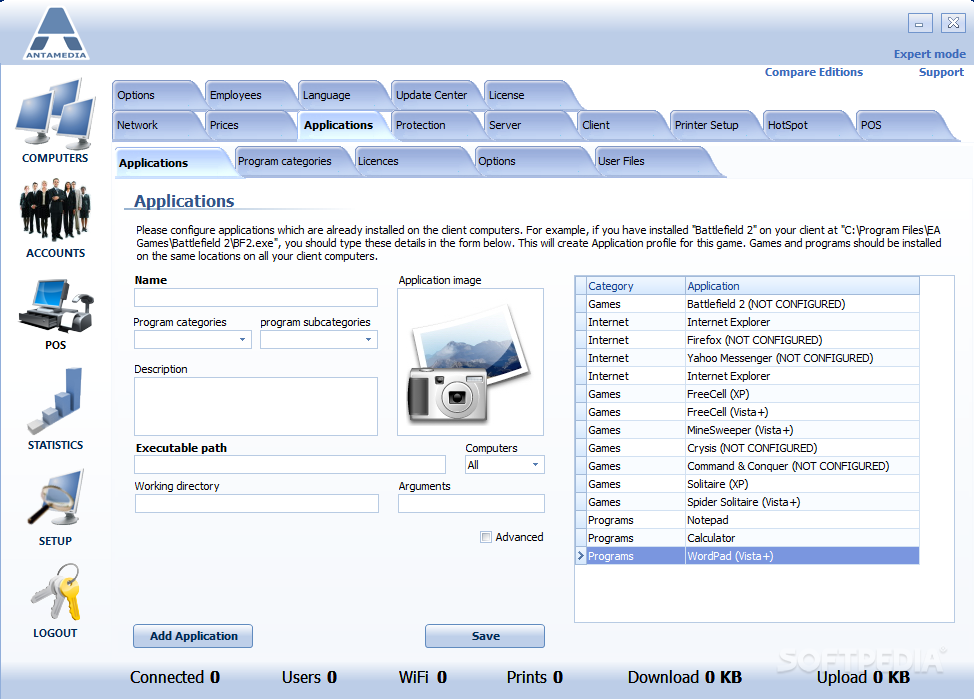
    Multiple program categories can be used with unlimited number of programs. By customizing shortcuts, you can give access only to specified applications and protect computers of potentially destructive software that customers may run

    Employee Accounts
    Every employee has his own account (username and password) which is used for Server login. Employee activity is also logged with the time and type of action performed. Client software has additional passwords required for their administration

    Multiple cafes support
    Connect all your cybercafes in one network and enable timecode and member accounts sharing. Your customers will be able to use their remaining time in any of the cafes. If you deploy smart cards, login process will be automated

    Languages
    There are plenty of languages included in our software. Any of these can be adjusted to your own needs through editor integrated in Caffe Server. Some of included languages are: English, Spanish, Italian, Portuguese, French, Greek, Serbian, Macedonian, Albanian, Russian, Icelandic, Swedish, Danish, Arabic, Greek, Croatian, German, Hungarian, Bulgarian, Polish...

    Client interface
    Before the session starts customers can choose language in which the program interface will be displayed

    Skins
    Choose of of the existing client skins of configure interface to fit your requirements

    Bandwidth Monitoring
    Shows how much network traffic is generated by each customer. There are plenty of options for limiting and charging per data transferred

    Full Control
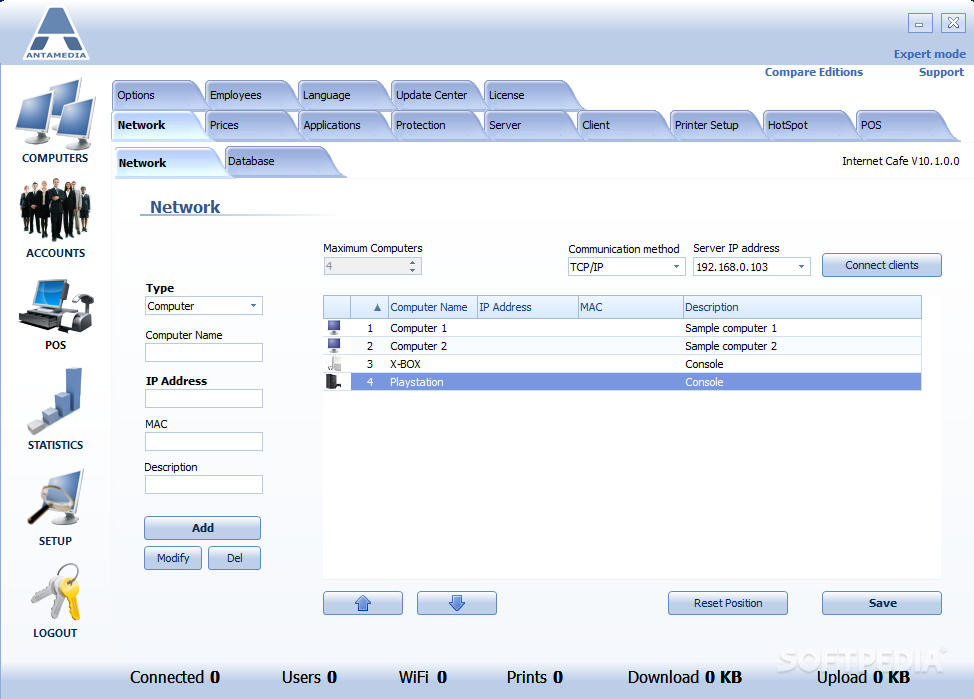
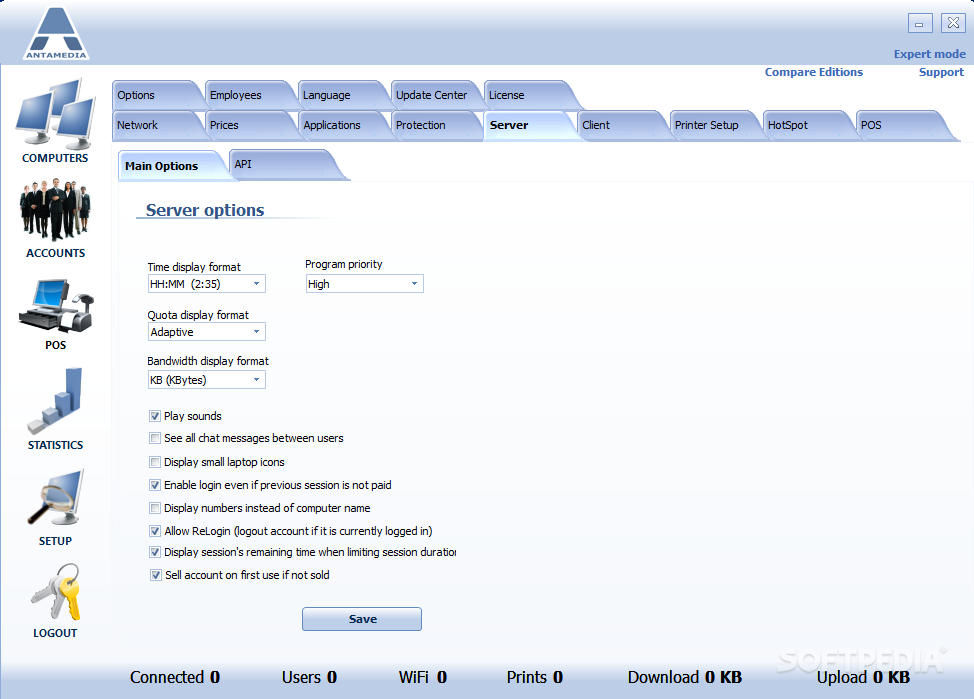
    All computers are controlled and configured from one computer running Internet Caffe Server application. You can setup pricing, security options, list of restricted programs, Client skin, banner page, Internet Explorer settings etc.

    Auto Update
    Automatically update all client computers to new version by single click

    Activity Log
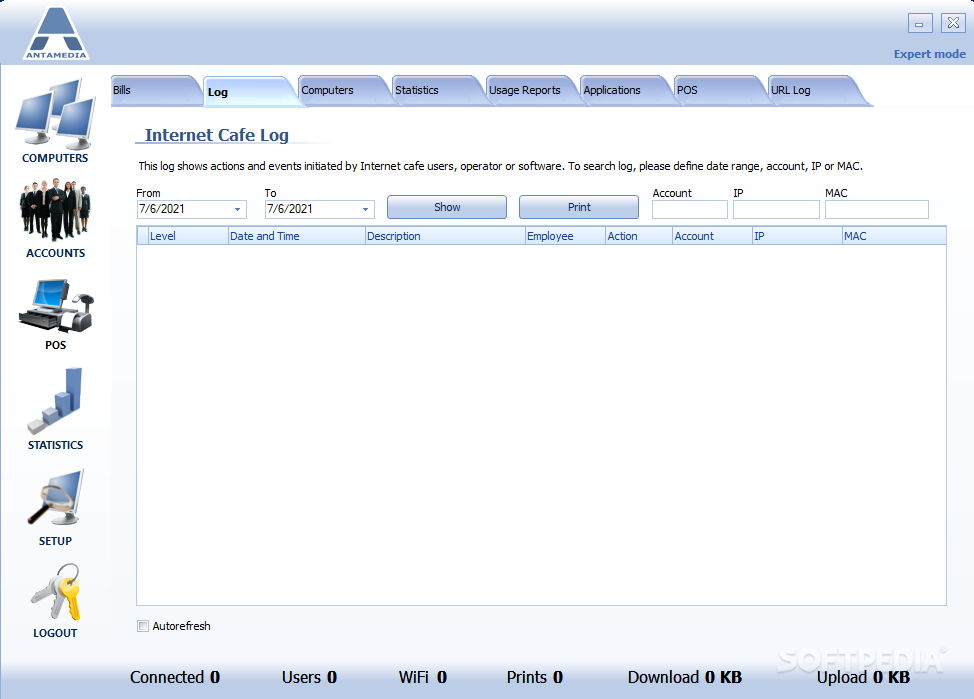
    Stores different actions performed in Server and Client software: charged items or services, time when Caffe Server is started and closed, time of login attempts on Server, employee actions etc. Server database is encoded and protected from unauthorized modifications

    Reboot Protection
    Every Client disconnection from the Server is processed and customer's bill (or timecode) is maintained. Disconnected network cables will end customer session after defined time

    Promote
    Displays banners on client interface or give your customers limited free surf on your site by showing web page on client mask. Use it to promote your services, or make regular announcements

    Printer Tracking
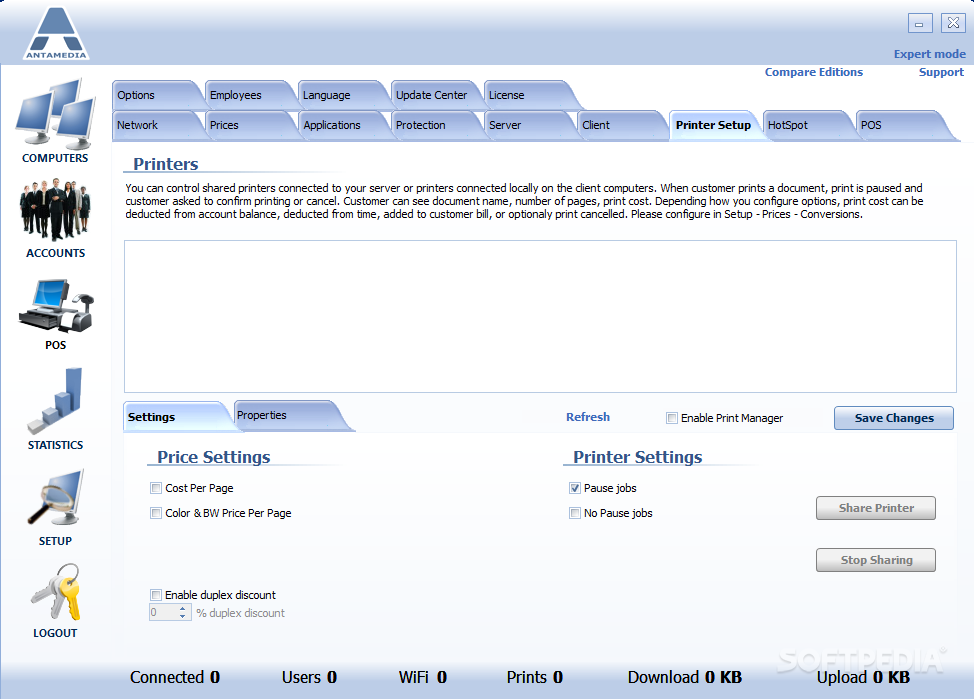
    CD tracking notification and printer tracking with automatic adding on the customer bill

    Help
    When session starts, customer will see welcome message or you can customize it with terms of usage, how-to instructions, prices

    Chat
    Customer can chat with operator or with other customers

    Volume Control
    Operator can adjusts volume of each computer separately

    Chat
    Customers can chat with operator or with any computer in cafe

    Change Computer
    Customers can change computers

     Softpedia guarantees that Internet Caffe 5.6.5 is 100% CLEAN, which means it does not contain any form of malware, including spyware, viruses, trojans and backdoors. [read more >]


    TAGS:

    cafe administrator | cafe software | cafe payment | internet caffe | cafe | management


    HTML code for linking to this page:


    Go to top

    Windows tabGames tabDrivers tabMac tabLinux tabScripts tabMobile tabHandheld tabGadgets tabNews tab

    SUBMIT PROGRAM   |   ADVERTISE   |   GET HELP   |   SEND US FEEDBACK   |   RSS FEEDS   |   ENTER NEWS SITE   |   ENGLISH BOARD   |   ROMANIAN FORUM