
A management tool for TrueType fonts. #Ttf font #Font manager #TrueType font #Font #Manager #TrueType

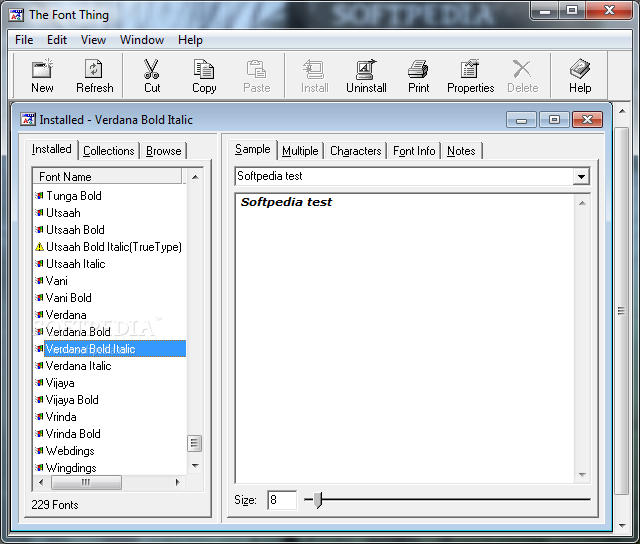
The Font Thing is a freeware Windows tool designed to help you manage fonts installed on your computer.
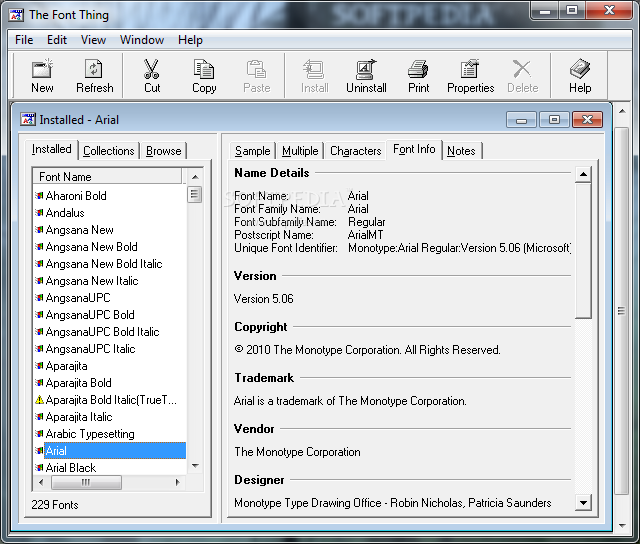
Although the app is supposed to perform such a simple task, you may be a bit confused when you first launch it. The interface hosts multiple options, but all features are nicely organized in the main window.
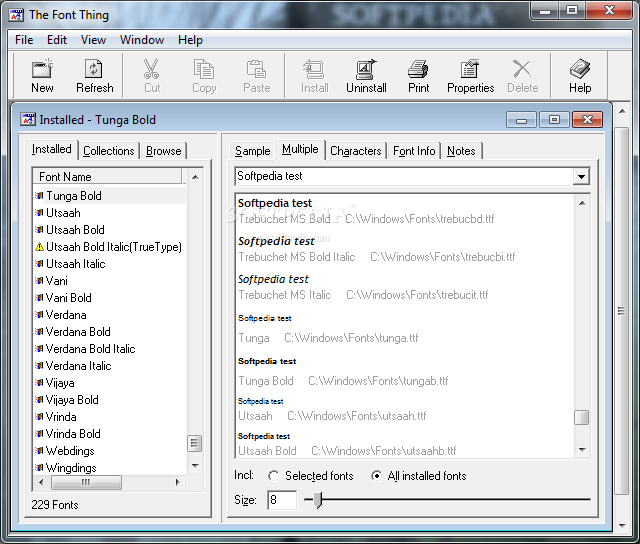
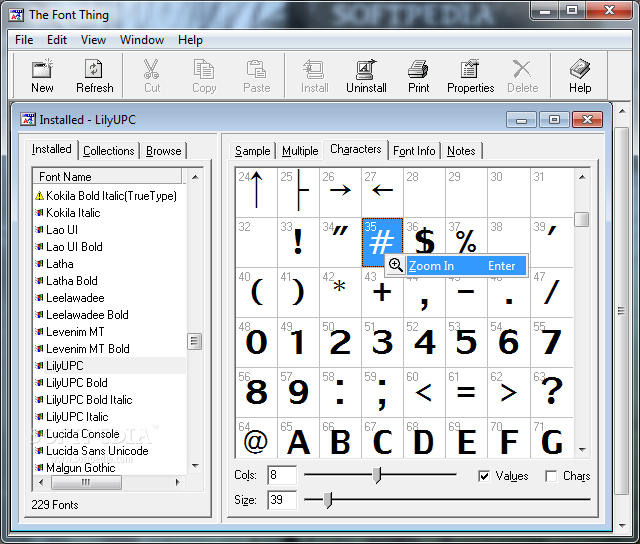
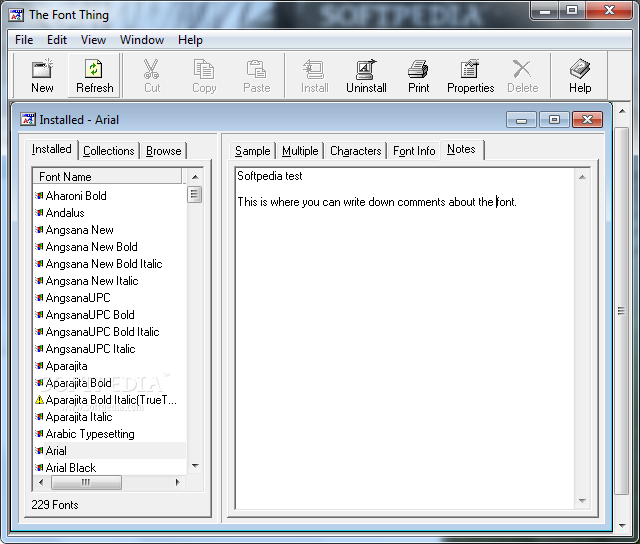
You can thus see the installed fonts, organize them in collections or browse a specific folder with fonts. Plus, you can see a sample of a single or multiple fonts, get info on the font, including name, family and subfamily name, unique font identifier and copyright, plus characters and notes.
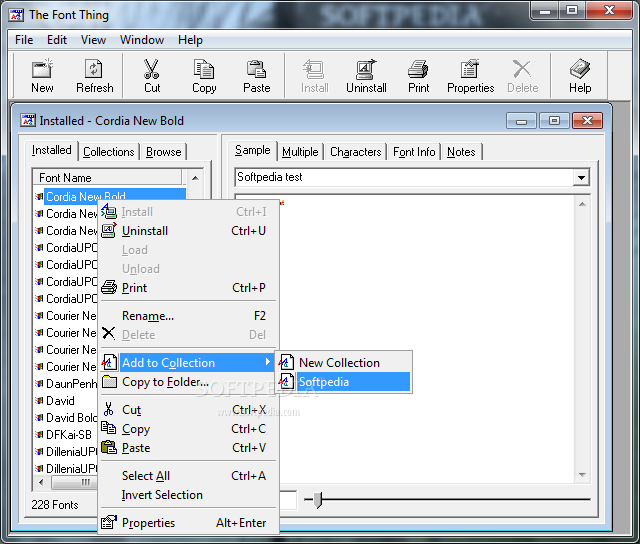
Right-clicking a font in the list lets you uninstall it, change its name, copy the files to a folder or to a previously created collection.
Last but not least, the program has a special tool to print font samples and load a specific font for temporary use.
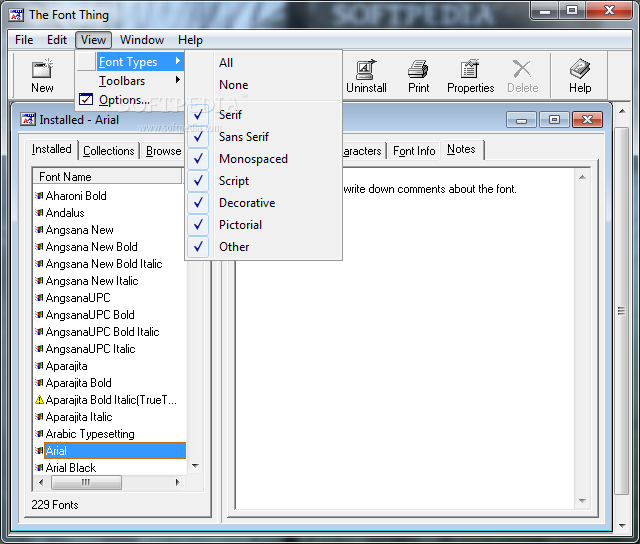
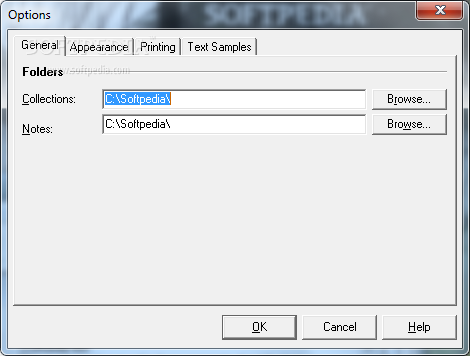
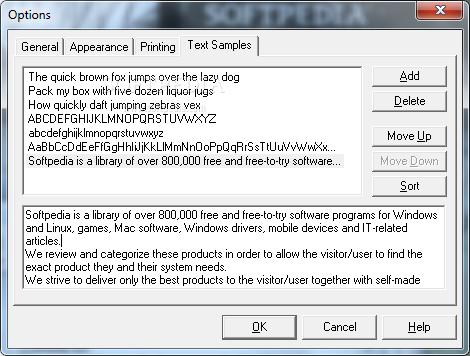
The Font Thing also features a small “Options” menu that comprises only basic tools concerning printing and appearance, with minimum settings for fonts and background colors.
Unfortunately, The Font Thing works exclusively on Windows XP and older versions of Microsoft's operating system, and there's no way to load it on a 64-bit Windows release.
All in all,The Font Thing is a decent app to manage the installed fonts, with a clean interface and simple features addressed at both beginners and more experienced users. Too bad it doesn't work on newer Windows releases.
What's new in The Font Thing 0.80:
- New Features:
- Choose your own colours for the text, background and extra information (e.g. ASCII values and plain text characters) when viewing fonts.
- Set up standard text samples and quickly switch between them using drop-down lists (you can still type your own ad-hoc text samples too, of course).
- Rename font files to avoid file name conflicts.
The Font Thing 0.80
add to watchlist add to download basket send us an update REPORT- runs on:
-
Windows NT
Windows 9X
Windows 7 - file size:
- 1.1 MB
- filename:
- tfti.zip


- main category:
- Others
- developer:
- visit homepage
Bitdefender Antivirus Free

Context Menu Manager

ShareX

Microsoft Teams

Windows Sandbox Launcher

calibre

4k Video Downloader

7-Zip

Zoom Client

IrfanView

- 7-Zip
- Zoom Client
- IrfanView
- Bitdefender Antivirus Free
- Context Menu Manager
- ShareX
- Microsoft Teams
- Windows Sandbox Launcher
- calibre
- 4k Video Downloader