
Read e-books of various formats, convert documents and create audio books with this comprehensive and easy-to-use piece of software. #Book Reader #E-book Reader #Read E-book #E-book #Reader #Speech

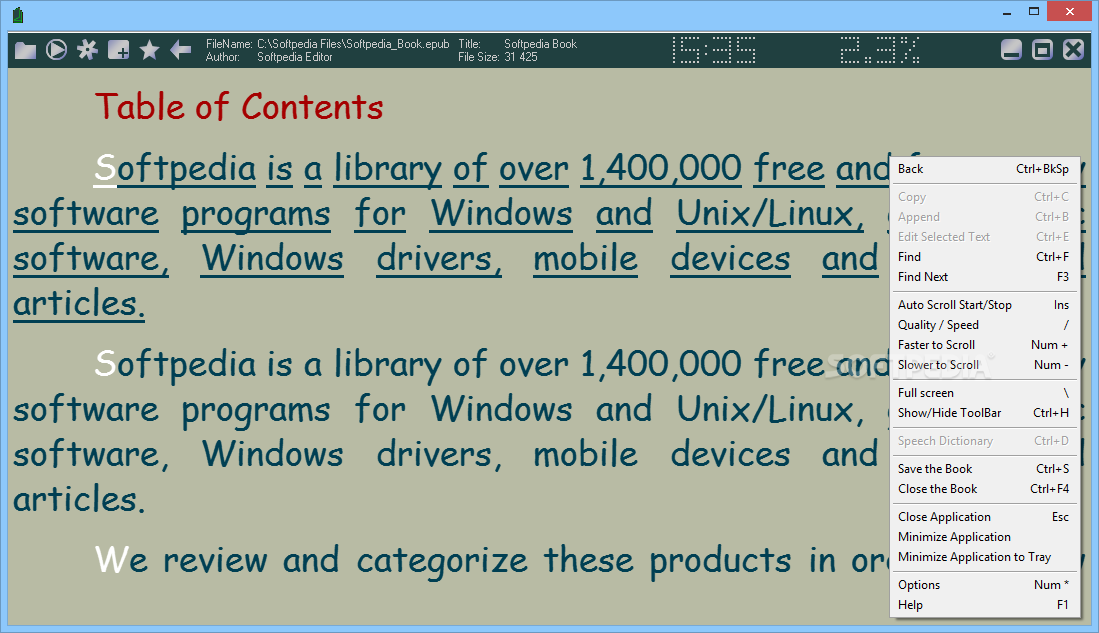
ICE Book Reader Professional is an application designed to help you read books in the digital format. It supports several extensions, including RTF, HTML, DOC, TXT and PALM.
This tool can also be stored as portable software. In this case, you can place ICE Book Reader Professional on a removable device (like a USB flash drive), save it on any computer and directly run its executable file. More importantly, there are no changes made to the Windows registry and no leftover items can be found after program removal.
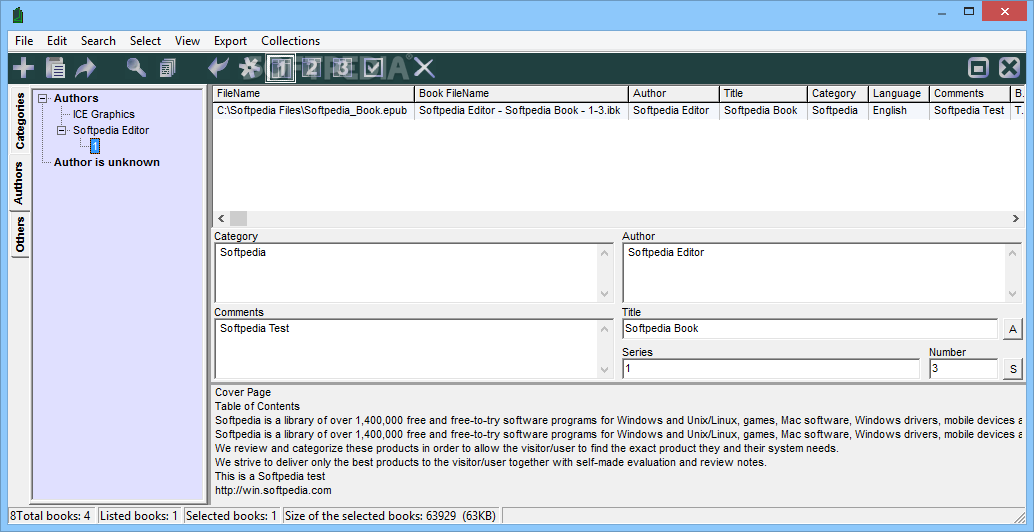
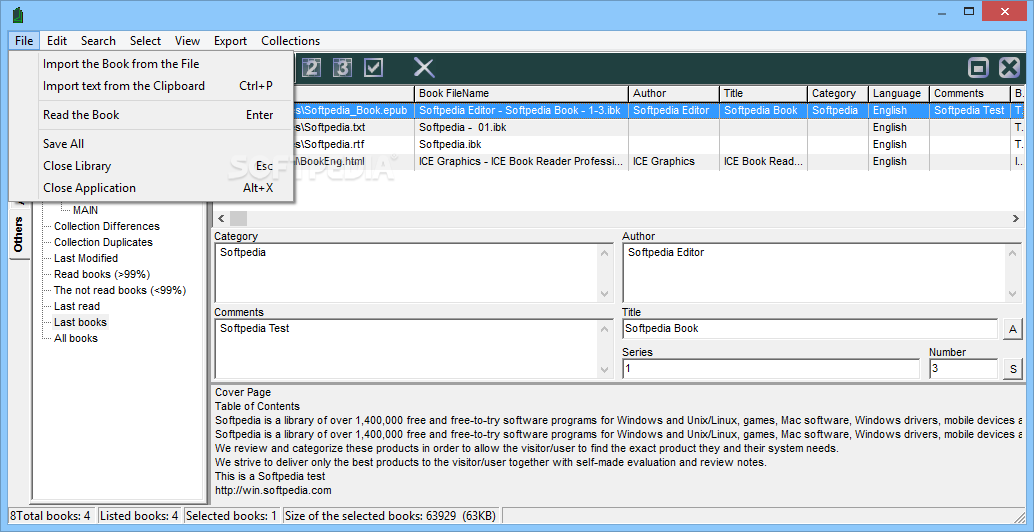
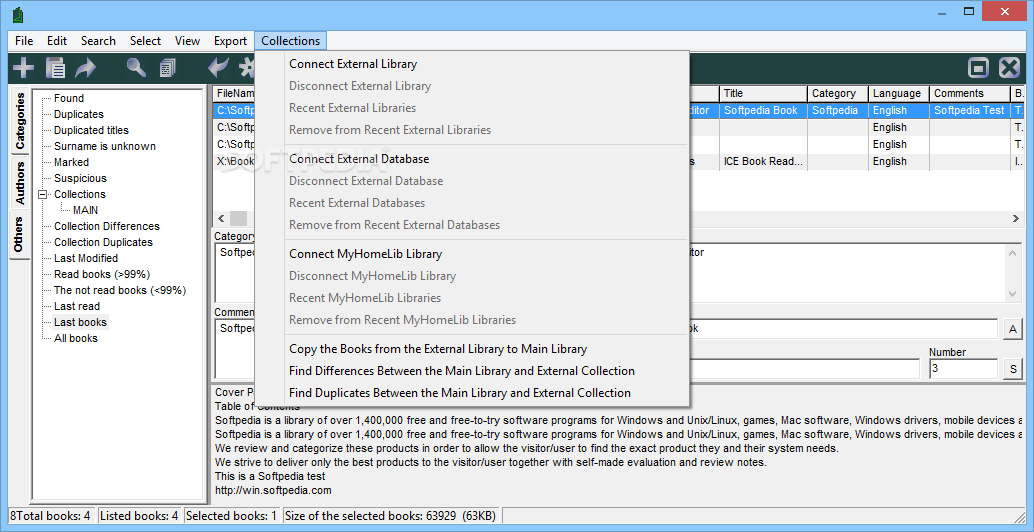
Although the interface of the app may seem complicated at a first glance, ICE Book Reader Professional is actually pretty simple to work with. You can use either the file browser or clipboard to import a book.
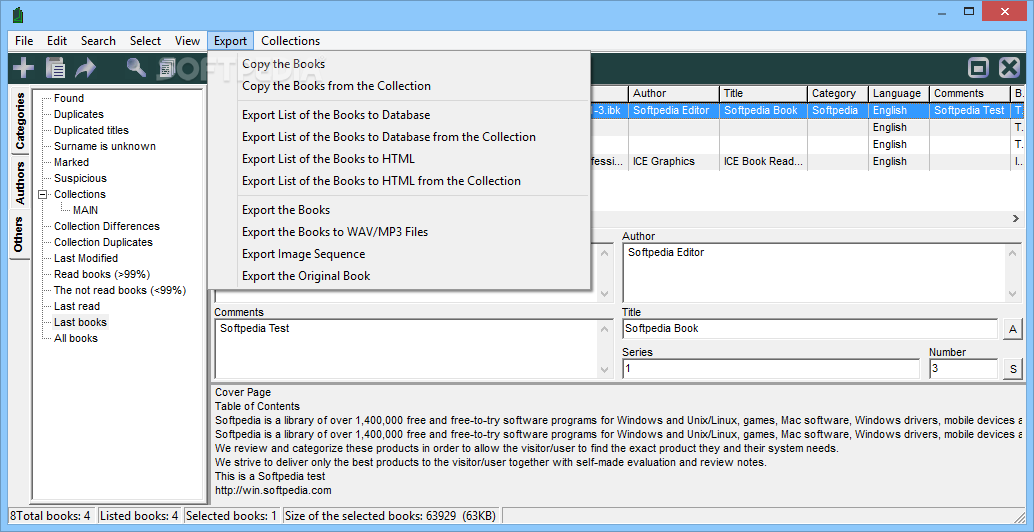
The file list displays the file name, book name, author, title, category, language, comment and other information on each entry. You can sort the digital books according to the last date of access or modification, author name, series or other criteria.
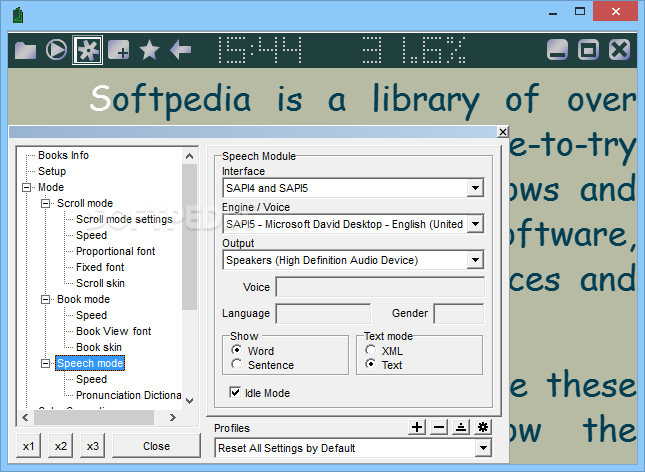
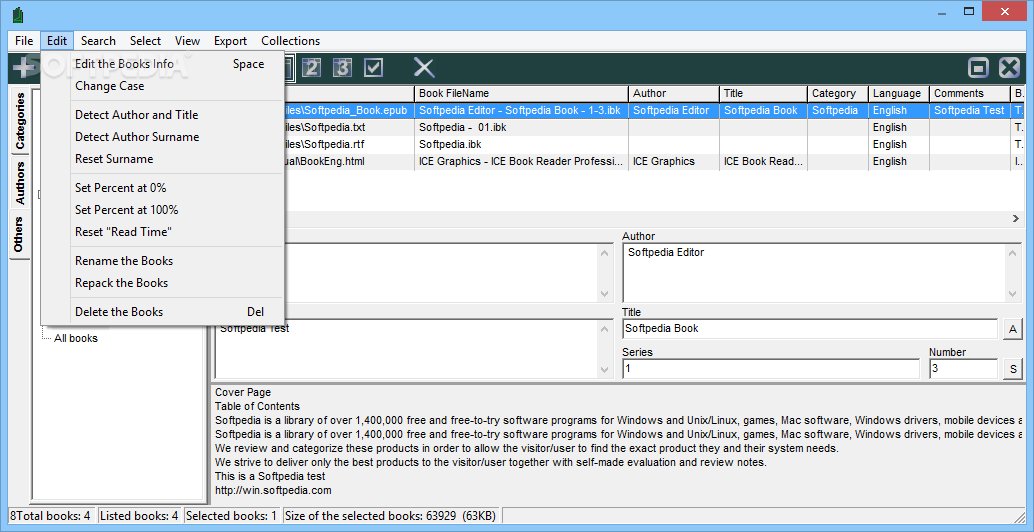
ICE Book Reader Professional allows you to copy or edit selected text, use a search function, exit full screen mode, hide the toolbar, switch to speech mode and enable automatic scrolling.
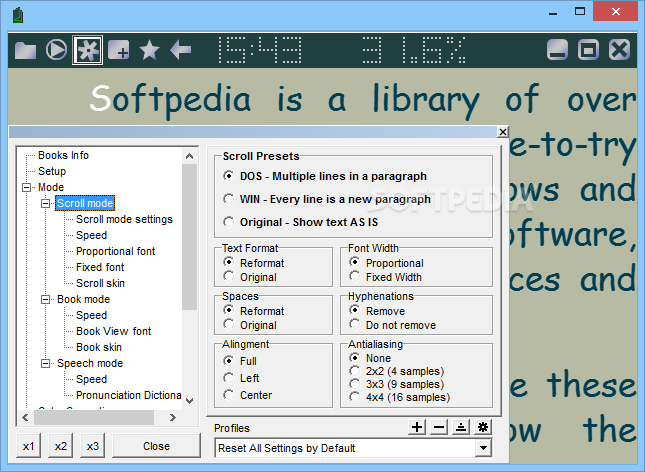
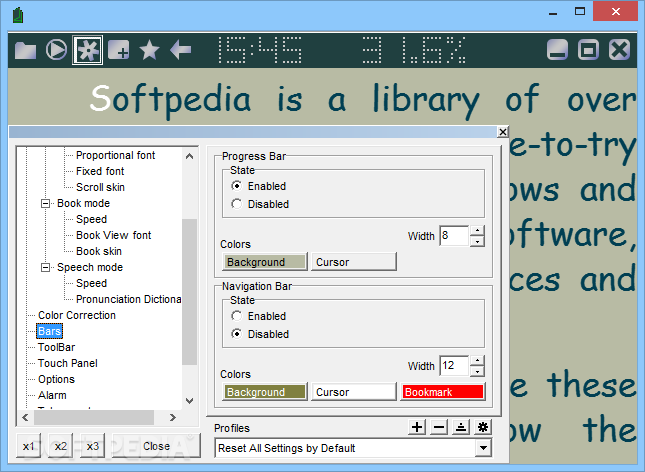
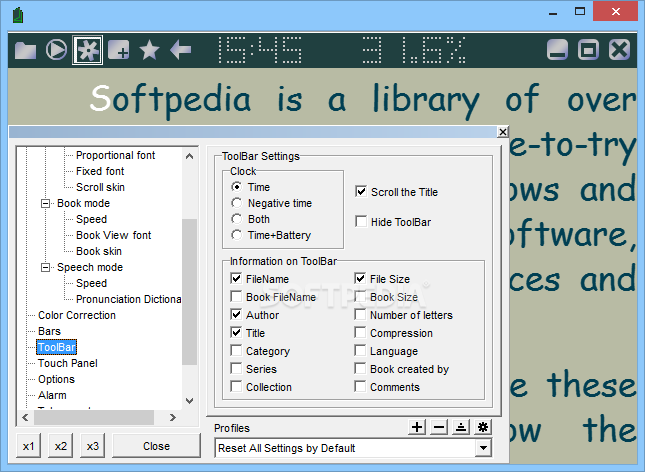
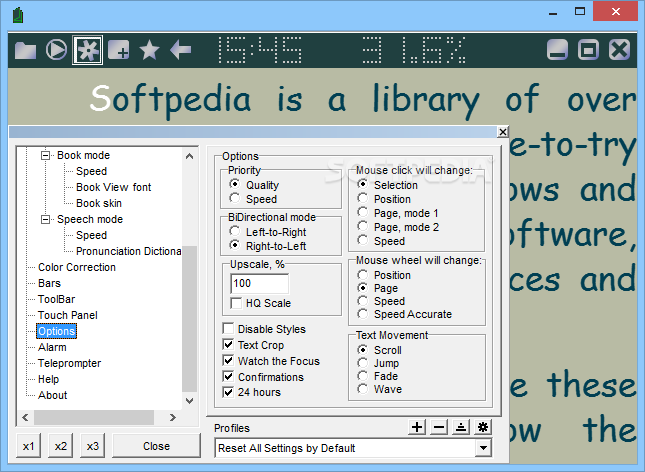
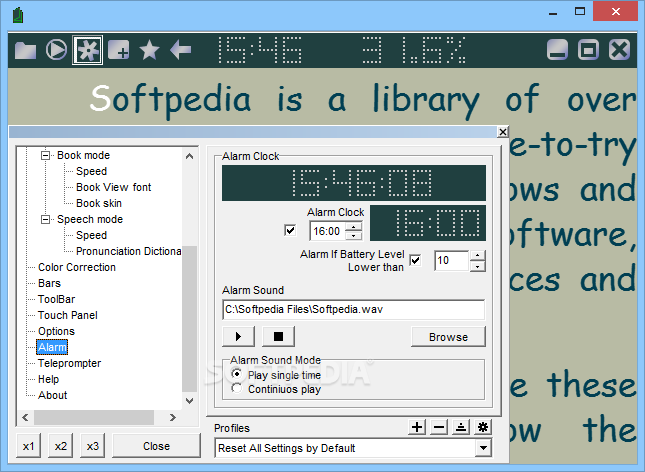
In the "Options" area you can view book information, change the interface language, configure scroll mode settings (e.g. speed, proportional font), set up an alarm clock and make color corrections.
ICE Book Reader Professional runs on a moderate amount of CPU and system memory, has a good response time and contains user documentation. We have not come across any difficulties throughout our testing; ICE Book Reader Professional did not freeze, crash or pop up error dialogs. However, its interface needs some updates. The app should be easy to figure out, even by less experienced users.
Download Hubs
ICE Book Reader Professional is part of these download collections: eBook Managers
What's new in ICE Book Reader Professional 9.6.5:
- Added normal char order for numbers is selected Right-to-Left mode
- Fixed storing keyboard shortcuts in profiles
- Added new skins
- Some fixes
ICE Book Reader Professional 9.6.5
 Softpedia Editor's Pick
add to watchlist
add to download basket
send us an update
REPORT
Softpedia Editor's Pick
add to watchlist
add to download basket
send us an update
REPORT
- runs on:
-
Windows 10 32/64 bit
Windows 8 32/64 bit
Windows 7 32/64 bit
Windows Vista 32/64 bit
Windows XP - file size:
- 5.8 MB
- filename:
- ICE Book Reader.exe
- main category:
- Others
- developer:
- visit homepage
ShareX

7-Zip

Context Menu Manager

IrfanView

Zoom Client

calibre

Bitdefender Antivirus Free

Windows Sandbox Launcher

4k Video Downloader

Microsoft Teams

- Windows Sandbox Launcher
- 4k Video Downloader
- Microsoft Teams
- ShareX
- 7-Zip
- Context Menu Manager
- IrfanView
- Zoom Client
- calibre
- Bitdefender Antivirus Free