
Virtually make adjustments to your living space, using numerous useful tools like the floors, walls or objects editor, and by adding new items to get a picture of how they would look inside your house. #Design room #Room designer #Create floor #Furniture #Redesign #House
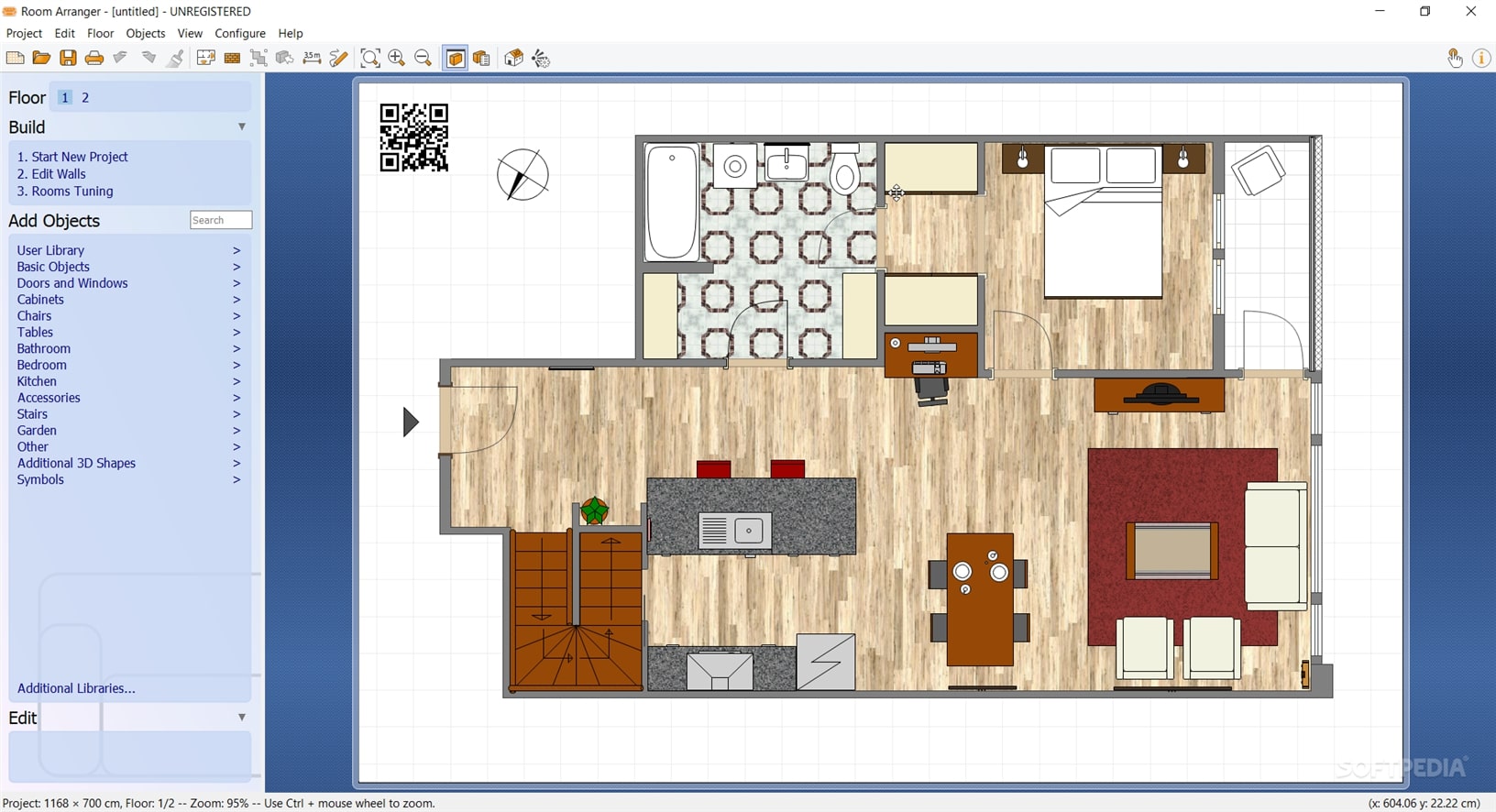
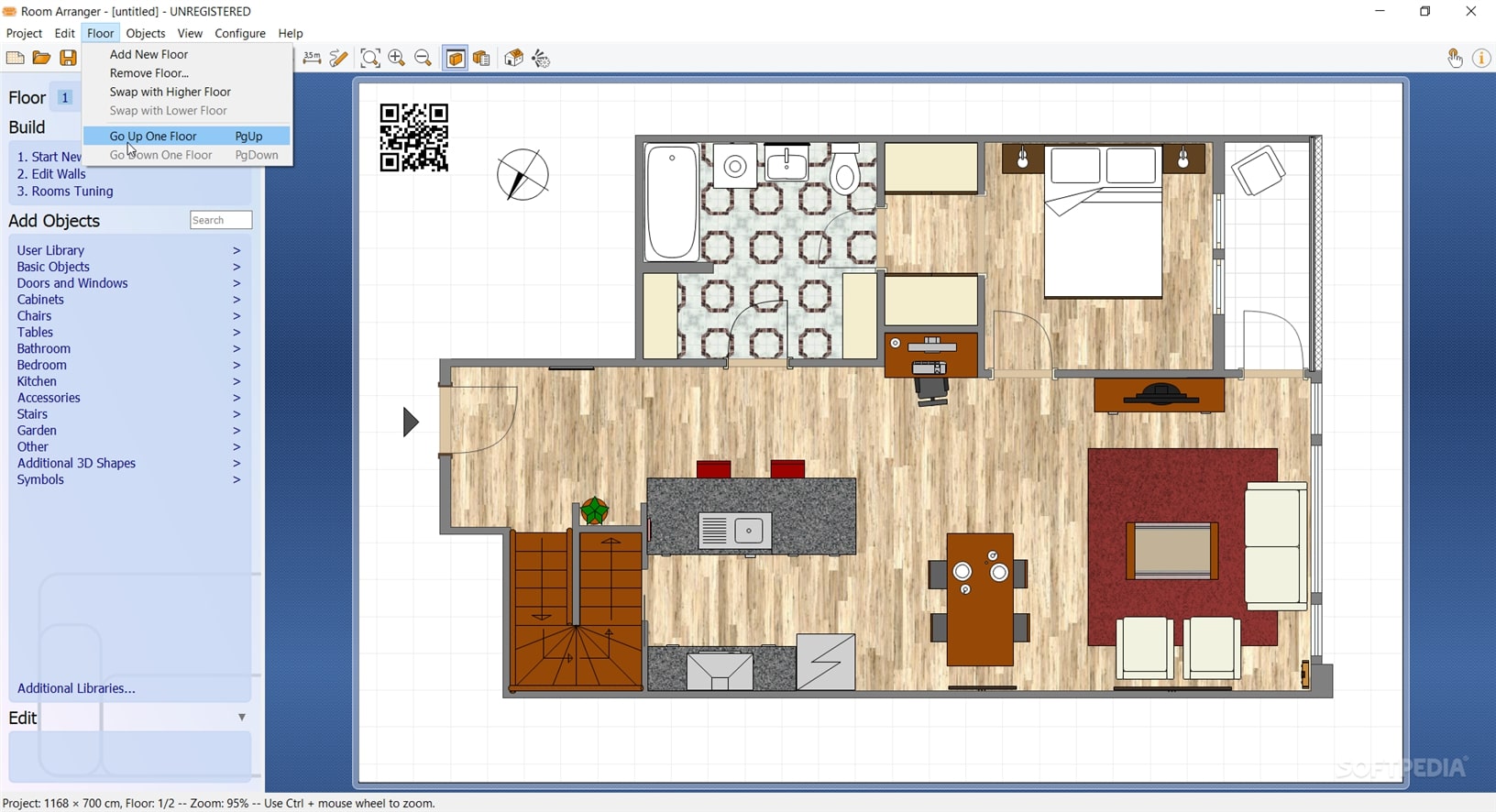
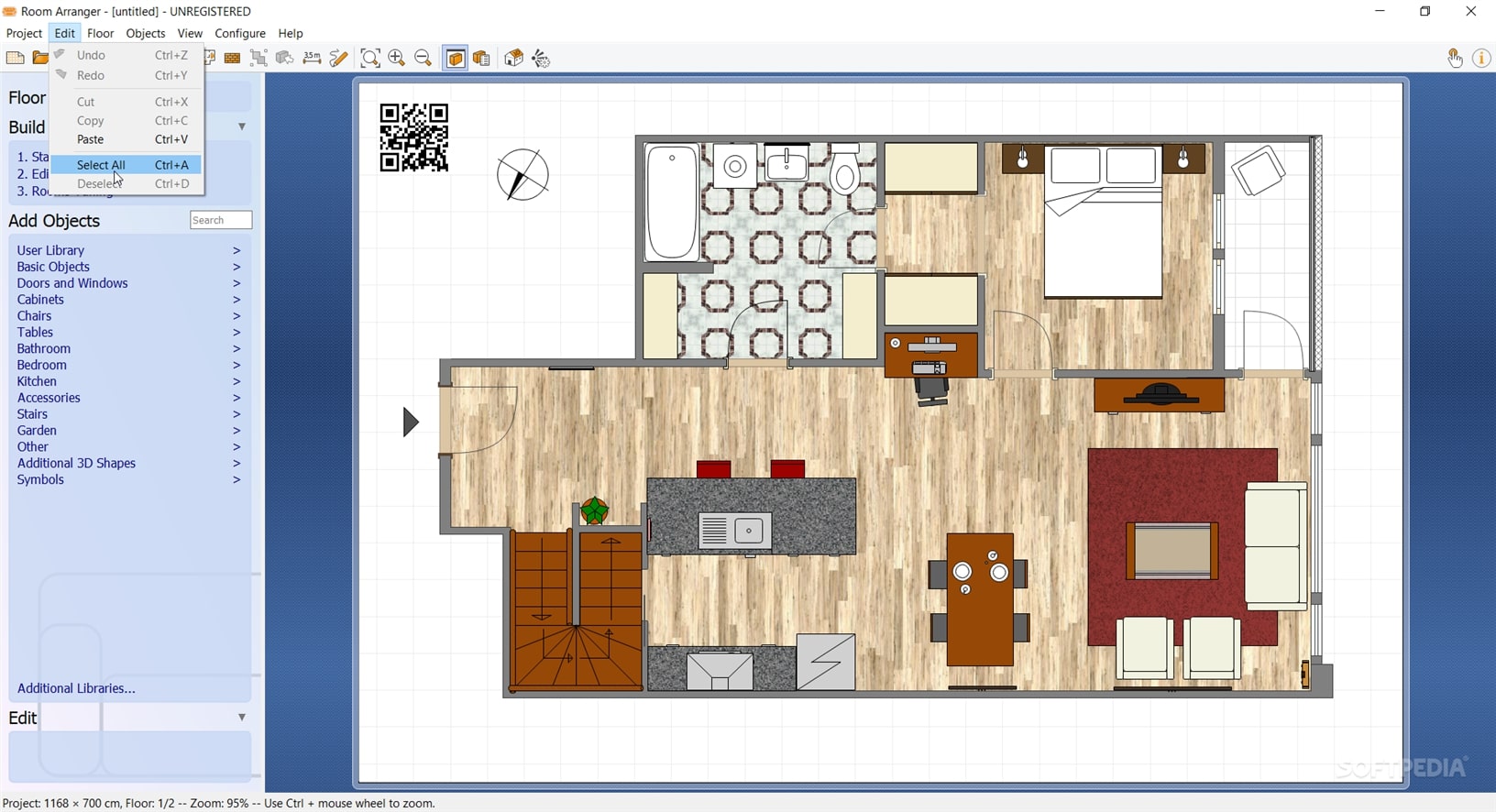
Room Arranger is an application that can help you get a preview of how your home could look like, without you needing to actually move any furniture around or purchase new one.
When using such software, experimenting with the sample projects is always a good idea to find your way around faster. This way, you can get a glimpse of how much you can achieve using this app, even if you are not an expert user.
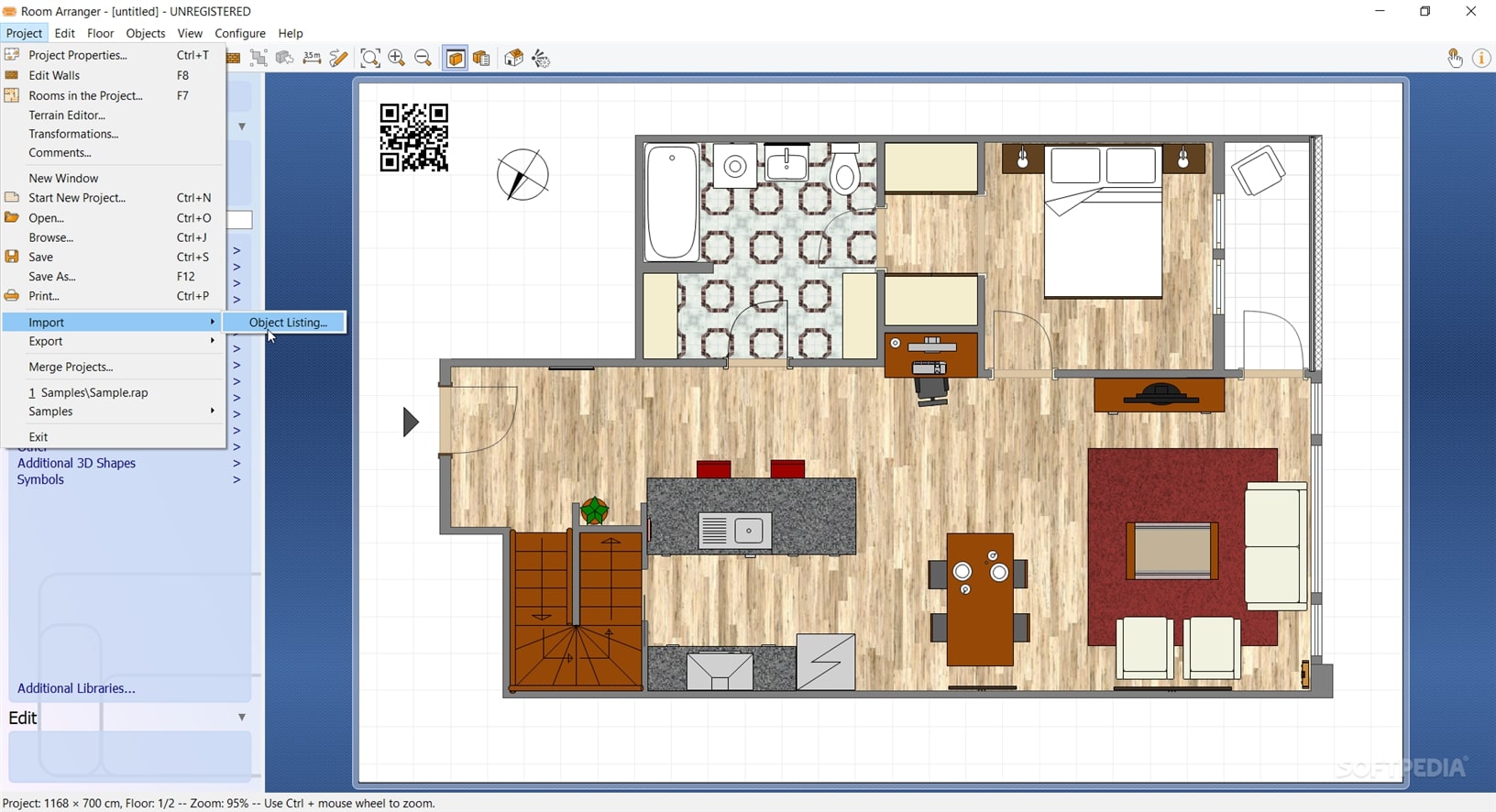
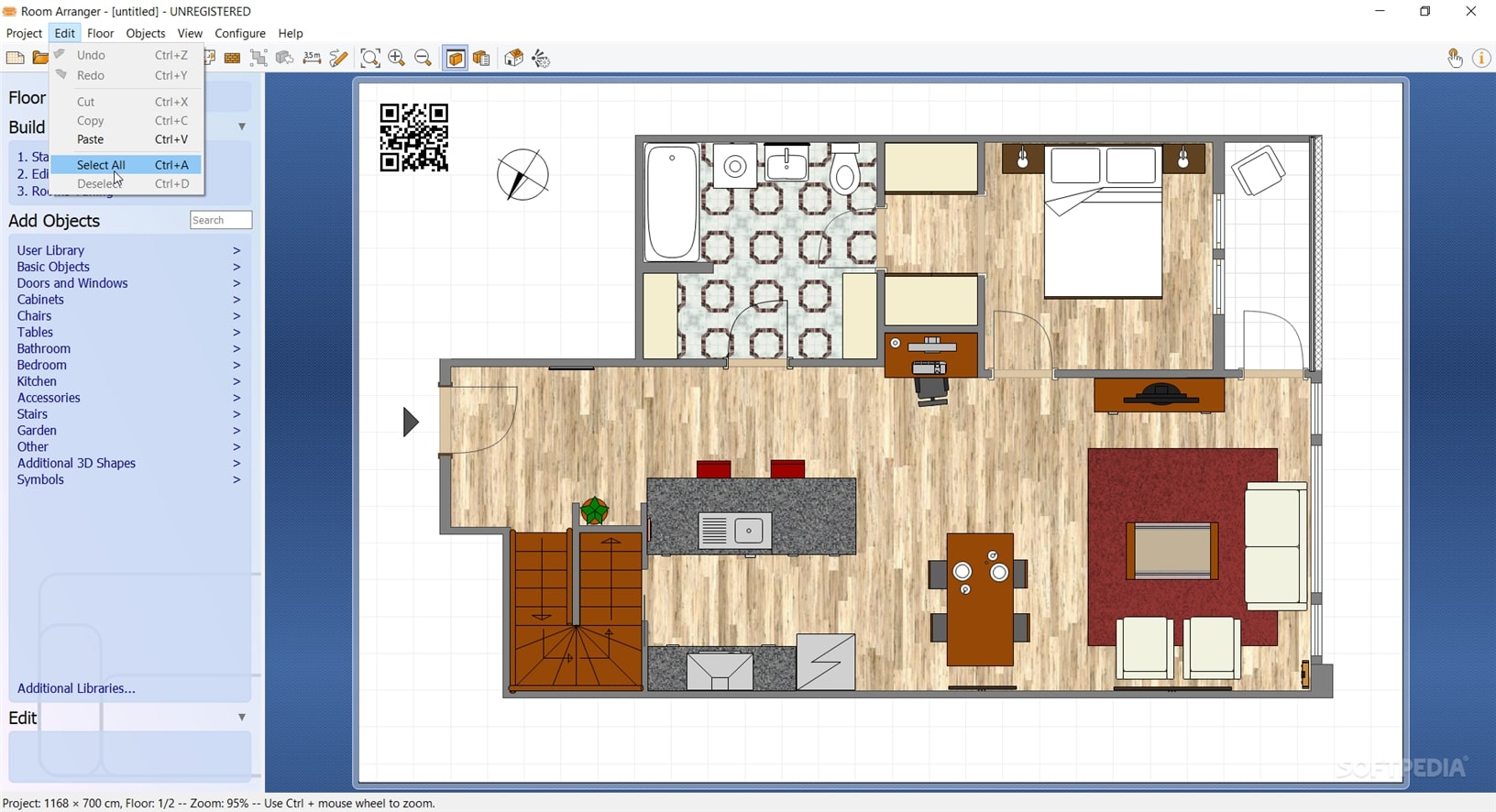
You can start by moving items around the house, changing their color or size, or even rotate them as you see fit. Once you are done, you can save the current configuration as an image (PNG, JPEG, or BMP), copy it to clipboard or export it as a web page with an integrated 3D scene; alternatively, you can preview it in 3D as long as your computer's graphics card supports this operation.
When you are feeling confident, you can use Room Arranger to come up with new layouts for your own abode. You need to start by specifying the size of your room or apartment, choose the unit of measurement, then enter the exact size and shape you are interested in.
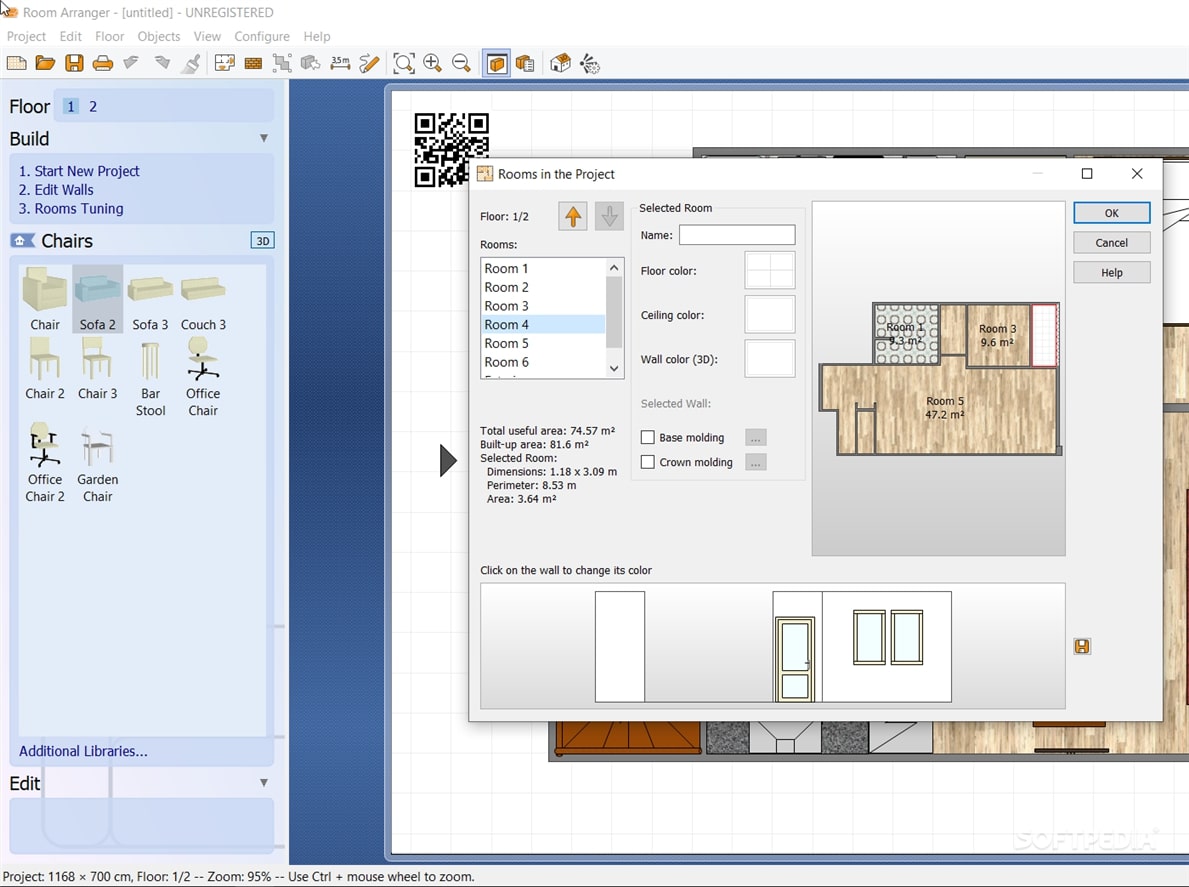
You can also customize the colors of the floor and of the wall, as the application comes with an extensive collection of standards and brands.
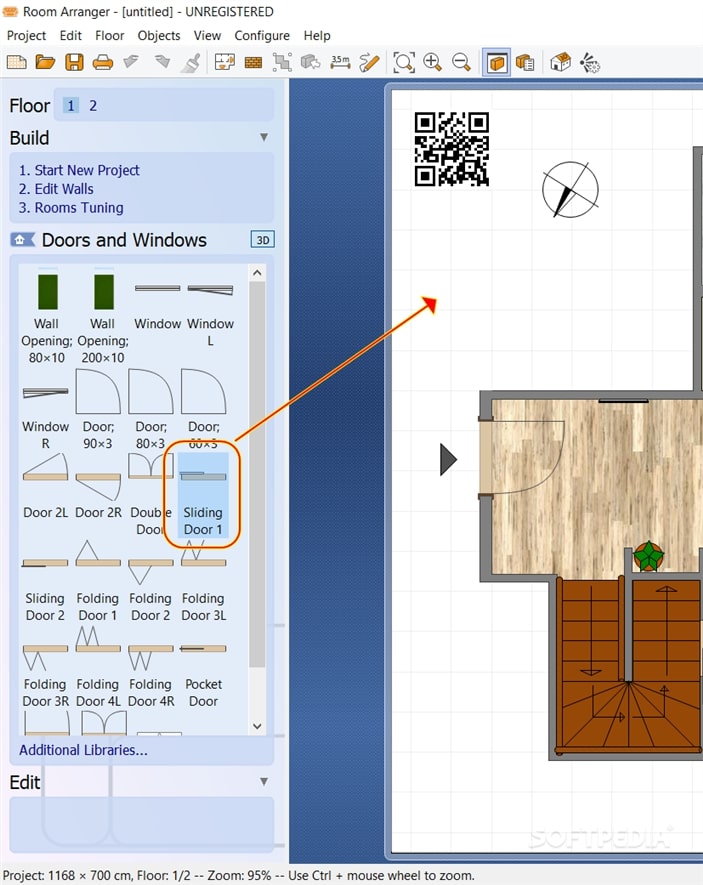
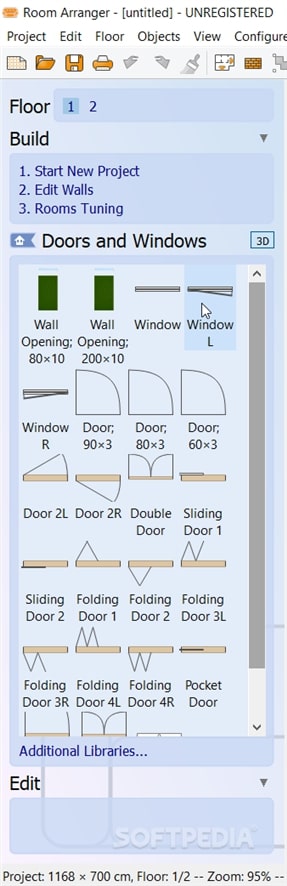
Next, you can start adding the furniture you prefer, by simply dragging and dropping them from the side panel to the main section: basic objects, door and windows, chairs, tables, cabinets, accessories and other elements. There are separate categories for the furniture belonging to the kitchen, bedroom, bathroom, garden or the stairs.
Room Arranger is a highly intuitive and easy to use solution that allows you to get creative with the layout of your rooms, preview the result, then apply the changes in real life if you are satisfied with the outcome.
Download Hubs
Room Arranger is part of these download collections: Virtual Home Designers
What's new in Room Arranger 9.8.3 Build 645:
- Fixed: 3D viewer keeps position after reload
- Fixed: Viewpoint list updated after viewpoint renamed
- Improved: Don't auto-save before 3D view on unmodified project
- Known issue: Magenta mirrors in 3D viewer on Windows and Linux
Room Arranger 9.8.3 Build 645
add to watchlist add to download basket send us an update REPORT- runs on:
-
Windows 11
Windows 10 64 bit - file size:
- 21 MB
- filename:
- rooarr983_64bit.exe
- main category:
- Others
- developer:
- visit homepage
Bitdefender Antivirus Free

calibre

IrfanView

7-Zip

Microsoft Teams

ShareX

Context Menu Manager

Windows Sandbox Launcher

Zoom Client

4k Video Downloader

- Windows Sandbox Launcher
- Zoom Client
- 4k Video Downloader
- Bitdefender Antivirus Free
- calibre
- IrfanView
- 7-Zip
- Microsoft Teams
- ShareX
- Context Menu Manager