
Explore the Universe and learn about planets, constellations and other celestial objects in a fun, educational and interactive 3D environment. #Sky render #Planetarium software #Planet viewer #Constellation #Sky #Planetarium

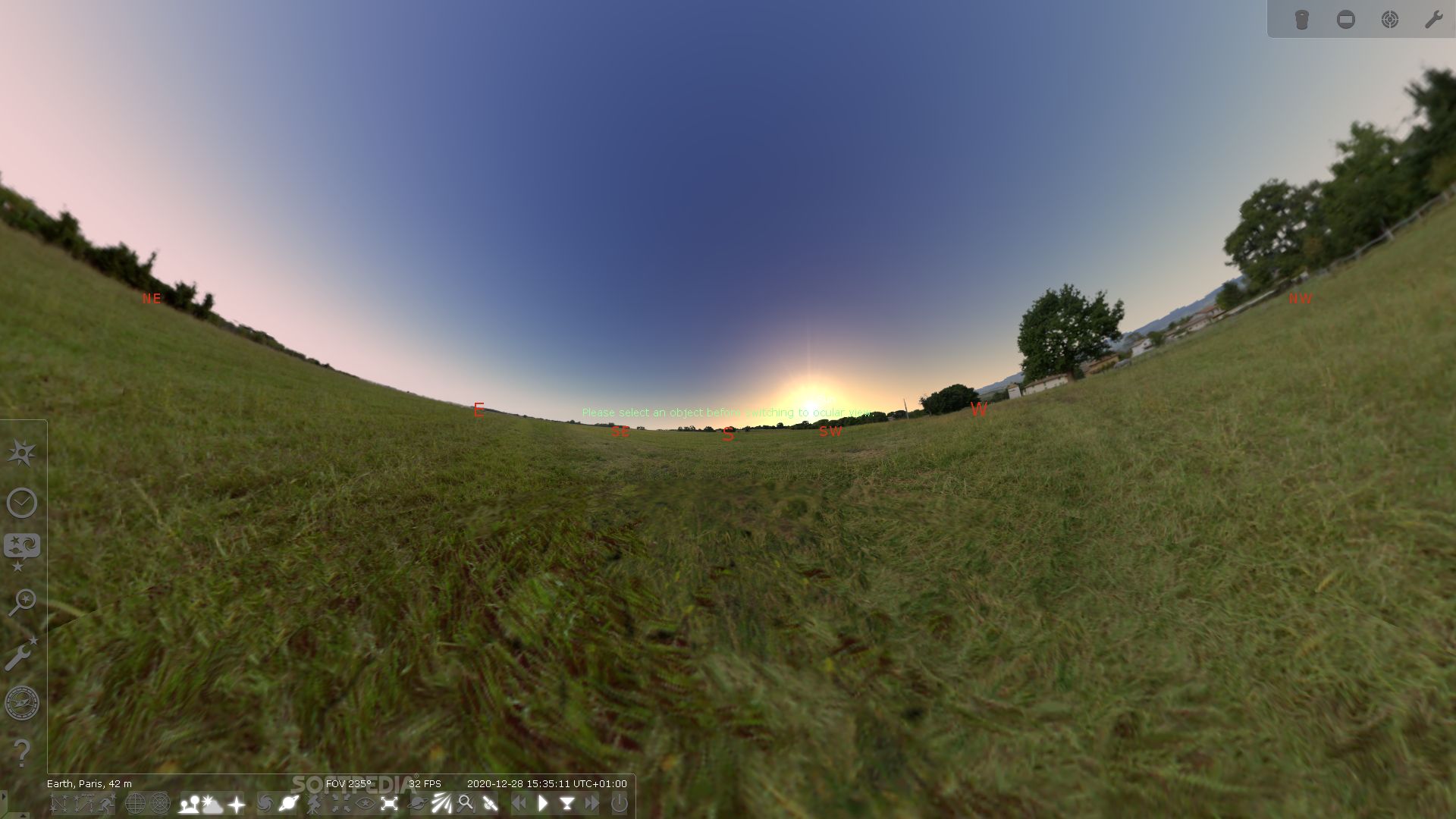
Stellarium is a comprehensive utility that helps users explore planets and constellations in a 3D environment. This open-source planetarium gives you details about celestial objects, simulates solar and lunar eclipses, and displays Messier objects and the Milky Way.
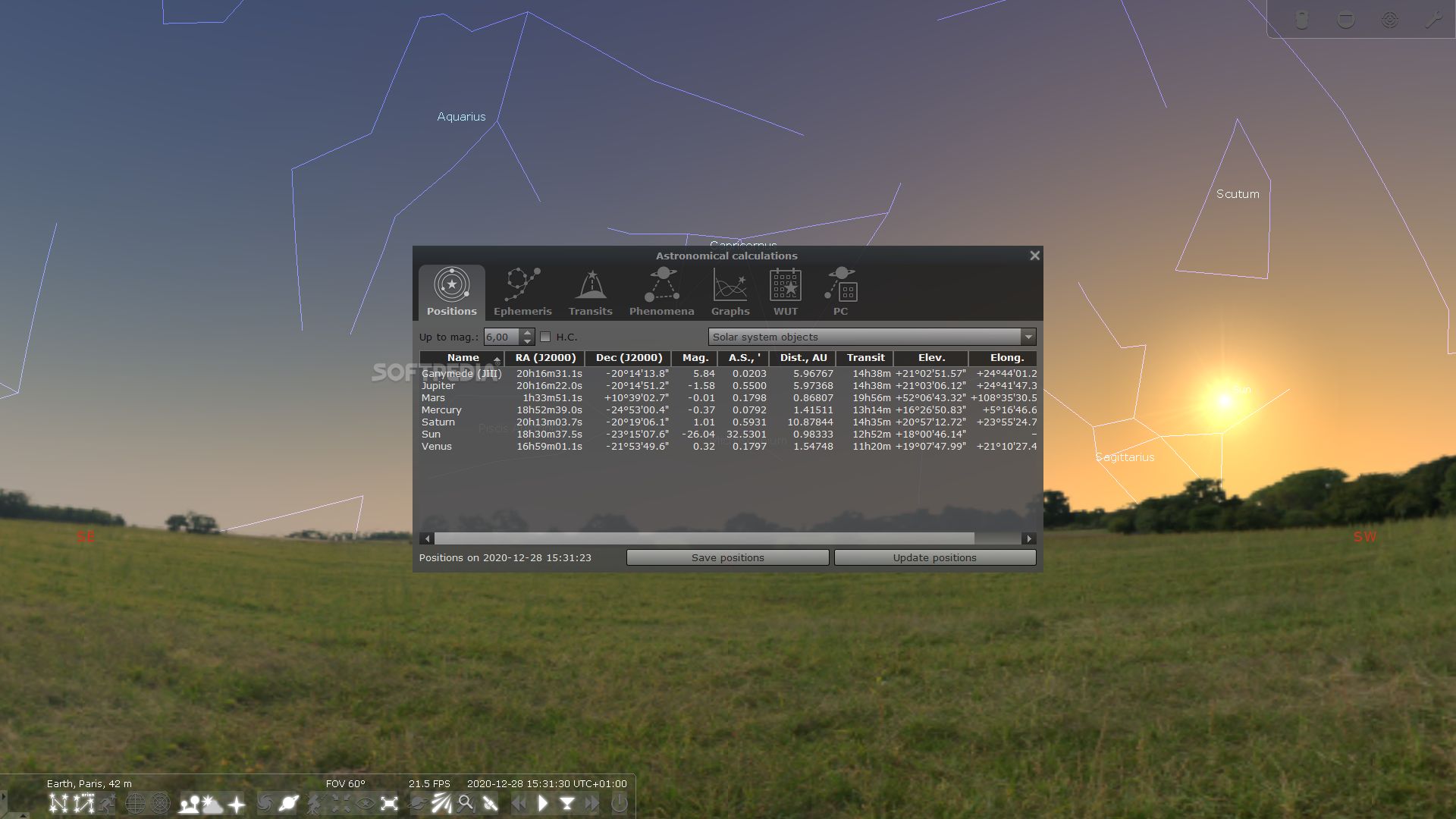
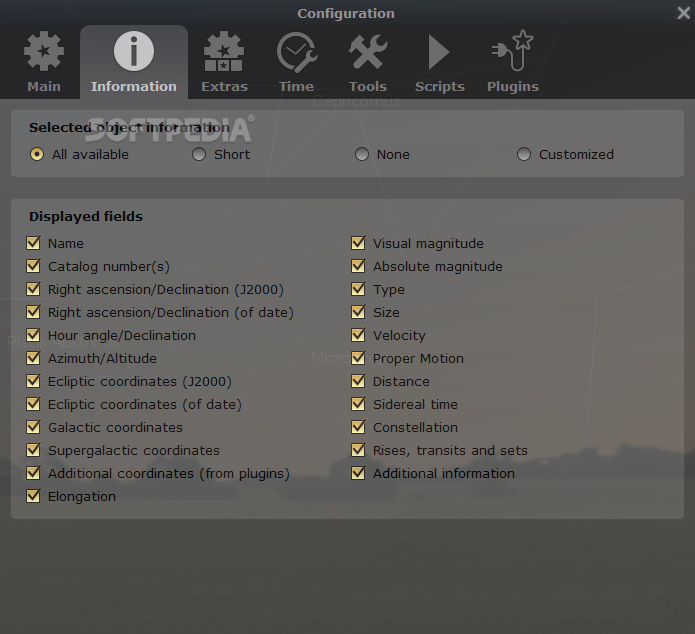
As soon as you run the application, it opens in full screen mode. With just one click on the sky, you can get details about the aimed object, namely type (e.g. star, double star, cluster associated with nebulosity), magnitude, galactic longitude and latitude, parallax, distance, spectral type, and angle.
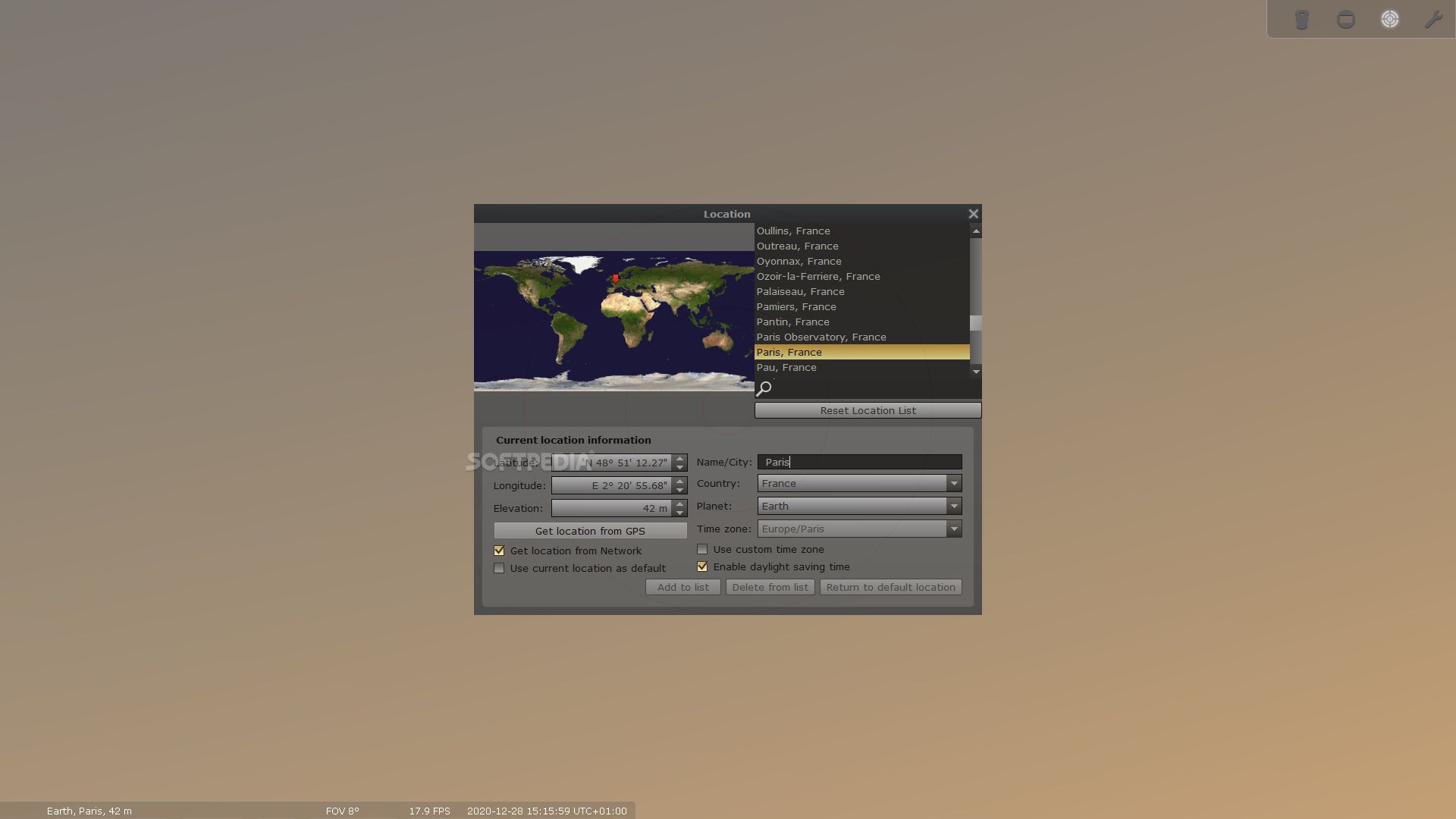
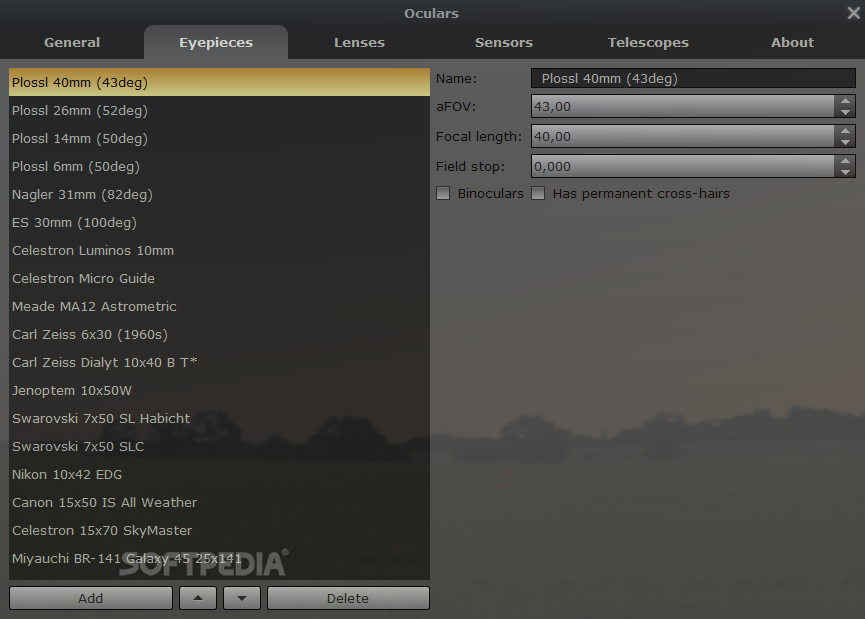
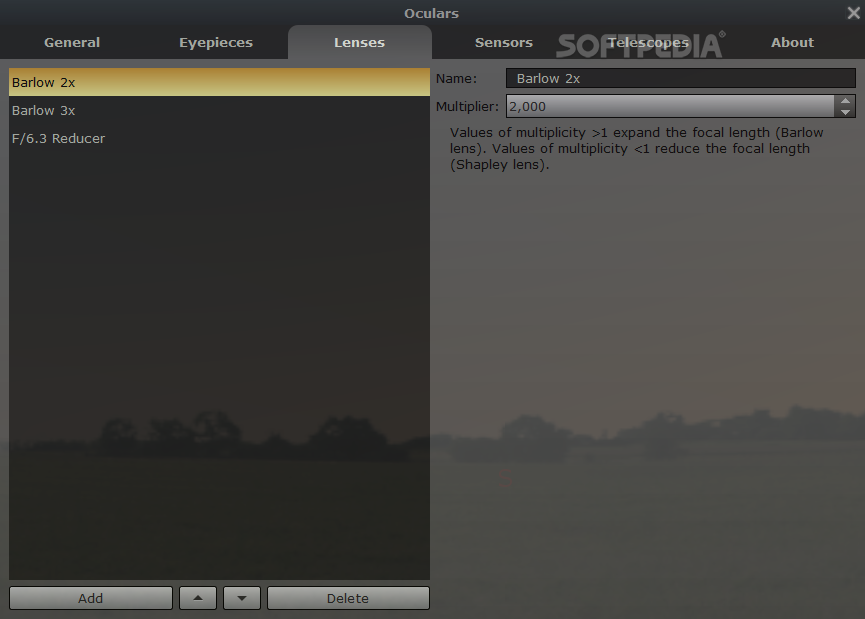
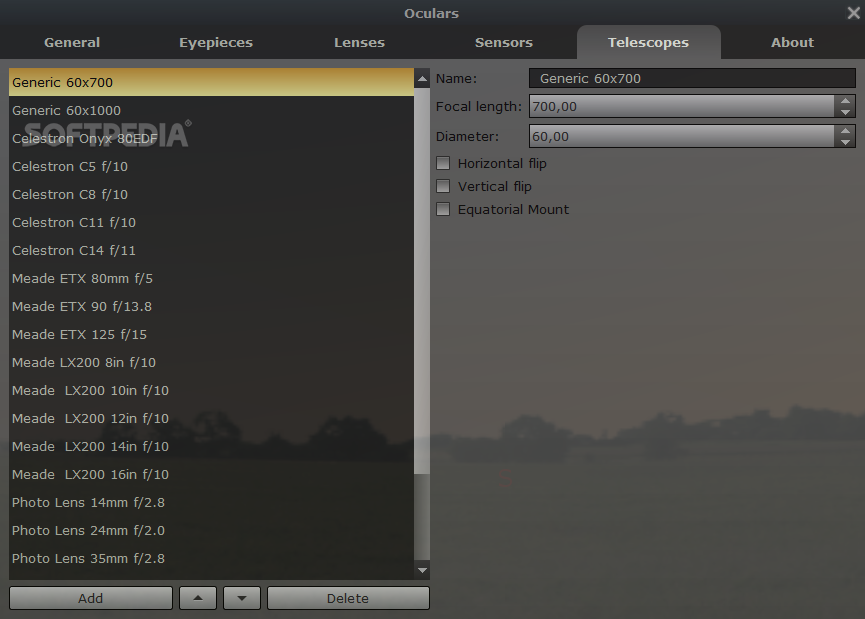
The objects can be viewed with the use of a telescope, which can be configured in terms of name, focal length and diameter. Plus, you can pick a location on the map and select the latitude, longitude, altitude and country to jump to it.
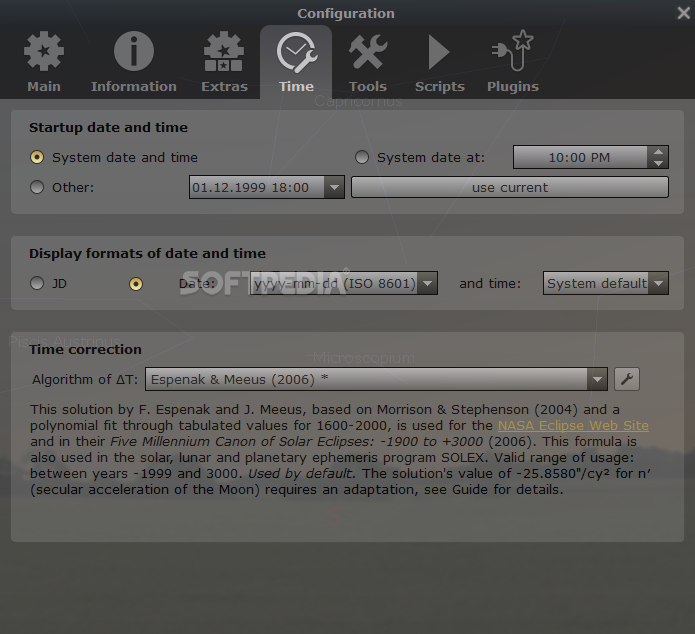
An interesting feature offered by this program is the possibility to travel back in time and see the constellations’ positions and other details on the sky. You only need to set the date and time in the dedicated dialogs, and Stellarium automatically generates projections from that period.
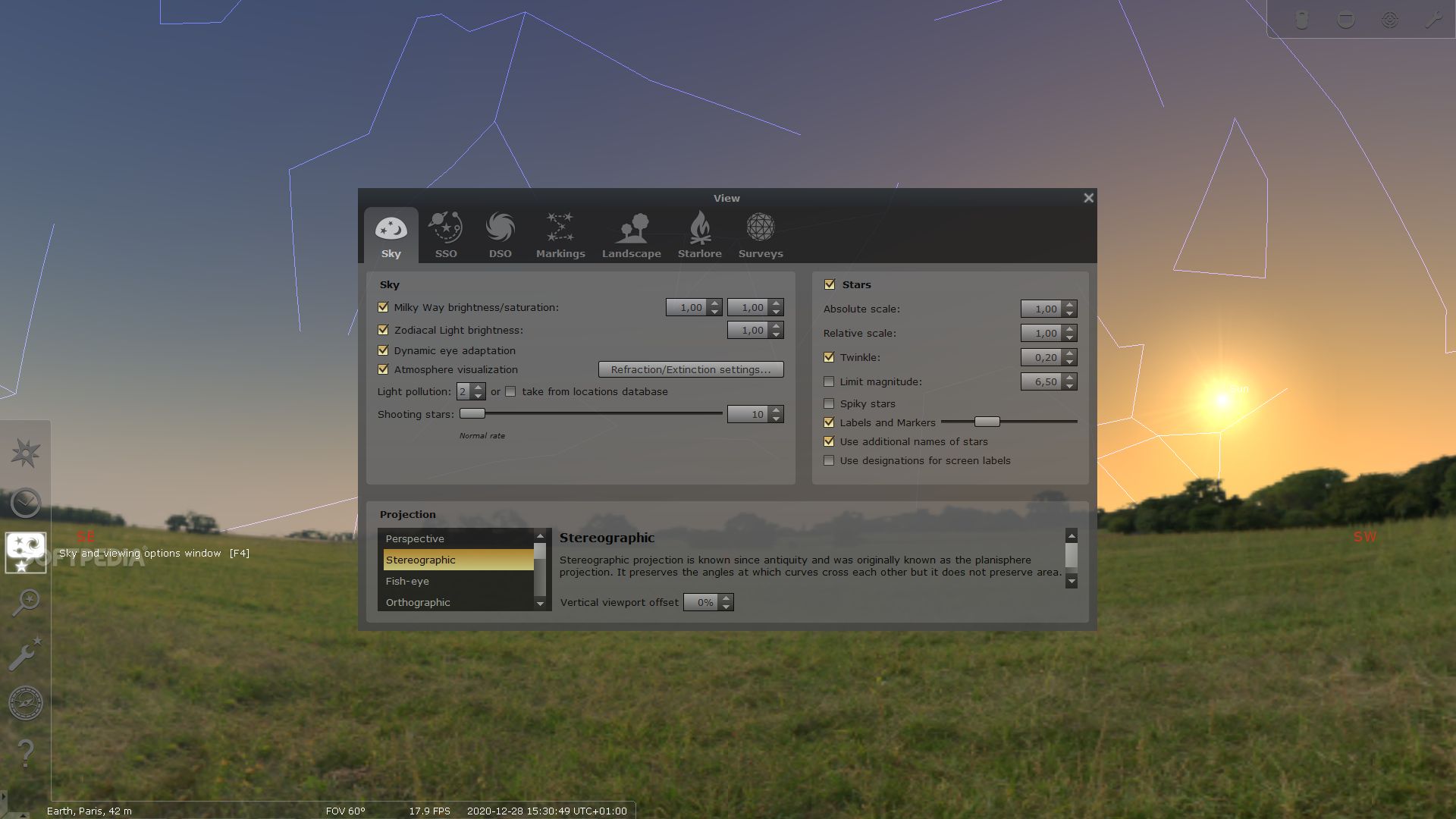
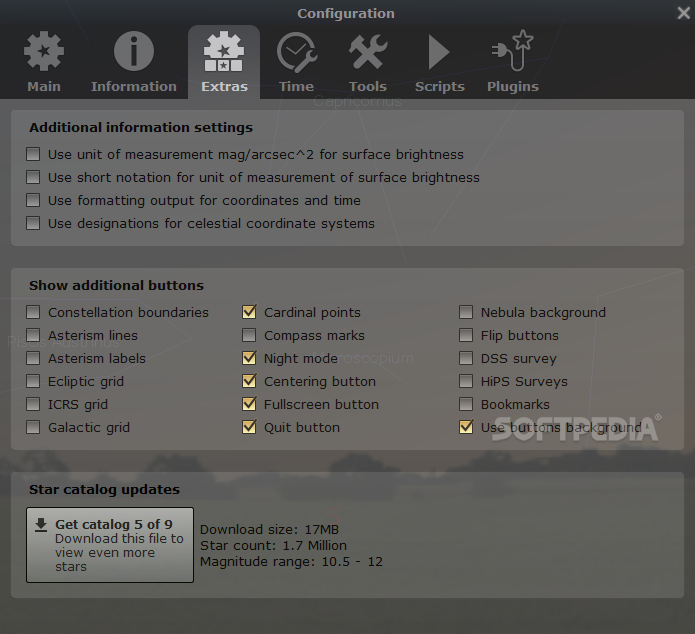
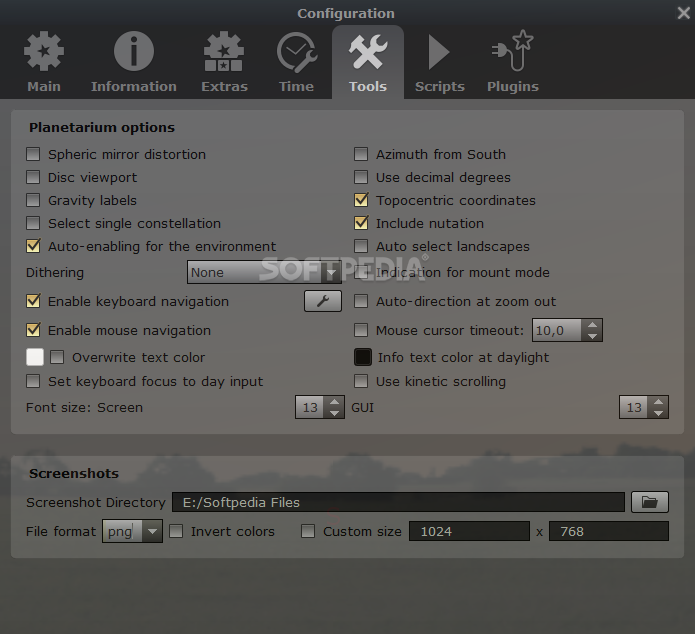
You can adjust the Milky Way brightness and make the program show the atmosphere, shooting stars and planet orbits, as well as view information about the celestial sphere (e.g. equatorial grid, cardinal points, Azimuthal grid).
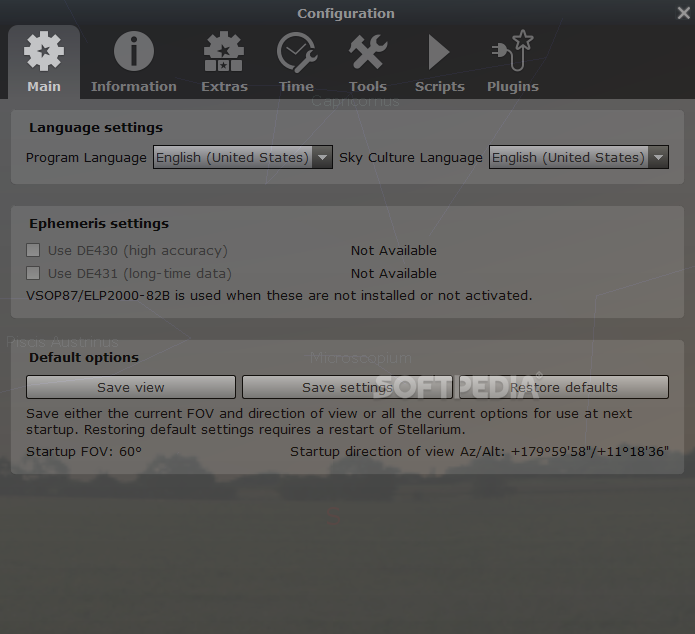
Stellarium allows users to select the projection mode (fish-eye, cylinder, Mercator), view landscapes from different world locations and add new ones from ZIP archives, and learn about different sky cultures.
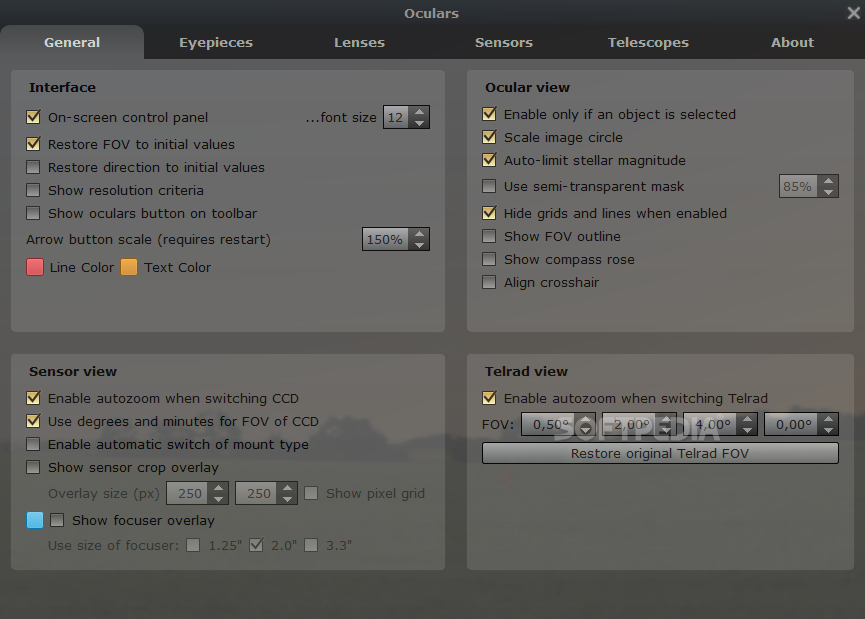
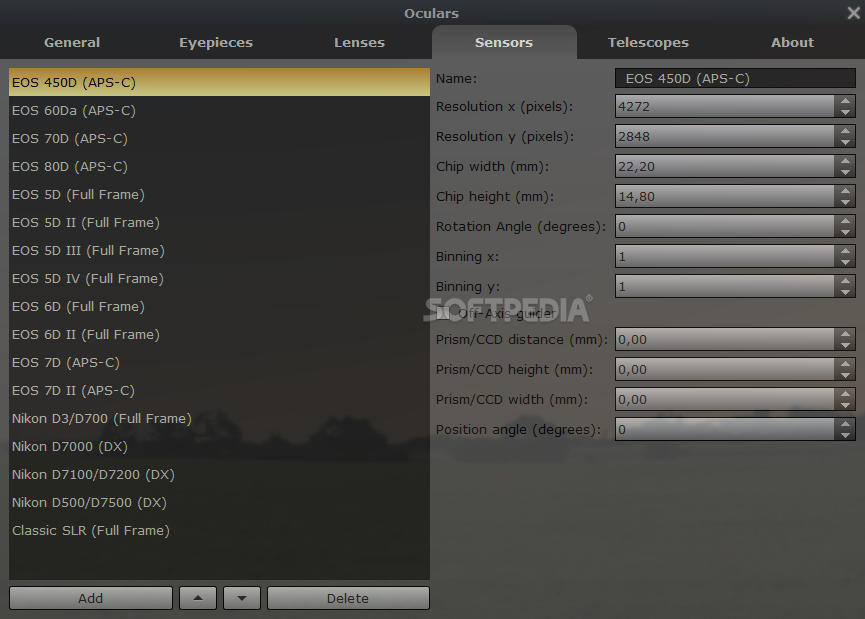
You can perform searches for finding objects on the sky, navigate throughout the 3D environment with the use of keyboard shortcuts (which can be reassigned) or the mouse, toggle between daytime and nighttime, enable the ocular viewing mode, and view deep-sky objects.
Stellarium offers excellent image quality and a pack of features that make it an ideal tool for all types of users curious enough to find out more information about constellations and other celestial objects.
Download Hubs
Stellarium is part of these download collections: Astronomy Managers
What's new in Stellarium 24.1:
- Added missing stars (GH: #3575)
- Added ability to following the current position in Search Tool/Position (GH: #3643)
- Added ability to set a sub-arcminute lower limit for angular size (GH: #3647)
- Added note on Ephemeris table (GH: #3634)
Stellarium 24.1
add to watchlist add to download basket send us an update REPORT- portable version
- Portable Stellarium
- runs on:
-
Windows 11
Windows 10 32/64 bit
Windows 8 32/64 bit
Windows 7 32/64 bit - file size:
- 378 MB
- filename:
- stellarium-24.1.zip
- main category:
- Others
- developer:
- visit homepage
ShareX

Bitdefender Antivirus Free

4k Video Downloader

7-Zip

Microsoft Teams

Windows Sandbox Launcher

calibre

Context Menu Manager

Zoom Client

IrfanView

- Context Menu Manager
- Zoom Client
- IrfanView
- ShareX
- Bitdefender Antivirus Free
- 4k Video Downloader
- 7-Zip
- Microsoft Teams
- Windows Sandbox Launcher
- calibre
