
Scan images or PDF files and extract the text the contain, exporting it to editable form, so you can work with it immediately after. #Twain scan #TIFF document #OCR engine #OCR #Scan #TWAIN

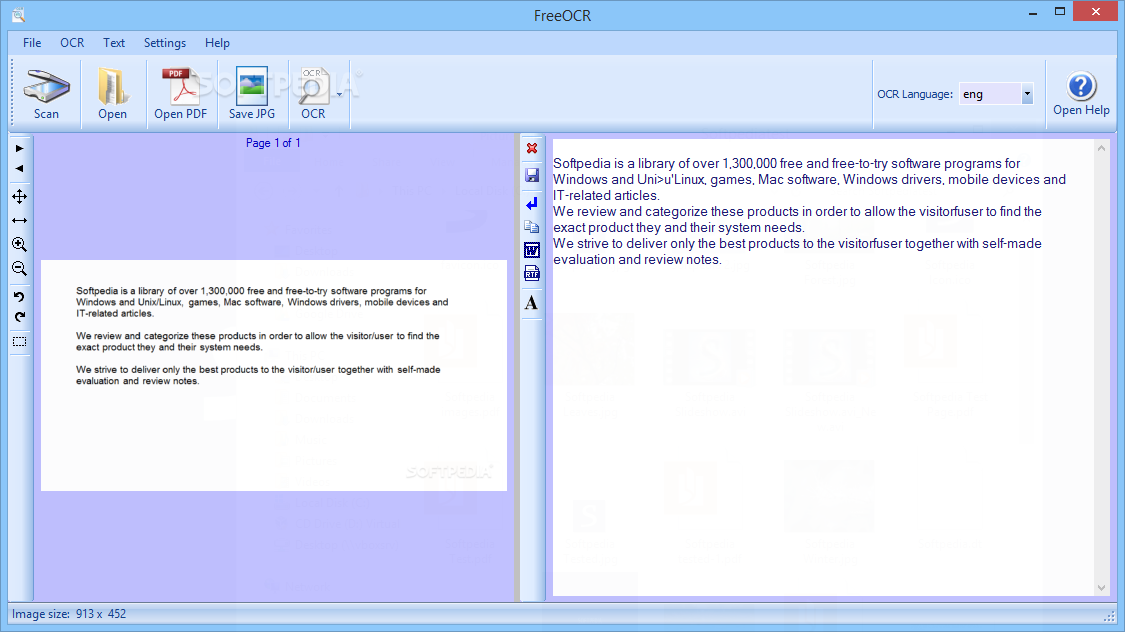
Thanks to evolution in technology, it's now possible to transfer just about anything on a computer. For instances, a scanner helps process documents and pictures, and with the help of FreeOCR, you can extract text from image files and PDF items.
The application is simple to install and, more importantly, free to use. The user interface is standard, and there are no special features to be found here. Most of the space is the preview area for pages and content, while general functions are easily accessed from the upper toolbar. Just make sure that .NET Framework is on your PC, because it's required to ensure functionality.
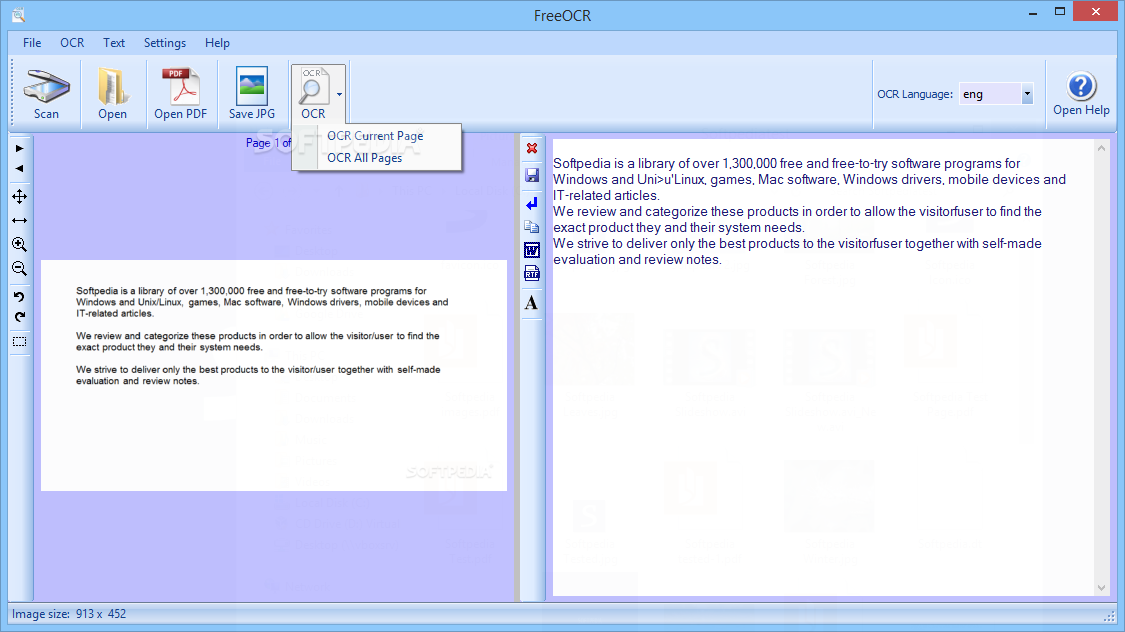
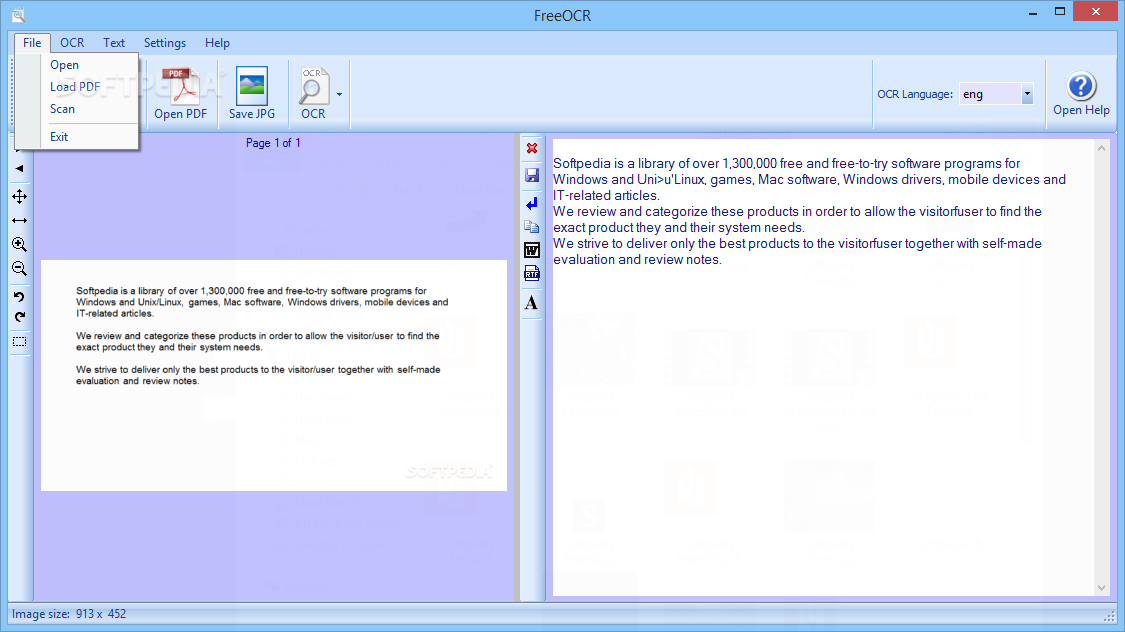
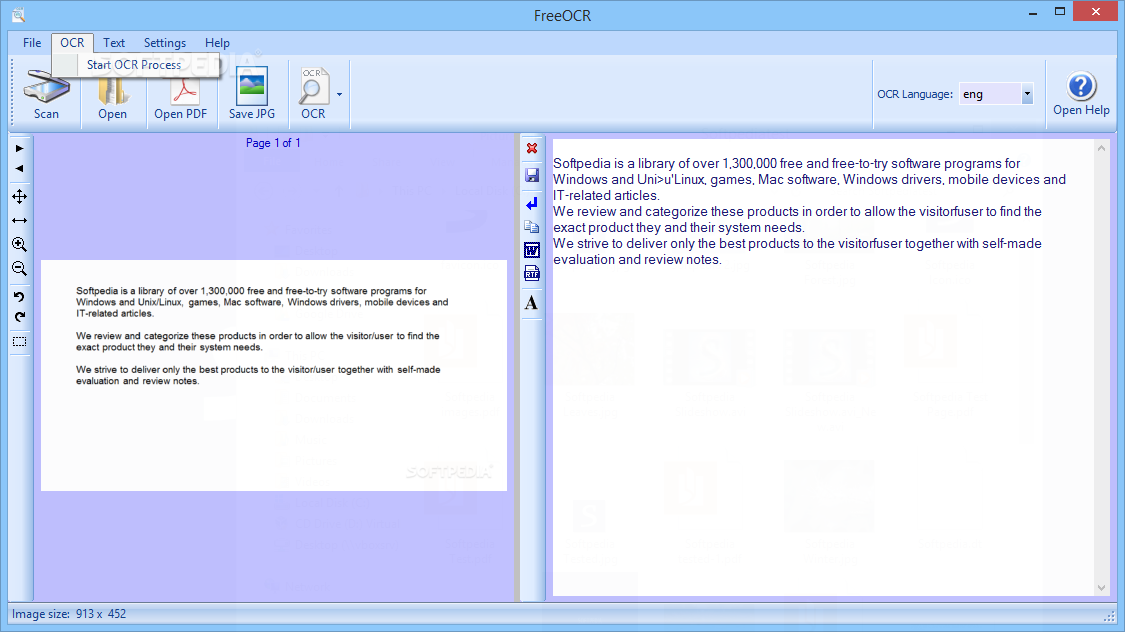
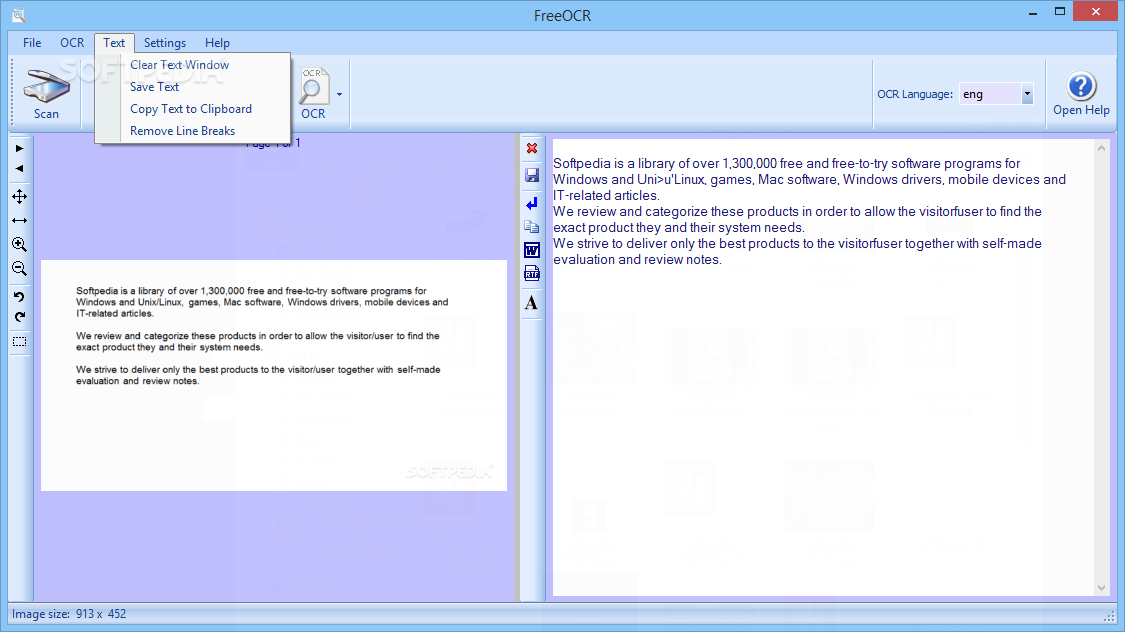
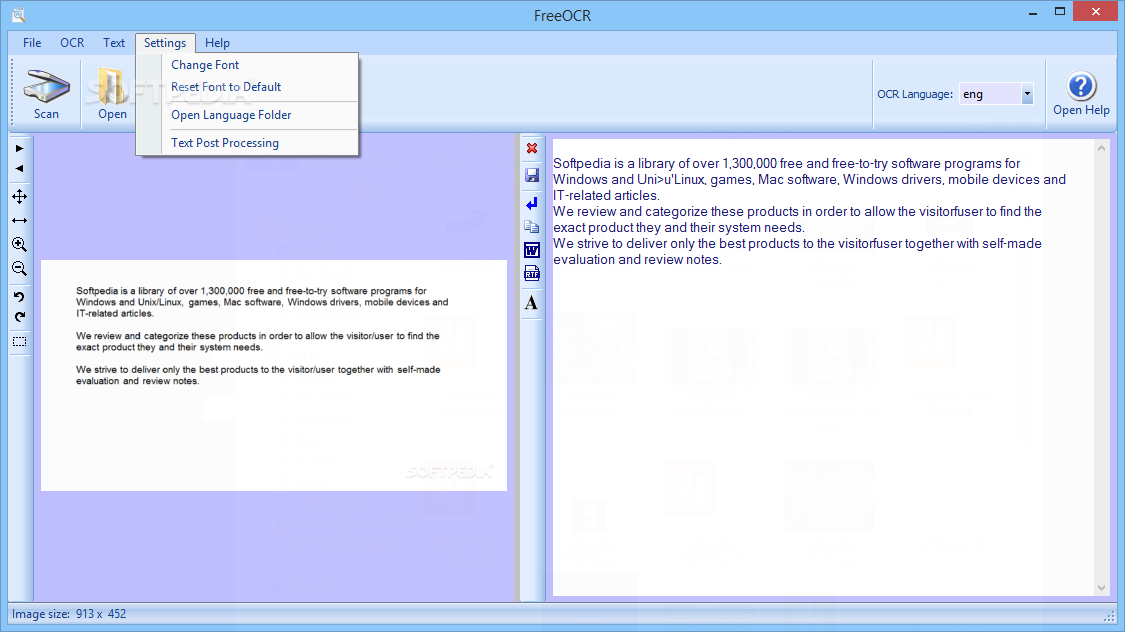
You can open an image or PDF file by either using a scanner, or looking for it in the computer. The content of the source file will be displayed in the first window, and after clicking "OCR" button, you will immediately see the result in the second window.
The output text can be edited (which is not necessarily a good thing), and you have to press the small red "x" button to clear screen each time you insert new information. Otherwise, texts will be delimited by a single line break, and if you accidentally click "Remove line break," you won't get to use an Undo button. Output text can be saved as a text file or Word document.
The conversion quality is not so great. We first tried extracting text from a PDF file. Everything was in place, except for special characters found in other languages than English, that weren't even taken into account (this type of character is replaced by blank).
In the next step, we opened Windows' Paint, and wrote some text in lowercase and uppercase, as well as symbols. FreeOCR didn't manage to get it right, at least not all of it. Although it was the same text displayed in lowercase and uppercase, the two results were completely different, and the symbols were not accurate either.
System CPU and memory usage is pretty high for such a small software application. At least the conversion time is fast, and there are no errors.
In conclusion, if you want to extract text from images and PDFs, then you can at least try FreeOCR. Just make sure to verify results (although it would be faster if you transcribed the whole text yourself).
Download Hubs
FreeOCR is part of these download collections: OCR Tools
What's new in FreeOCR 5.41:
- Testing with Windows 10 (Technical Preview)
- Scanning fixes to makes/models of scanner
- Better PDF compatibility for PDF Open function
- Minor fixes
FreeOCR 5.41
add to watchlist add to download basket send us an update REPORT- runs on:
-
Windows 10
Windows 2003
Windows 8 32/64 bit
Windows 7 32/64 bit
Windows Vista 32/64 bit
Windows XP - file size:
- 10.7 MB
- filename:
- freeocr_setup.exe
- main category:
- Office tools
- developer:
Microsoft Teams

Zoom Client

7-Zip

Bitdefender Antivirus Free

4k Video Downloader

calibre

Context Menu Manager

ShareX

IrfanView

Windows Sandbox Launcher

- ShareX
- IrfanView
- Windows Sandbox Launcher
- Microsoft Teams
- Zoom Client
- 7-Zip
- Bitdefender Antivirus Free
- 4k Video Downloader
- calibre
- Context Menu Manager