
Protect your machine from any malware threats lurking about on the network with a rather simplistic application that manages to successfully maximize its efficiency. #Spyware remover #Spyware detector #Malware remover #Spyware #Adware #AntiSpyware

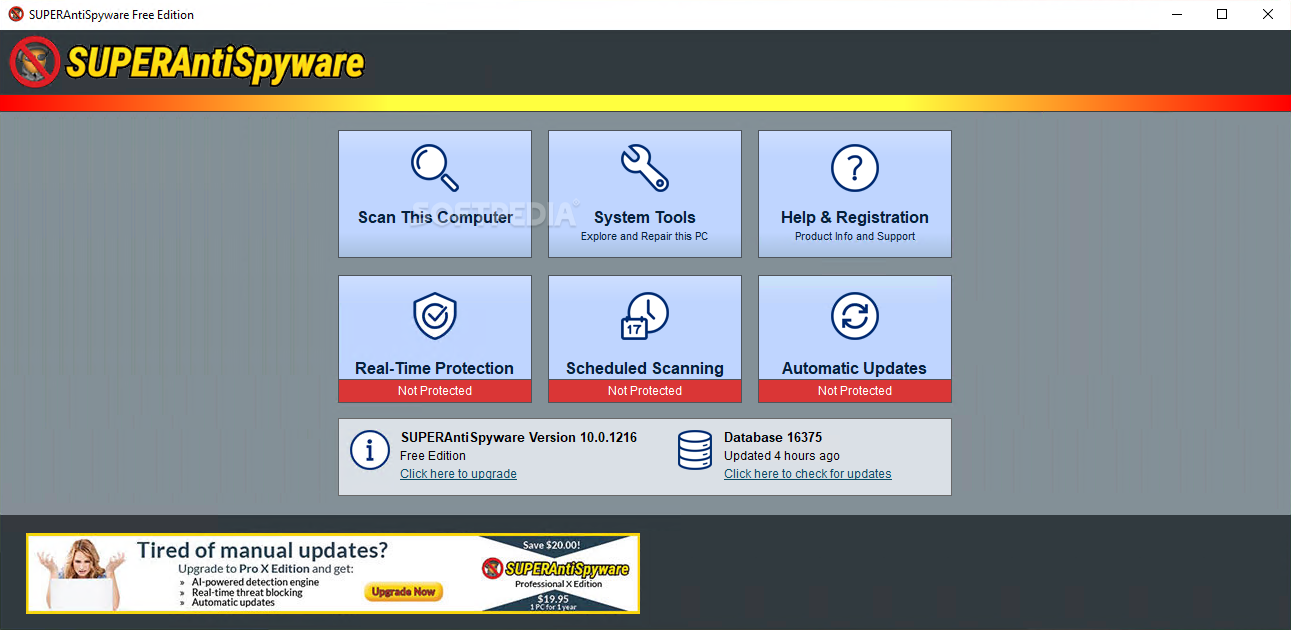
Keeping your machine safe in the face of multiple online threats almost seems like common sense. In fact, it is, and it should be if it is not yet. You'll need help, though, and that is where SUPERAntiSpyware Free Edition comes into play. I found this program to be quite efficient despite its rather dull looks. Straight forward and very basic in terms of interaction with the user, you will definitely be safer with it turned on.
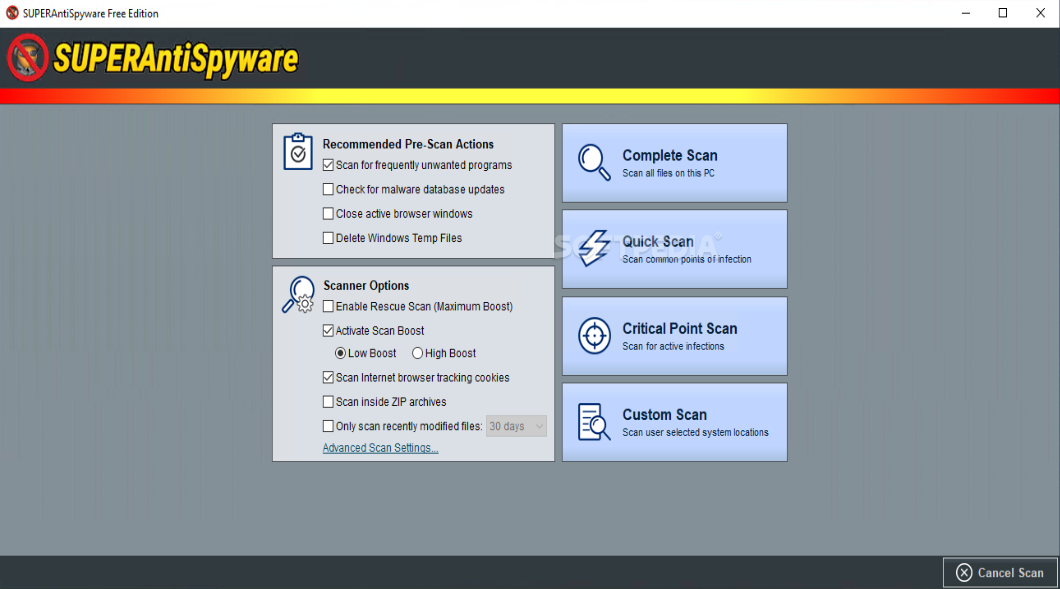
Like any other anti-spyware program out there, it could easily be seen as a doctor, and like in our case we can visit him either when we are sick or for routine checks. The same applies here, and you can do that by simply allowing the app to first scan your machine to detect any issues you might be facing that need a quick fix.
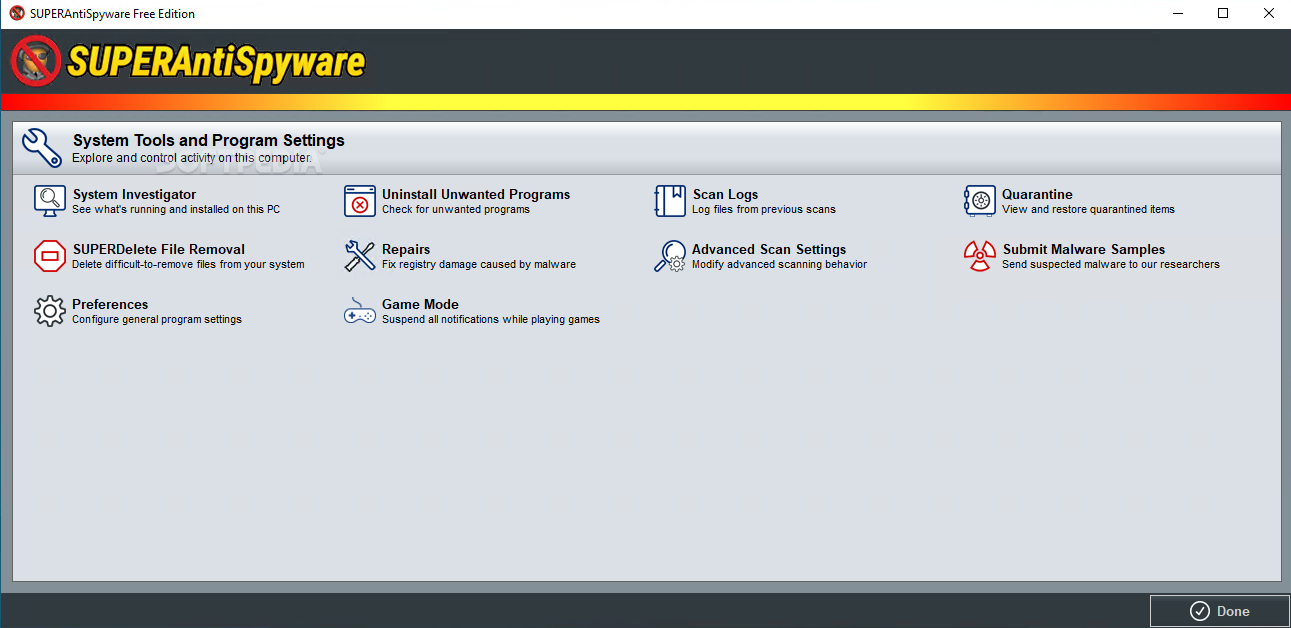
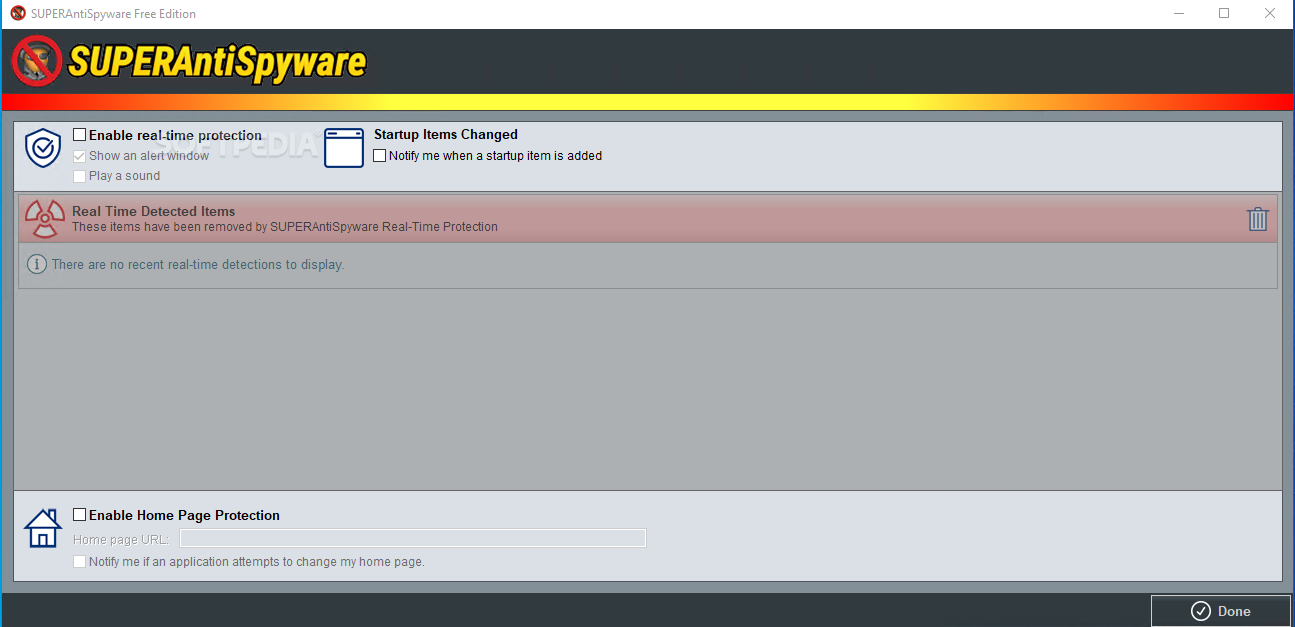
Once the program is opened, you are faced with having to choose to either scan your machine, which you should in the beginning, deal with system repair tools for other problems your machine might have, check if real-time protection is active, schedule various security-related actions or simply updating your application's database.
Although one might tend to dismiss this program in favor of other more aesthetically pleasing options, the truth is with this program you can't go wrong because all that simplicity boils down to fewer resources being used and an overall greater attention to the functions the user is provided. Regardless, there are some choices to be made if you want your scan procedures to be adjusted.
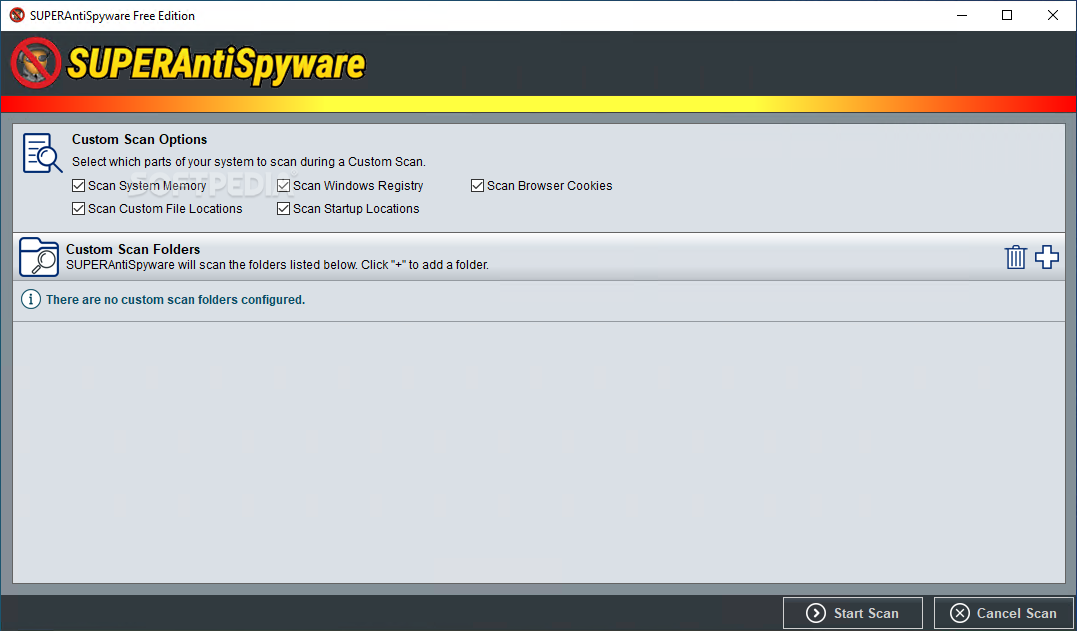
You can also scan system memory, check Windows registry, detect browser cookies, or simply scan a custom location of your choosing. I found this program to contain the right amount of functions in order to be helpful, yet not too clogged with options. Thus, if you are looking for a perfectly balanced anti-spyware program, this should be it.
Download Hubs
SUPERAntiSpyware Free Edition is part of these download collections: Spyware Remover, Remove ZBot
What's new in SUPERAntiSpyware Free Edition 10.0.1264:
- Service release
- Optimizations made to the SUPERAntiSpyware Ext browser extension installation
- Minor bug fixes
SUPERAntiSpyware Free Edition 10.0.1264
add to watchlist add to download basket send us an update REPORT- runs on:
-
Windows 11
Windows 10 32/64 bit
Windows 8 32/64 bit
Windows 7 32/64 bit - file size:
- 186 MB
- filename:
- SUPERAntiSpyware.exe
- main category:
- Internet
- developer:
- visit homepage
IrfanView

Zoom Client

4k Video Downloader

Bitdefender Antivirus Free

Microsoft Teams

Context Menu Manager

7-Zip

Windows Sandbox Launcher

calibre

ShareX

- Windows Sandbox Launcher
- calibre
- ShareX
- IrfanView
- Zoom Client
- 4k Video Downloader
- Bitdefender Antivirus Free
- Microsoft Teams
- Context Menu Manager
- 7-Zip