
Archiving utility with a complex compression engine, security features, integrity checkup, repair feature, recovery mode, file splitting, and more. #Winrar archiver #SFX creator #Create RAR #Archiver #Compression #SFX
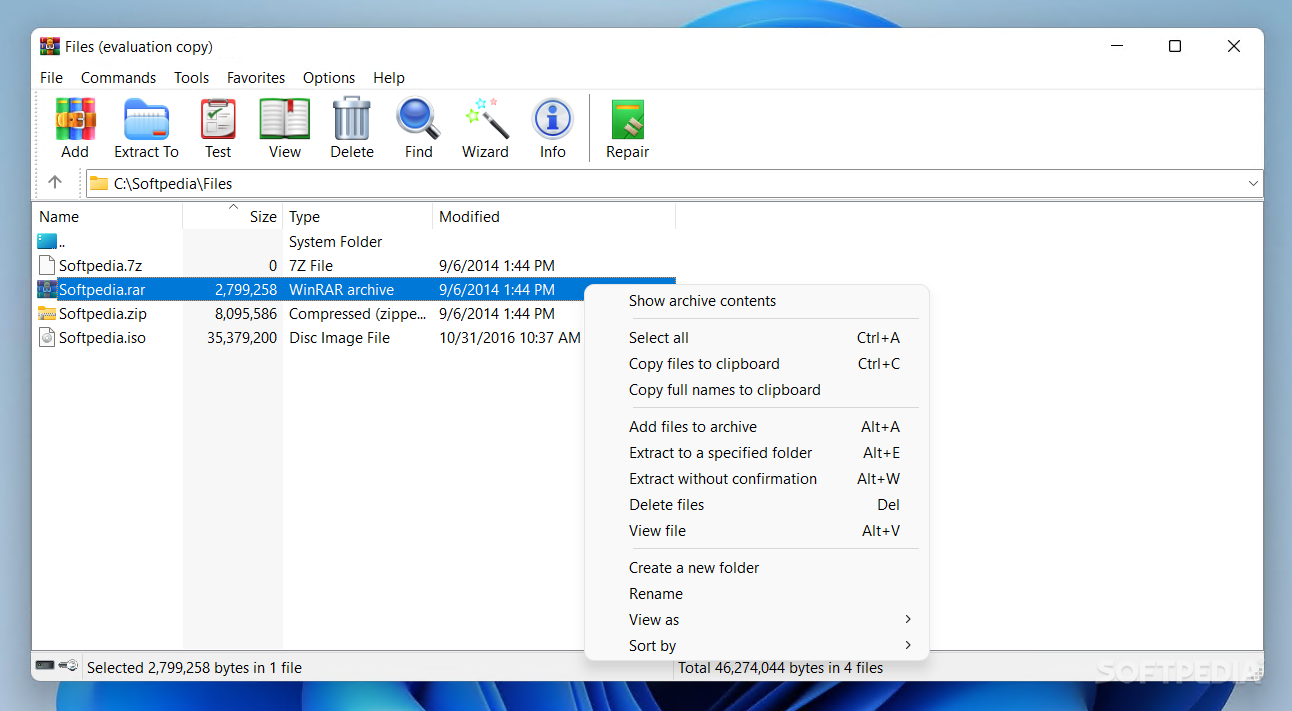
WinRAR is one of the most popular archiving software solutions out there, due to the plethora of features it comes with, all packed within a highly intuitive GUI.
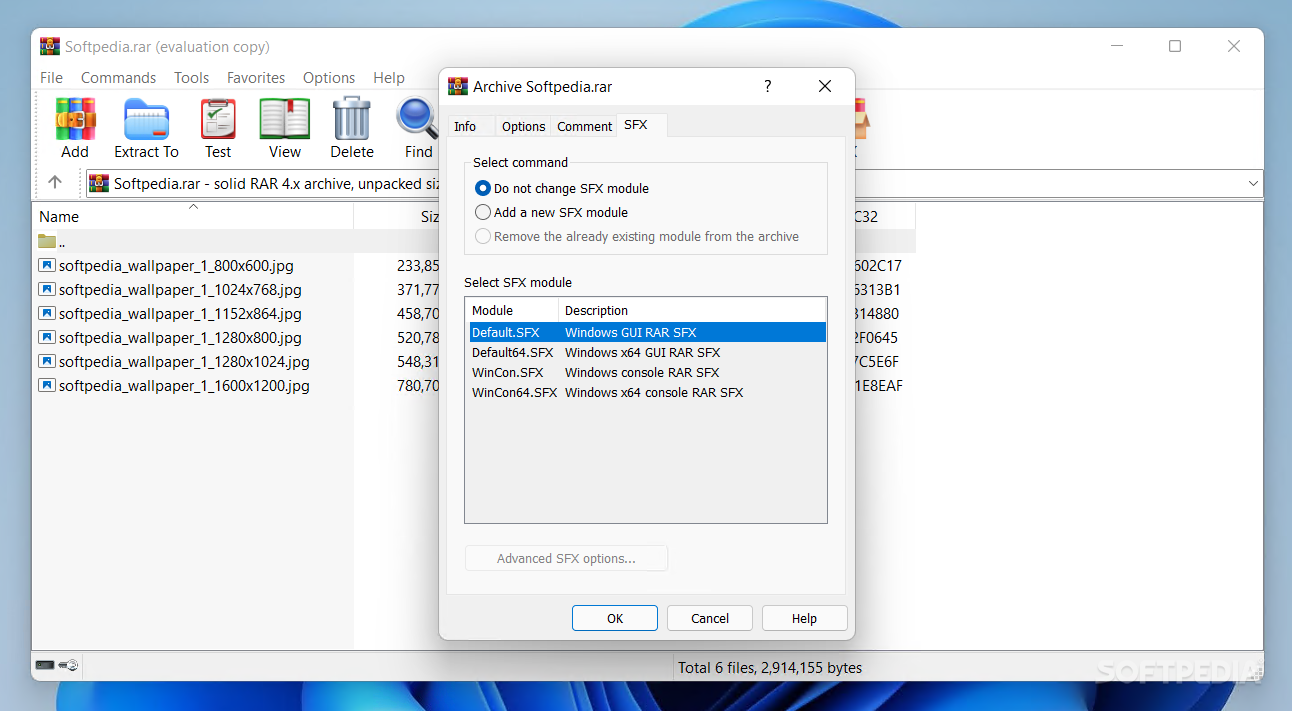
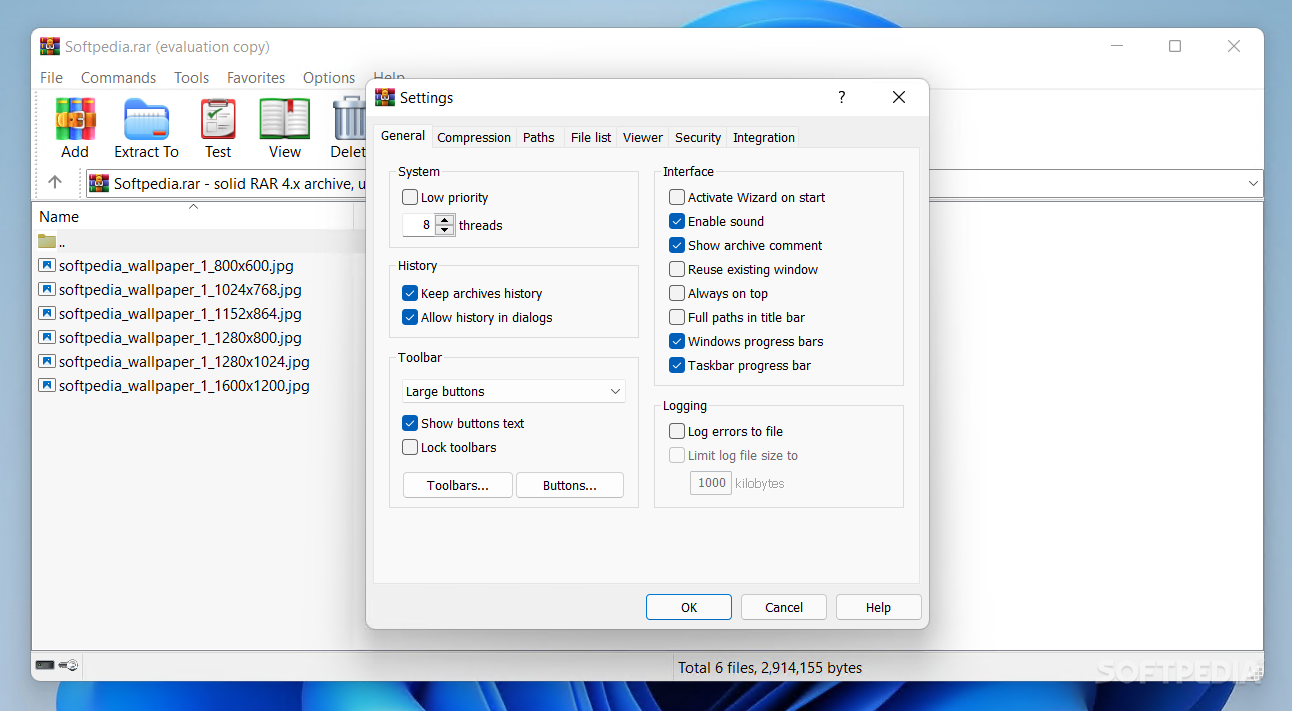
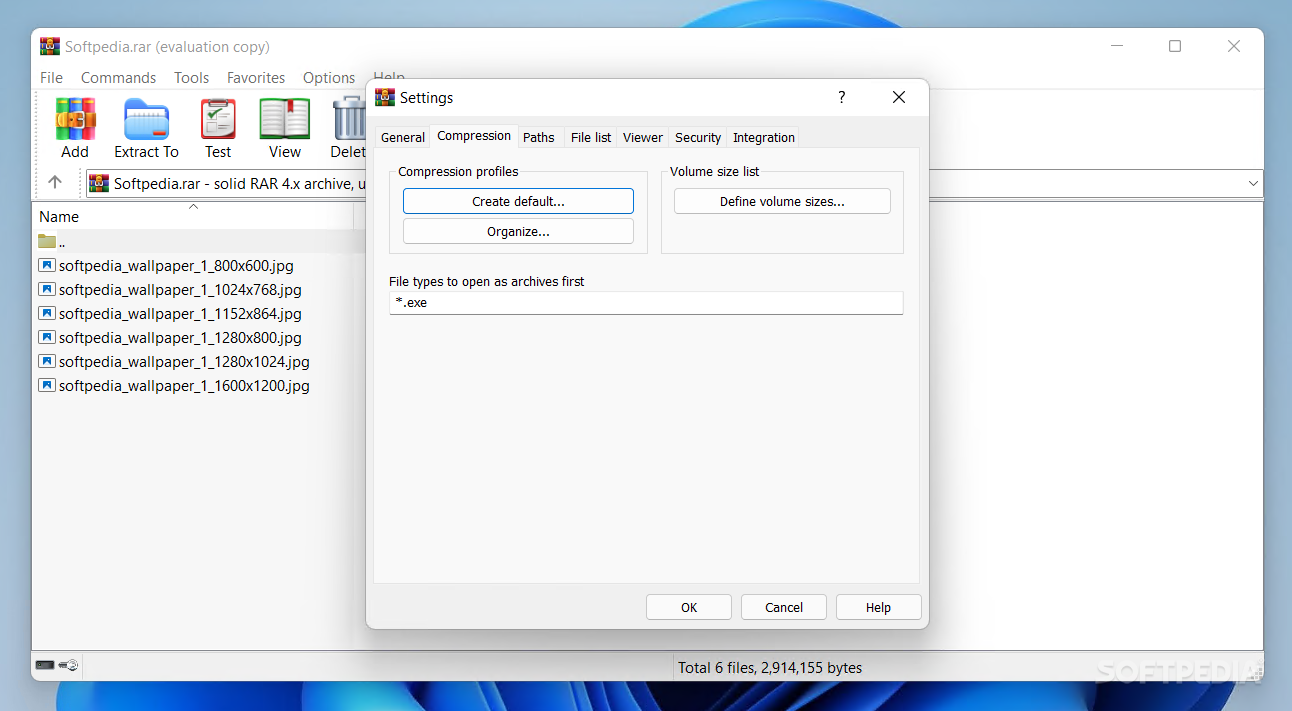
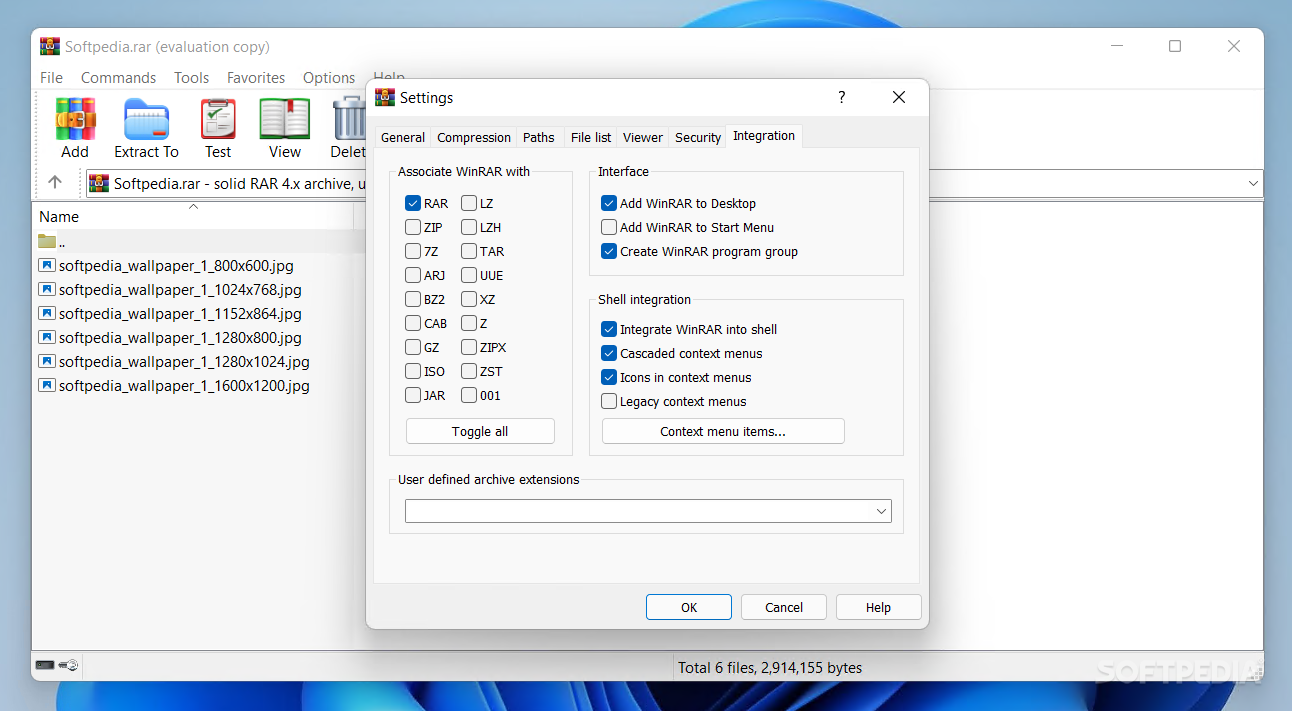
During the installation process, you get the possibility to add the functions of WinRAR to your right-click menu, thus speeding up its compression and extraction operations. If you are unsure about this the shell integration at this point, you can just skip it and enable it at a later time from the Settings window.
If you do choose to benefit from this feature, you will be able to create new archives and extract the contents of a package by right-clicking any file on your PC. Moreover, you can personalize the items in these submenus by removing or adding them with ease.
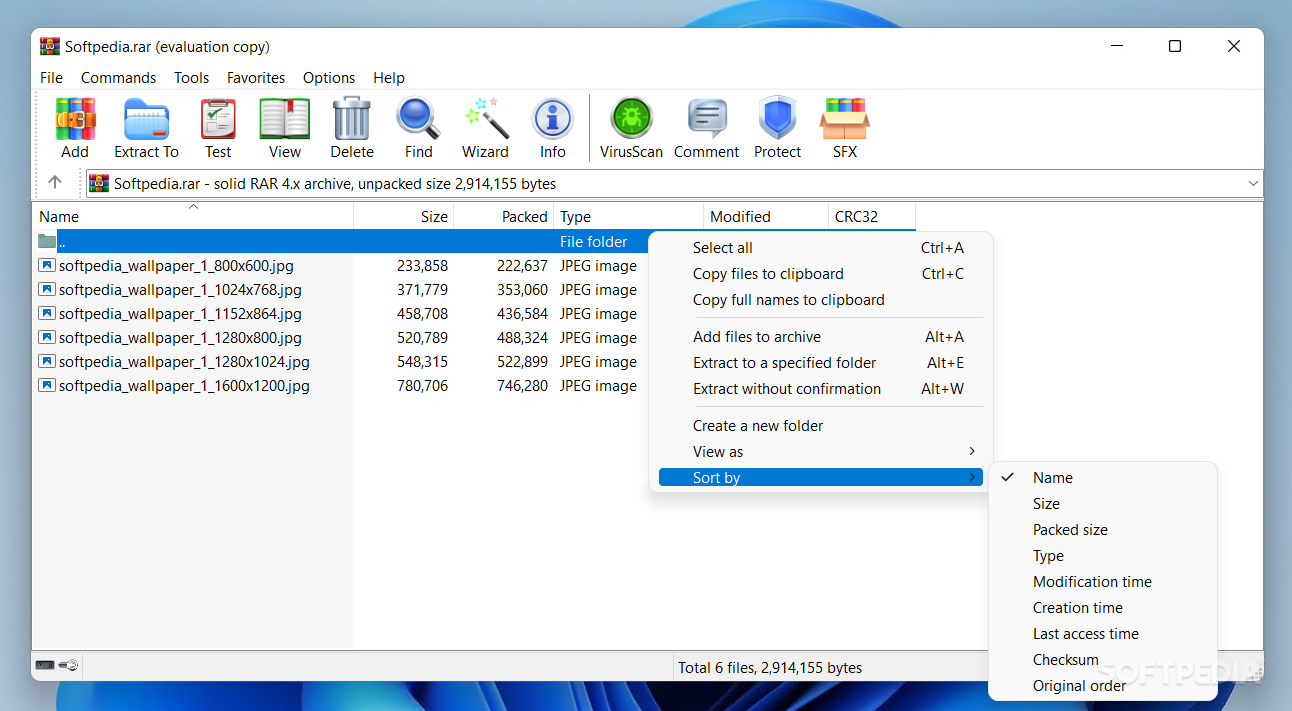
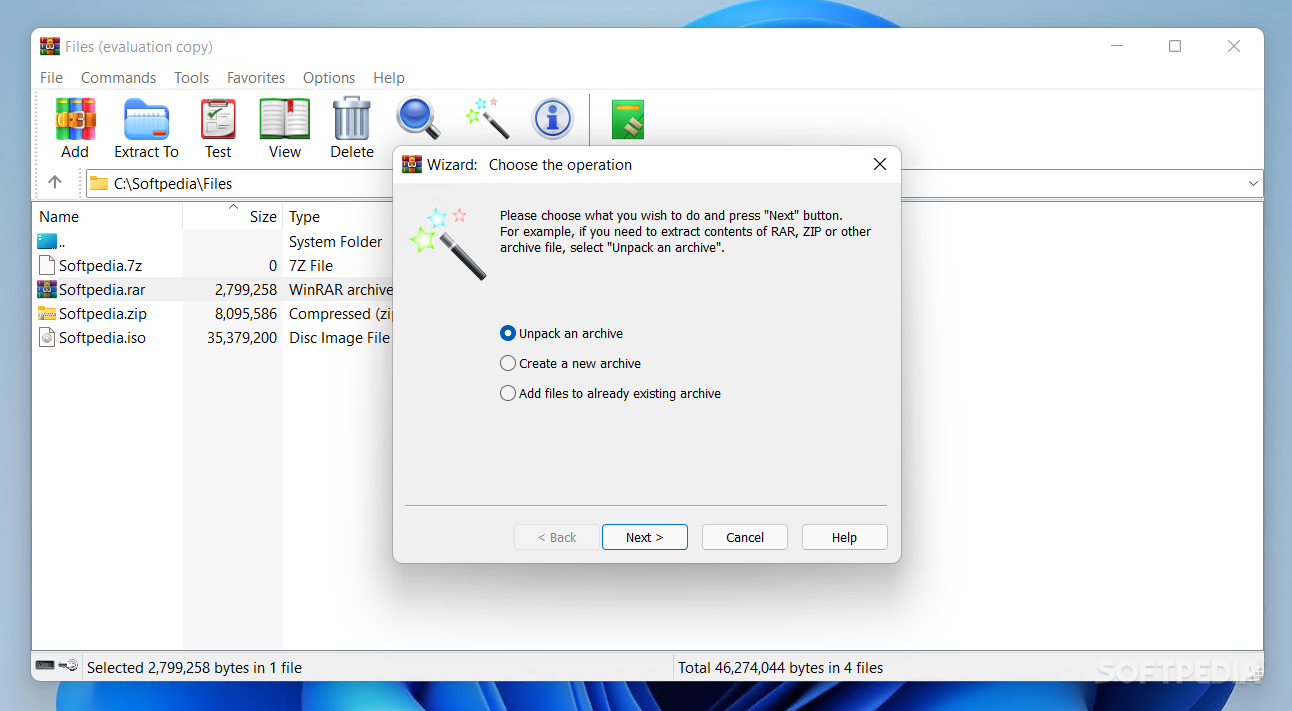
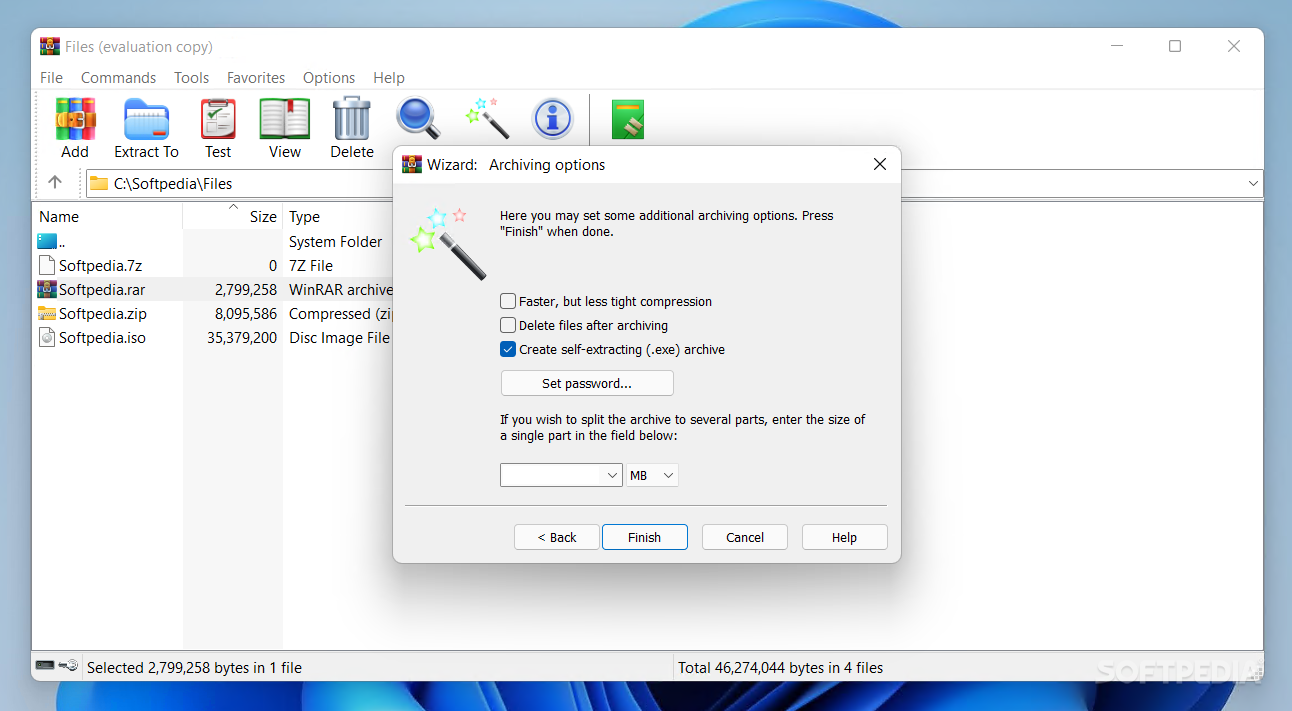
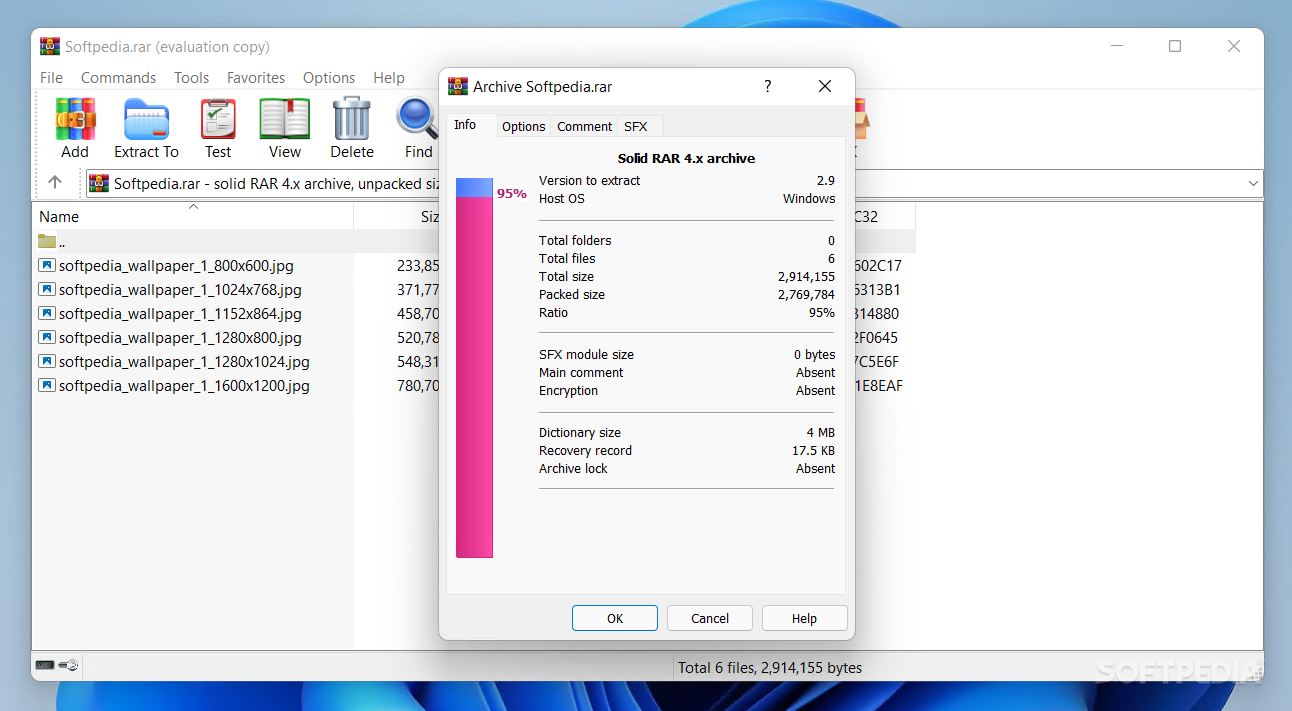
Due to WinRAR, you can not only build new archives, but also unpack a selected archive or add new files to an existing package. The supported formats are 7z, ARJ, ZIP, RAR, TAR, ISO, CAB, IZ, LZH and so on.
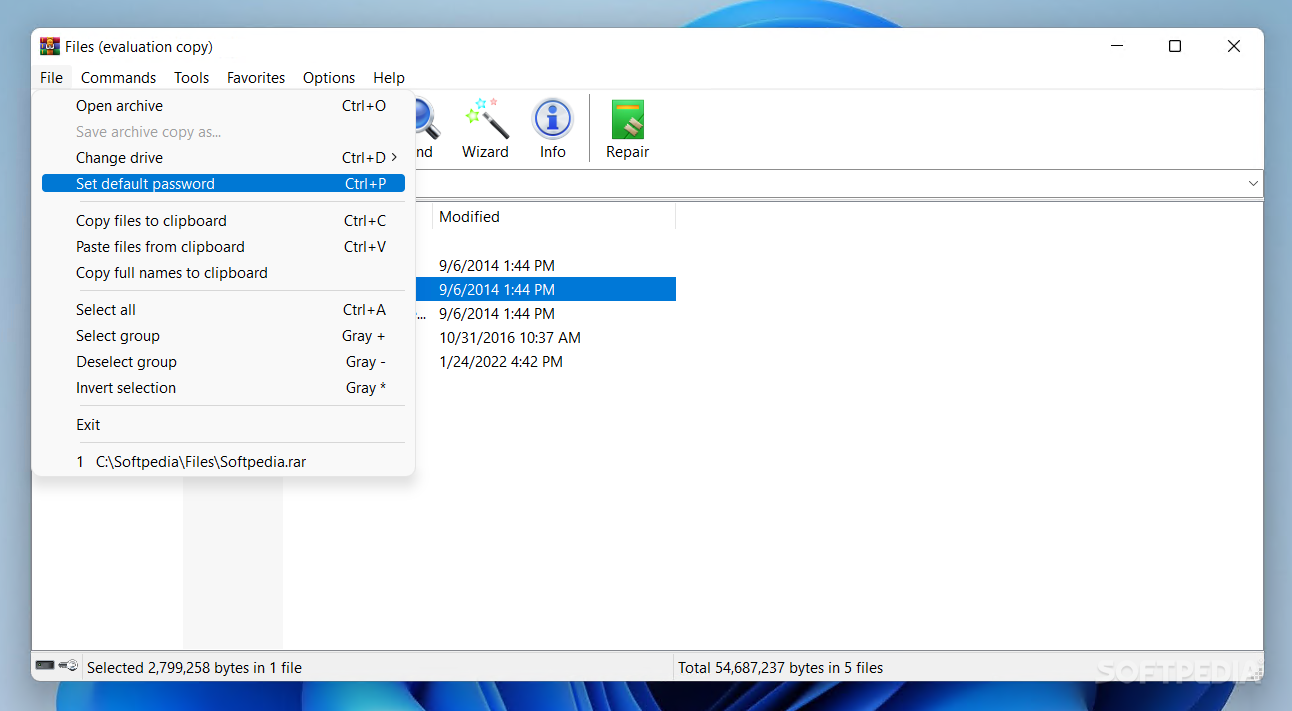
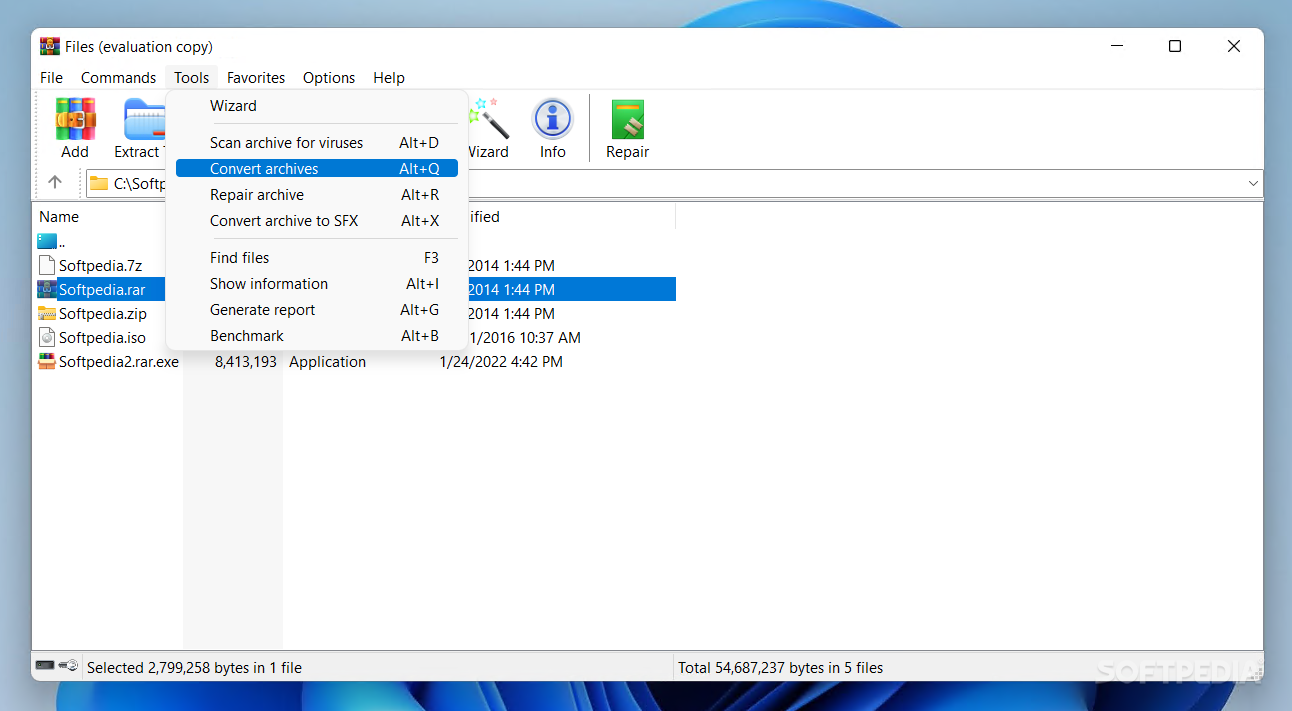
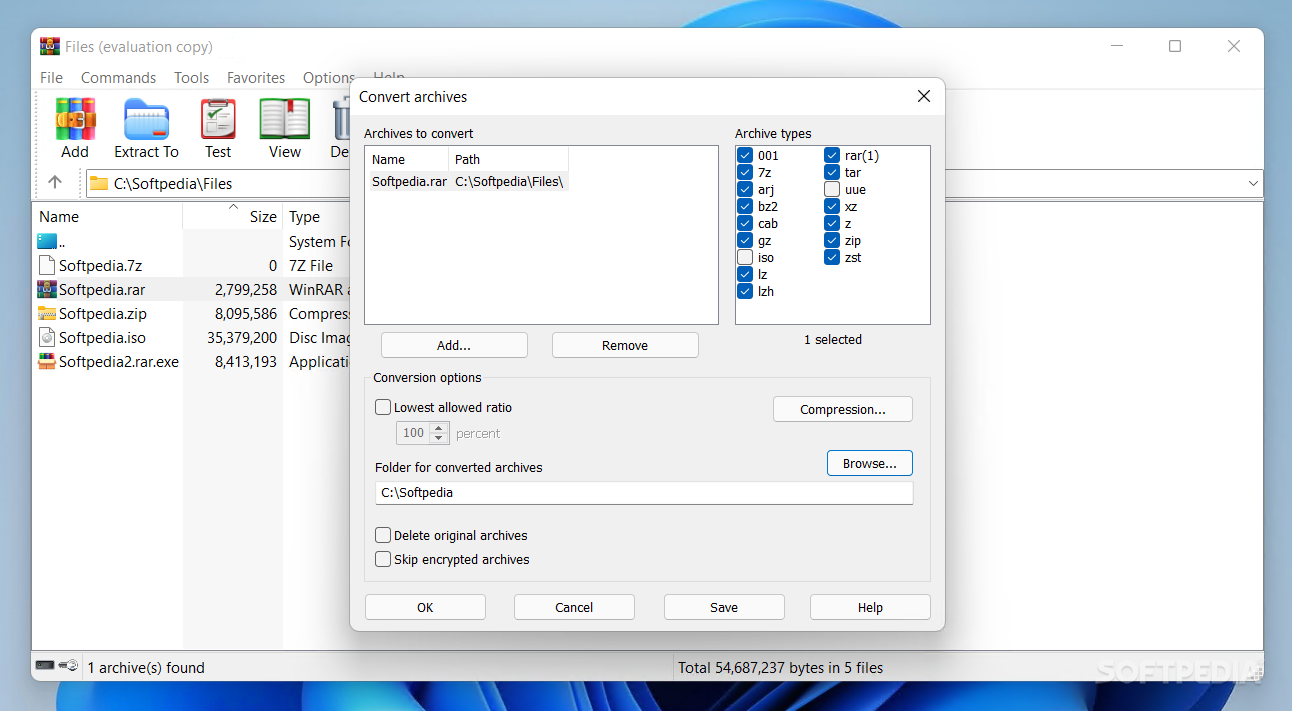
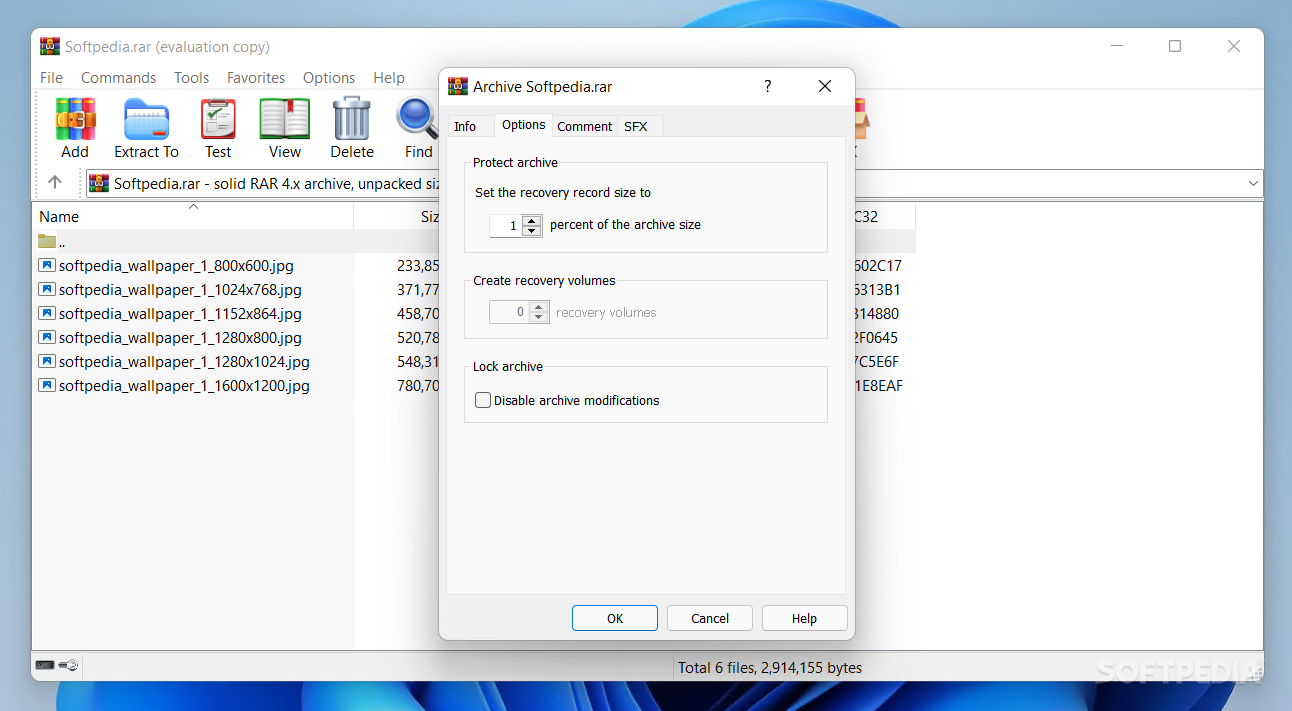
You also get to convert your archives from one format to another, or assign a password that will be used to protect the packages you create.
Another function provided by WinRAR is searching within the contents of a chosen file, without needing to first extract the data. You can enable hexadecimal search, match the letter case or skip encrypted files.
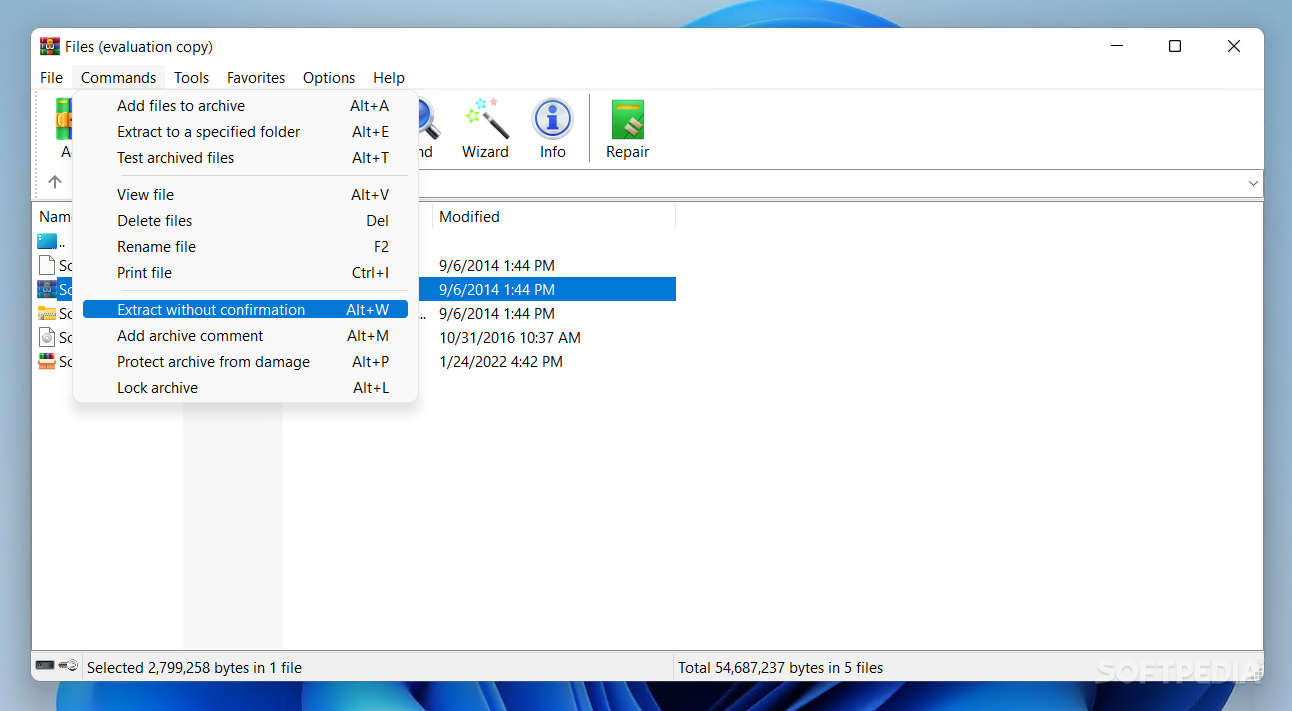
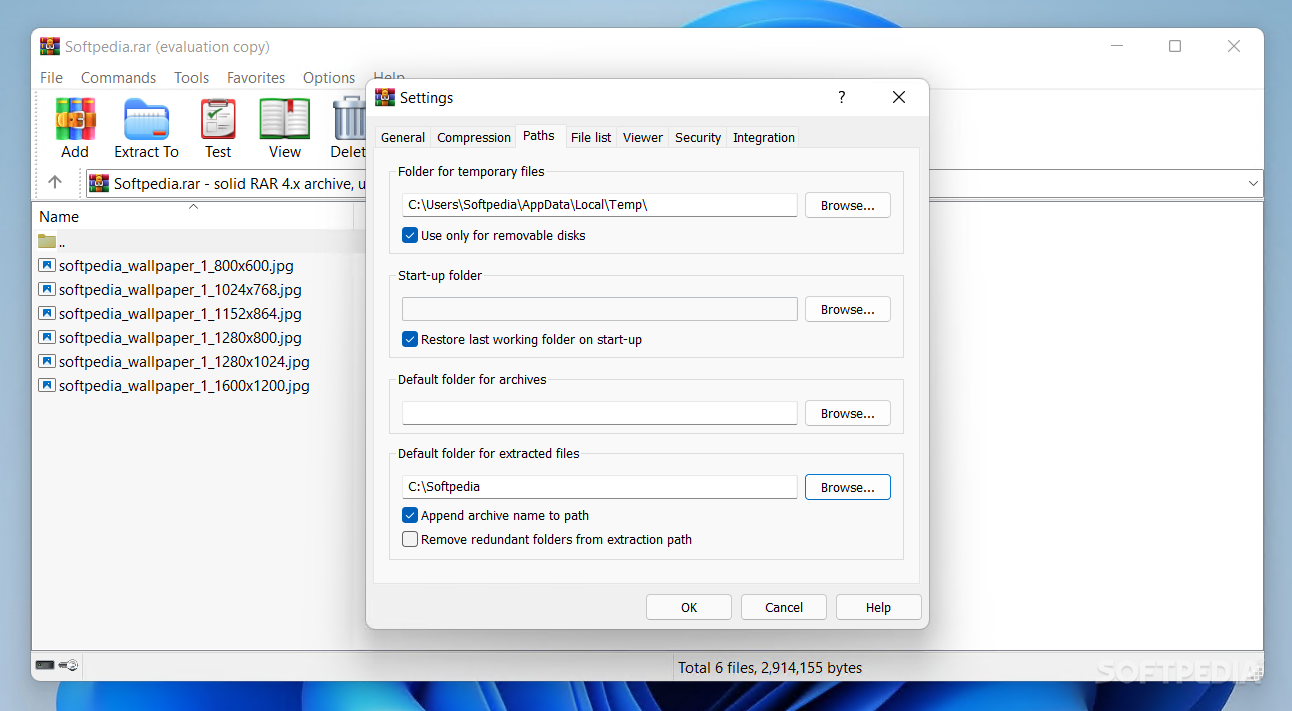
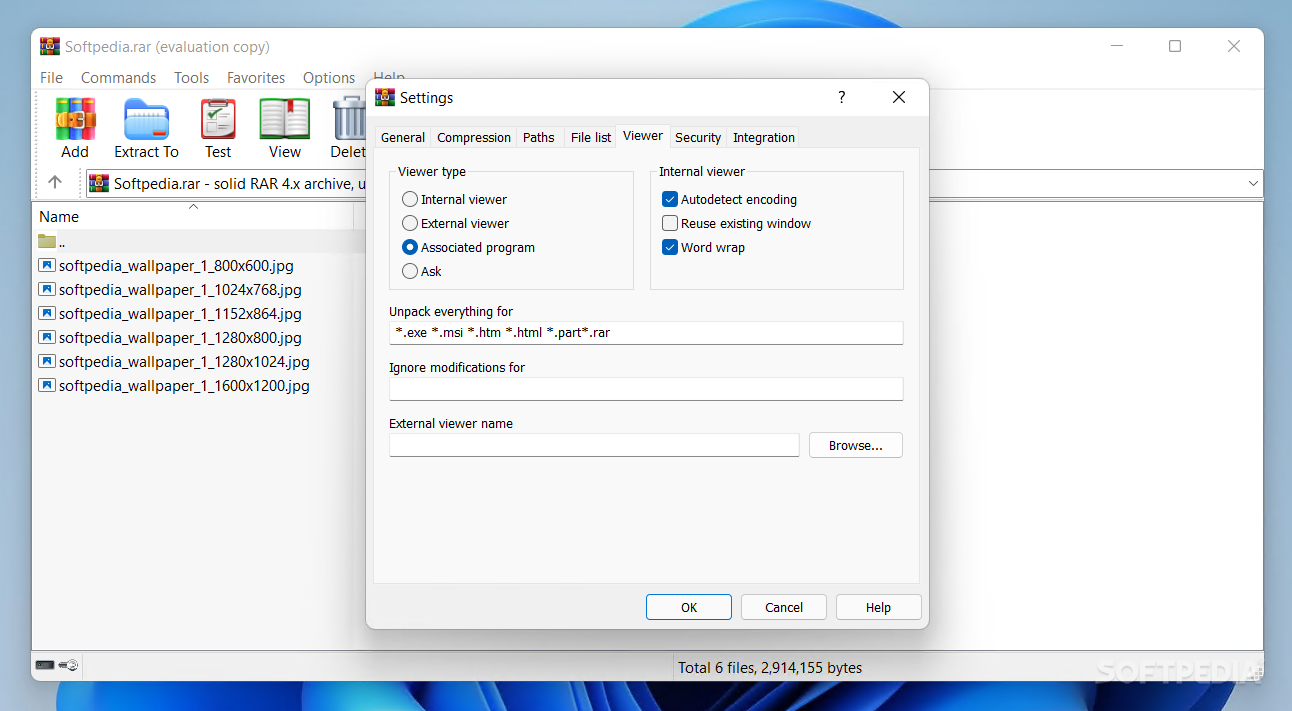
When it comes to extracting documents, you have the choice to extract and replace files, extract and update files, or extract only fresh files. If you enable overwrite mode, you can also set the app to automatically rename existing files or simply skip them, depending on your needs.
Last but not least, as soon as it completes an extraction, WinRAR can power off the computer, send it to hibernate or sleep modes, or just exit the app and keep the PC running.
To wrap it up, WinRAR continues to be a worthy competitor to all compression software out there, especially since it can be used by novices and experts alike, without any effort.
Download Hubs
WinRAR is part of these download collections: Open RAR, Open ZIP, View ISO, SFX Creators
What's new in WinRAR 7.01 Beta 1:
- Bugs fixed:
- Updating an encrypted file in a solid RAR archive produced a corrupt archive if updated file was the first in archive, no password was specified when starting updating and file name encryption in the updated archive wasn't enabled;
- WinRAR 7.00 crashed after switching to "Flat folders view" mode from archive subfolder;
- Switch -ep4 duplicated the specified path instead of excluding it when extracting;
WinRAR 7.00 / 7.01 Beta 1
 Softpedia Editor's Pick
add to watchlist
add to download basket
send us an update
REPORT
Softpedia Editor's Pick
add to watchlist
add to download basket
send us an update
REPORT
- portable version
- WinRAR Unplugged
- runs on:
-
Windows 11
Windows 10 32/64 bit
Windows 8 32/64 bit
Windows 7 32/64 bit
Windows Vista 32/64 bit - file size:
- 3.4 MB
- filename:
- winrar-x32-700.exe
- main category:
- Compression tools
- developer:
- visit homepage
7-Zip

Microsoft Teams

ShareX

Context Menu Manager

IrfanView

calibre

Zoom Client

Windows Sandbox Launcher

Bitdefender Antivirus Free

4k Video Downloader

- Windows Sandbox Launcher
- Bitdefender Antivirus Free
- 4k Video Downloader
- 7-Zip
- Microsoft Teams
- ShareX
- Context Menu Manager
- IrfanView
- calibre
- Zoom Client