
An alternative to the existing industry giants which gives you the possibility to compress desired items at incredible speeds with powerful compression ratio. #Archive File #File Archiver #File Compressor #Archiver #Compressor #Package

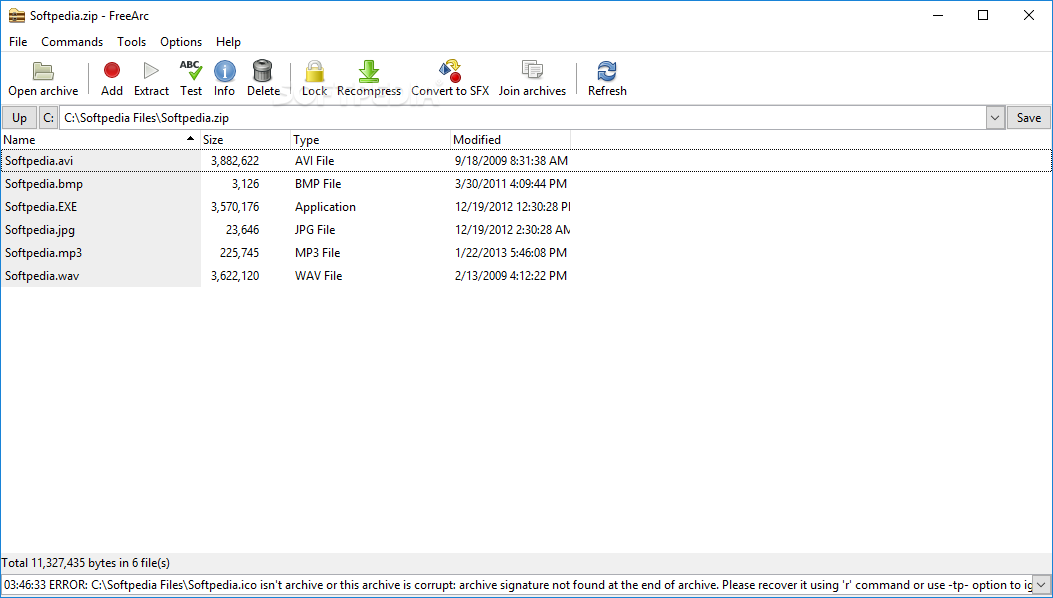
Throughout the years, many compression tools tried to offer the best ratio and enhanced speed. Such as many others, FreeArc is a compression tool that tries to offer users an alternative to more popular archivers such as WinRAR or WinZip.
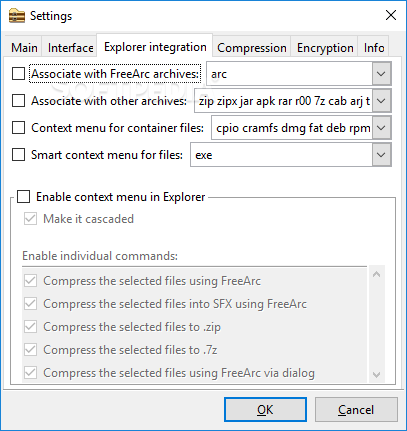
The application adds its very own entries in the Context Menu, so you'll be able to either create a new archive or extract files from one with just two clicks.
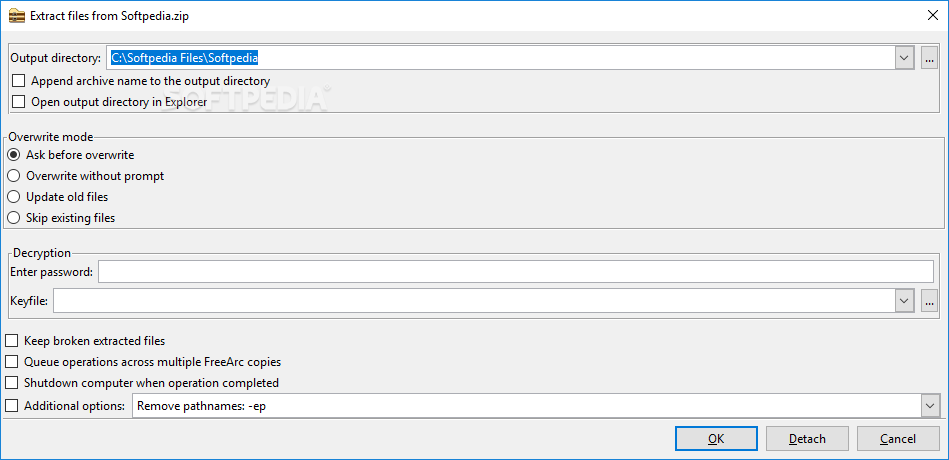
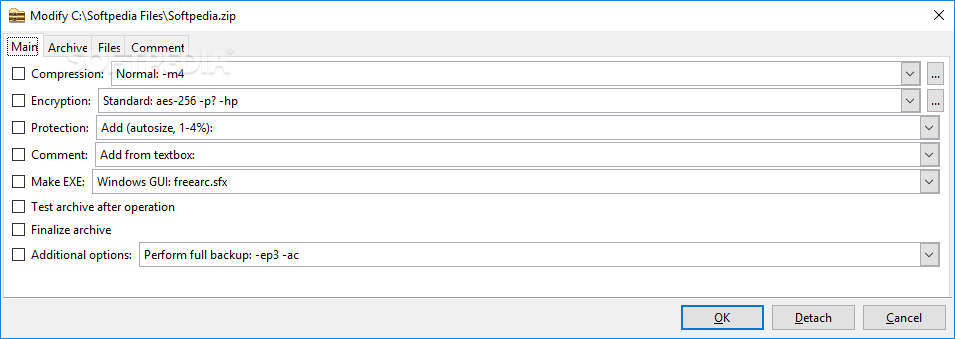
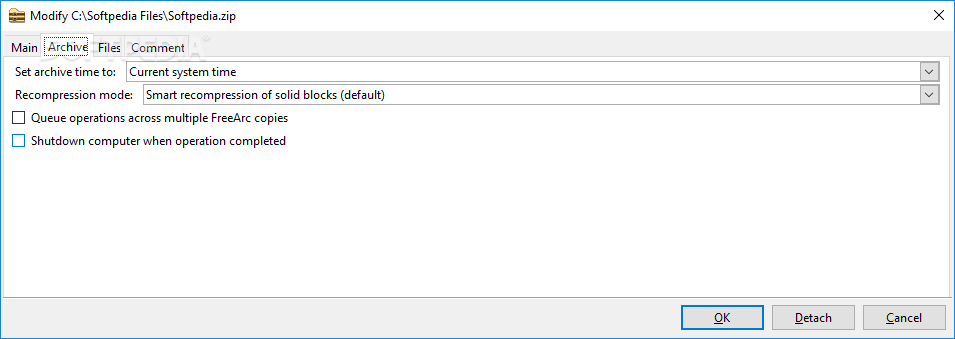
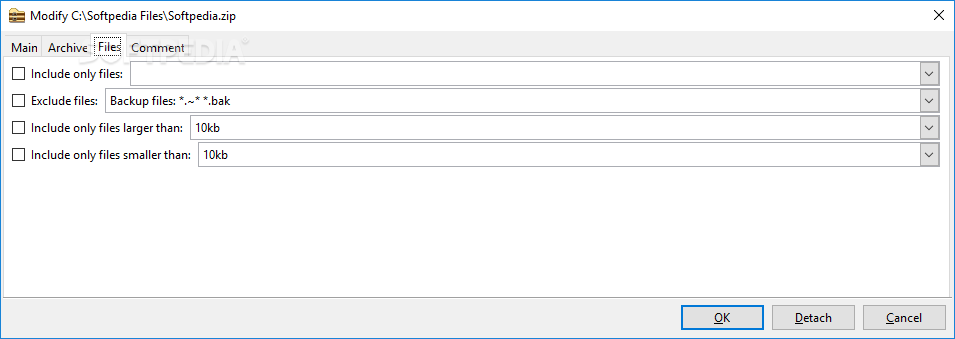
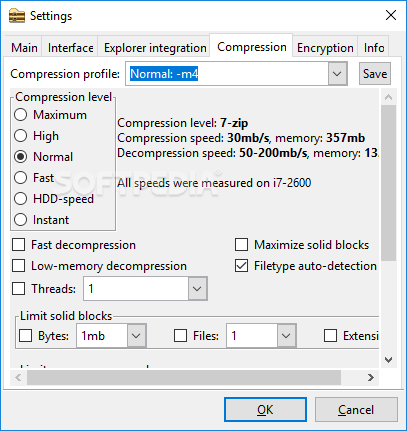
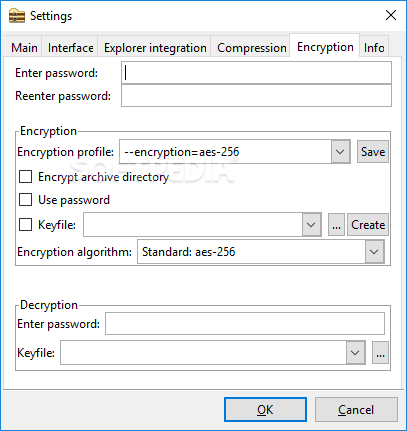
FreeArc shows tons of options when trying to create an archive, including compression, encryption and protection, store file paths, update mode and comments.
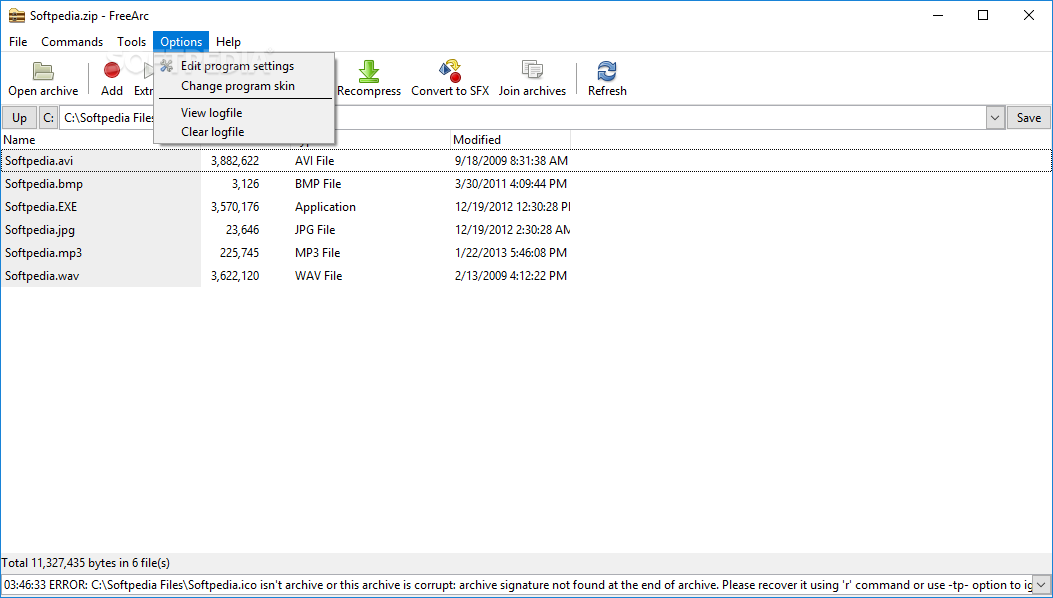
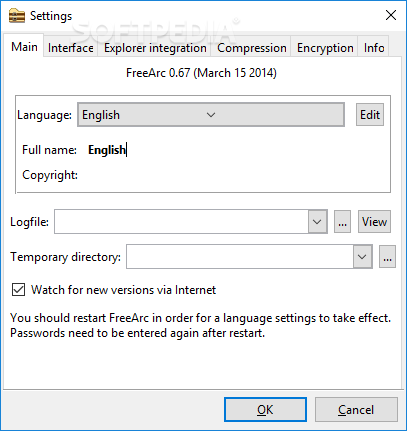
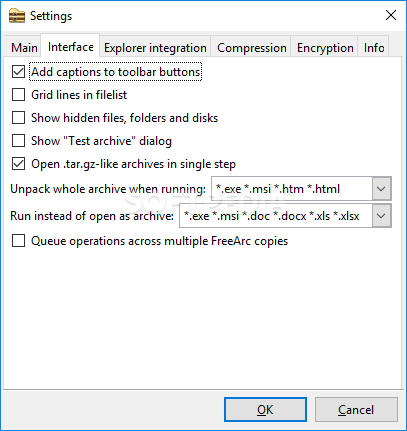
The interface is quite plain and simple, so you won't spend much time getting along with it. It is similar to the ones of other compression tools on the market, which means you just have to install it and you're all set.
As for the way it works, FreeArc is pretty fast and efficient. We've tested it with both small and large archives and every time it worked like a charm.
Nonetheless, even if it remains fast when extracting files from a large archive, during our tests FreeArc seriously slowed down the computer, eating up most of the CPU and RAM.
Some users might think that creating archives in the .arc format could be a drawback, but that's not at all a problem since most of the other compression tools in the market already work with this filetype too.
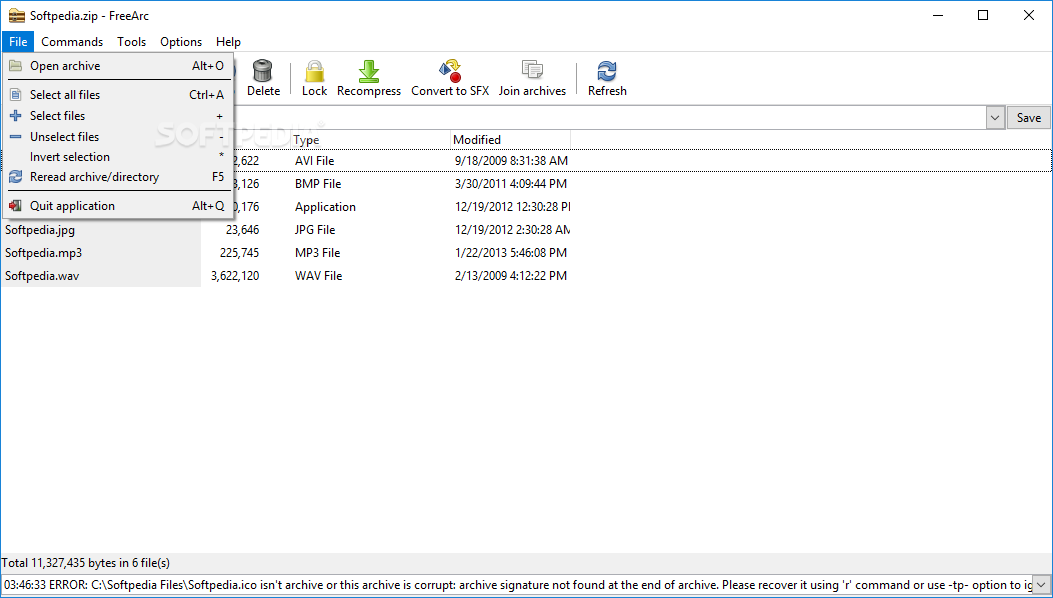
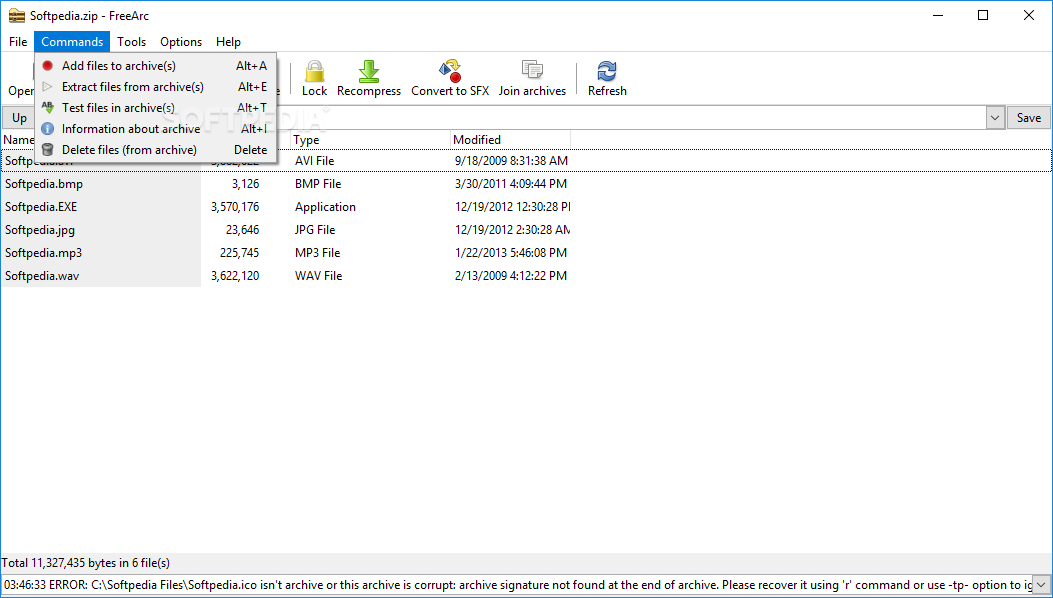
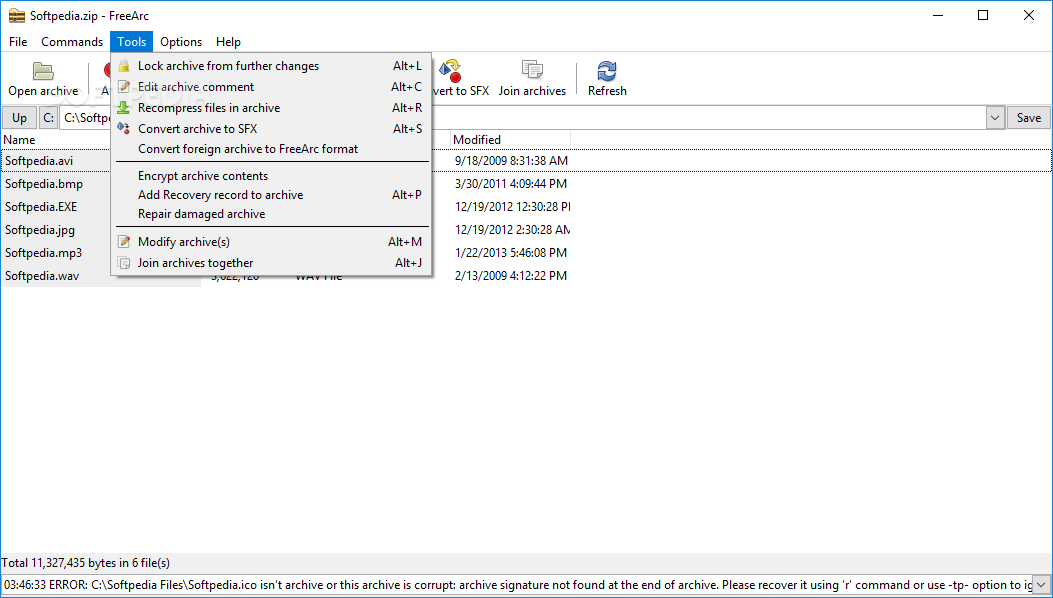
The utility can convert archives to its proprietary format or to SFX and it can also lock compressed files to prevent any further changes.
All things considered, FreeArc is a pretty nice alternative to the well-known file archivers out there. With a decent feature pack and quiet easy to use, this application is certainly one of the top choices in its category, offering compatibility through its large variety of supported formats.
What's new in FreeArc 0.67 Alpha:
- Encryption support in sfx/unarc.exe/unarc.dll
- Don't open cmd instance for external compressors
- Option 'Do not show hidden files and folders' (like in Explorer) Usability
- Extraction: answers no/skip/update are not handled properly
FreeArc 0.666 / 0.67 Alpha
add to watchlist add to download basket send us an update REPORT- runs on:
-
Windows NT
Windows 10 32/64 bit
Windows 8 32/64 bit
Windows 7 32/64 bit
Windows Vista 32/64 bit
Windows XP
Windows 2K - file size:
- 7.6 MB
- filename:
- freearc-0.666-win32.exe
- main category:
- Compression tools
- developer:
Windows Sandbox Launcher

Bitdefender Antivirus Free

7-Zip

Context Menu Manager

4k Video Downloader

Microsoft Teams

Zoom Client

ShareX

IrfanView

calibre

- ShareX
- IrfanView
- calibre
- Windows Sandbox Launcher
- Bitdefender Antivirus Free
- 7-Zip
- Context Menu Manager
- 4k Video Downloader
- Microsoft Teams
- Zoom Client