
An alternative compression application that allows you to extract multiple files from archives as well as providing ways to archive yourself #Archive extractor #Archive decompression #File extractor #Extractor #Extract #Decompress

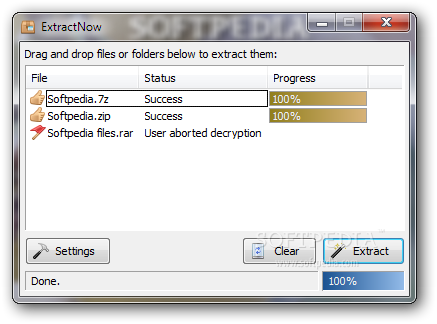
Portable ExtractNow is a tool with a name that pretty much sums up its functionality - it allows you to extract files from archives. It can be seamlessly figured out, even by inexperienced users.
Since there is no installation package available, you can store Portable ExtractNow on an external device (like a USB flash drive), save it to any computer and directly run its executable file.
More importantly, there are no updates made to the Windows Registry and no leftover files can be found on the hard drive after removing the app.
The interface of the application is based on a standard window where you can use the 'drag and drop' method to import archives for extraction purposes.
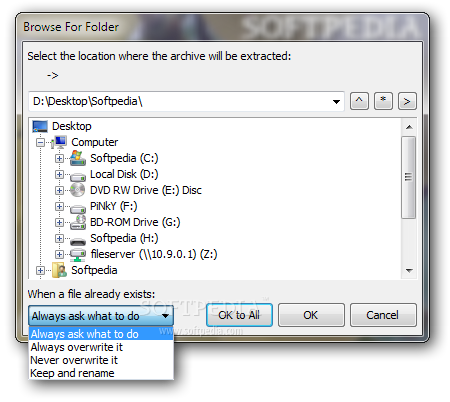
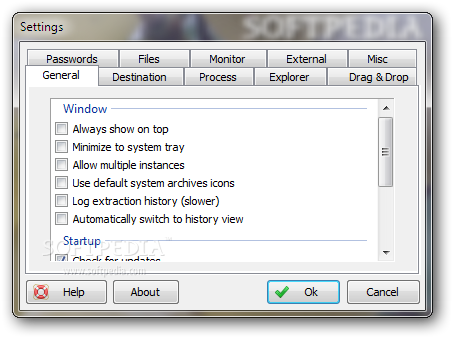
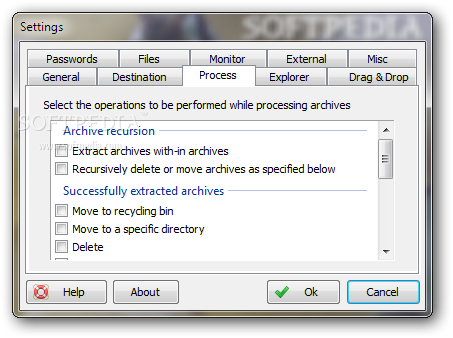
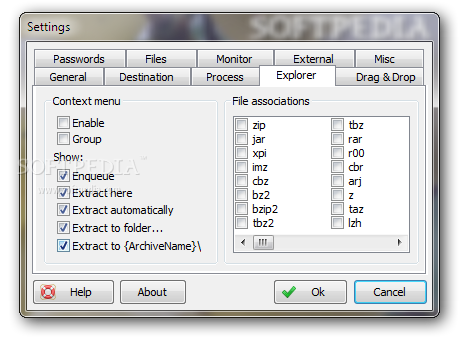
The 'Settings' screen comes with a wide range of configuration options. For example, you can make Portable ExtractNow minimize to the system tray or stay on top of the other windows, turn off all sounds, as well as set up a user-defined output directory and make the tool overwrite existing items.
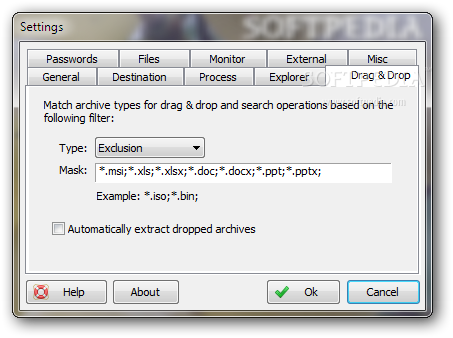
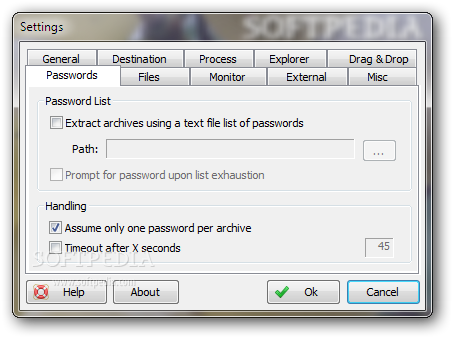
You can integrate Portable ExtractNow into the Explorer context menu, create an archive exclusion list, set passwords, specify the thread priority, as well as alter the interface theme and language, among others.
The program requires a low amount of CPU and system memory, has a good response time, quickly extracts files and contains user documentation. We have not come across any errors during our tests and Portable ExtractNow did not freeze or crash. The tool should satisfy all user levels.
What's new in Portable ExtractNow 4.8.2.0:
- Fixed hang when encountering missing rar archive
- Fixed test mode with rar extraction
- Fixed problems with directory dates
Portable ExtractNow 4.8.2.0
 Softpedia Editor's Pick
add to watchlist
add to download basket
send us an update
REPORT
Softpedia Editor's Pick
add to watchlist
add to download basket
send us an update
REPORT
- PRICE: Free
- runs on:
-
Windows 10 32/64 bit
Windows 8 32/64 bit
Windows 7 32/64 bit
Windows Vista 32/64 bit - file size:
- 1.6 MB
- filename:
- extractnow482.zip
- main category:
- Portable Software
- developer:
ShareX

Zoom Client

Bitdefender Antivirus Free

IrfanView

Microsoft Teams

7-Zip

4k Video Downloader

Windows Sandbox Launcher

calibre

Context Menu Manager

- Windows Sandbox Launcher
- calibre
- Context Menu Manager
- ShareX
- Zoom Client
- Bitdefender Antivirus Free
- IrfanView
- Microsoft Teams
- 7-Zip
- 4k Video Downloader