|
|
|
Part of the Web Browser download hub (+3 others) |
|
|
User Rating: Rated by: |
Very Good (4.6/5) 569 user(s) |
|
|
|
Softpedia Editor's Review for Opera@USB
|
The portable version of the popular Opera Browser
Written by Alexandru Teodorovici on November 10th, 2011
When talking about web browsers, there are a couple of major players that continue to fight for a place on users' computers.
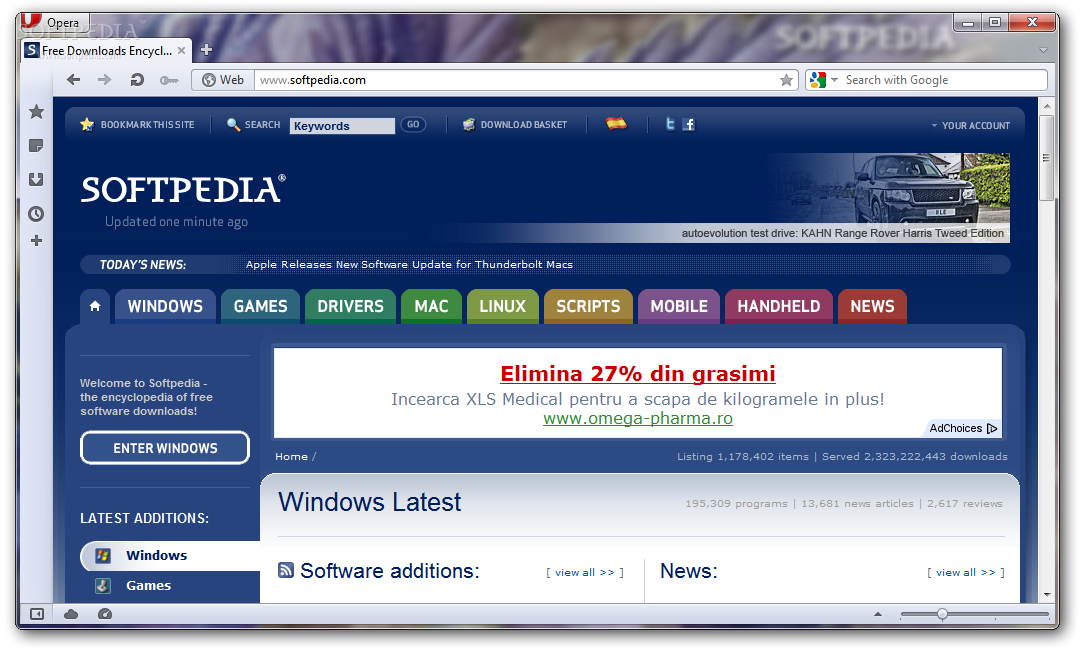
Opera is one of those players, and, like Mozilla's Firefox and Google's Chrome also comes with a portable version, that allows you to access and use the Internet from any location.
Opera has always been among the top contenders in the browser wars and a tool that's been packed with a lot of features designed to offer an excellent browsing experience.
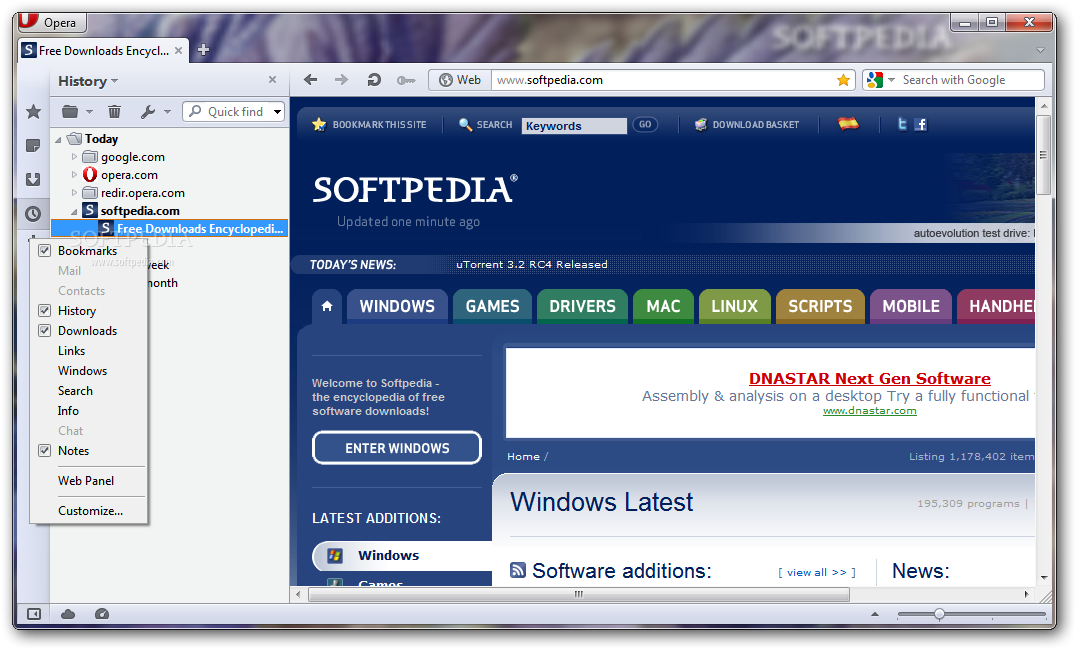
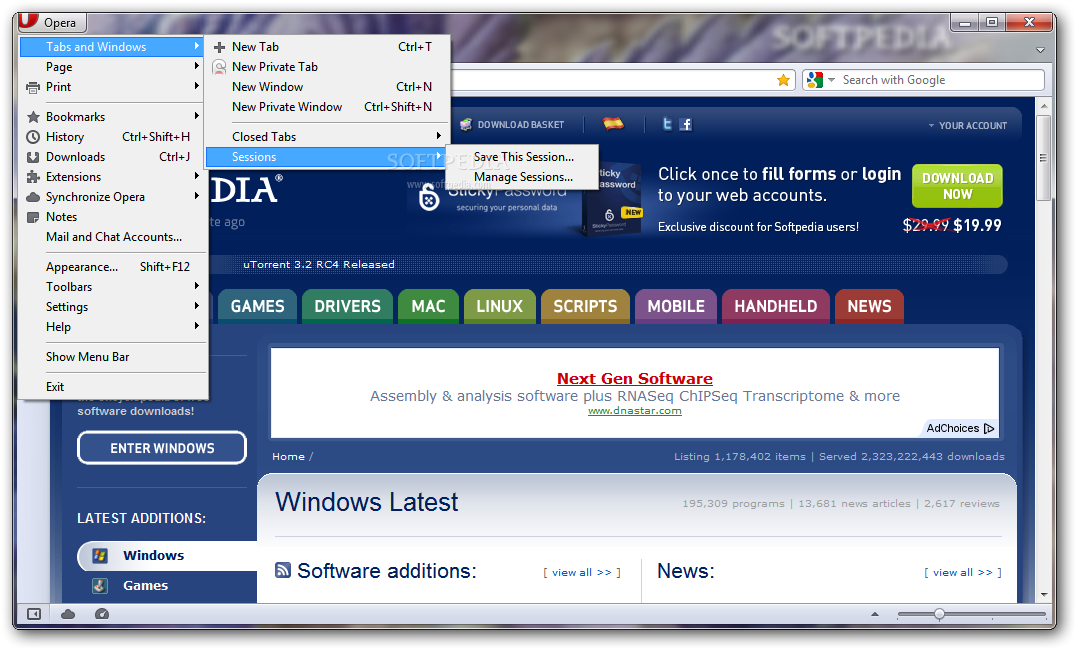
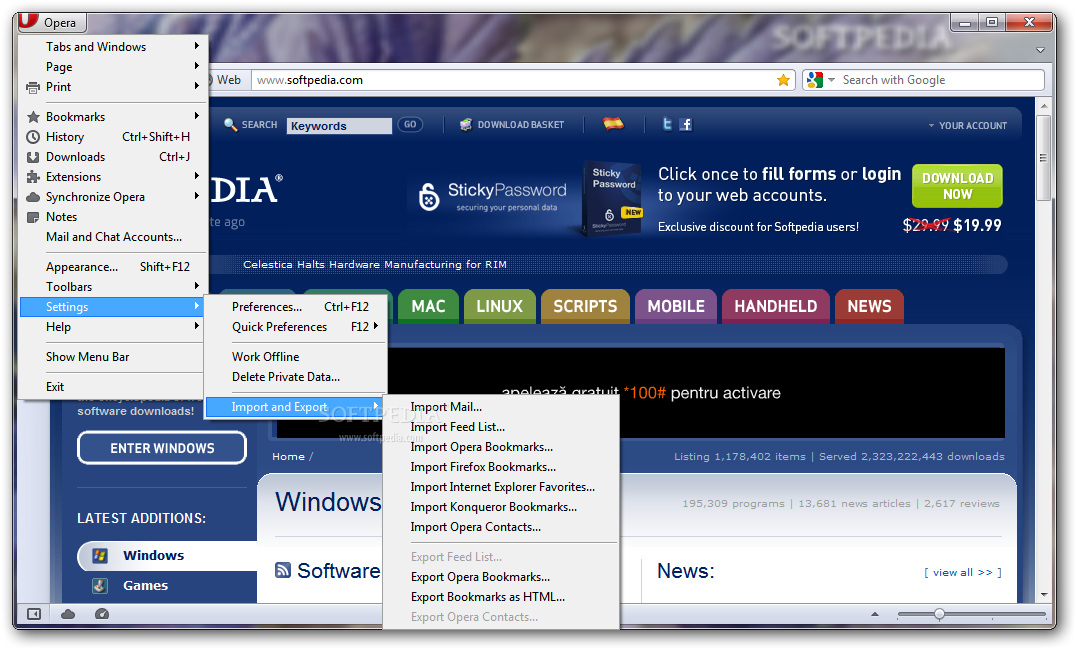
Evidently, being a portable version, no installation is required, and, as you would expect, all the options and features present in the normal version of Opera can also be found here. The user-friendly interface is also here, along with the ability to change the theme and colors.
One thing that was missing from Opera was the ability to add extensions and further enhance the browser's functionality. So, after Firefox launched the trend and Chrome joined the club, the widgets, as they like to call them, can now be found in Opera.
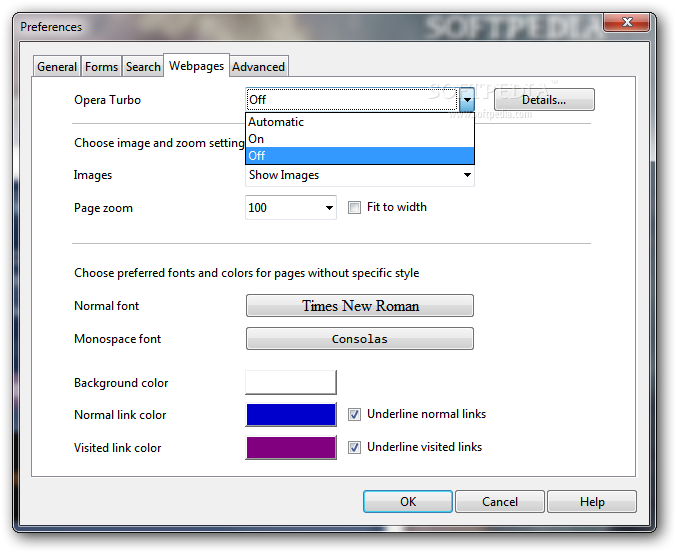
Another nice addition to Opera@USB is the program's ability to load websites faster with the help of Opera Turbo. So, if you're on a slow Internet connection and don't want to wait forever to load a webpage, then this could be the right choice for you.
Opera@USB comes with a built-in feed reader and an email client, so you don't have to appeal to other tools to keep yourself up to date with the latest news or check and send emails.
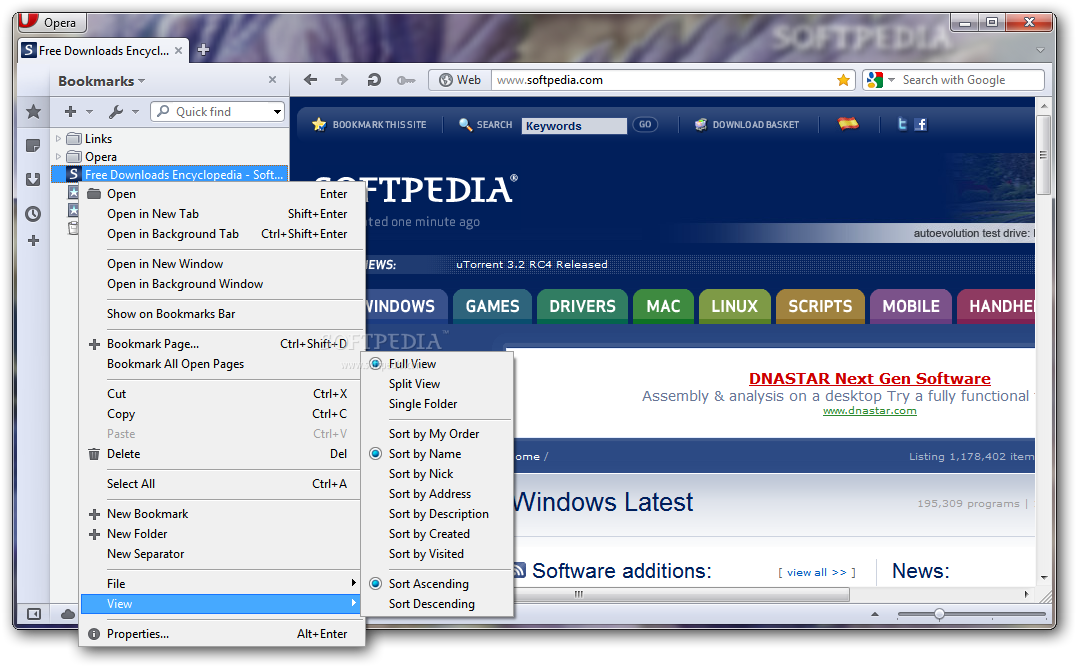
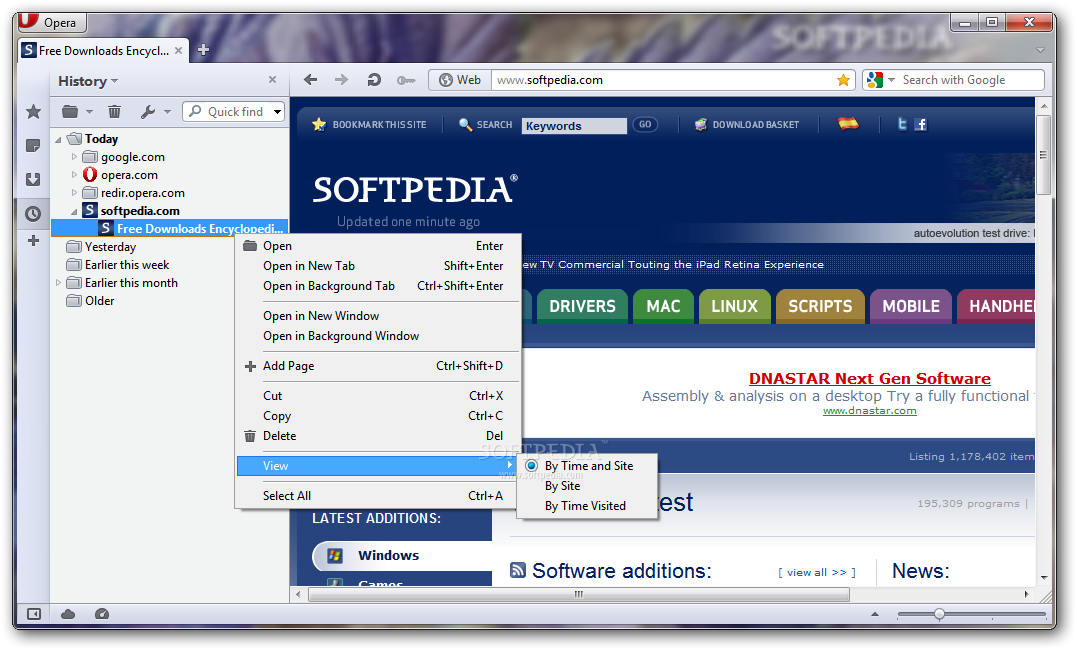
Also, an integrated password manager, bookmark and history manager are included to make the browsing experience complete.
The Internet is a big part of our lives nowadays, we use it to stay informed, to communicate and have fun. The program you choose to use can certainly have a big impact in enriching your browsing experience. Opera@USB comes with a lot of features that can help you do that, it's up to you to discover them all.
|
Opera@USB description
|
Here are some key features of "Opera@USB":
Speed Dial:
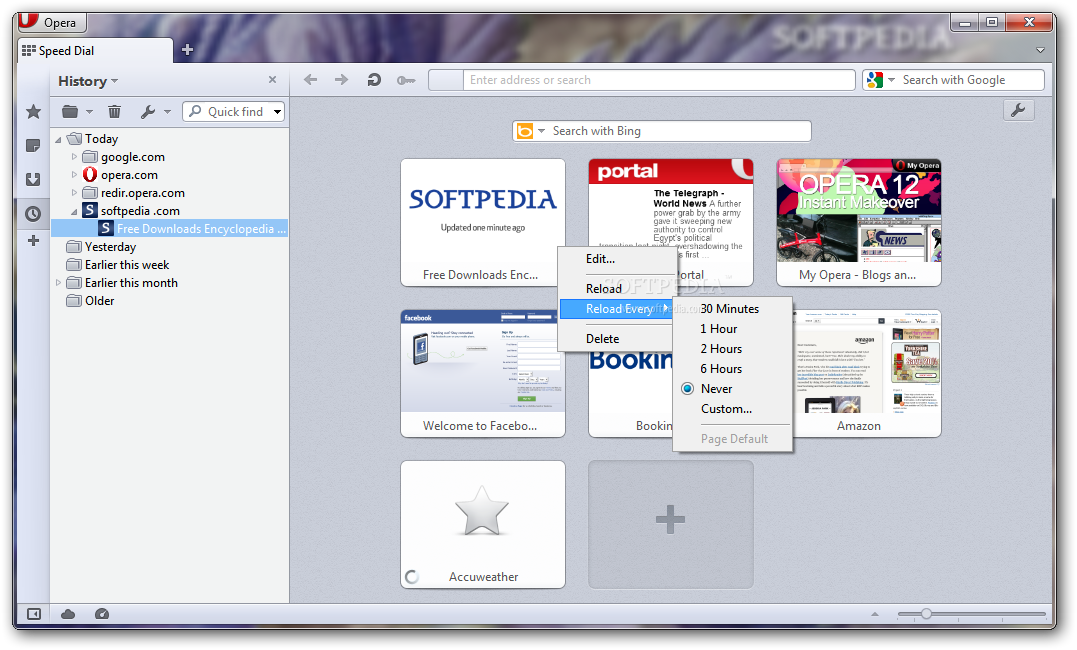
· Now you have a new way to access your favorite Web sites. Just open a new tab to get your Speed Dial. It's easy to populate and addictive to use.
Fraud protection:
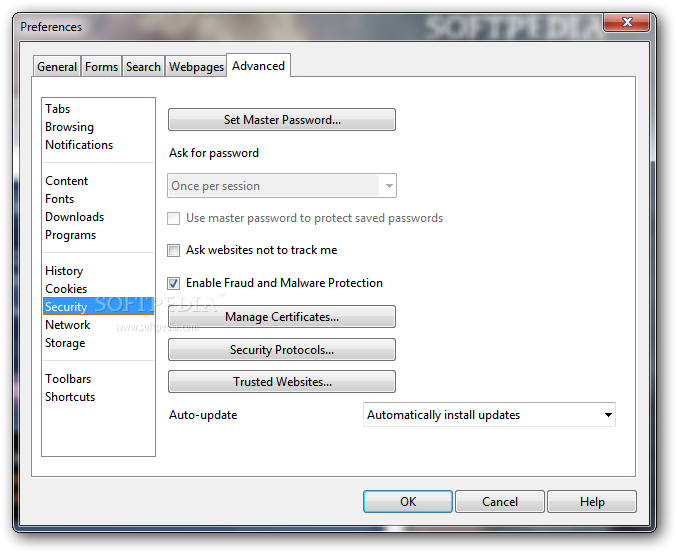
· Opera's advanced fraud protection protects you against web sites that try to steal your personal information. Watch the demo to learn how to enable this feature.
BitTorrent:
· You don't need a separate BitTorrent application to download large files. Simply click a torrent link and start the download.
Add your favorite search engines:
· Right-click on the site's search field and select "Create search" from the menu.
Site preferences:
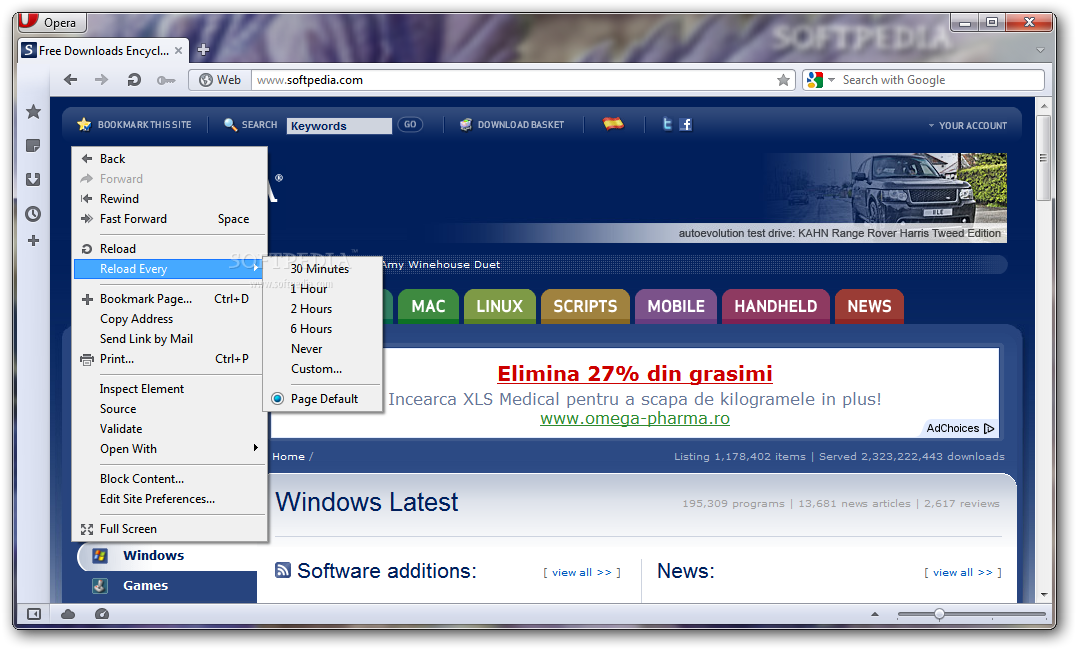
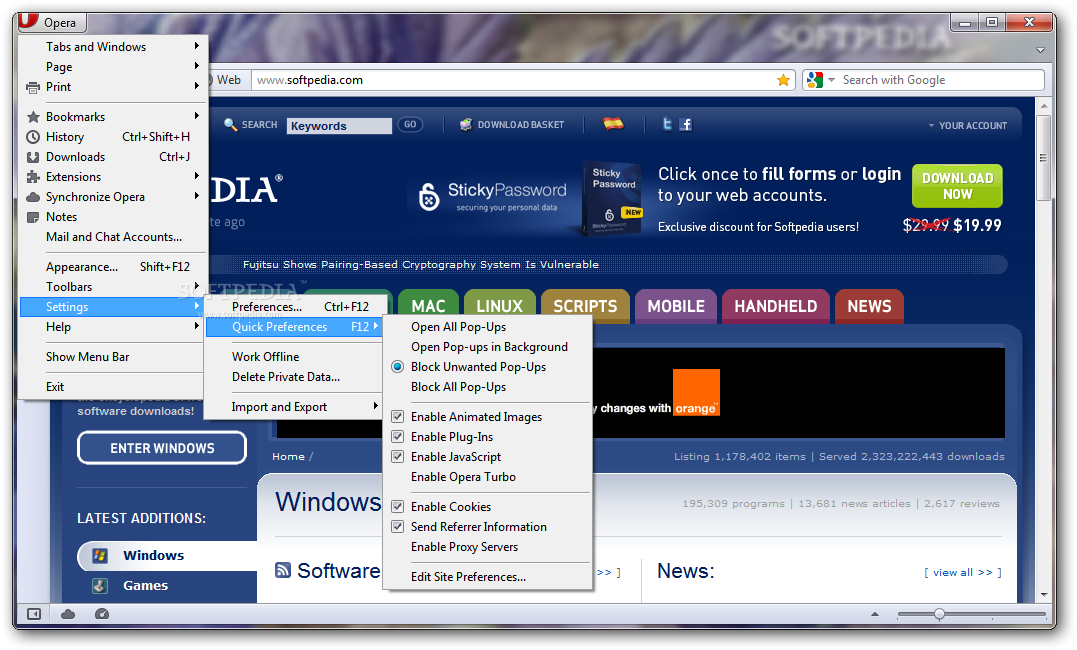
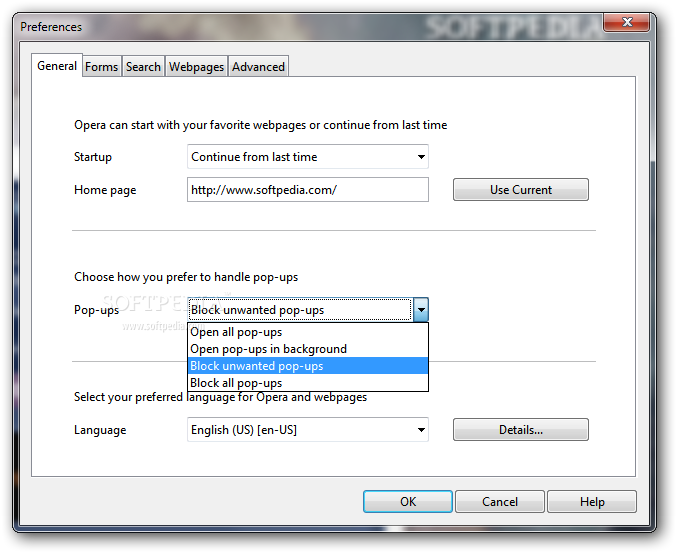
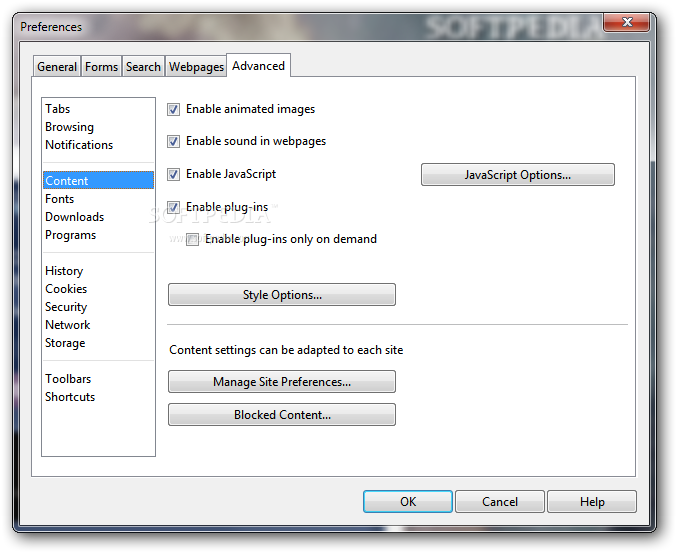
· Want to view a site in a different way or deny certain cookies? Want to block pop-ups on certain sites only? Right click and select "Edit site preferences".
Widgets:
· Small Web applications (multimedia, newsfeeds, games and more) that make your desktop experience more fun. Use the Widgets menu to discover new widgets and access your favorites. Visit widgets.opera.com to learn more.
Thumbnail preview:
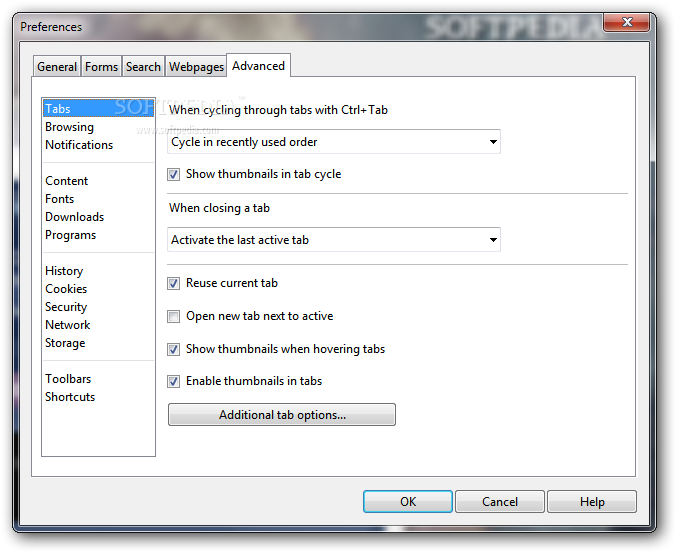
· It is easy to have many tabs open at once in Opera. But exactly which tab had that video you wanted? Hover your mouse on any tab to see a thumbnail preview.
Transfer manager:
· View download progress and access all your downloads from one simple transfer manager window.
Tabbed browsing:
· Surf the Web easier and faster by opening multiple Web pages within the same application window.
Password manager:
· The password manager remembers your usernames and passwords so you will not have to.
Integrated search:
· Search Google, eBay, Amazon and more with our integrated search field. You can also search directly in the address field using keywords (for example "g" for Google).
Mouse gestures:
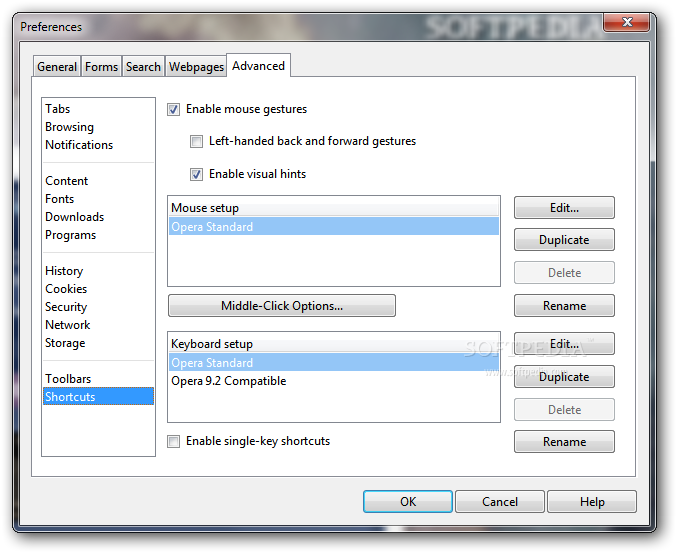
· Opera supports mouse gestures, allowing you to perform certain movements with the mouse to access commonly used features.
Fast Forward:
· Fast Forward will detect the most likely "next page" link and greatly simplify navigation in multi-page documents such as search results and image galleries.
Notes:
· Notes can be kept in conjunction with a Web site you want to refer to later, or remind you of any particular information you may like to review again.
Voice:
· The voice feature allows you to control Opera's interface by talking and to have documents read aloud. Voice is currently offered in English and runs on Windows 2000 and XP.
Keyboard Shortcuts:
· Keyboard shortcuts - like mouse gestures - make your browsing faster and more efficient. Read more about all the keyboard shortcuts in Opera.
What's New in This Release: [ read full changelog ]
· New features and improvements
Address field:
· An improved address field makes it easier to stay safe on the Web, and it now hides the complexity of long web addresses. It also provides more security information to help you stay safe when browsing; just click the badge for the website to see security information about the site you are visiting.
· All webpages get a badge to the left of the address field. The badge replaces protocols like HTTP, HTTPS, and opera:, which are shown only when focusing on the address field.
· Clicking the badge provides a easy overview of the potentially more complex security state of the current web page.
· Parameters at the end of web addresses are visually hidden until the address field is focused. You can disable this with opera:config#UserPrefs|HideURLParameter if you still want to see the whole address all the time.
· There is now a badge indicating that you are browsing with Opera Turbo on. Clicking this badge gives information about estimated data s...
|
|