
A portable browser that provides and advanced feature set and high navigation speed, ad filtering, mouse gestures, and a lot more #Tabbed browser #Internet browser #Portable browser #Browser #Surf #Navigate

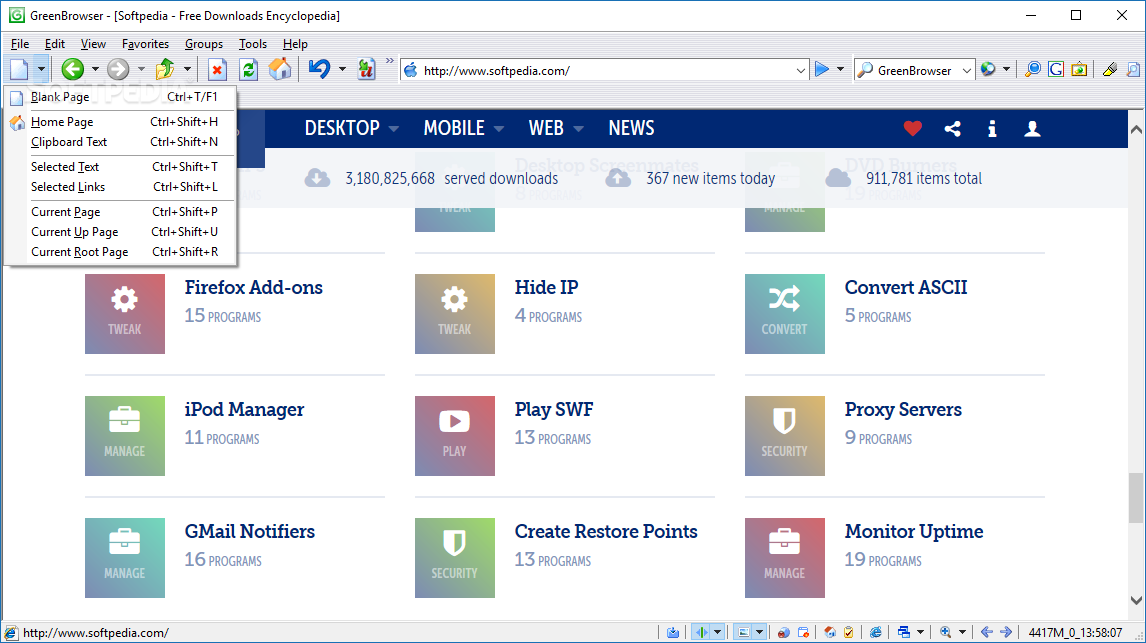
This is the portable version of GreenBrowser, a multi-tabbed web browser which is based on Internet Explorer and comes packed with a few useful features.
Since installation is not required, you can place Portable GreenBrowser on an external device (like a USB flash drive) and directly run its executable file on any computer. What's more important is the fact that the Windows registry keys are not altered.
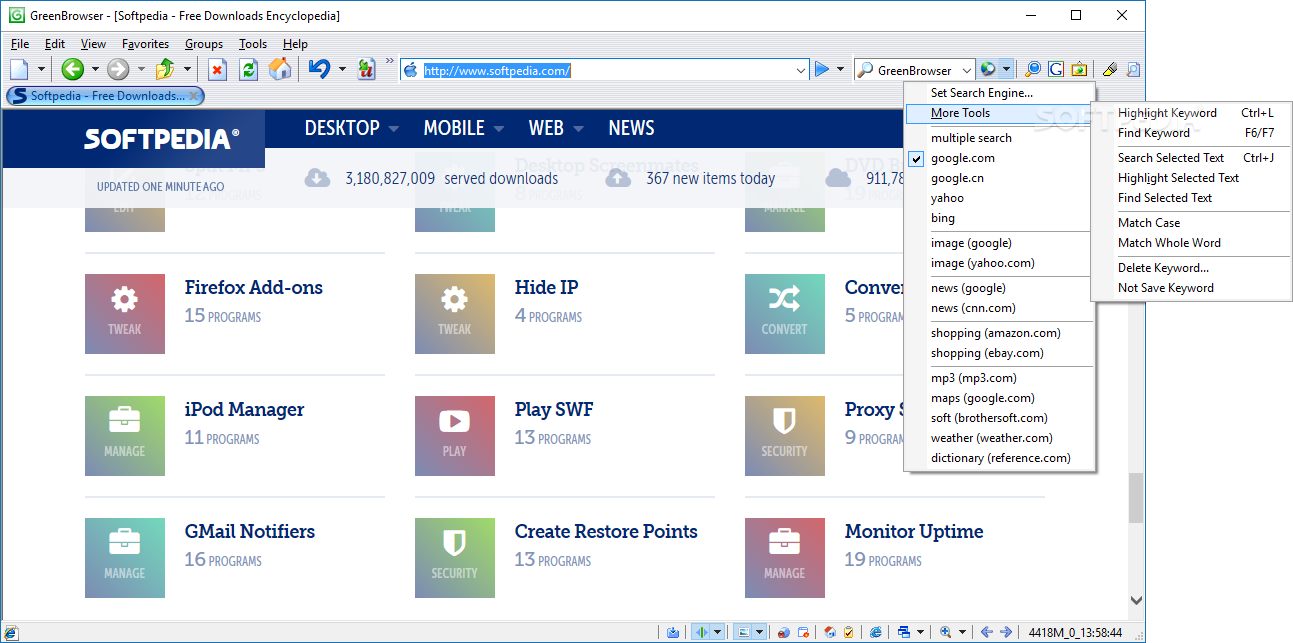
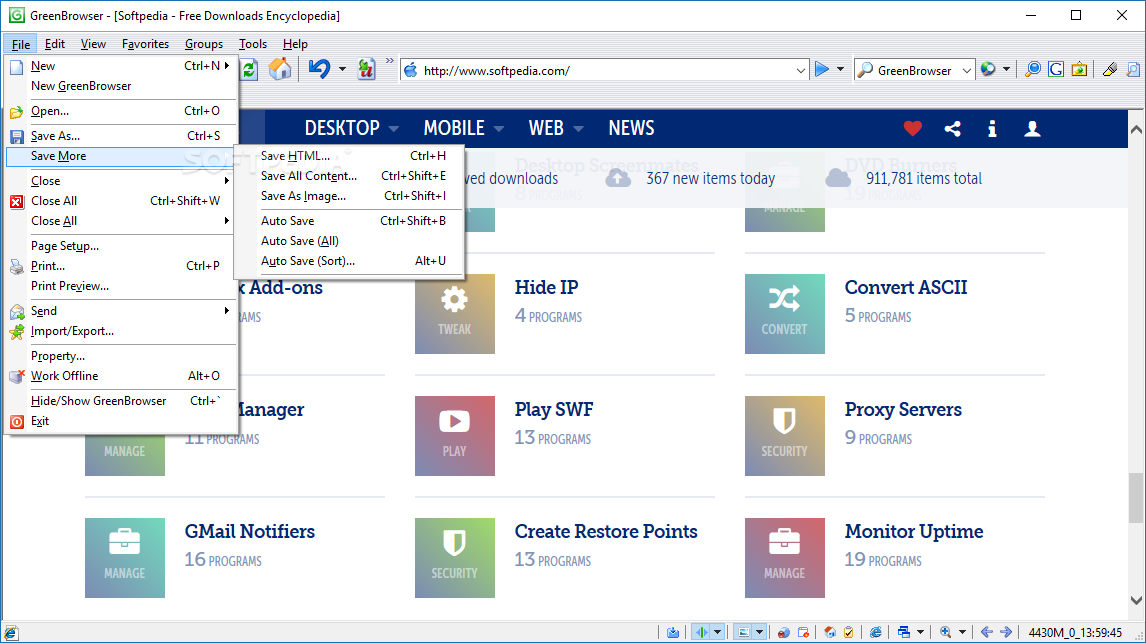
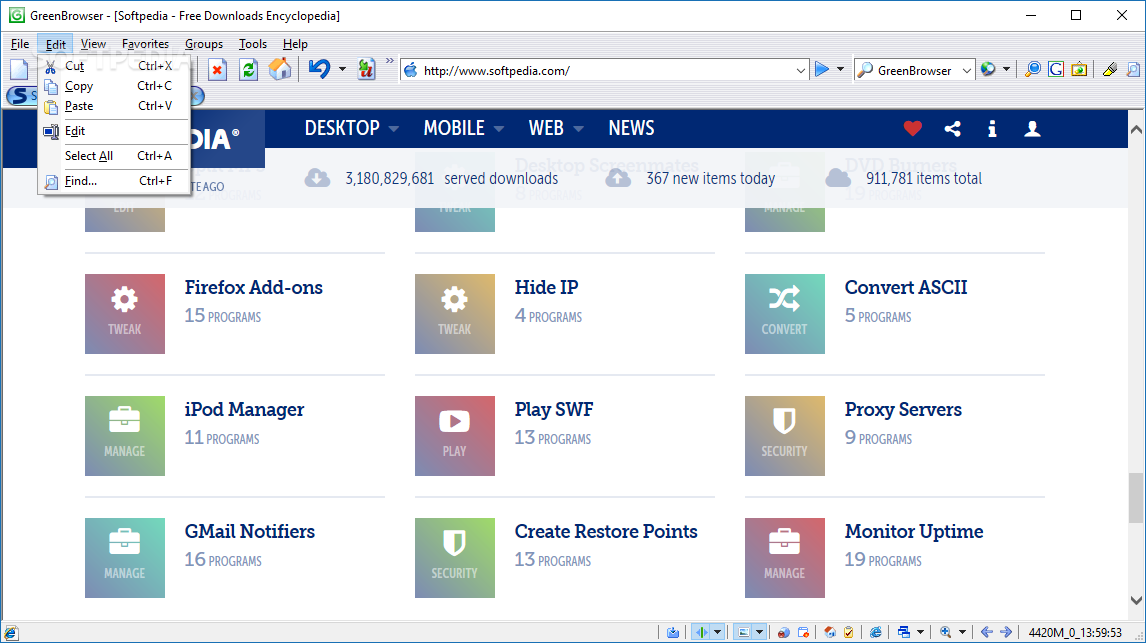
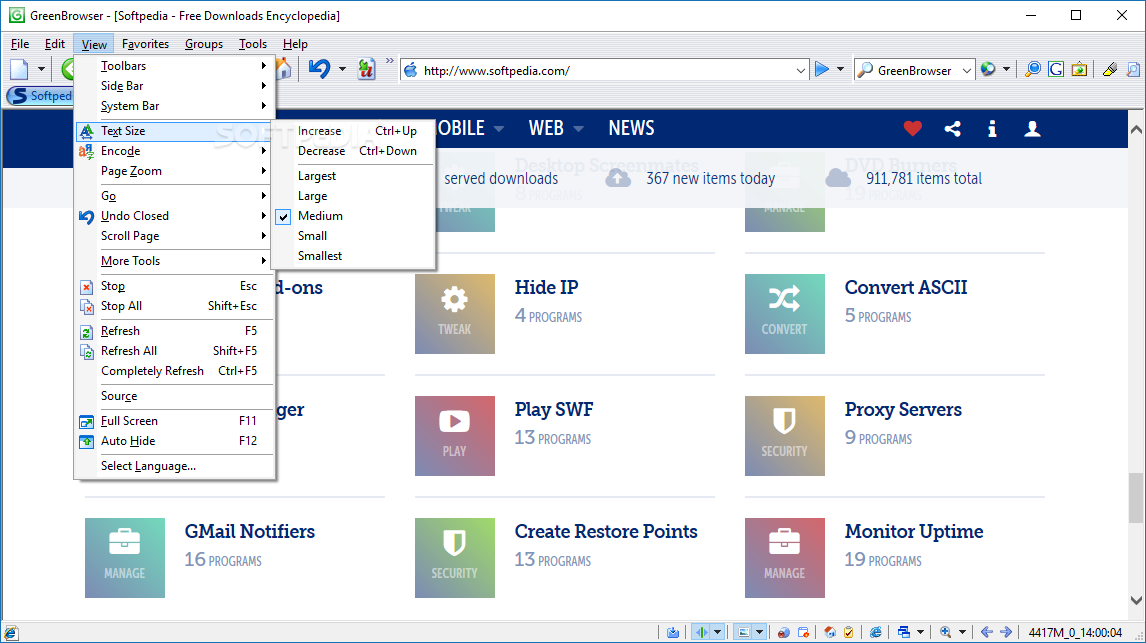
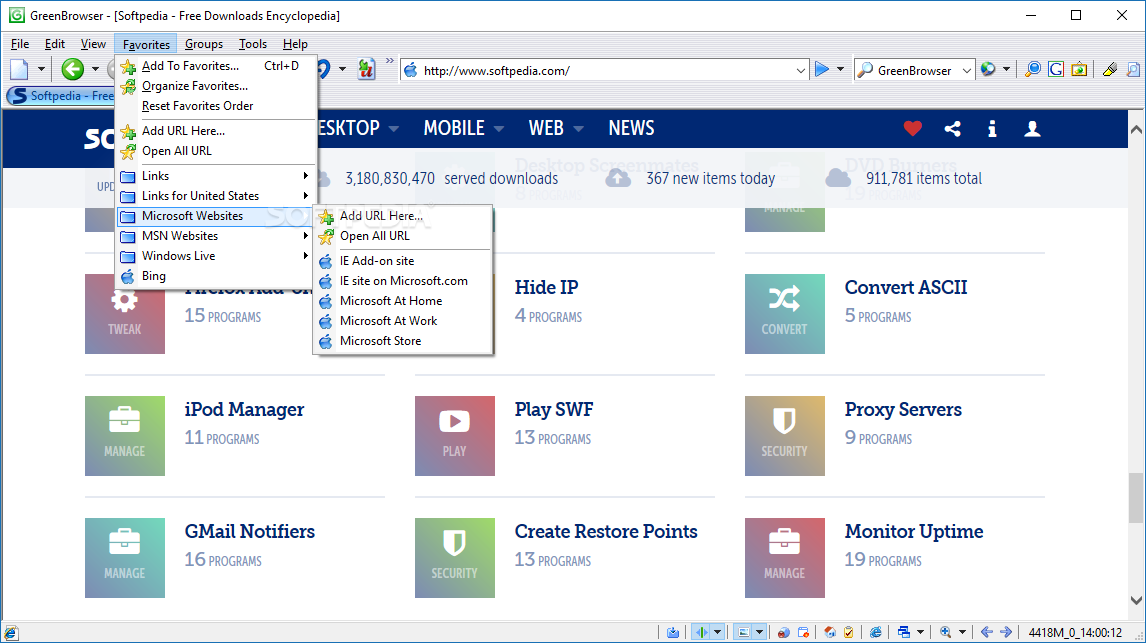
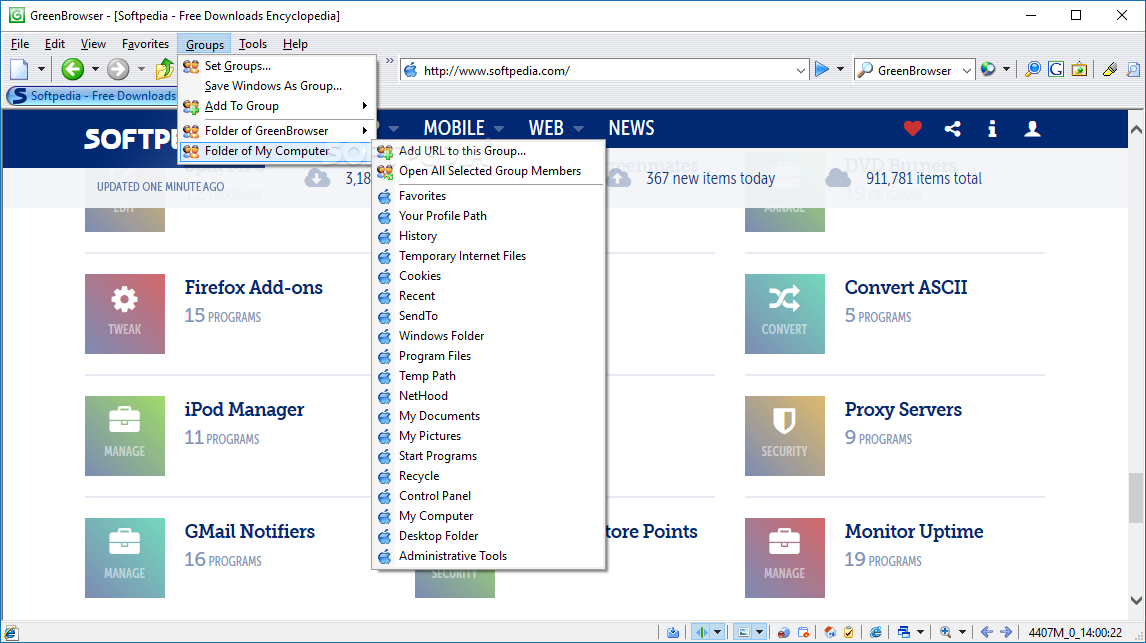
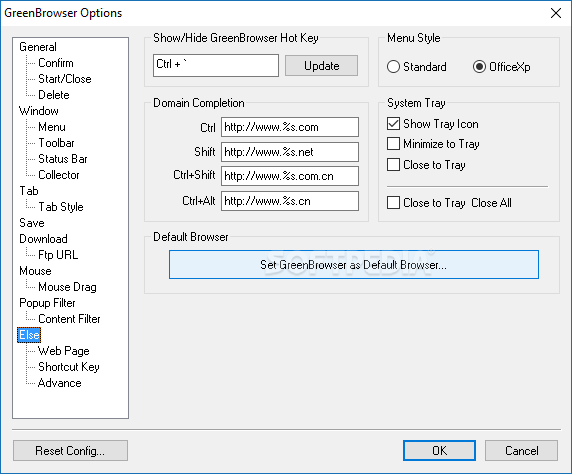
The interface of the web browser is familiar. You can create and organize a favorites list, use a search bar, as well as change the text size and zoom in and out.
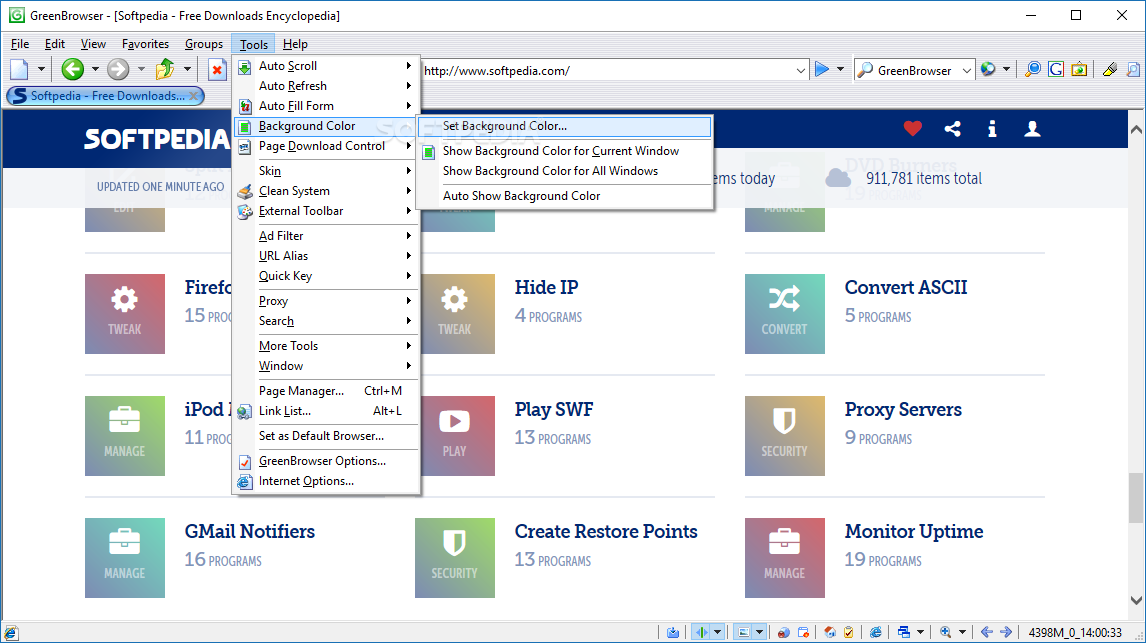
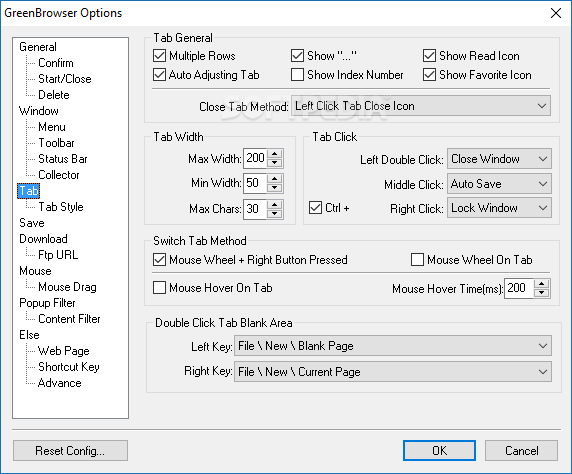
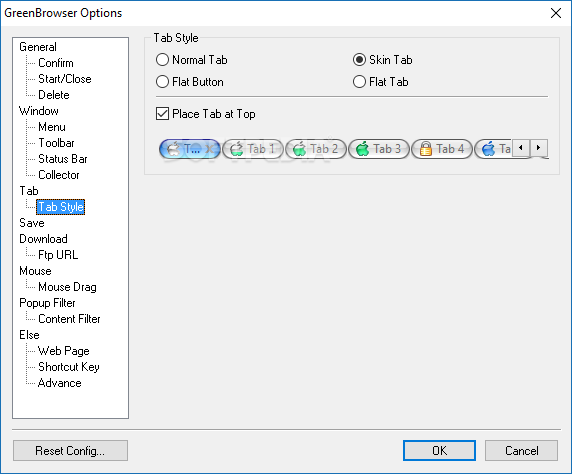
Portable GreenBrowser also allow you to undo closed windows, protect the tab with a password and lock it, mark similar URL tabs and to disallow automatic navigation. Plus, you can switch to full screen mode, change the interface skin and background color, as well as edit pages in HTML and organize groups.
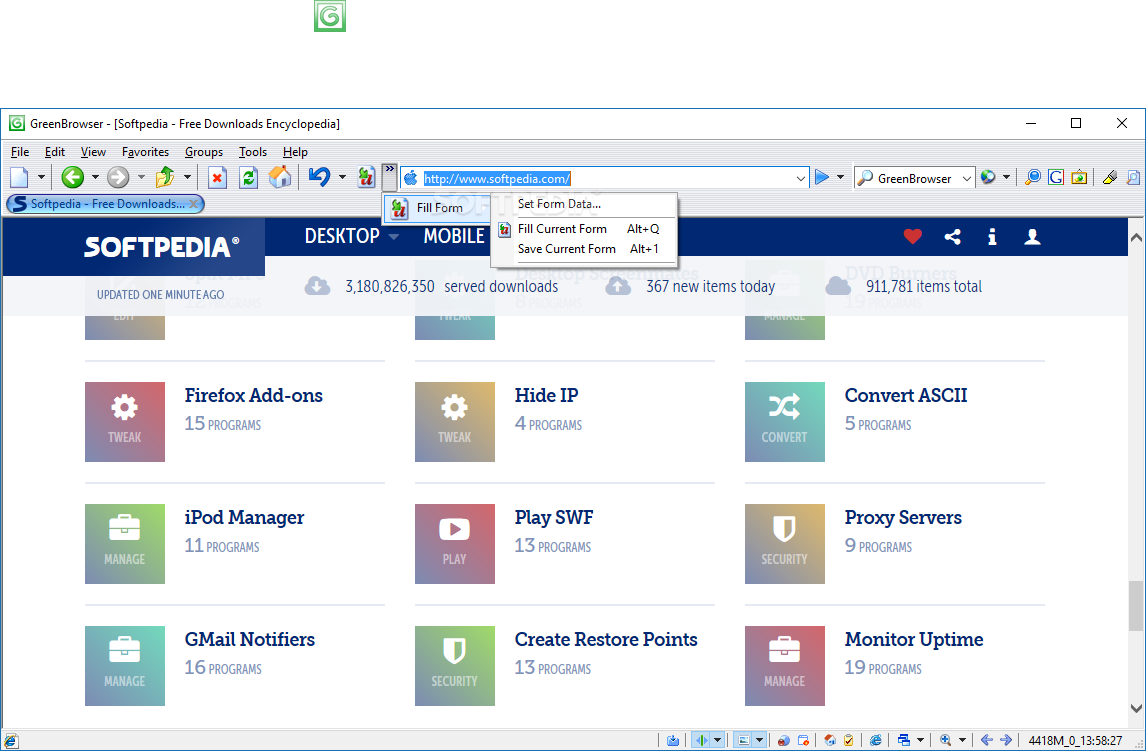
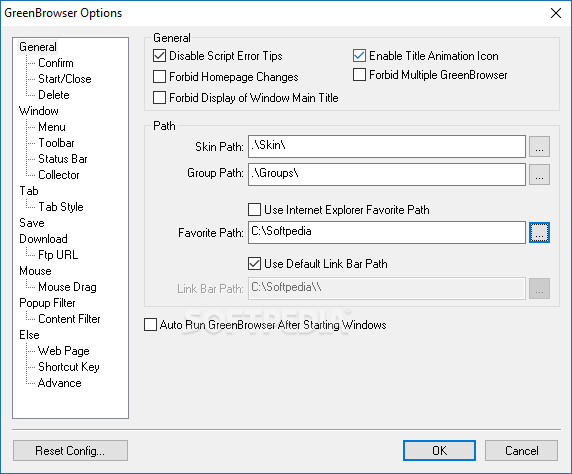
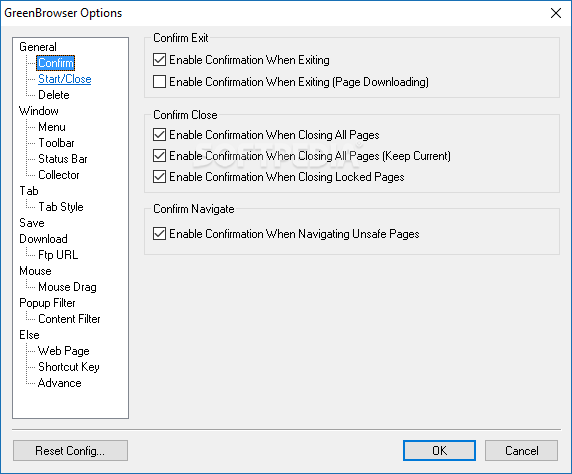
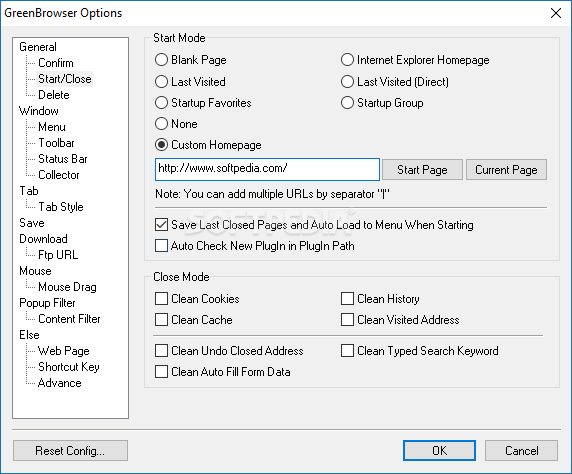
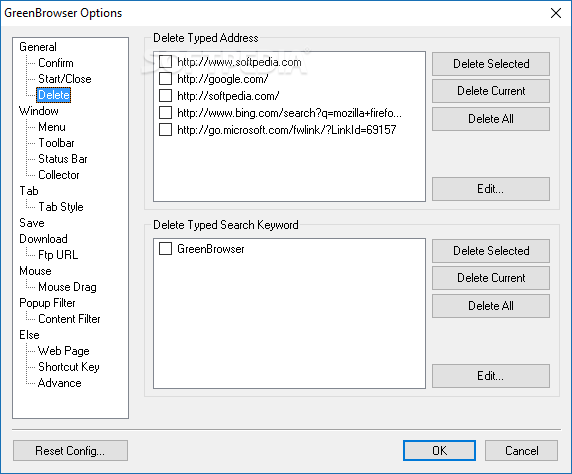
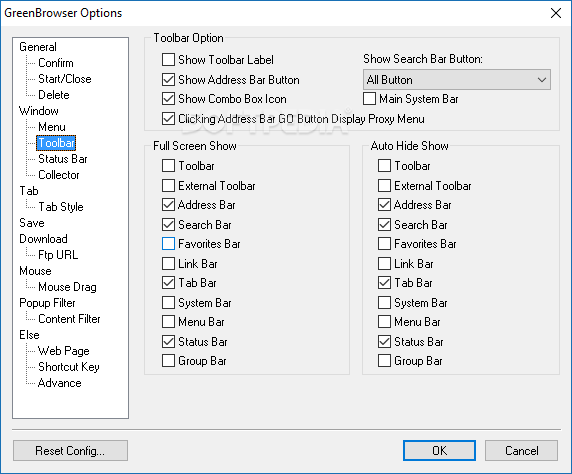
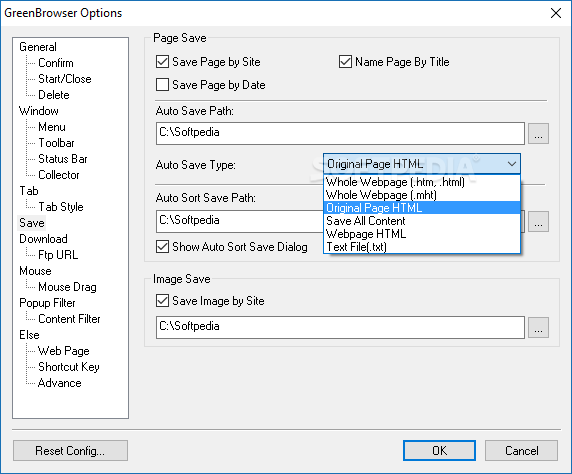
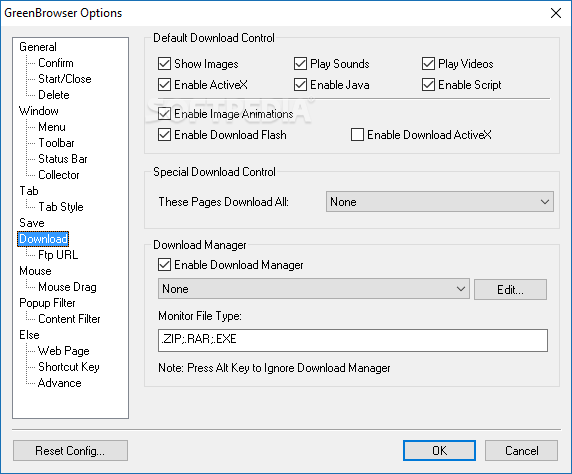
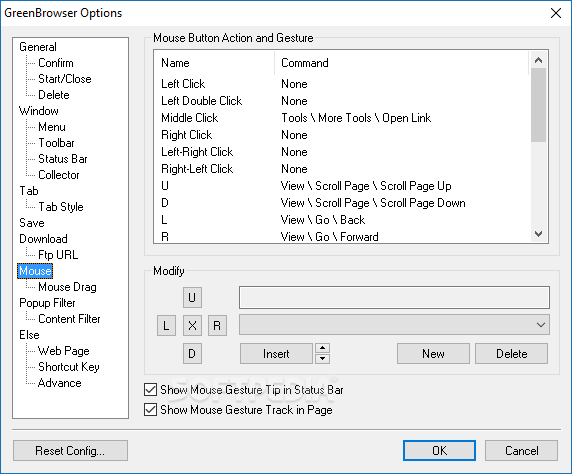
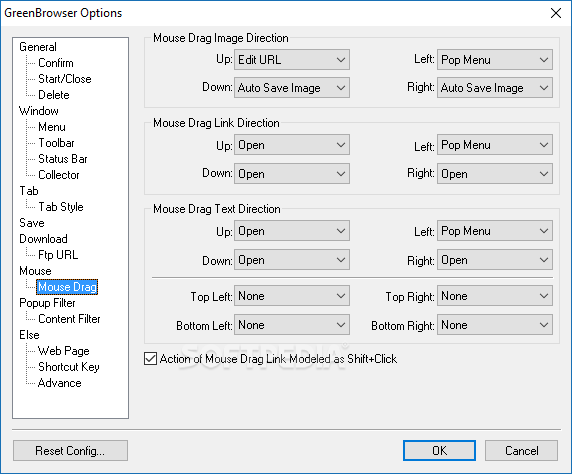
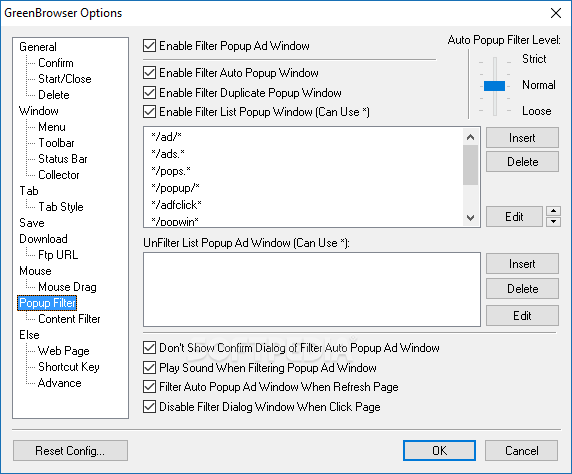
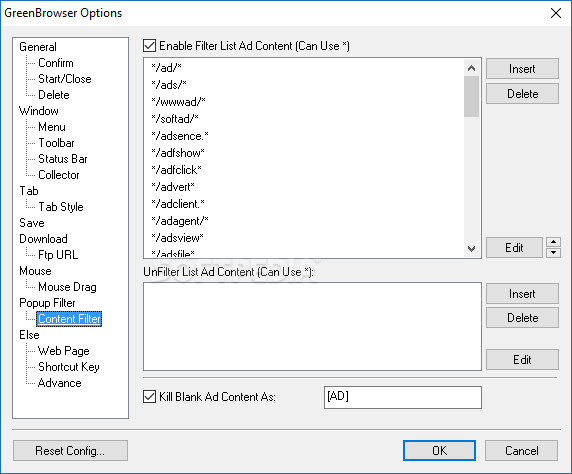
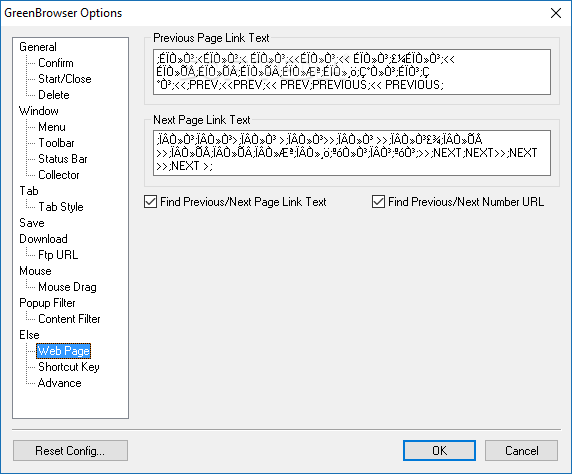
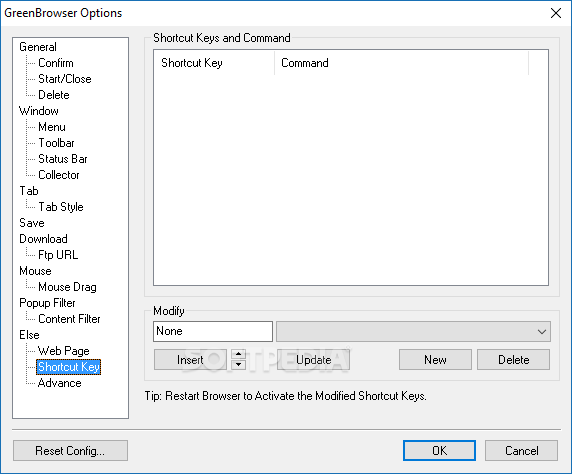
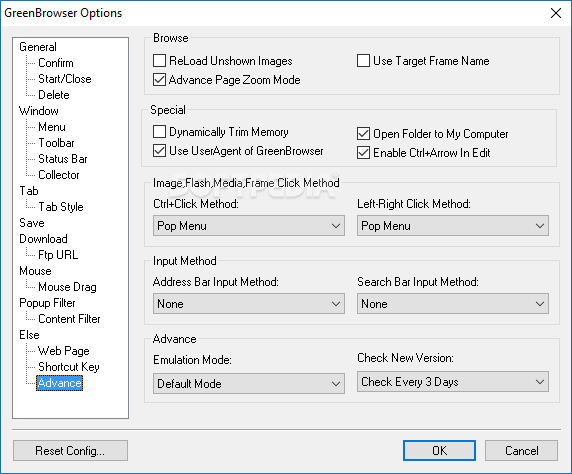
Moreover, you can access useful tools like auto fill form, auto refresh and auto scroll. Portable GreenBrowser lets you clean all system data, set external toolbars and an ad filter, configure quick keys, speed dials and URL aliases, enable mouse gestures, as well as manage pages (e.g. last visited, last closed).
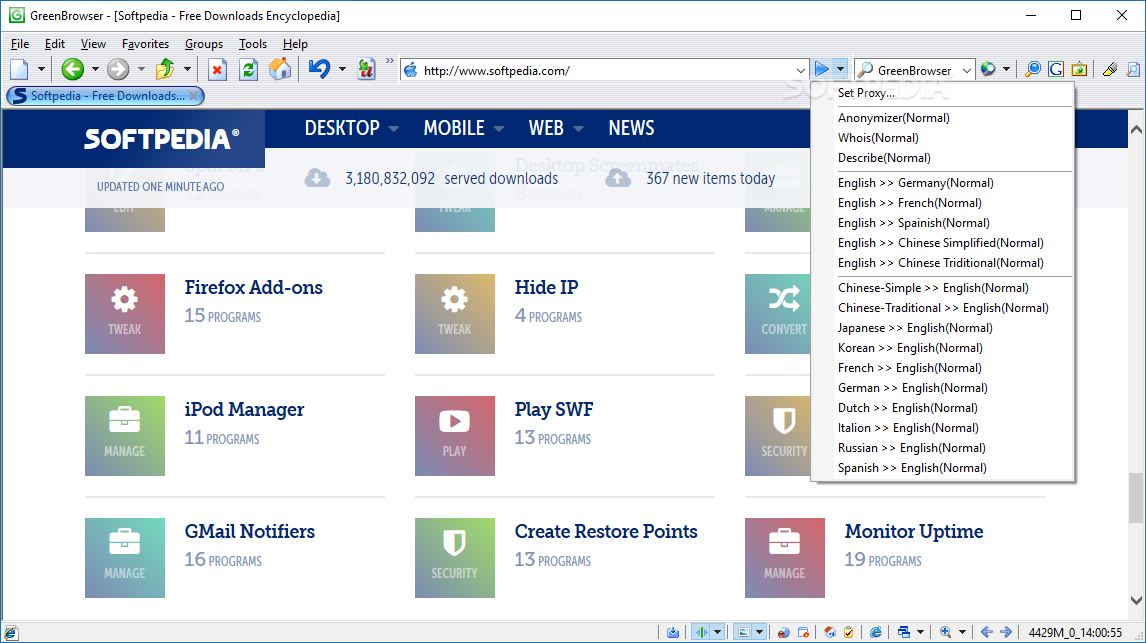
The web browser runs on a moderate-to-high amount of system resources, has a good response time and includes a help file. It has a good navigation speed and supports multiple languages for the interface. No error dialogs have been displayed throughout our testing and Portable GreenBrowser did not freeze or crash. It can be handled by both first-time and advanced users.
What's new in Portable GreenBrowser 6.9.1223:
- add: text color of unread tab
- fix: stuck bug by operation of thread
- fix: bug of mistakenly close page
- improve: mute function under win7
Portable GreenBrowser 6.9.1223
add to watchlist add to download basket send us an update REPORT- PRICE: Free
- portable version
- This is the portable version of the application. An installable version is also available: GreenBrowser
- runs on:
- Windows All
- file size:
- 1.2 MB
- filename:
- GreenBrowserGB.zip
- main category:
- Portable Software
- developer:
- visit homepage
ShareX

Windows Sandbox Launcher

calibre

Zoom Client

Microsoft Teams

IrfanView

4k Video Downloader

Context Menu Manager

Bitdefender Antivirus Free

7-Zip

- Context Menu Manager
- Bitdefender Antivirus Free
- 7-Zip
- ShareX
- Windows Sandbox Launcher
- calibre
- Zoom Client
- Microsoft Teams
- IrfanView
- 4k Video Downloader
