
A web browser packed with tons of features to enhance your browsing experience, including an ad blocker and a fully customizable interface. #Web browser #Tabbed browser #Portable browser #Maxthon #Browser #Surf

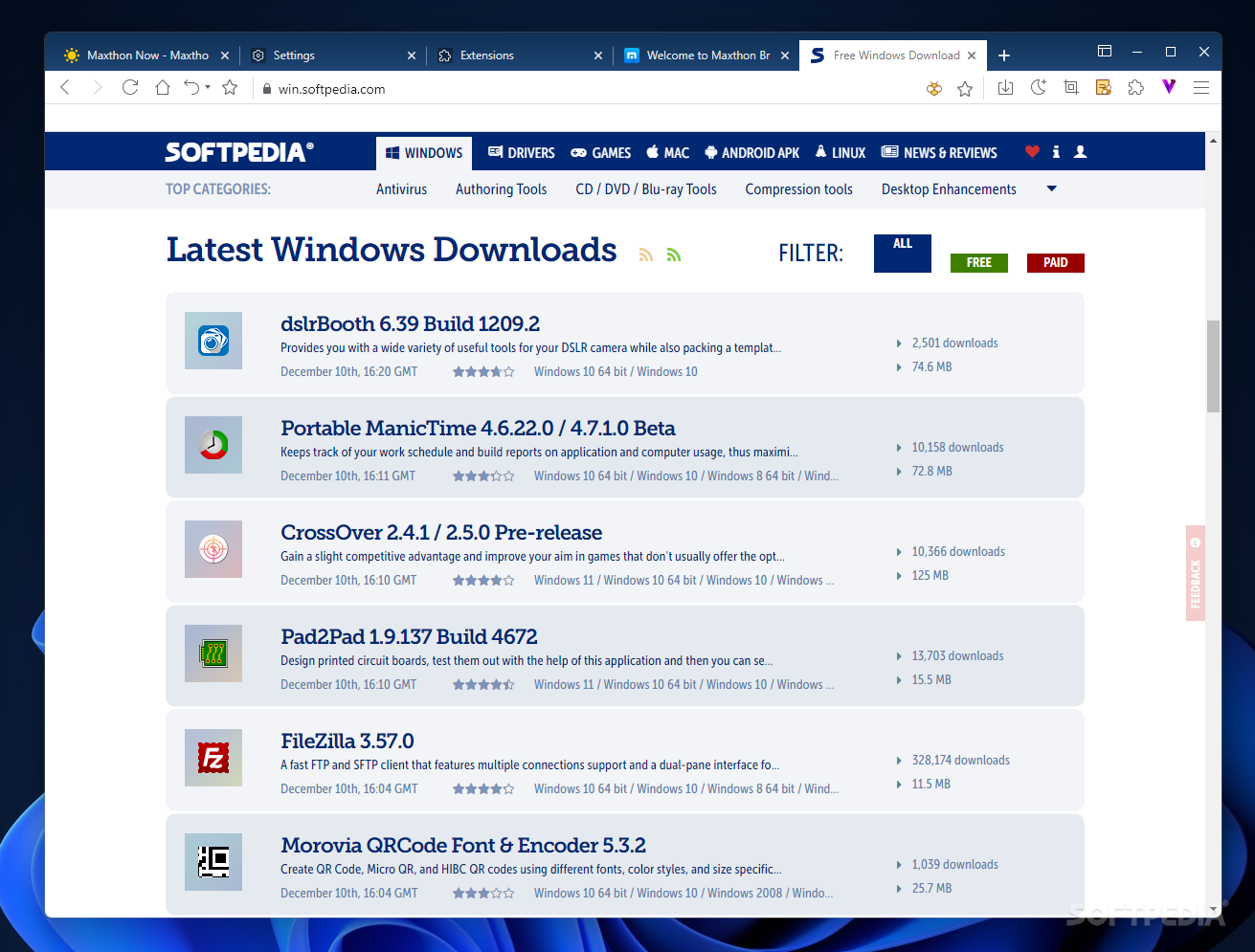
It might come as a surprise to some, but Chrome, Firefox and Opera are not the only browsers out there. In fact, there are alternatives that bring to the table interesting features, although not many can match the bar set by the giants in this sector. One of them is Maxthon Portable, a web browser with a significant number of users worldwide, that relies on a robust engine and provides support for blockchain technology.
First, let us note that this edition of Maxthon does not require installation, meaning you can use it on the go without leaving traces on the host system. The user profile data is stored in the same folder as the application itself, which allows you to launch the browser directly from a removable drive. Evidently, the registry of the host computer is not affected, as it happens with any portable application.
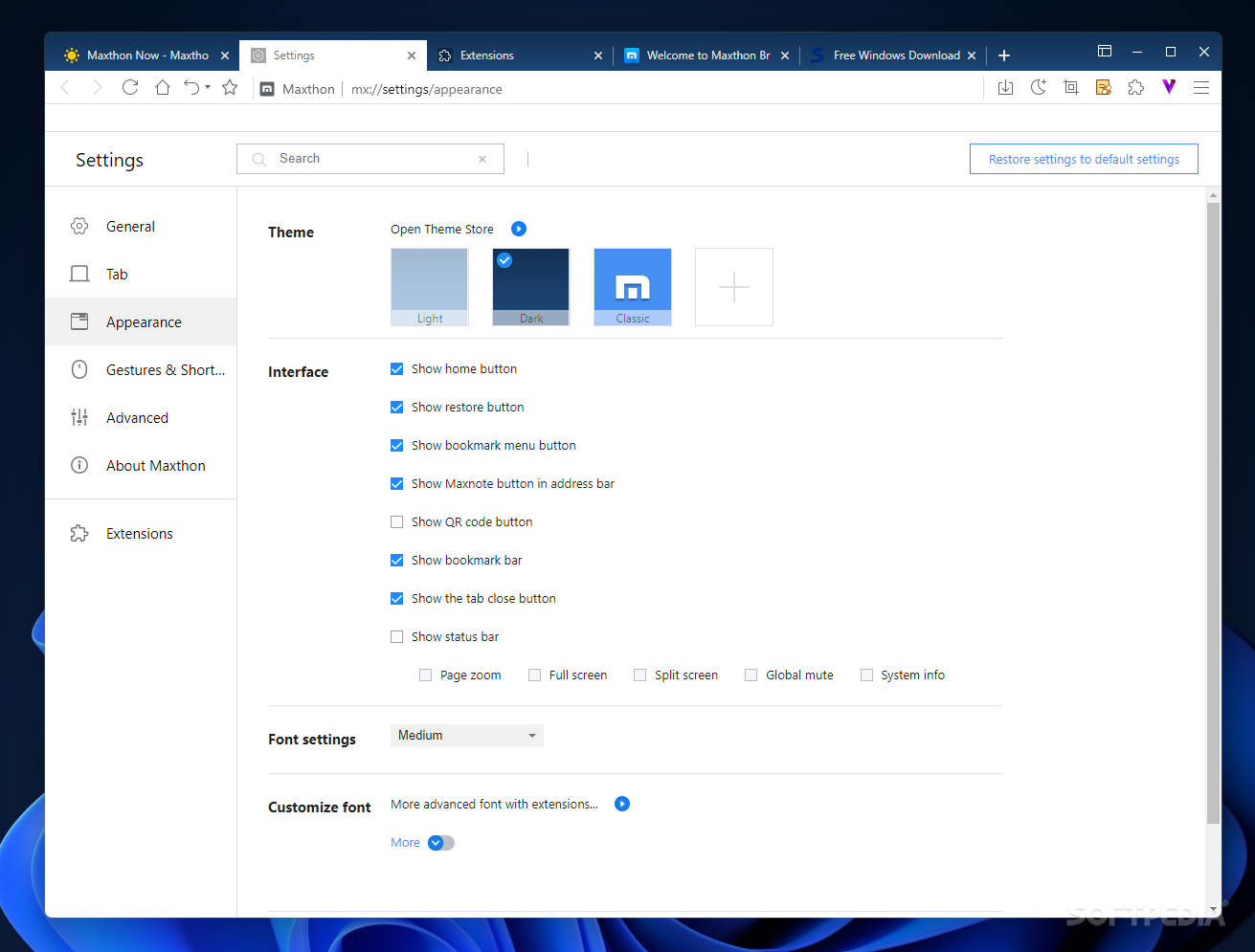
When launching Maxthon Portable for the first time, you are greeted by the Welcome tab and the Maxthon Now tab. The first allows quick browser setup: you can import local data from other browsers, sign up or sign in to Maxthon’s cloud storage, try out the blockchain ID manager or launch blockchain apps. Moreover, there are options to personalize Maxthon’s appearance and configure addons to extend its functionality.
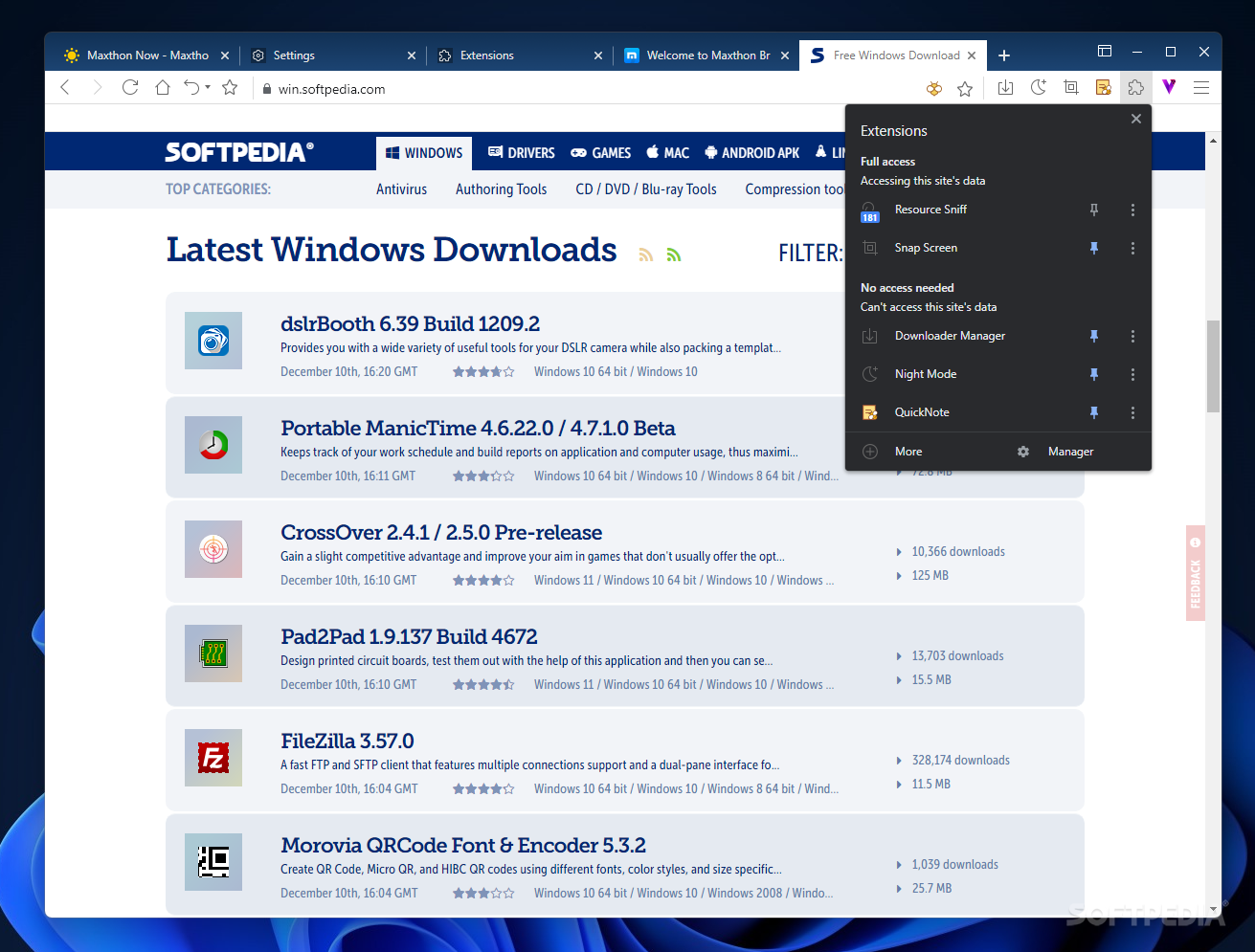
And speaking on addons, it must be noted that no extensions were supported in the previous versions of Maxthon, as the browser was based on a dual-core design, using both WebKit and Trident rendering engines. In the attempt to rise up to the industry standards in terms of performance, features and stability, as well as enhance the user’s experience, Maxthon’s kernel is based on Chromium, starting with the first releases of version 6.
Moving past the ad-filled “Maxthon Now” tab that greets you upon the first launch, Mathon Portable behaves similarly to any other Chromium-based browser. You will recognize the familiar design of the tabs and the basic feature set that all modern browsers share.
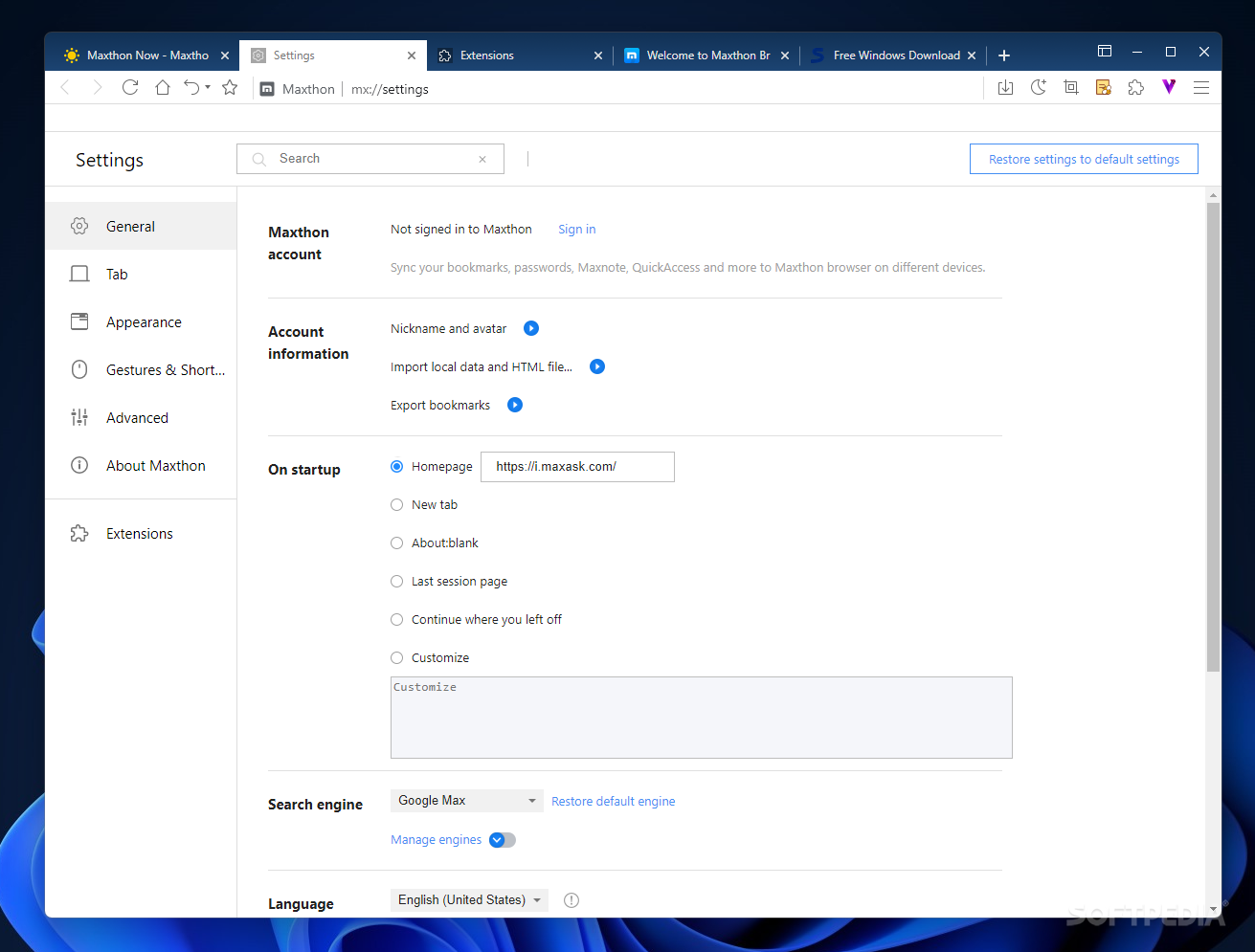
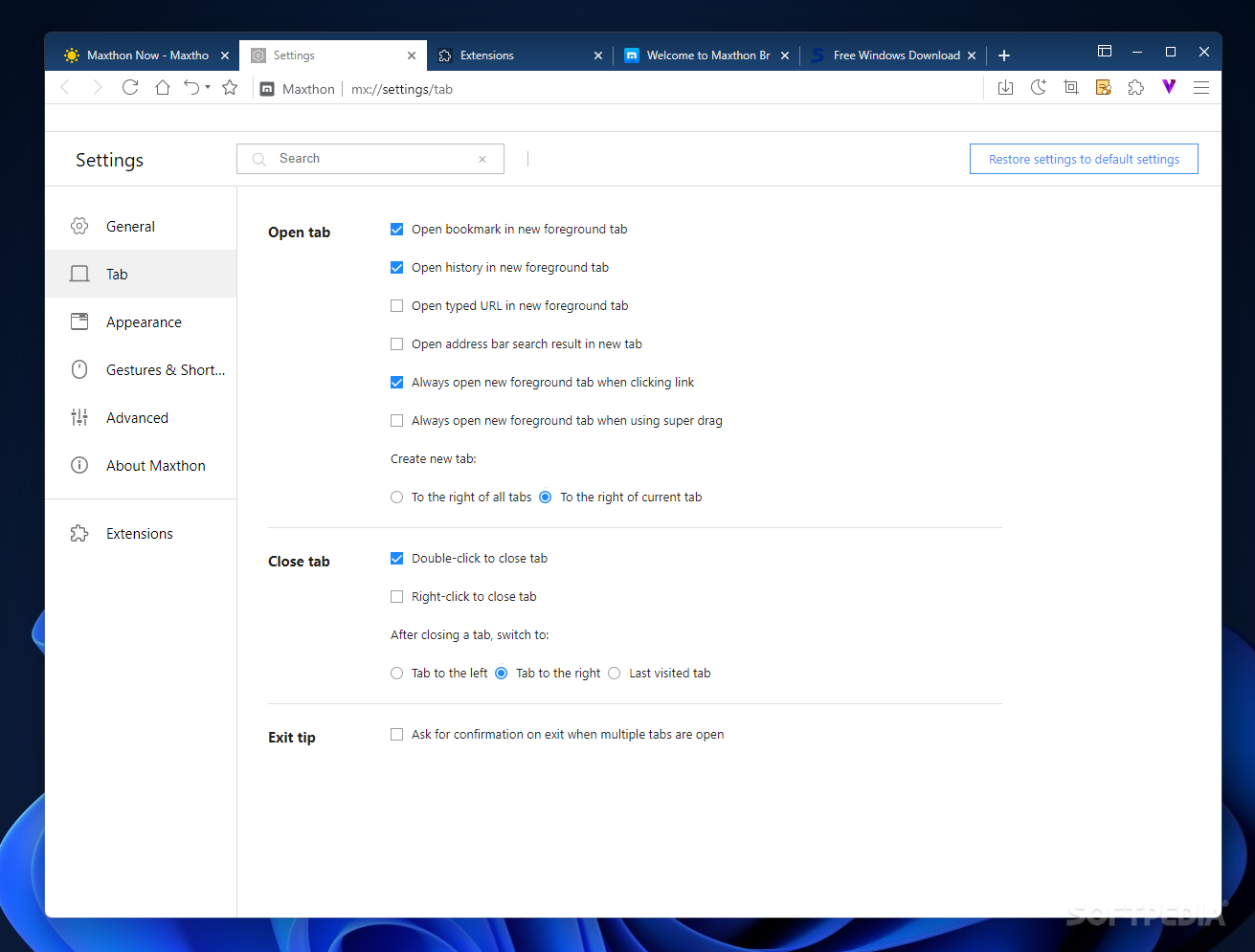
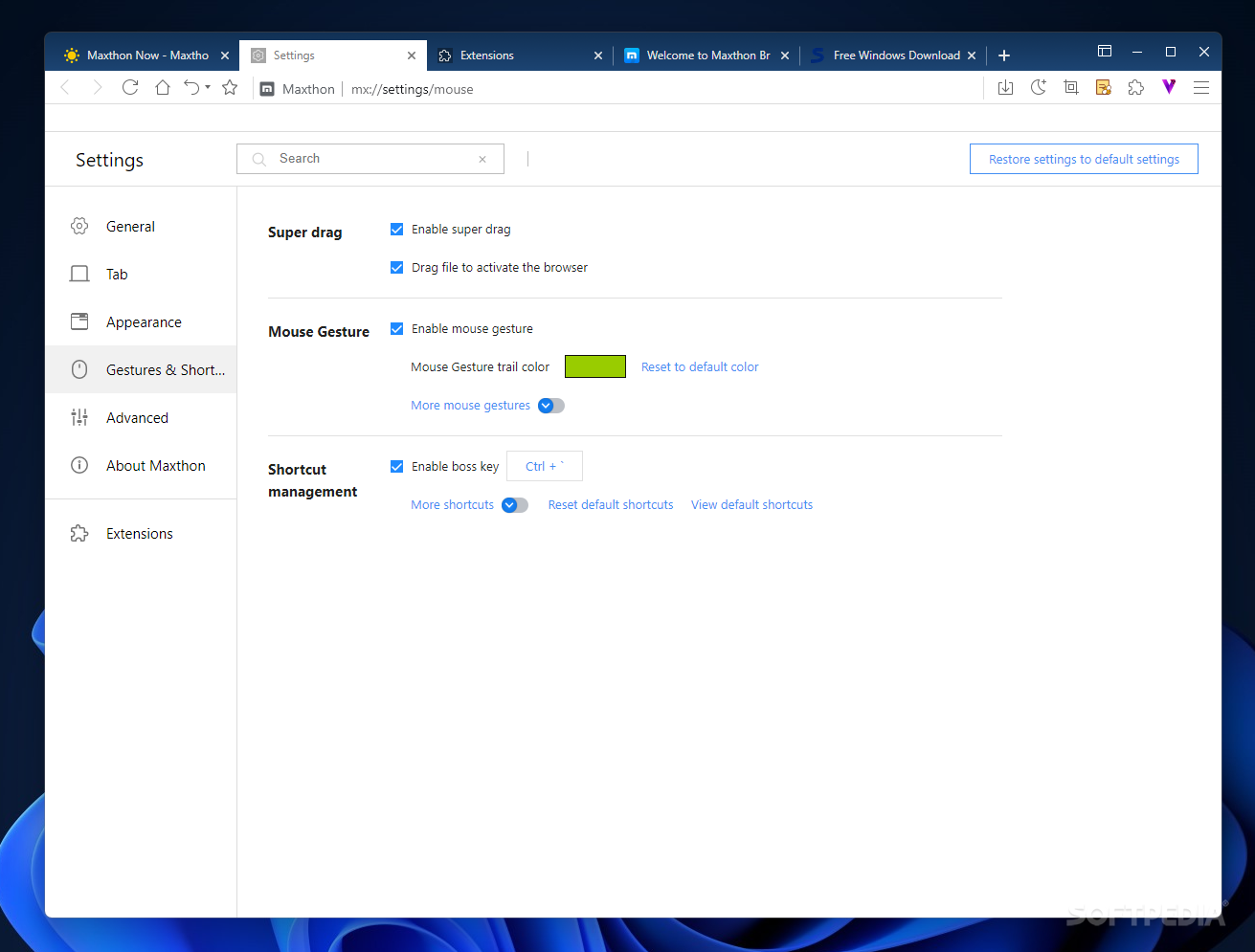
There is a built-in download manager, a browsing history tracker and the Incognito mode that allows you to open pages in non-trackable mode. Managing the default search engine and the start pages, tabs, downloads and other such options is easily done in the “Settings” area. Mathon Portable features extended customization possibilities and comes with support for mouse gestures.
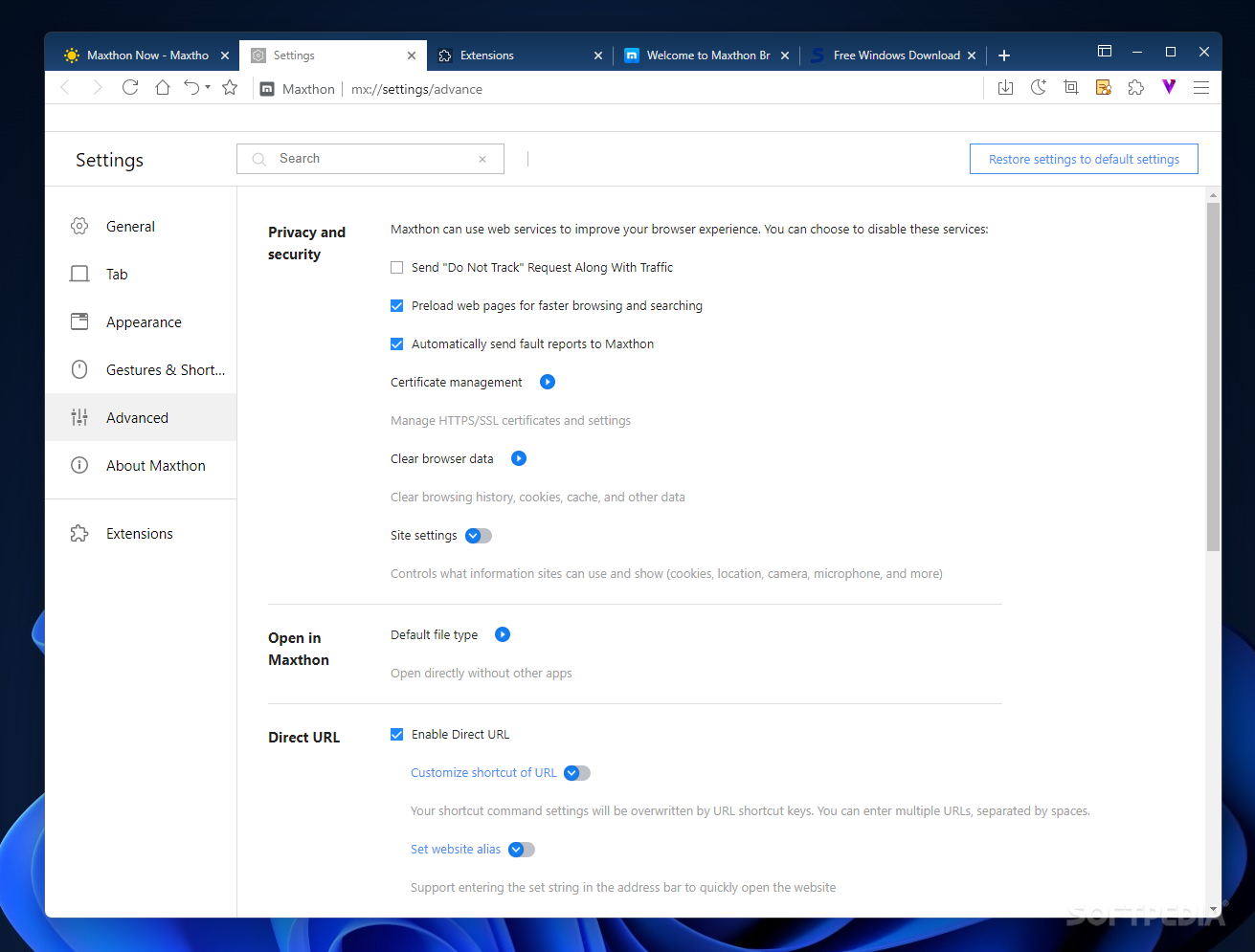
As for security, Mathon Portable is designed with privacy in mind. For instance, you can configure it to avoid user tracking, manage certificates and decide upon the information that visited websites can access.
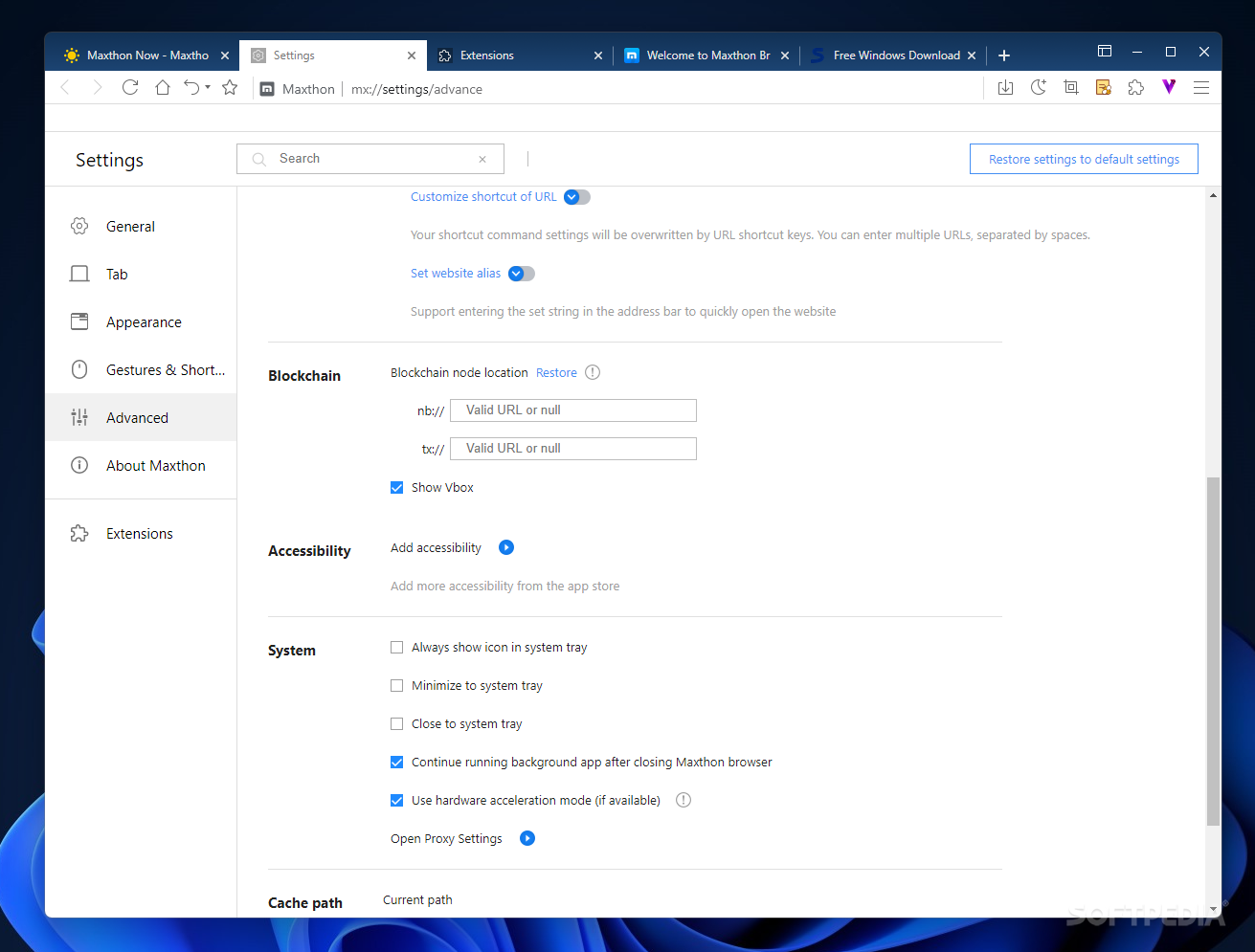
As mentioned above, Mathon Portable supports blockchain apps and ID management, using the NBdomain protocol. It is possible to create blockchain identities and assets to ensure enhanced browsing privacy.
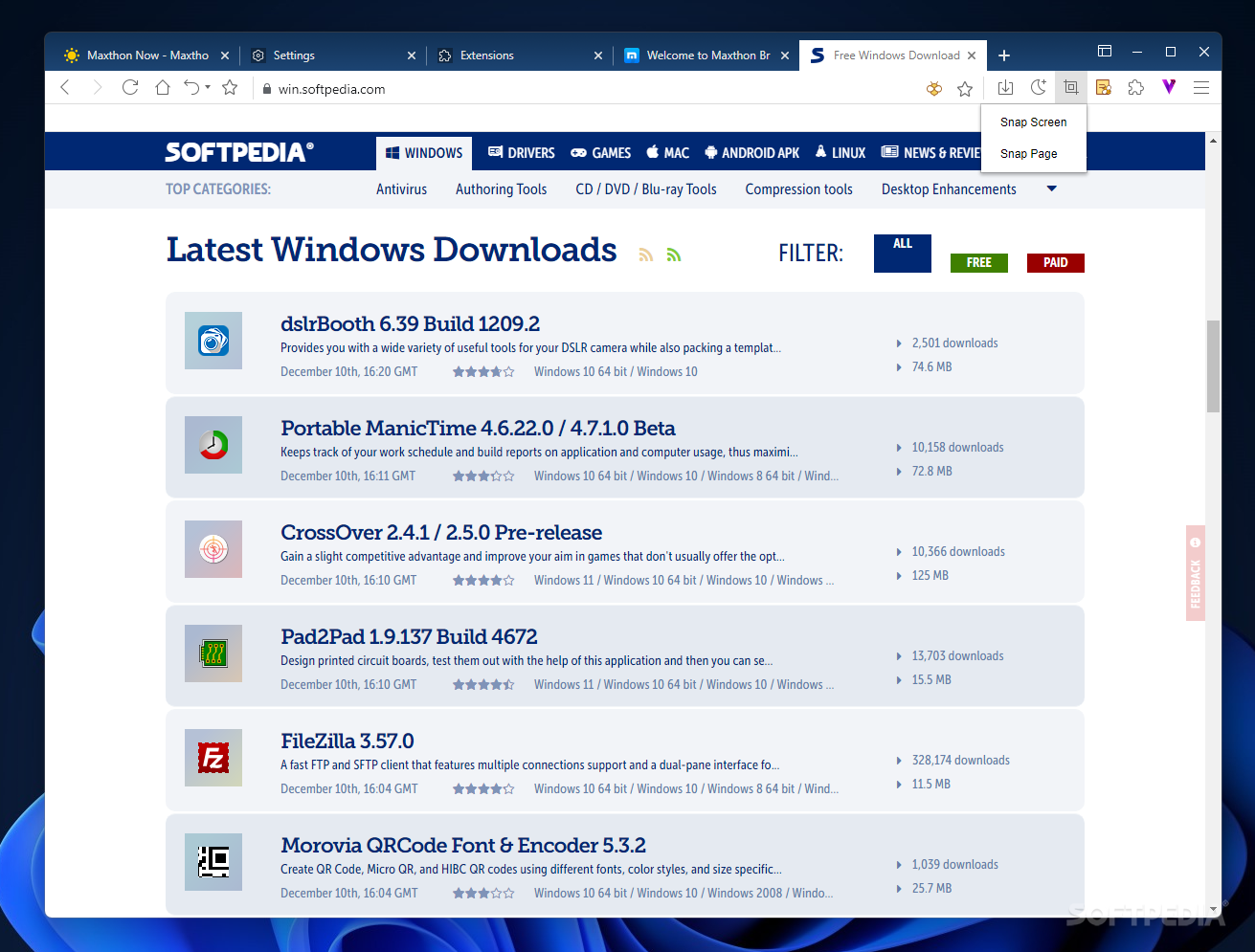
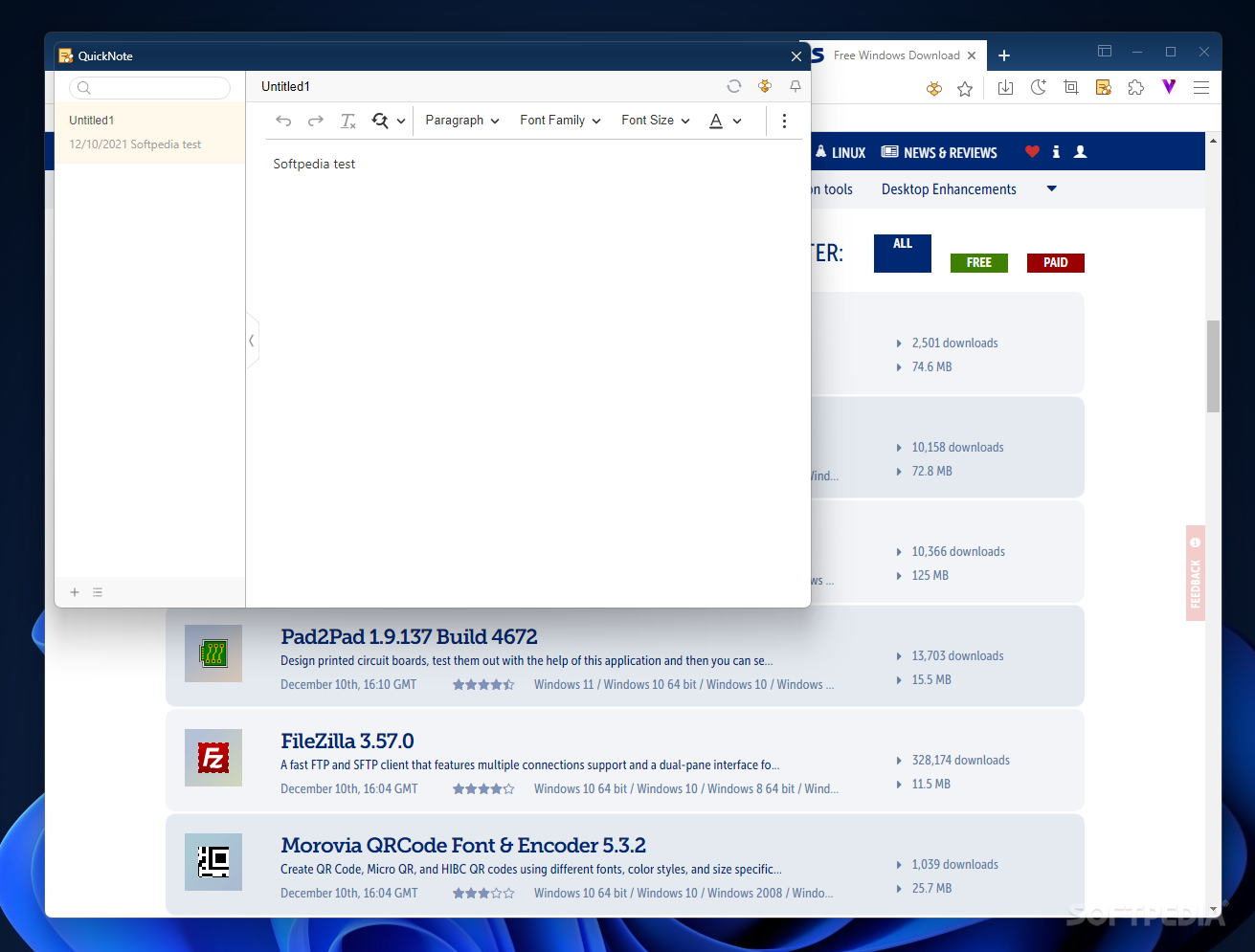
It is worth noting that Portable Maxthon brings to the table features that it prides itself with since older versions, such as the Maxnote or the Passkeeper app. Ass their name suggests, Maxnote is designed to help you create and organize notes, which is quite helpful during research sessions. The name of Passkeeper is also quite suggestive. This utility stores autosaved passwwords, accounts and private notes in a secure vault. Other features worth mentioning are the nightmode in Portable Maxthon, designed to reduce eye strain during nighttime, the built-in snapshot taker and the compatibility with all the extensions in the Chrome web store.
While prior versions of Portable Maxthon were questionable in terms of performance and stability in comparison with the major players, the latest versions of the browser offer security, speed and versatility. With the new enhancements, Portable Maxthon became a better alternative to the popular names, while preserving some of the functions that its loyal users enjoyed from the first editions onwards.
Download Hubs
Portable Maxthon is part of these download collections: Portable Web Browser
What's new in Portable Maxthon 7.1.8.9000:
- Comprehensive upgrade of data synchronization mechanism for faster and safer data syncing
- Added Search Tab button located at the top left corner of the tab bar, allowing users to view and search open and recently closed tabs through an expanded menu. This feature can be enabled or disabled in 'Settings'->'Appearance' and supports keyboard shortcuts.
- Added Video Download Acceleration: For full video downloads, videos from certain sites can be downloaded at high speed by clicking the acceleration button in the download popup to download the 720P version of the video.
- Added Vertical Video Download Support: Resolution for full video downloads is adjusted to match the original video playback resolution.
Portable Maxthon 7.1.8.9000
add to watchlist add to download basket send us an update REPORT- PRICE: Free
- portable version
- This is the portable version of the application. An installable version is also available: Maxthon
- runs on:
-
Windows 11
Windows 10 32/64 bit
Windows 8 32/64 bit
Windows 7 32/64 bit - file size:
- 145 MB
- filename:
- maxthon_portable_7.1.7.8000_x86.zip
- main category:
- Portable Software
- developer:
- visit homepage
Windows Sandbox Launcher

4k Video Downloader

Zoom Client

calibre

ShareX

7-Zip

IrfanView

Bitdefender Antivirus Free

Context Menu Manager

Microsoft Teams

- Bitdefender Antivirus Free
- Context Menu Manager
- Microsoft Teams
- Windows Sandbox Launcher
- 4k Video Downloader
- Zoom Client
- calibre
- ShareX
- 7-Zip
- IrfanView