
Powerful multimedia player with built-in audio organization tools and podcast or cloud streaming options, all packed in a self-contained, portable toolkit. #Audio player #Media player #Tag editor #Player #Recorder #Radio
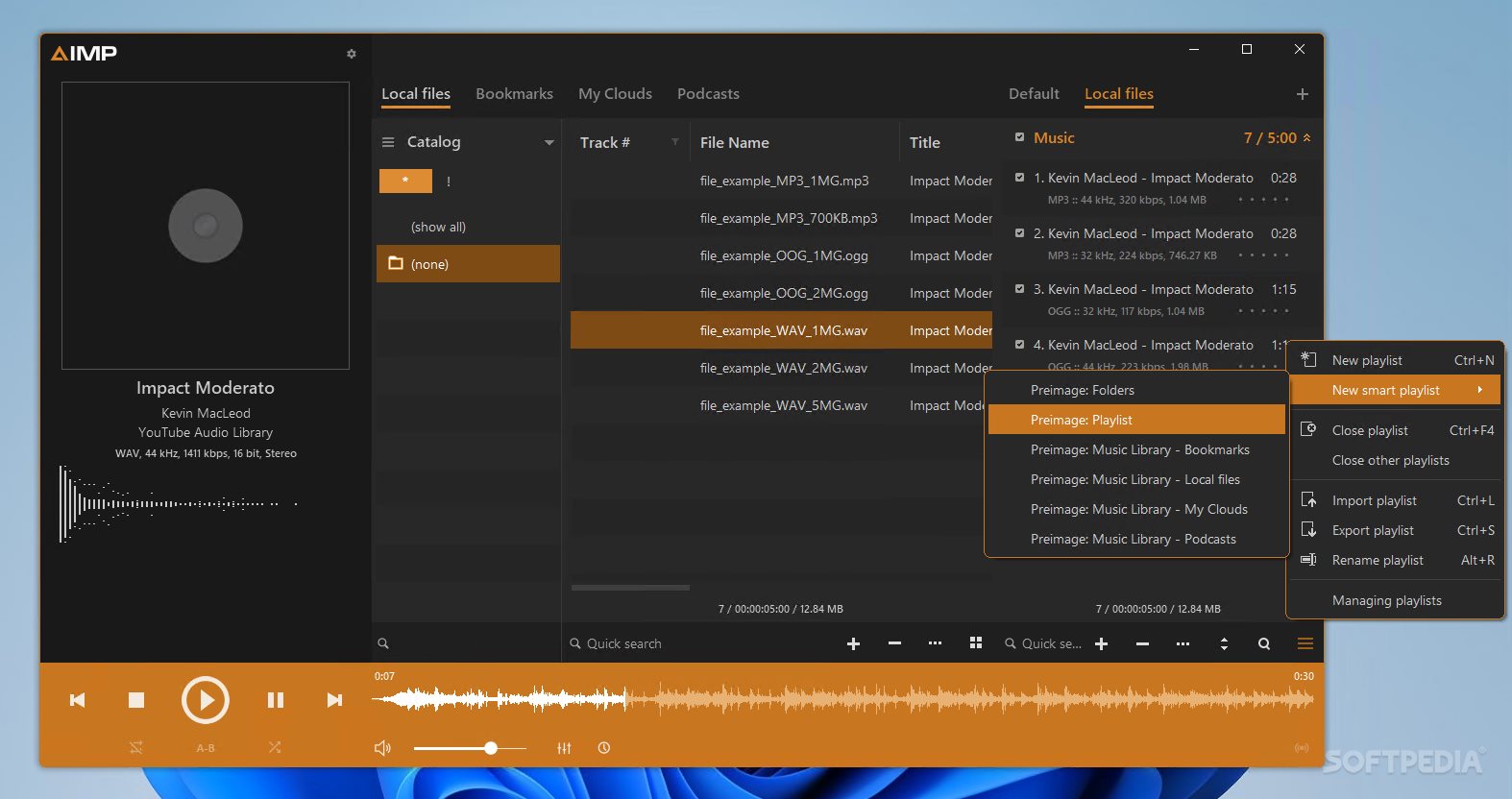
Portable AIMP is a multi-platform (for Windows OS and Android) music player and content organizer, a radio and podcast management tool, and a queue creation instrument that allows you to filter and sort your tracks and albums in the most creative way possible.
The portable version of AIMP is compact and a perfect choice for anyone who needs a flexible tool they can use to sort, organize, and play their music.
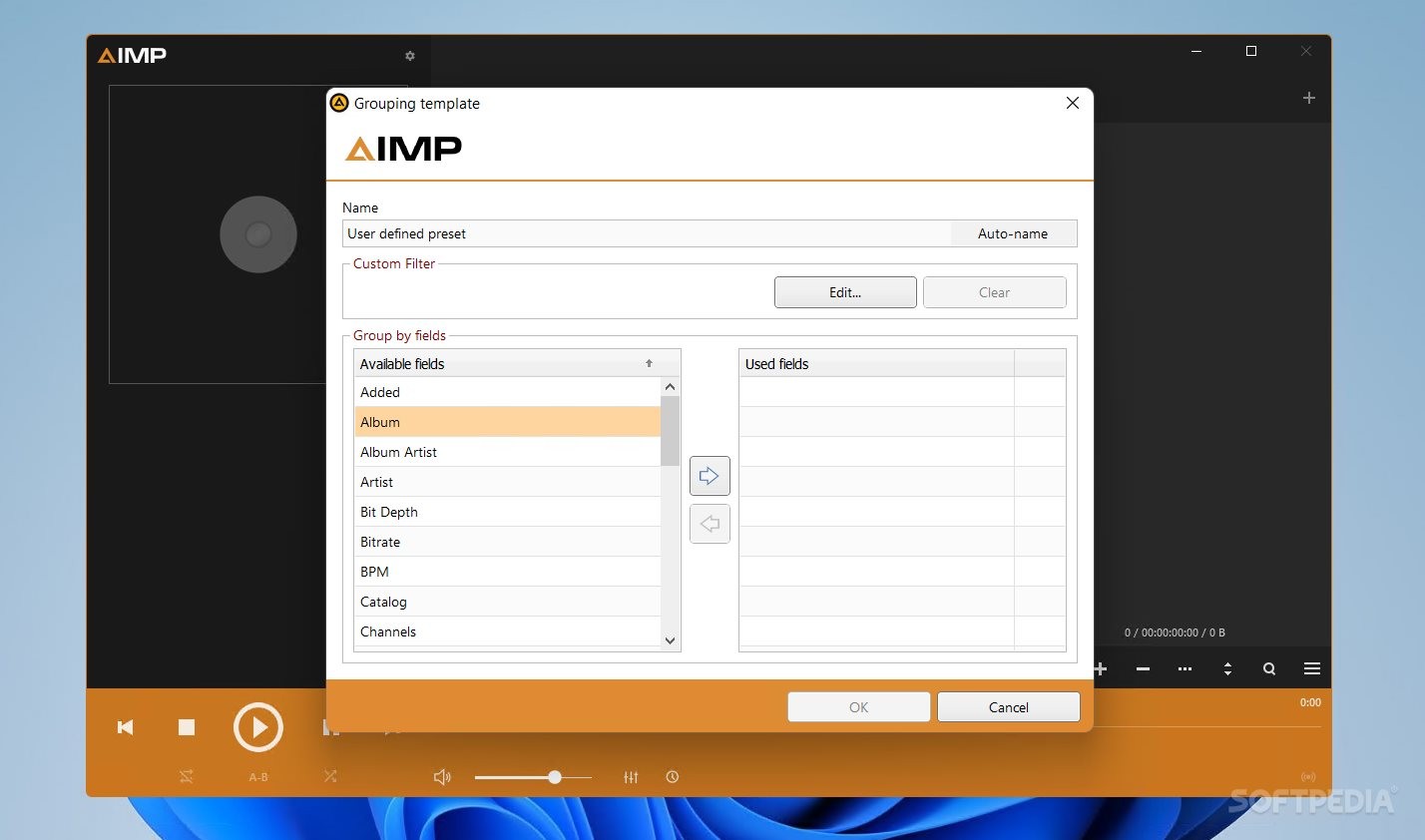
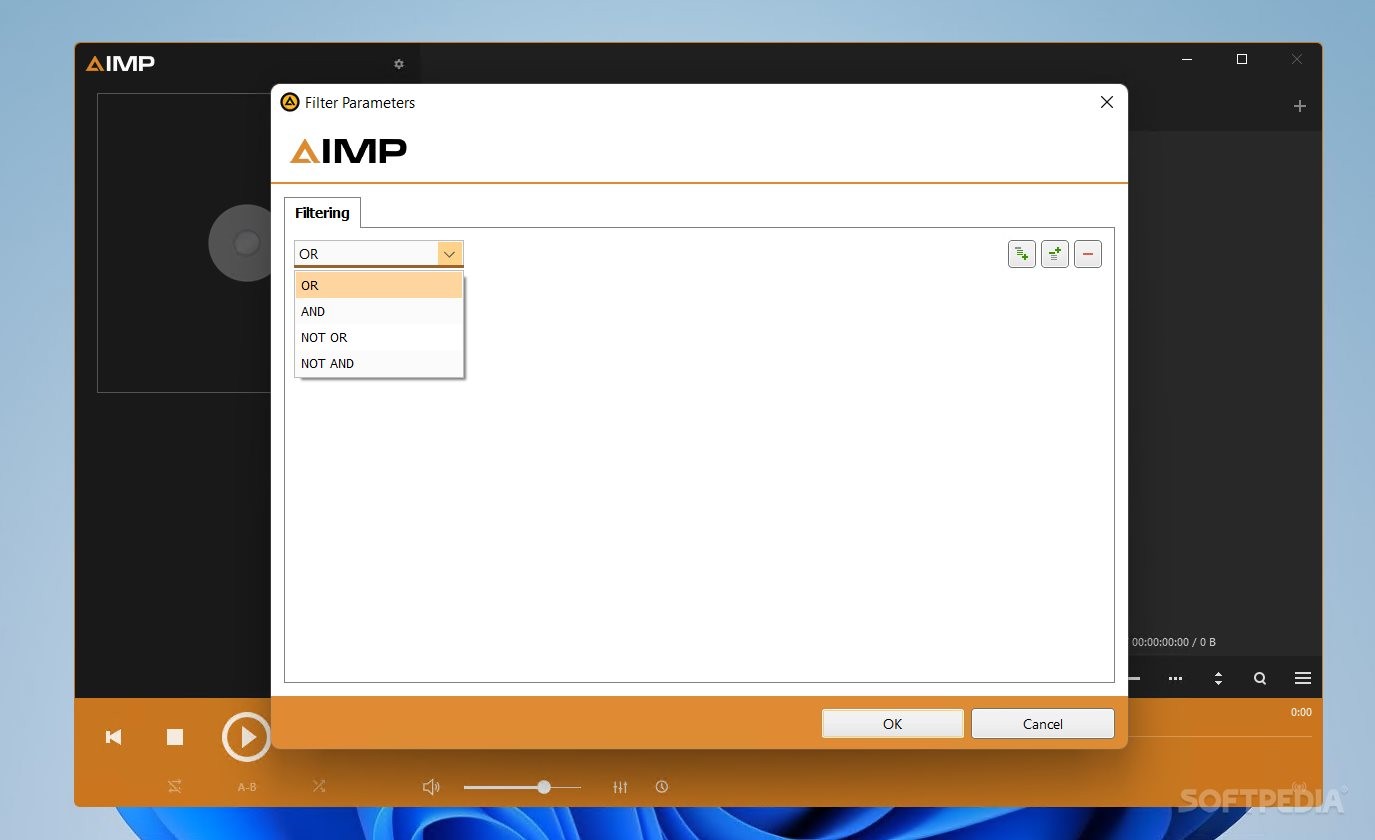
The tool has a serious amount of available grouping and filtering methods, including in regards to criteria such as album, artist, bitrate, BPM, channel, catalog, and others. You further filter your information using AND, OR, NOT OR, or NOT AND operators, and create complex branching logic sorting methods.
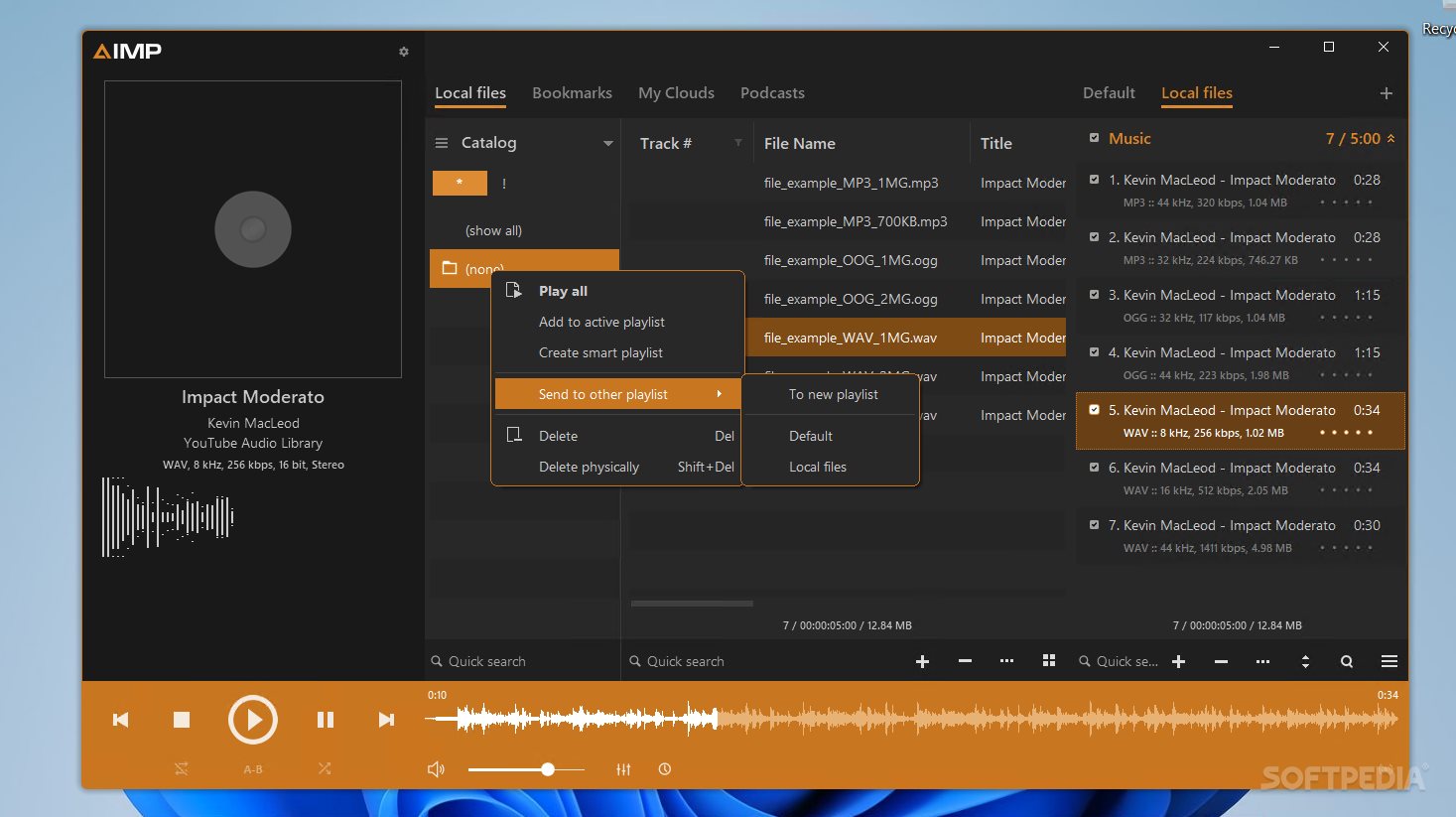
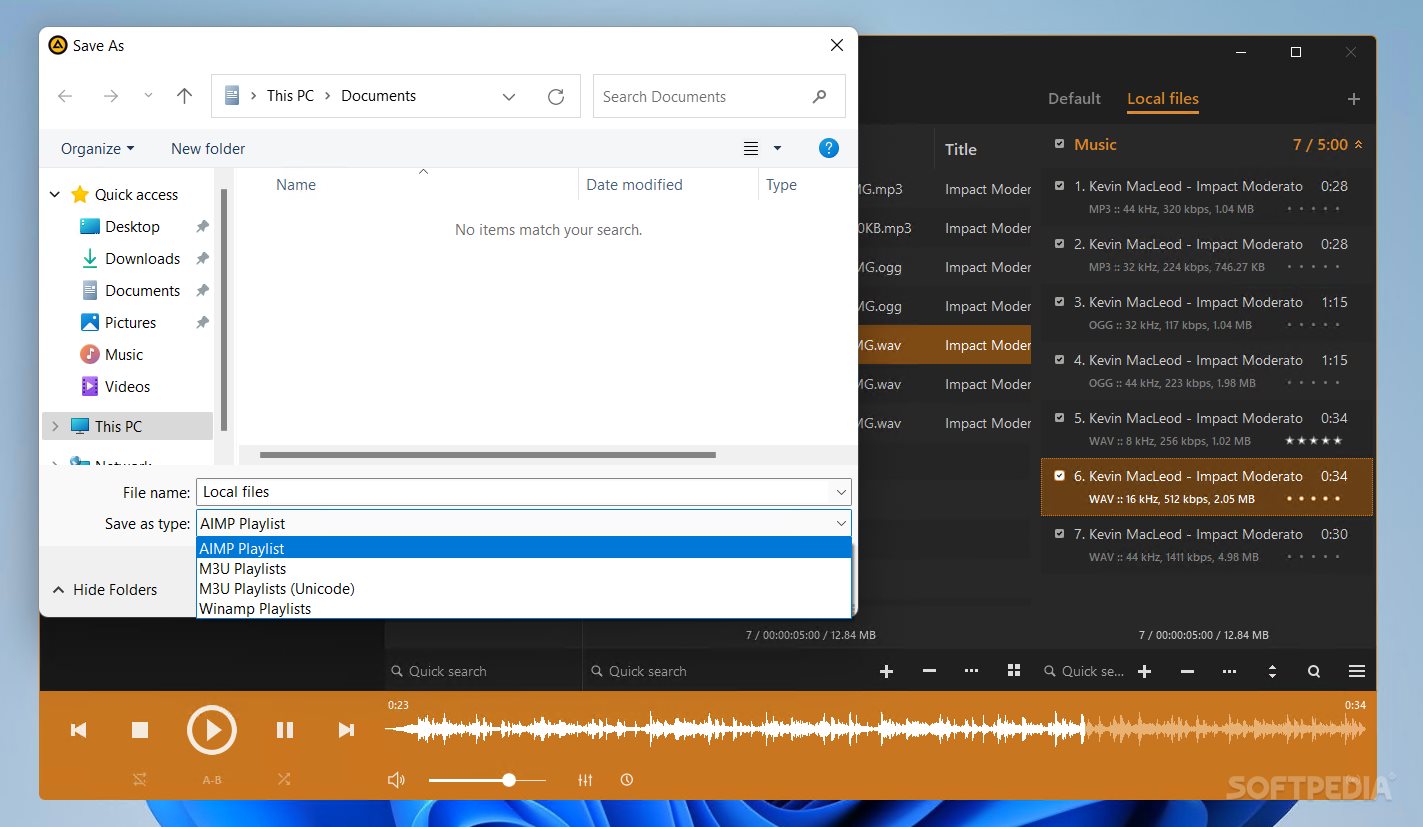
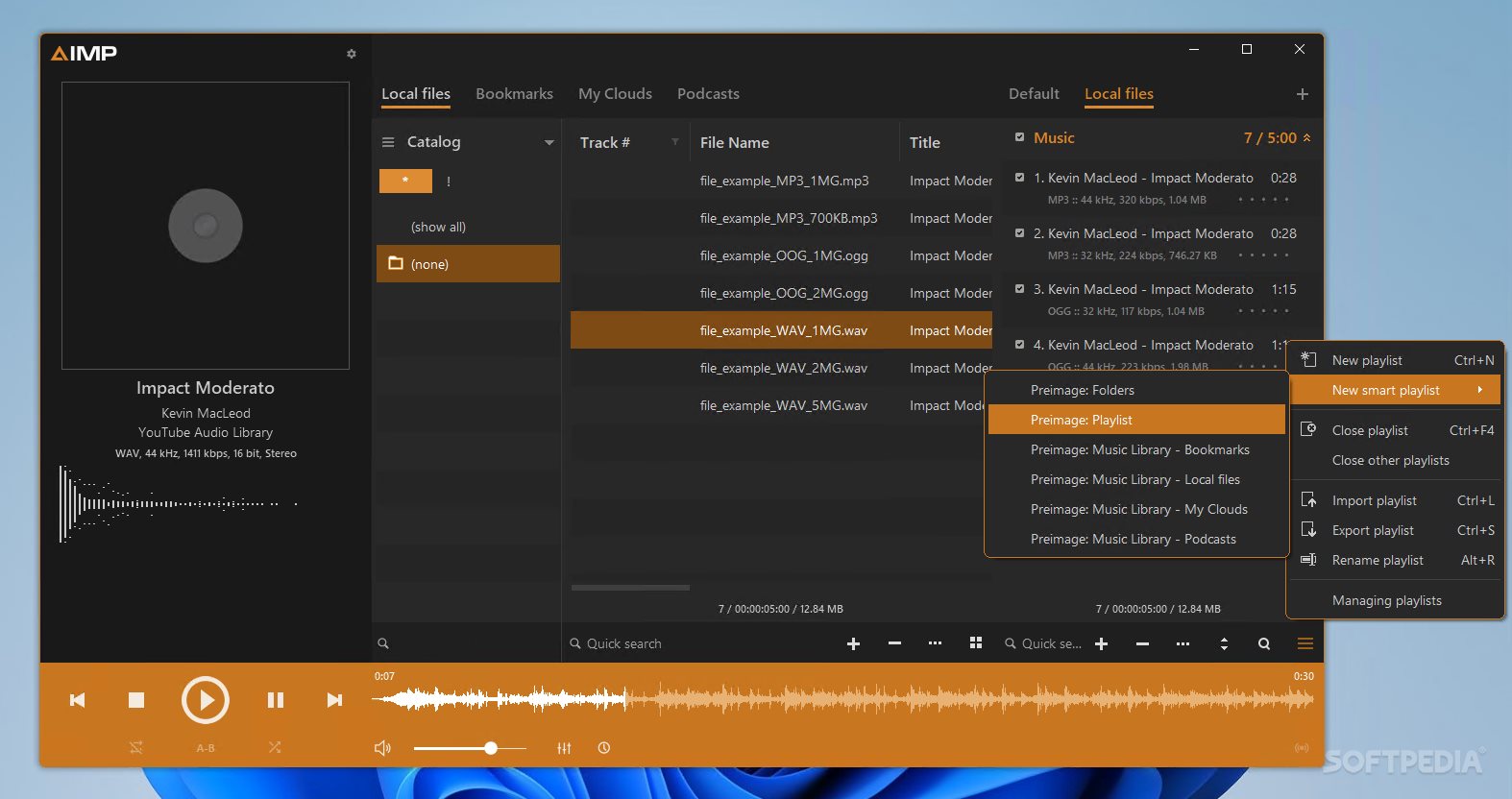
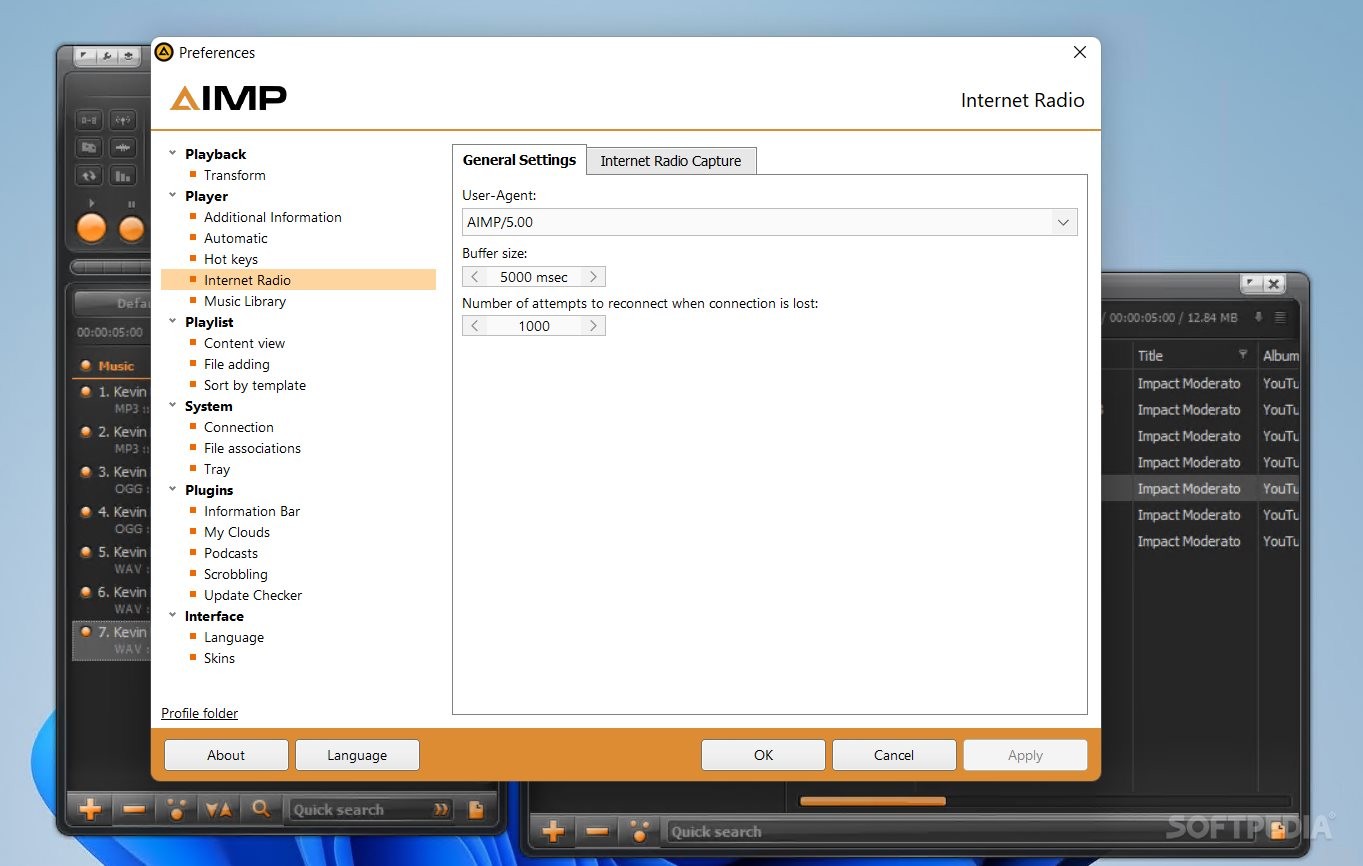
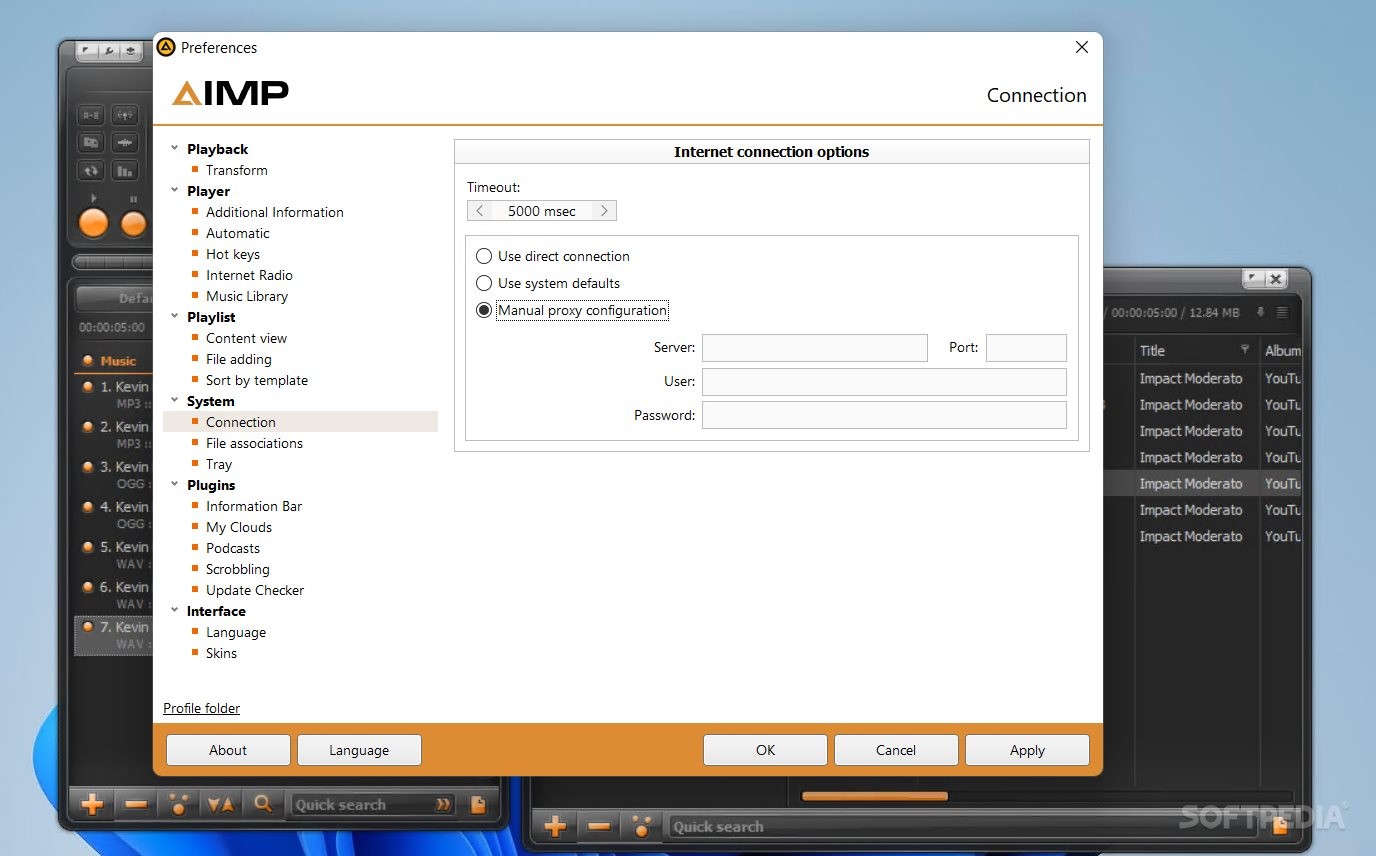
This tool is for all music lovers who have large collections of music, tracks, album, and want to sort and neatly arrange their content. You can import or export playlists, add bookmarks, create smart lists, and granularly set up your music-listening environment (e.g., buffer size and manual proxies for Internet connections).
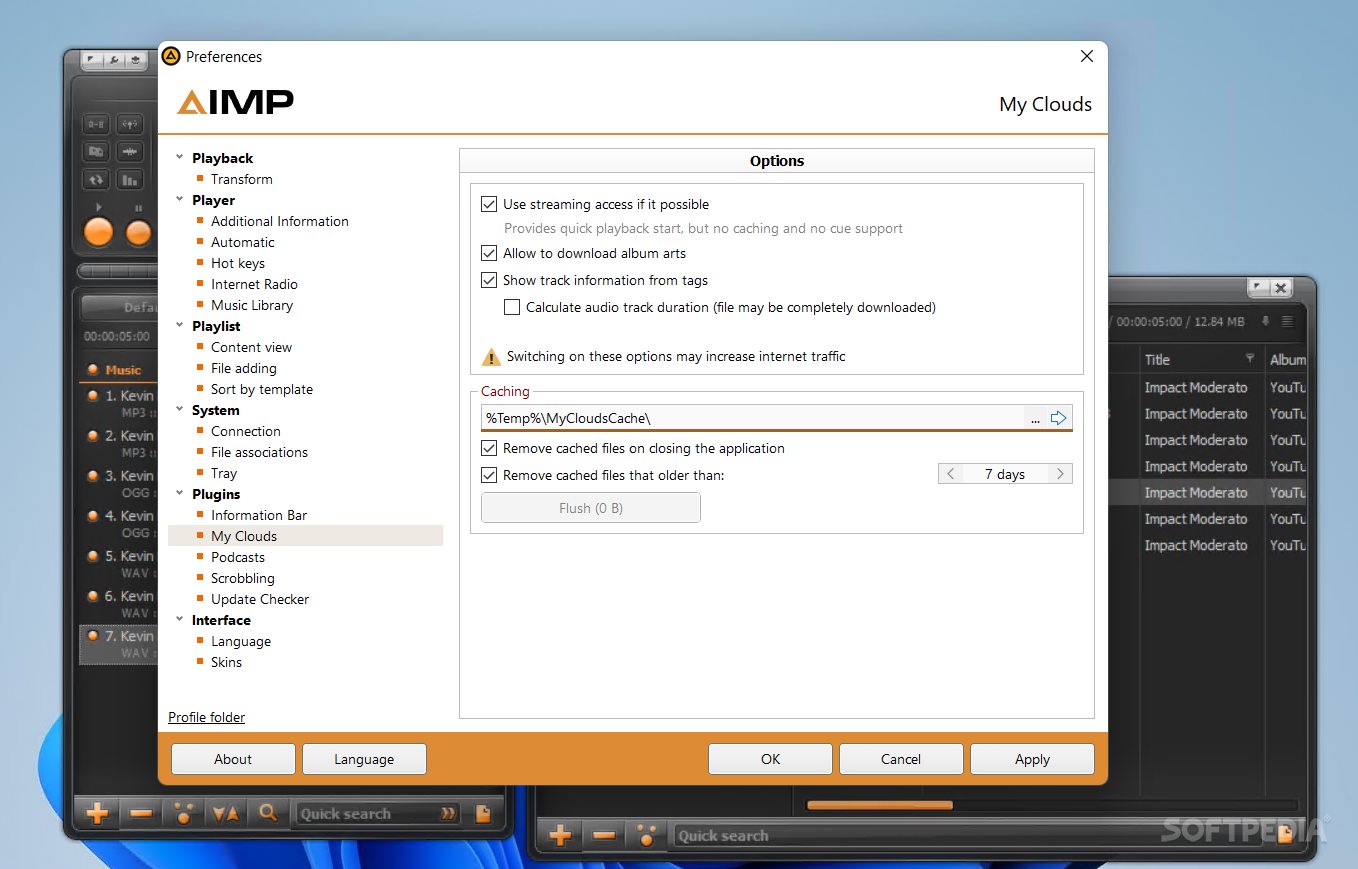
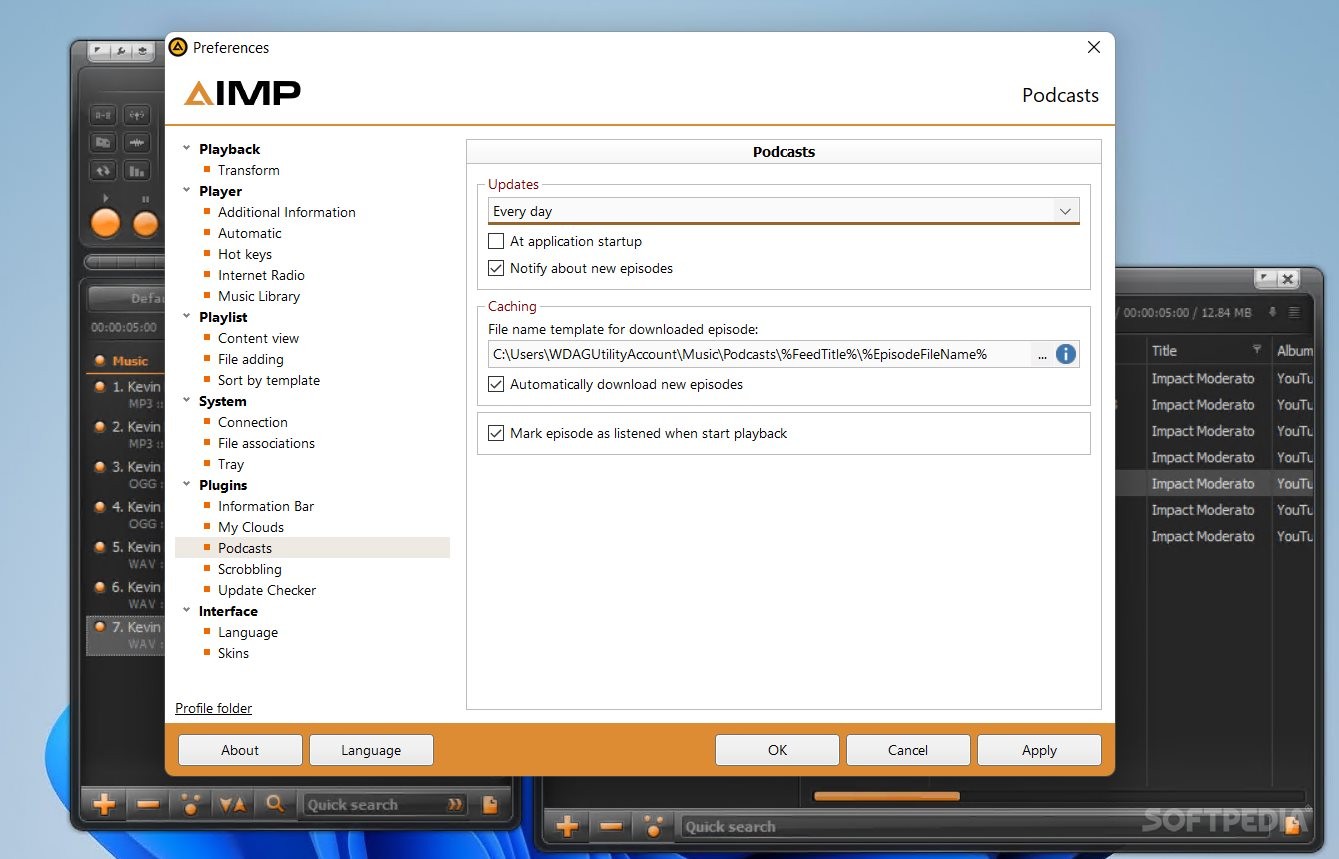
This application allows you to connect to various clouds and stream your music through Portable AIMP. At the same time, you can create vast lists of indexed radio channels, configure a podcast area where you decide how episodes are being played, and much more.
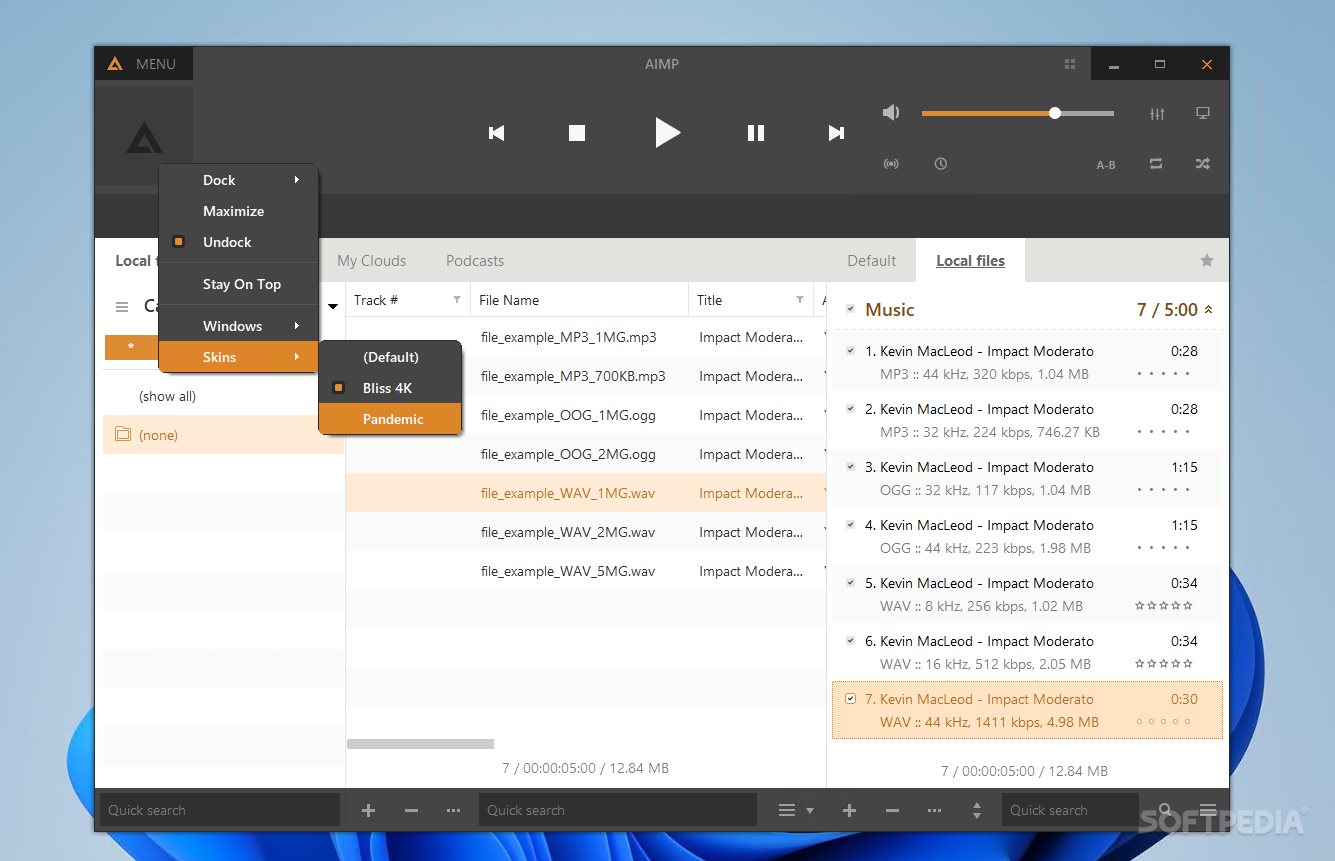
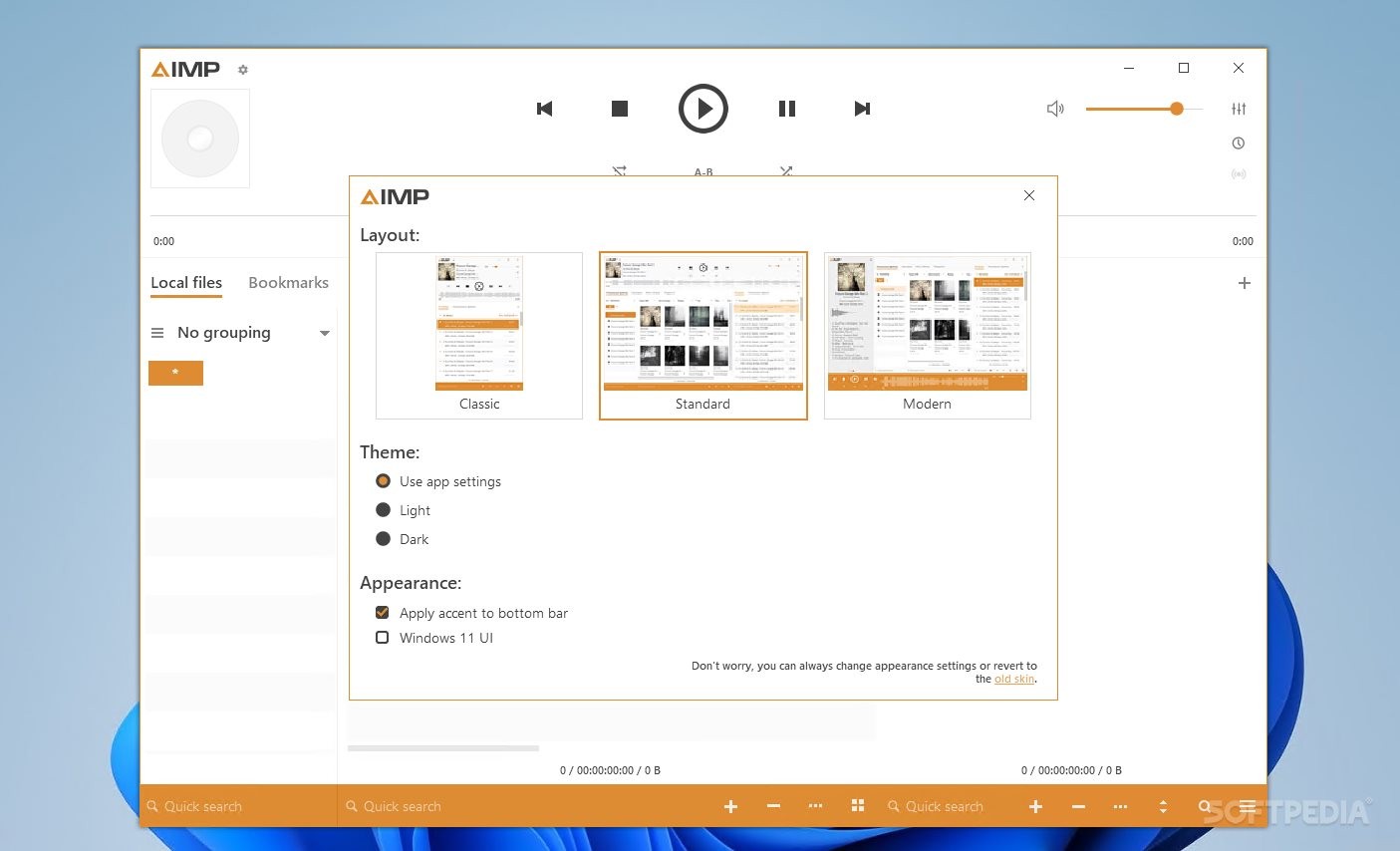
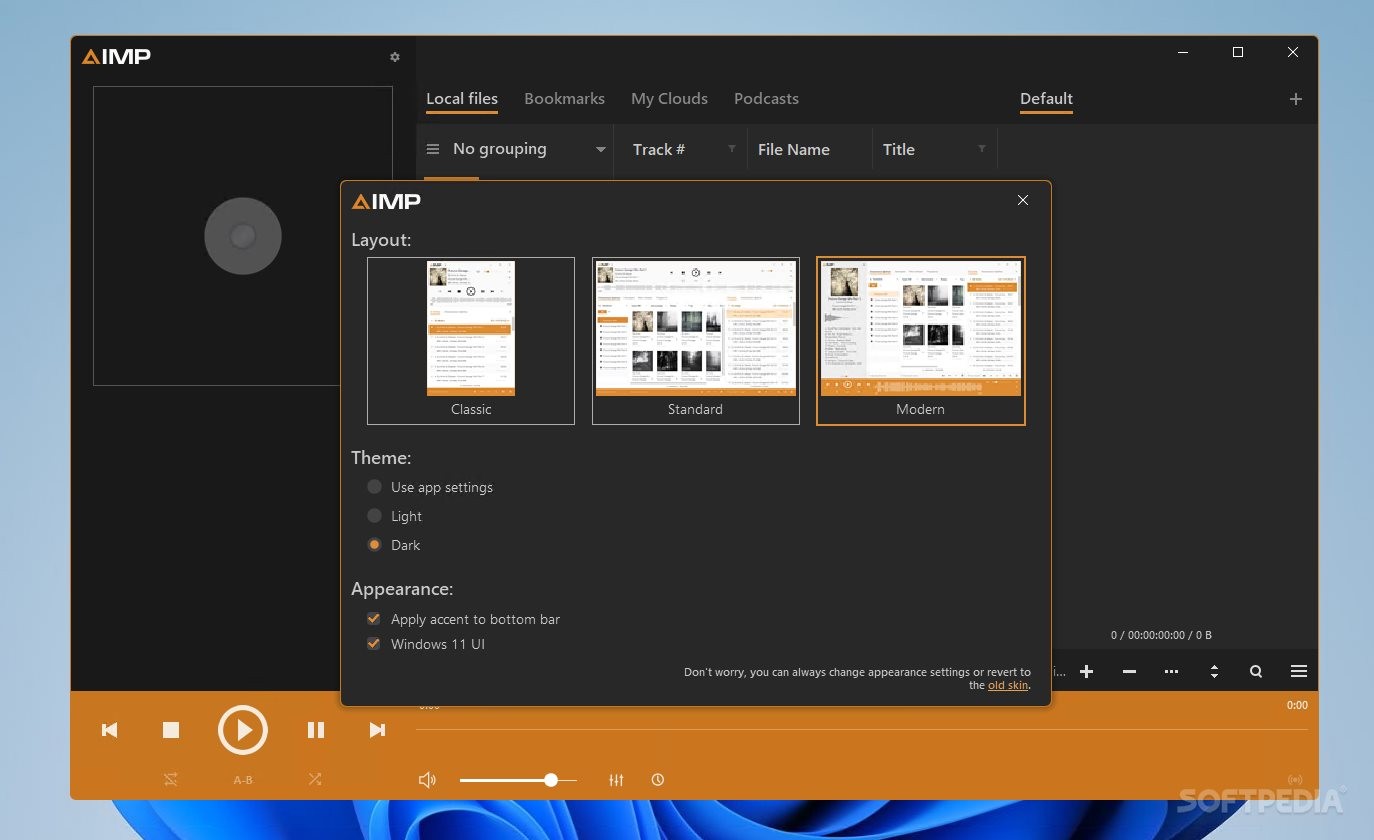
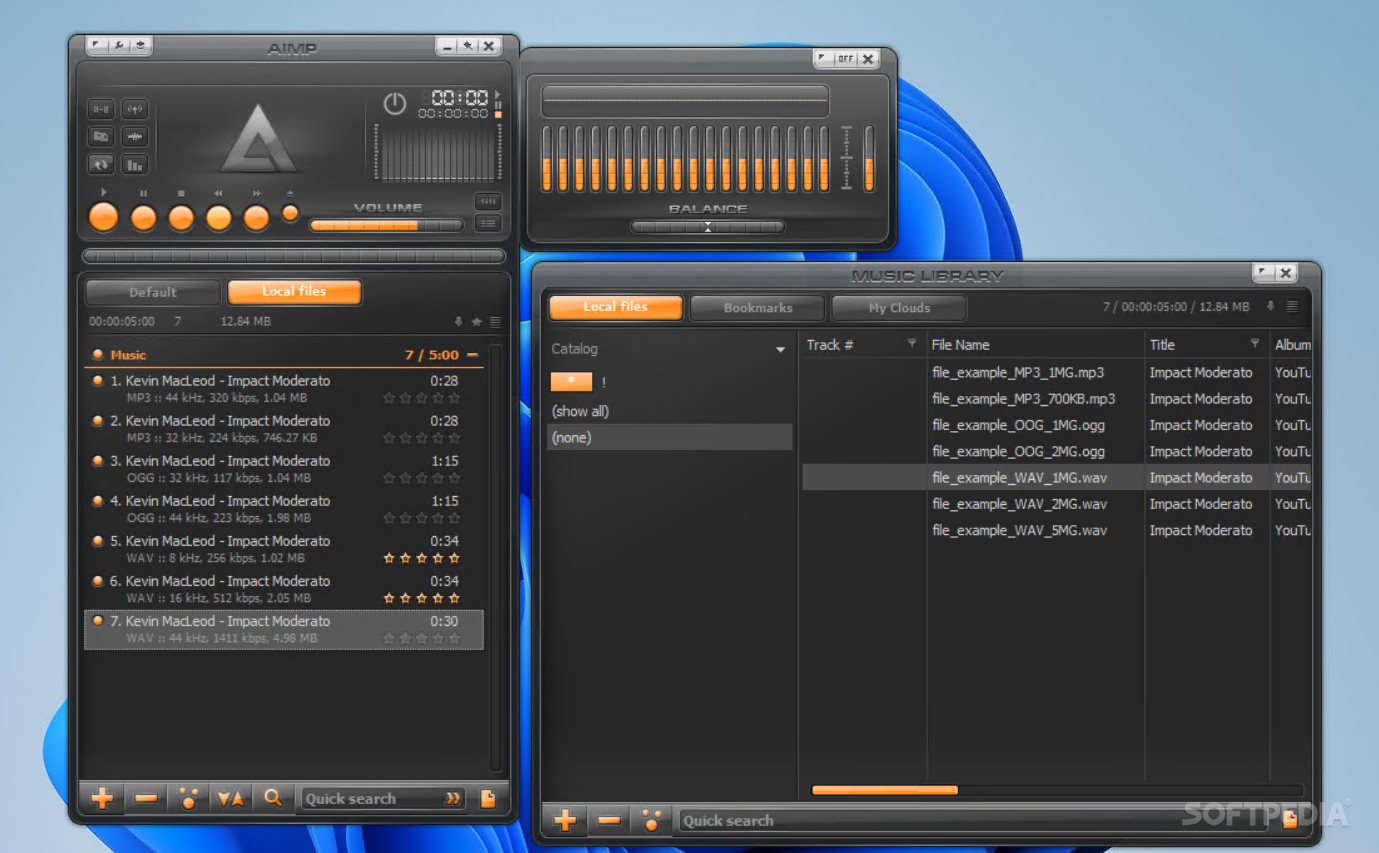
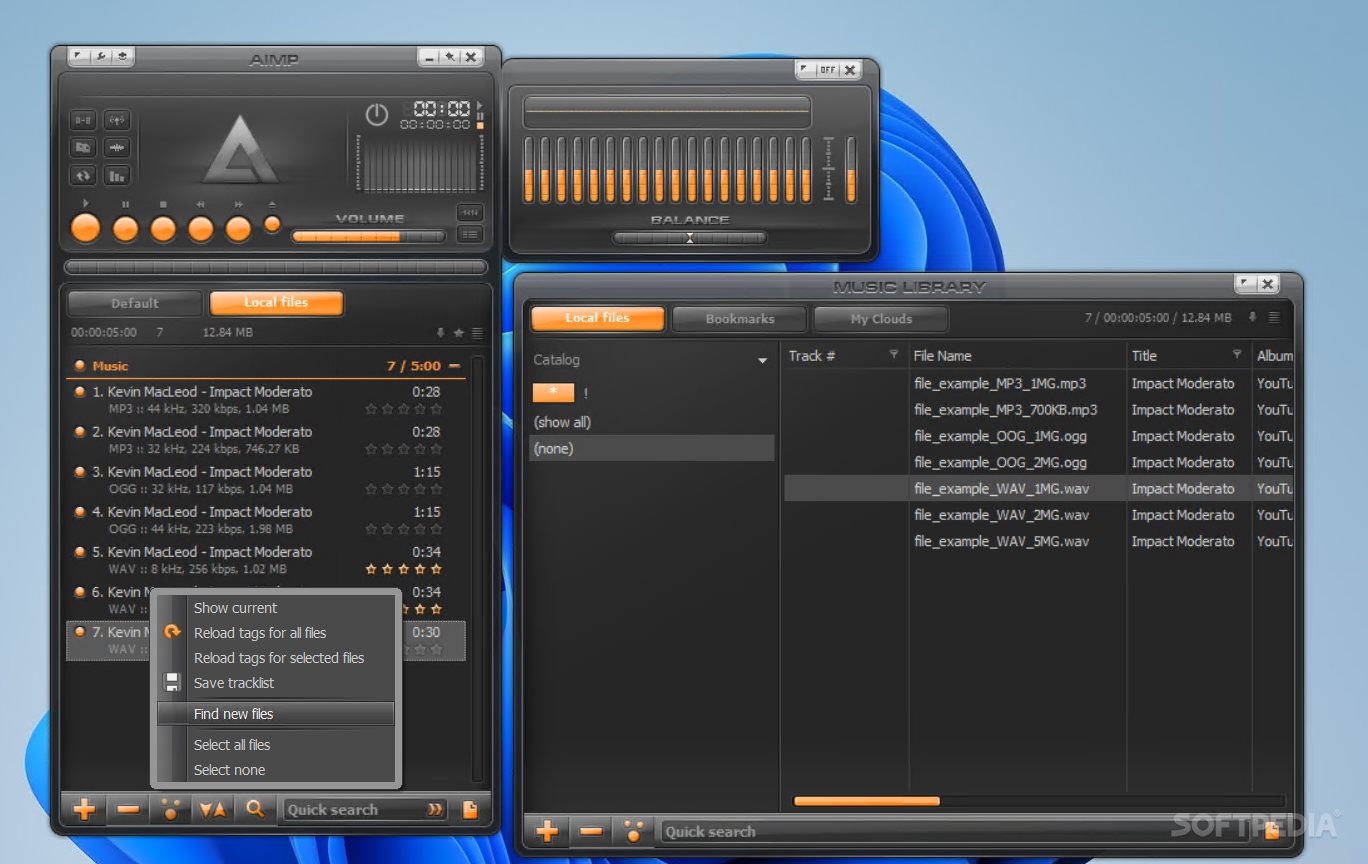
Portable AIMP lets users choose their GUI implementations, adjust the theme, and change between a modern and an old-school style.
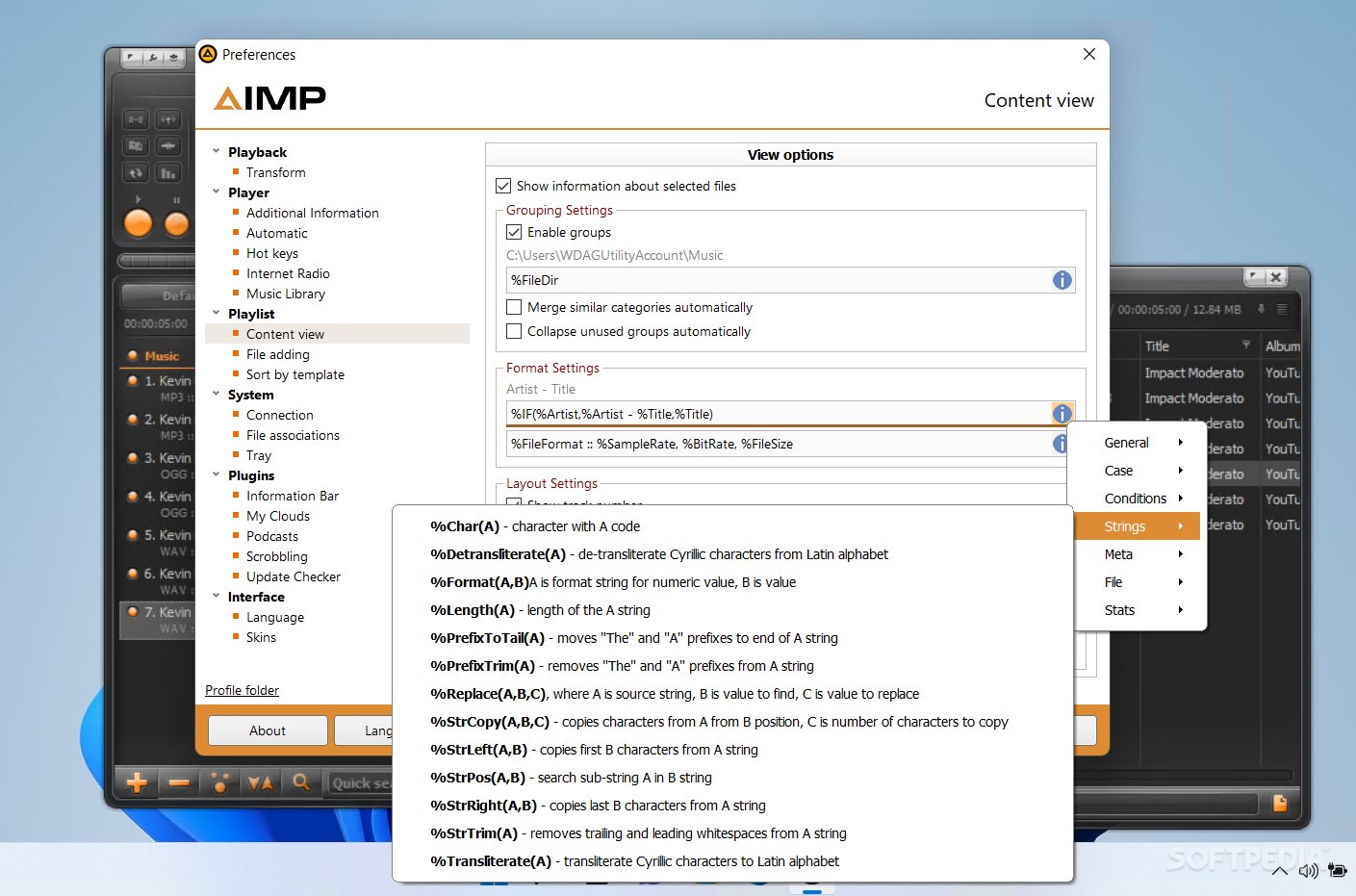
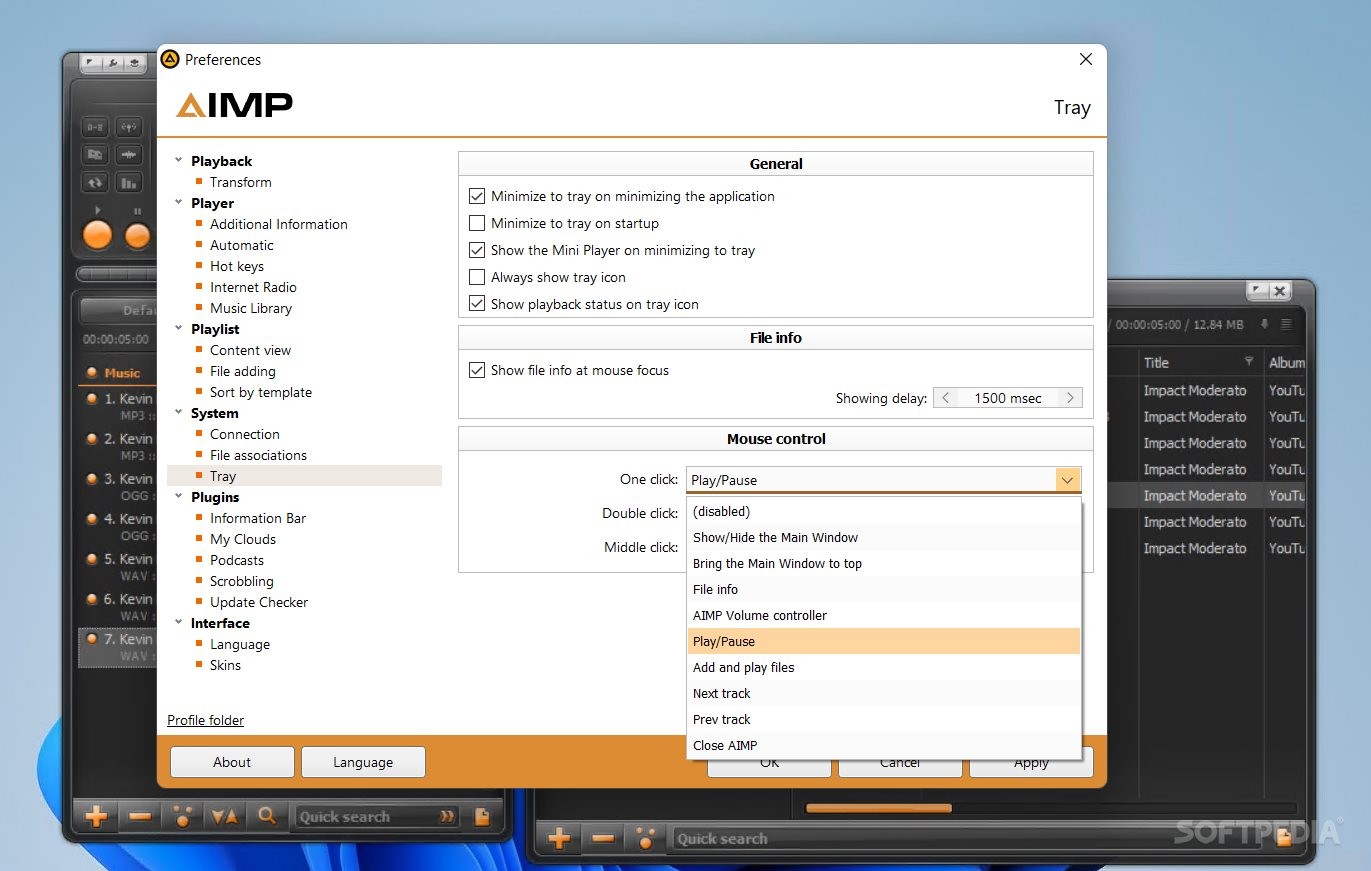
The app has music search options, library creation features, multi-tab playlist opening, tag-creation methods, configurable tray behavior, multi-language support, and plugin addition and configuration options.
All things considered, this program is an excellent choice for all music lovers, as it is free, sophisticated, and well-optimized for Windows operating systems.
Download Hubs
Portable AIMP is part of these download collections: APE Players, AAC Player, Portable Video Player, Open KAR
What's new in Portable AIMP 5.30 Build 2541:
- General: the WavPack codec has been updated to v5.7
- General: localizations has been updated
Portable AIMP 5.30 Build 2541
add to watchlist add to download basket send us an update REPORT- PRICE: Free
- portable version
- This is the portable version of the application. An installable version is also available: AIMP
- runs on:
-
Windows 11
Windows 10 32/64 bit
Windows 8 32/64 bit
Windows 7 32/64 bit
Windows Vista 32/64 bit - file size:
- 15.3 MB
- filename:
- aimp_5.30.2541_w32_no-installer.zip
- main category:
- Portable Software
- developer:
- visit homepage
calibre

ShareX

Zoom Client

Microsoft Teams

IrfanView

Context Menu Manager

Bitdefender Antivirus Free

7-Zip

Windows Sandbox Launcher

4k Video Downloader

- 7-Zip
- Windows Sandbox Launcher
- 4k Video Downloader
- calibre
- ShareX
- Zoom Client
- Microsoft Teams
- IrfanView
- Context Menu Manager
- Bitdefender Antivirus Free