
Listen to your favorite audio tracks by turning to this portable application that comes with a highly modular design and extensive SDk #Mp3 player #Audio player #Media player #Foobar #Foobar2000 #Mp3
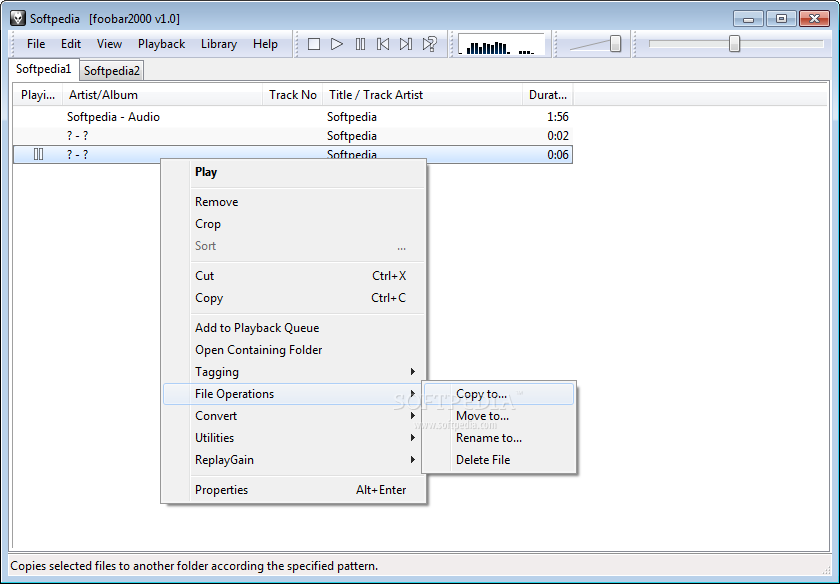
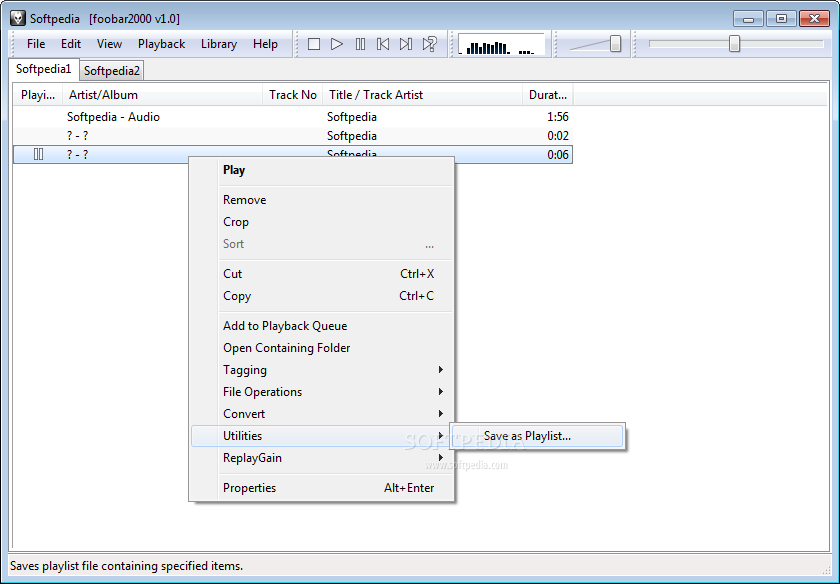
Most computer users are very picky about the software they rely on, and when they find a tool that suits their needs, they might want to carry it around and use it regardless of the computer they work on. Such an application is Portable foobar2000, which allows users to enjoy all the functions of the desktop version of the application on whichever system they want, without having to give up their custom configuration.
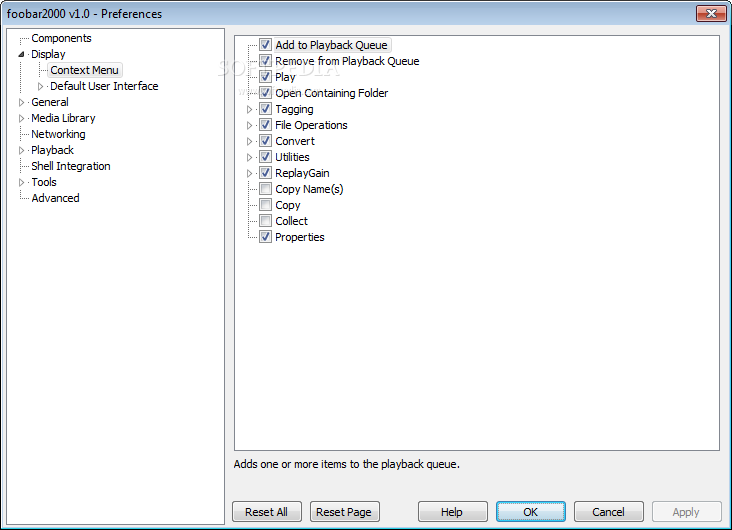
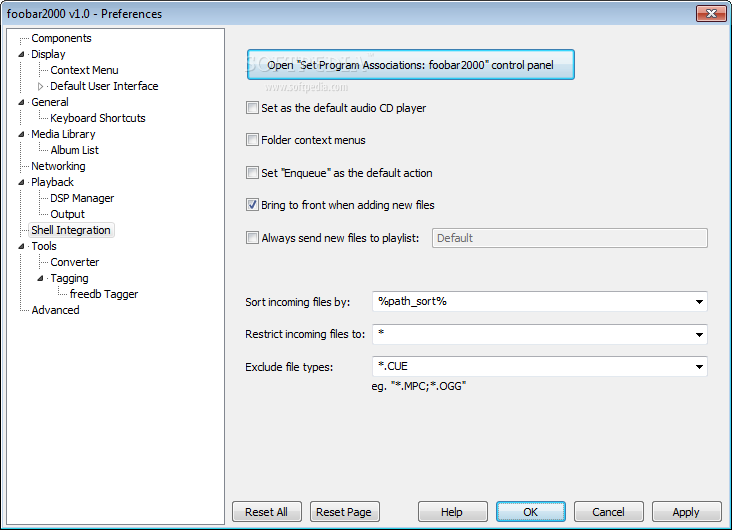
The main difference between Portable foobar2000 and the desktop one is that the former does not allow users to integrate it within the Windows context menus, so it will not apply any changes to the computer and will remain totally portable.
Portable foobar2000 supports a wide range range of audio formats and additional ones can be played after installing third-party plugins. This way, every user can personalize the application according to the type of files they play most frequently.
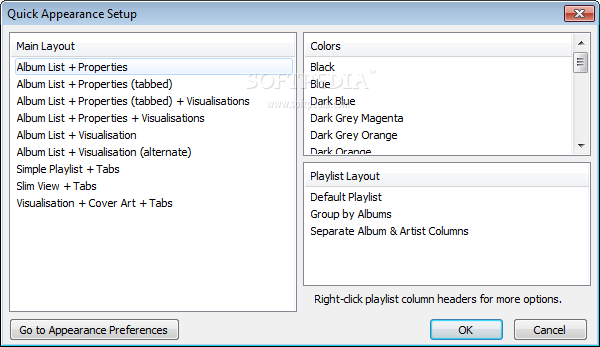
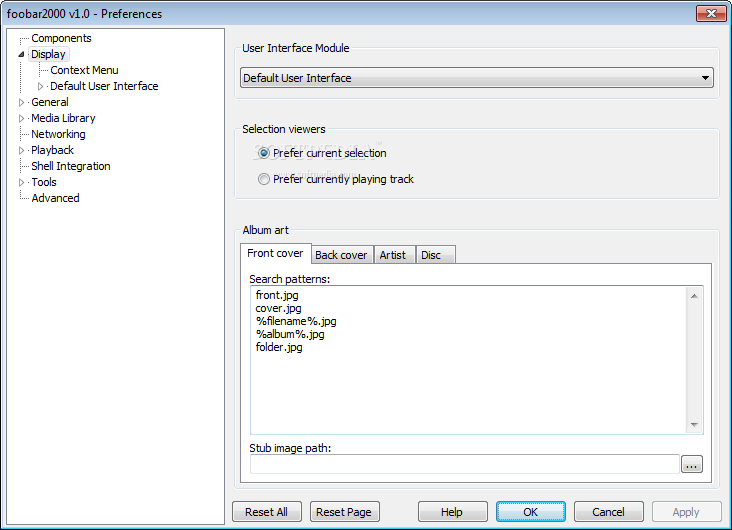
On the same note of customization, the app offers the possibility to modify the colors and fonts within Portable foobar2000 to their liking or even to match their current Windows theme.
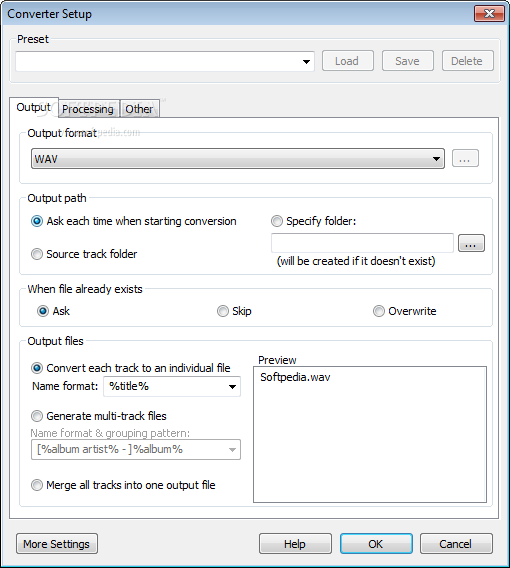
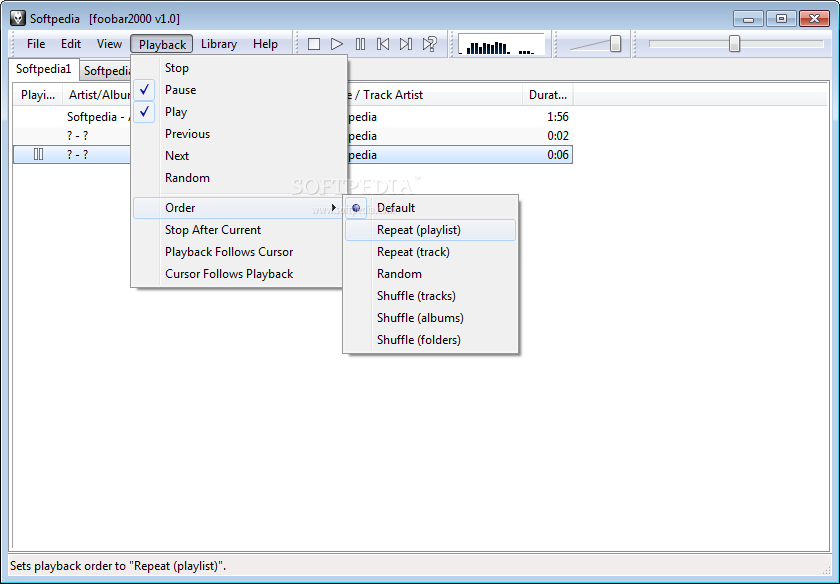
All audio players come with the option to create playlists, but very few, such as Portable foobar2000, will be able convert tracks to other formats (encoders come separately). Even if the output options are not very numerous, they can come in handy when a quick conversion is needed to MP3 or AAC, for example.
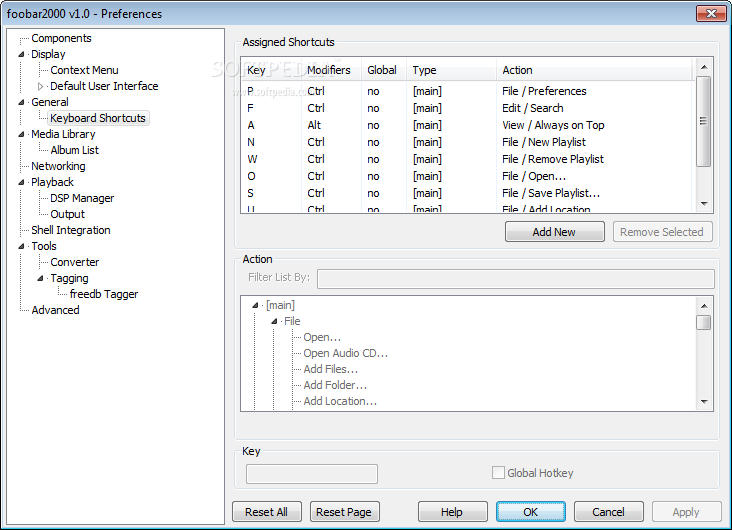
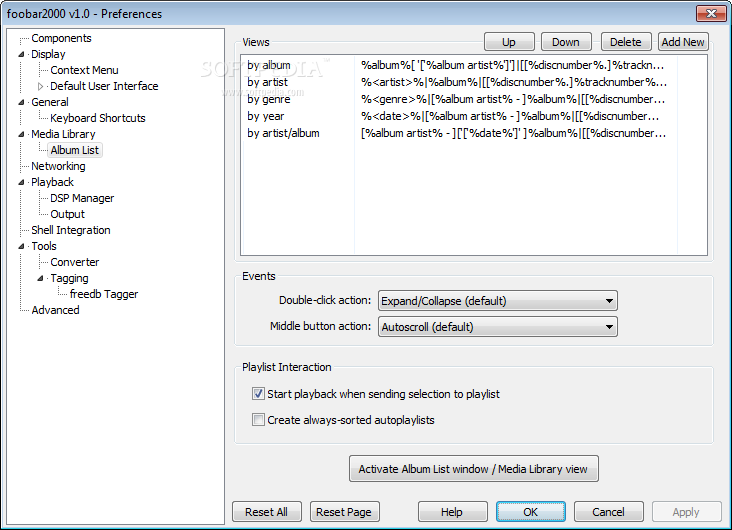
Assigning global keyboard hotkeys to various foobar2000 functions can be very useful when playing a game in full-screen and needing to shuffle the playlist, repeat a certain song or move forward to the next track. Needless to mention, these hotkeys can be personalized by each user according to their habits so as not to overlap with existing ones.
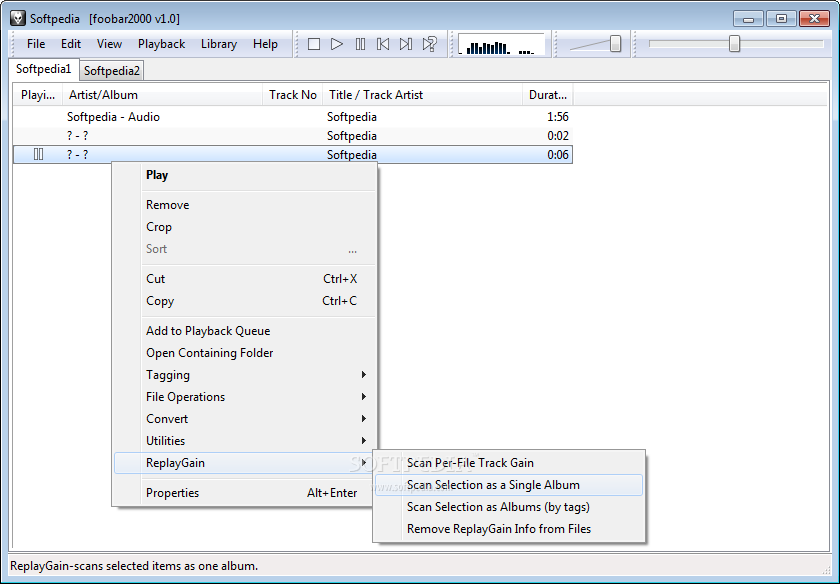
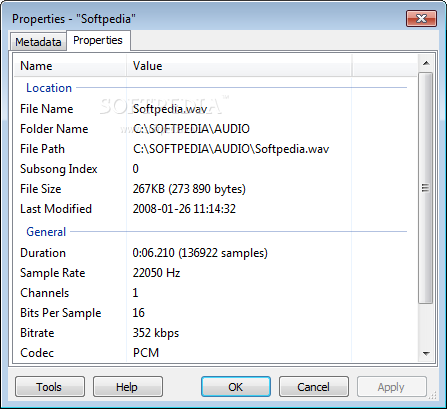
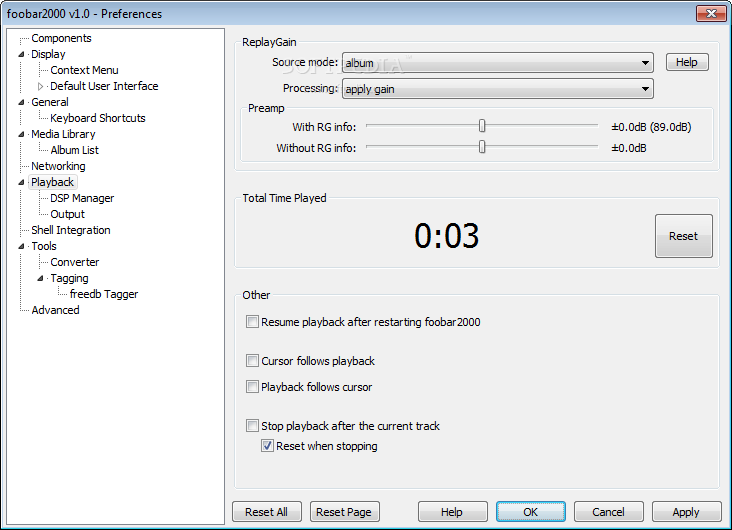
To wrap it up, Portable foobar2000 is a feature-rich software that meets (and sometimes exceeds) the requirements of those who like to take their music with them and be able to enjoy it within a familiar software. It sports options for more advanced users, such as modifying metadata, install plugins or apply ReplayGain to MP3s, whereas novices can stick to creating playlists, listening to music or playing Internet radio.
Download Hubs
Portable foobar2000 is part of these download collections: AAC Player, Play MP3, Play MP2, Play OGA
What's new in Portable foobar2000 1.0.3:
- Fixed incorrect behaviors with both “cursor follows playback” and “playback follows cursor” enabled.
- Improved compatibility with dodgy ASX files written by Windows Media Player.
- Fixed notification area icon minimize bugs (again).
- Fixed problems with encoding very long audio streams to Vorbis.
Portable foobar2000 1.0.3
 Softpedia Editor's Pick
add to watchlist
add to download basket
send us an update
REPORT
Softpedia Editor's Pick
add to watchlist
add to download basket
send us an update
REPORT
- portable version
- This is the portable version of the application. An installable version is also available: foobar2000
- runs on:
-
Windows 2003
Windows 7 32/64 bit
Windows Vista 32/64 bit
Windows XP 32/64 bit - file size:
- 3 MB
- filename:
- foobar2000_v1.0.3.exe





- main category:
- Portable Software
- developer:
- visit homepage
Zoom Client

ShareX

Windows Sandbox Launcher

calibre

7-Zip

4k Video Downloader

IrfanView

Microsoft Teams

Bitdefender Antivirus Free

Context Menu Manager

- Microsoft Teams
- Bitdefender Antivirus Free
- Context Menu Manager
- Zoom Client
- ShareX
- Windows Sandbox Launcher
- calibre
- 7-Zip
- 4k Video Downloader
- IrfanView