
Capture the full screen or specific regions, apply watermarks, draw on the images, and explore many effects provided by this intuitive application. #Screen capture #Capture window #Take screenshot #Capture #Screenshot #Snapshot
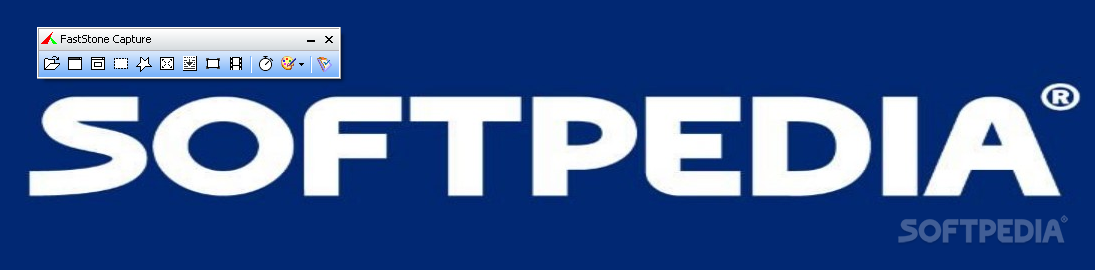
Portable FastStone Capture is an all-in-one solution that you can use to take desktop snapshots, edit your images, pick screen colors and even record videos.
If you are one of those who prefer to keep their computer as lightweight as possible so they avoid installing software whenever possible, then Portable FastStone Capture is surely right up your alley.
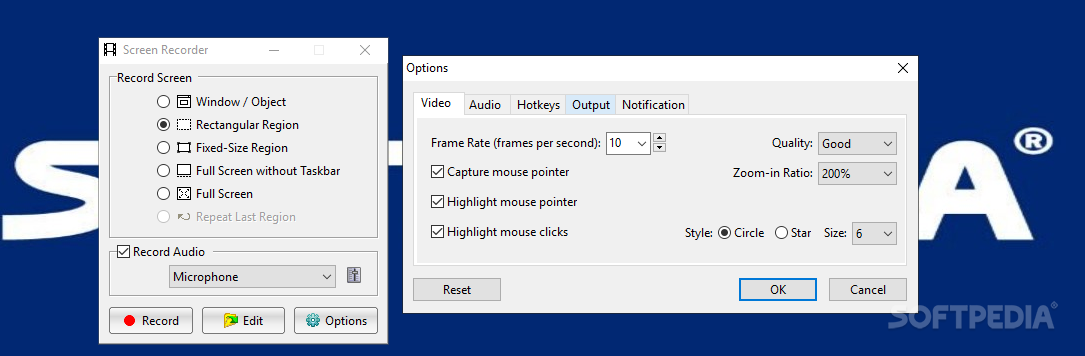
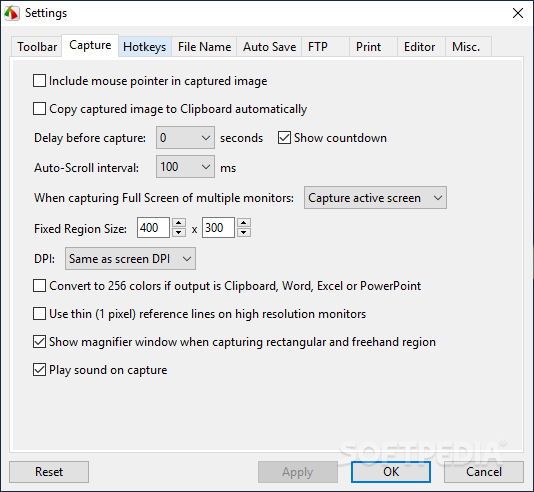
When you first run it, a minimalist window is displayed and you can easily define the screen area or object you want to record. You can choose to capture the active window, a scrolling menu, a rectangular, a freehand or a fixed-size region, then specify if you are interested in delaying the action for up to 9 seconds.
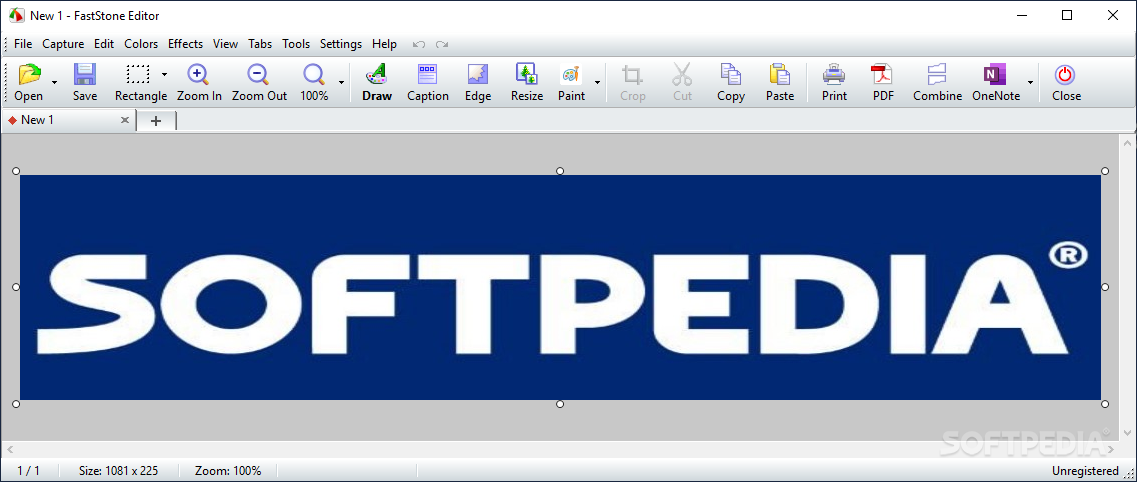
Once you captured an image or you have selected an already existing graphic file, Portable FastStone Capture can apply some adjustments and filters to make it impressive.
Not only can you crop, rotate, resize, or magnify it, but you can also add captions, add a watermark, draw annotations (such as text or lines), or customize its edge style.
If you are looking for more dramatic results, you have several options: sketch, oil painting, sepia, negative, grayscale, sharpen, blur or spotlight.
Whatever changes you make, you instantly get a preview so you can discard the modifications and try again if you are not fully pleased with the outcome.
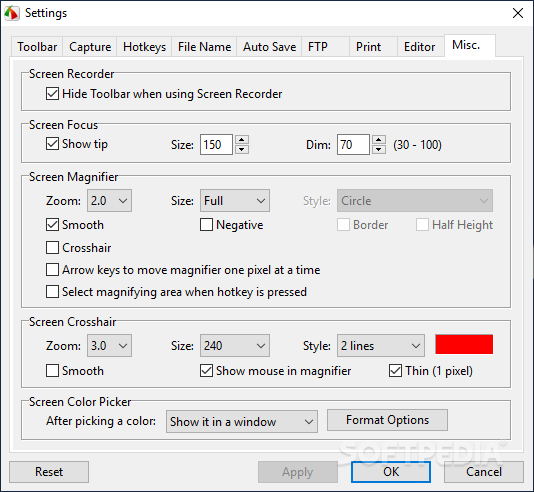
Portable FastStone Capture also packs some additional tools meant to help you in your daily work: screen focus, magnifier or ruler, color picker or the crosshair. You can acquire graphics from a connected scanner or combine all currently open images in a single PDF file.
Portable FastStone Capture is a feature-packed application that aims to provide you with all the image-related utilities you might require.
Download Hubs
Portable FastStone Capture is part of these download collections: Screenshot Makers
What's new in Portable FastStone Capture 10.4:
- Enhanced Screen Recorder:
- Simplified the Start Recording window. Switch between simplified mode and detailed mode with just a single click
- Enable/disable devices like Microphone, Speaker, and Webcam directly within the Start Recording window
- Enhanced Eraser in Draw tool:
Portable FastStone Capture 10.4
add to watchlist add to download basket send us an update REPORT- portable version
- This is the portable version of the application. An installable version is also available: FastStone Capture
- runs on:
-
Windows 11
Windows 10 32/64 bit
Windows 8 32/64 bit
Windows 7 32/64 bit
Windows Vista 32/64 bit
Windows XP 32/64 bit - file size:
- 11.7 MB
- filename:
- FSCapture104.zip

- main category:
- Portable Software
- developer:
- visit homepage
Bitdefender Antivirus Free

Windows Sandbox Launcher

IrfanView

Context Menu Manager

Microsoft Teams

calibre

7-Zip

Zoom Client

4k Video Downloader

ShareX

- Zoom Client
- 4k Video Downloader
- ShareX
- Bitdefender Antivirus Free
- Windows Sandbox Launcher
- IrfanView
- Context Menu Manager
- Microsoft Teams
- calibre
- 7-Zip