
View image files with this application, display them as a presentation, and slightly adjust them as you see fit, thus achieving perfection. #View image #Image converter #Image editor #Viewer #Converter #Slideshow

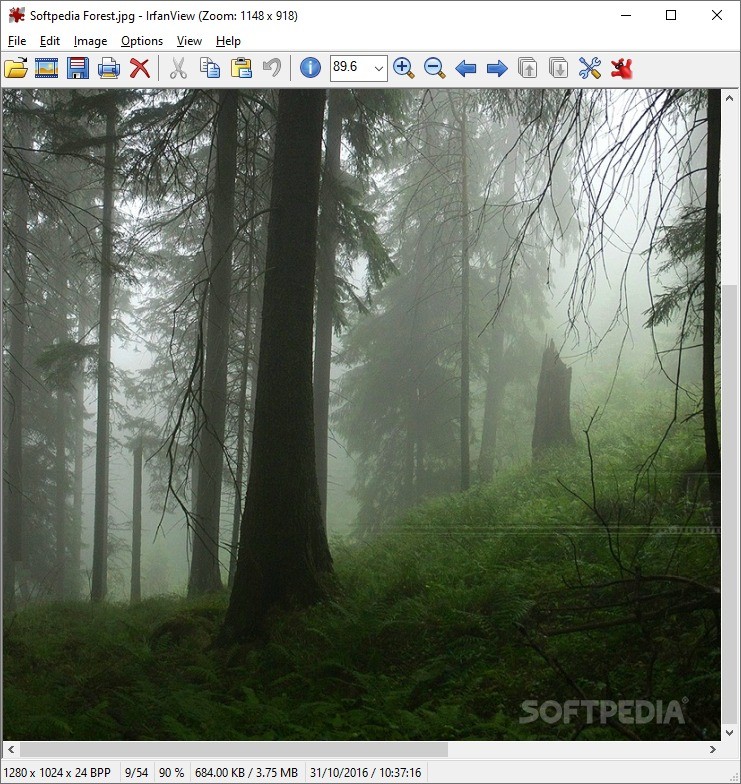
Portable IrfanView is a portable rendition of the already classic IrfanView app. If you thought the experience was complete before, with the app allowing you to view, adjust and display the most known image formats, this portable rendition will seem like an upgrade. The idea of carrying this much power on a portable drive does have importance in itself. You'll be able to quickly adjust file formats such as BMP, JPEG, PNG, GIF, etc. to your liking.
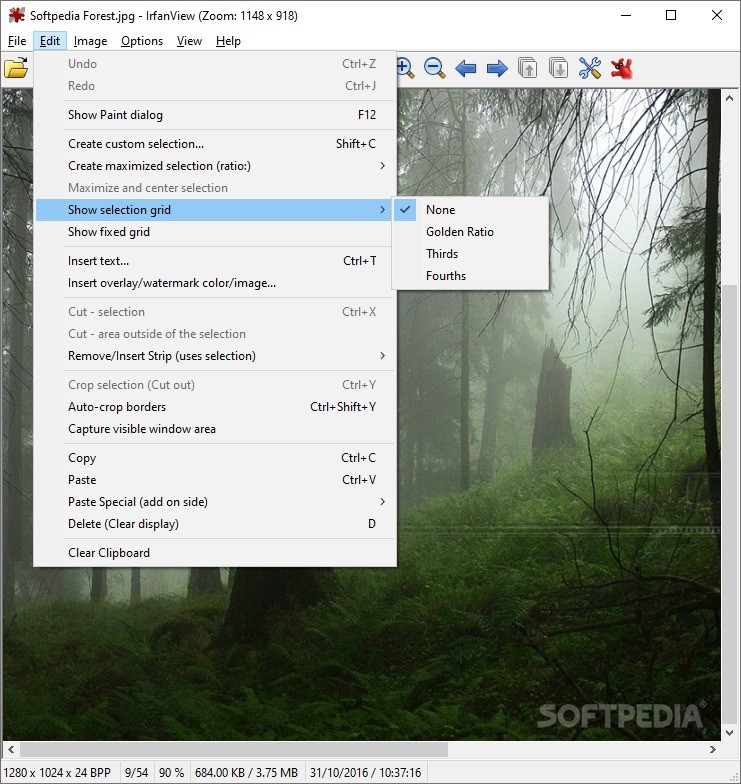
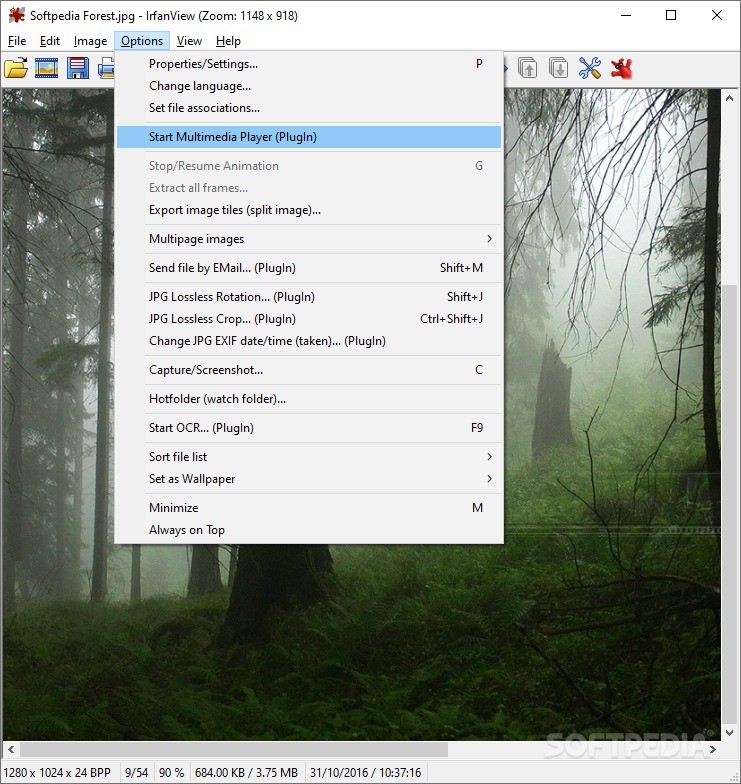
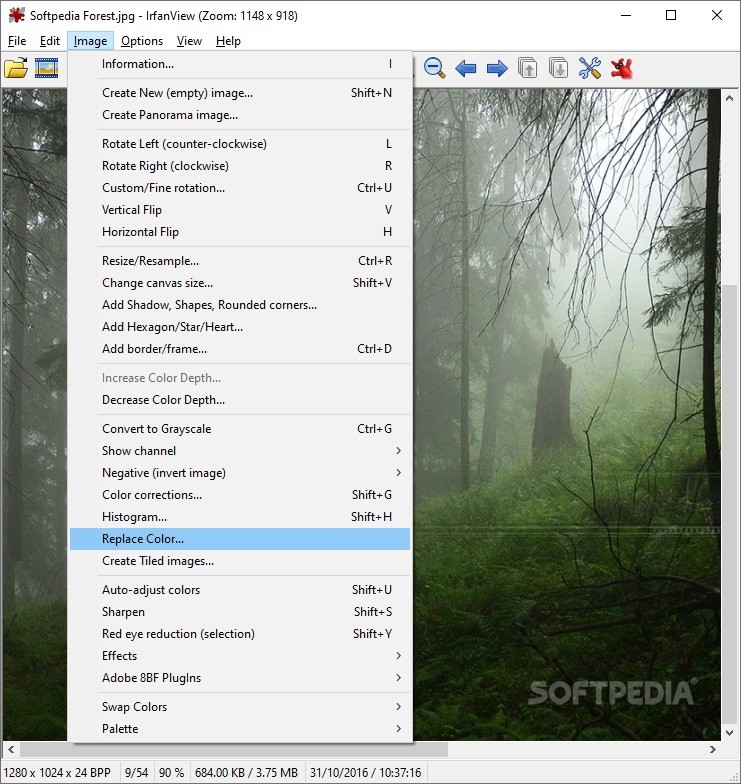
One might blame such a tool of not looking good. After all, we're dealing with a graphics-related app, something that works with images in general. Regardless, Portable IrfanView's reliability is enough to convince anybody. Its added portability could only improve its status, being much more flexible in use. On the upper part of the app window, you'll find familiar buttons representing well-known functions. As you'd expect, one can open, create presentations, rotate, cut, zoom or copy the contents within the program's window. All made changes can be saved.
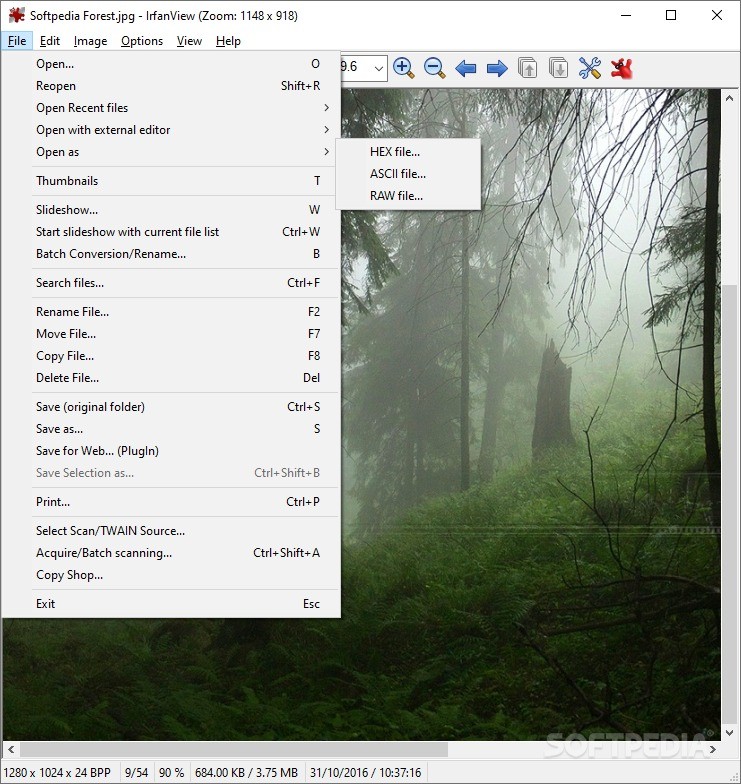
The app will probably never come to replace the software included with your original OS. Still, it could be an aid in viewing file formats that can't be opened by your default OS app. It can also be useful if you're experiencing OS issues and all apps are malfunctioning. It could be a much-needed tool for saving your images. The most useful function, by far, is the slideshow option. Presenting images usually requires the use of complicated software. Portable IrfanView challenges that concept in an attempt to simplify things. In fact, this is what this app does over and over again.
Portable IrfanView, just like its installable counterpart, is an application that offers a simple way to view various image formats. It succeeds in offering users a simple and efficient overall experience. As a result, it's becoming more and more popular. The portable version tops everything with a highly desired portable coating.
Download Hubs
Portable IrfanView is part of these download collections: Open EMF, BMP Viewers, PNG Viewer, View EPS
What's new in Portable IrfanView 4.67:
- Smaller fixes (Insert Text, Paste warning, Hex viewer, Auto adjust colors)
- Separate overwrite option for Save/Save-As menus (Properties->File Handling)
- The Insert Text dialog will remember the last screen position
- New OCR PlugIn: requires Tesseract OCR (Properties->PlugIns)
Portable IrfanView 4.67
 Softpedia Editor's Pick
add to watchlist
add to download basket
send us an update
REPORT
Softpedia Editor's Pick
add to watchlist
add to download basket
send us an update
REPORT
- portable version
- This is the portable version of the application. An installable version is also available: IrfanView
- runs on:
-
Windows 11
Windows 10 32/64 bit
Windows 8 32/64 bit
Windows 7 32/64 bit
Windows Vista 32/64 bit
Windows XP 32/64 bit - file size:
- 2.7 MB
- filename:
- iview467_x64.zip
- main category:
- Portable Software
- developer:
- visit homepage
Context Menu Manager

Microsoft Teams

ShareX

Windows Sandbox Launcher

calibre

Zoom Client

7-Zip

IrfanView

Bitdefender Antivirus Free

4k Video Downloader

- IrfanView
- Bitdefender Antivirus Free
- 4k Video Downloader
- Context Menu Manager
- Microsoft Teams
- ShareX
- Windows Sandbox Launcher
- calibre
- Zoom Client
- 7-Zip