
Highly customizable alternative to Microsoft's proprietary desktop sticky notes application, boasting an unparalleled feature set. #Sticky note alternative #Create sticky note #Sticky notes organizer #Sticky note #Note #Memo


Across the years, post-it notes have proven to be an excellent means of quickly jotting down important information meant to be easily noticeable at a glance. With the dawn of the personal computer and the digitalization of virtually all aspects of life, many developers have tried to bring this feature into the operating systems that dominate the desktop world.
Ever since they were introduced in Windows Vista, Microsoft’s Sticky Notes were a valuable addition to Windows, being preinstalled and readily available for users who just wanted to get things done.
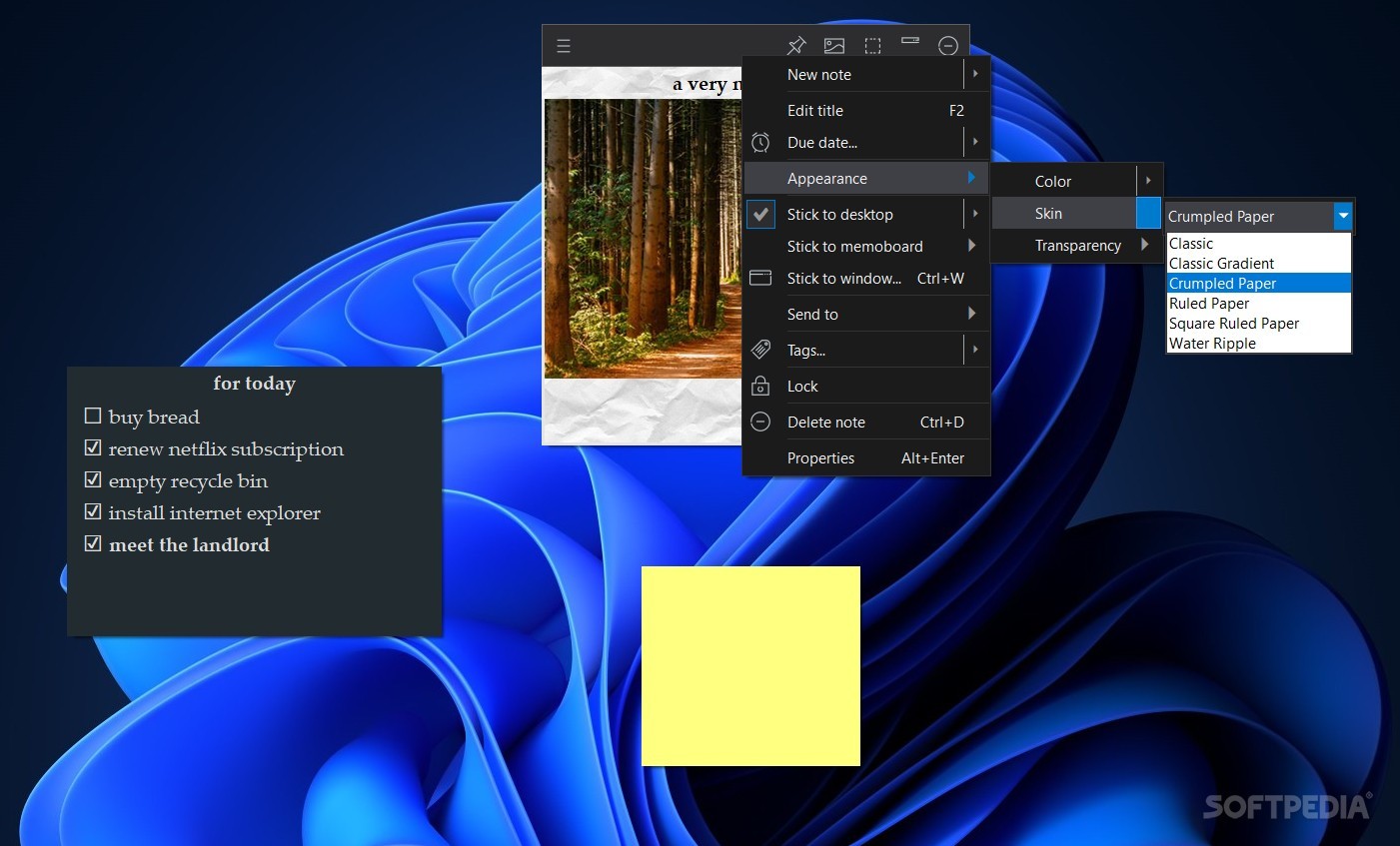
Where Notezilla excels, however, is in the degree of freedom it provides the users with. From boasting a higher array of colors along with a selection of skins resembling real post-it notes to adding checkboxes for increased productivity, the app offers power-user-oriented features for unparalleled organization methods.
Sticky notes placed on the desktop can have custom titles, due dates and tags and can be individually locked from editing. With the press of a button, users can also access a context menu where these options are situated, among which a certain Properties button allows for viewing the number of characters, words, lines and paragraphs of each note, alongside an area mentioning the date and time when the note was created and last modified, respectively.
The application’s text editor lets users change the default font and handle every formatting option one can think of, from highlighting, hyperlinking and adding images to inserting tables, quotes and headings. Ultimately, sticky notes themselves can be exported to either rich text or .txt.
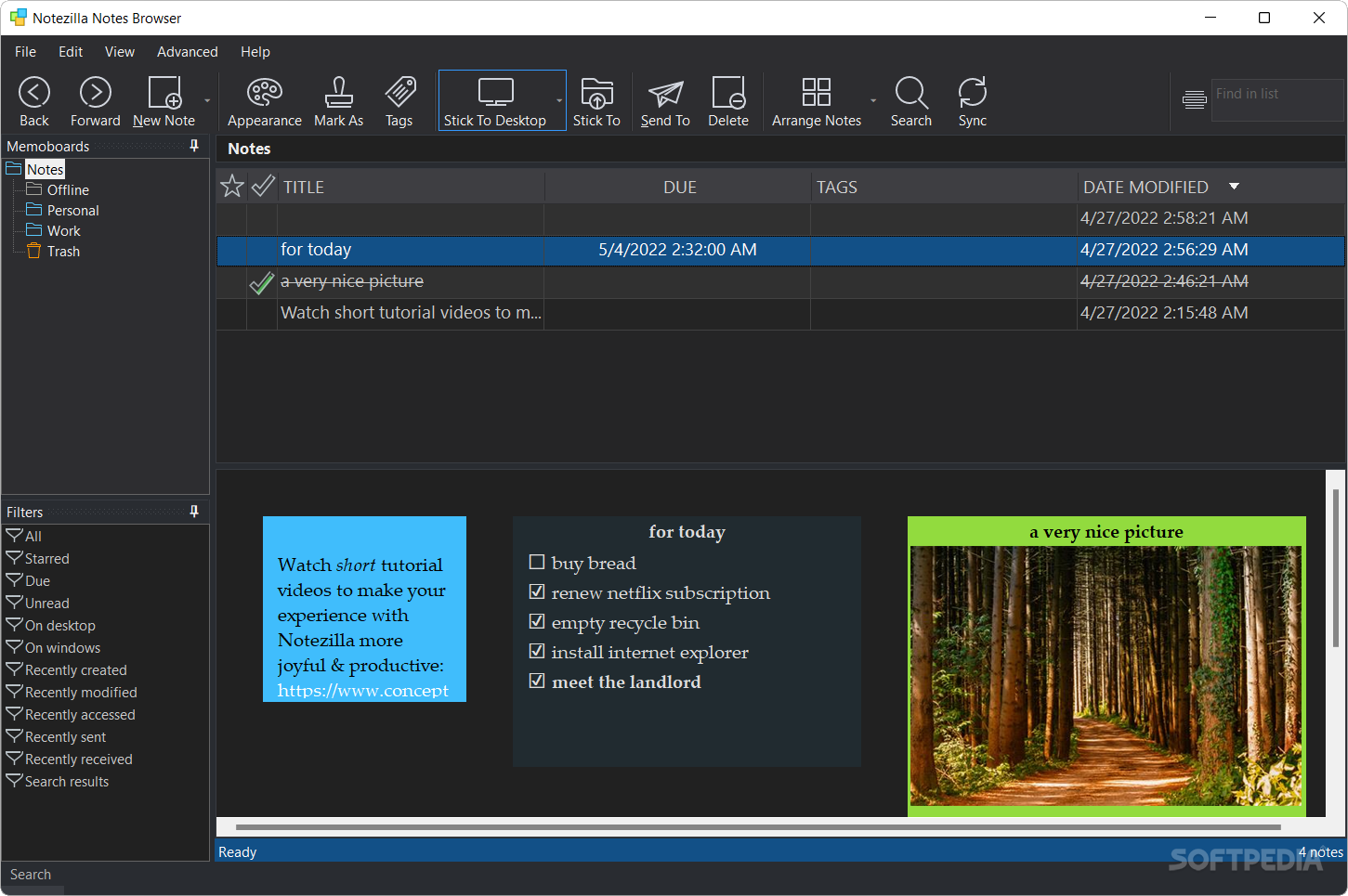
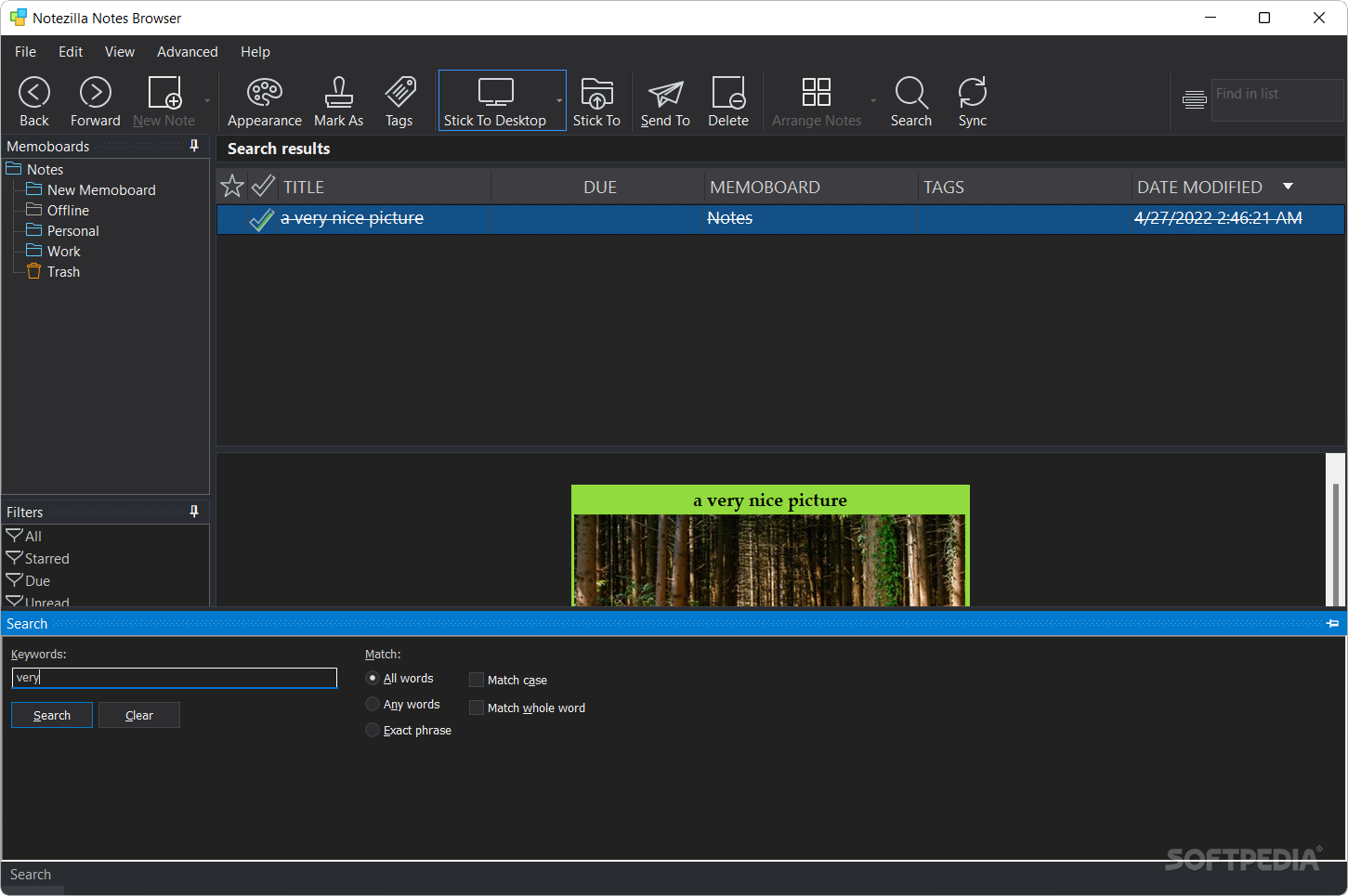
Another advantage of using Notezilla over its Microsoft counterpart lies in the comprehensive view that the Notes Browser offers, where notes can be categorized into “Memoboards”, can be filtered thanks to the tagging system and can also be viewed in a neatly organized fashion via the list and Stickies layouts.
For subscribers of the yearly Notezilla package, sticky notes can be synced across multiple devices and platforms.
Notezilla is one of the most comprehensive Sticky Notes applications available for users who are not used to compromising on any kind of features. Thanks to its portable nature, notes can be easily taken from one device to another without having to reinstall the program.
What's new in Notezilla Portable 9.0.30:
- Can now recognize computer names across router boundaries (subnets)
- When signing into an existing sync account, in rare occasions pictures were deleted. This is fixed.
Notezilla Portable 9.0.30
add to watchlist add to download basket send us an update REPORT- portable version
- This is the portable version of the application. An installable version is also available: Notezilla
- runs on:
-
Windows 11
Windows 10 32/64 bit
Windows 8 32/64 bit
Windows 7 32/64 bit - file size:
- 13.9 MB
- filename:
- NotezillaPortable32.zip

- main category:
- Portable Software
- developer:
- visit homepage
Windows Sandbox Launcher

IrfanView

7-Zip

4k Video Downloader

Microsoft Teams

ShareX

calibre

Zoom Client

Bitdefender Antivirus Free

Context Menu Manager

- Zoom Client
- Bitdefender Antivirus Free
- Context Menu Manager
- Windows Sandbox Launcher
- IrfanView
- 7-Zip
- 4k Video Downloader
- Microsoft Teams
- ShareX
- calibre