
A portable PDF file viewer application that delivers a user-friendly interface and is able to open more than one document at a time #PDF Viewer #Tabbed Document Viewer #Export PDF #PDF #Viewer #Reader

NOTE: PDF-XChange Viewer has been discontinued and replaced by PDF-XChange Editor.
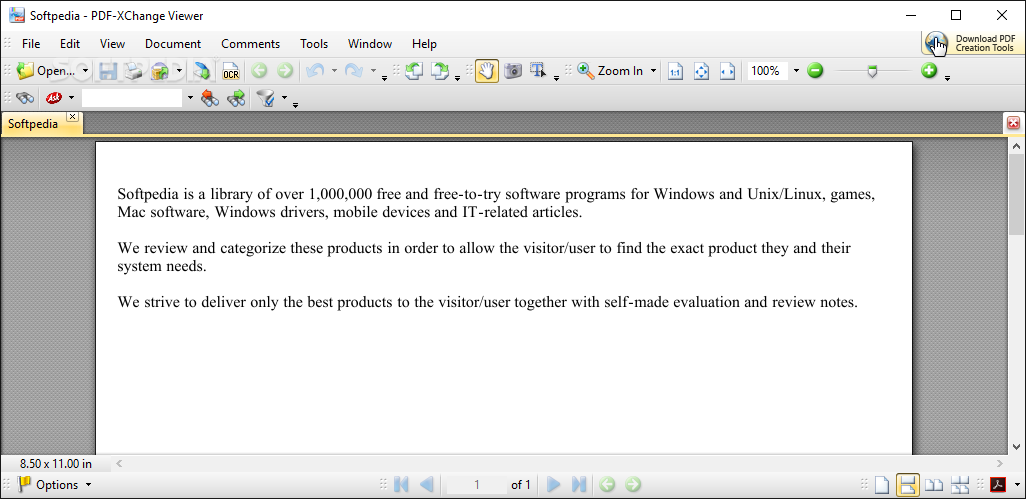
Portable PDF-XChange Viewer is an application that allows you to view PDF files and which doesn't require installation.
In other words, your Windows registry entries are not changed in any way. Plus, you can store the tool on any external device and run it on any computer. The user interface is easy to use so beginners will quickly learn how to work with PDF-XChange Viewer.
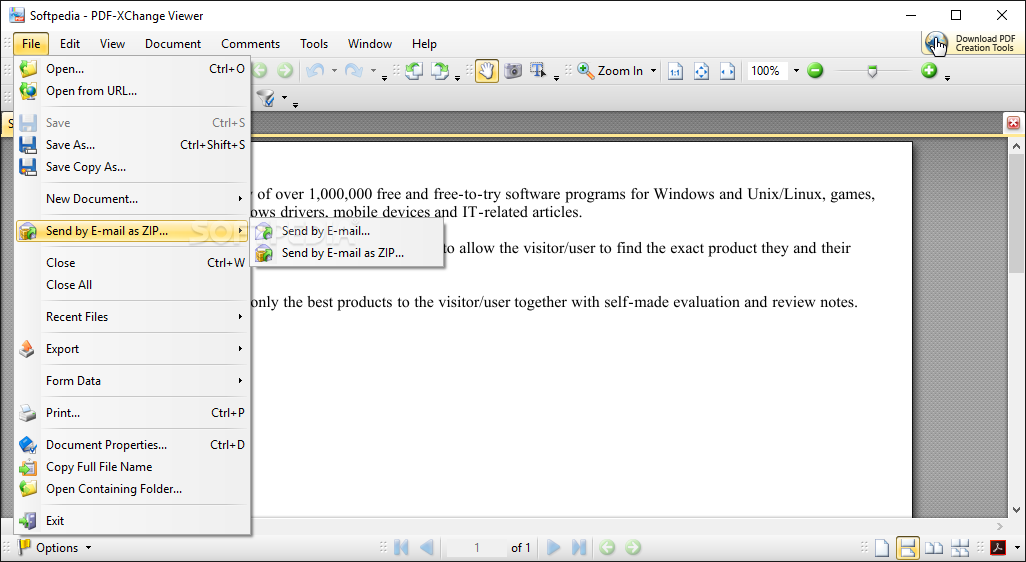
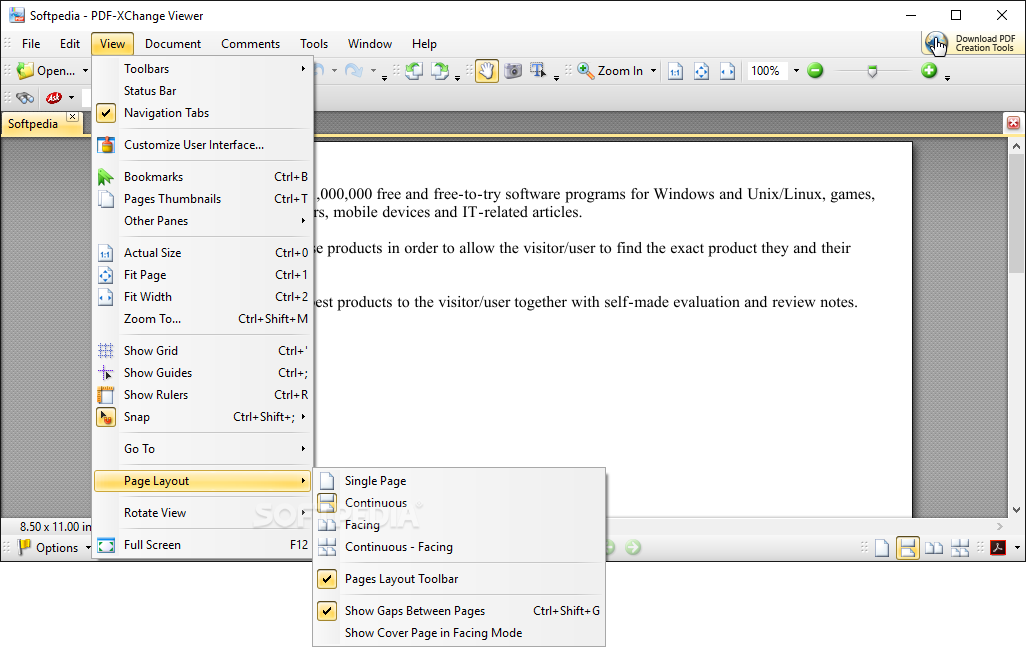
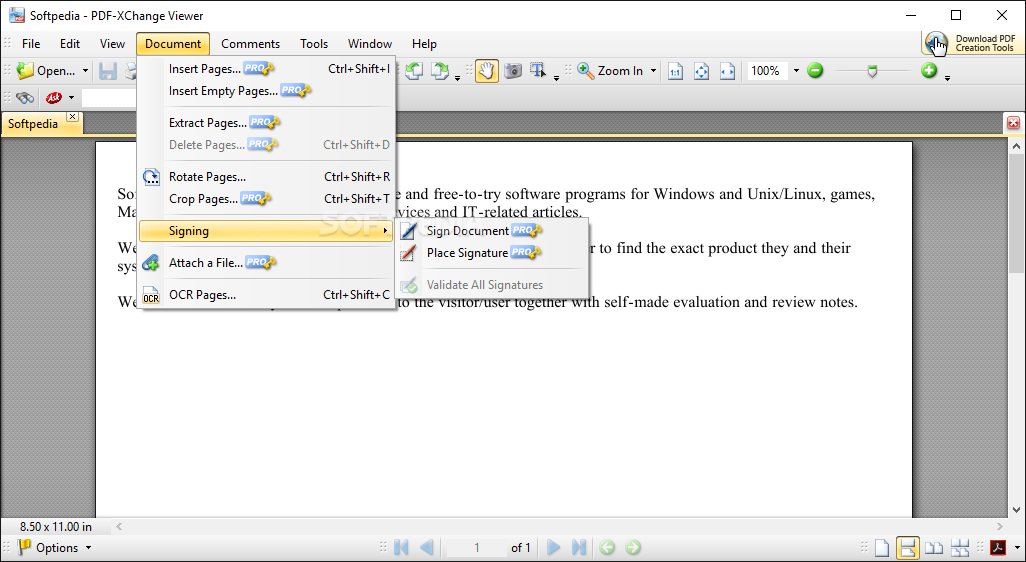
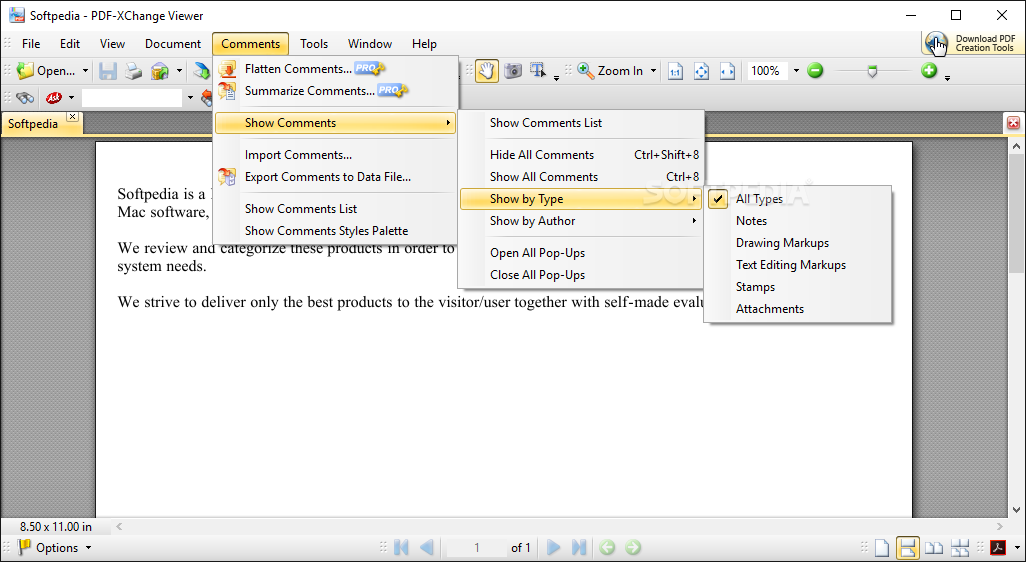
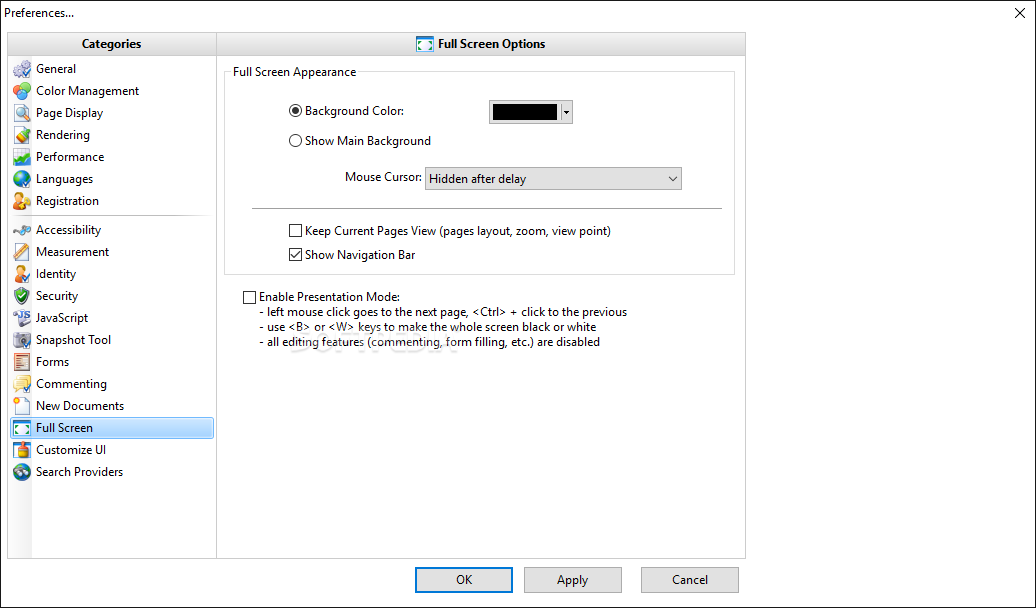
Once you have added a file (the "drag and drop" method is supported), you can view page thumbnails, switch to full screen mode, create and edit bookmarks, as well as flatten, summarize, import and export comments.
You can insert, extract and delete PDF pages (i.e. PDF joiner and splitter), rotate or crop pages (e.g. remove white spaces), place a signature, attach a file, and recognize text on pages using OCR.
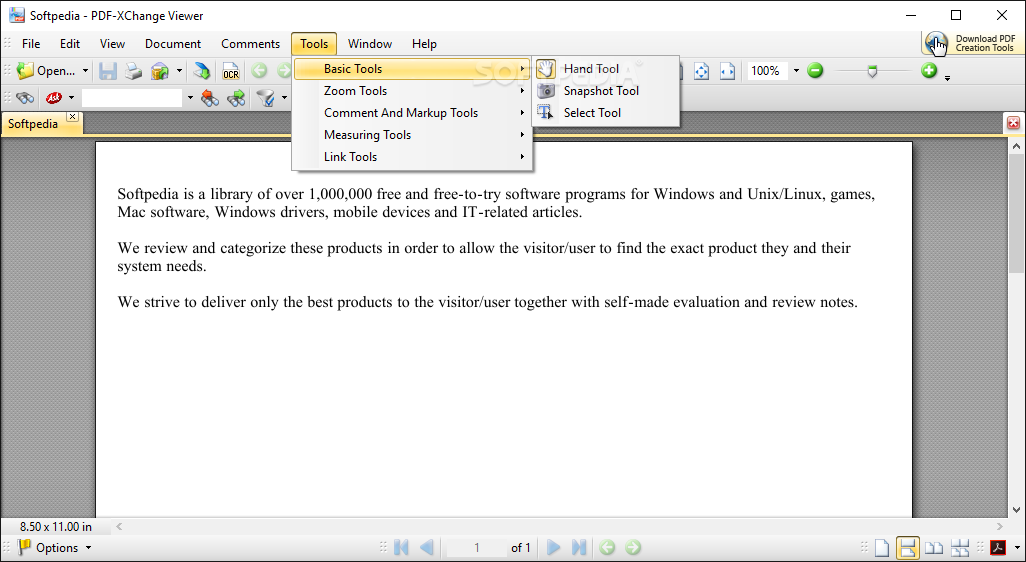
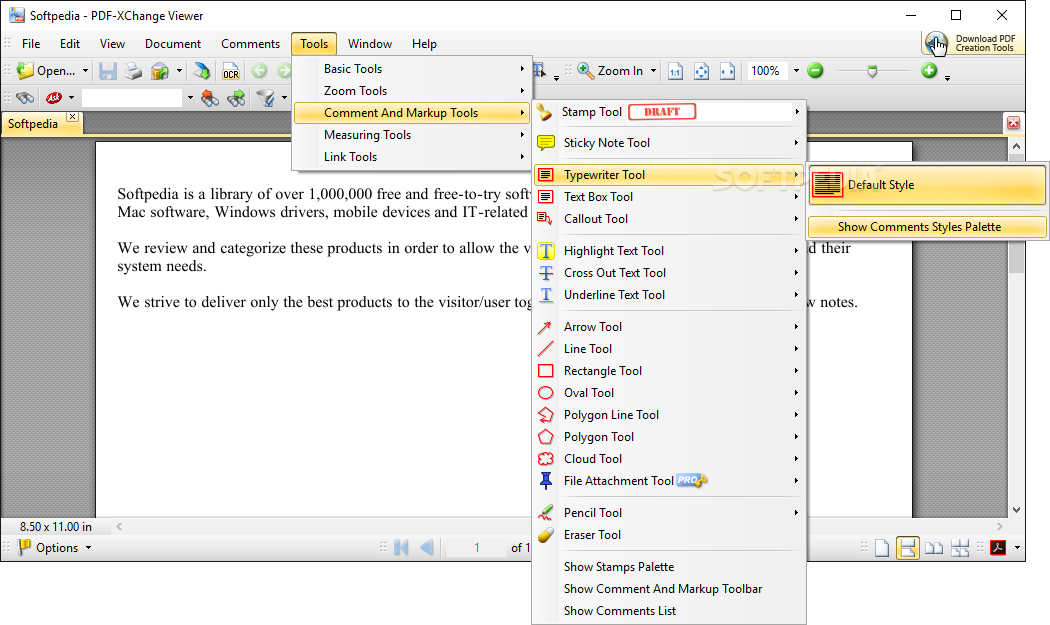
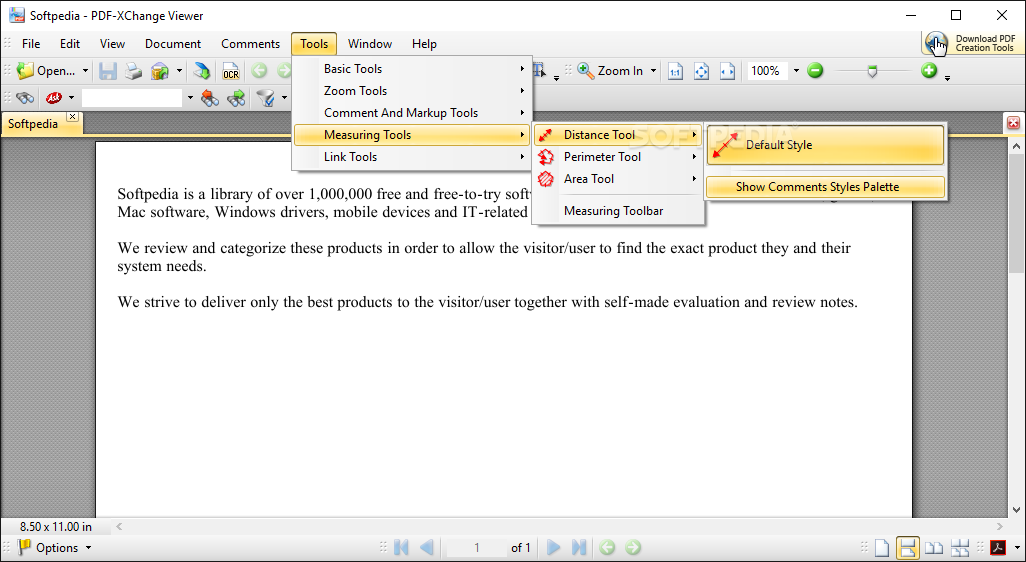
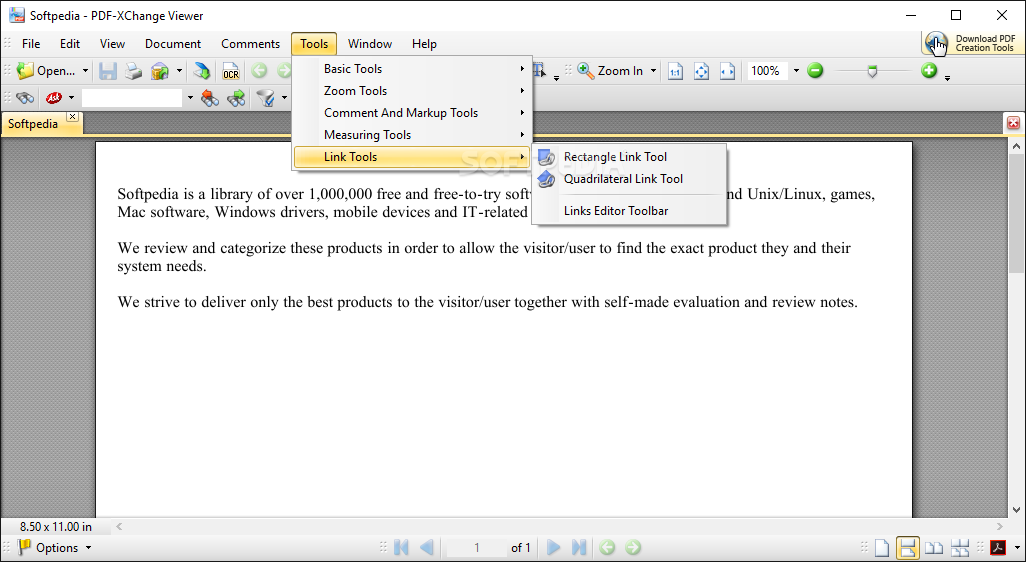
You can also use various tools, such as hand, snapshot, select, zoom in and out, magnifier, pan and zoom, stamp, sticky note, typewriter, text, highlight, callout, pencil, eraser, arrow, line, measuring and link tools.
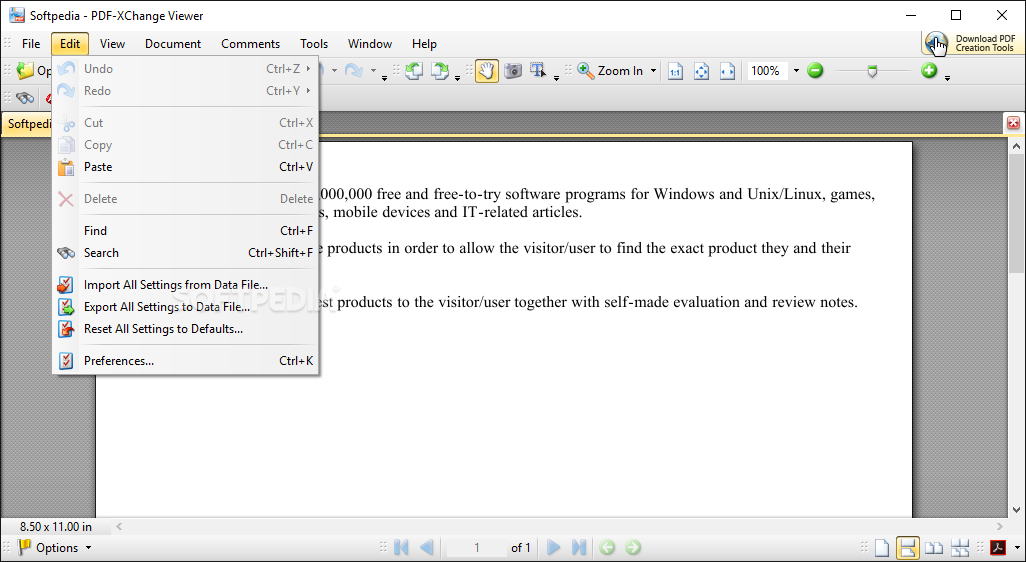
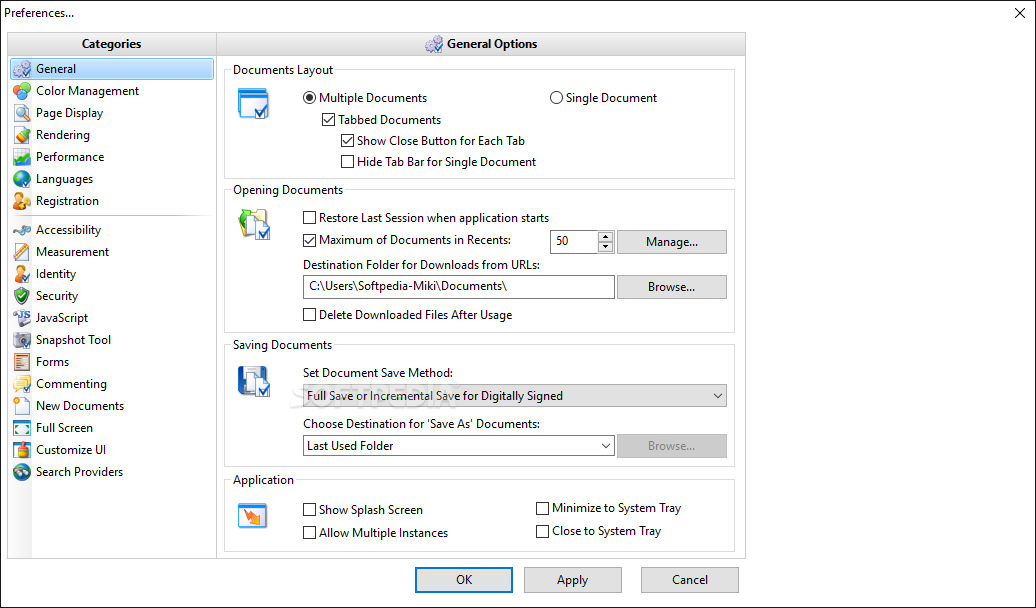
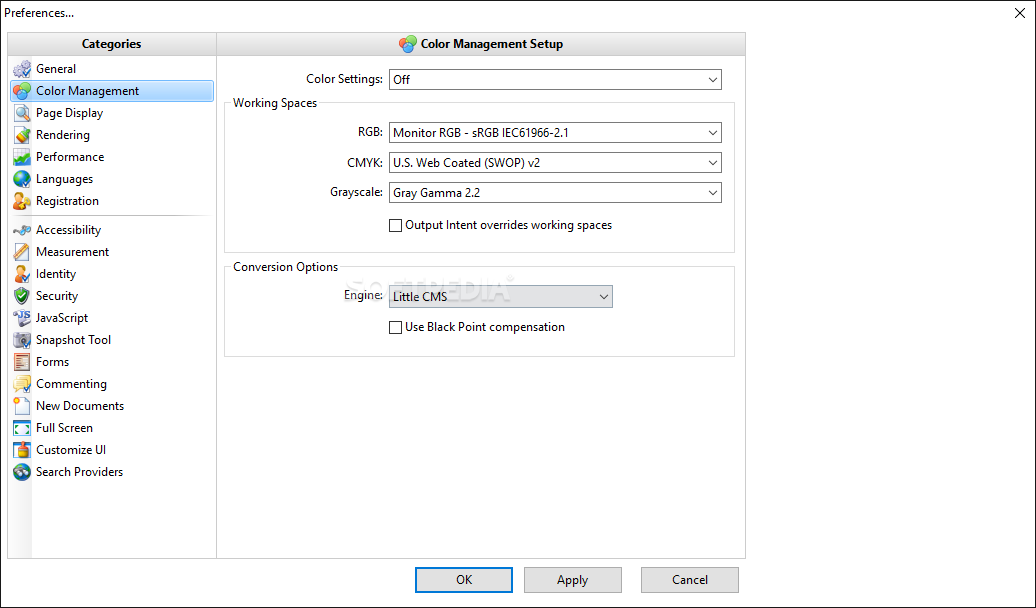
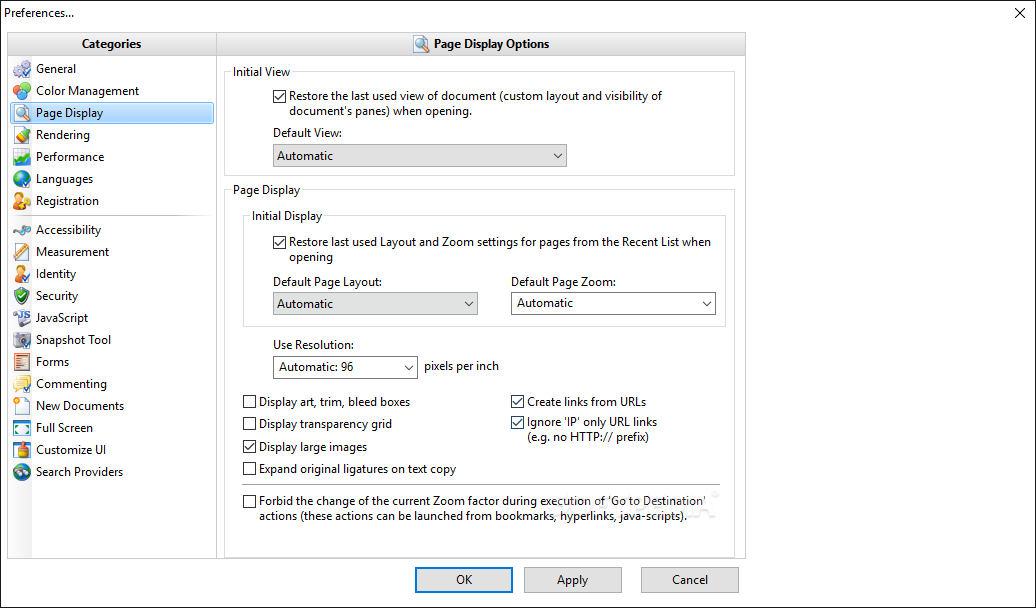
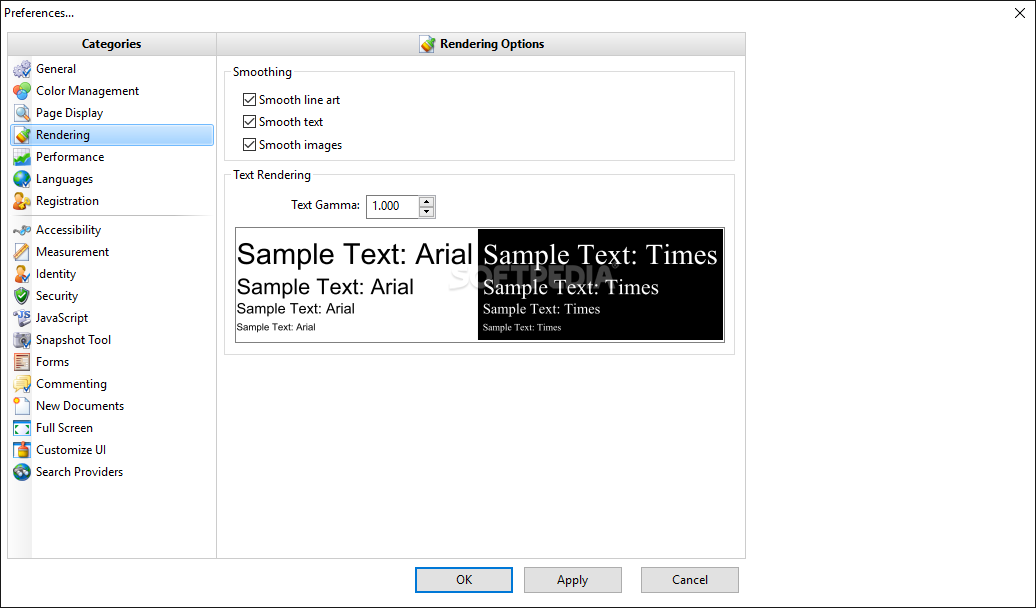
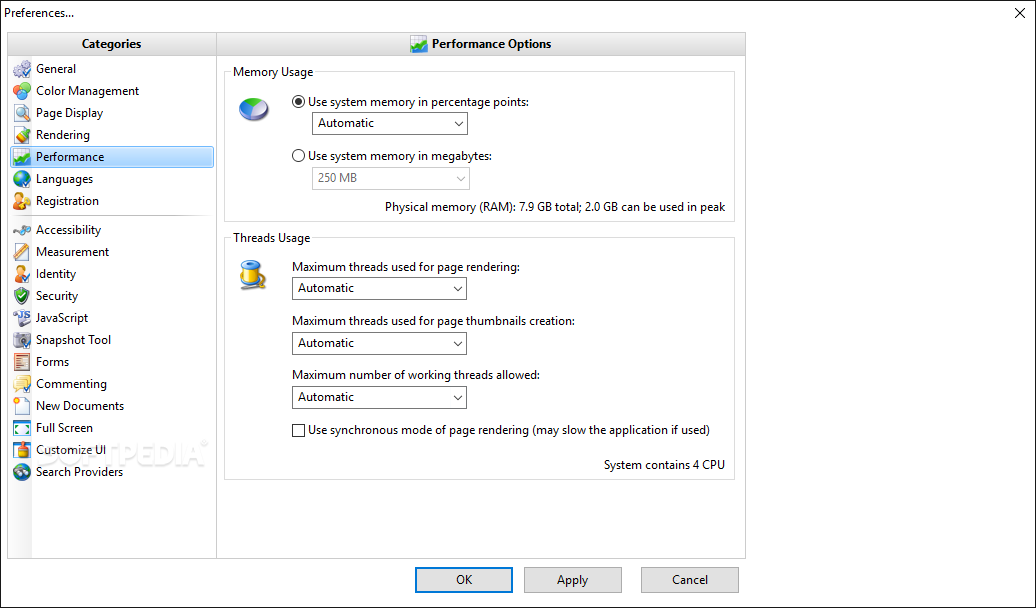
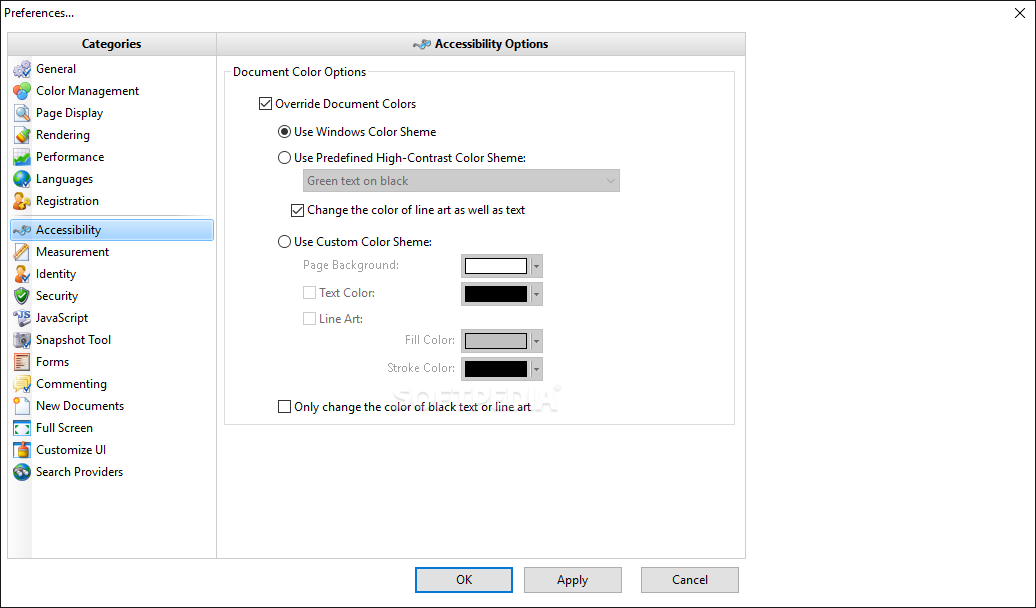
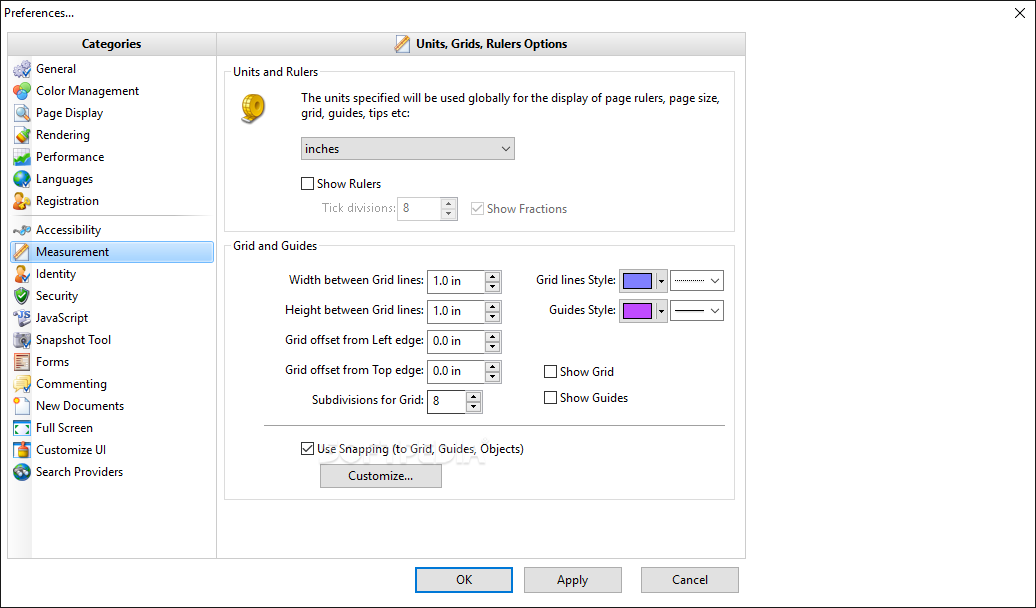
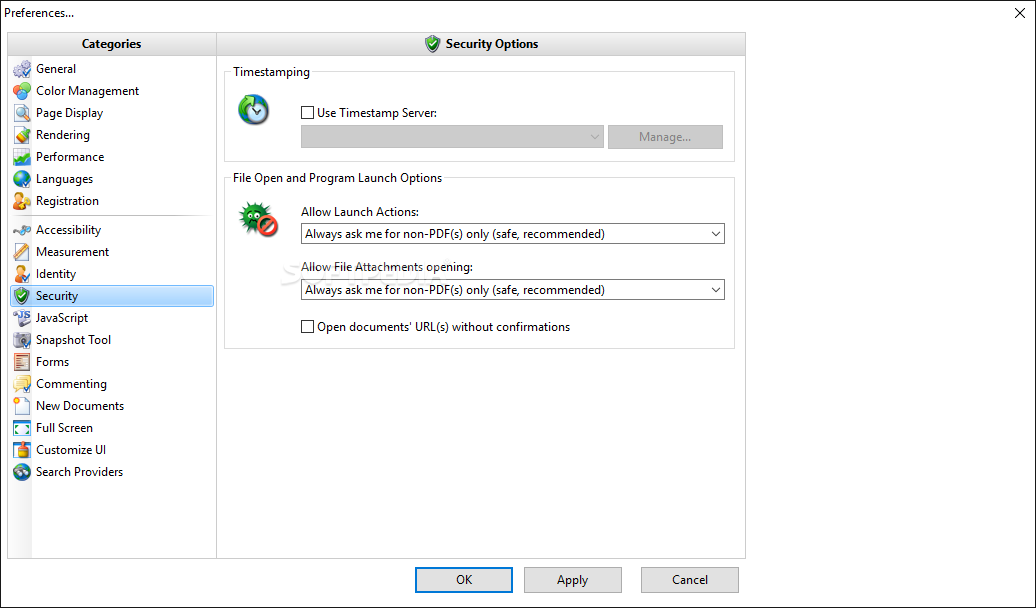
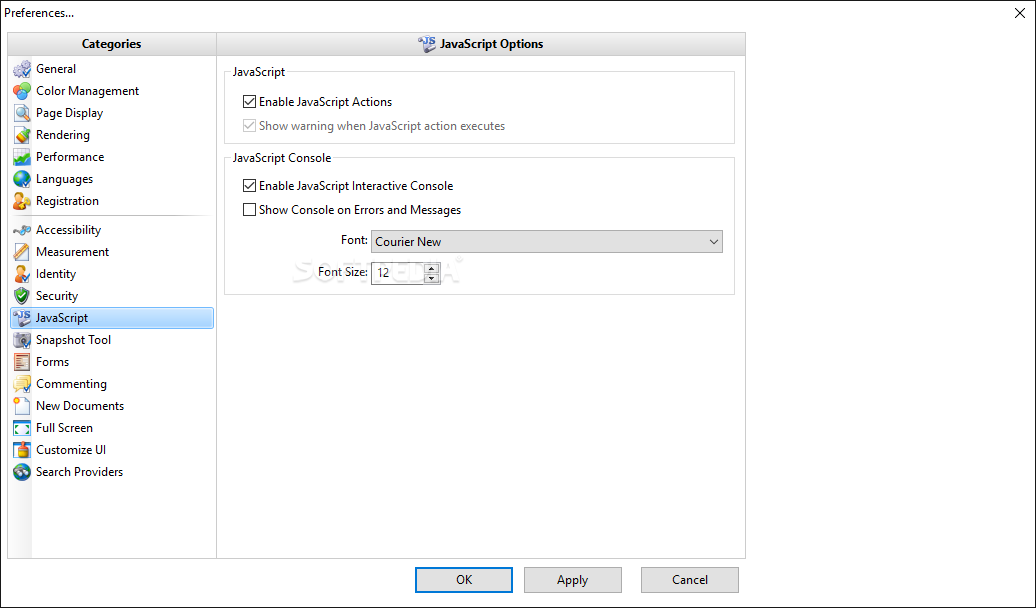
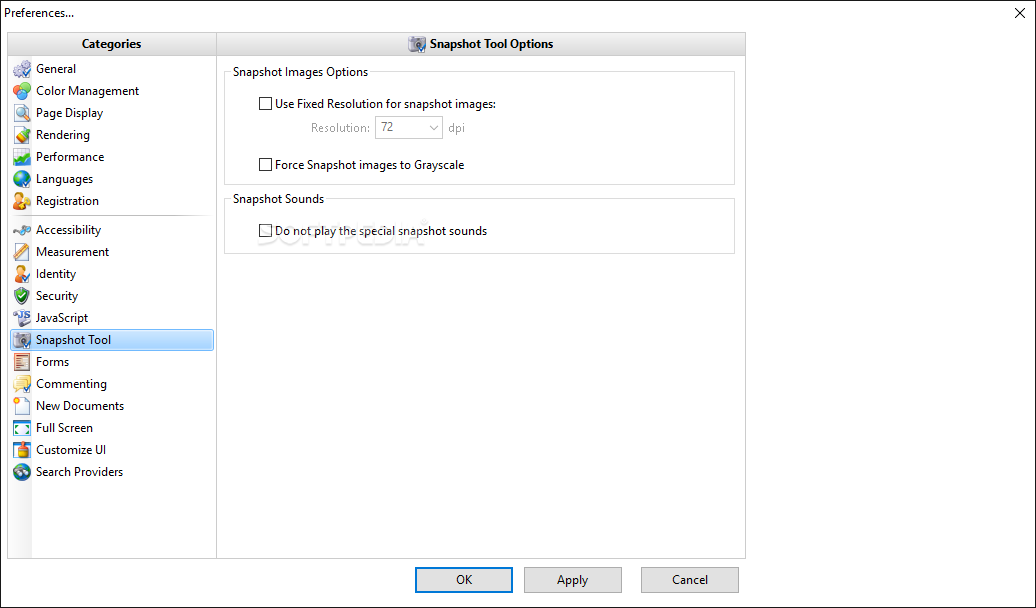
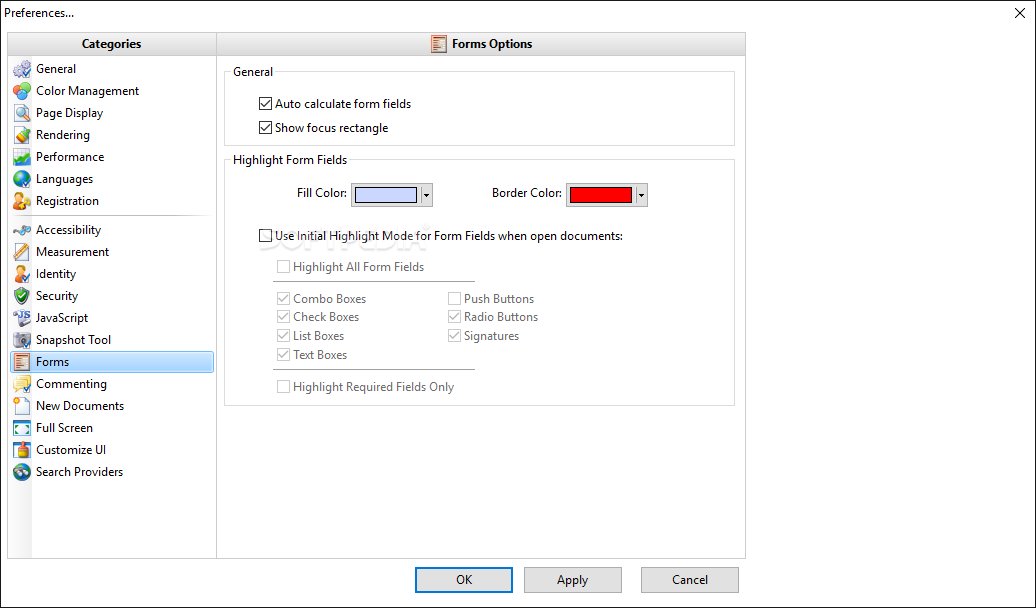
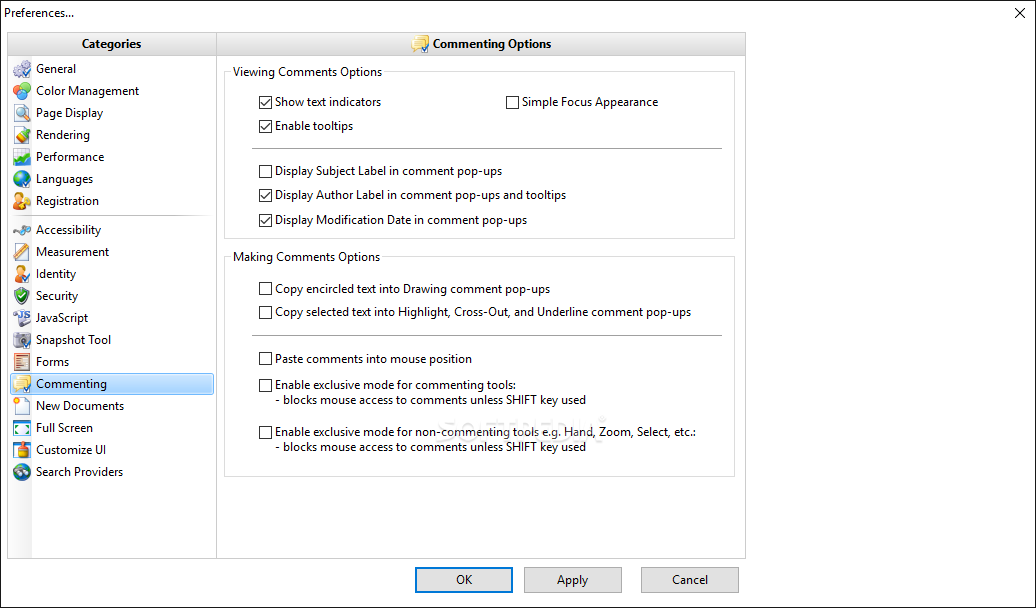
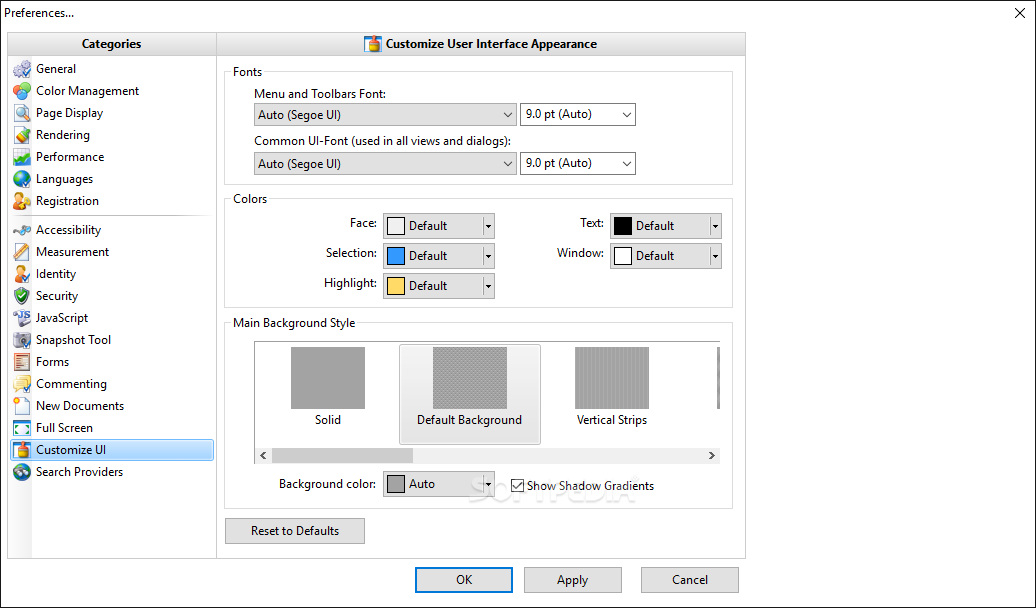
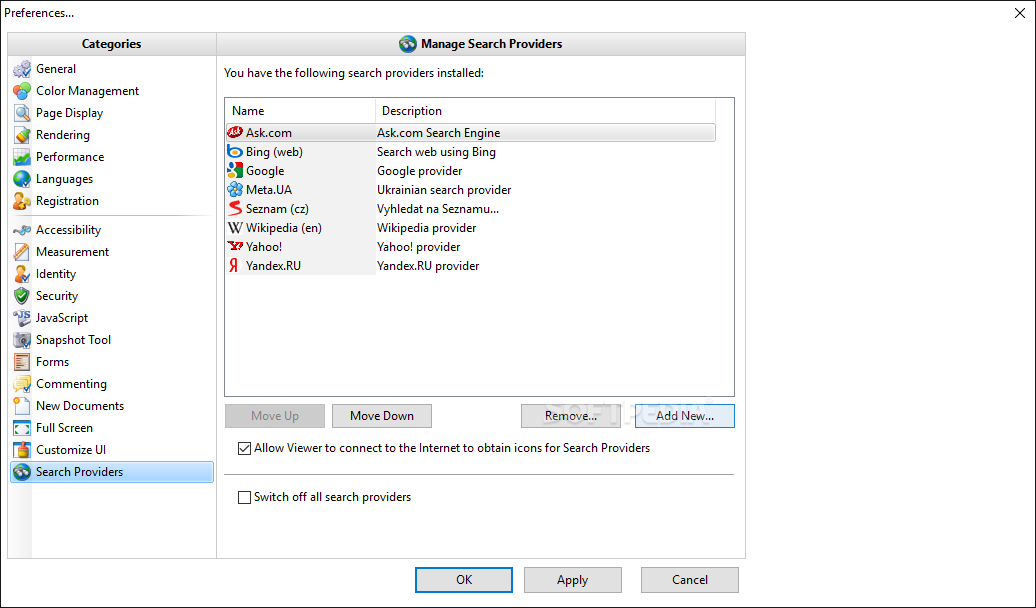
In the "Preferences" menu, you can set the document layout (e.g. tabbed documents), document save method (e.g. full save or incremental save for digitally signed docs), allow multiple instances, configure rendering options (e.g. text smoothness) and performance settings (e.g. use system memory in percentage points), set units, grids and ruler options, and more.
The program uses a moderate amount of system resources and is easy to work with, whether you are experienced or not. Portable PDF-XChange Viewer is a great tool for viewing PDF files and applying basic edit functions to them. We strongly suggest you try it.
Download Hubs
Portable PDF-XChange Viewer is part of these download collections: Open PDF, Portable PDF Editor, Portable PDF Reader, PDF Viewers
What's new in Portable PDF-XChange Viewer 2.5.322.10:
- Critical error or bug fix:
- Fixed digital signature validation vulnerability reported by NDS.
Portable PDF-XChange Viewer 2.5.322.10
add to watchlist add to download basket send us an update REPORT- portable version
- This is the portable version of the application. An installable version is also available: PDF-XChange Viewer
- runs on:
-
Windows 10 32/64 bit
Windows 8 32/64 bit
Windows 7 32/64 bit
Windows Vista 32/64 bit
Windows XP 32/64 bit - file size:
- 8.2 MB
- filename:
- PDFX_Vwr_Port.zip
- main category:
- Portable Software
- developer:
- visit homepage
7-Zip

Microsoft Teams

calibre

Windows Sandbox Launcher

Zoom Client

ShareX

4k Video Downloader

IrfanView

Context Menu Manager

Bitdefender Antivirus Free

- IrfanView
- Context Menu Manager
- Bitdefender Antivirus Free
- 7-Zip
- Microsoft Teams
- calibre
- Windows Sandbox Launcher
- Zoom Client
- ShareX
- 4k Video Downloader