
Rearrange (reorder, delete and duplicate) pages in a single PDF file or merge the pages from multiple documents into a single one. #Collate PDF #Split PDF #PDF watermark #Watermark #Splitter #Split

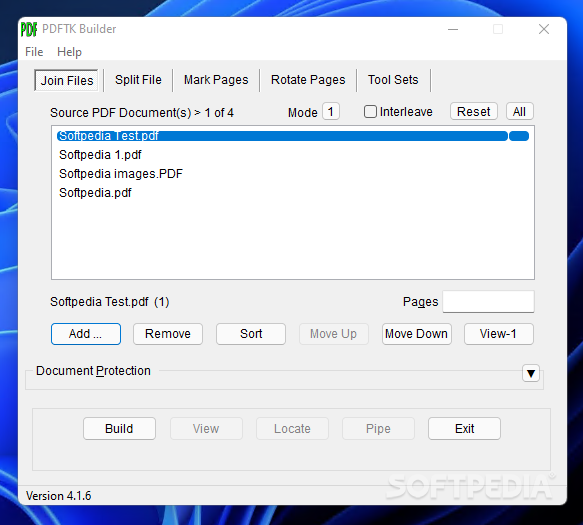
Working with documents in the digital realm has numerous advantages, at least when compared to traditional, printed mediums. The development of specific formats, such as those for Office, as well as PDF, have taken the said advantages to even higher ground. However, having said that, there still is a requirement for a specialized app that can help manipulate and perform minor edits, without having to resort to complicated suites. One such app is Portable PDFTK Builder, which will cater to the needs of those who wish to manipulate their PDFs, with operations such as splitting, page rotation, and more.
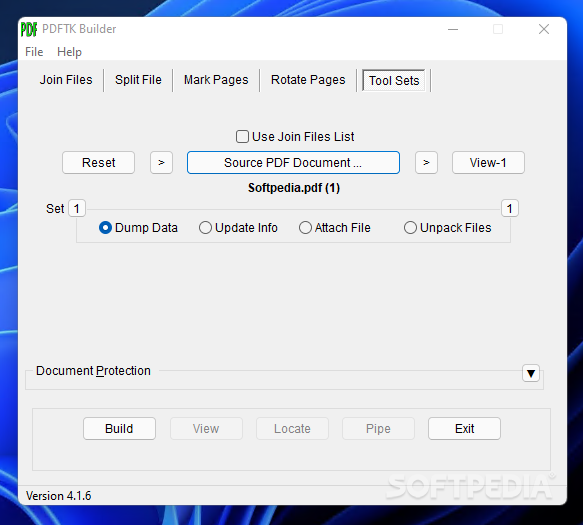
The application comes packed with a truly basic interface, which sports a minimalist layout, which we found to only contain the essential features and no more. An accessible tab array distributes the available features, in a logical categorization.
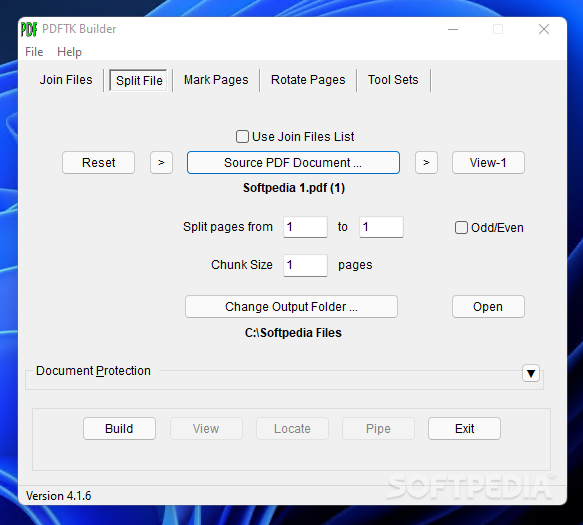
One will be able, at a glance, to determine where the required tools for a particular task are found. Consequently, users can either join multiple PDFs, split them according to specific page criteria, or work on pagination.
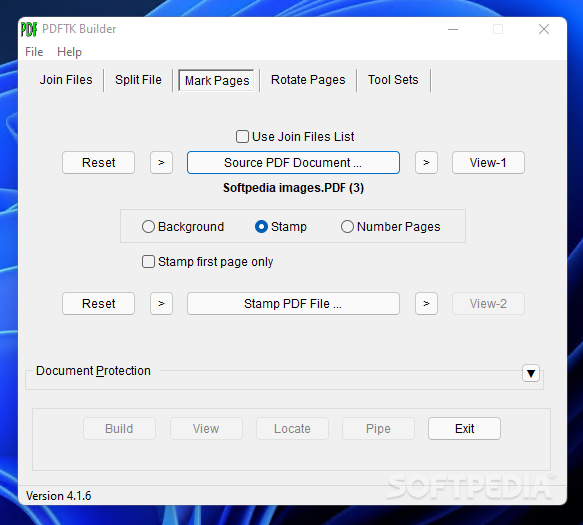
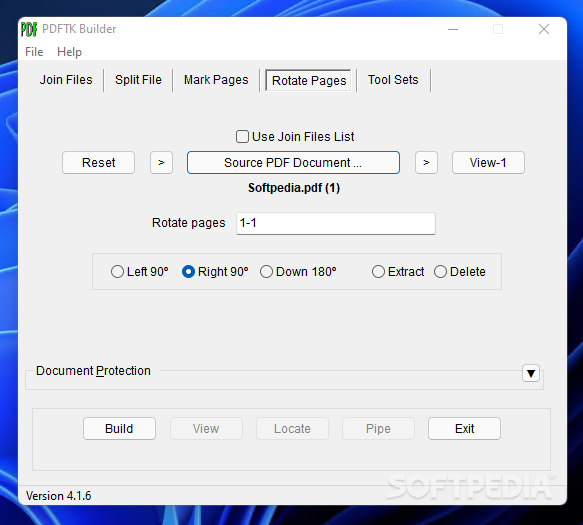
Pages can be easily marked, and their rotation adjusted, using the dedicated tabs. Aside from the main features that target file composition and pagination, one can also rely on Portable PDFTK Builder for setting other, more specific parameters.
For instance, one can address data dump, update the file properties information, attach files to the loaded PDFs as well as unpack data as far as archives are concerned. Batch processing is also provided, which is an added bonus.
This application can prove to be a good choice when looking for a minimalist tool that can help you perform basic operations to your PDF data, such as joining multiple files, splitting documents, etc.
Portable PDFTK Builder 4.1.6
add to watchlist add to download basket send us an update REPORT- PRICE: Free
- portable version
- This is the portable version of the application. An installable version is also available: PDFTK Builder
- runs on:
-
Windows 11
Windows 10 32/64 bit
Windows 8 32/64 bit
Windows 7 32/64 bit
Windows Vista 32/64 bit
Windows XP 32/64 bit - file size:
- 5.4 MB
- filename:
- PDFTKBuilderPortable_4.1.6_English.paf.exe
- main category:
- Portable Software
- developer:
- visit homepage
Bitdefender Antivirus Free

Microsoft Teams

calibre

7-Zip

Context Menu Manager

IrfanView

Zoom Client

Windows Sandbox Launcher

4k Video Downloader

ShareX

- Windows Sandbox Launcher
- 4k Video Downloader
- ShareX
- Bitdefender Antivirus Free
- Microsoft Teams
- calibre
- 7-Zip
- Context Menu Manager
- IrfanView
- Zoom Client