
Smart and sleek calendar app to help you track and organize your schedule, allowing for integration with the user's Google Calendar — among other popular services. #Calendar manager #Meeting scheduler #Task organizer #Calendar #Scheduler #Task

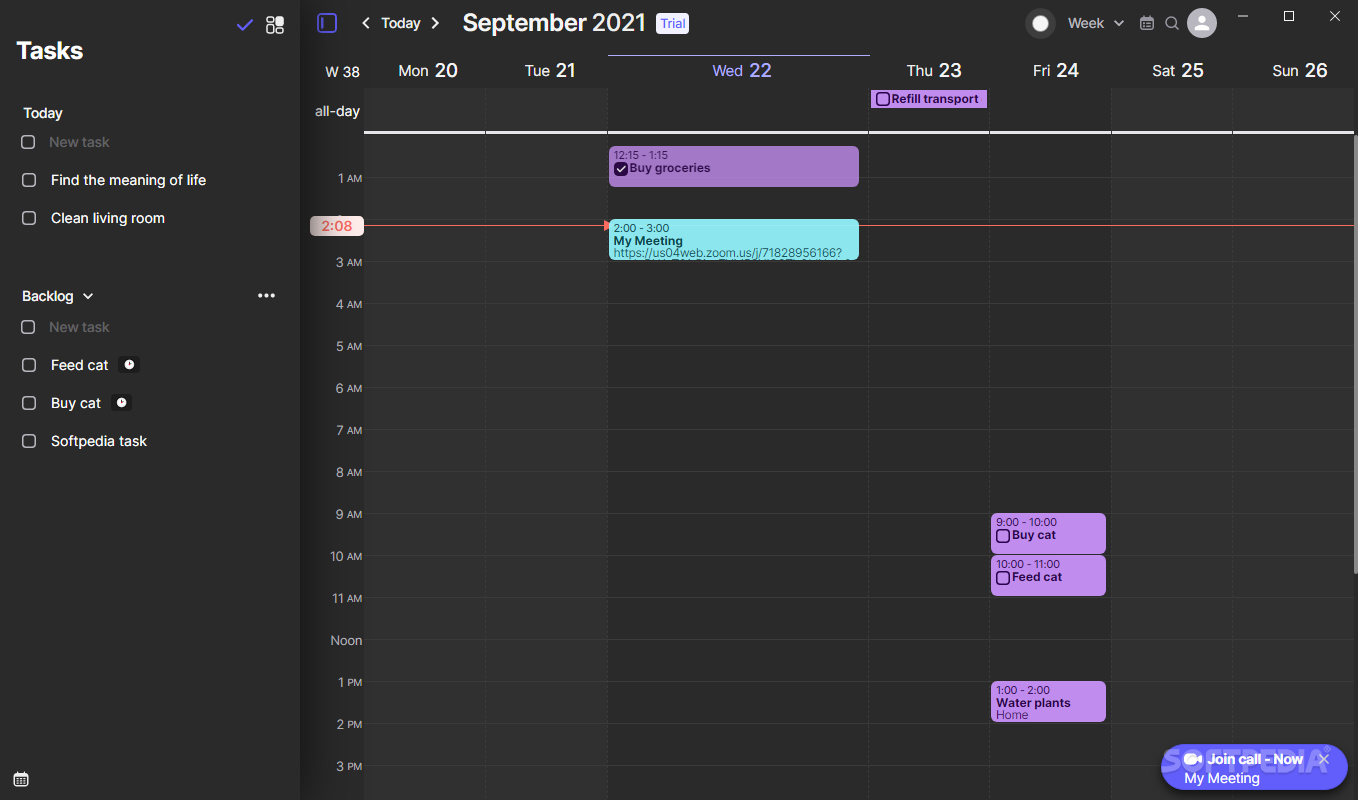
Keeping track of multiple calendar services can be cumbersome. Morgen is an app that plans to remedy the hassle by bundling all of your calendar needs under one umbrella.
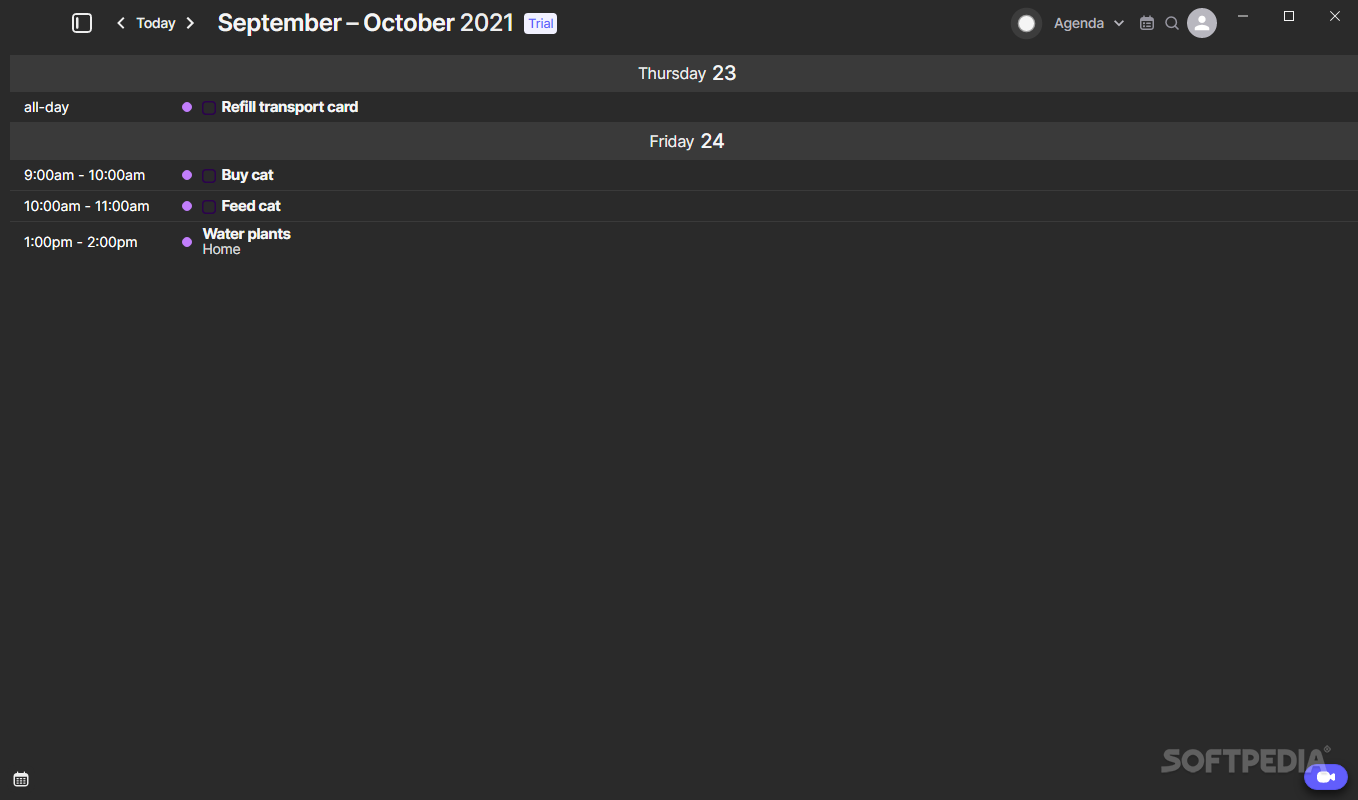
A first look at Morgen reveals that the app was made with usability and simplicity in mind. It is easy to pick up and use, and connecting your Google Calendar account — among the other supported providers — is a quick and hassle-free process.
Schedules are pulled directly from your different accounts, draping the calendar you see when you use Morgen. Through that, the app practically unifies those schedules and brings them in one place, so you don’t have to use multiple apps to keep track of your calendar.
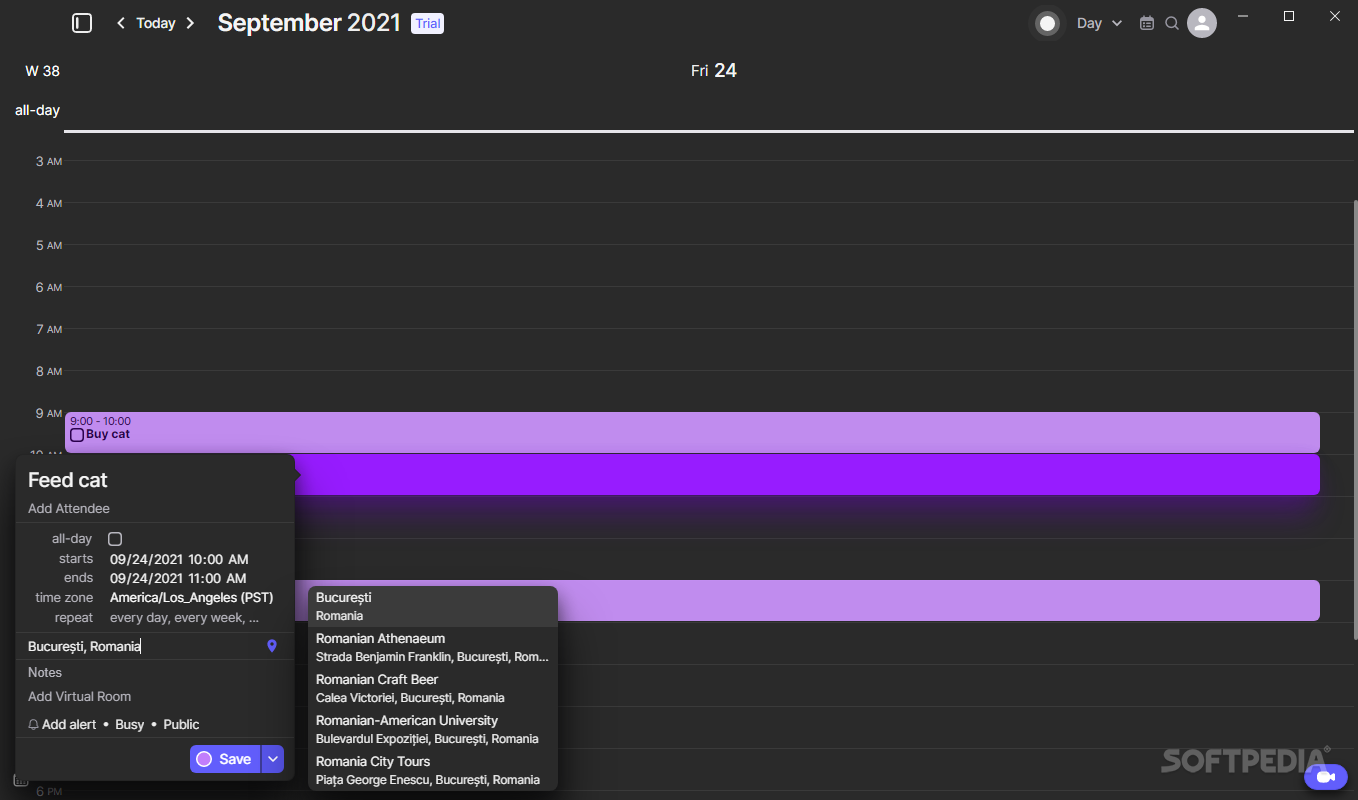
The idea of having a one-stop app for your calendar is convenient enough, and so is using it, in practice. The added benefit of such an app is that, besides the aforementioned quality, it’s very straightforward in its philosophy – you can mark down stuff to add to the “Tasks” bar, drag and drop them into the calendar, and then delve into more specificity by attaching notes, places, and repeat reminders to them.
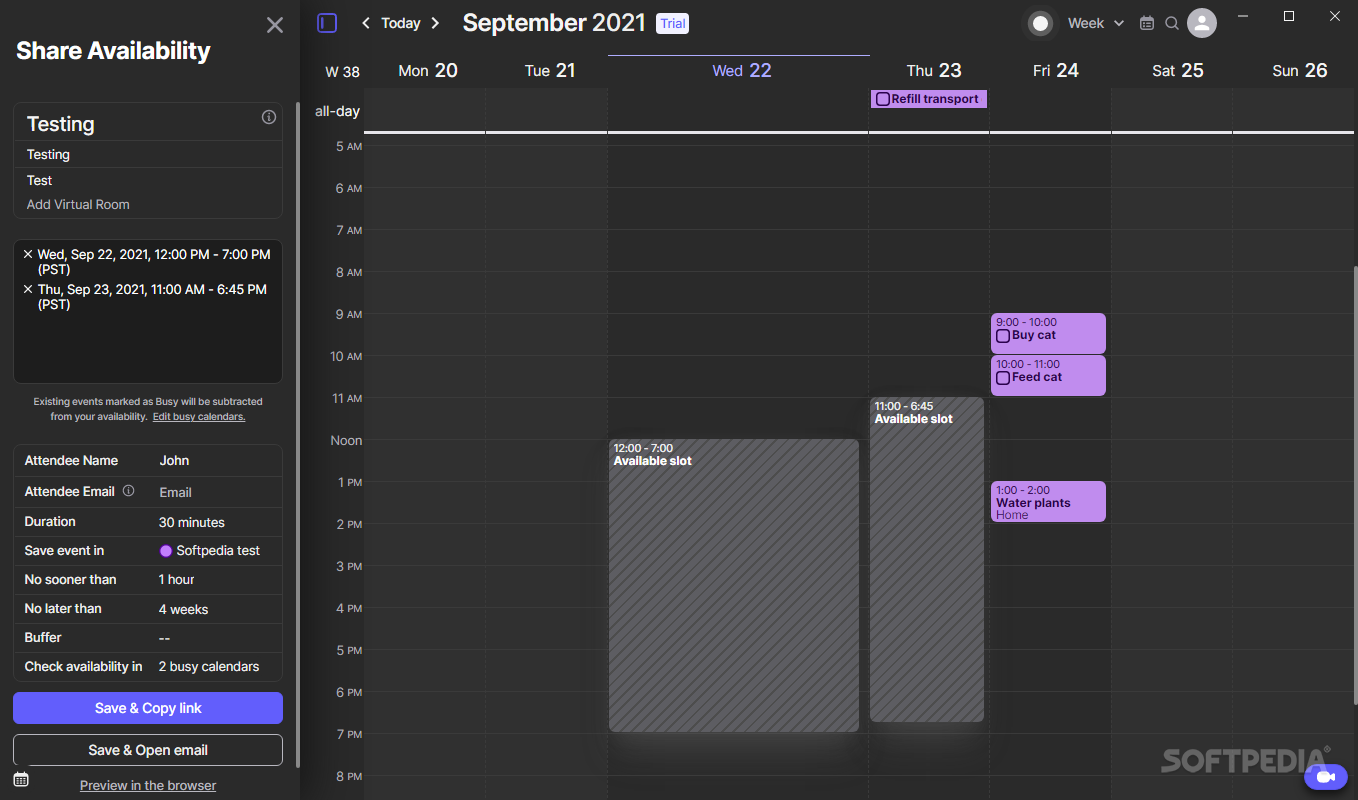
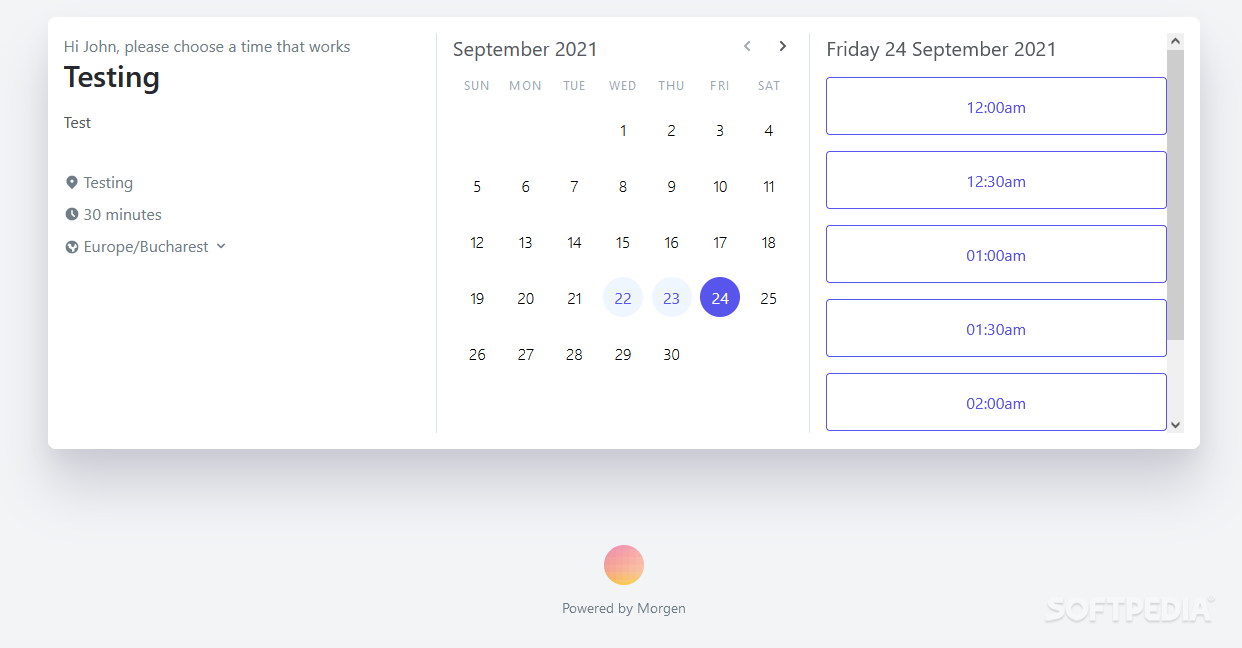
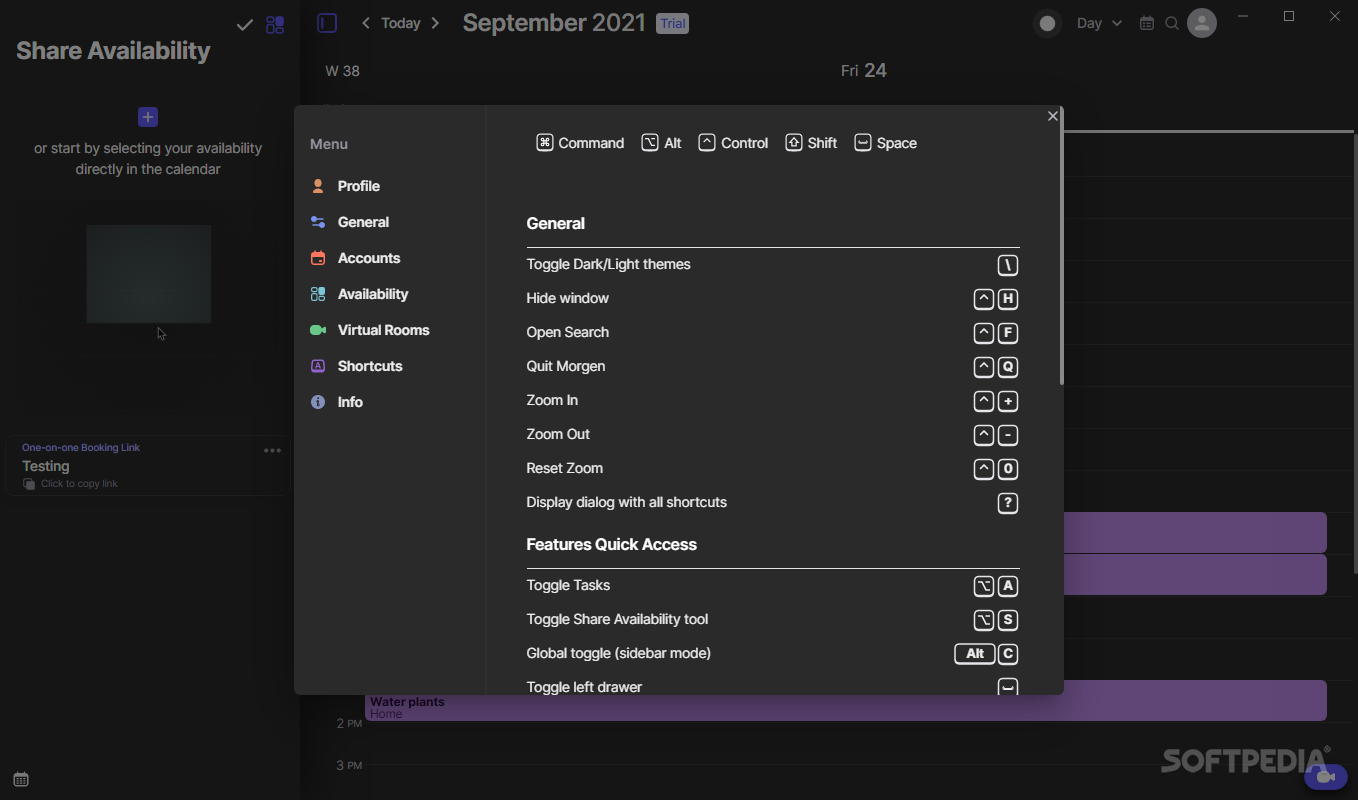
Convenient is also the “Share Availability” function, which is meant to chart your available time slots so the others can be aware of when to contact you. Through this, you can set a time slot — or more — into your schedule, jot down its duration, and even have Morgen send an email to notify the recipient of your availability. After all of this, Morgen creates a link the other person can access, effectively allowing them to book a time for a meeting, based on the user’s designated availability in the app.
In conclusion, Morgen is quite the efficient app. The functionality is there, and the convenience of its features can be easily taken for granted.
Morgen 3.4.1
add to watchlist add to download basket send us an update REPORT- runs on:
-
Windows 11
Windows 10 64 bit - file size:
- 76 MB
- filename:
- Morgen Setup 3.4.1 - x64.exe
- main category:
- Office tools
- developer:
- visit homepage
IrfanView

Bitdefender Antivirus Free

calibre

Microsoft Teams

ShareX

7-Zip

Windows Sandbox Launcher

Zoom Client

4k Video Downloader

Context Menu Manager

- Zoom Client
- 4k Video Downloader
- Context Menu Manager
- IrfanView
- Bitdefender Antivirus Free
- calibre
- Microsoft Teams
- ShareX
- 7-Zip
- Windows Sandbox Launcher