
A portable time tracking application that helps users record their daily activities, plan business meetings and increase their workers' productivity. #Time tracker #Portable timekeeping #Time log #Tracker #Scheduler #Organizer
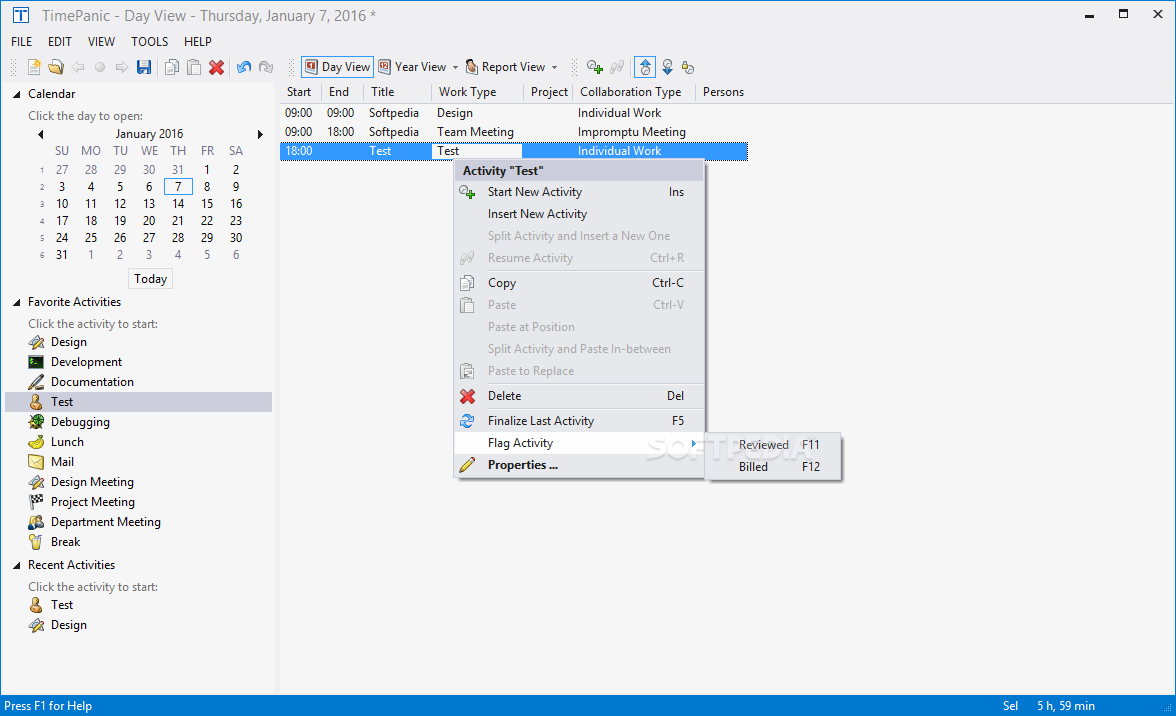
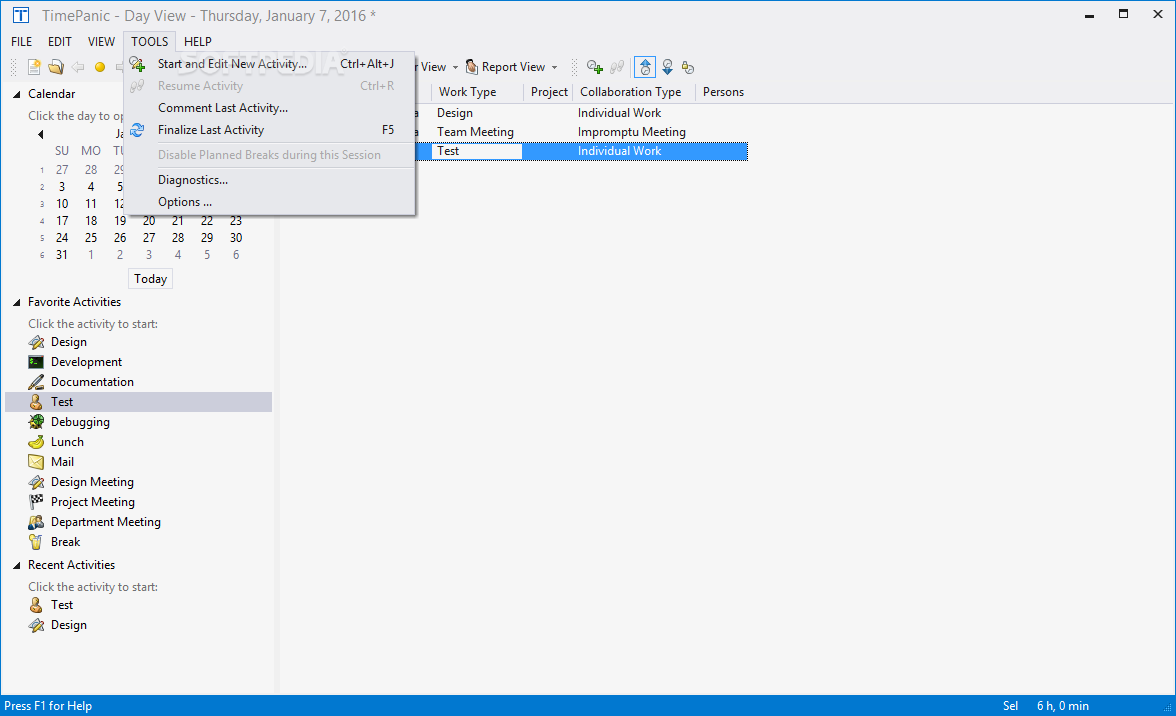
TimePanic for USB Drives is a useful tool designed to help you organize your tasks, by upcoming events, initiated by an external or internal sources. The software is portable, meaning that you can easily run it from a removable device, such as a USB memory drive. With TimePanic for USB drives, you can take your digital agenda with you on the go.
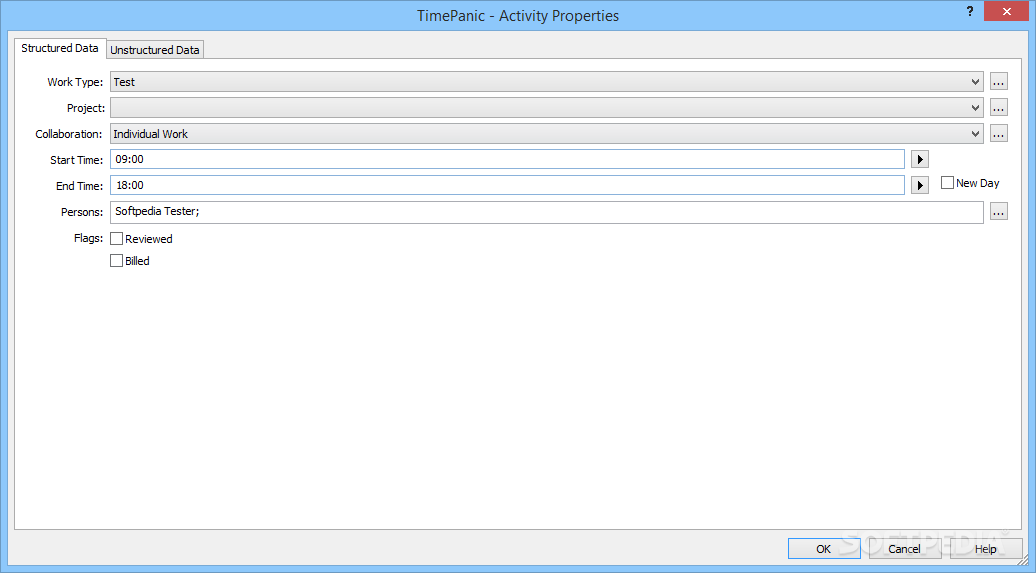
TimePanic for USB Drives is a suitable software for anyone who works on the computer, since it allows you to create a digital activity scheduler and organizer that you can keep at close hand. Moreover, it can track time and mark the work hours on a per project basis, distinguishing between billable and non-billable tasks.
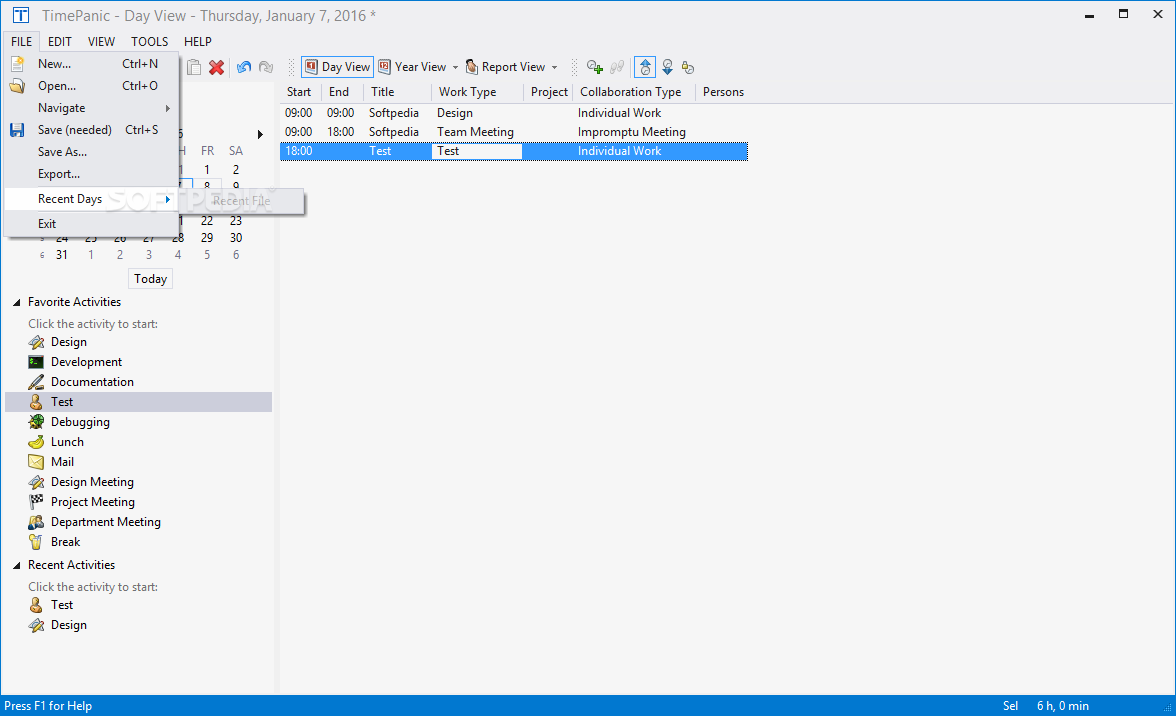
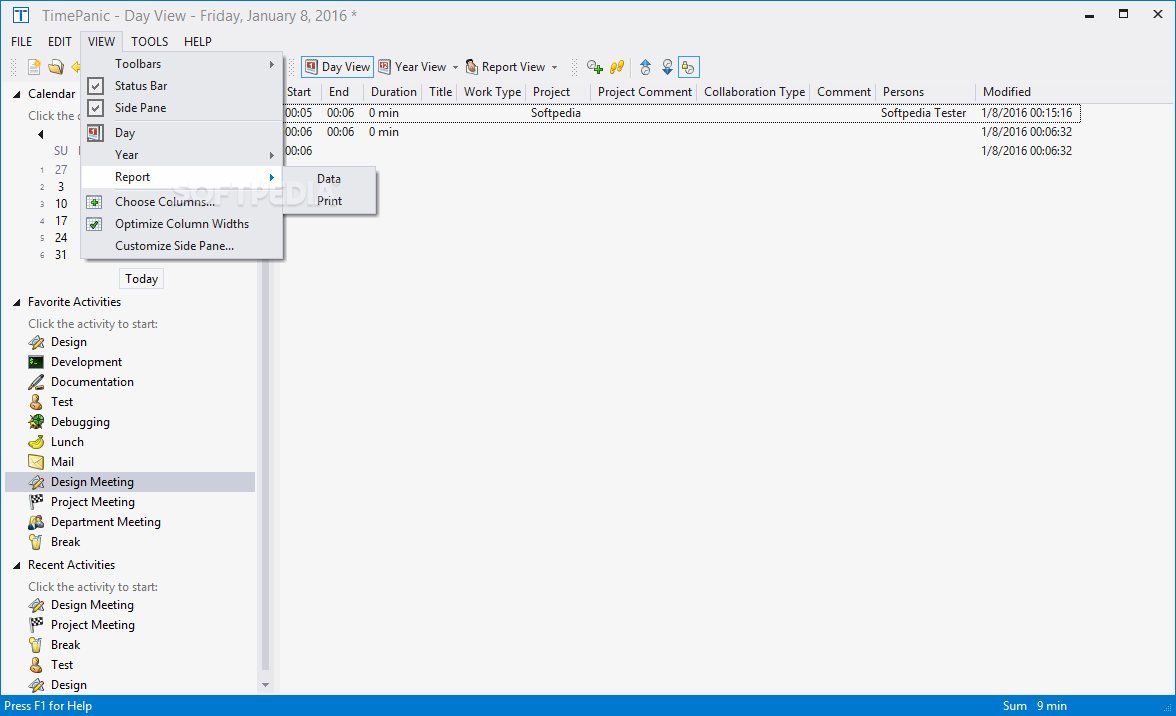
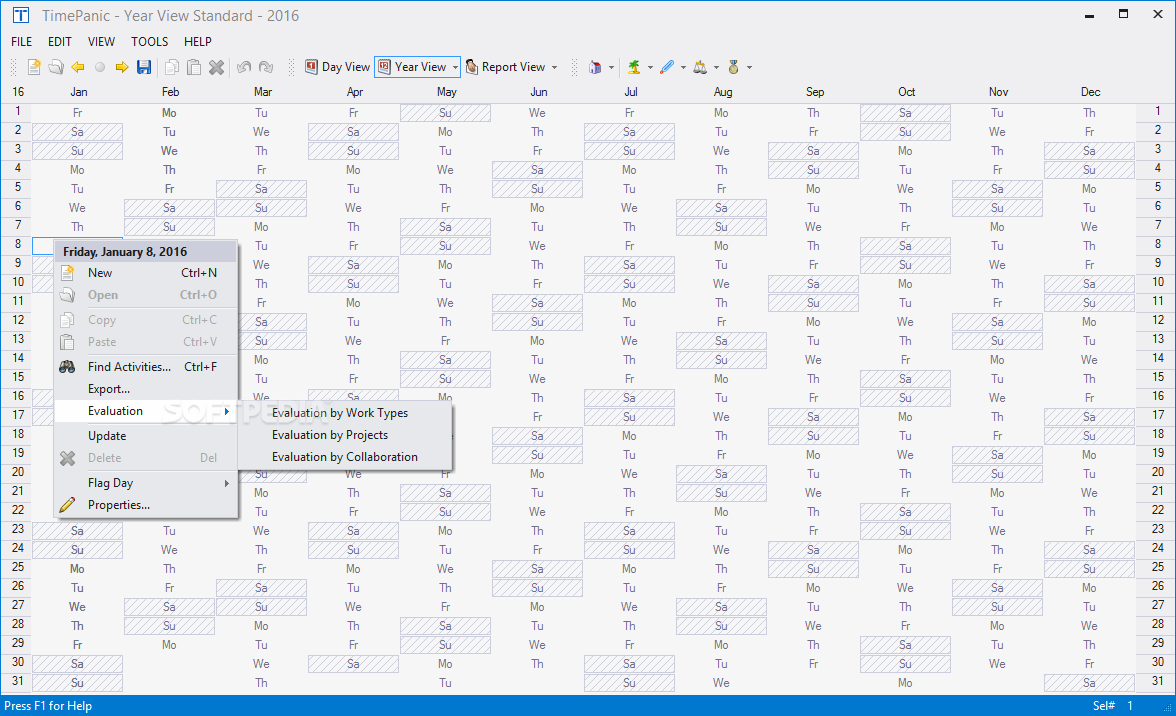
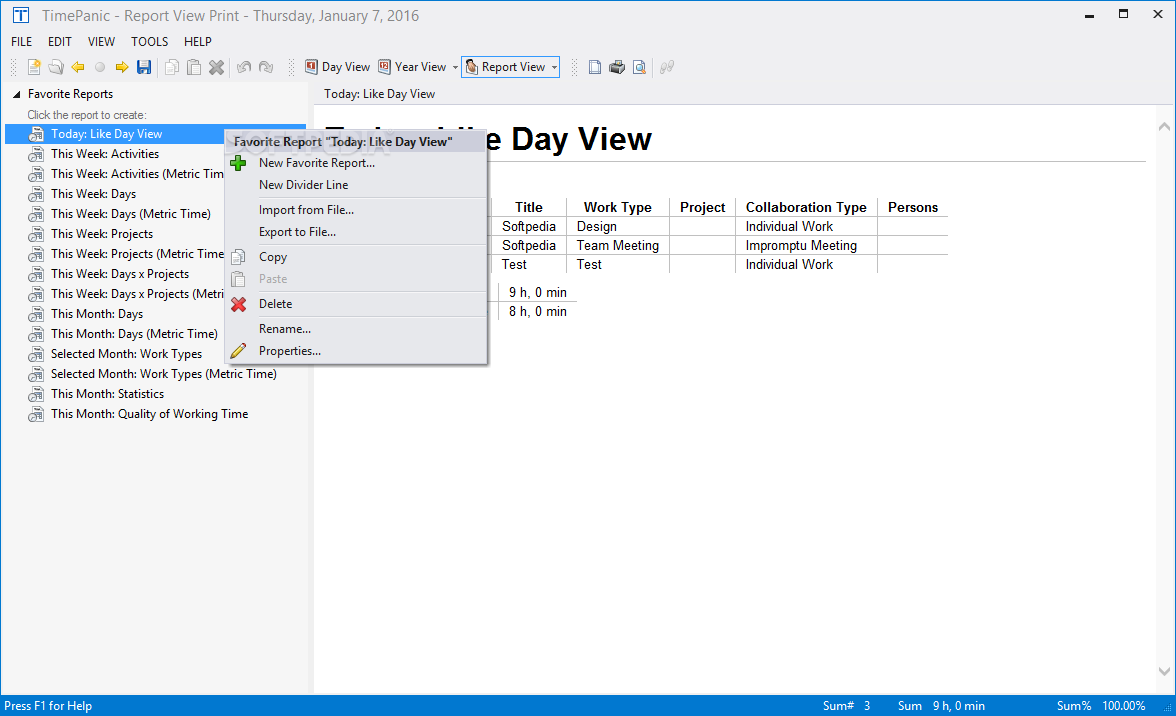
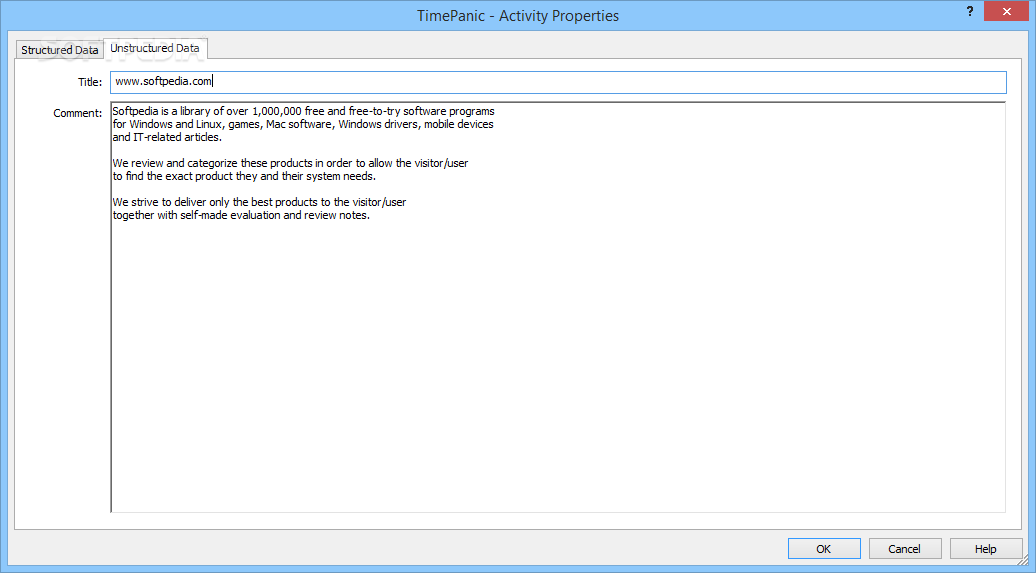
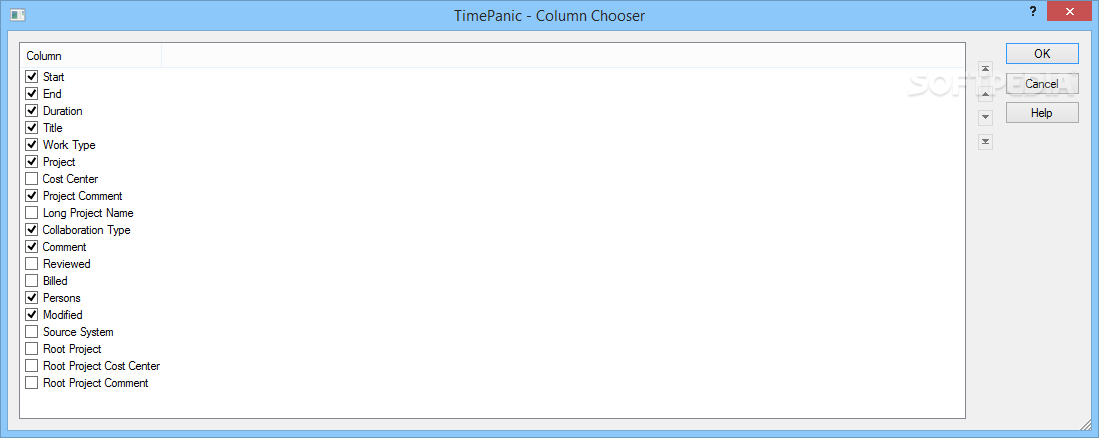
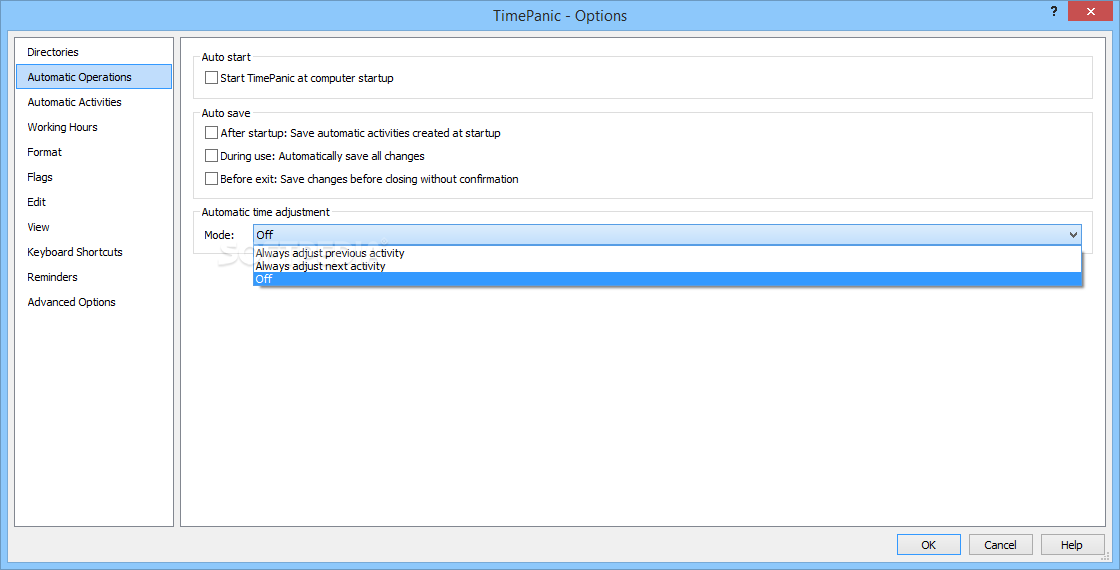
With TimePanic for USB Drives, you may easily calculate the total payment, based on the amount of work hours, extra charge for overtime or manage absences. Moreover, you can make annotations, comments for each task and generate periodical reports in text or HTM format.
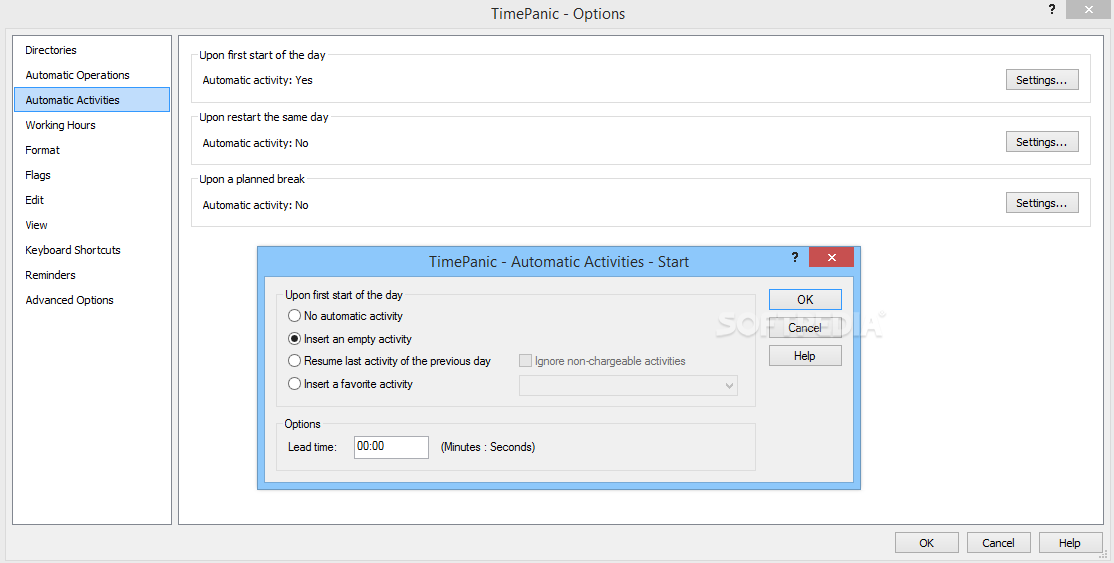
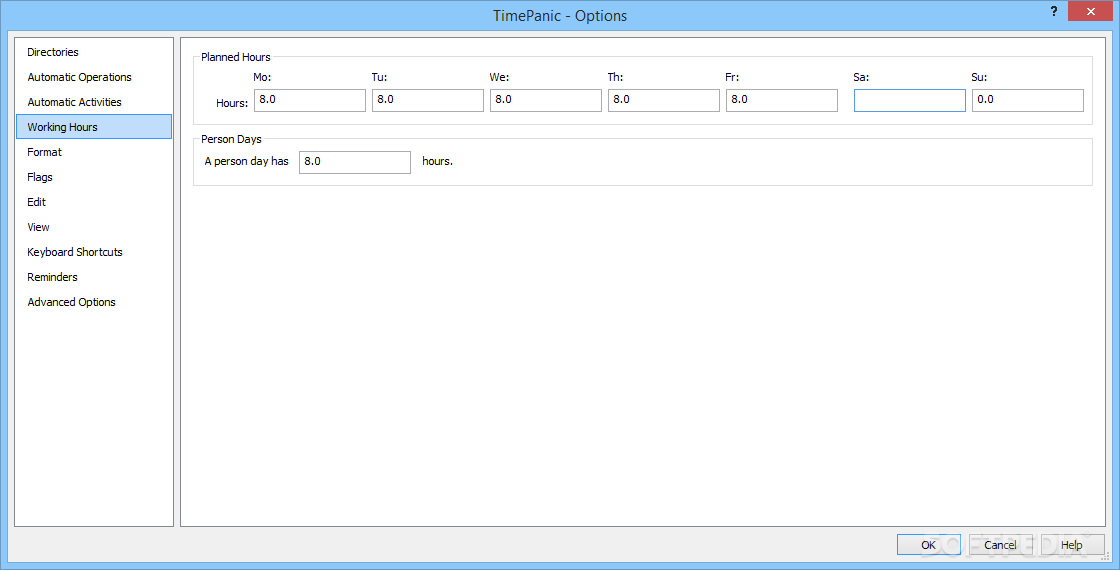
TimePanic for USB Drives facilitates you monitoring your own work time and the division of tasks, in a particular time span. You can easily manage breaks, absences according to the given dead-line. The software can adapt to the type of work you perform, since it allows you to set the work beginning and ending hours, so you can monitor delays or overtime.
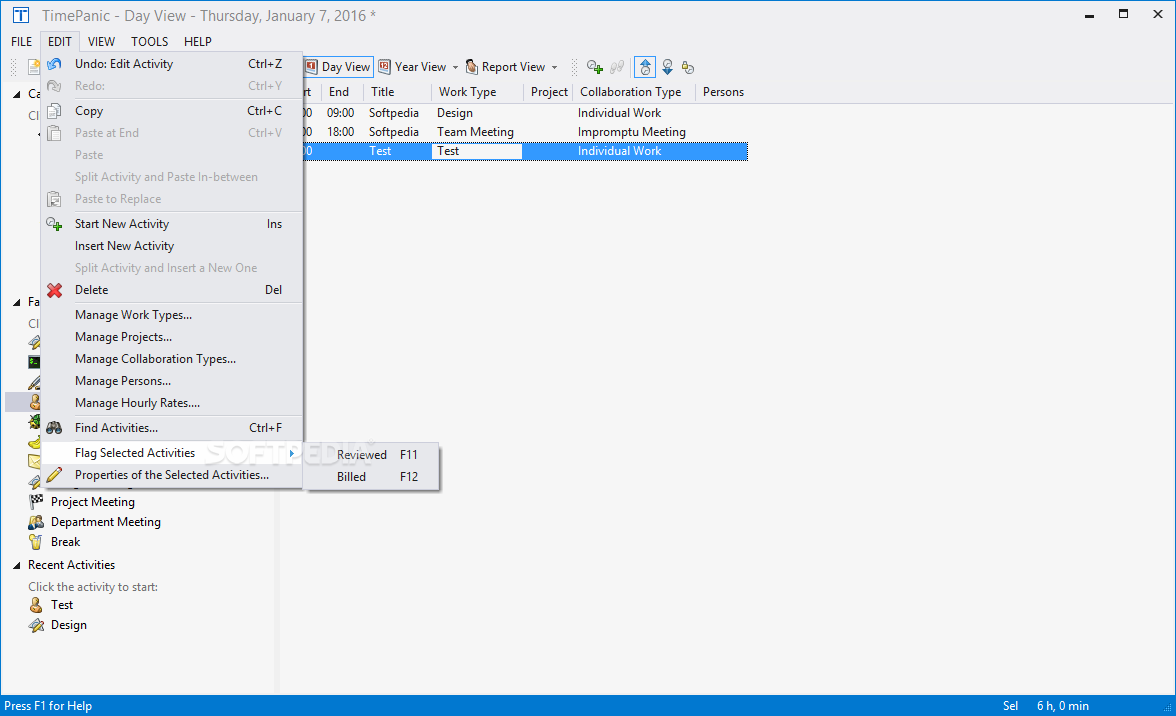
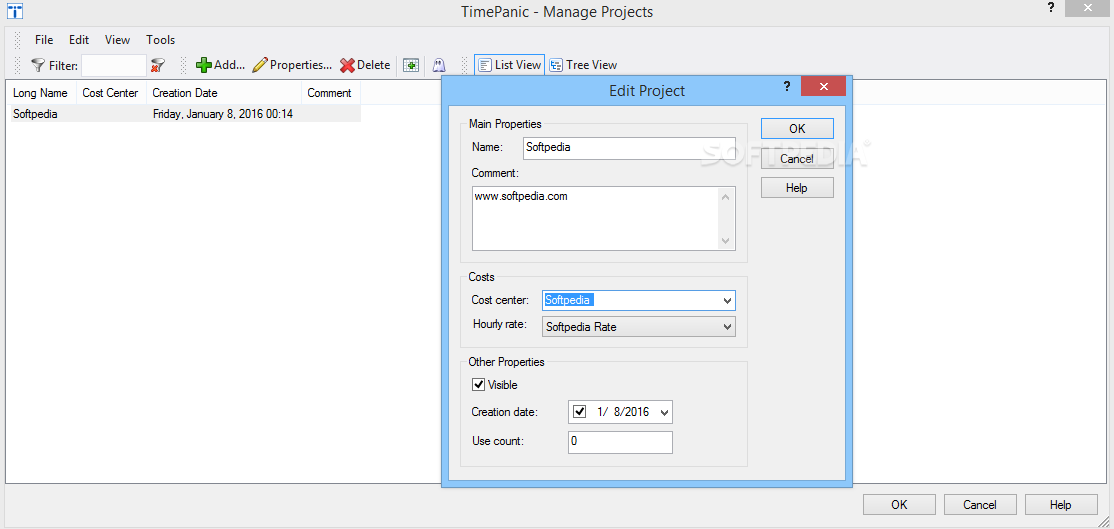
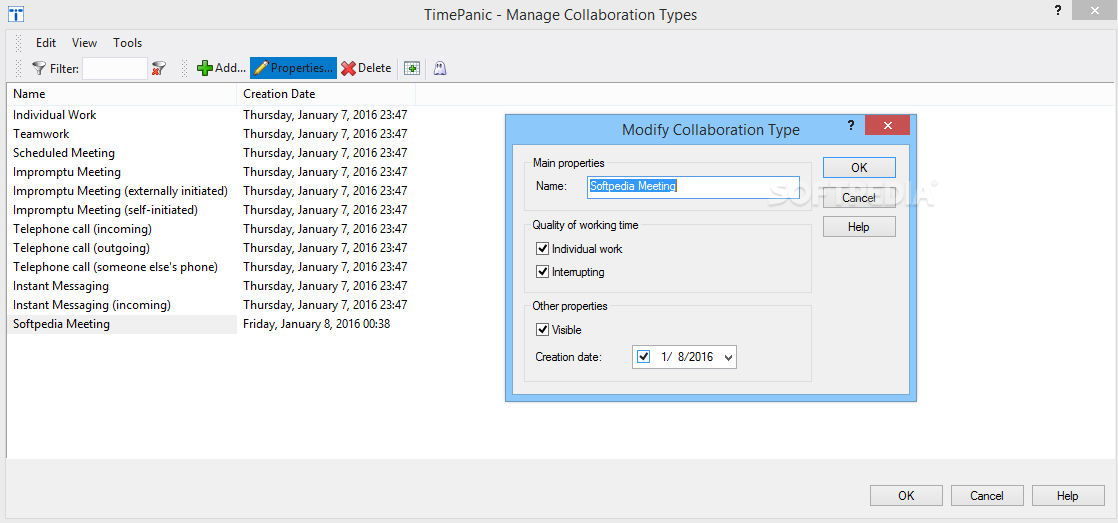
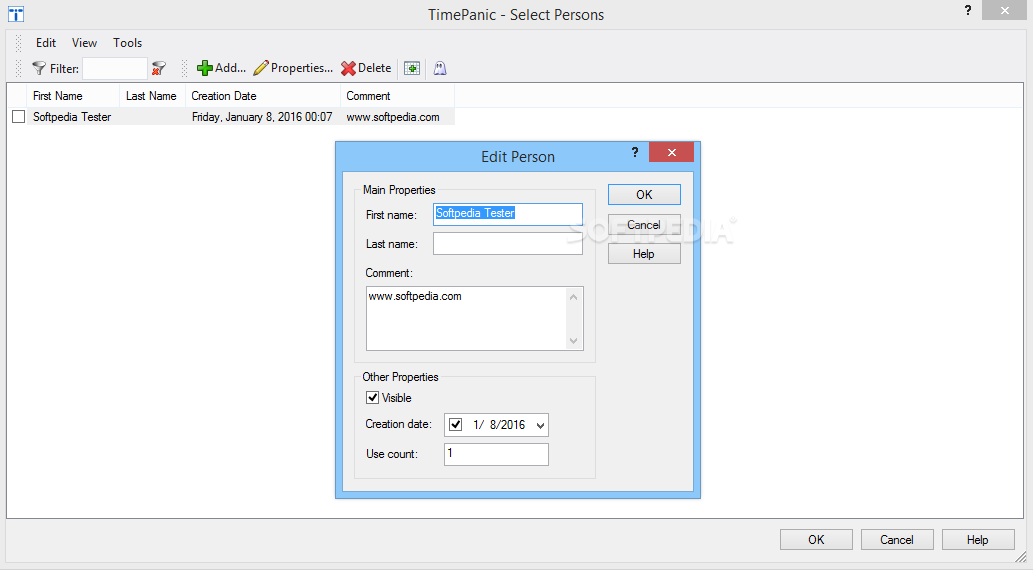
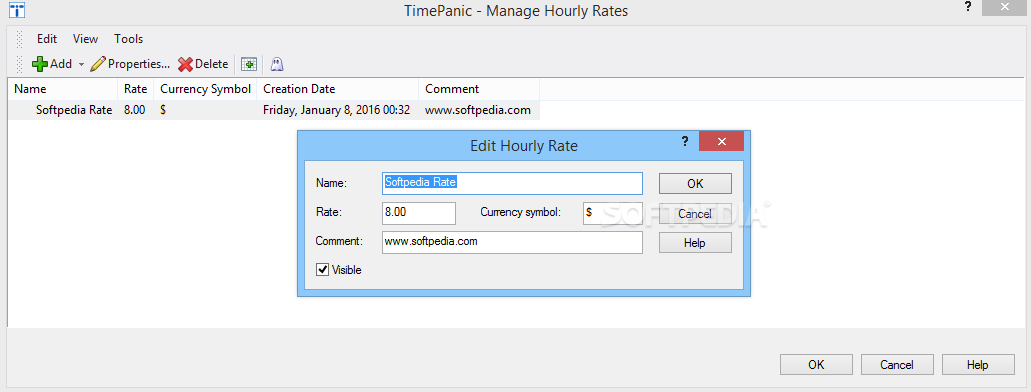
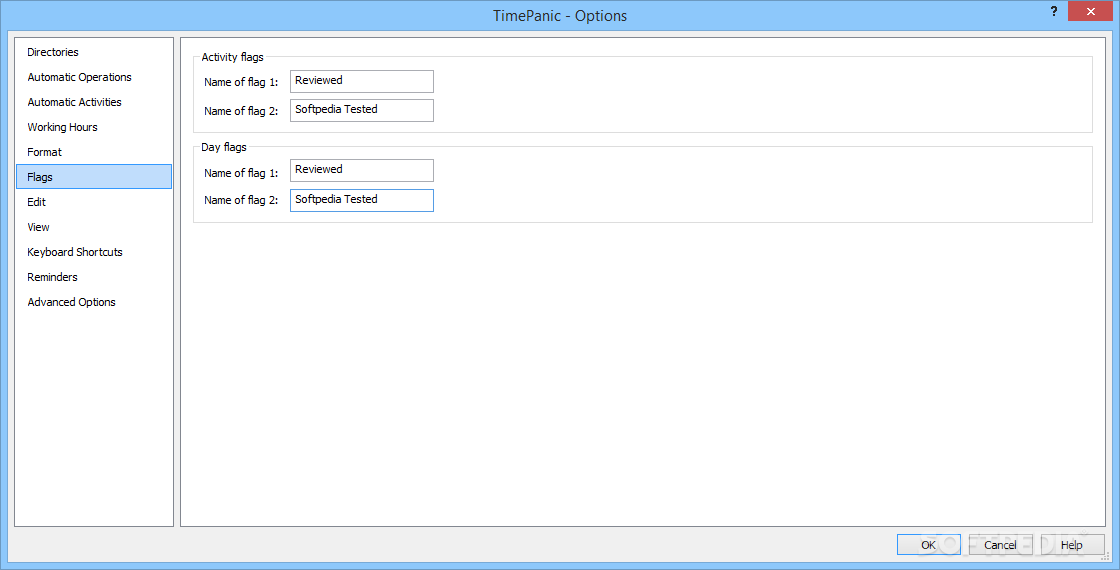
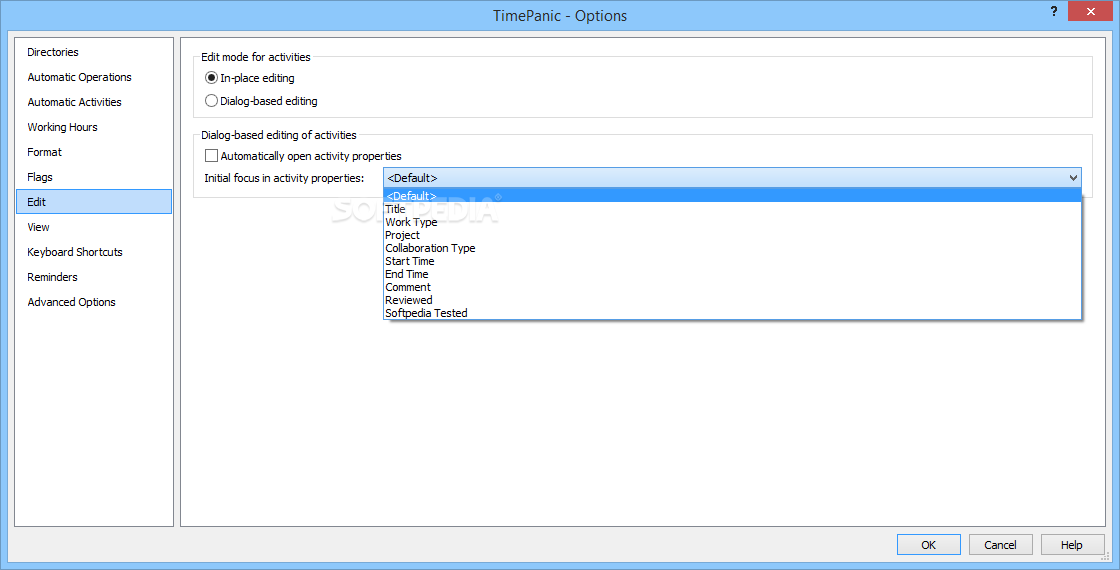
Moreover, you can easily rename the default activities or add new ones, according to your type of work. You can also manage project evolution, collaboration types, associate users or hourly rates. It is also a useful tool in organizing the allocated budget, according to each project’s cost and dead-line.
Not only is TimePanic for USB Drives a suitable solution for organizing and monitoring your work days, but it can also help you set up your vacation time. With TimePanic for USB Drives, you can plan your time and activities according to the available, resources and contributors. Moreover, it is a portable application, meaning you can take your digital agenda with you anywhere you go.
TimePanic for USB Drives 5.3 Build 1160
add to watchlist add to download basket send us an update REPORT- portable version
- This is the portable version of the application. An installable version is also available: TimePanic
- runs on:
-
Windows 11
Windows 10 32/64 bit
Windows 2003
Windows 8 32/64 bit
Windows 7 32/64 bit
Windows Vista 32/64 bit
Windows XP - file size:
- 12.7 MB
- filename:
- tippenen.zip

- main category:
- Portable Software
- developer:
- visit homepage
calibre

Windows Sandbox Launcher

7-Zip

4k Video Downloader

Bitdefender Antivirus Free

Context Menu Manager

Microsoft Teams

Zoom Client

ShareX

IrfanView

- Zoom Client
- ShareX
- IrfanView
- calibre
- Windows Sandbox Launcher
- 7-Zip
- 4k Video Downloader
- Bitdefender Antivirus Free
- Context Menu Manager
- Microsoft Teams