
Edit your text and source code files with the help of this simple and efficient application that you can take anywhere with you on any portable storage device. #Text Editor #Edit Source Code #Syntax Highlighting #Editor #Syntax #Programing

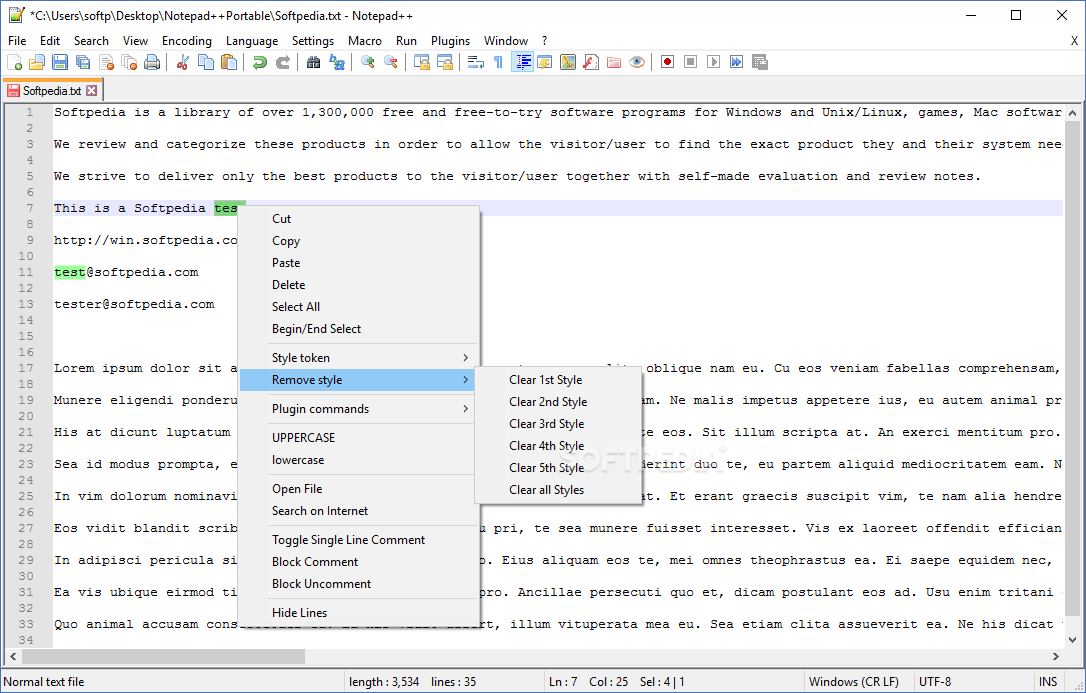
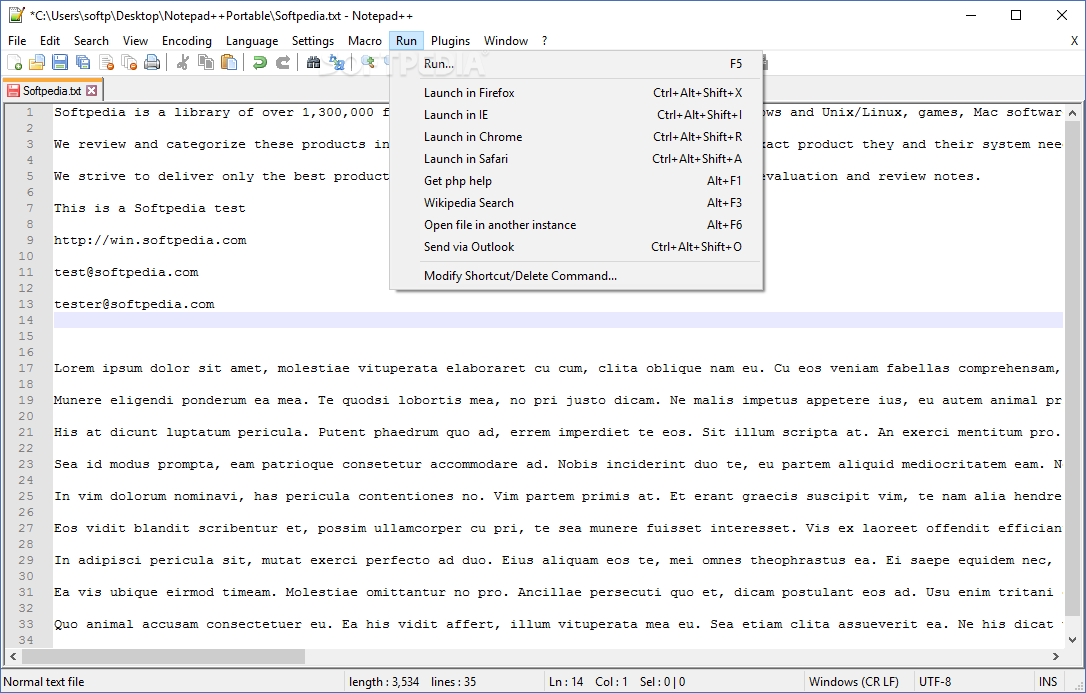
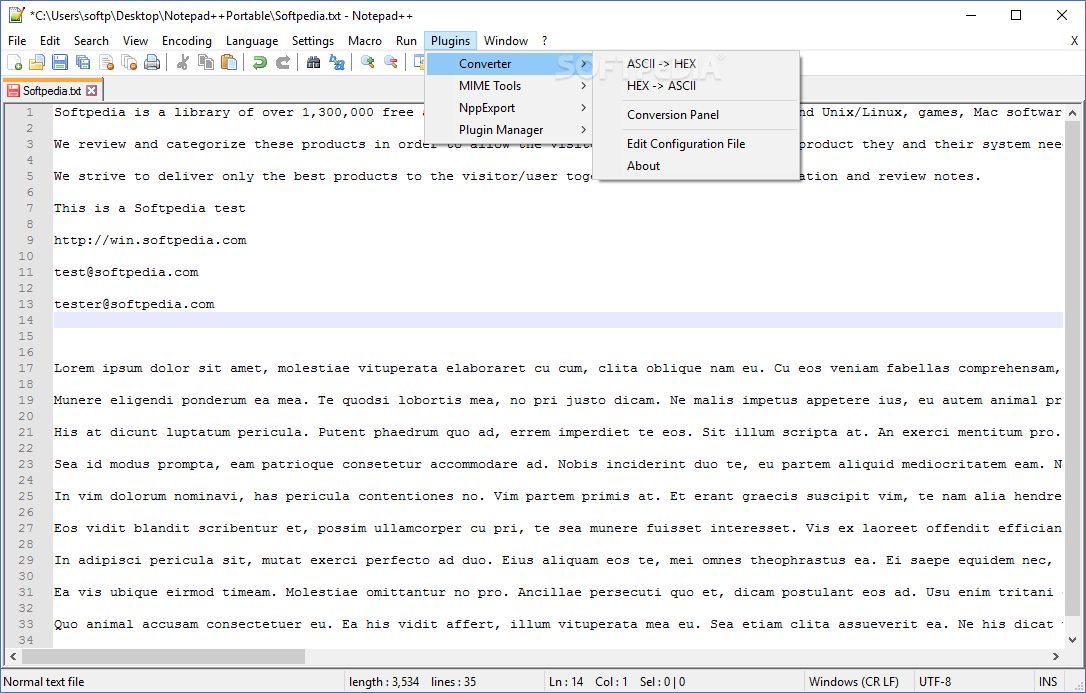
This is the portable version of Notepad++, the alternative to Windows' standard Notepad, and it is mainly used by programmers.
Thanks to its portability, Notepad++ doesn't need to be installed. In other words, your Windows registry entries will not be affected in any way. You can place Notepad++ on an external device and directly run it on any computer.
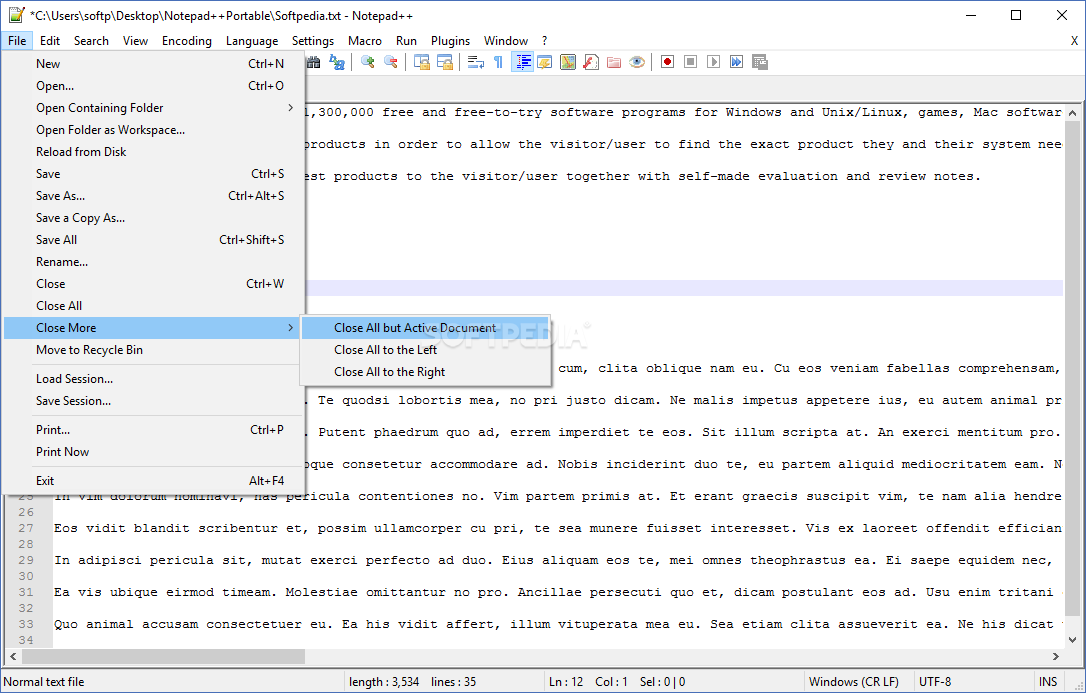
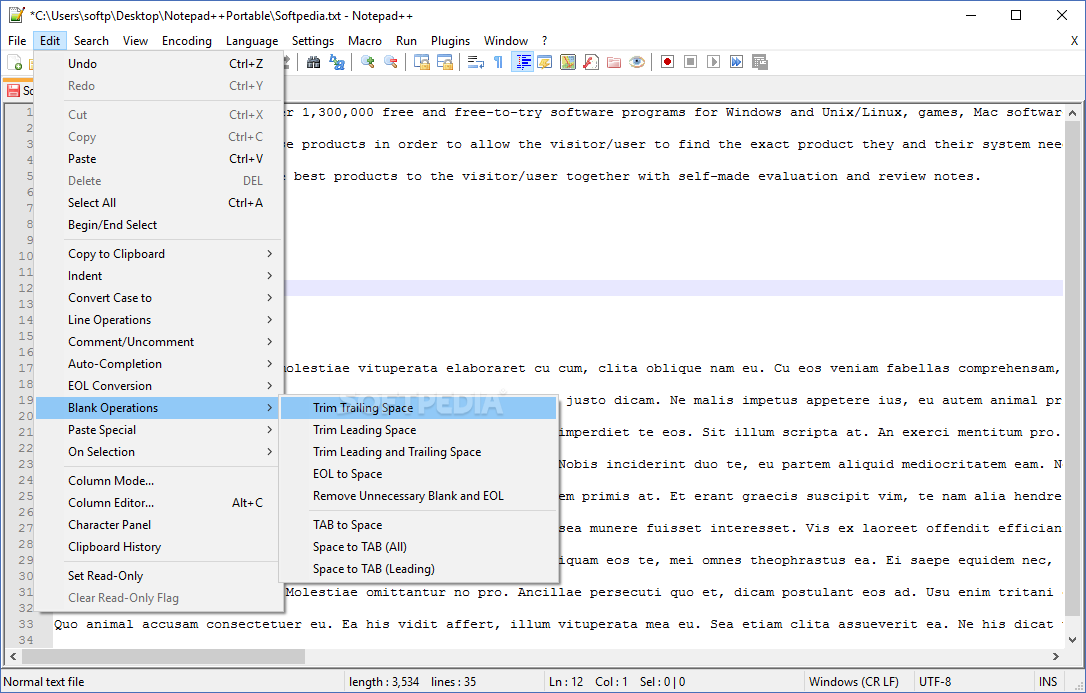
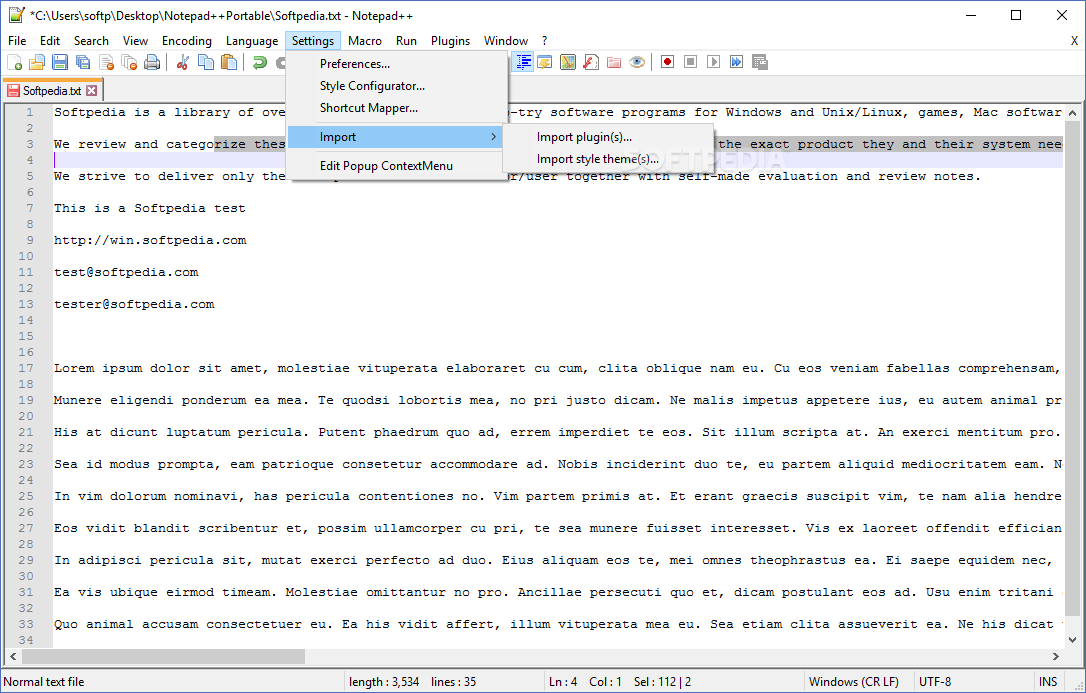
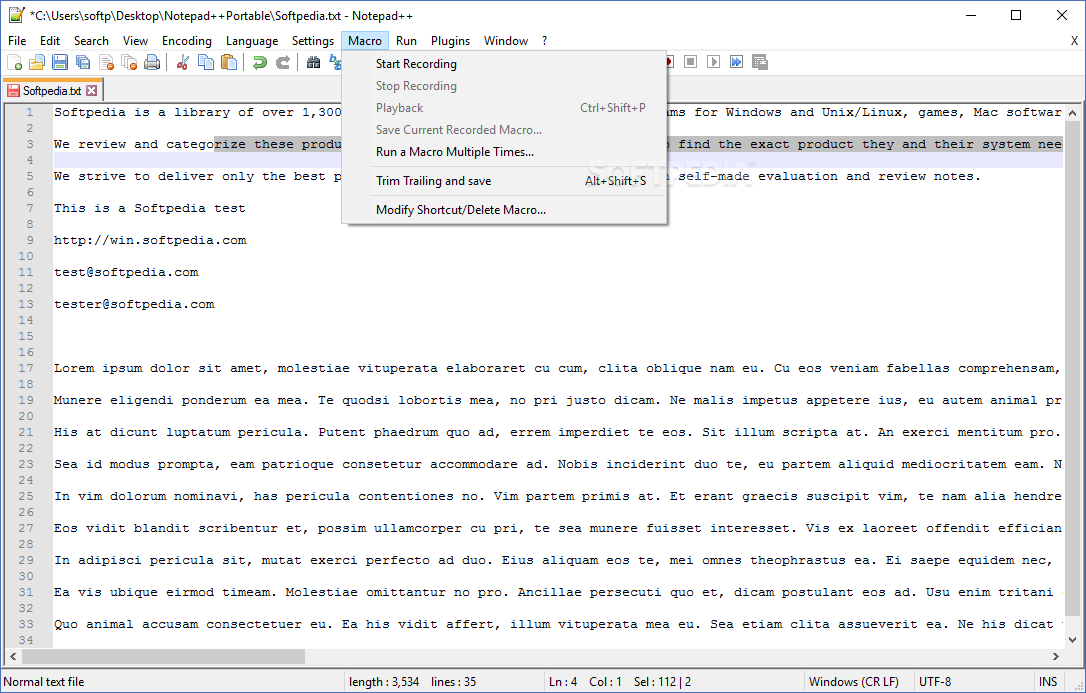
With Notepad++ you can save sessions, use multiple stream selections, edit rectangular areas, trim trailing space from lines, perform mouse gestures (which cannot be configured) and use hotkeys (which are customizable).
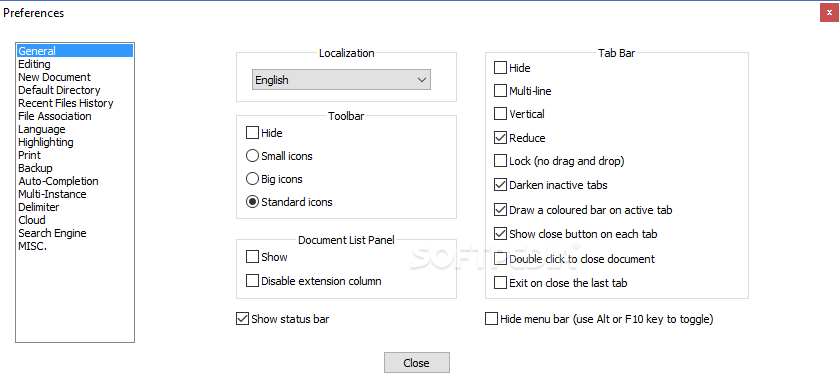
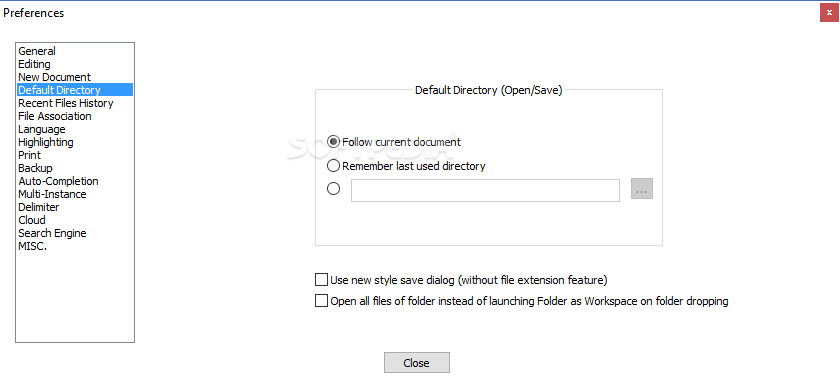
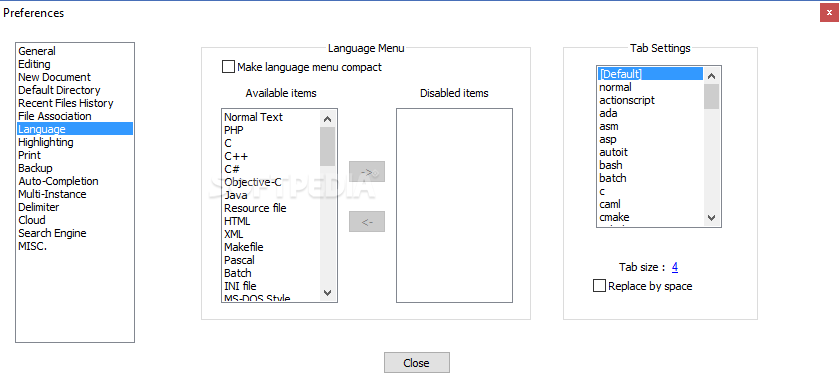
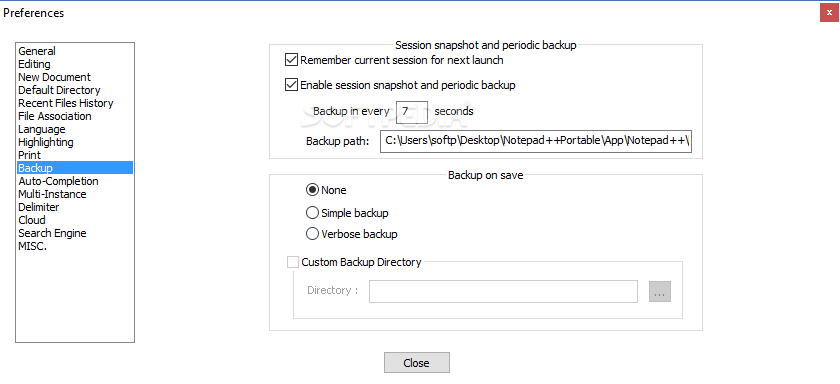
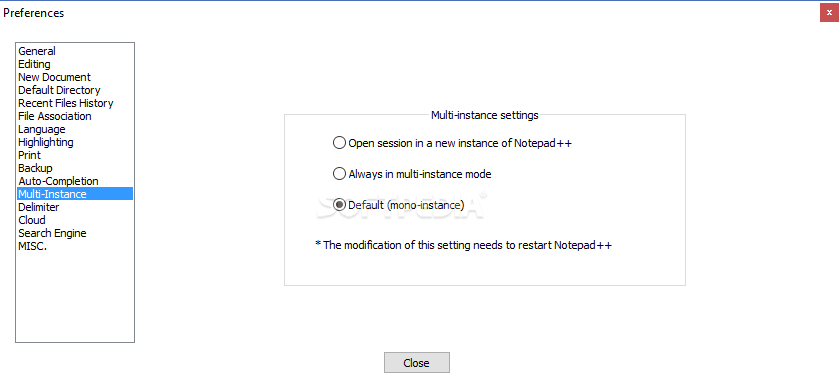
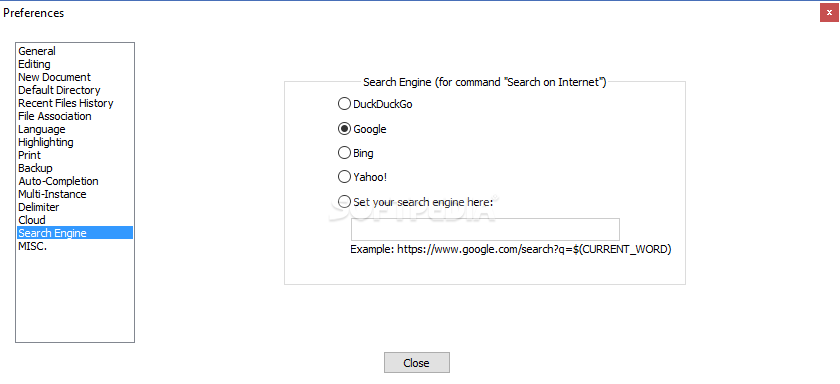
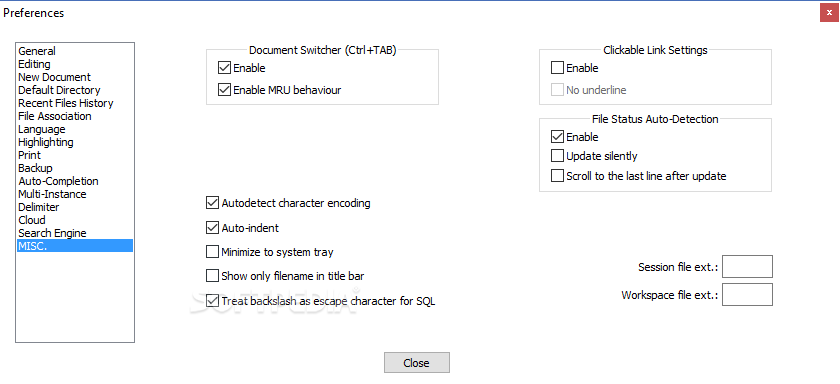
Unlike the Notepad utility that Windows comes with, Notepad++ automatically saves the current session and reopens it on the next restart (this behavior can be changed from the "Preferences" menu).
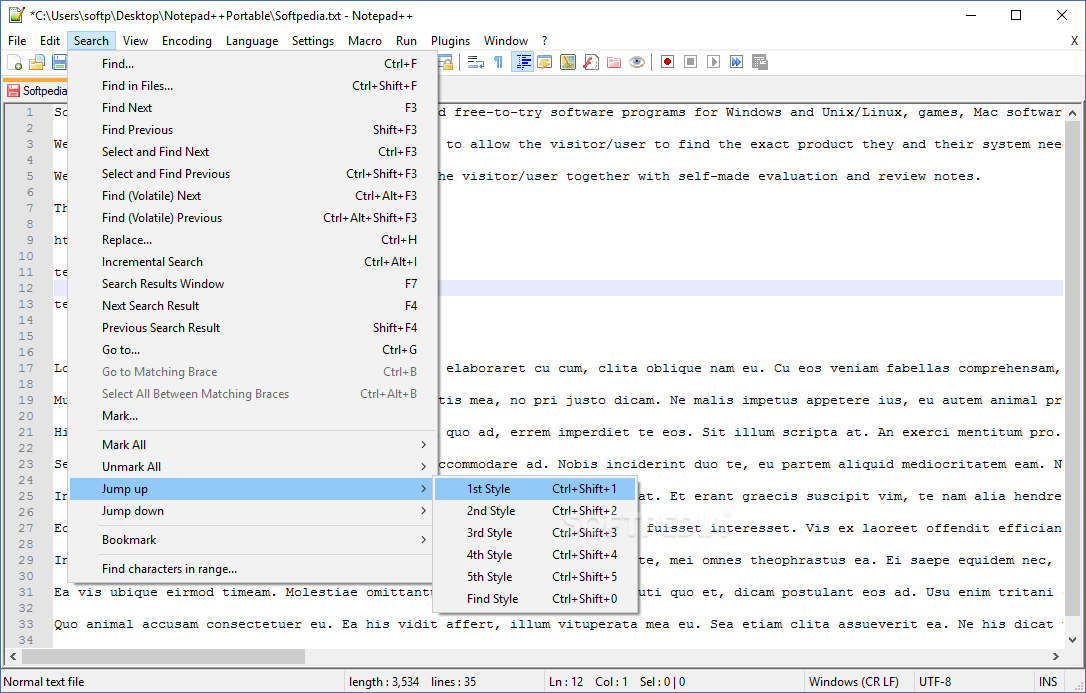
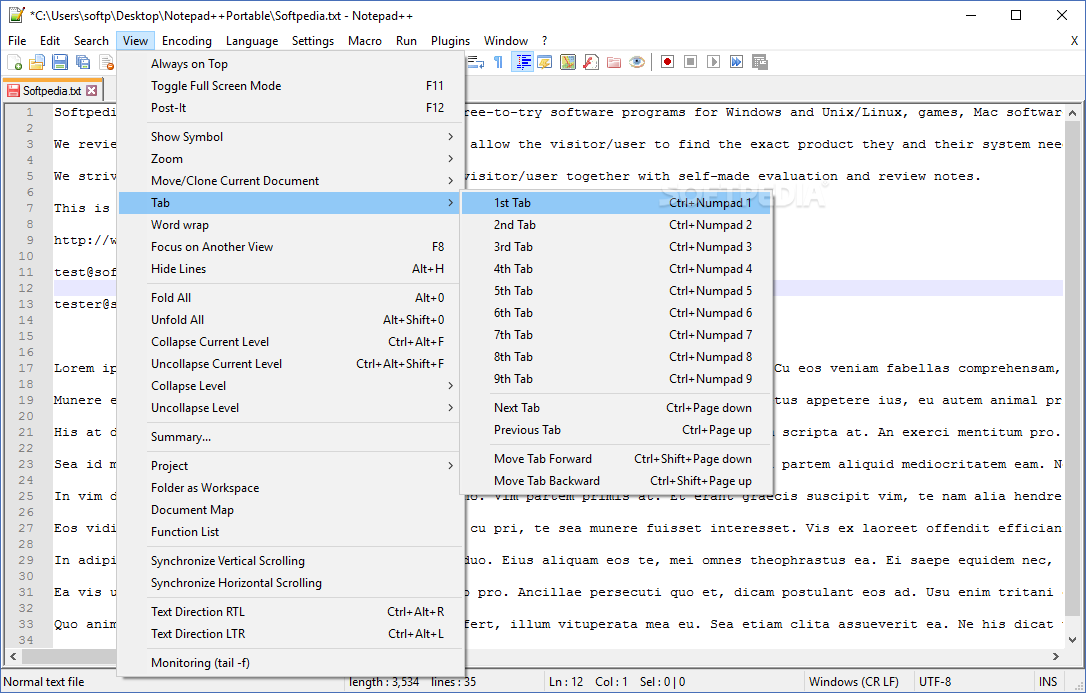
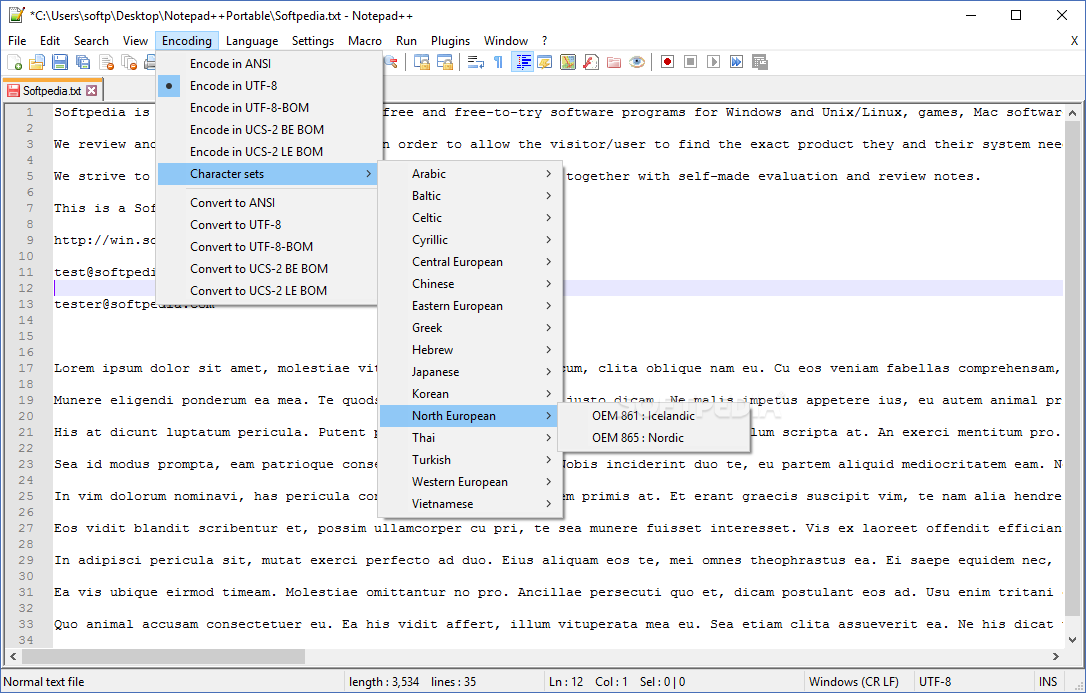
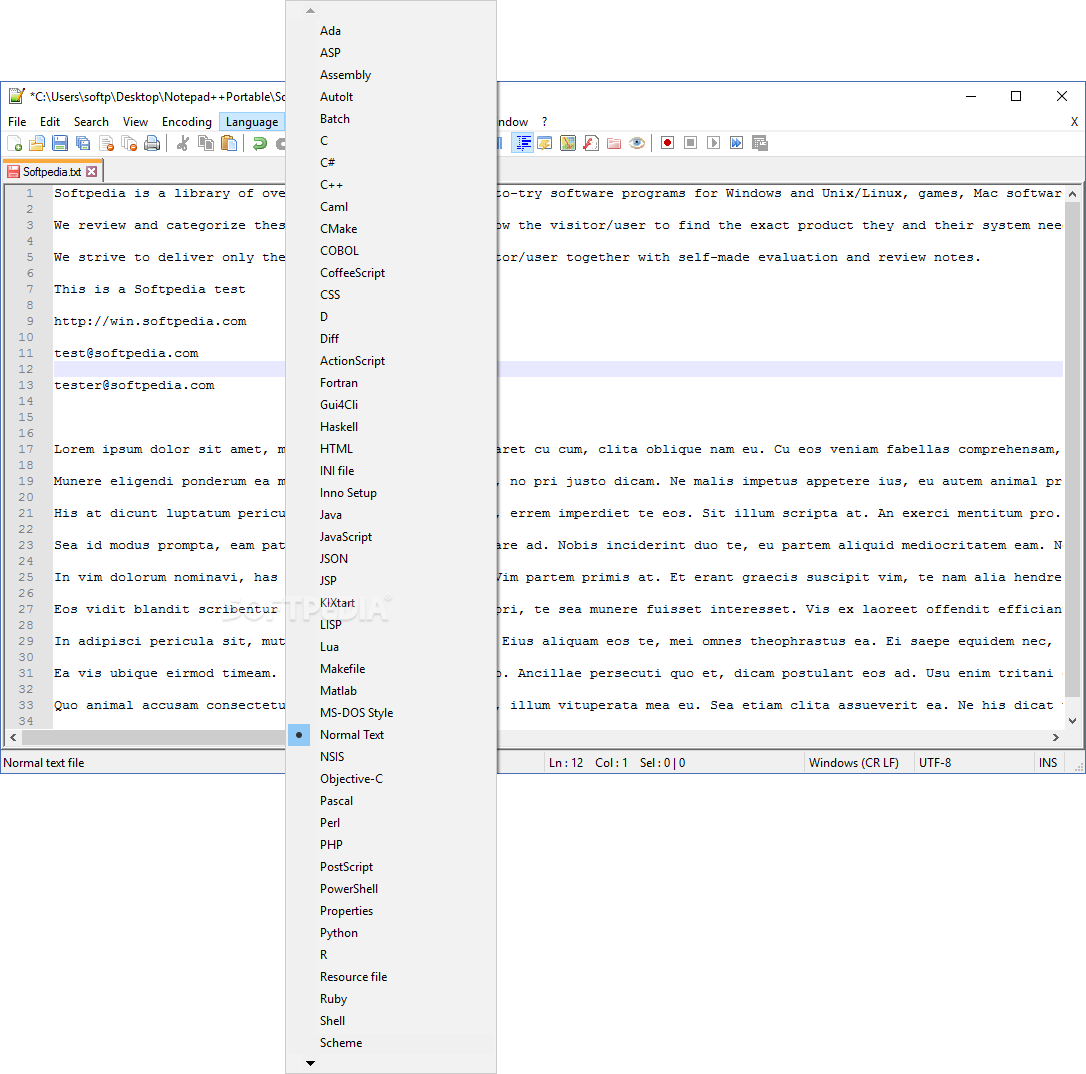
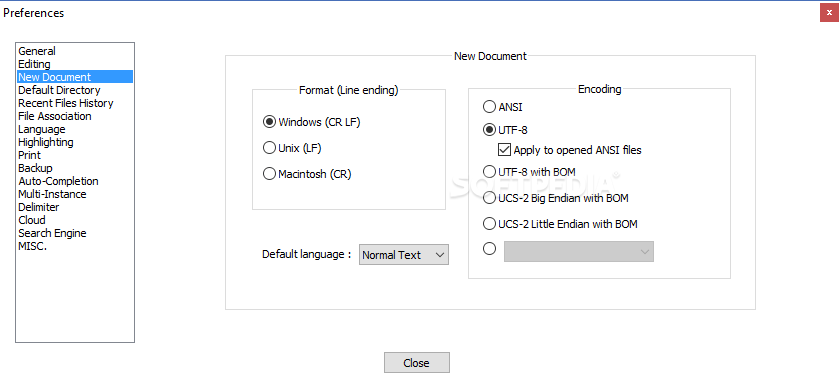
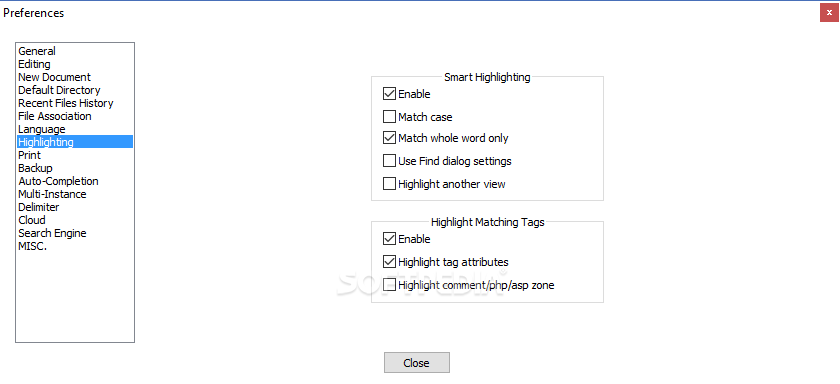
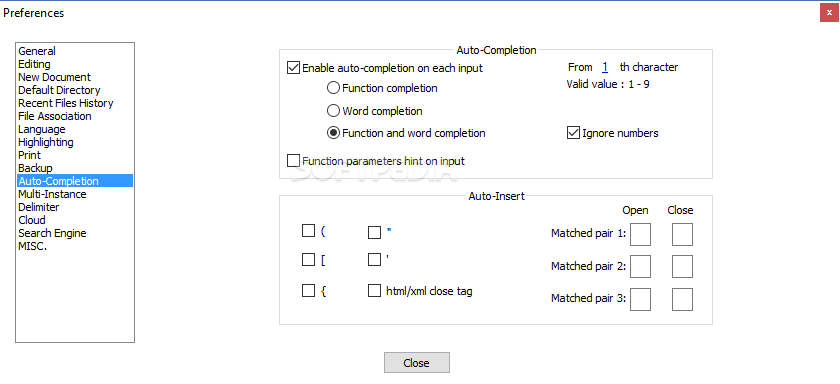
The program supports syntax highlighting and folding, automatic completion (for words and functions), the newline format and several searching options (e.g. replacing, dialog-free, incremental, smart highlighting). You can view the document's properties in the "Summary" area, encode text in several ways (e.g. ANSI, UTF-8), toggle full screen mode and wrapping mode, zoom in and out of text, manually hide lines, use multi-view to compare two documents and make changes, and more.
The program uses a very low amount of system resources, comes with a thorough help file and has a user-friendly interface. Notepad++ is a great application, especially when it comes to writing code. We strongly recommend it to all users, including programmers.
Download Hubs
Notepad++ Portable is part of these download collections: Text Editors, View TXT, Edit CSV, CSV Viewers
What's new in Notepad++ Portable 8.6.5:
- To address a performance issue of “Replace All” in previous version 8.6.4, Notepad++ no longer triggers SCN_MODIFIED and other Scintilla notifications during the “Replace All” action. Consequently, some plugins that rely on Scintilla’s notifications may malfunction after a “Replace All” operation. To rectify this regression, a new notification called NPPN_GLOBALMODIFIED has been implemented in Notepad++ v8.6.5. Plugin developers should monitor NPPN_GLOBALMODIFIED alongside SCN_MODIFIED, if SCN_MODIFIED is already monitored in the plugin. For additional information about NPPN_GLOBALMODIFIED, please refer to this link: https://community.notepad-plus-plus.org/topic/25504/new-nppn_globalmodified-notification
- The session loss problem and the data loss due to the power outages issue are also addressed in this release.
Notepad++ Portable 8.6.5
 Softpedia Editor's Pick
add to watchlist
add to download basket
send us an update
REPORT
Softpedia Editor's Pick
add to watchlist
add to download basket
send us an update
REPORT
- portable version
- This is the portable version of the application. An installable version is also available: Notepad++
- runs on:
-
Windows 11
Windows 10 32/64 bit
Windows 8 32/64 bit
Windows 7 32/64 bit - file size:
- 5.2 MB
- filename:
- npp.8.6.5.portable.zip

- main category:
- Portable Software
- developer:
- visit homepage
IrfanView

Bitdefender Antivirus Free

4k Video Downloader

calibre

Context Menu Manager

ShareX

Windows Sandbox Launcher

Zoom Client

7-Zip

Microsoft Teams

- Zoom Client
- 7-Zip
- Microsoft Teams
- IrfanView
- Bitdefender Antivirus Free
- 4k Video Downloader
- calibre
- Context Menu Manager
- ShareX
- Windows Sandbox Launcher