Softpedia
 

WINDOWS CATEGORIES:


GLOBAL PAGES >>
SOFTPEDIA REVIEWS >>
MEET THE EDITORS >>

WEEK'S BEST

  • DAEMON Tools Pro (...
  • FlashFXP [ DISCOUN...
  • PowerISO 4.9
  • WebcamMax [DISCOUN...
  • Zemana AntiLogger ...
  • System Mechanic Pr...
  • Glary Utilities Pr...
  • All My Movies [DIS...
  • Ad-Aware Internet ...
  • Atlantis Word Proc...
  • Home > Windows > PORTABLE SOFTWARE > Programming
     Report malware

    Dev-C++ Portable 5.1.1.0 RC 6 / 5.1.0.0

    download button

    Downloads: 150,104  View global page  Tell us about an update
    User Rating:
    Rated by:
    Very Good (4.2/5)
    161 user(s)
    Developer:

    License / Price:

    Size / OS:

    Last Updated:

    Category:

    GPL / $0
    16 MB / Windows All
    [view history]
    C: \ PORTABLE SOFTWARE \ Programming

     Read user reviews (1)  Send to friend   Follow (7 users)

    EDITOR'S RATING

    Softpedia Editor's Review for Dev-C++ Portable

    Integrated Development Environment for C/C++

    Written by Elena Opris on November 21st, 2011

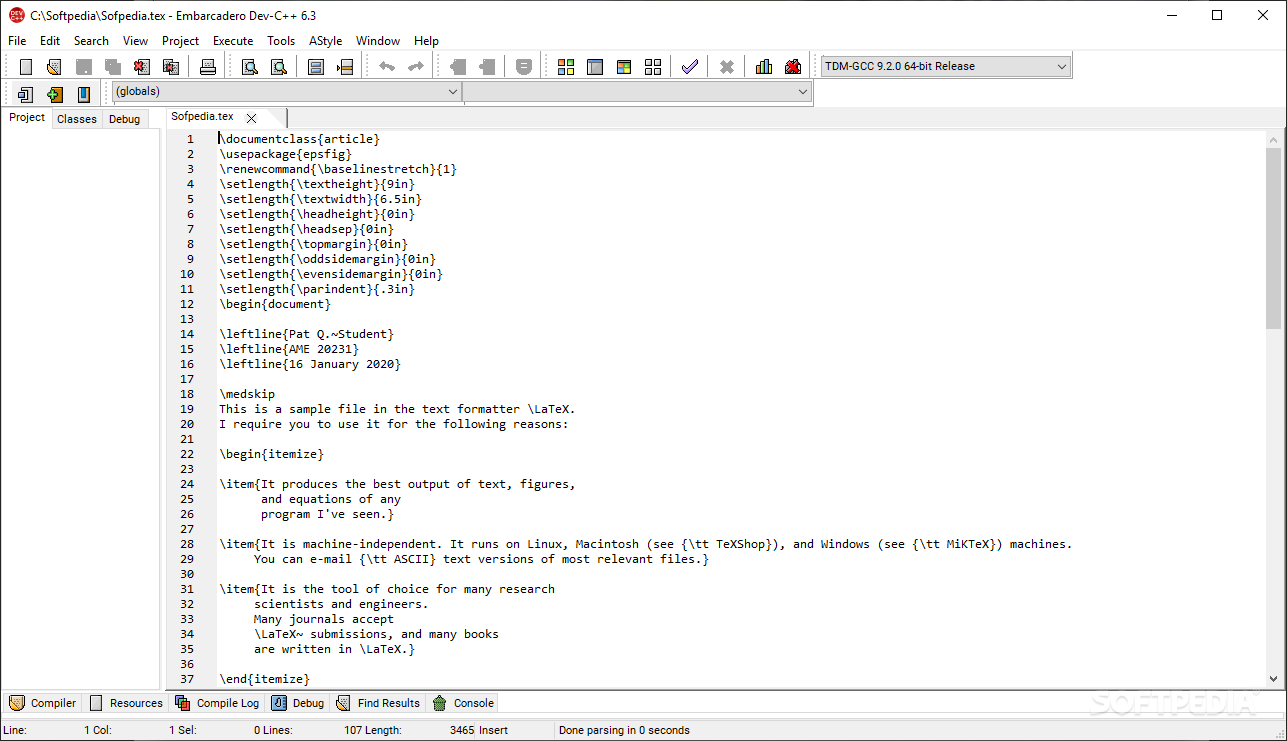
    Dev-C++ Portable is the portable version of Dev-C++. It has all the features that come with Dev-C++, but the difference is that you can directly run it from an external device, without having to install it.

    The small and free application supports several languages, and you can choose one when you first launch Dev-C++, as well as a theme.

    The user interface is simple for programmers (in comparison with newer and more complex programming platforms), but if you are new to this environment, you'll find it hard to work with if you have no kind of programming skills.

    The help file only offers information on the navigational aspects of Dev-C++, so if you want to learn how to program in C/C++, you'd better get yourself some tutorials.

    In Dev-C++ you can create a new source file, resource file, or project. After you have finished writing the code, save the file, debug it, and create an executable file.

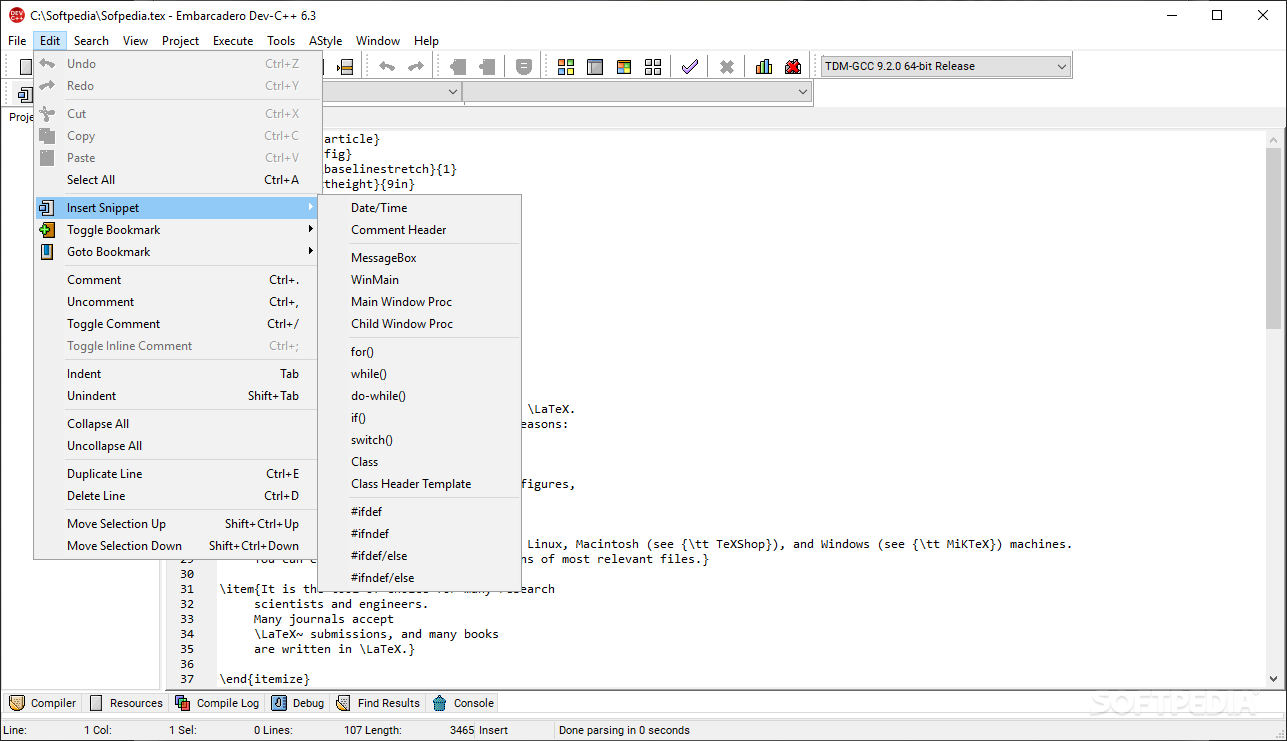
    In addition, Dev-C++ can retrieve information from header files to help you easily find functions, classes and variables, thanks to a class browser and a code completion list, but also create a cache of the standard header files.

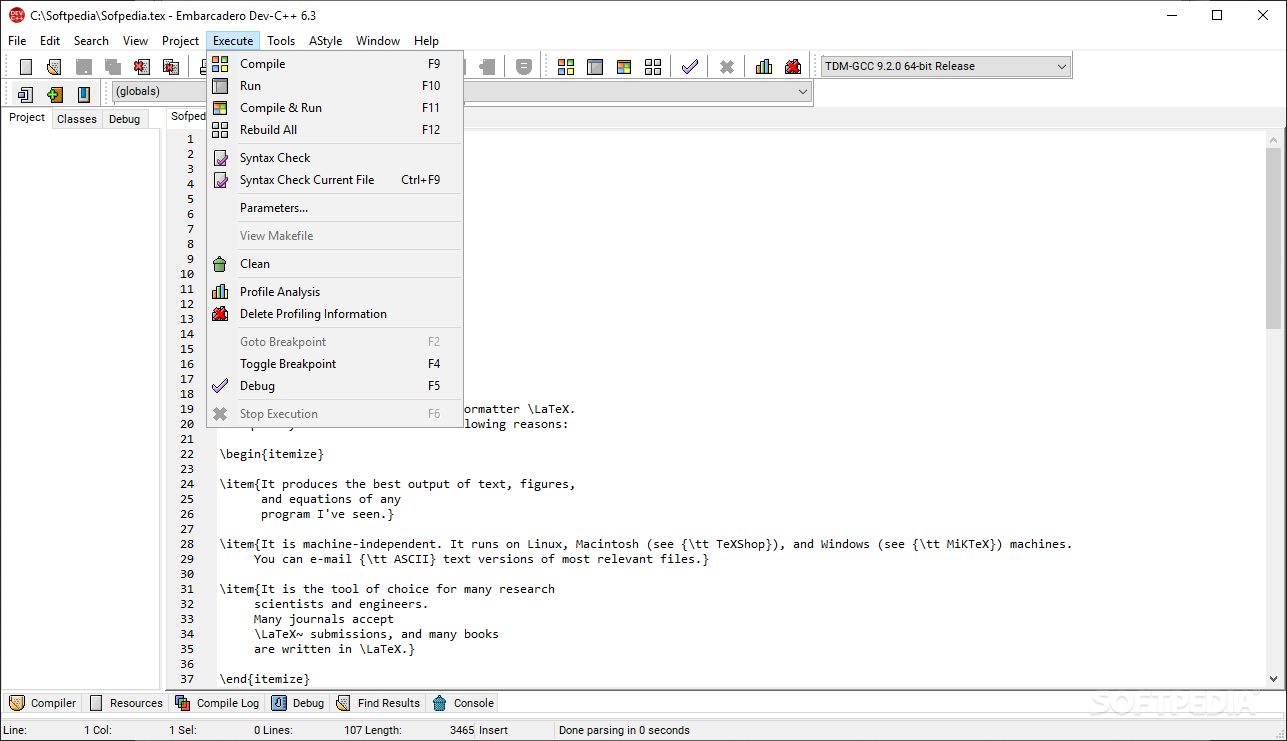
    You have the option of searching for a specific function, line or text within the code, by enabling case sensitive or whole words only, forward or backward, global or only selected scope. Plus, you can create a to-do list (for the current file or for all files), check code syntax, toggle breakpoint, and others. Code can be exported to HTML or RTF.

    Dev-C++ takes little time to compile an executable file, while using a small amount of CPU and memory resources.

    So, if you want to always be able to write code, no matter where you are (like a true programmer would think), then Dev-C++ Portable is one of the simplest solutions you have at hand.

    Dev-C++ Portable description

    Here are some key features of "Dev-C++ Portable":

    · Support GCC-based compilers
    · Integrated debugging (using GDB)
    · Support for multiple languages (localization)
    · Class Browser
    · Code Completion
    · Debug variable Browser
    · Project Manager
    · Customizable syntax highlighting editor
    · Quickly create Windows, console, static libraries and DLLs
    · Support of templates for creating your own project types
    · Makefile creation
    · Edit and compile Resource files
    · Tool Manager
    · Print support
    · Find and replace facilities
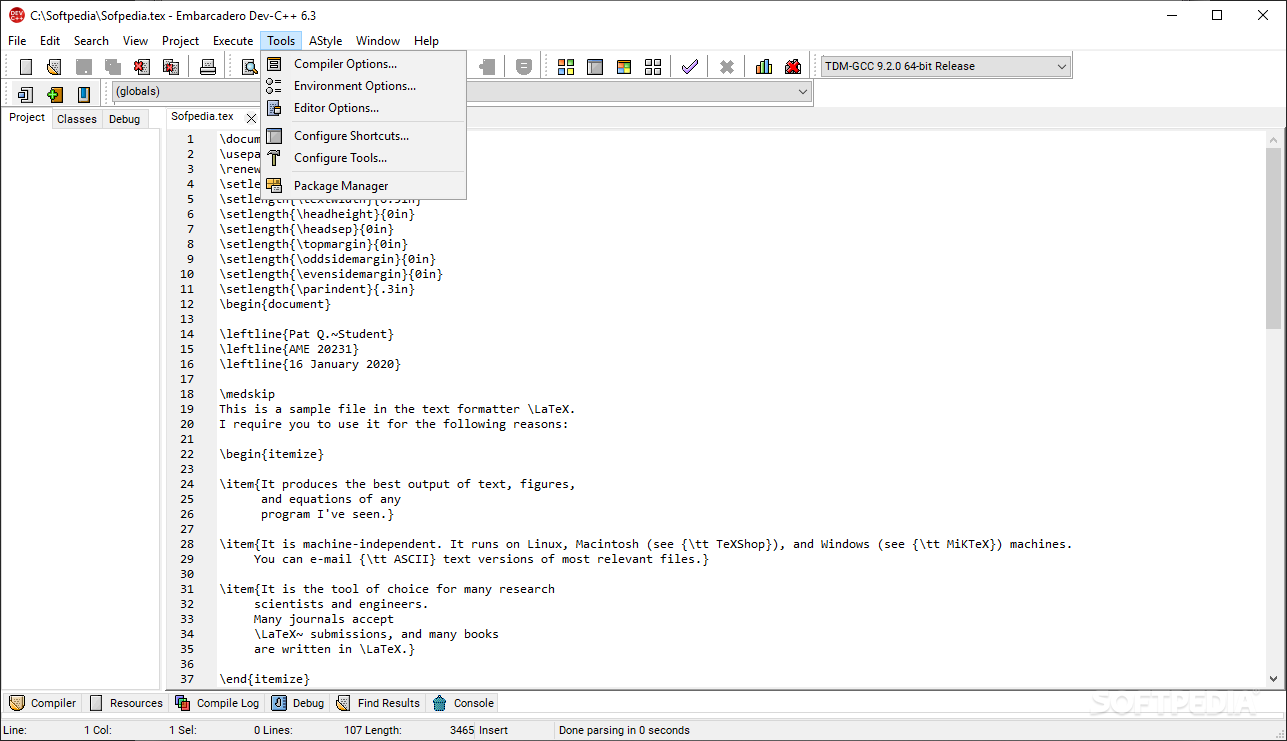
    · Package manager, for easy installation of add-on libraries
    · CVS Support
    · To-Do List
    · CPU Window

    Requirements:

    · 32 MB of RAM

    What's New in This Release: [ read full changelog ]

    · This is the first version to fully support 64bit MinGW compilers! Just place one in a folder called 'MinGW64' next to devcpp.exe, Dev will automatically adapt itself to it!
    · When launching for the first time, Dev-C++ will set defaults based on available 32bit or 64bit compilers (favors 64bit).
    · The XP style manifest creator now also supports 64bit.
    · The "Delete Profiling Information" button now does not check for the gmon.out file 60 times a second to keep itself updated.
    · Compiler information in the log now does not show up twice when rebuilding a single file.
    · Project files with dots in their names now do not confuse the executable namer anymore.
    · One more update to the compiler progress window: the warning counter was positioned a bit too much to the right.
    · Added formatting support for 'Sorry Unimplemented' and fixed up 'Unknown escape sequence'.
    · The main form now properly maximises when not starting for the first time.
    · The main form child windows now properly scale themselves when the...

     Softpedia guarantees that Dev-C++ Portable 5.1.1.0 RC 6 / 5.1.0.0 is 100% FREE, which means it does not contain any form of malware, including spyware, viruses, trojans and backdoors. [read more >]


    TAGS:

    Integrated Development Environment | programming tool | create application | IDE | compile | C++


    HTML code for linking to this page:


    Go to top

    WindowsGamesDriversMacLinuxScriptsMobileHandheldNews

    SUBMIT PROGRAM   |   ADVERTISE   |   GET HELP   |   SEND US FEEDBACK   |   RSS FEEDS   |   UPDATE YOUR SOFTWARE   |   ROMANIAN FORUM