
Compare your files and folders or synchronize the directories' contents by using this straightforward and portable software solution. #Compare Folder #Backup Directory #Synchronize Folder #Backup #Compare #Synchronize

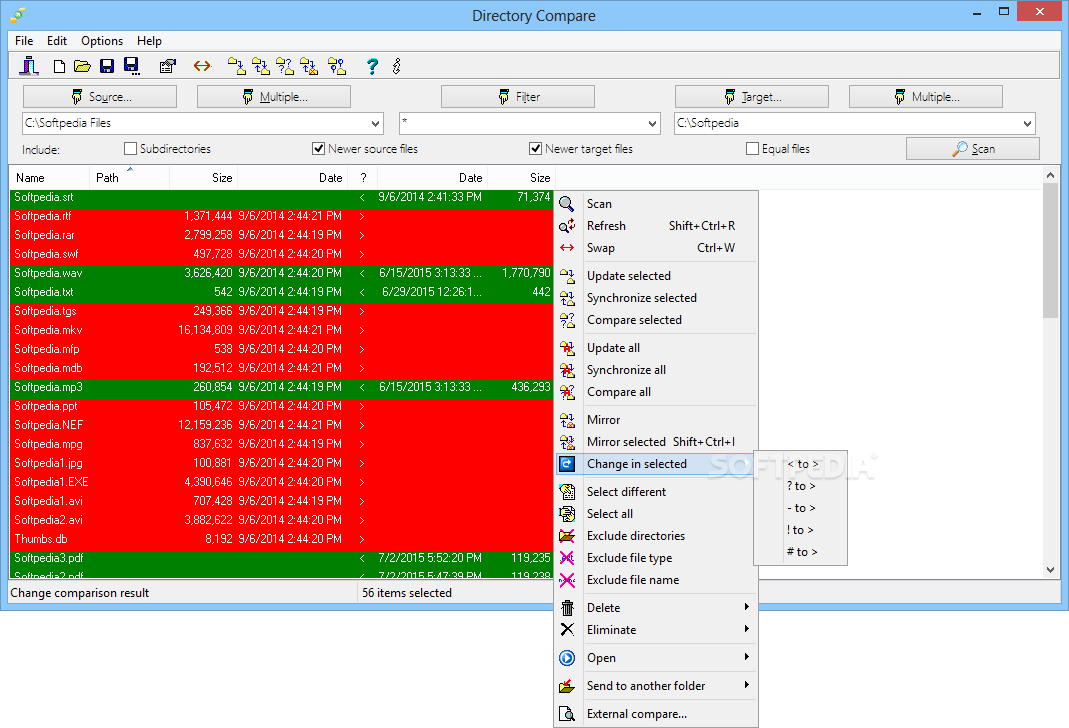
If you often struggle with keeping two locations synchronized, then you might want to install a specialized app. Whether you’re simply trying to compare two different document folders or two directories that hold music (such as one on your portable device and one on the computer), Directory Compare Portable is a great app for the job.
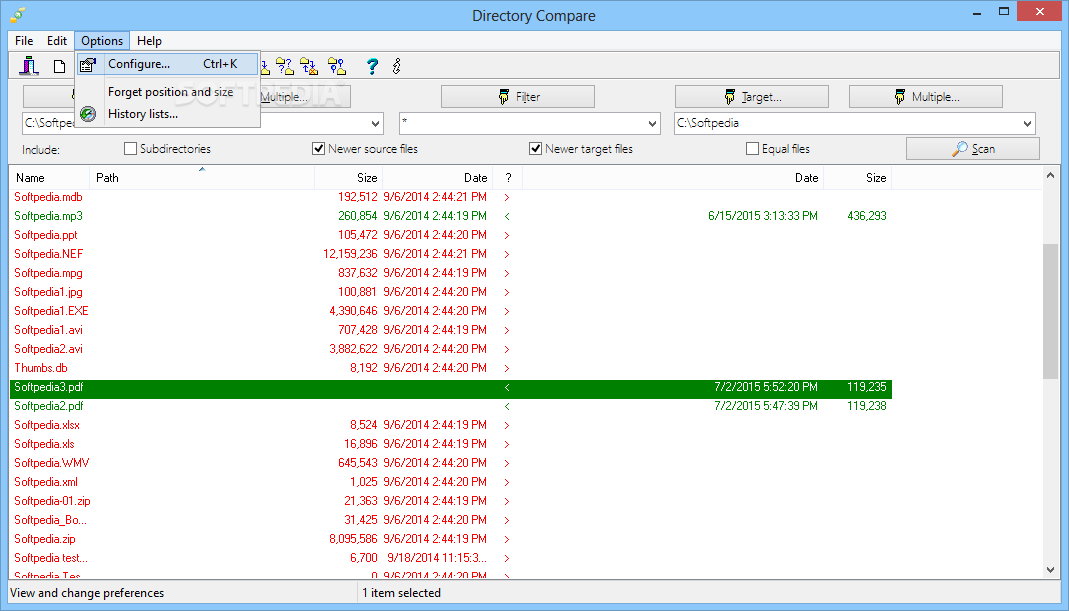
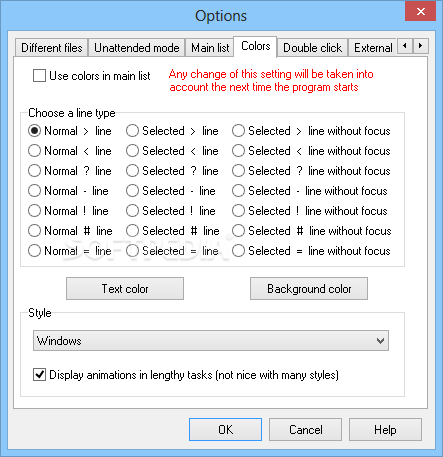
The program has a simple interface that should be easy to figure out, thanks to the intuitive layout and its overall simplicity.
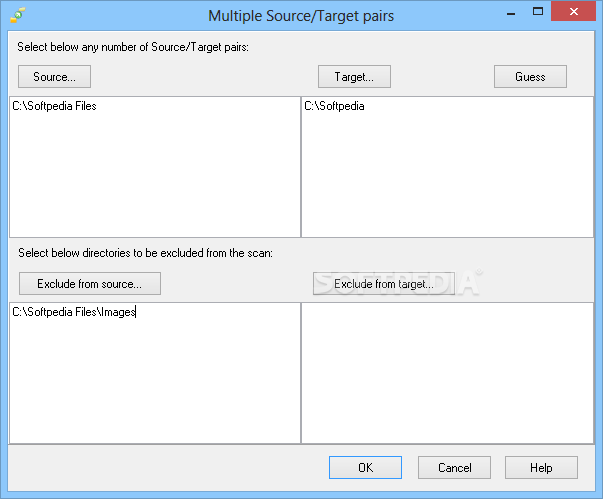
As mentioned, the app can compare multiple directories at the same time. It’s possible to set only one directory, but the program also allows you to choose a larger number of locations, both as “Source” and “Target”.
You may set up multiple filters for files that you want to include or exclude from the scan.
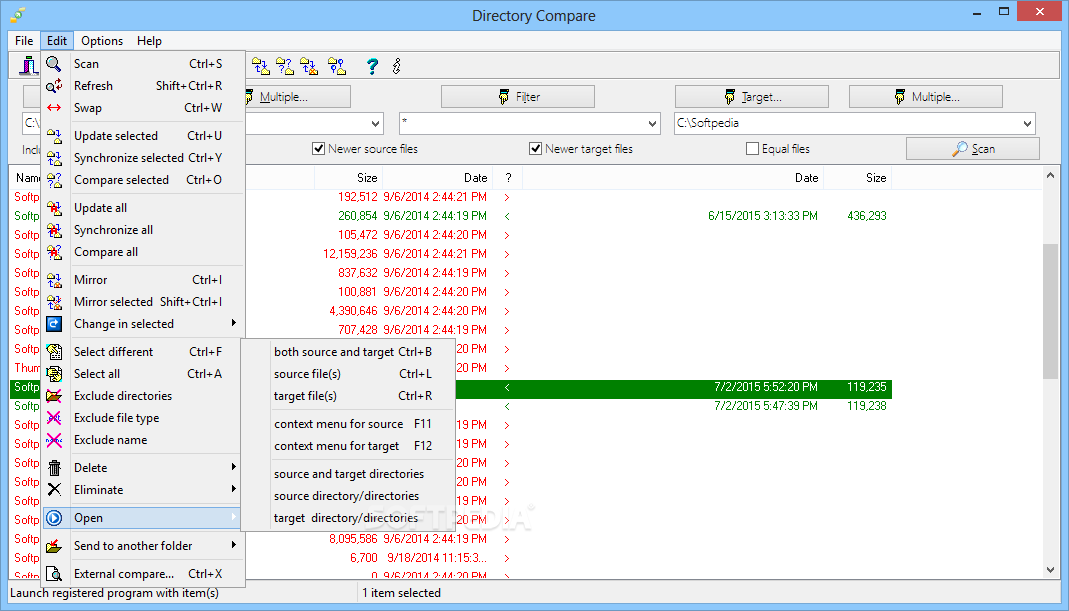
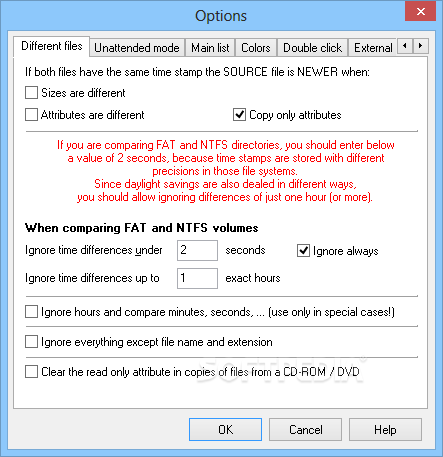
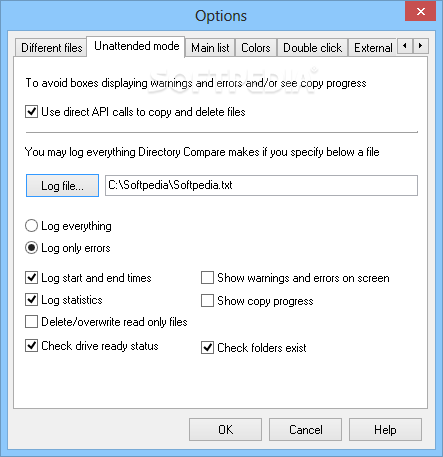
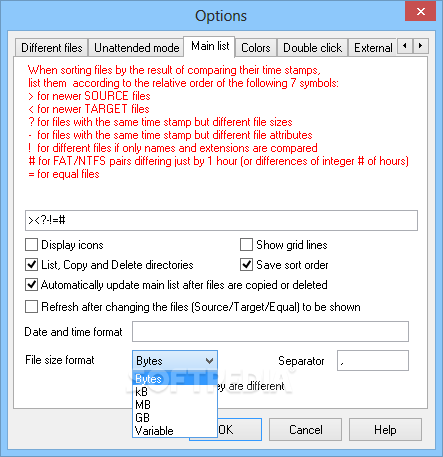
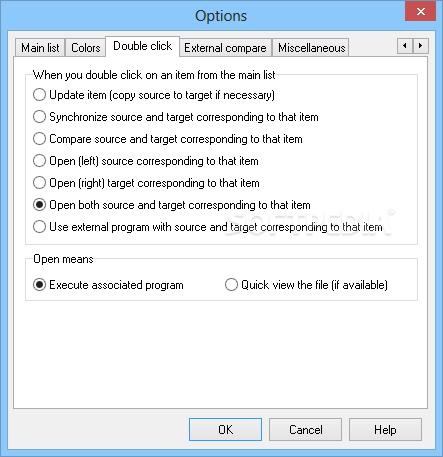
The program can be used to synchronize the two locations or to simply update only the contents of one of the directories. There are several settings available which enable users to decide how the program should act if there are two files with the same time stamp
Since the app is completely portable, it doesn’t need to be installed to the computer and can be launched from all types of removable devices, including flash drives. Also, it shouldn’t leave any traces in the Windows Registry.
Directory Compare Portable is a nice tool that can be quite helpful to have installed on the computer. Less experienced individuals shouldn’t have any troubles while working with this app.
Download Hubs
Directory Compare Portable is part of these download collections: Compare Folders
What's new in Directory Compare Portable 3.52:
- Fixed bug when starting a .dcp file.
Directory Compare Portable 3.52
add to watchlist add to download basket send us an update REPORT- portable version
- This is the portable version of the application. An installable version is also available: Directory Compare
- runs on:
-
Windows 10 32/64 bit
Windows 8 32/64 bit
Windows 7 32/64 bit
Windows Vista 32/64 bit
Windows XP 32/64 bit - file size:
- 6.1 MB
- filename:
- drcmp352.zip

- main category:
- Portable Software
- developer:
- visit homepage
7-Zip

calibre

IrfanView

Bitdefender Antivirus Free

4k Video Downloader

Microsoft Teams

ShareX

Windows Sandbox Launcher

Zoom Client

Context Menu Manager

- Windows Sandbox Launcher
- Zoom Client
- Context Menu Manager
- 7-Zip
- calibre
- IrfanView
- Bitdefender Antivirus Free
- 4k Video Downloader
- Microsoft Teams
- ShareX