Softpedia
 

WINDOWS CATEGORIES:


GLOBAL PAGES >>
SOFTPEDIA REVIEWS >>
MEET THE EDITORS >>
WEEK'S BEST
  • Bitdefender Total ...
  • Ocster Backup Pro ...
  • Hard Disk Sentinel...
  • FlashFXP [DISCOUNT...
  • DVDFab DVD Copy [D...
  • Kaspersky Internet...
  • Avast! Internet Se...
  • Avira Internet Sec...
  • Webroot SecureAnyw...
  • McAfee Total Prote...
  • Home > Windows > PORTABLE SOFTWARE > System > Backup and Recovery
     Report malware

    Portable FreeFileSync 5.15

    download button

    Downloads: 8,281  Tell us about an update
    User Rating:
    Rated by:
    Good (3.8/5)
    44 user(s)
    Developer:

    License / Price:

    Size / OS:

    Last Updated:

    Category:

    Ad-supported / $0
    5.9 MB / Windows 2K / XP / Vista / 7 / 8 32-bit
    [view history]
    C: \ PORTABLE SOFTWARE \ System \ Backup and Recovery

     Read user reviews (7)  Send to friend   Follow (4 users)

    Softpedia Editor's Review for Portable FreeFileSync

    EDITOR'S RATING:

    An simple tool for comparing folders

    Written by Gabriela Vatu on March 8th, 2013

    If you have ever needed to keep two folders synchronized, then you must have found the job quite difficult if you didn’t use a specialized app. Portable FreeFileSync is a small tool that was created for this particular purpose.

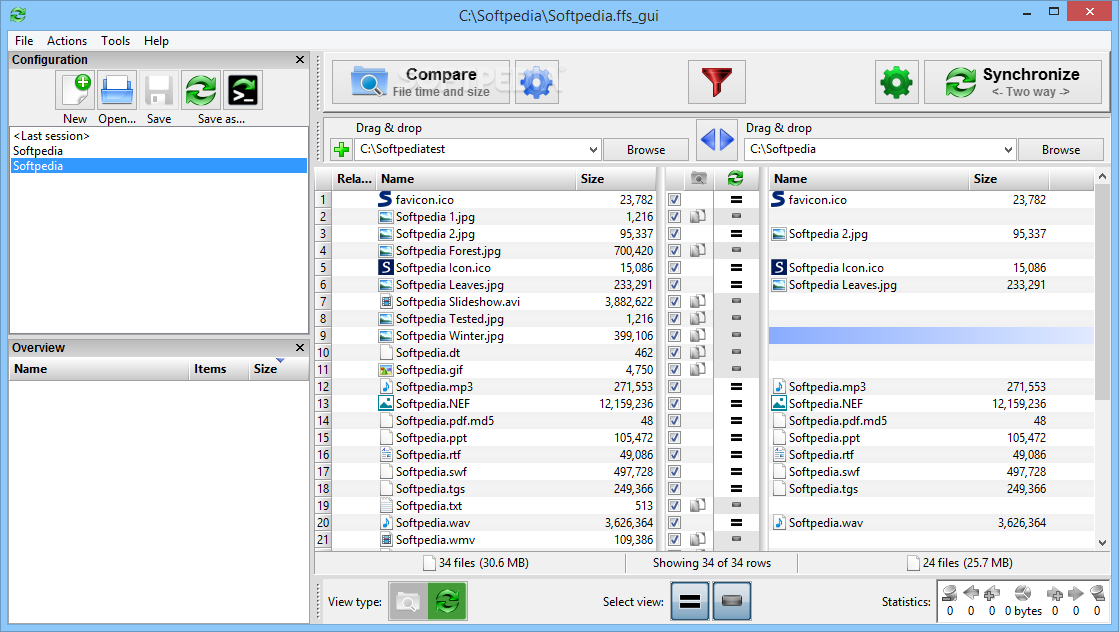
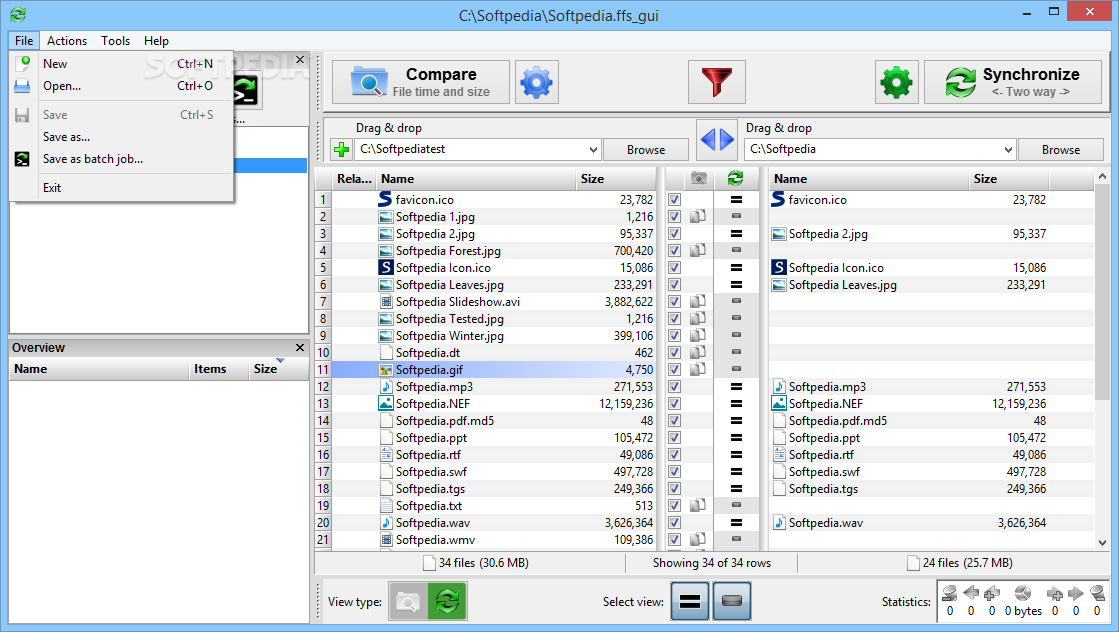
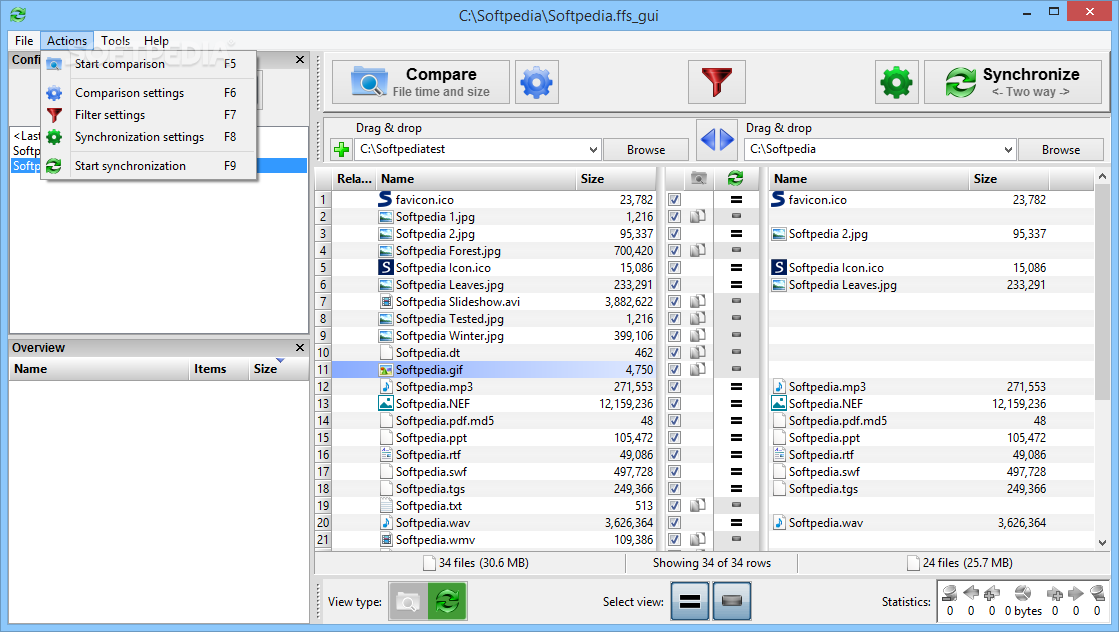
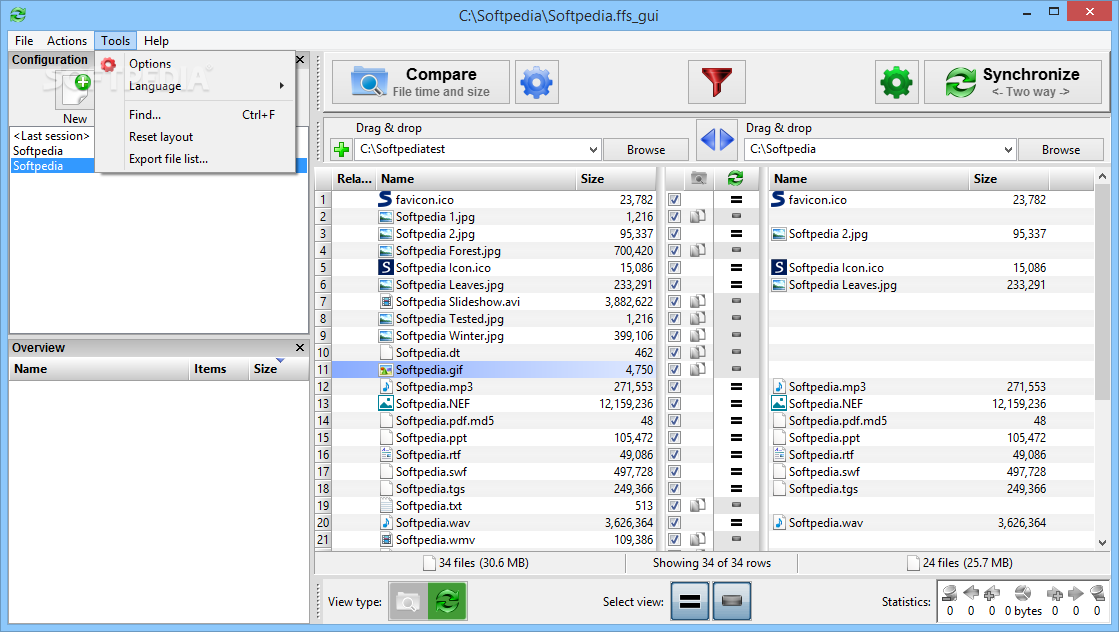
    The app has a simple interface that enables you to easily figure out what needs to be done.

    You may add folders by browsing the directories or by dragging and dropping them in the interface, since the program comes with full support for this feature. Once the folders are selected, the app can be used to compare the two locations.

    A full list of files can be viewed in the interface, complete with the path, name and size of the items. The program may synchronize the two directories, copying the missing files from one folder to another.

    The app also provides a series of statistics regarding the task. For instance, you can see how many new files are going to be created once the job is done, as well as how much space they occupy.

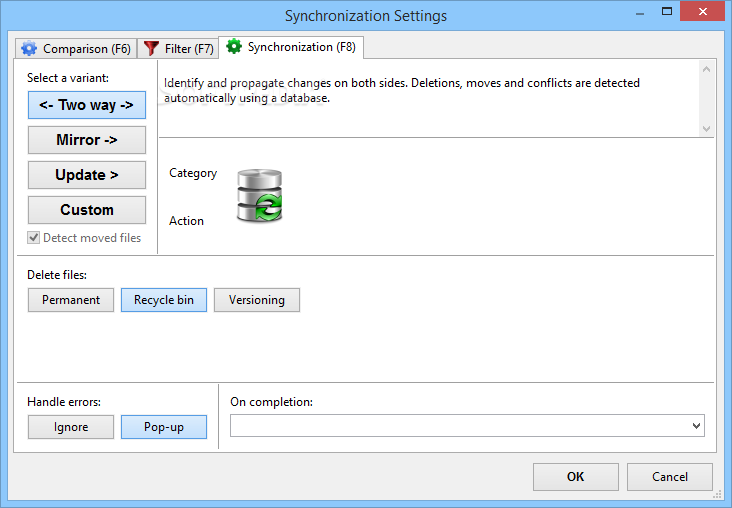
    There are several types of actions that the program can perform. For instance, it can propagate changes on both sides by using a database. Deletion, renaming and any other conflicts are detected automatically.

    Alternatively, you may mirror the backup of the left folder, with the contents of the right directory modified to match exactly those in the left. Later on, the program can update the already copied files.

    Since the program is completely portable, it doesn’t require installation to the computer and can be launched from removable devices, such as flash drives. Furthermore, the app shouldn’t leave any traces in the Windows Registry.

    The bottom line is that Portable FreeFileSync is a nice tool that can be quite helpful. Less experienced individuals shouldn’t have any troubles while installing and customizing this program.

    Portable FreeFileSync description

    Here are some key features of "Portable FreeFileSync":

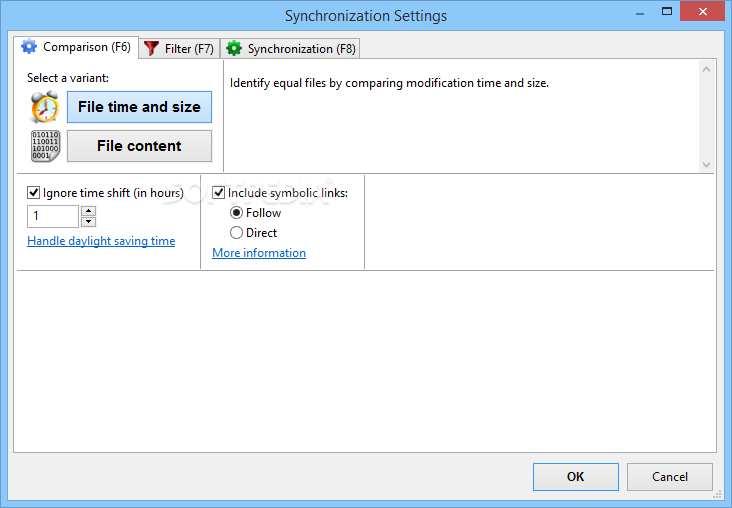
    · Compare files (bytewise or by date) and synchronize them.
    · No limitations: An arbitrary number of files can be synchronized.
    · Subfolders are also synchronized, including empty folders.
    · Network support.
    · Lean & easy accessible UI: Highly optimized for speed and huge sets of data.
    · Algorithms coded in C++ completely.
    · Focus on usability: Only necessary functionality on UI: no overloaded menus or icon jungle / Select folders via drag & drop / Last configuration and screen settings are saved automatically / Maintain and load different configurations by drag&drop, load-button or commandline / Double-click to show file in explorer / Copy & paste support to export file-lists / Delete superfluous/temporary files directly on main grid / Right-click context menu / Progress indicators, status information and error reporting / Sort file-lists by name, size or date / Display statistical data: total filesizes, amount of bytes that will be transfered with the current settings.
    · Easy configurable commandline mode for automated synchronization.
    · Support for filesizes > 4 GB.
    · Option to move files to Recycle Bin instead of deleting/overwriting them.
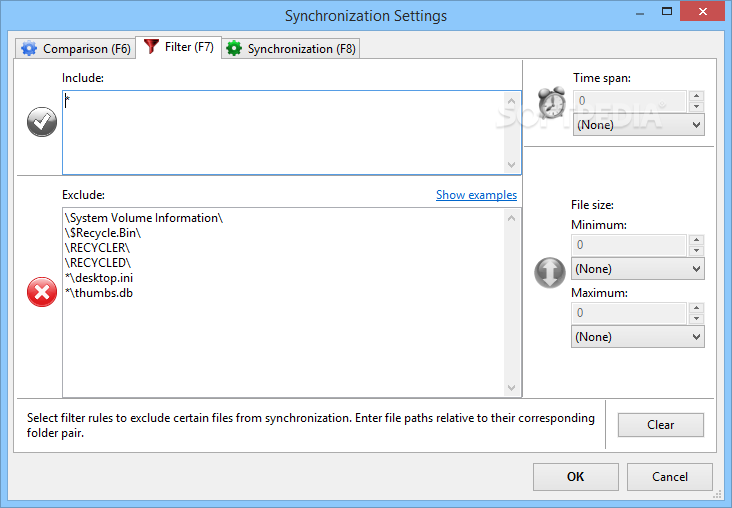
    · Automatically ignore directories "RECYCLER" and "System Volume Information" when comparing and syncing.
    · Localized German version available.
    · Delete before copy: Avoid disc space shortages with large sync-operations.
    · Based on wxWidgets framework => Portable to many operating systems.
    · Filter functionality to include/exclude files from synchronization (without re-compare!).
    · Include/exclude specific files from synchronization manually.
    · Create sync jobs via GUI to synchronize automatically (can be scheduled or executed directly).

    What's New in This Release: [ read full changelog ]

    · New menu option to activate/deactivate automatic update checking
    · Show status message while checking for program updates
    · Faster startup times through asynchronous config file checking
    · Automatically migrate configuration files to new format
    · New context menu options to copy and paste filter settings
    · Support file and folder names with trailing space or period characters
    · Do not show superfluous scrollbars for multiple folder pairs
    · Correctly show long file paths when moving to recycle bin failed (Windows Vista and later)
    · Status feedback before blocking while creating a Volume Shadow Copy
    · Allow CTRL + C to copy selection to clipboard on overview panel Consider current view filter for file selection on overview panel
    · Do not show middle grid tooltip when dragging outside visible area
    · Reduced file accesses when loading XML files
    · Simplified structure of GlobalSettings.xml
    · Allow to change default exclusion filter via GlobalSettings.xml: "DefaultExclusionFilter"
    · Split filter entries ...

    Users are advised to pay attention while installing this ad-supported application:

    · Offers to download or install software or components (OpenCandy) that the program does not require to fully function


    TAGS:

    file synchronization | synchronize folder | folder comparison | synchronization | synchronizer | sync

    Go to top

    WindowsGamesDriversMacLinuxScriptsMobileHandheldNews

    SUBMIT PROGRAM   |   ADVERTISE   |   GET HELP   |   SEND US FEEDBACK   |   RSS FEEDS   |   UPDATE YOUR SOFTWARE   |   ROMANIAN FORUM