WINDOWS CATEGORIES:


NEWS ARCHIVE >>
SOFTPEDIA REVIEWS >>

WEEKLY HIGHLIGHTS

DVD Cloner45
Spyware Doctor40
1Click DVD Copy40
Apollo DVD Copy40
ABC Amber BlackBer...45
Protected Music Co...40

7-DAY TOP DOWNLOAD

#
Program
Avira AntiVir
Personal - Free
Antivirus 9.0.0.415

171,959
Windows Live
Messenger 2009
14.0.8089.726

161,417
Avira Antivir Virus
Definition File
Update November 19,
2009

143,181
FreeZ Online TV 1.31
126,591
Nexus Radio 4.2
115,026
Microsoft Office
2010 14.0.4536.1000
Beta / 2007

72,900
Y! Multi Messenger
8.x and 9.x

71,583
Windows Live
Messenger
8.5.1302.1018

57,192
RemoveWGA 1.2
47,036
AVG Free Edition 9.0
Build 707a1765

46,047

WEEK'S BEST

  • Faststone Image Vi...
  • Vuze (formerly Azu...
  • Softpedia Wallpape...
  • Softpedia Wallpape...
  • Softpedia Wallpape...
  • RSSOwl 2.0 Final
  • Internet Explorer ...
  • Online Armor ++ 4....
  • cFosSpeed 5.01 Bui...
  • SONY Vegas Pro 9.0...
  • Firefox 3.6 Beta 3...
  • Nokia Photos 1.6.434
  • Windows Server 200...
  • Skype Portable 4.1...
  • Google Chrome Port...
  • PCMark Vantage Bas...
  • Kaspersky Anti-Vir...
  • Microsoft Virtual ...
  • Messenger Plus! Li...
  • WinX DVD Author [F...
  • SoftPerfect Networ...
  • System Mechanic Pr...
  • Ad Muncher 4.8 Bui...
  • Windows 7 Upgrade ...
  • Pidgin 2.6.3
  • OpenOffice.org 3.2...
  • VirtualDub 1.9.7 B...
  • Maxthon [Softpedia...
  • Spyware Doctor 7.0...
  • SUPERAntiSpyware 4...
  • Home / Windows / PORTABLE SOFTWARE / System / Backup and Recovery
     Report spyware

    Portable Backup4all 4.3 Build 173

    Download button

    Downloads: 4,677  Add to download basket  Tell us about an update
    User Rating:
    Rated by:
    Very Good (4.3/5)
    31 user(s)
    Developer:

    License / Price:

    Size / OS:

    Last Updated:

    Category:
    Softland | More programs
    Trial / USD 39.95 | BUY the full version
    11.1 MB / Windows 2K / XP
    November 20th, 2009, 19:03 GMT [view history]
    C: \ PORTABLE SOFTWARE \ System \ Backup and Recovery

     Read user reviews (0)  Add a review  Refer to a friend  Subscribe


    Portable Backup4all description


    Portable backup software does full, incremental, differential and mirror backups

    Backup4all for U3 represents a portable version of Backup4all that you can take with you wherever you go. All you need is a U3 compatible USB device, and you can start using Backup4all for U3 from any Windows 2000 or XP PC, anywhere.

    Backup4all for U3 can be configured to automatically run a backup job when the U3 smart USB drive is connected. Think of the time spared as you will have to simply plug-in the U3 USB device to execute a backup.

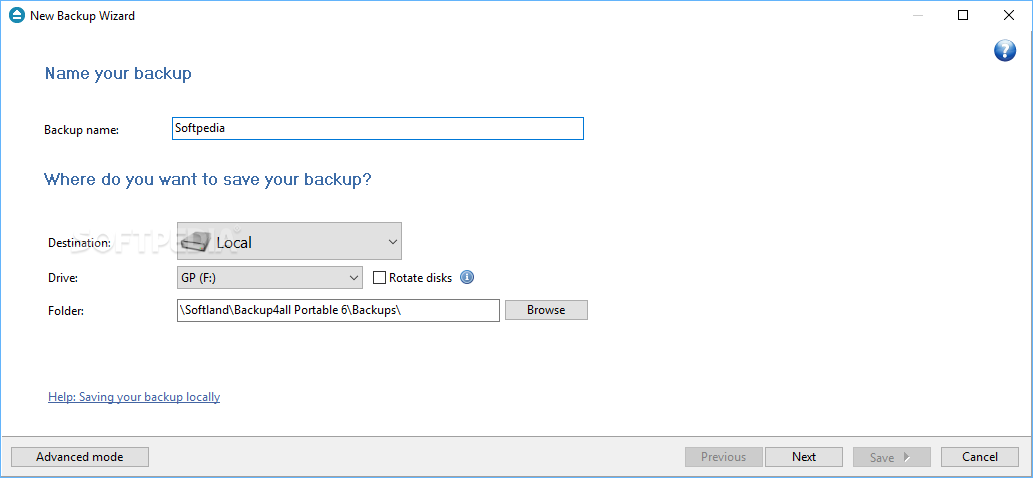
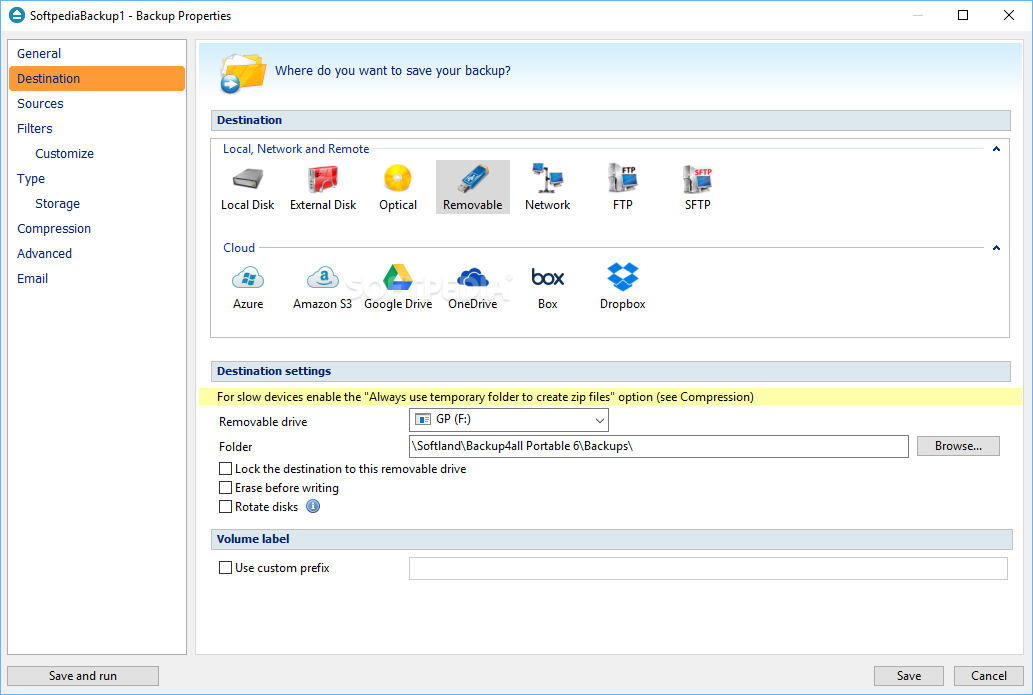
    Using Backup4all for U3 you can easily back up to any local or network drive, backup to FTP, backup to CD/DVD, or other removable media (such as USB drives).

    Here are some advantages for using Backup4all for U3:
    ■ Plug-and-Backup - You can configure Backup4all for U3 to automatically execute a backup job when the U3 smart USB device is plugged in.
    ■ Use Backup4all anywhere - When you install Backup4all for U3 on a U3 smart drive, you can use it anywhere a Windows 2000 or XP computer is available.
    ■ Safe and secure - When you remove the U3 smart drive from a PC, all your information is secure and leaves with you.
    ■ Portable and easy to use - U3 smart drives are small, lightweight and convenient - no bigger than a pack of gum!
    ■ No hassle - with a U3 smart drive, it’s easy to work on multiple and shared computers - because you can carry your personal PC-environment with you wherever you go.
    ■ International - Backup4all for U3 supports 14 different languages within one version! Supported languages: English, Chinese, Dutch, French, German, Italian, Norwegian, Polish, Portuguese, Romanian, Russian, Spanish, Swedish and Turkish


    Here are some key features of "Portable Backup4all":

    · Version Tracking
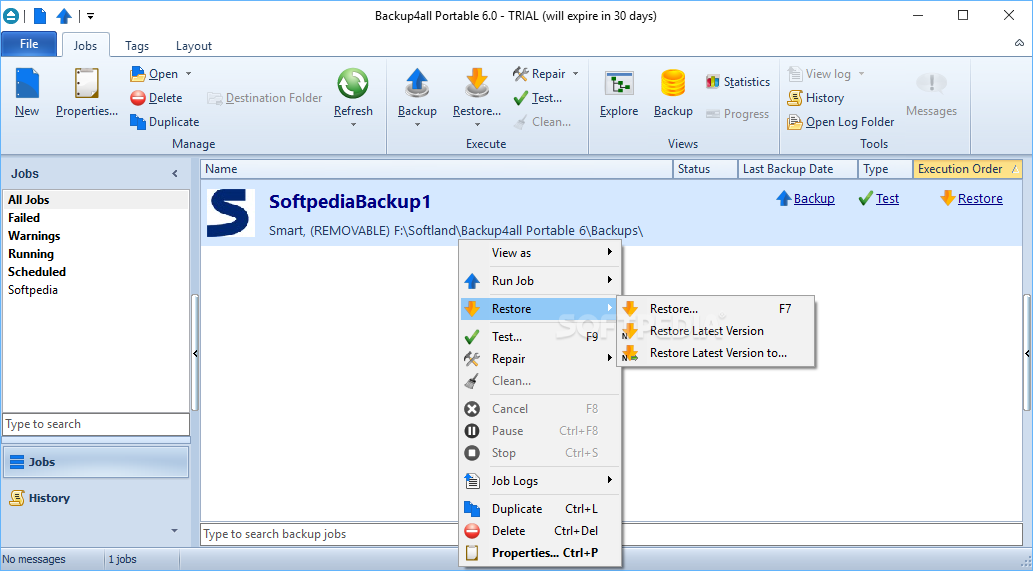
    · Backup4all for U3 is a portable backup software that offers a unique mode to track file versions. You can selectively restore any previous state of the file directly from the main window.
    · Backup to DVD and CD
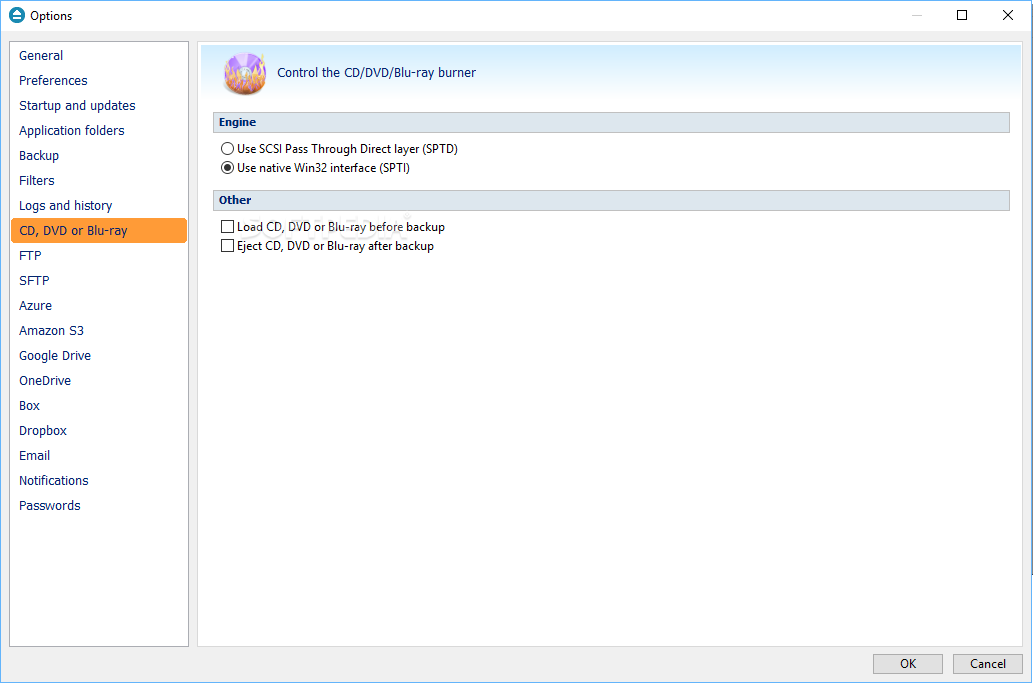
    · You do not need a separate software to burn your backups to CD/DVD, because Backup4all for U3 comes with its own built-in CD/DVD burning support. However, if you prefer, you can still use UDF format to burn your CDs/DVDs.
    · Standard ZIP Compression
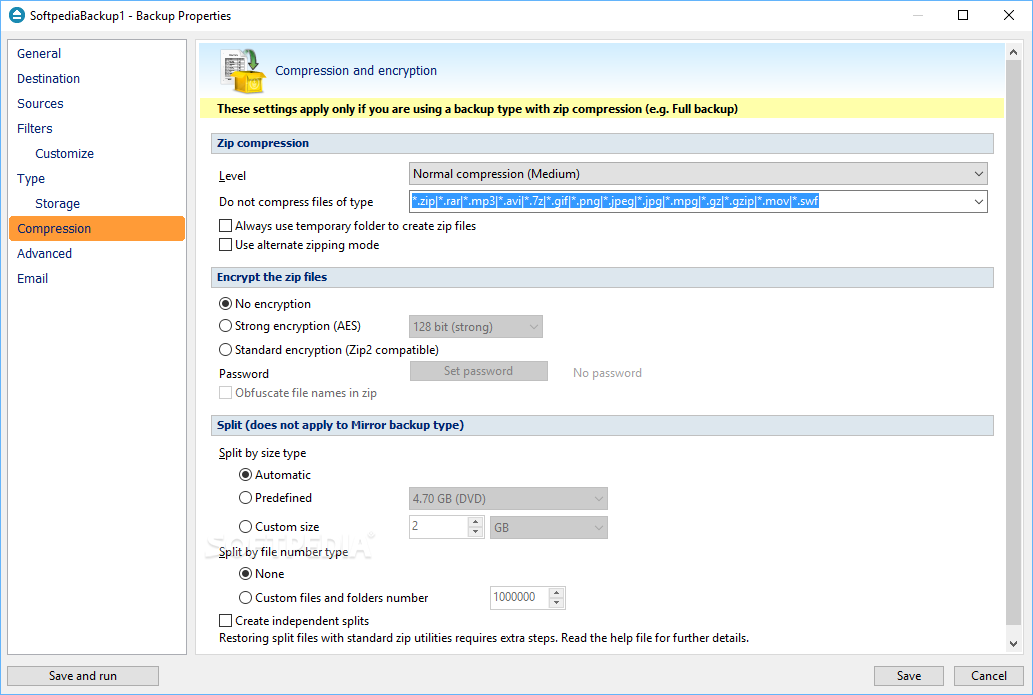
    · Backup4all for U3 creates standard zip files. This means that you can access your data with any zip compatible utility. You can also secure the backed up data with AES encryption (128, 192 and 256-bit).
    · Highly Configurable
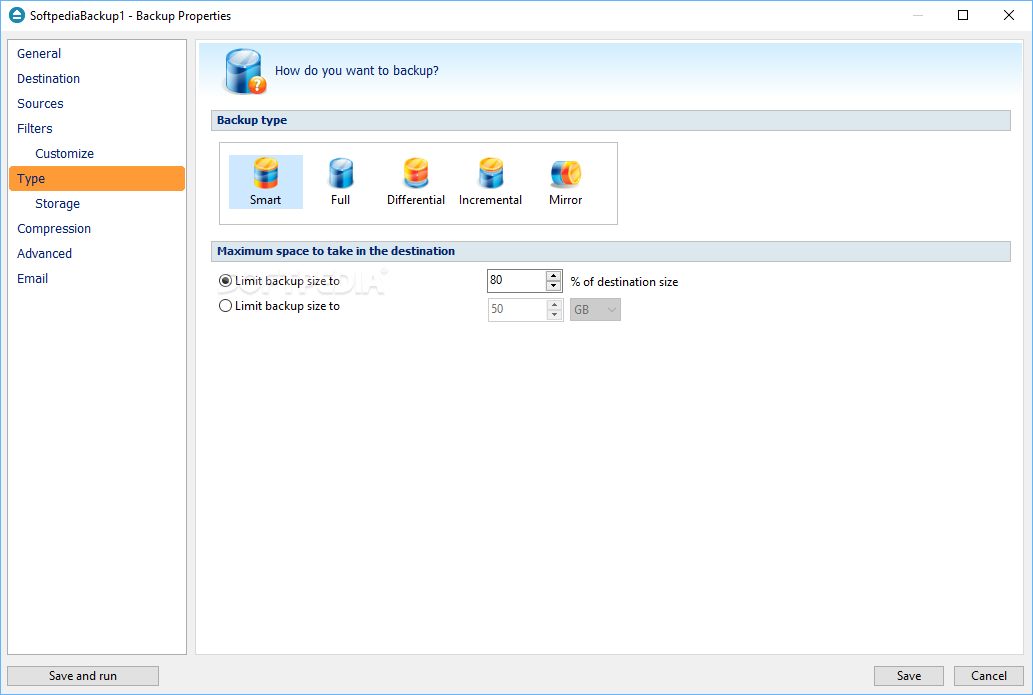
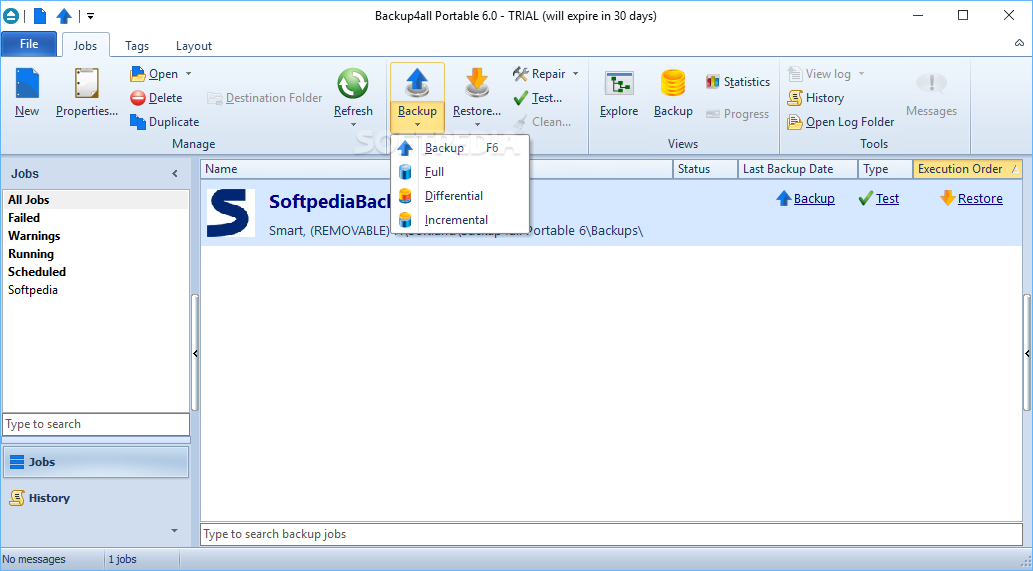
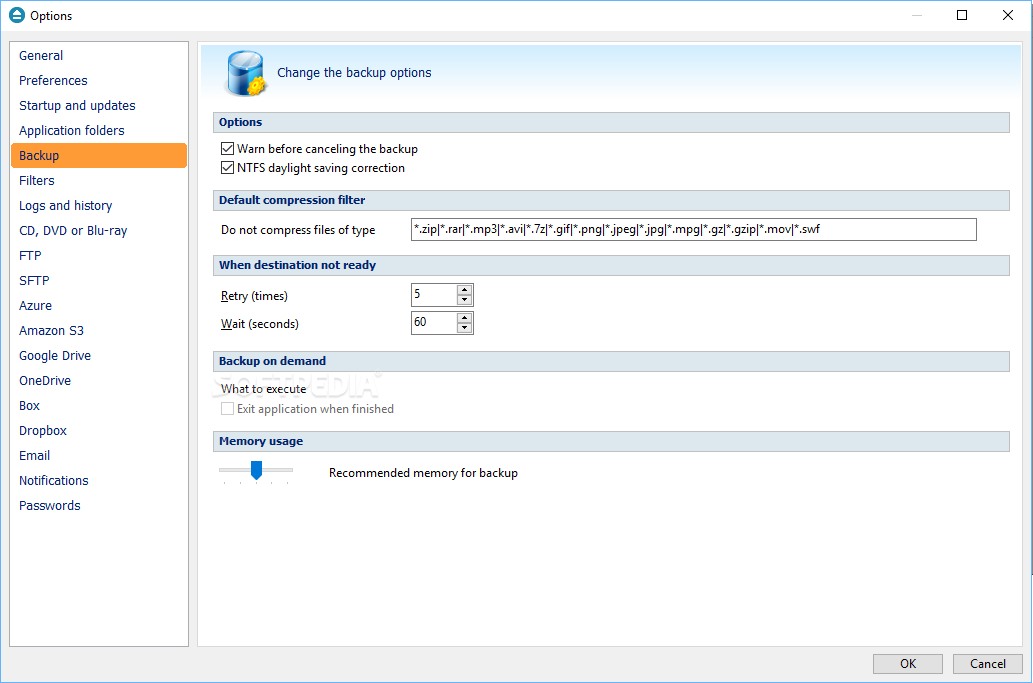
    · Plenty of backup types to choose from: full backup, differential backup, incremental backup and mirror backup.
    · Backup locked or open files
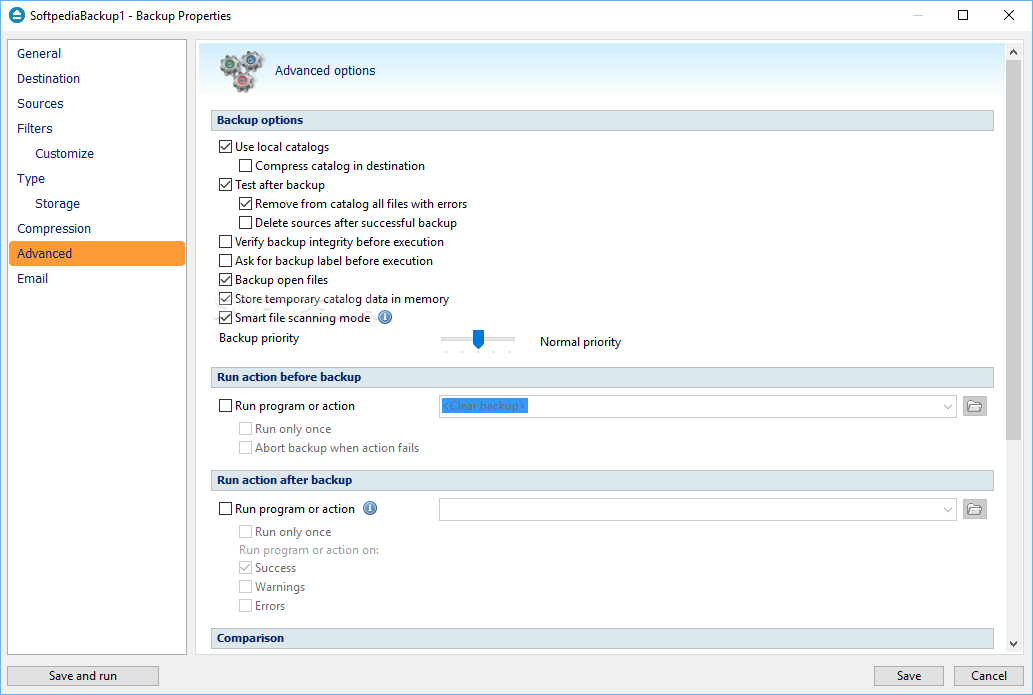
    · Backup4all for U3 uses the Volume Shadow Copy service that allows you to back up local open files from NTFS partitions in Windows XP. For example you can back up your emails and settings without closing Microsoft Outlook or Outlook Express.
    · FTP Backup
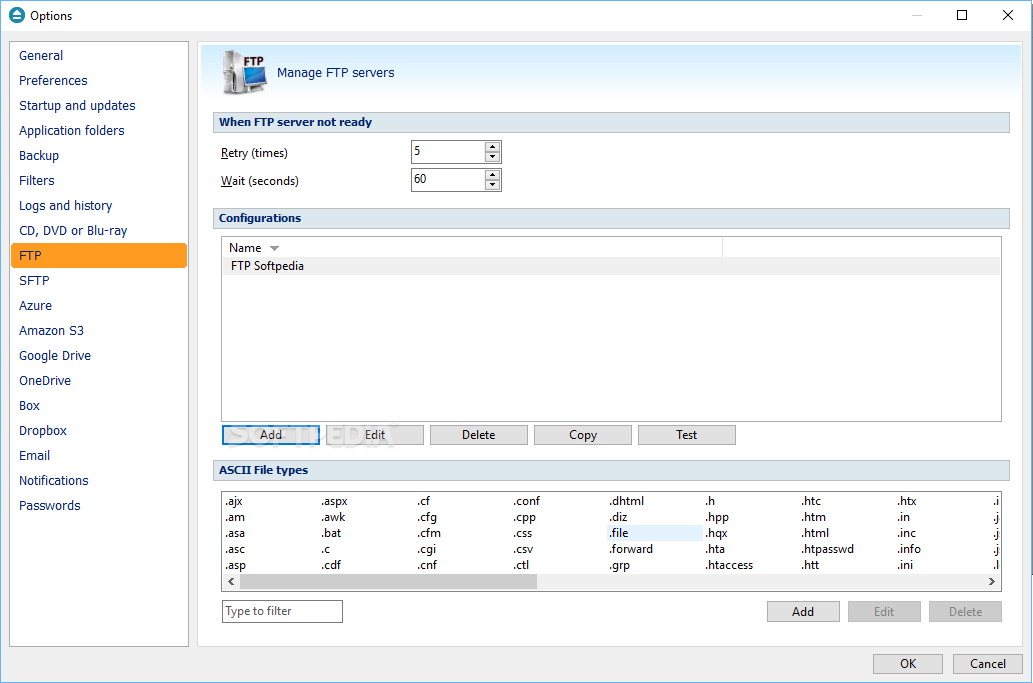
    · You can now backup your files to remote locations using FTP connection (with SSL support, active/passive transfer modes, firewall support).
    · Predefined backups
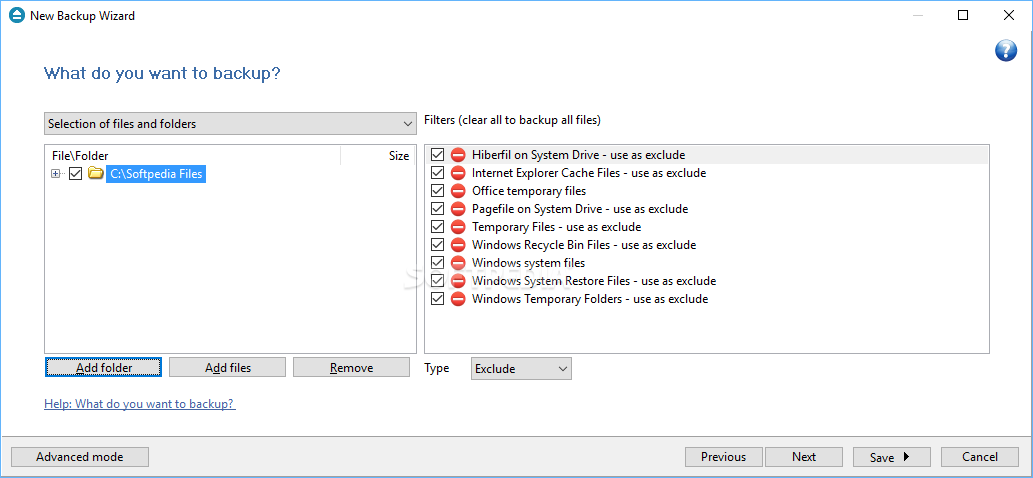
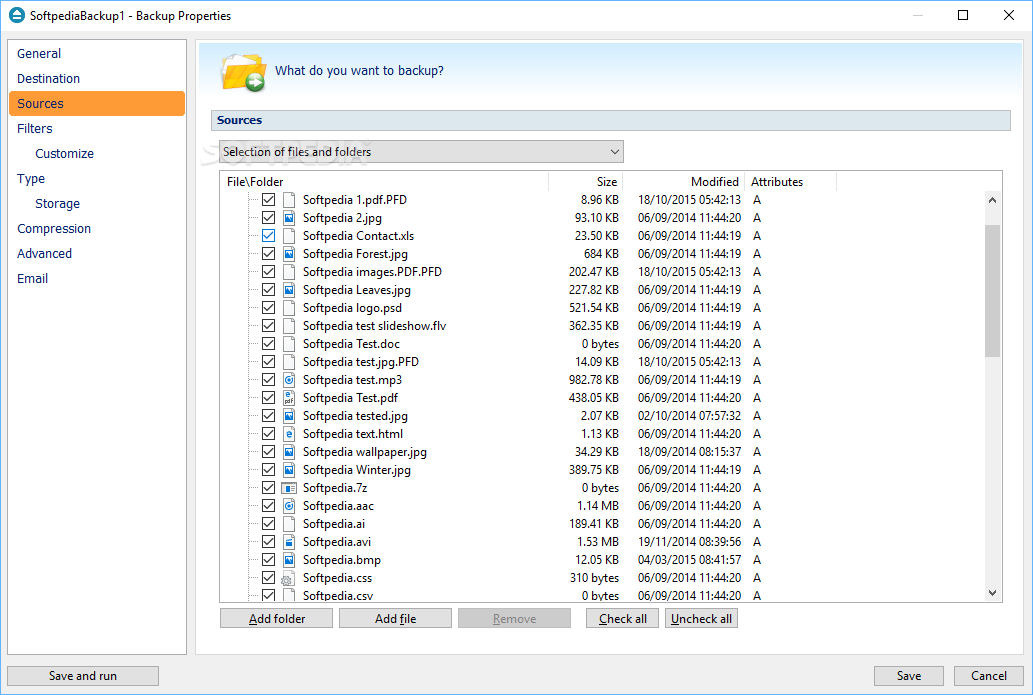
    · You can easily define a backup job for My documents, My pictures or Outlook Express emails and settings from the predefined backups list.
    · Email notifications
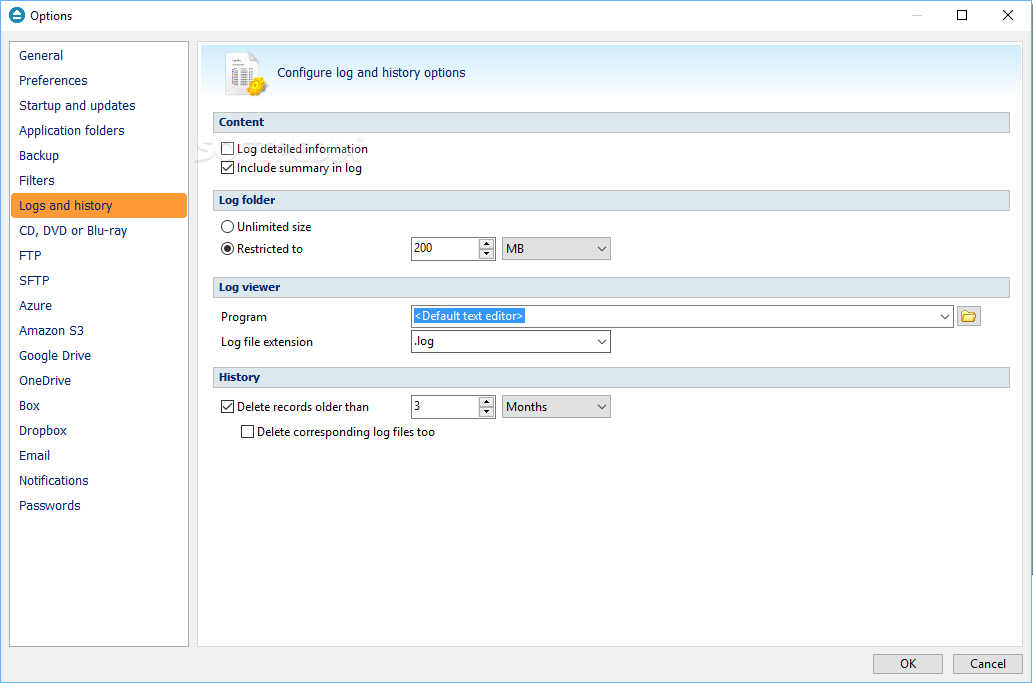
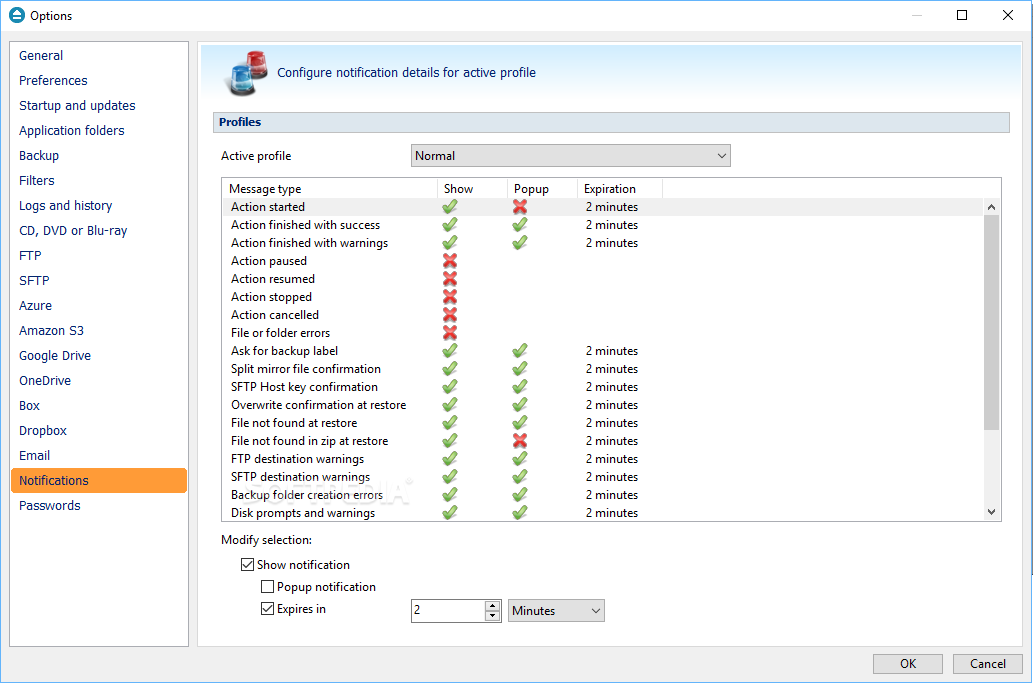
    · You can configure Backup4all for U3 to send custom emails after a finished backup with success, error, warning notifications. Additional options allow you to attach the backup log file and send the email to several addresses.
    · Statistics
    · You can actually see how many files are backed up, the total space allocated for the current backup in the destination, how many files will be added at the next execution, what is the available free space on destination and much more.

    Requirements:

    · An U3 smart drive is required to run Backup4all for U3.

    Limitations:

    · 30 days trial

    What's New in This Release: [ read full changelog ]

    · New: Backup to SFTP was added
    · New: Added a new option that lets you Backup all groups
    · New: Option to split files larger than a specific size for FTP backups
    · New: Select the scheduler priority
    · New: Split the backup according to a number of files/folders
    · New: Change the scheduler username and password for multiple jobs
    · New: New option to "Store temporary catalog data in memory"
    · New: "Minimize to tray when finished" added for backup on demand
    · Fix: Pressing Cancel during the Clean operation is not possible anymore
    · Fix: "Last Backup" and "Last backup status" from Brief view will be updated even if no files were backed up
    · Fix: Cancel backup during catalog upload will not result in a corrupt catalog
    · Fix: Test with warnings for Backup4all configurations plugin on Vista
    · Fix: Index out of bounds during independent test for mirror
    · Fix: Backup4all did not close after run for backups on demand
    · Fix: Standalone scheduler fix (was not starting if application was not start...


    TAGS:

    make backup | create backup | incremental backups | backup | incremental | differential


    HTML code for linking to this page:


    Go to top

    Windows tabGames tabDrivers tabMac tabLinux tabScripts tabMobile tabHandheld tabGadgets tabNews tab

    SUBMIT PROGRAM   |   ADVERTISE   |   GET HELP   |   SEND US FEEDBACK   |   RSS FEEDS   |   ENTER NEWS SITE   |   ENGLISH BOARD   |   ROMANIAN FORUM