|
|
|
| Downloads: 3,193 |
Tell us about an update
|
 |
|
User Rating: Rated by: |
Fair (2.6/5) 11 user(s) |
|
|
|
|
Portable WhereIsIt? description
|
Takes snapshots of your disks and allows offline media browsing
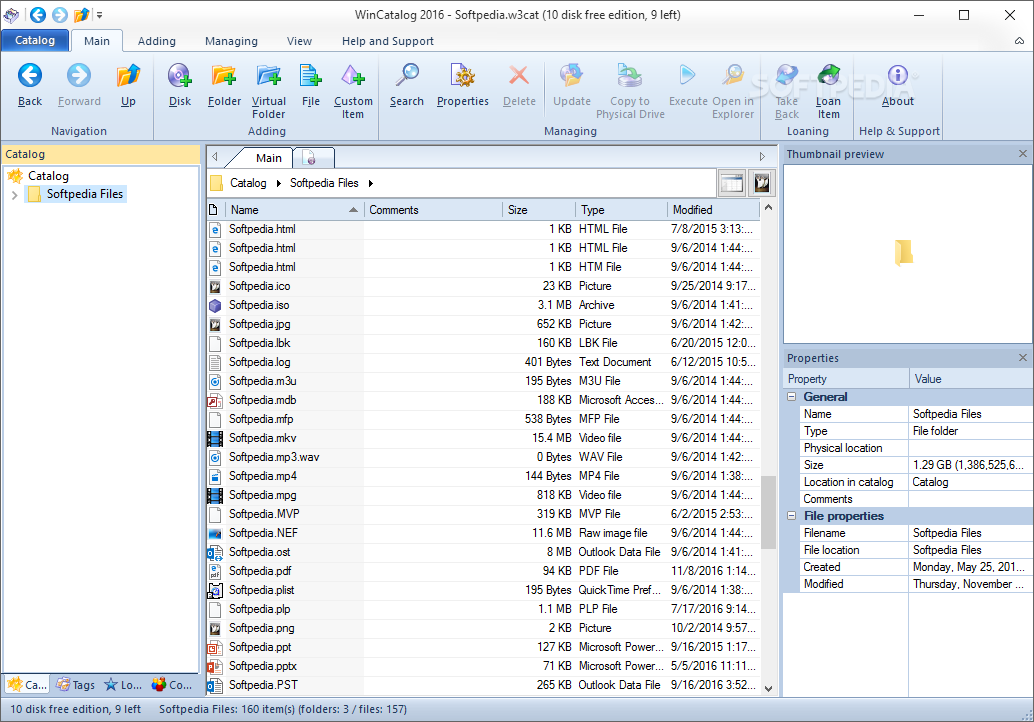
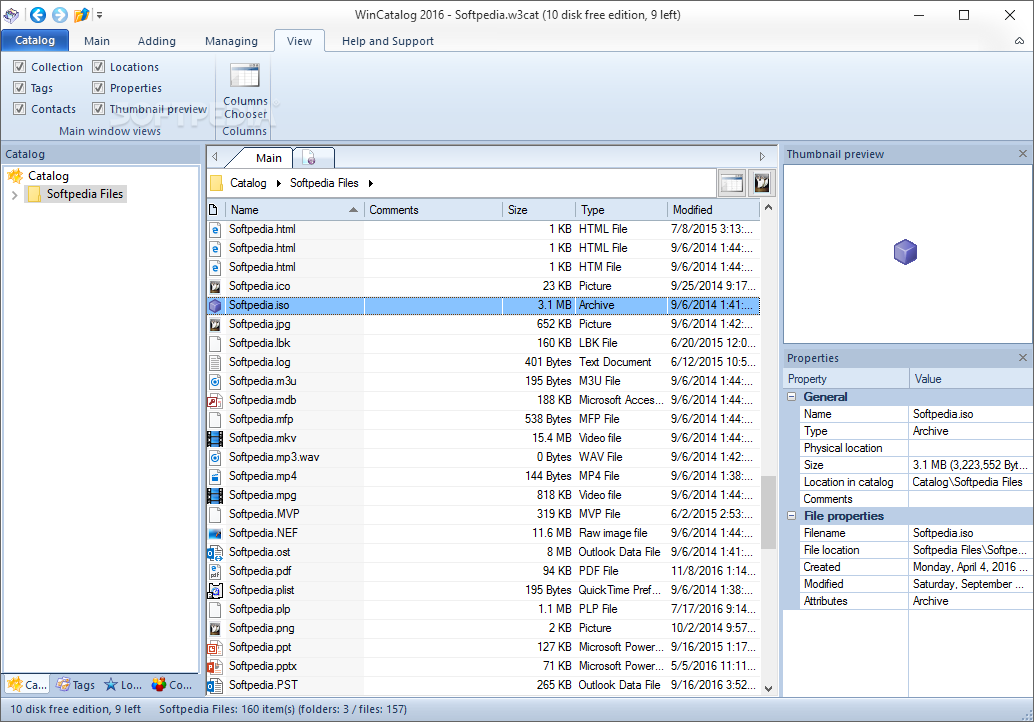
The most basic goal for Portable WhereIsIt? is to provide access to the contents of any media you have from a cataloged database, even if the media itself is not available on the system. You can browse lists of files and folders, search by any criteria, use descriptions, categories, thumbnails, flags, etc.
Portable WhereIsIt? is a successor of successful DOS program Floppy Master, extending its capabilities to new and larger media storage devices and providing even more comprehensive access to stored data.
With Portable WhereIsIt? users will be able to handle any kind of data, including downloaded programs, magazine CD-ROMs, music collections like MP3s or audio CDs, graphics collections, document backups, etc.
Portable WhereIsIt? can handle lots of them, too, a couple hundreds or thousands disks in a catalog is nothing unusual, yet catalogs remain reasonably small, single-filed and easy to transfer or send to other users.
You can also create more than one catalog, and at any time open and work with as many catalogs at once as needed.
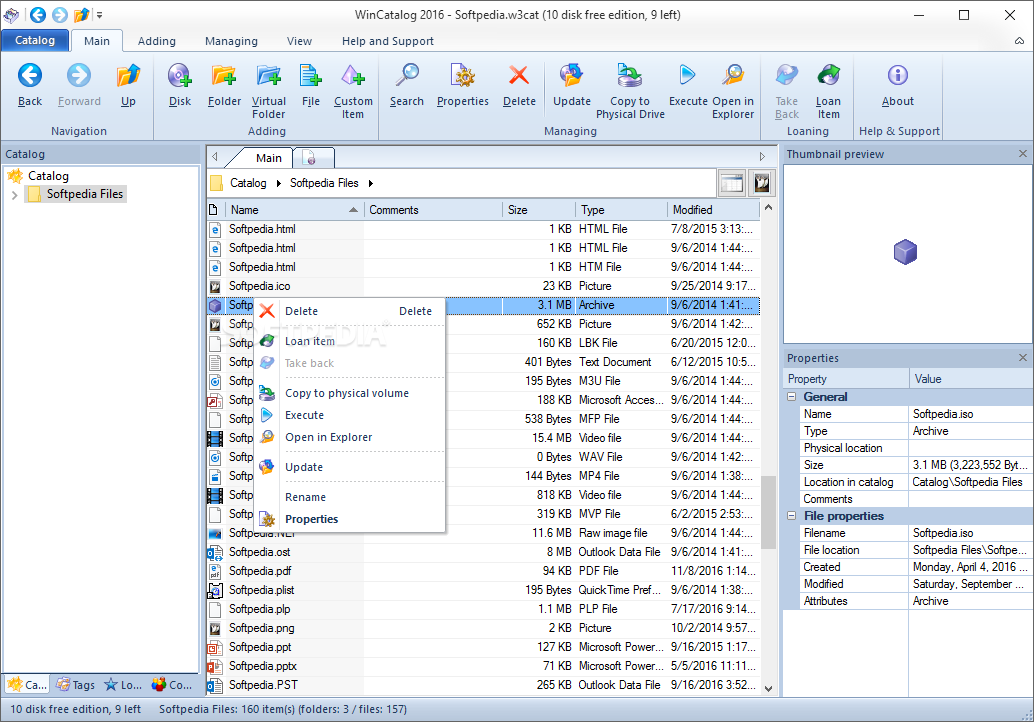
Portable WhereIsIt? is easy to use for both beginners and advanced users. It features a familiar and well thought-out, Explorer-like user interface, combined with strong searching and reporting capabilities, multi-language support, automated description and thumbnails importing through extendable plugins from more than 130 different sources. Here are some key features of "Portable WhereIsIt?":
Unicode Compliant Software:
· WhereIsIt supports Unicode encodings on all Unicode-capable Windows operating systems. Unicode allows you to represent and edit text in multiple languages and world writing systems side by side. WhereIsIt supports files with Unicode file names, allows Unicode in all user-editable data, and uses UTF-8 encoding for storing textual data in catalogs
Extensive drive type support, for present and future:
· WhereIsIt can catalog any disk or media type Windows can access by a drive letter or UNC address, including diskettes, hard disks, CD-ROMs, DVDs, USB drives, removable disks like iomega Zip and Jaz, external drives, network file servers etc. By using additional drivers or software to provide access, like Samba or NetDrive, you may even catalog sources like remote FTP or WebDAV server, remote external hard drive, connected to a network router or a home theater device and accessed via FTP or SMB, or online file servers. WhereIsIt is compatible with all Windows-supported file systems, including FAT, FAT32, NTFS, CDFS, UDF, etc
Manageable catalog files:
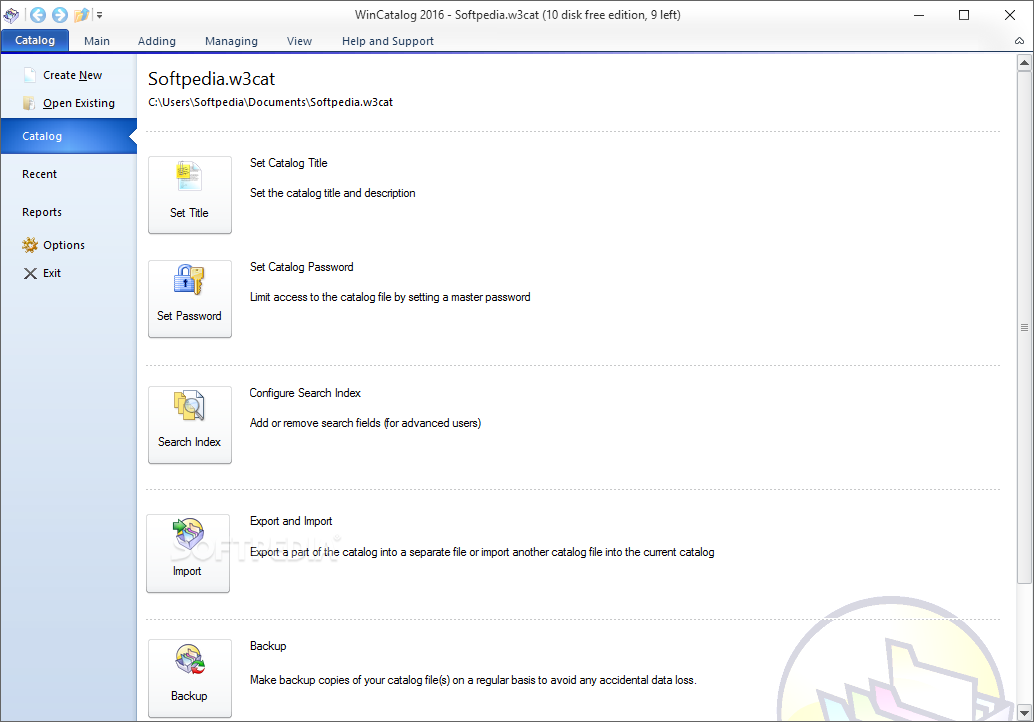
· WhereIsIt doesn't use large and complex databases, all information is stored in a single catalog (.ctf) file, easily transferable to another computer, a friend, a public forum... as well as easy to backup. Share your data the easy way. Catalogs don't need to be installed in any way, they can just simply be opened in the program as document files, even on someone else's computer, while still retaining full functionality. Internal catalog file structure is optimized for very efficient access and small total size, allowing fast searches and small memory footprint, even with very large catalogs. For example, 30.000 files and folders (that's about five heavily populated CD-ROMs) will result in a catalog file approximately 1 MB in size - details may vary, depending on data structure and selected scanning options
Detailed information about every file, folder, or disk:
· Every item in catalog includes detailed basic information about files and folders you would come to expect, like name, size, date, file attributes and similar, but WhereIsIt adds to that its own information it provides as a catalog program. For example, every item can include up to 32 KB textual description, a small thumbnail image, you can assign items custom-defined, multi-level categories or flags, you can even assign them so-called alias names, under which are they known in catalog - for example, if the real file name is to cryptic. When displayed in WhereIsIt, items can be colored according their type, assigned categories or flags... All of those can be used to find items you are looking for, or just make browsing your disk images a lot simpler and more fun
Internal support for many compressed file formats:
· Many of the often used compressed file formats can be handled during media scan, including ZIP, ARJ, RAR, CAB, LHA/LZH, TAR, ARC, ACE, ZOO, GZIP, BZIP2, 7ZIP, CBZ, CBR, PAK, HA, JAR, SFX... as well as ISO image files, such as ISO, BIN, IMG, NRG, MDF... If so selected, compressed files can be presented as folders, showing their content inside. Files compressed inside archives can be extracted right out from WhereIsIt to any folder, or they can be viewed or launched with associated program with one click
Automatic description and thumbnails importing:
· One of WhereIsIt most powerful features are description and thumbnail plugins, in charge of importing descriptions and images while media is being scanned and stored in the catalog. This way, you can have your files and folders equipped with descriptions right after scanning completes. Based on source type, descriptions are automatically attached either to files themselves, to their parent folders, other files in the folder, etc. Standard description plugins handle importing from more than 130 file types and other sources, including files like File_id.diz, Descript.ion, 00index.txt, Files.bbs, they can browse and extract details from most documents, graphics and audio files, including MP3s (sampling, play time, ID3 tags...), Audio CDs (CDDB database, Cdplayer.ini), MS Office documents, Adobe Acrobat files, executable files and fonts, and many many more. Details about graphics files not only include their size and color depth, a small thumbnail can be imported in catalog as well, possibly together with digital camera info and other comments embedded inside
· As if all this wouldn't be enough, there is even more - you can develop your own description and thumbnail plugins to handle additional types of sources and files WhereIsIt doesn't handle yet at this time, or you can download plugins others have written and made them available for others to use
Built-in media recognition system:
· WhereIsIt does not use drive letters to reference cataloged disks, it is able to recognize them by their key properties, like type, serial number, formatted capacity, and similar. This way, it doesn't matter which drive your media is in, WhereIsIt will find it, even on some other computer over the network. In the unlikely event that media changes that much that it can no longer be recognized (for example, by reformatting it), you can still manually update its existing disk image in catalog
Powerful searching finds what you are looking for:
· WhereIsIt features a powerful multi-threaded searching, with detailed settings on what to search for, where to search and how to search. Use either Quick Search to quickly find your items by name or description, or start up Advanced Search with Search Expression Editor, allowing you to write complex search queries using the full rich set of available search criteria and Boolean logic operators. WhereIsIt provides quick shortcuts to search only in selected disks or folders, or you can search through previous search results or user list items, resulting in countless capabilities to combine multiple searches, narrow down results
· Searching for duplicate items is in there, too, as well as comparing cataloged disk image to actual files on the media, and comparing cataloged disk images allows for tasks such as version tracking, if comparing disk images of the same media taken at different points in time
Professional report generator:
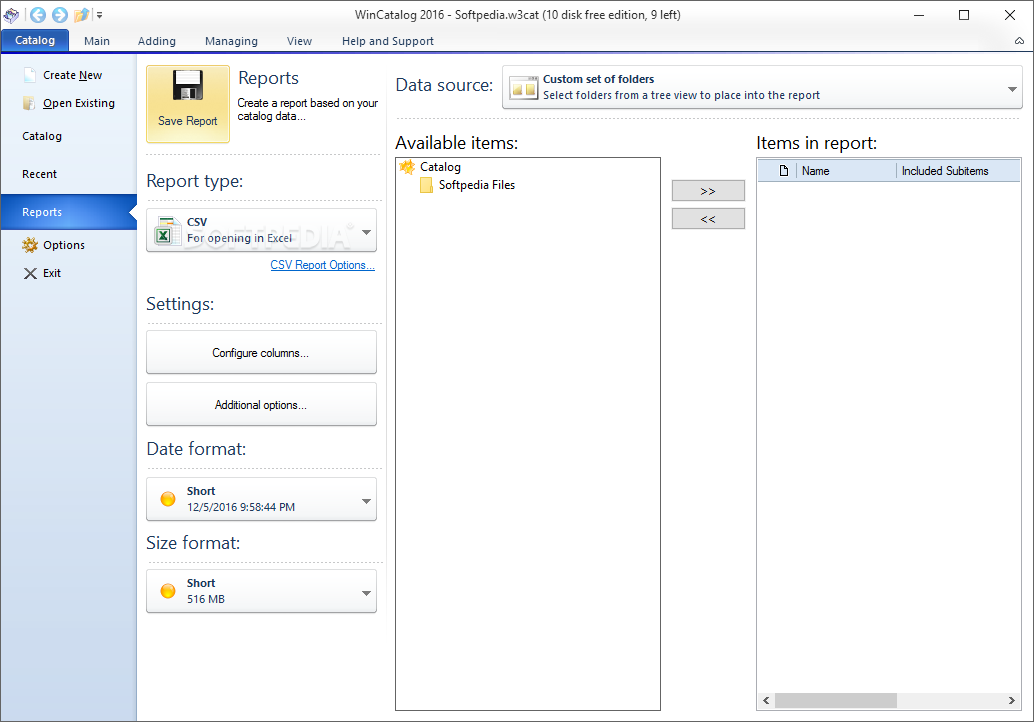
· Adjustable and professional report generator adds a final touch to your catalog collections. Report generator is usually used together with extensive search capabilities or report wizard, allowing you to first collect the items you want in the report, while report generator handles processing items themselves, such as specifying layout and details to be included, optionally sorting and arranging items by their location etc. Needless to point out, you can use the built in print preview, with adjustable zoom and full-screen capabilities
· Report generator not only allows you to print your reports on your printer or send them by fax using the Microsoft Fax, it is also used for exporting cataloged data to other formats, including ASCII files, Excel tables, rich-text RTF documents, HTML documents, external database formats like SQL, XML, CSV, SYLK, or just send it directly to clipboard for pasting to some other application
Requirements:
· 5 MB free hard disk space for program installation and catalogs.
· Mouse or other Windows-compatible pointing device strongly recommended.
Limitations:
· Adding new disk images to catalogs is limited. Unregistered version allows adding at least three removable disks (floppy, CD, DVD, Zip drive,...), or until the total capacity of all already cataloged disks reaches 2 GB. You will not be able to add more disk images to the catalog if the above limit has been reached. If you want to add more data, you can open a new catalog
· Auto-loading catalogs on program startup is disabled. Registered users can setup a list of catalogs to load automatically when program is starting, or select to open all catalogs that were opened in the last session
· All reports will include a visible message saying they were generated with an unregistered version
· Tips on program startup can not be disabled in the unregistered version. The first tip will always remind you that you are working with an unregistered shareware program
· Script language is only available in registered version. Script language is mostly used for unattended catalog updates, or it can perform special tasks on program startup, for example, updating the catalog data when program starts, so you always have the latest state to work with What's New in This Release: [ read full changelog ]
· Minor maintenance release.
· Added a new pair of plugins: a description and a thumbnail plugin for EPUB E-Books format, extracting basic details, contents index, and included cover image as a thumbnail.
· If program settings are imported from external source to currently active storage (registry or config file), imported settings are now dynamically applied and are immediatelly visible in the Options dialog.
· Tray icon is now restored after Explorer crashes and restarts.
· Exporting descriptions: for FTP index format, 00INDEX.TXT is used instead of INDEX_00.TXT. 00INDEX.TXT appears to be more commonly used presently, although both versions can be found.
· Advanced searching by size: fixed editing previously entered criteria.
· VideoThumbnailsPlugin: minor internal changes in the config dialog.
· Other miscellaneous minor adjustments and improvements.
|
|
 | | Softpedia guarantees that Portable WhereIsIt? 2012 Build 901 is 100% CLEAN, which means it does not contain any form of malware, including spyware, viruses, trojans and backdoors. [read more >] |
|