
Quickly rename large numbers of files with no more than a few mouse clicks by relying on this streamlined and efficient application. #Batch renamer #Advanced renamer #Change name #Renamer #Batch #Change

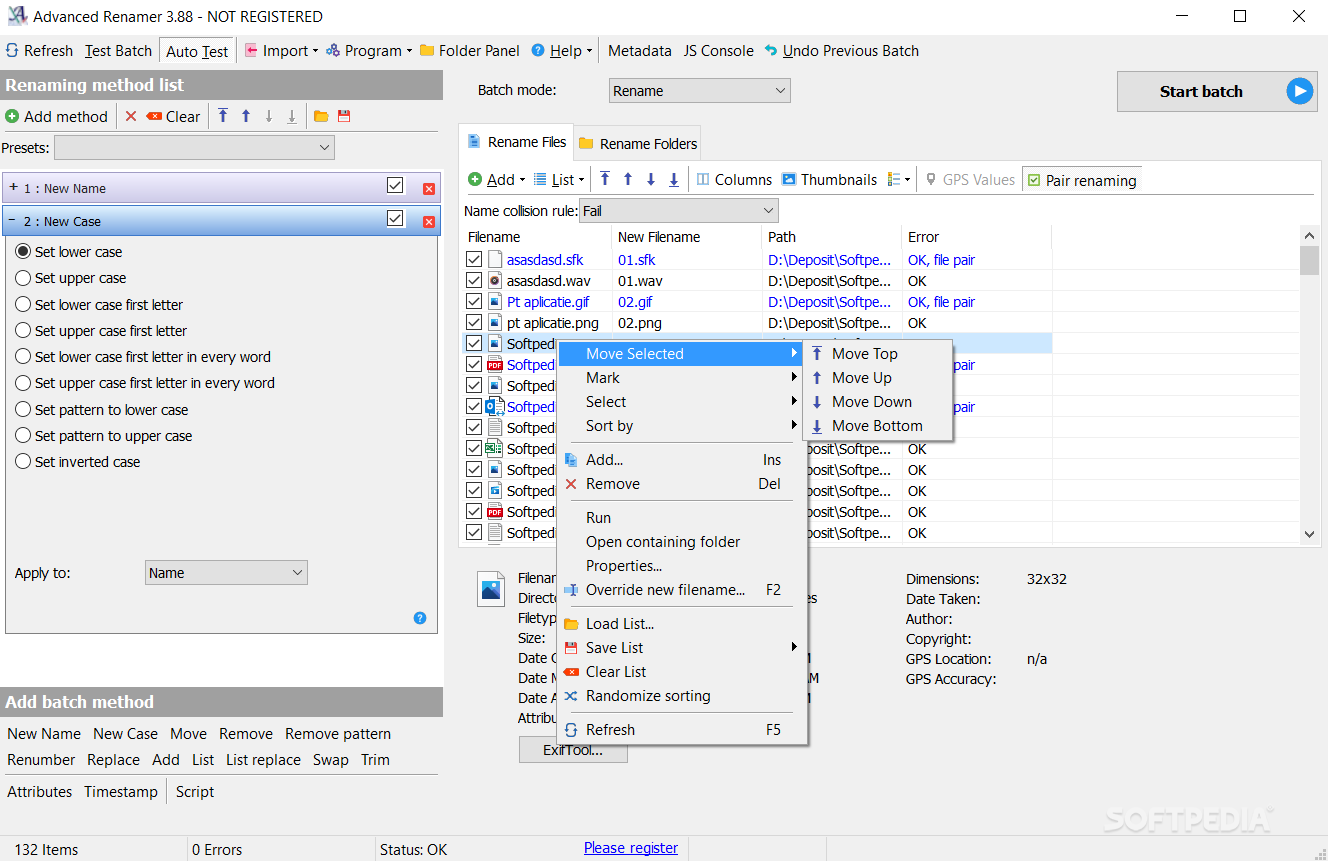
This is the portable version of Advanced Renamer, a tool that allows you to easily rename a vast number of files and folders.
Since installation is not necessary, you can simply place Advanced Renamer Portable on a removable drive and directly run its executable file on any computer. More importantly, your Windows registry items will not be changed.
The interface of the software may seem a little confusing at first (since no tutorial pops up to guide you), but Advanced Renamer Portable is actually very easy to work with.
You can start by adding files and folders into the list, by using either the file browser or the "drag and drop" method (e.g. include subfolders, add root folders).
In the list you can check out the name, new name, path and status of each file. But columns can be customized (e.g. add size, date of creation, extension).
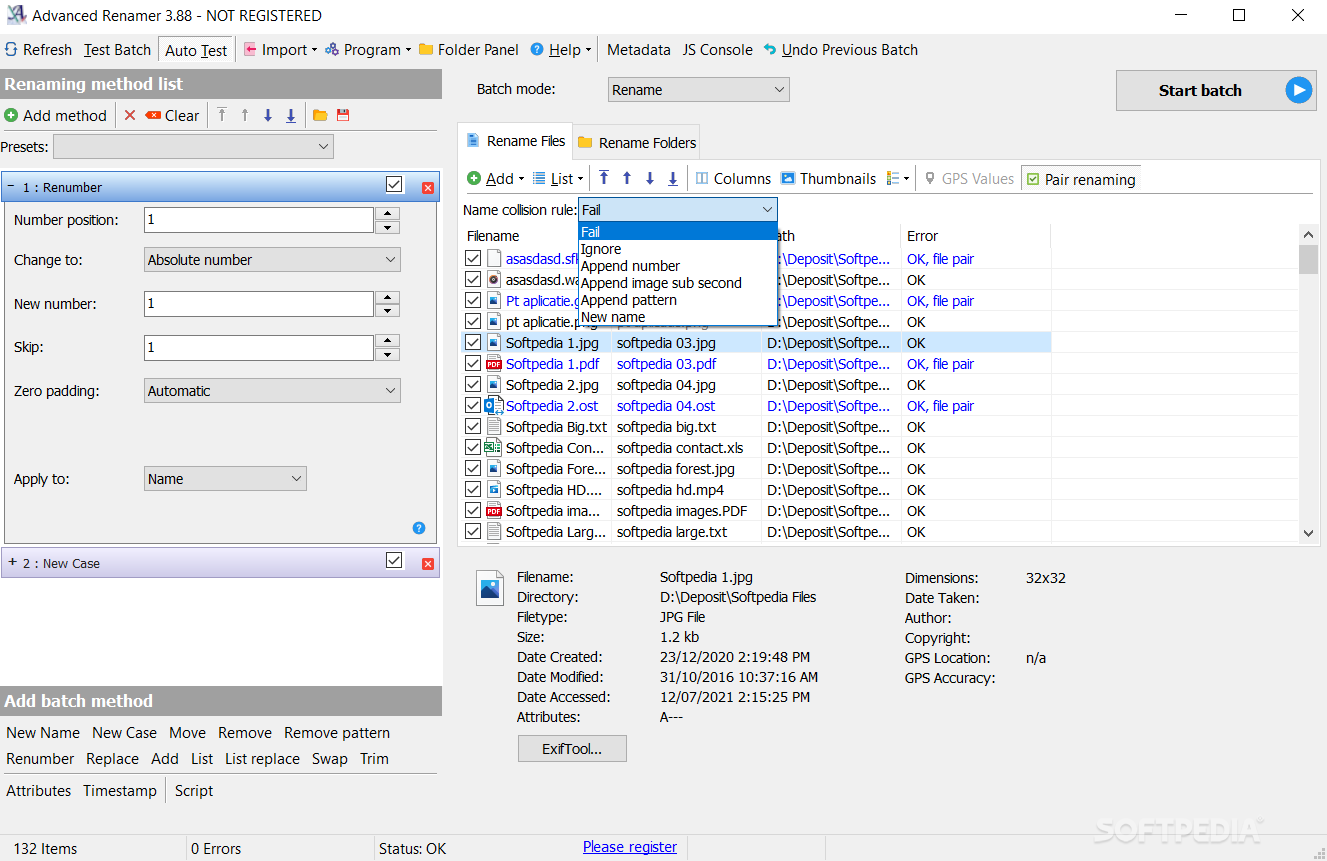
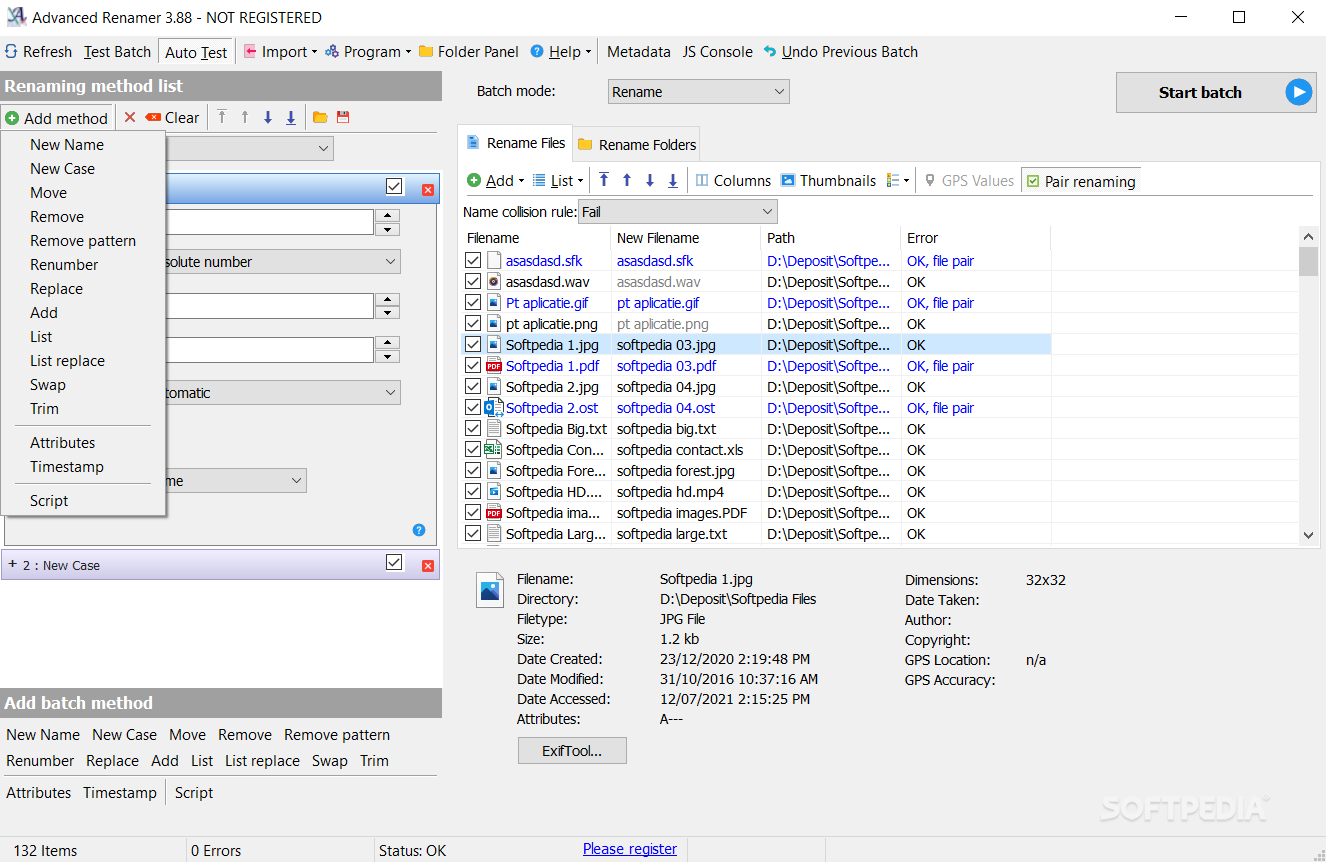
When it comes to renaming, you can select the batch method (e.g. new name, new case, remove pattern, replace, renumber, attributes, timestamp), apply it to the name, extension or both, and proceed with the task.
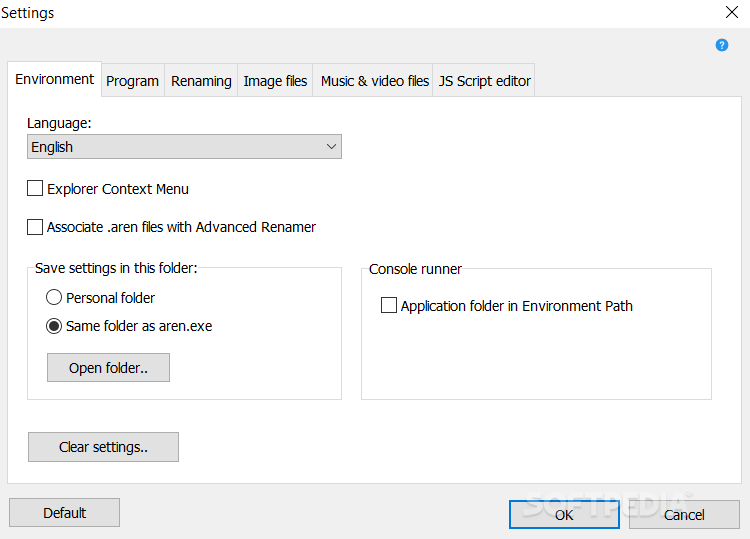
You can switch from batch mode to move or copy mode, undo the previous batch, refresh the list, test the batch, save and load the list of files and folders, randomize sorting, change the interface language, and more.
The program takes up a low-to-moderate amount of system resources, includes a step-by-step tutorial and quickly finishes a task without displaying any errors. Putting aside the interface which could benefit from some directions, we strongly recommend Advanced Renamer Portable to all users.
What's new in Advanced Renamer Portable 3.95.4:
- New tags for fetching metadata from executables: <Exe Product>, <Exe ProductVersion>, <Exe FileVersion>, <Exe Company>, <Exe Description>
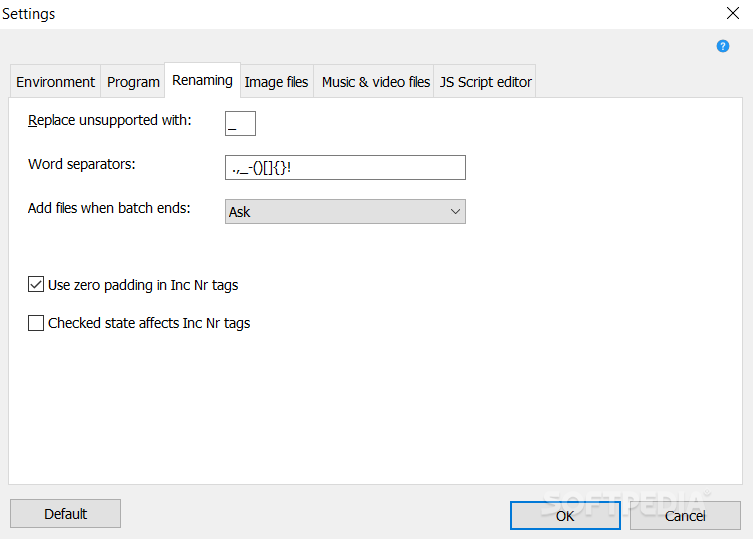
- New Setting (Program tab): Menu sizing. Values are normal, compact or super compact. Default: Compact
- New Setting (Program tab): Enable or disable menu group names. Disable group names for a more minimal user interface when using compact or normal menu sizing
- Help button layout changed
Advanced Renamer Portable 3.95.4
add to watchlist add to download basket send us an update REPORT- portable version
- This is the portable version of the application. An installable version is also available: Advanced Renamer
- runs on:
-
Windows 11
Windows 10 32/64 bit
Windows 8 32/64 bit
Windows 7 32/64 bit
Windows Vista 32/64 bit
Windows XP - file size:
- 13.3 MB
- filename:
- advanced_renamer_portable_3_95_4.zip

- main category:
- Portable Software
- developer:
- visit homepage
ShareX

Zoom Client

calibre

7-Zip

4k Video Downloader

Microsoft Teams

Context Menu Manager

IrfanView

Windows Sandbox Launcher

Bitdefender Antivirus Free

- IrfanView
- Windows Sandbox Launcher
- Bitdefender Antivirus Free
- ShareX
- Zoom Client
- calibre
- 7-Zip
- 4k Video Downloader
- Microsoft Teams
- Context Menu Manager