
Transfer or copy files from one location to another on your machine with great ease, making sure to keep an eye on the estimated time for completing your requested procedure. #Copy File #File Copier #File Backup #Transfer #Copier #Backup

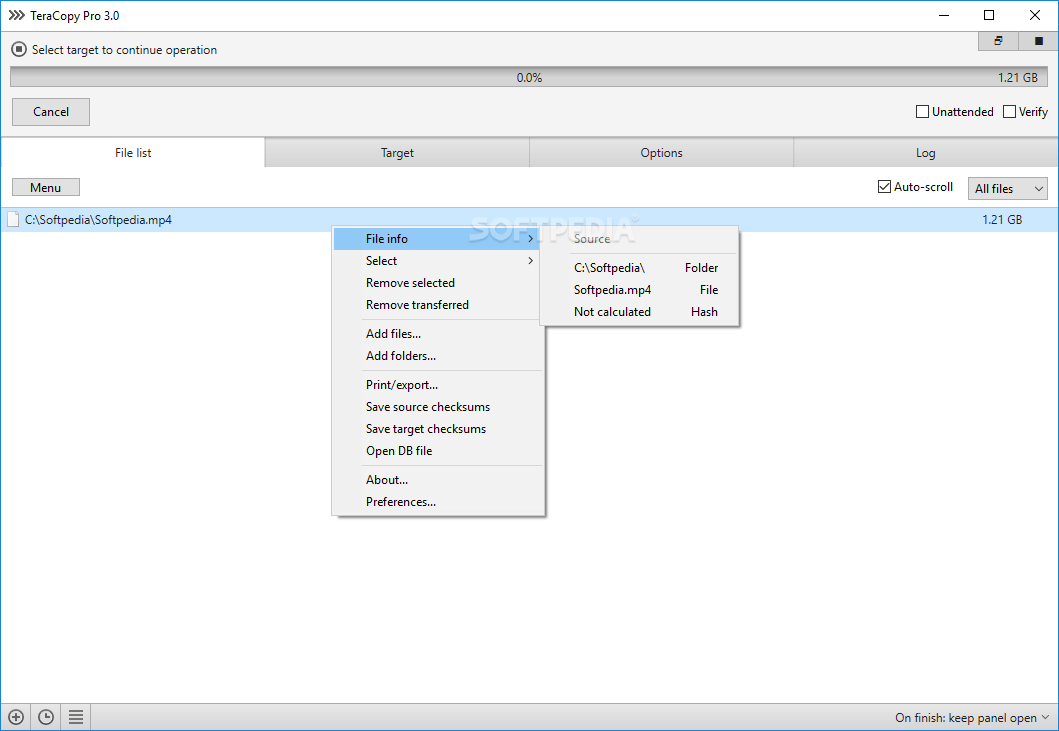
If you are tired of all those Windows transfer errors and would somehow like to try some other way to move large chunks of files from one area to the other, then your answer could be TeraCopy Portable. Not only is this program more efficient in moving stuff around, or copying too, but it's portable, making it a great choice if you're not a fan of allowing all sorts of junk to fill your registry up.
The thing that motivated me to carry over this switch, from my operating system's provided program, to this replacement, was the easy-to-use interface and overall friendly experience. With this in mind, I set out to start moving some of my bigger files from one drive to the other. The job was completed faster than I originally had anticipated.
Not only that, but in my case, I could constantly check the elapsed time and also the remaining period until the whole procedure was done. Do keep in mind that sometimes these calculations and estimations are not as accurate as they should be. Still, taken as a reference point, I was pleased with the overall experience.
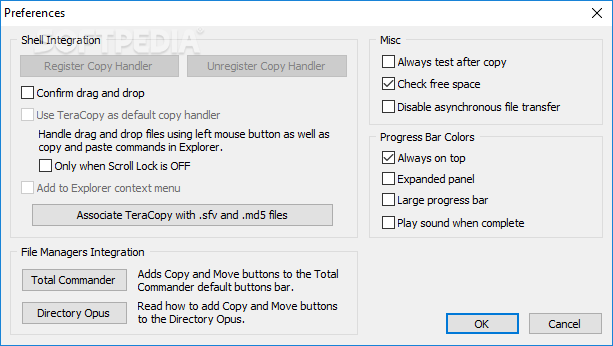
If you're one of those users, like myself, who like to customize their experience, you'll be happy to hear that you can do that quite easily. If you want the app to ask you to confirm drag-and-drop functions, you can do just that. Keeping the program on top of others can also be set from the provided options menu. THe progress bars and sounds can be changed to fit your needs.
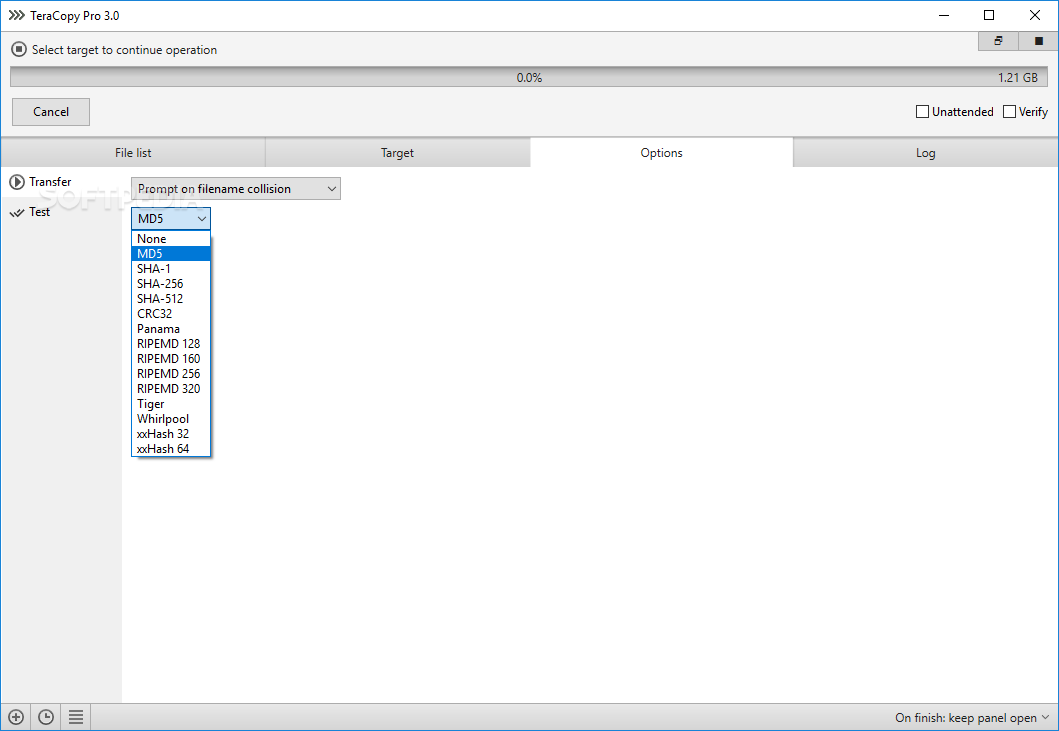
The transfer procedure itself is very easy to deal with. Select the location of your files, choose a target location, tell the app if you want your items copied or moved, and simply allow it to take care of the rest. You can even set custom rules in order to avoid duplicates being transferred as well. The overall experience with this app is great, simply because it manages to do what is advertised in such a simple manner.
Download Hubs
TeraCopy Portable is part of these download collections: File Transfer, File Copy
What's new in TeraCopy Portable 3.17:
- Clone & Rescan feature.
- Enhanced xxHash support for SSE2 processors.
- Upgraded reporting and checksum export features.
- Implemented network recovery wait function during testing and verification.
TeraCopy Portable 3.17
add to watchlist add to download basket send us an update REPORT- portable version
- This is the portable version of the application. An installable version is also available: TeraCopy
- runs on:
-
Windows 11
Windows Server 2022
Windows Server 2019
Windows Server 2016
Windows 10 32/64 bit
Windows Server 2012 R2
Windows Server 2012
Windows 2008 R2
Windows 2008 32/64 bit
Windows 2003
Windows 8 32/64 bit
Windows 7 32/64 bit
Windows Vista 32/64 bit - file size:
- 11.8 MB
- filename:
- teracopy3.17.exe
- main category:
- Portable Software
- developer:
- visit homepage
Windows Sandbox Launcher

7-Zip

IrfanView

ShareX

Context Menu Manager

Microsoft Teams

4k Video Downloader

Bitdefender Antivirus Free

Zoom Client

calibre

- Bitdefender Antivirus Free
- Zoom Client
- calibre
- Windows Sandbox Launcher
- 7-Zip
- IrfanView
- ShareX
- Context Menu Manager
- Microsoft Teams
- 4k Video Downloader