WINDOWS CATEGORIES:


NEWS ARCHIVE >>
SOFTPEDIA REVIEWS >>

WEEKLY HIGHLIGHTS

DVD Cloner45
Spyware Doctor40
1Click DVD Copy40
Apollo DVD Copy40
ABC Amber BlackBer...45
Protected Music Co...40

7-DAY TOP DOWNLOAD

#
Program
Avira AntiVir
Personal - Free
Antivirus 9.0.0.418

171,507
Avira Antivir Virus
Definition File
Update February 10,
2010

136,905
Windows Live
Messenger 2009
14.0.8089.726

109,751
Microsoft Office
2010 14.0.4536.1000
Beta / 2007

88,072
Y! Multi Messenger
8.x and 9.x

85,060
Internet Download
Manager 5.18 Build 8

57,149
RemoveWGA 1.2
54,385
DVD Shrink 3.2.0.15
47,666
Nero 7 Premium
7.11.10.0

43,985
AVG Free Edition 9.0
Build 730a1834

42,657

WEEK'S BEST

  • DirectX Redistribu...
  • AnyBizSoft PDF to ...
  • WinX DVD to iPod R...
  • WinUtilities [GIVE...
  • WinPatrol 17.1.201...
  • Wondershare iPod V...
  • EASEUS Partition M...
  • Advanced SystemCar...
  • EASEUS Data Recove...
  • WinX Blu-Ray Decry...
  • Aimersoft DVD to 3...
  • Returnil Virtual S...
  • Backup4all Pro [DI...
  • East-Tec Eraser 20...
  • VIRUSfighter 6.2.68
  • Platinum Guard [GI...
  • SPAMfighter Pro 6....
  • AVG Internet Secur...
  • novaPDF Lite [DISC...
  • Ad-Aware Plus 8.1.0
  • WINner Tweak [DISC...
  • Uniblue DiskRescue...
  • Smarty Uninstaller...
  • Ashampoo Magical D...
  • Online Armor ++ 4....
  • TuneUp Utilities 2...
  • DAEMON Tools Pro (...
  • HWiNFO32 3.41.570
  • Glary Utilities (N...
  • Firebird 2.5.0.259...
  • Home > Windows > PORTABLE SOFTWARE > System > Launchers
     Report spyware

    Portable Office Exec 1.2.3

    Download button

    Downloads: 10,747  Add to download basket  Tell us about an update
    User Rating:
    Rated by:
    Good (3.7/5)
    33 user(s)
    Developer:

    License / Price:

    Size / OS:

    Last Updated:

    Category:
    Robvdb | More programs
    Freeware / FREE
    5.1 MB / Windows All
    December 18th, 2006, 01:30 GMT [view history]
    C: \ PORTABLE SOFTWARE \ System \ Launchers

     Read user reviews (1)  Add a review  Refer to a friend  Subscribe


    Portable Office Exec description

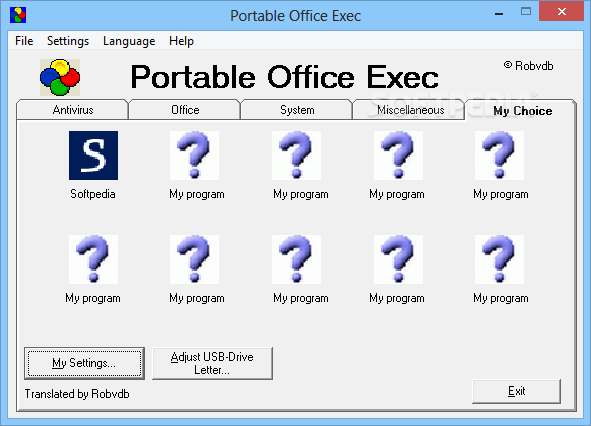
    Portable Office Exec is a download and Launch utility for a USB stick/flash drive

    I was thinking about having some kind of portable office with me, on an USB-key, which would give me the ability to start different applications from one central point, without having to install them first. I also wanted to have the ability to scan computers for viruses and spyware. All utilities used are freeware.

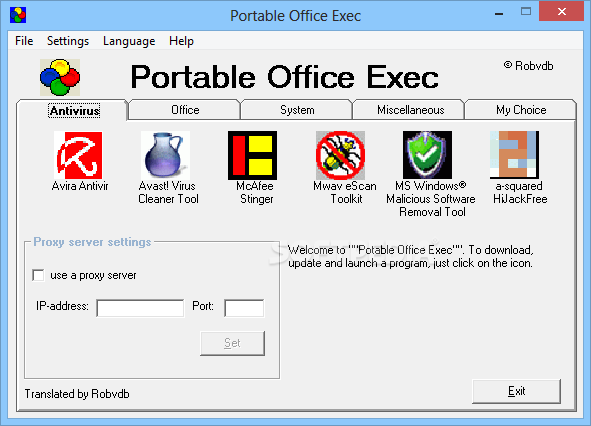
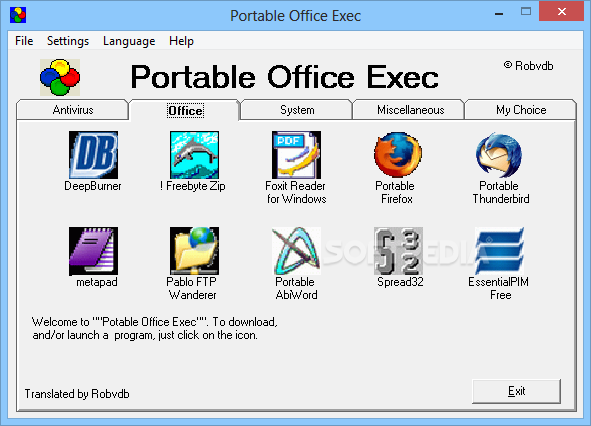
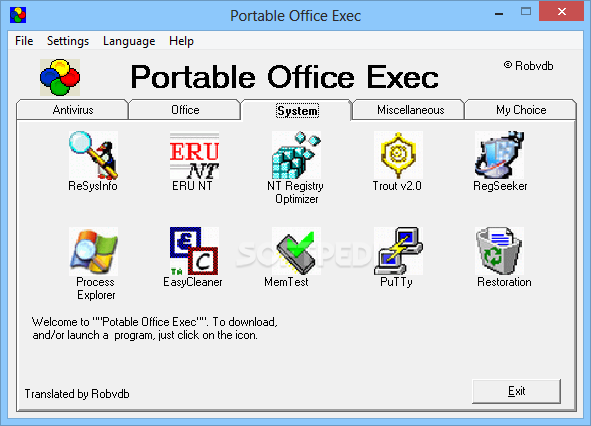
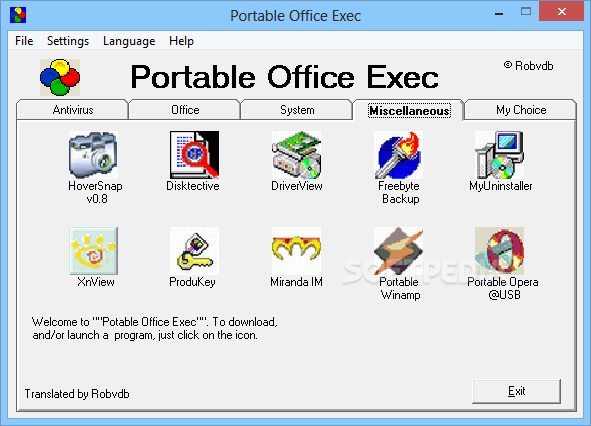
    The use is very simple. The first time you have to make sure you have an internet connection, because the application you want to start, will have to be downloaded first. You can start the application, just by clicking on the icon. While moving the mouse cursor over the icon, you will also see a short description of each program.

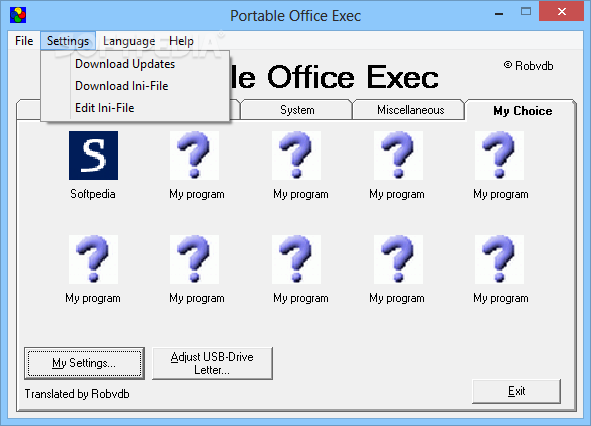
    The program has an PortOff.ini file. This file contains the web links to the download sites of the applications. If an internet address or filename should change, you can adjust this ini-file, and save the changes.

    The total size occupied on your USB key after downloading all programs will be approximately 130MB.

    There are 3 available versions:
    · PortableOffice.zip ( = zipped file)
    For use on an USB-key, it is best to use the zipped file, and use a zip/unzip program like winrar or winzip to extract the program to a location you specify, and start PortOffice.exe from that location.
    If you choose for the zip version, once the applications on the tabs "Office", "System" and "Miscellaneous" have been downloaded, they will not be downloaded again, when you want to run one of them again. The tab "Antivirus" will always try to download the program first, before starting it, to be assured, the program is always up-to-date.
    You could add an AUTORUN.INF. Todo so, create a file with the name of AUTORUN.INF, place it in the root folder of the USB-key. Extract PortableOffice.zip into a folder "PortableOffice". An example off an AUTORUN.INF could be as follows:

    [autorun]
    action=Launch Portable Office Exec
    icon=PortableOfficePortOffice.exe
    open=PortableOfficePortOffice.exe
    label=Robvdb
    includeRuntimeComponents=True

    · PortableOffice.exe ( = self extracting file)
    If you use the self extracting file, each time you close PortOffice.exe, all downloaded applications will be deleted again, meaning the downloading will start again, when you start the program.

    · PortOffExec Setup ( = installer)
    Those who want to have the install version download the installer. The PortOffInstall.exe will install Portable Office Exec on your local machine, but will not install any of the applications you pick from the program. Once the applications on the tabs "Office", "System" and "Miscellaneous" have been downloaded, they will not be downloaded again, when you want to run one of them again. The tab "Antivirus" will always try to download the program first, before starting it, to be assured, the program is always up-to-date.

    Known issues:
    When you attempt to run a Visual Basic (VB) application on a computer that is running Microsoft Windows NT 4.0, Microsoft Windows 2000 or Windows XP and you are not logged in as an Administrator or you do not have Administrator rights, you may receive the following error message:
    Component tabctl32.ocx or one of its dependencies not correctly registered: a file is missing or invalid.

    Users who are logged in as an Administrator or who have Administrator rights do not receive an error message.

    To resolve this problem, grant the user the necessary permissions to the control.

    PortOffice.exe will then register the ocx-files needed, and which come with the program, during the start-up of the program. Once PortOffice.exe is closed, the ocx-files which where registered during the start-up of the program, will be unregistered again, leaving nothing behind on the guest-machine.

    What's New in This Release: [ read full changelog ]

    · Because of some Portable apps changing from a normal xxx.zip file to an xxx.paf.exe I had to do some modifications to the program itself, as well as adding 7za.exe to the program to unzip this new format

     Softpedia guarantees that Portable Office Exec 1.2.3 is 100% CLEAN, which means it does not contain any form of malware, including spyware, viruses, trojans and backdoors. [read more >]


    TAGS:

    portable office | download utility | application launcher | portable | download | USB


    HTML code for linking to this page:


    Go to top

    Windows tabGames tabDrivers tabMac tabLinux tabScripts tabMobile tabHandheld tabGadgets tabNews tab

    SUBMIT PROGRAM   |   ADVERTISE   |   GET HELP   |   SEND US FEEDBACK   |   RSS FEEDS   |   ENTER NEWS SITE   |   ENGLISH BOARD   |   ROMANIAN FORUM