
A clipboard tool that remembers a couple of your entries, allowing you to choose and paste any of them, text or otherwise, in just minutes. #Clipboard enhancer #Clipboard enhancement #Monitor clipboard #Clipboard #Paste #Copy

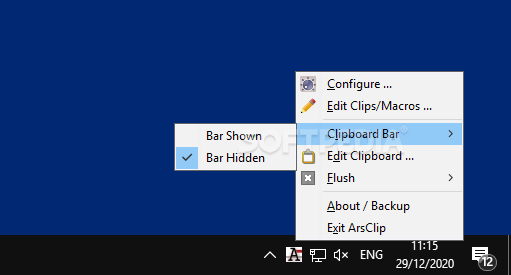
Portable ArsClip is a helpful tool for individuals that make use of the clipboard as much as it is possible. It enhances it by adding the possibility to access some of the copied content, allowing one to have multiple instances available for pasting into whatever scenario there is. It basically allows one to become more productive, avoiding unnecessary runs to the initial copy source.
The best aspect about this program is it does not bother the user with useless information. It can be accessed from within the System Tray in a few seconds. Choose if you want to have the associated clipboard bar hidden or shown, if you want to edit the clipboard itself, flush its contents or edit using Macros. The configuration menu can also be accessed from here, allowing the user to adjust the app for a more tailored fill.
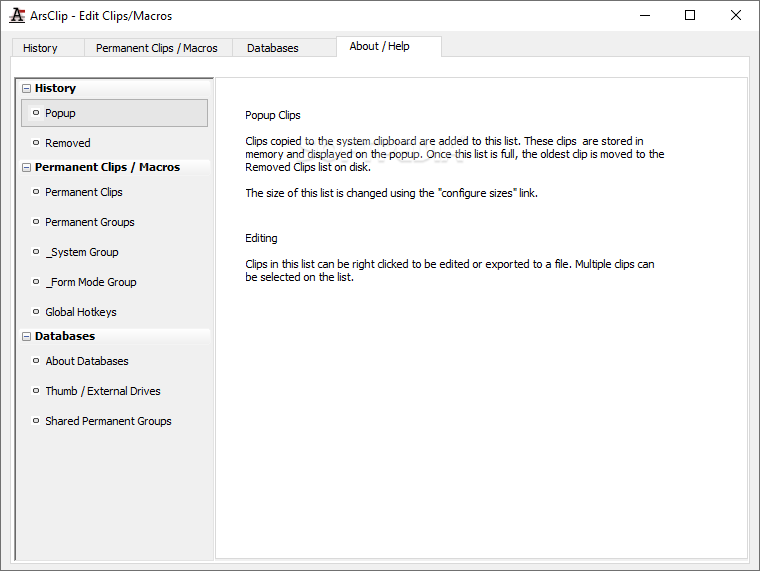
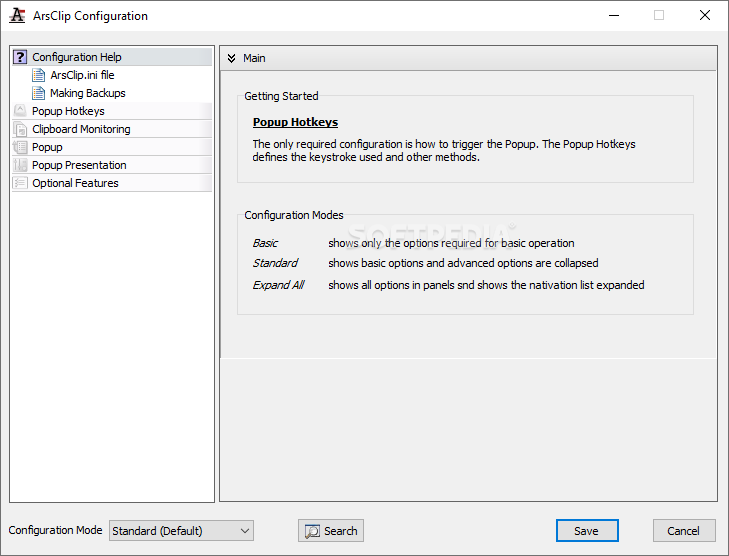
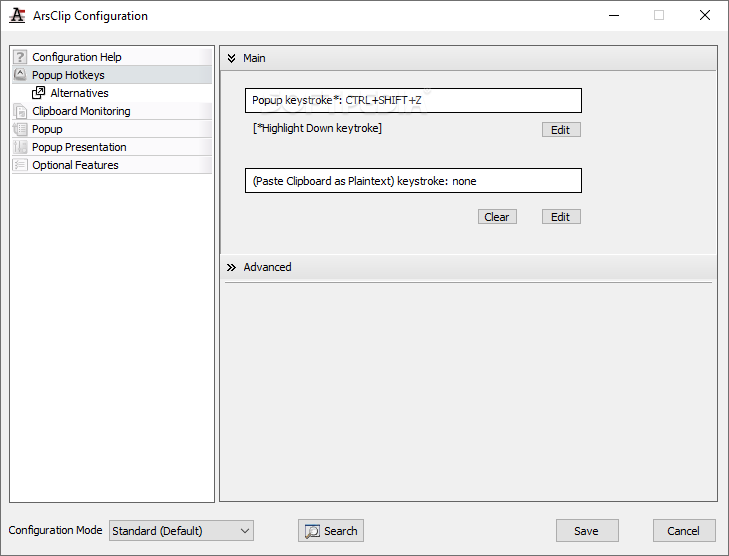
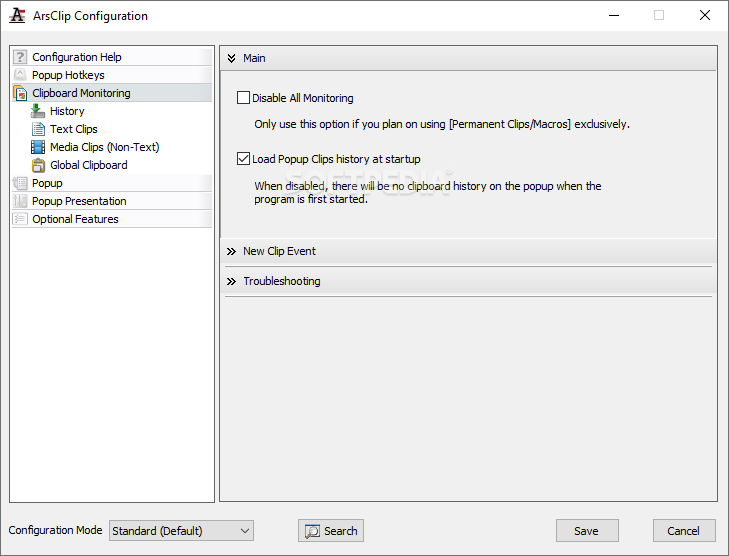
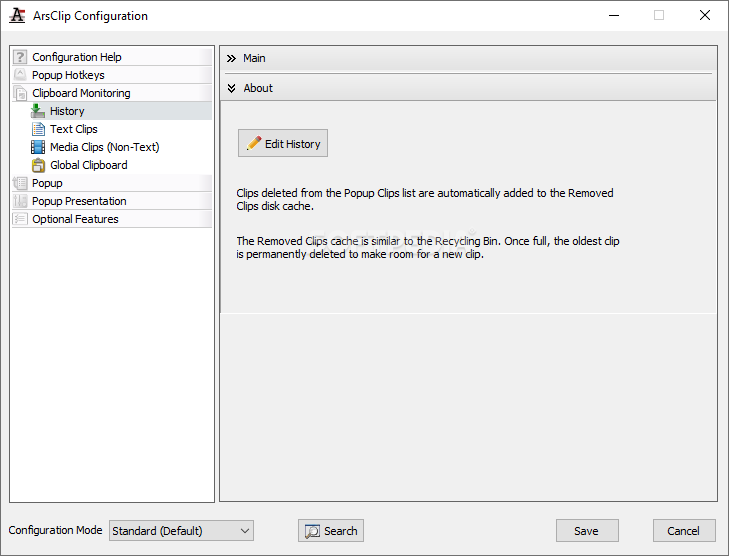
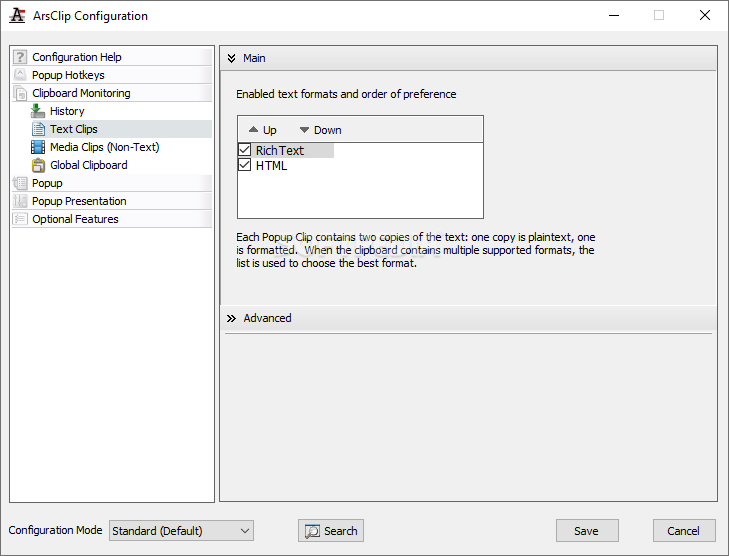
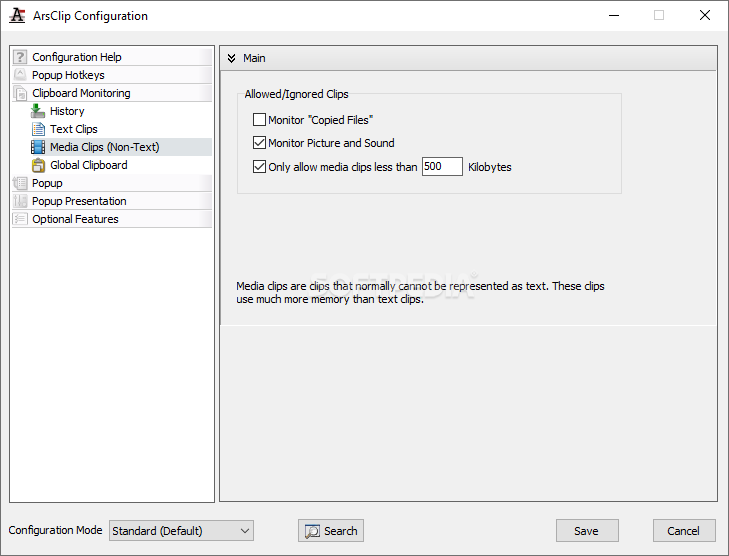
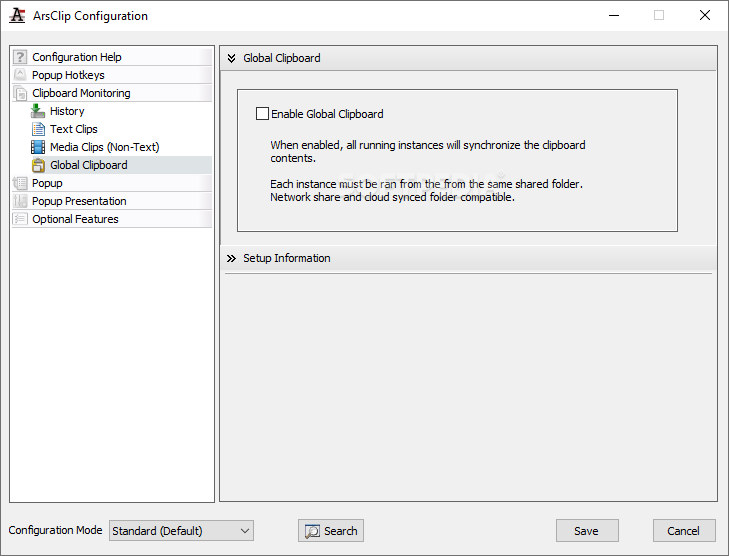
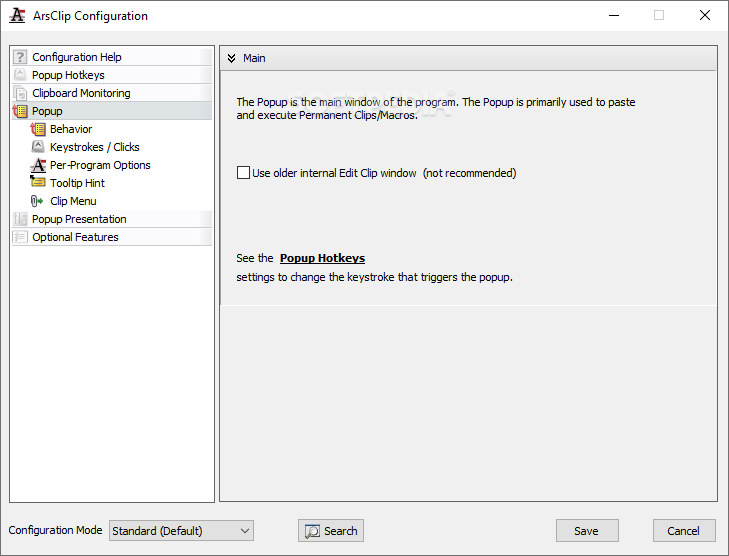
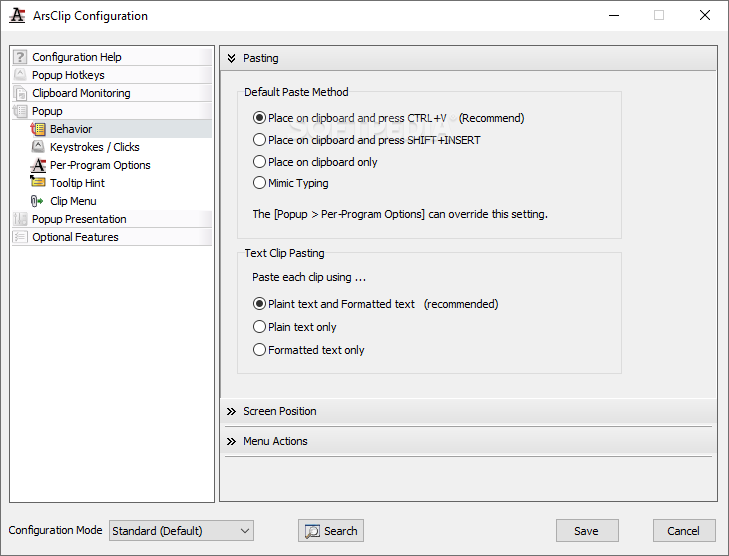
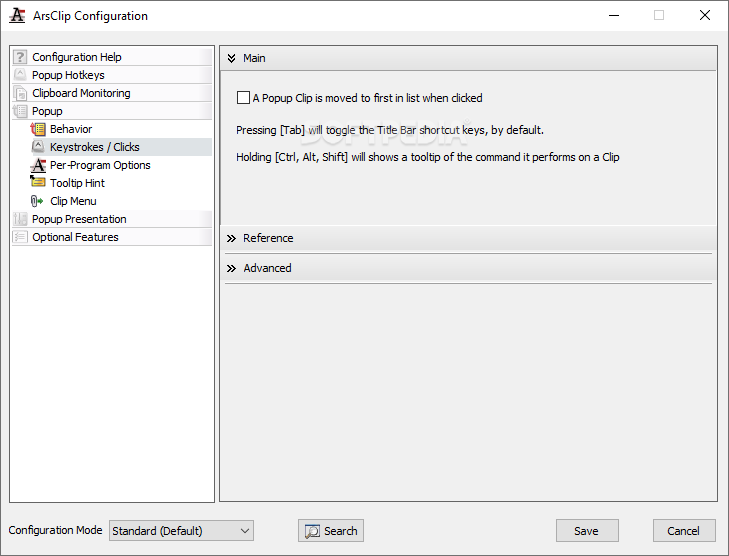
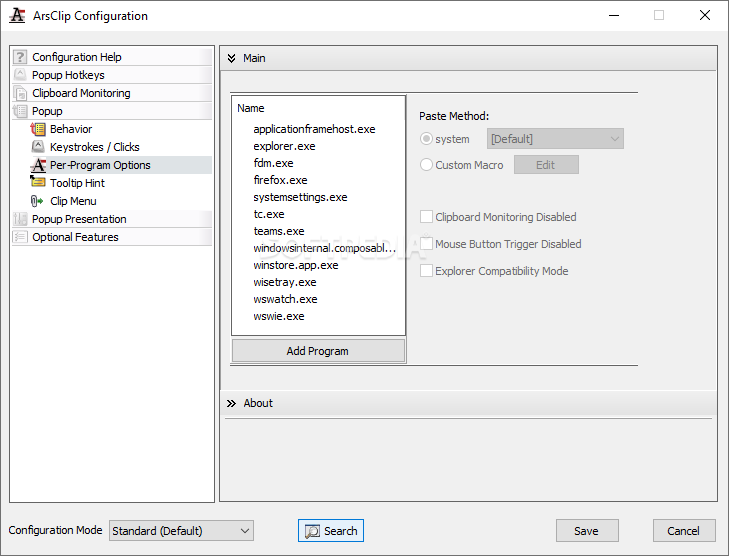
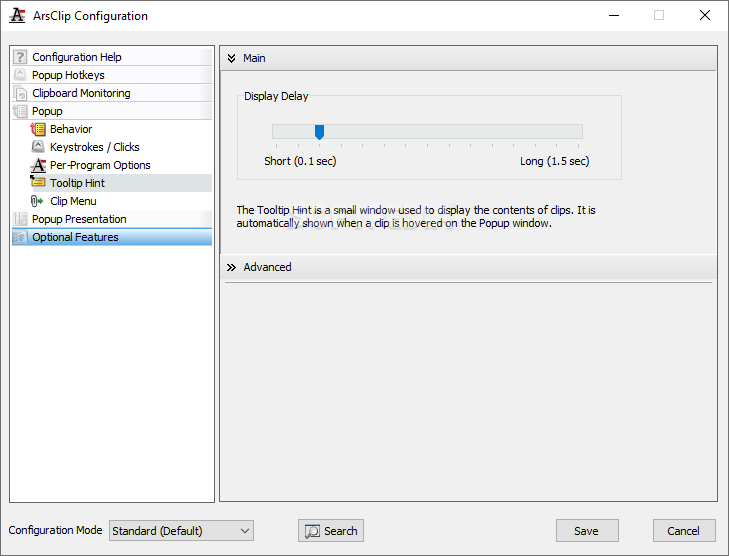
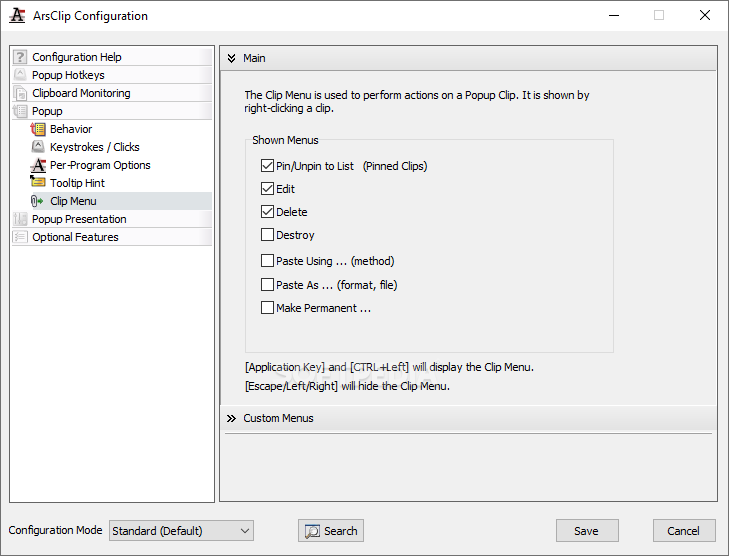
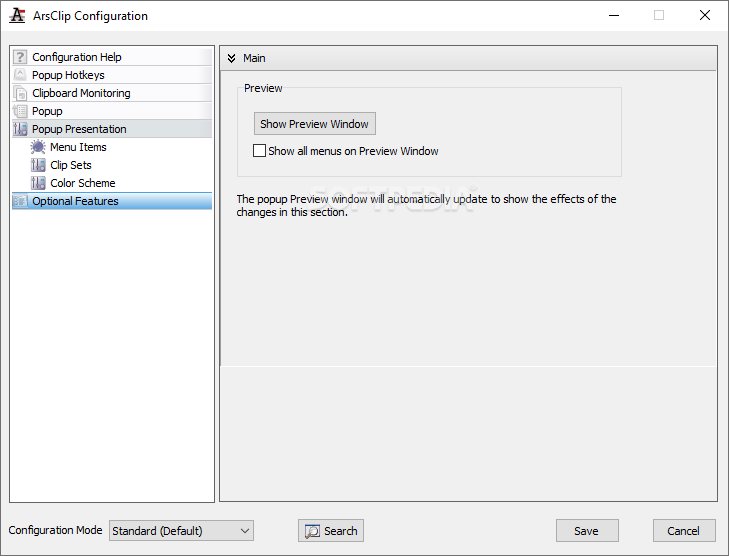
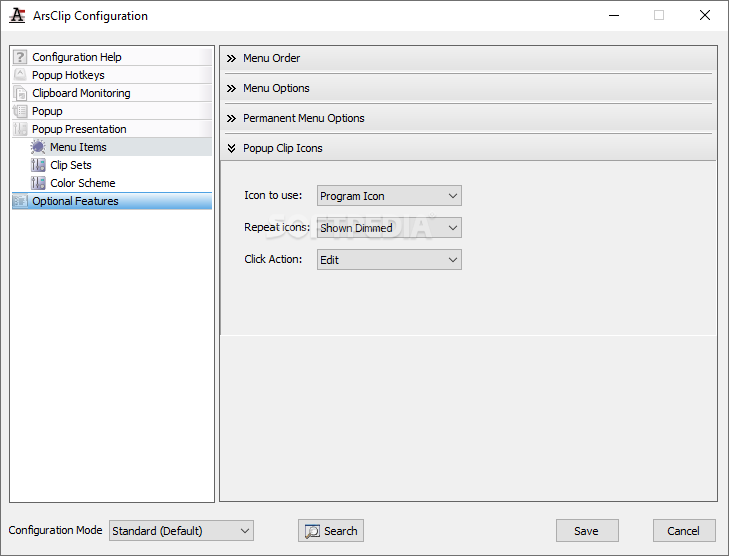
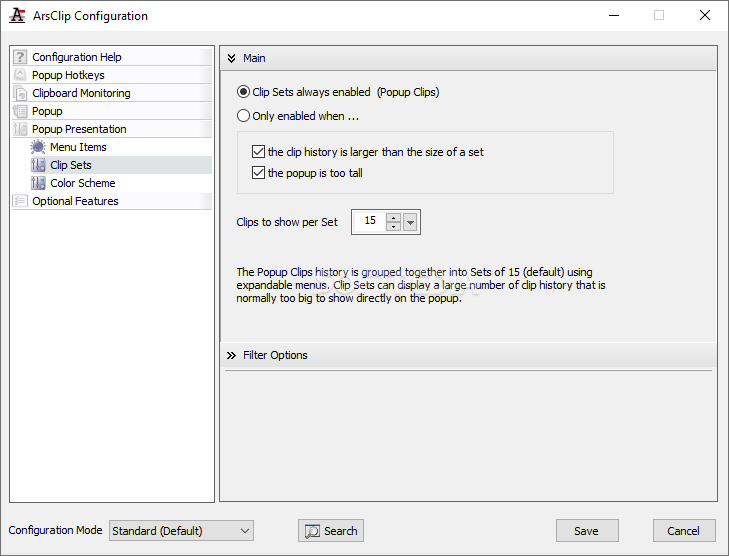
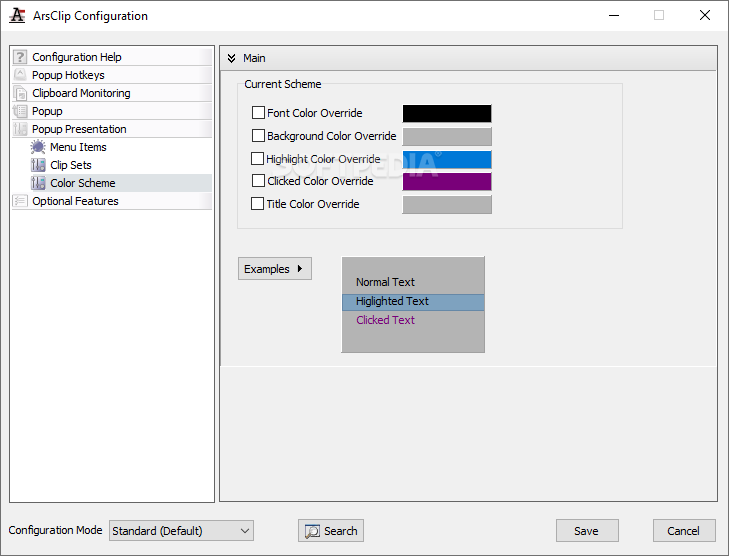
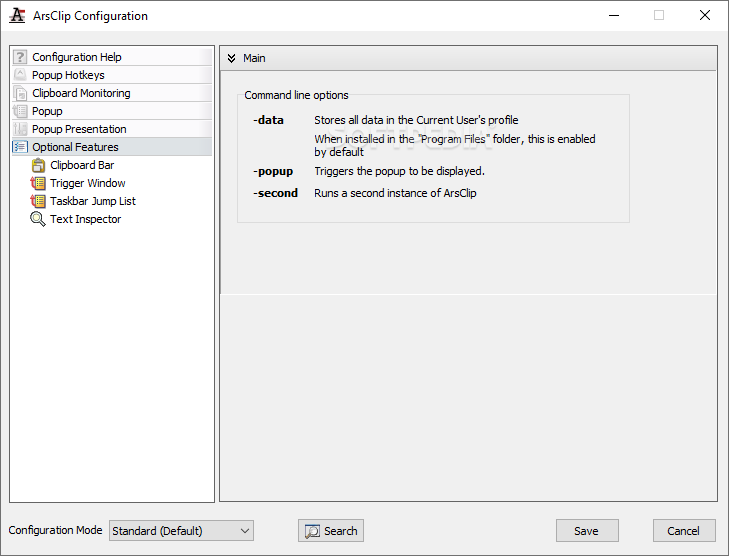
The configuration menu offers a lot of ways in which one can adjust the program's behavior. Manage popup clips and edits. Check the Macros area for adjustments that have to do with permanent clips or groups. System groups can also be changed from here, as well as general usage of Hotkeys and combination assignment.
This tool also features information about used databases and some functions dealing with external drives or thumb drives because, as you probably figured out when reading the name of the app, it's portable. All this clipboard power can be carried with you for use with any PC on a simple USB stick.
Portable ArsClip is a valued ally in the battle against time when using the clipboard to its max, trying to sort through transferred content as best you can. The added portability perk only makes it more attractive, which is why it probably is amongst the best choices when it comes to enhancing your clipboard.
What's new in Portable ArsClip 5.40 Build 8837-2258:
- Window: Popup:
- Fix: issue with slack space being too large
- Misc:
Portable ArsClip 5.40 Build 8837-2258
add to watchlist add to download basket send us an update REPORT- portable version
- This is the portable version of the application. An installable version is also available: ArsClip
- runs on:
-
Windows 11
Windows 10 32/64 bit
Windows 8 32/64 bit
Windows 7 32/64 bit
Windows Vista 32/64 bit
Windows XP 32/64 bit - file size:
- 4.8 MB
- filename:
- acv540.zip
- main category:
- Portable Software
- developer:
- visit homepage
4k Video Downloader

calibre

Context Menu Manager

7-Zip

Microsoft Teams

Bitdefender Antivirus Free

ShareX

Windows Sandbox Launcher

Zoom Client

IrfanView

- Windows Sandbox Launcher
- Zoom Client
- IrfanView
- 4k Video Downloader
- calibre
- Context Menu Manager
- 7-Zip
- Microsoft Teams
- Bitdefender Antivirus Free
- ShareX