
Run defragmentation tasks across the while hard drive, individual partitions or specific files and folders using this tool that can perform error checkups. #Drive defragmentation #Defrag file #Folder defragmenter #Defragmenter #Defragger #Defragment

Portable Defraggler is a software which enables you to defragment your hard drive, thus freeing space and speeding up the hard disk functioning.
Since it is a portable product, Defraggler doesn't require installation. You can simply place it on an external device and run it on any computer. More importantly, your Windows registry keys will not be modified.
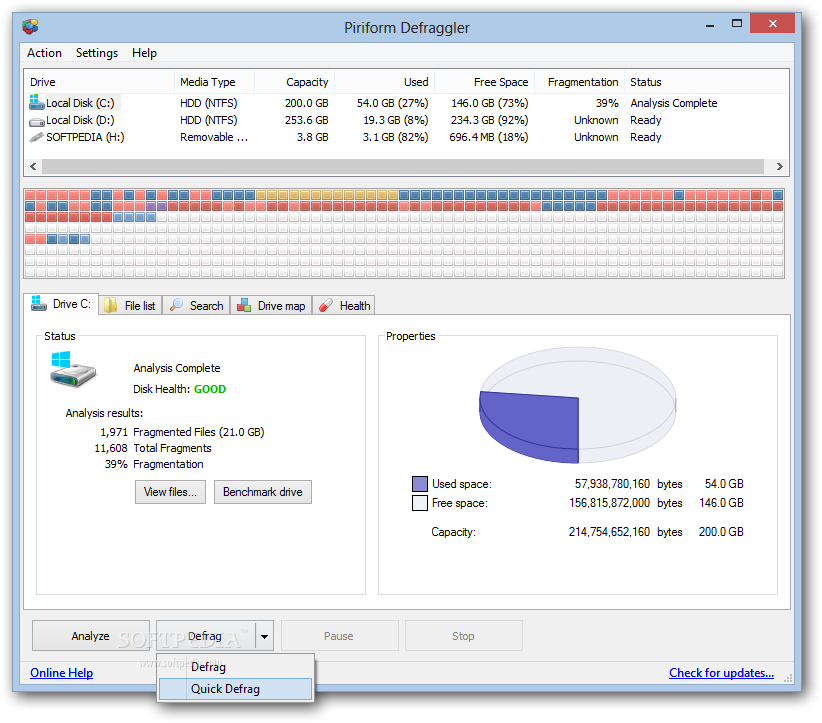
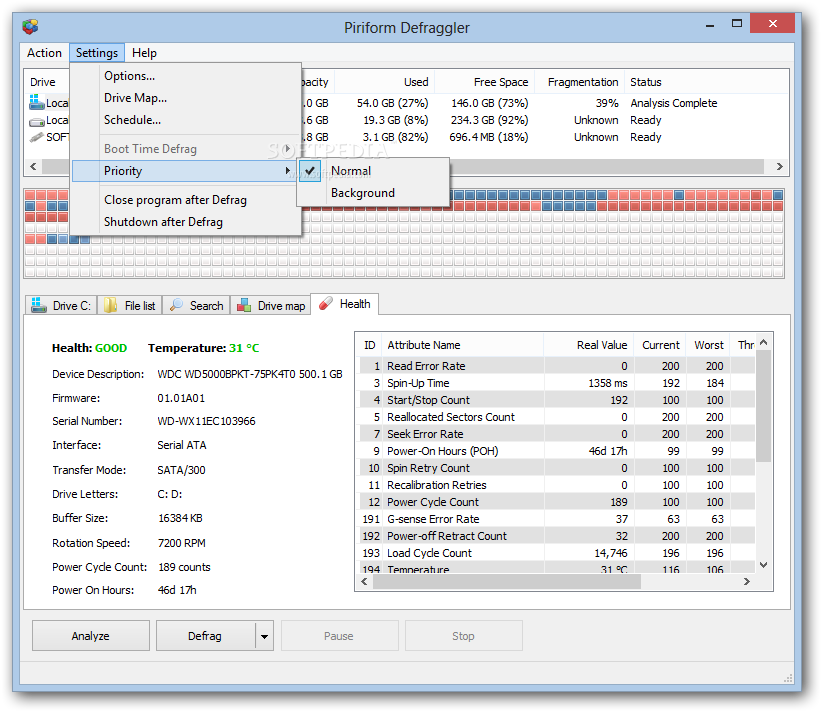
The user interface of the application is simple and easy to use. You can select a volume to analyze or defragment (normally or quickly).
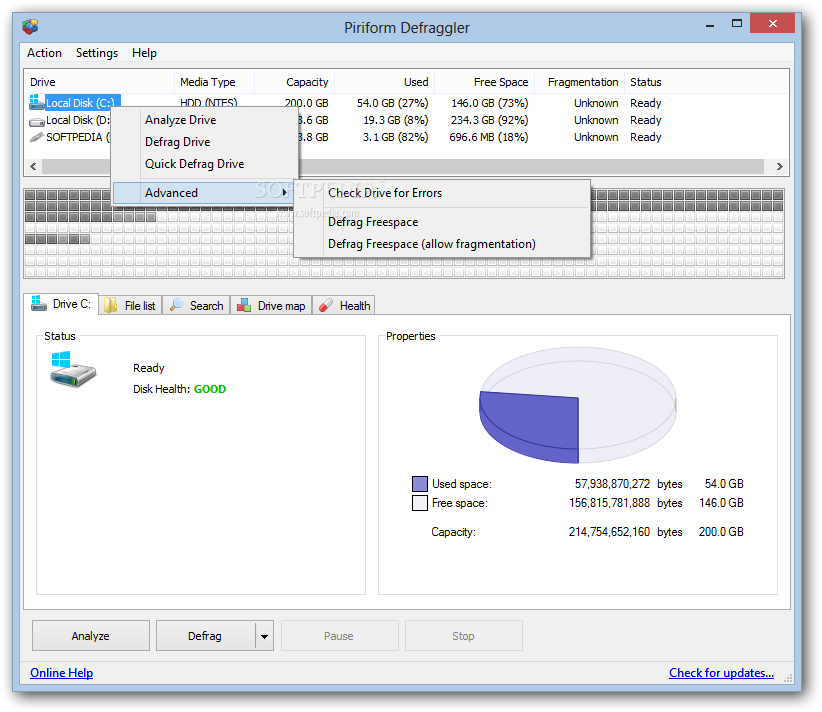
You can also check the drive for errors, defrag free space and optionally allow fragmentation. Next to the volume names you can view their file system type, capacity, used and free space, as well as fragmentation and status.
Right below the visual representation of the defragmenting process you can check out analysis results, which consist of total and current fragments, fragmented files and fragmentation.
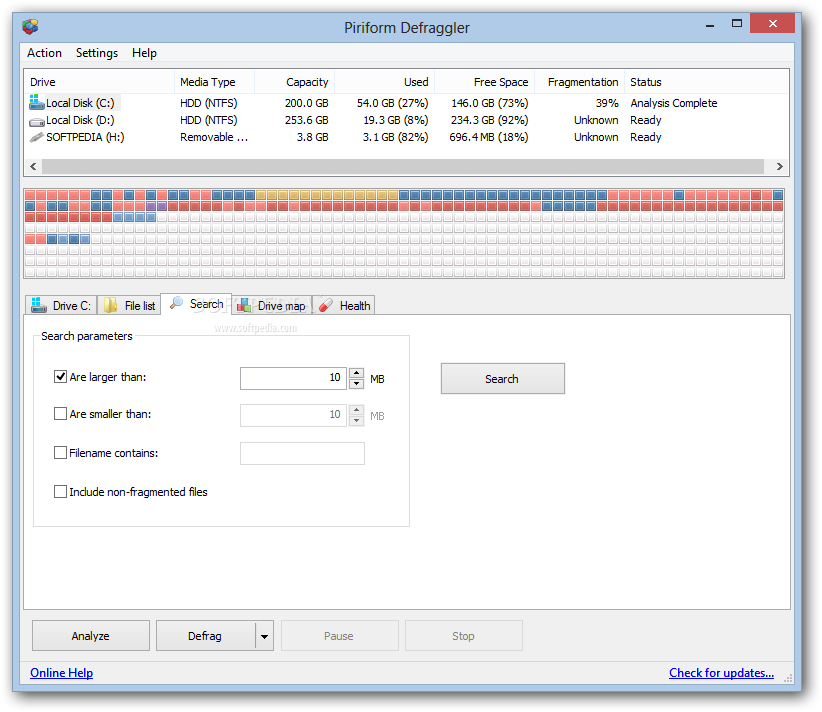
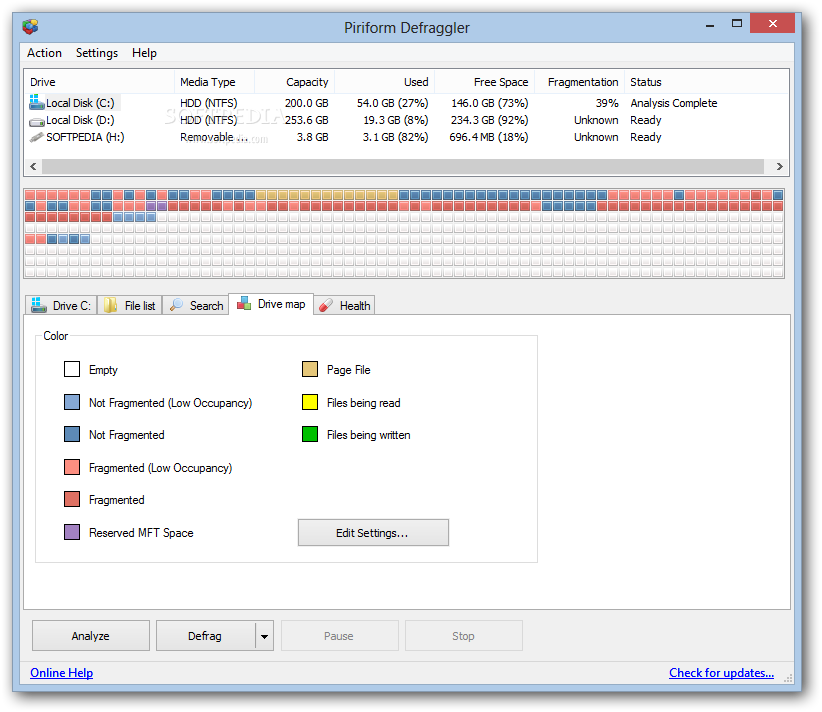
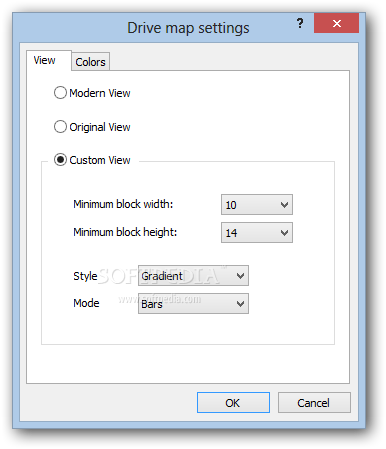
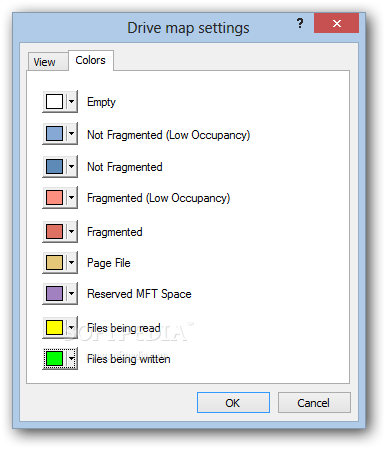
You can view a list of the files, along with their fragments number, size and path, drive map, health, temperature and other S.M.A.R.T. information (e.g. read error rate, spin-up time, command timeout, buffer size, drive letters, transfer mode, power on hours). Also, you can filter search parameters.
You can schedule a defragmenting task, initiate boot time defrag, set priority and enable Defraggler to shut down the computer once it's done working.
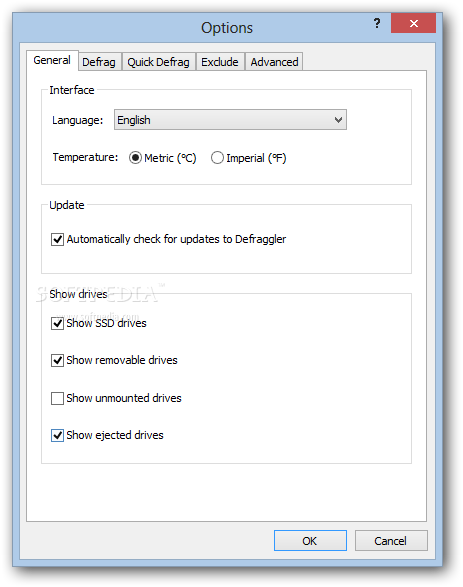
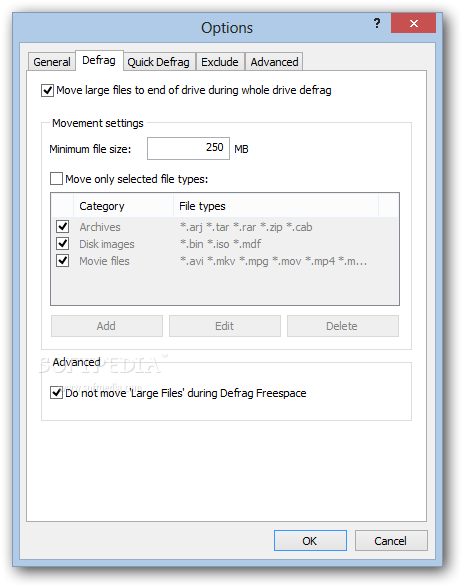
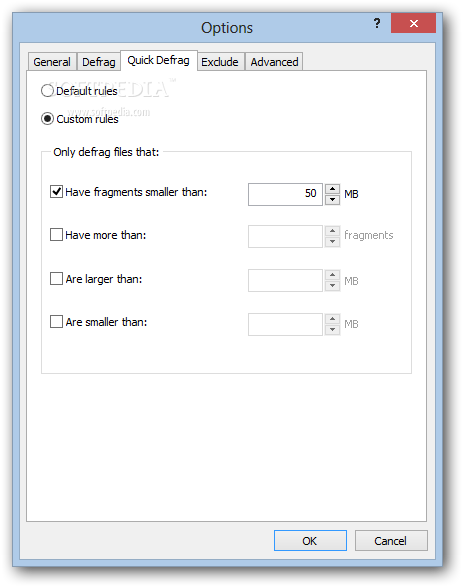
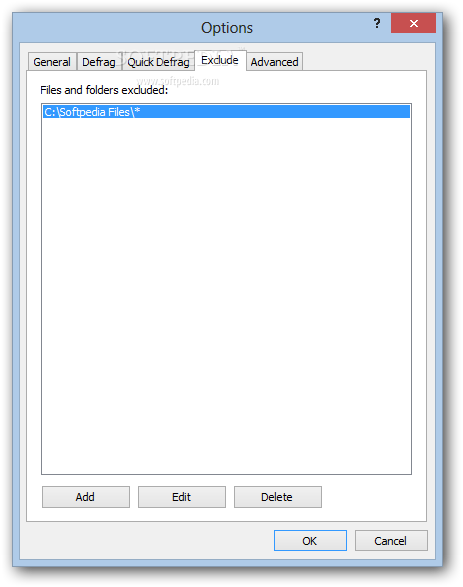
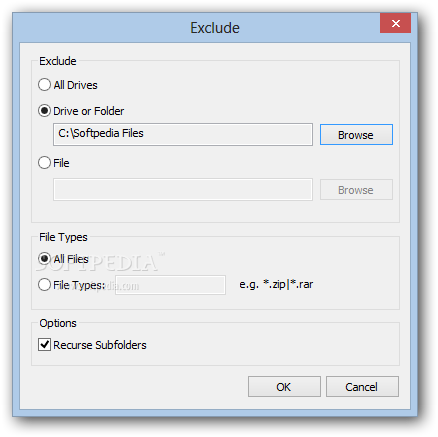
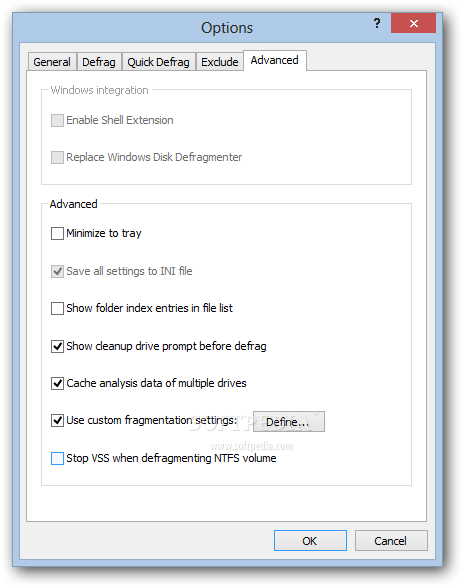
In the "Options" menu, you can select the interface language, temperature unit, disable Portable Defraggler from automatically checking for updates, enable to move large files to the end of the drive during the entire task, set custom rules, create an exclusion list, and more.
You will be interested to know that the program uses a moderate amount of system resources and has an online help guide. In conclusion, Portable Defraggler is an excellent tool for performing defragmenting operations and we strongly recommend it to all users.
What's new in Portable Defraggler 2.22.995:
- Fixed a bug that caused a scheduled defrag to fail silently
- Improved SSD detection for newer SSD devices
- Improved SSD detection for laptops
- Added new Privacy menu Installer
Portable Defraggler 2.22.995 / v2.22.33 Upd 1 Rev 2 PortableApps
add to watchlist add to download basket send us an update REPORT- PRICE: Free
- portable version
- This is the portable version of the application. An installable version is also available: Defraggler
- runs on:
-
Windows 10 32/64 bit
Windows 8 32/64 bit
Windows 7 32/64 bit
Windows Vista 32/64 bit
Windows XP 32/64 bit - file size:
- 5.5 MB
- filename:
- dfsetup222.zip
- main category:
- Portable Software
- developer:
- visit homepage
IrfanView

ShareX

Zoom Client

Bitdefender Antivirus Free

4k Video Downloader

calibre

7-Zip

Microsoft Teams

Context Menu Manager

Windows Sandbox Launcher

- Microsoft Teams
- Context Menu Manager
- Windows Sandbox Launcher
- IrfanView
- ShareX
- Zoom Client
- Bitdefender Antivirus Free
- 4k Video Downloader
- calibre
- 7-Zip