
A reliable software solution that can help you in a wide variety of manners by providing you with a planner, a diary, contact-management abilities and other useful functions #Manage notes #Keep diary #Information manager #Journal #Diary #Note

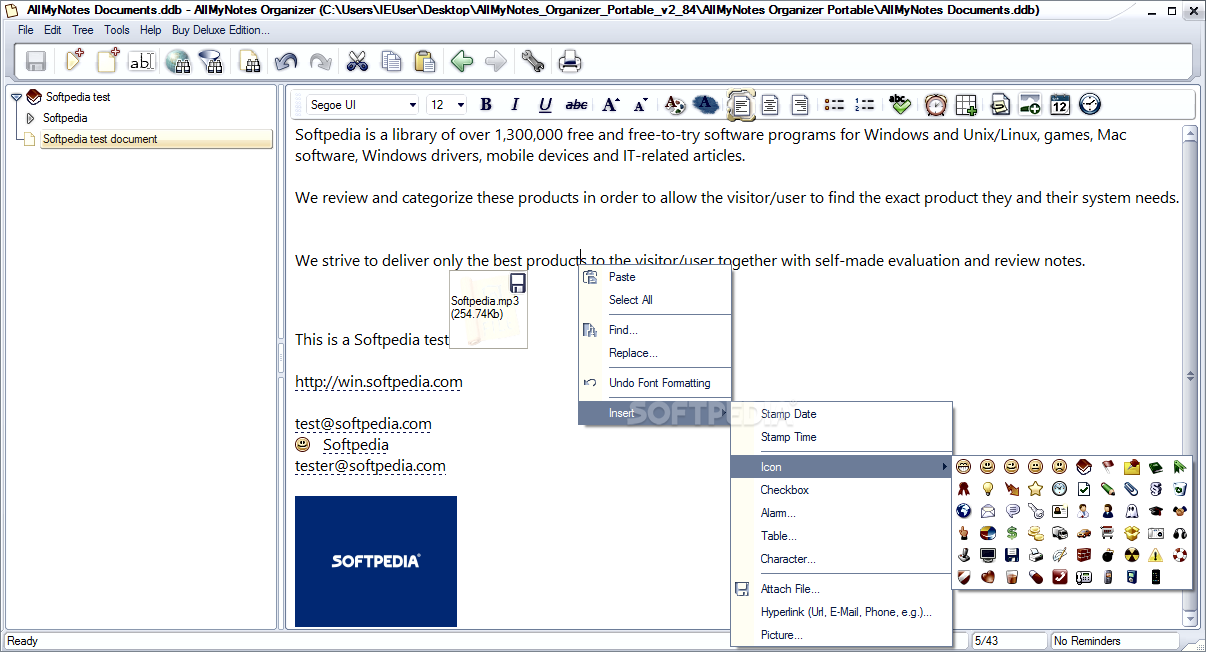
AllMyNotes Organizer Portable is a tool that allows you to easily manage your schedule by taking notes in a user-friendly environment.
Since installation is not required, you can simply place AllMyNotes Organizer Portable on a removable device (like a USB flash drive), plug it into any computer and directly run its executable file. What's more important is the fact that your Windows registry keys will not be changed.
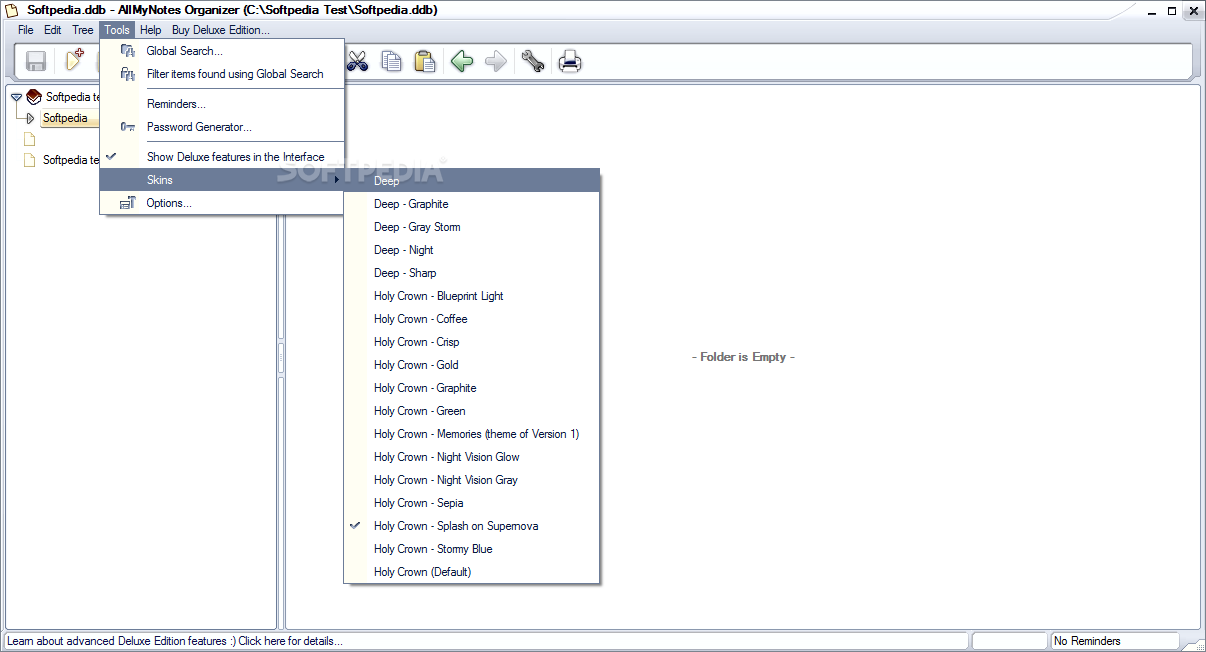
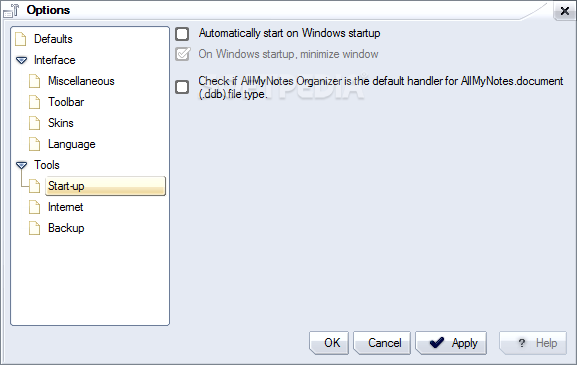
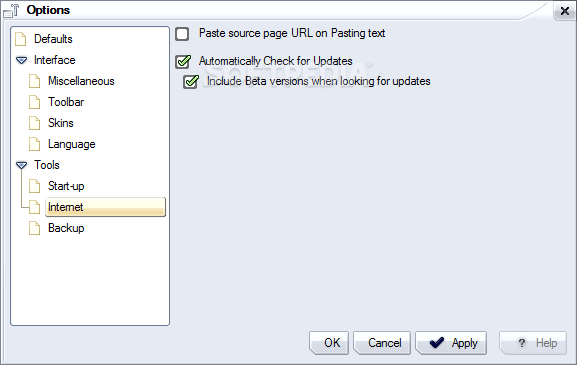
The interface of the application is clean and intuitive. Upon initialization, you can use the quick start wizard to select the preferred language and skin, pick the major usages that you are interested in (e.g. family records, password and bookmark management, personal), as well as enable AllMyNotes Organizer to automatically run at Windows startup and check for updates online.
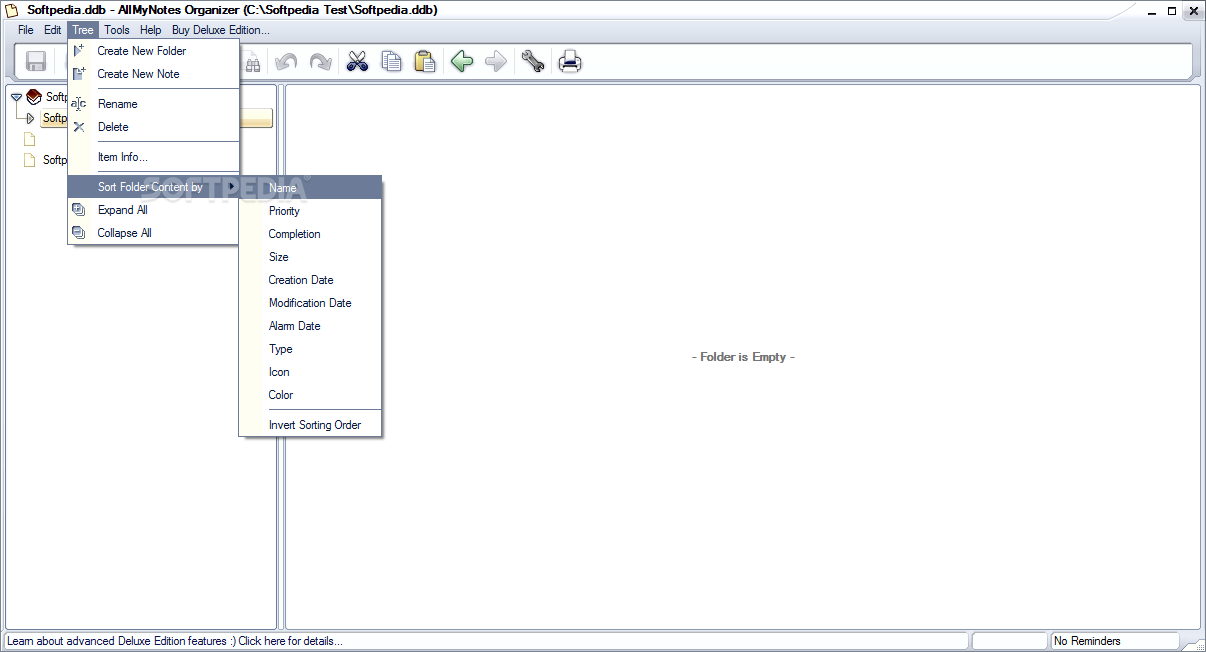
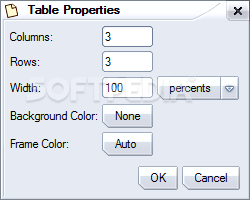
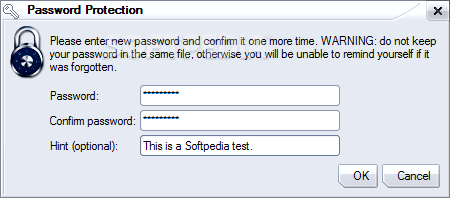
You can create notes and new folders, change icons and colors, mark tasks as completed, set passwords and priority levels, view item information, rename folders and sort folder content by specific criteria (e.g. name, completion, size).
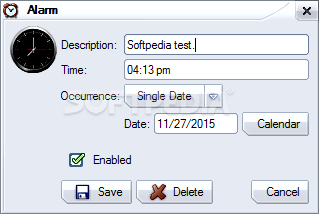
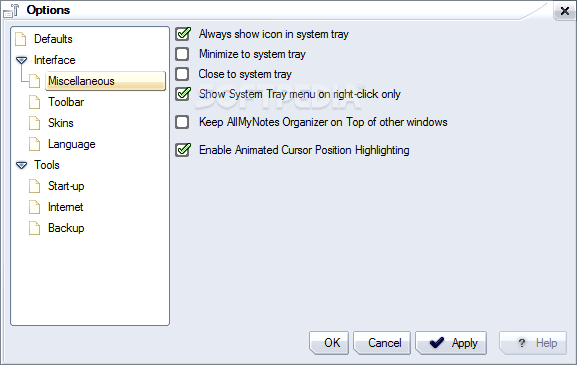
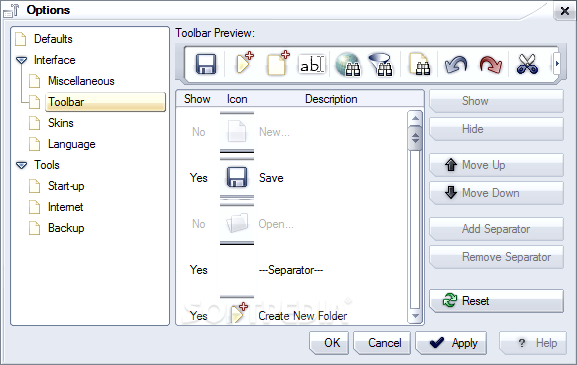
On top of that, you can set a program password, import and export notes, use a search function, view active reminders, use a password generator, fully customize the interface, and more.
The program takes up a low-to-moderate amount of system resources, includes a comprehensive help file (too bad it doesn't have snapshots), has a good response time and didn't cause us any difficulties during our tests. We highly recommend AllMyNotes Organizer Portable to all users.
What's new in AllMyNotes Organizer Portable 4.11 Build 1277 Beta:
- Improvements:
- The Alarm/Reminder icon in the text editor now appears as half-transparent when disabled, allowing for easy visual identification.
AllMyNotes Organizer Portable 3.52 / 4.11 Build 1277 Beta
add to watchlist add to download basket send us an update REPORT- portable version
- This is the portable version of the application. An installable version is also available: AllMyNotes Organizer Deluxe Edition
- runs on:
-
Windows 11
Windows 10 32/64 bit
Windows 8 32/64 bit
Windows 7 32/64 bit
Windows Vista 32/64 bit
Windows XP 32/64 bit - file size:
- 5.1 MB
- filename:
- AllMyNotes_Organizer_Portable_v3_52.zip



- main category:
- Portable Software
- developer:
- visit homepage
Zoom Client

IrfanView

Bitdefender Antivirus Free

7-Zip

Windows Sandbox Launcher

calibre

Microsoft Teams

4k Video Downloader

ShareX

Context Menu Manager

- 4k Video Downloader
- ShareX
- Context Menu Manager
- Zoom Client
- IrfanView
- Bitdefender Antivirus Free
- 7-Zip
- Windows Sandbox Launcher
- calibre
- Microsoft Teams