
Customize, tweak and optimize your computer's Windows 10 OS and fiddle about with some security features, all with the help of this versatile utility #Cusomize OS #Tweak OS #Windows Tweaker #Tweaker #Registry #Optimize

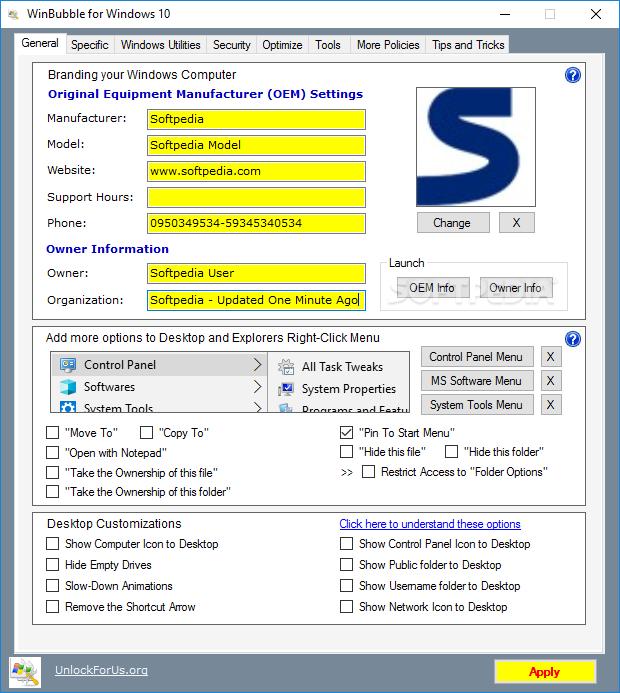
Software solutions designed to help you tweak Windows have evolved so much that it's now a rather easy task to fine-tune your operating system, not to mention that most of them come with backup tools so you're safer as well.
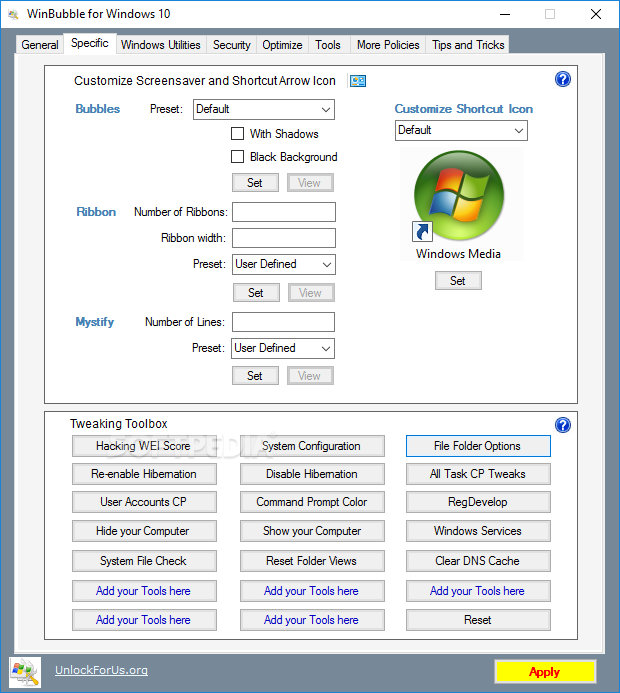
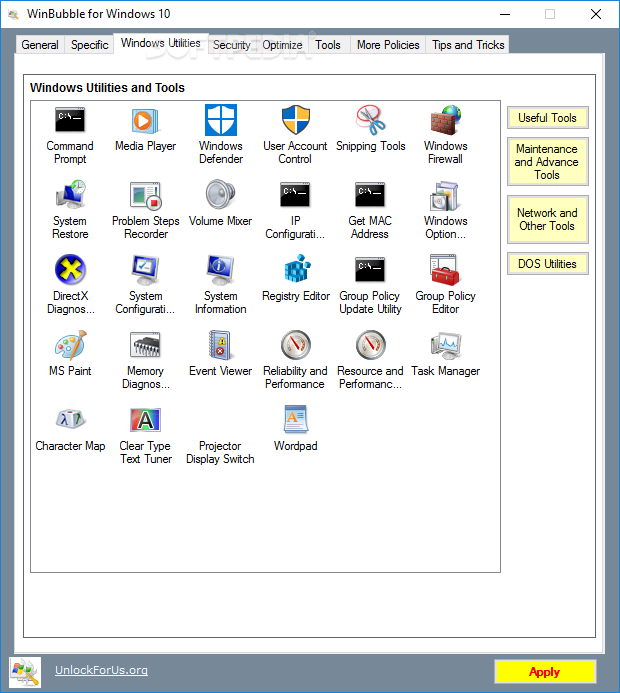
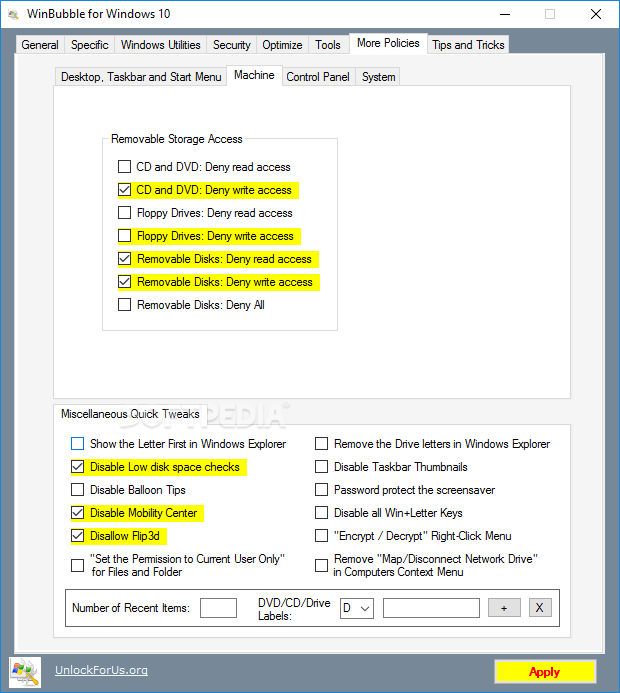
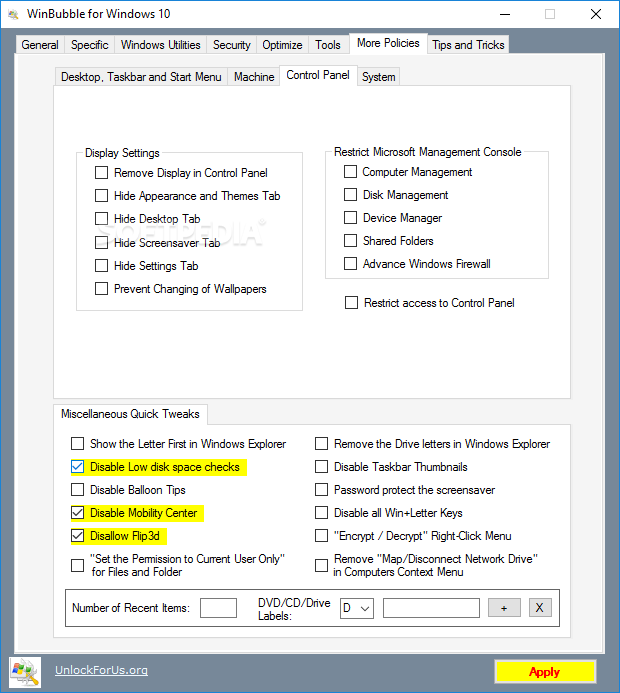
WinBubble is one of the tools supposed to let you change, well, everything about your operating system. You may find the interface a bit overwhelming when you first see it, but features are actually neatly organized in the main window.
The 'General' tab hosts multiple options to be added to the Windows Explorer Context Menu, but also some desktop customizations, including the possibility to enable welcome center during startup, hide empty drives or remove the shortcut arrow.
The 'Windows 7' section gives you the power to change the welcome screen with either one of the built-in images or one that's stored on your hard disk.
It all worked quite well during our test, but keep in mind that you will need to restart the computer to apply the changes.
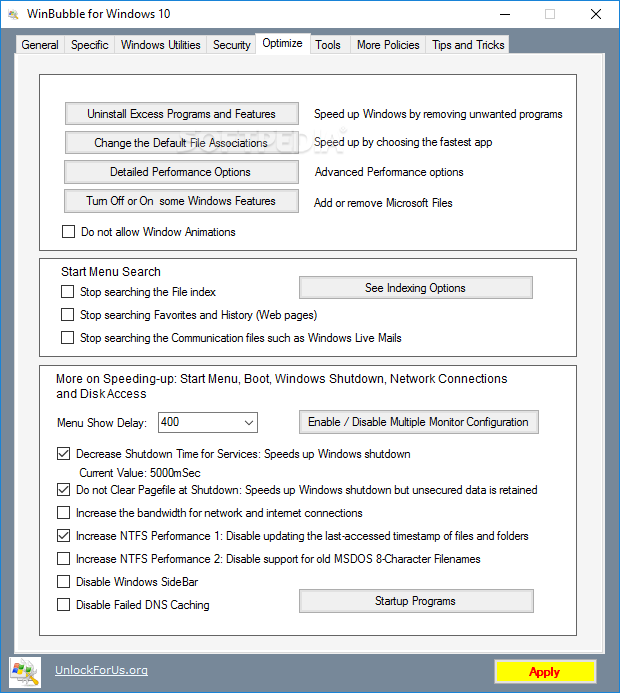
Of course, there are also so optimization tools, so you can also disable Desktop Composition, block Window Animations, disable failed DNS caching, increase the bandwidth for network and Internet connection and much more.
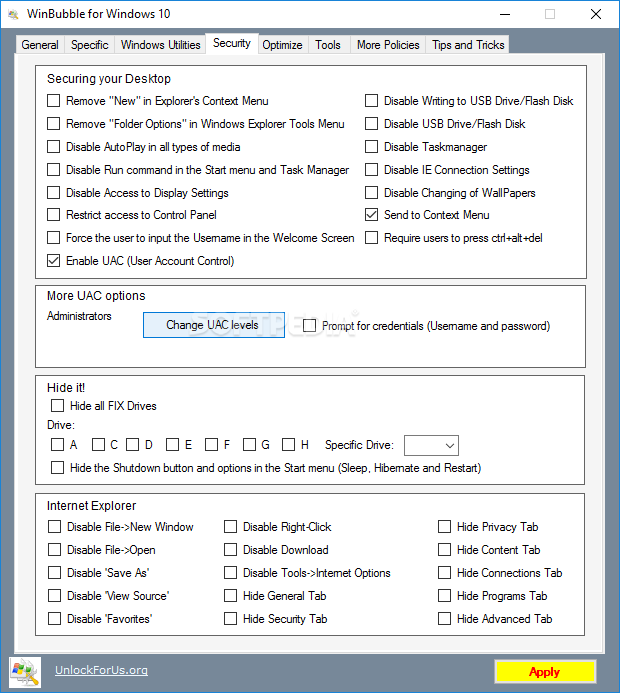
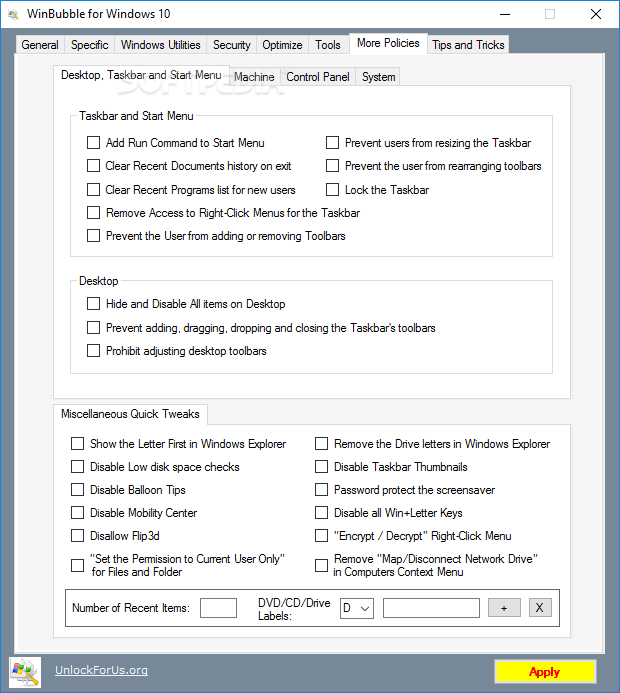
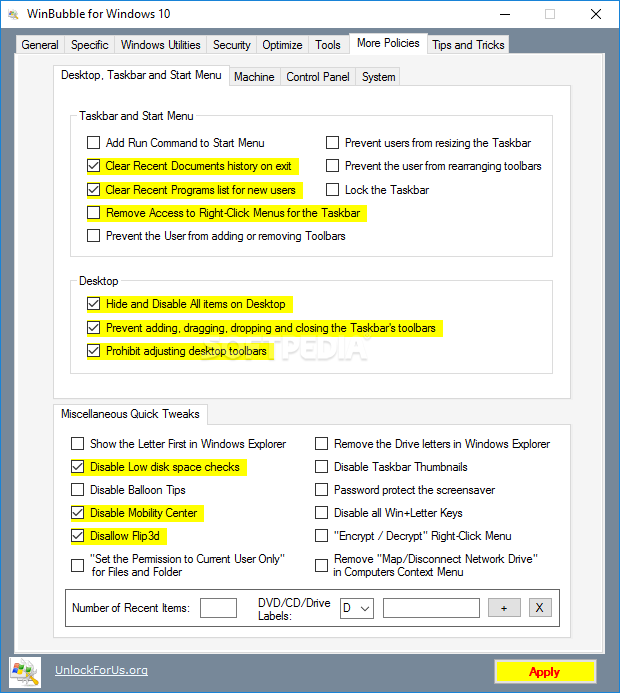
The security tab comes with features addressed to both Internet Explorer and the desktop, so you can either disable some browser functions or play a little bit with the things you see on your desktop.
Overall, WinBubble has tons of functions, which means you'll need some time before discovering them all. Besides the visual enhancements, the program comes with many Microsoft Management Console, system or CTRL+ALT+DEL options.
You're on the safe side all the time, so don't be afraid that you may break down your computer, as WinBubble automatically creates a Restore Point when it loads.
In conclusion, this software solution has all the chances to become a top player in this category. The abundance of features, coupled with the great ease of use can surely make this app a keeper.
What's new in WinBubble for Windows 10 2.5:
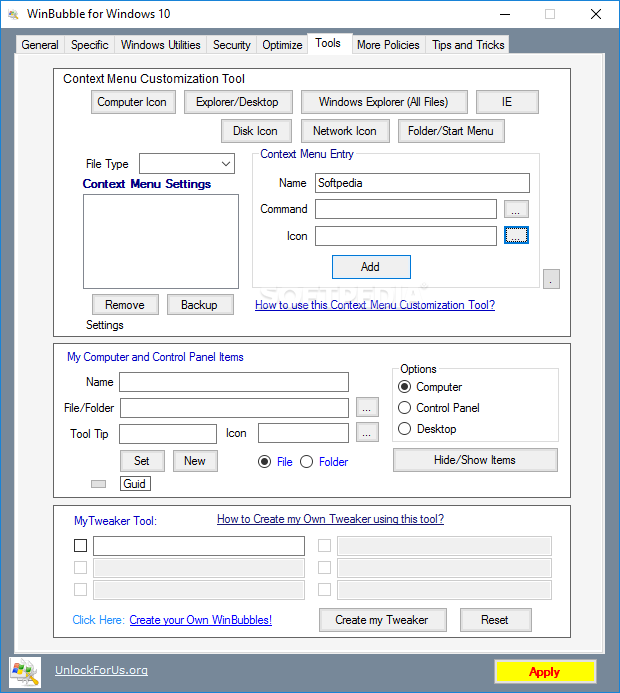
- NEW Context Menu customization
- The entire program was updated and designed for Windows 10 only
WinBubble for Windows 10 2.5
 Softpedia Editor's Pick
add to watchlist
add to download basket
send us an update
REPORT
Softpedia Editor's Pick
add to watchlist
add to download basket
send us an update
REPORT
- runs on:
-
Windows 10 32/64 bit
Windows 8 32/64 bit
Windows 7 32/64 bit
Windows Vista 32/64 bit
Windows XP - file size:
- 549 KB
- filename:
- WinBubble.zip

- main category:
- Tweak
- developer:
- visit homepage
ShareX

Zoom Client

IrfanView

Bitdefender Antivirus Free

Windows Sandbox Launcher

4k Video Downloader

Context Menu Manager

calibre

7-Zip

Microsoft Teams

- calibre
- 7-Zip
- Microsoft Teams
- ShareX
- Zoom Client
- IrfanView
- Bitdefender Antivirus Free
- Windows Sandbox Launcher
- 4k Video Downloader
- Context Menu Manager