
Set the priority of running processes, monitor RAM usage and manage active applications to improve your computer's performance and responsiveness. #Prioritize Process #Process Manager #Execute Process #Process #Priority #Optimizer

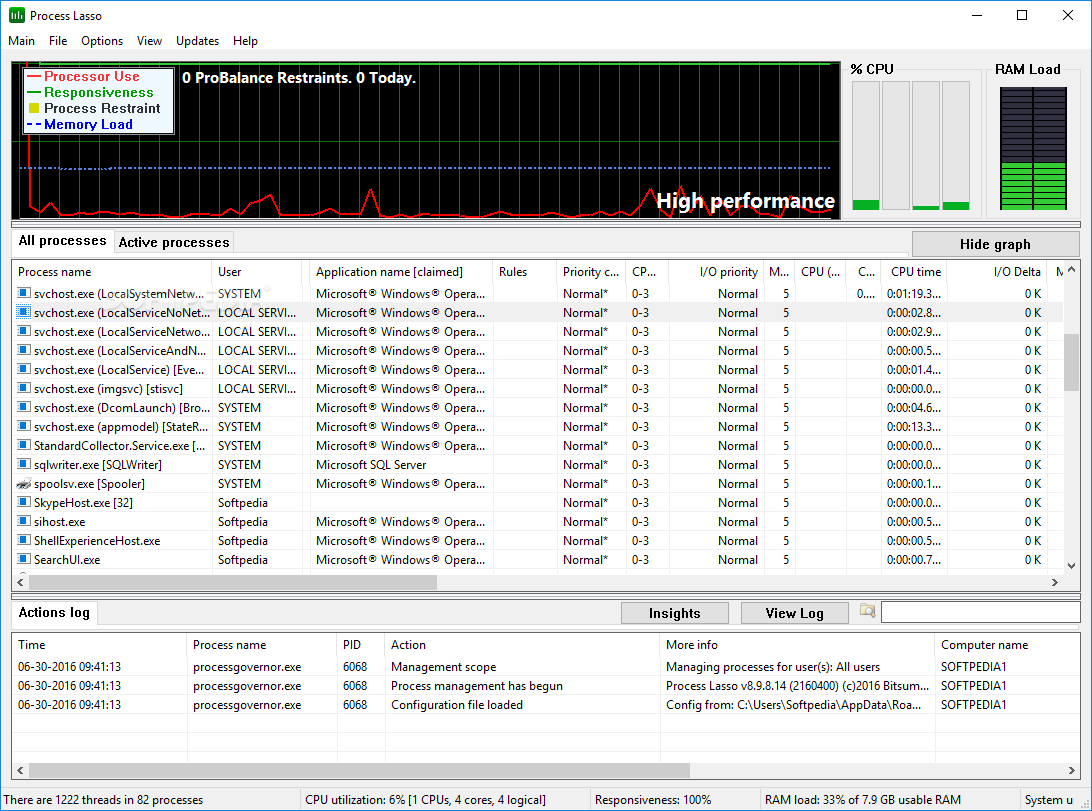
Everyone uses their computer differently, and this is why there is not one-size-fits-all solution when it comes to customizing your PC to cater for specific apps and scenarios. Process Lasso is a tool that lends a hand with this, as it is a system optimization and automation utility that helps enhance system responsiveness and performance by dynamically adjusting the allocation of CPU resources to running processes.
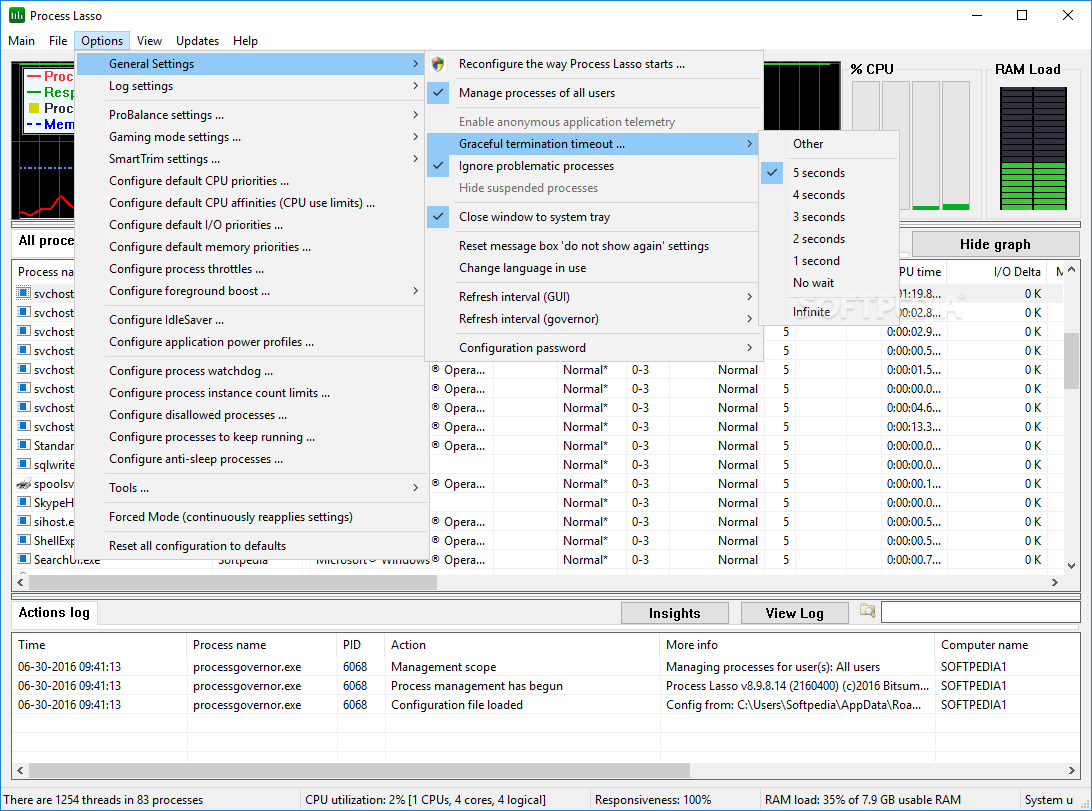
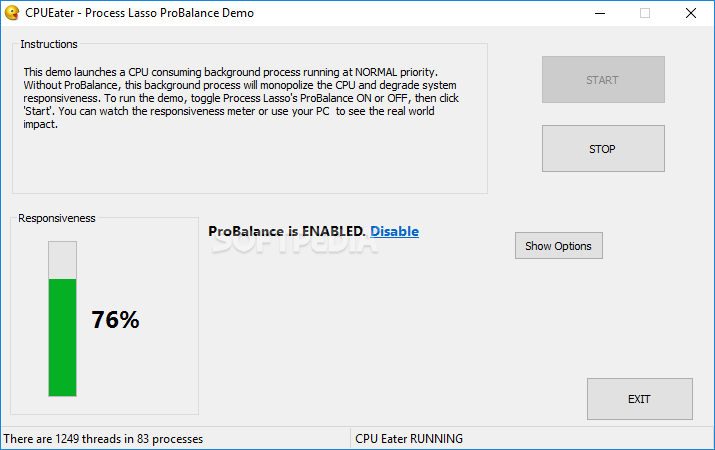
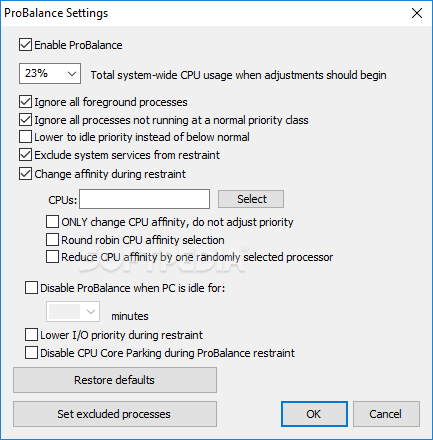
At the core of its performance optimization features is ProBalance, an intelligent mechanism designed to ensure system responsiveness even under the strain of high CPU loads. ProBalance dynamically adjusts the CPU affinity and priority of processes, preventing any single process from monopolizing system resources and thereby maintaining a smooth user experience during resource-intensive tasks.
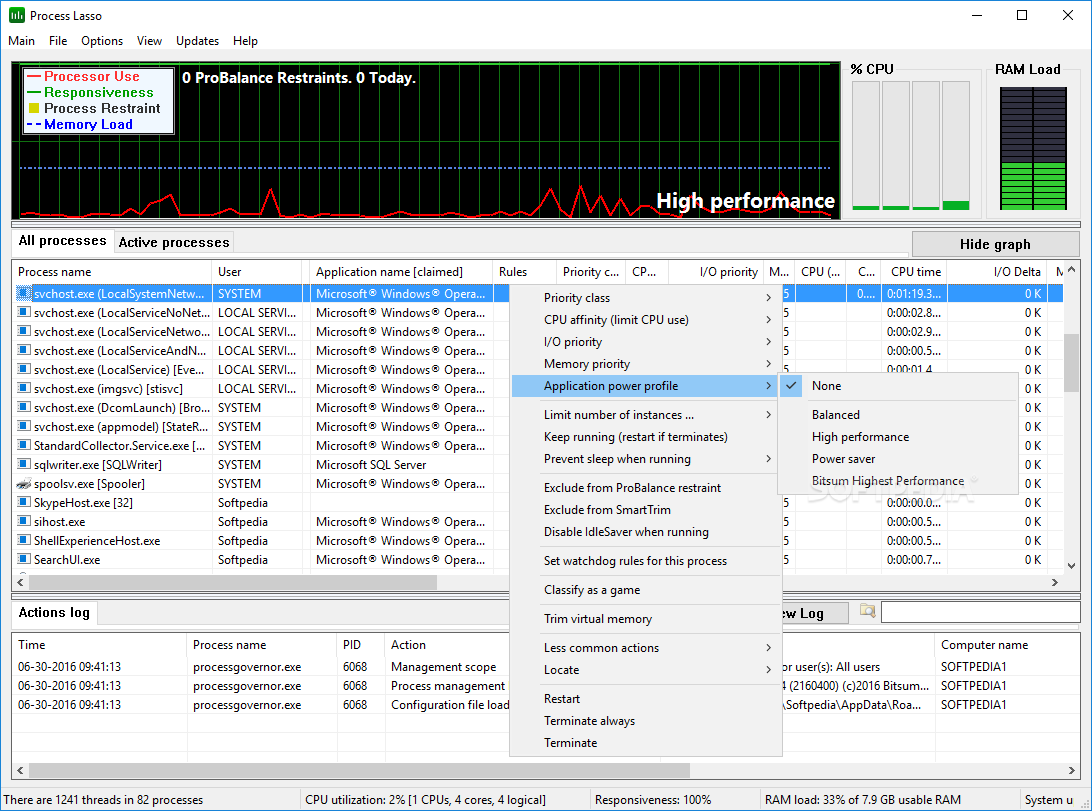
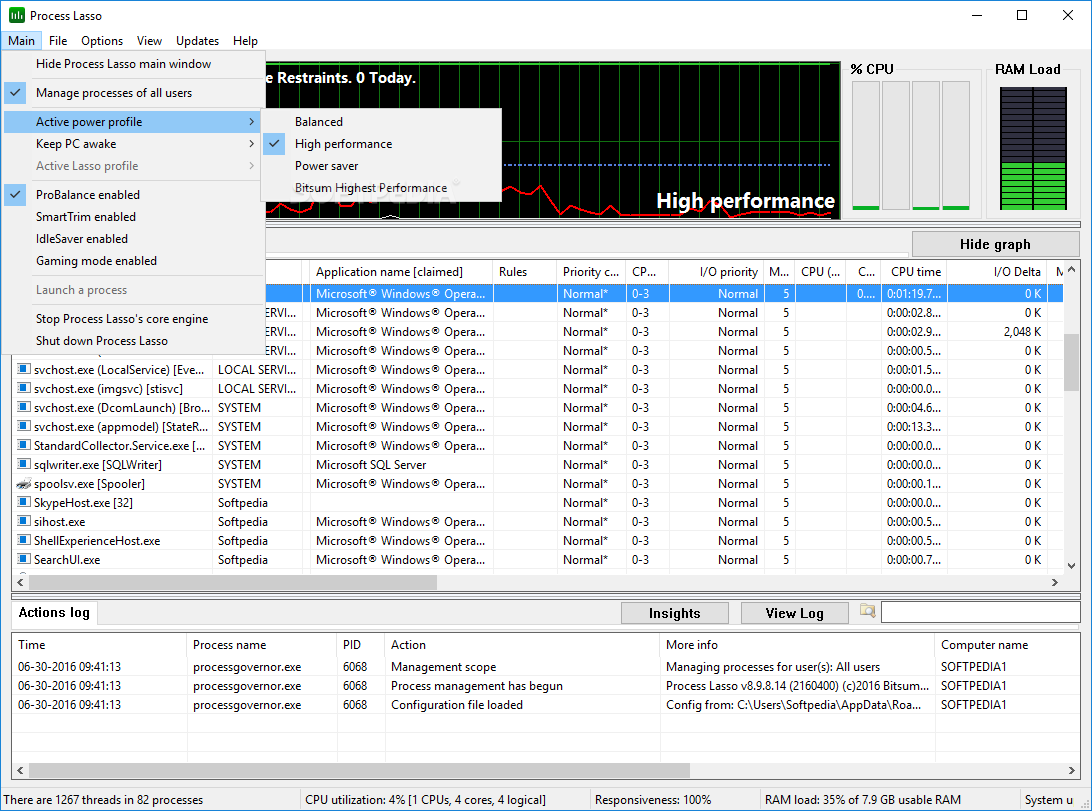
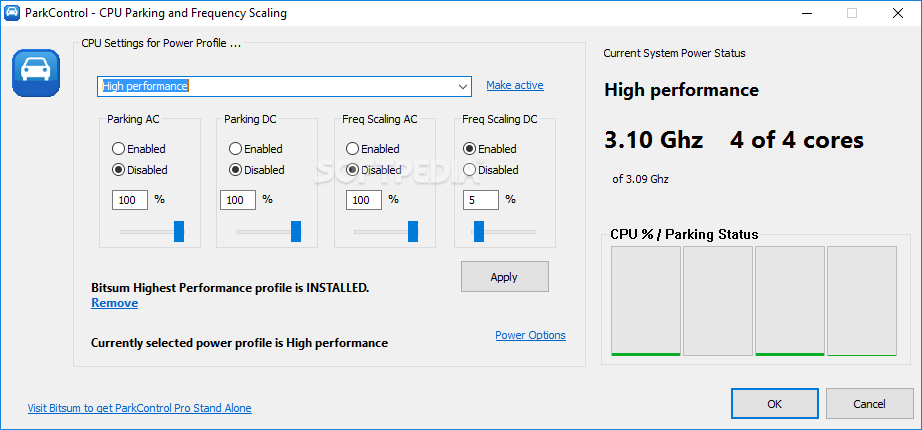
Automation capabilities are also integrated, allowing you to automate CPU affinities, priorities, and other essential process settings. To further enhance performance, the app employs a unique Responsiveness Metric that actively monitors and gauges system responsiveness, providing valuable insights into the system's behavior. Power Plans is another noteworthy feature that lets you switch between power plans based on the specific applications currently running, optimizing power usage for different usage scenarios.
Watchdog Rules is a feature that enables you to establish rules that automatically trigger predefined actions when a process surpasses defined resource usage thresholds. Moreover, the app incorporates a suite of intelligent algorithms, including the CPU Limiter, Instance Balancer, and Group Extender, that help you optimize the behavior of individual processes or groups of processes.
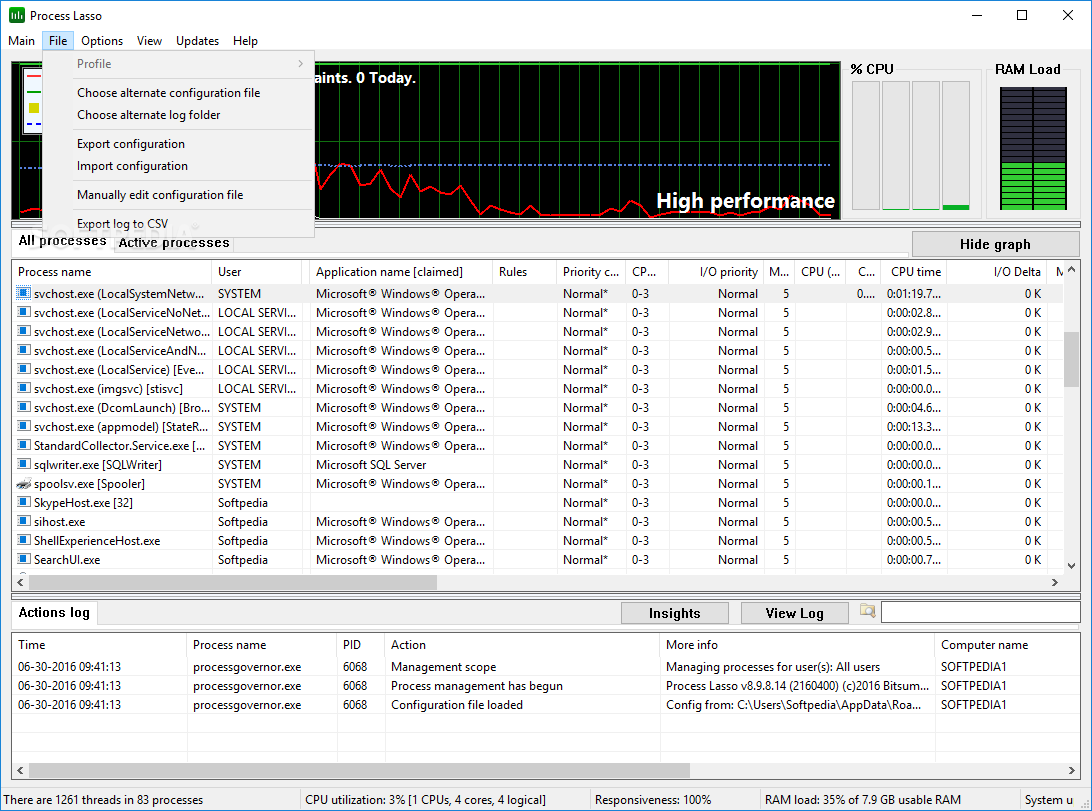
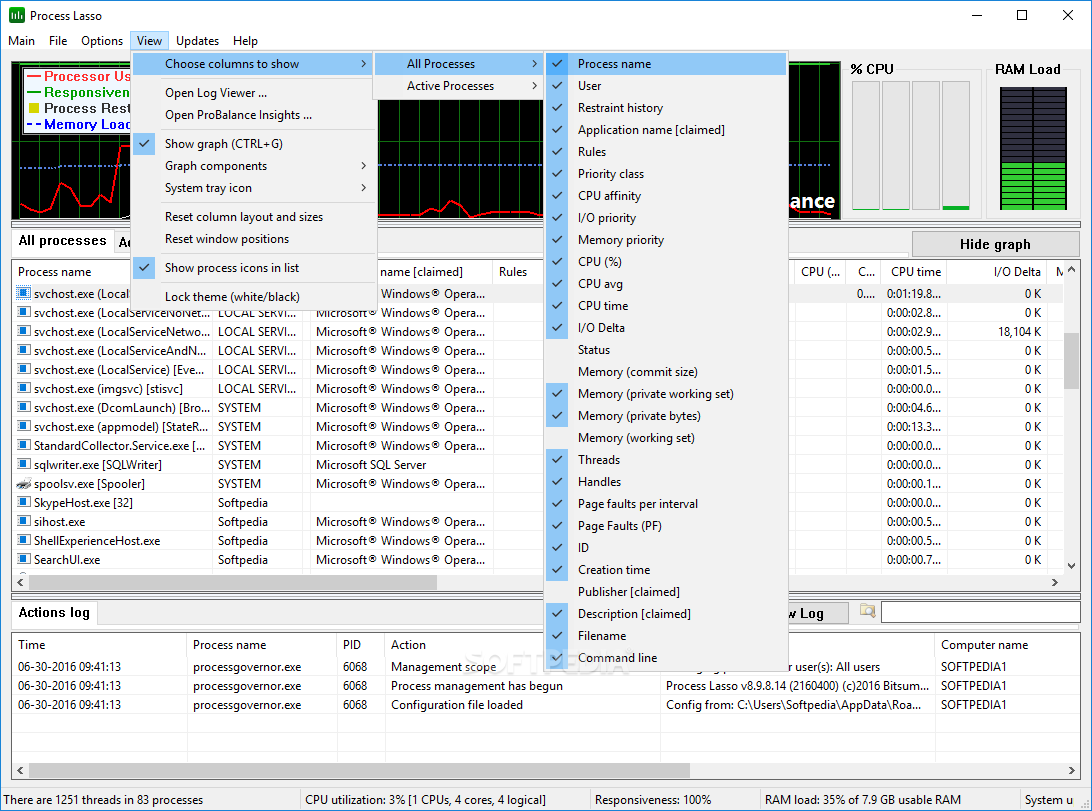
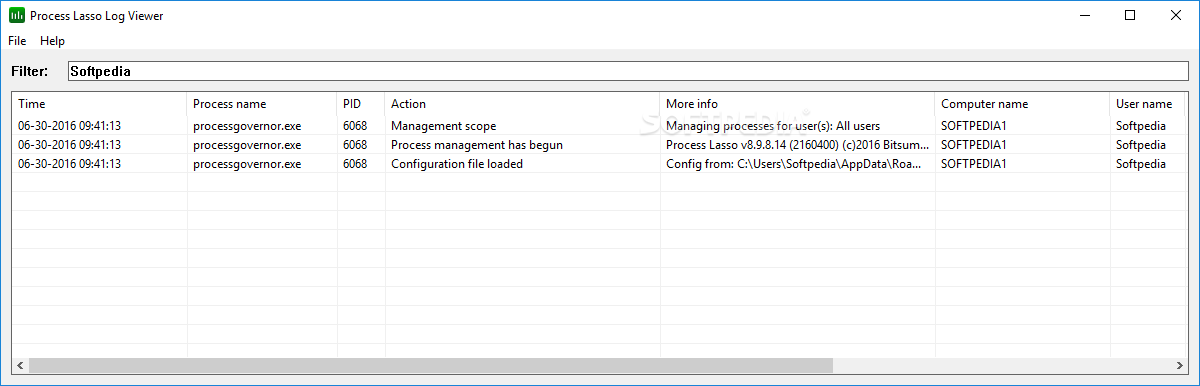
Process Lasso also includes features that help learn more about your system’s activity. If you want a comprehensive overview of how their system resources are being utilized over time, then you can check out the logs created by the Audit System Activity.
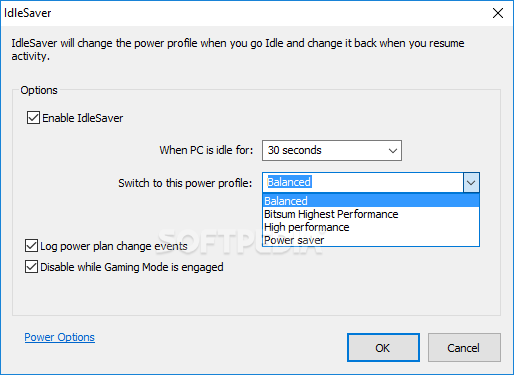
IdleSaver is another great feature worth mentioning, as it is designed to strike a balance between performance and energy conservation. When the PC is in use, IdleSaver ensures maximum performance, optimizing resources for active tasks. However, during idle periods, the feature conserves energy, contributing to a more energy-efficient and environmentally conscious system operation
Download Hubs
Process Lasso is part of these download collections: Process Managers
What's new in Process Lasso 14.0.3.3 Beta:
- Installer: Allow workstation edition to install on Windows Server
Process Lasso 14.0.2.12 / 14.0.3.3 Beta
add to watchlist add to download basket send us an update REPORT- runs on:
-
Windows 11
Windows Server 2022
Windows Server 2019
Windows Server 2016
Windows 10 32/64 bit
Windows Server 2012 R2
Windows Server 2012
Windows 8 32/64 bit
Windows 7 32/64 bit - file size:
- 2.3 MB
- filename:
- processlassosetup32.exe
- main category:
- Tweak
- developer:
- visit homepage
calibre

IrfanView

Bitdefender Antivirus Free

Microsoft Teams

ShareX

4k Video Downloader

Context Menu Manager

7-Zip

Windows Sandbox Launcher

Zoom Client

- 7-Zip
- Windows Sandbox Launcher
- Zoom Client
- calibre
- IrfanView
- Bitdefender Antivirus Free
- Microsoft Teams
- ShareX
- 4k Video Downloader
- Context Menu Manager