
Read information about your computer's hardware configuration, including the processor, the cache memory, the motherboard and the graphics card. #Hardware detection #Detect hardware #CPU status #CPU #Detect #Motherboard

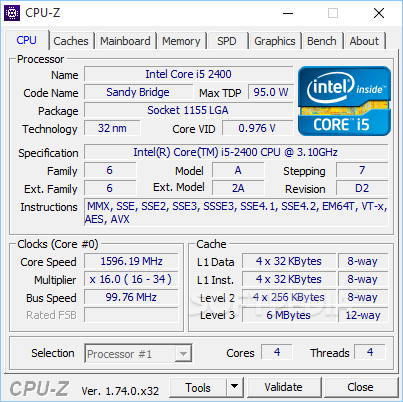
In the eventuality that you would like to learn more about hardware or software specification of your system, then you can't go wrong with a system monitor tool. Whether you are trying to upgrade hardware or you want to make sure that you have the latest driver for a component, knowing the details simplifies your job.
Portable CPU-Z is the portable version of the well-known CPU-Z, a tool designed to help you monitor the inner workings of your computer and provide all the necessary details about the processor, memory or cores with a click of a button.
The program comes with a rather rugged interface that consists of a single-window with multiple tabs dedicated to each component. While it may look overall cramped, the GUI provides everything you need to know about your hardware. For instance, the CPU section allows you to check out data regarding the name, code name, package, core voltage, specification and instructions of the processor.
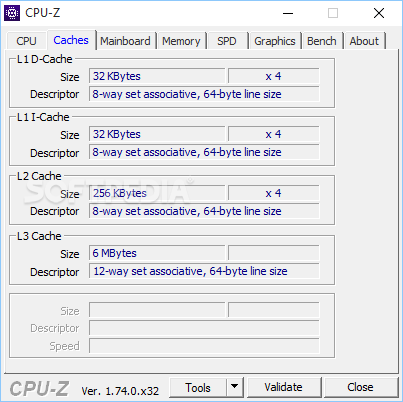
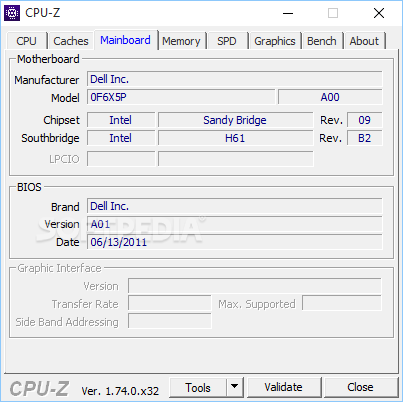
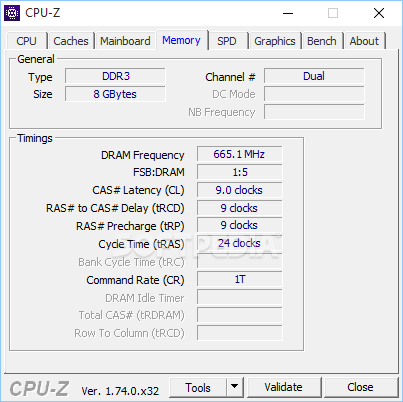
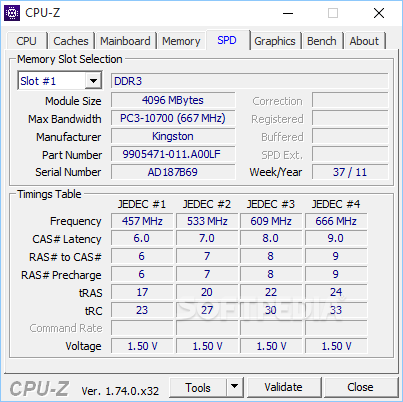
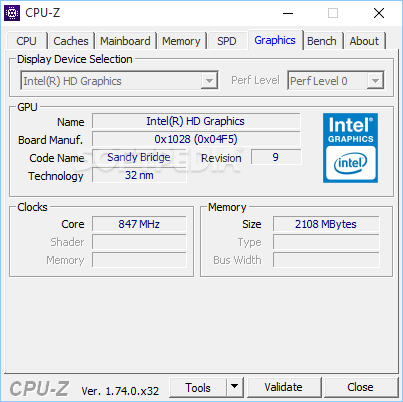
Similarly, the Mainboard tab contains useful information regarding the motherboard, like manufacturer name, model or chipset, for example and BIOS, while Memory lets you view various timings, such as the DRAM frequency. The same information is provided about the caches, SPD and graphic card.
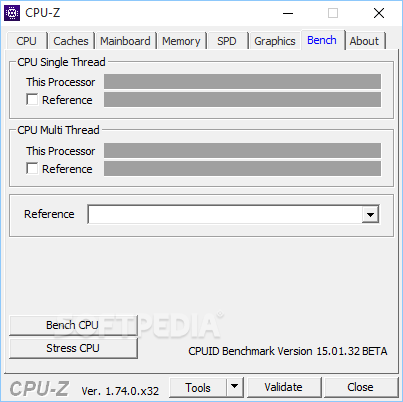
The tool comes with a minimalistic Bench function that enables you to compare your current processor with others available on the market. While your processor is automatically displayed, select a reference CPU from the provided list to find out the Single and Multi Thread between the two.
On the downside, you should know that the program cannot monitor the device temperature, which can come in handy when assessing the strain some apps may put on the processor. Lastly, Portable CPU-Z does not support overclocking, but rather simply provides valuable information about the main hardware components on your system.
Download Hubs
Portable CPU-Z is part of these download collections: System Information Viewers, Hardware Inventory
What's new in Portable CPU-Z 2.09:
- Іmрrоvеd ѕuрроrt оf Іntеl Меtеоr Lаkе.
- Іntеl Соrе і5 14400F, 14400Т, 14400, 14500 аnd 14500Т.
Portable CPU-Z 2.09
add to watchlist add to download basket send us an update REPORT- portable version
- This is the portable version of the application. An installable version is also available: CPU-Z
- runs on:
- Windows All
- file size:
- 3.4 MB
- filename:
- cpu-z_2.09-en.zip
- main category:
- Portable Software
- developer:
- visit homepage
ShareX

Microsoft Teams

Bitdefender Antivirus Free

4k Video Downloader

7-Zip

calibre

Context Menu Manager

Windows Sandbox Launcher

Zoom Client

IrfanView

- Windows Sandbox Launcher
- Zoom Client
- IrfanView
- ShareX
- Microsoft Teams
- Bitdefender Antivirus Free
- 4k Video Downloader
- 7-Zip
- calibre
- Context Menu Manager