
Convert SWF files into borderless and translucent executables with the help of this minimal yet highly effective building application. #Flash Builder #Flash Converter #EXE Builder #Build #Convert #Builder

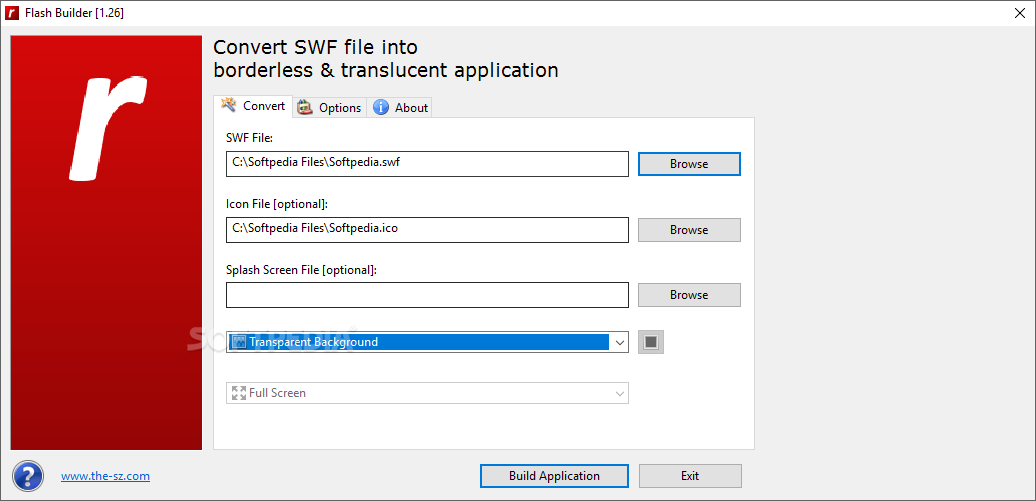
With its self-explanatory name, Flash Builder is a streamlined and easy to use application that makes it as simple as possible for you to build Windows executable files from any SWF flash movie file.
This is the perfect moment to point out that the executable files do not feature standard “Windows-like” borders, but they do support translucency.
After an uneventful and swift installation operation, the application subsequently enables you to take advantage of what it has to offer right away, without the need for further fiddling about with it.
The program is quite straightforward in regards to its user interface, meaning it should not be difficult to handle, even for novice users. The main window of Flash Builder simply displays three fields for the position of your SWF, icon and splash screen files.
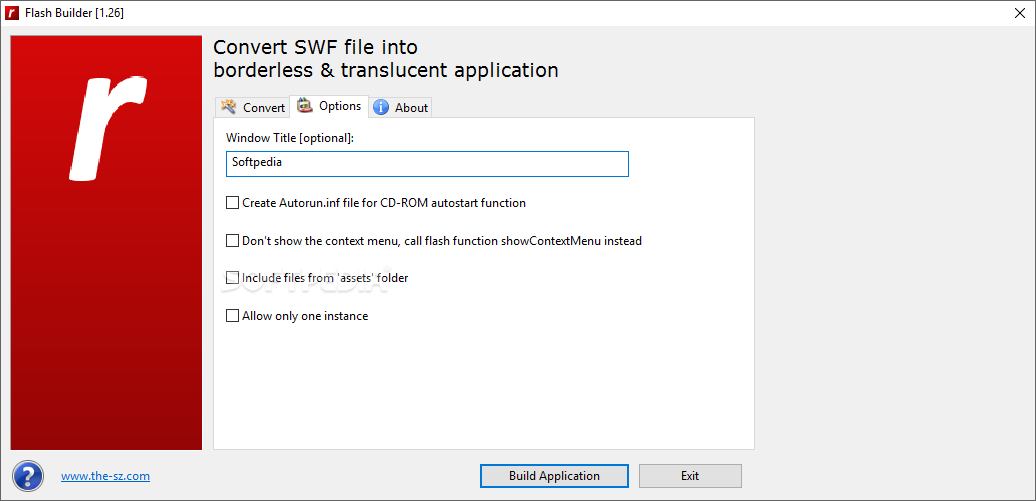
At the same time, from within the same main window, the utility enables you to choose from two options, to create autorun INF files, useful for CD-ROM auto-start function, or to create a white full-screen background.
As such, working with this application is literally reduced to a simple loading process for your SWF file, the other two (the icon and splash screen file) not being mandatory, and to clicking the 'Build' button.
Packing support for advanced FSCommand functions, irregular windows sizes and translucency, as well as compatibility with JPEG-based splash screens, Flash Builder proved itself to be an efficient and surprisingly easy to work with app.
To sum it up, not only does Flash Builder come with an interesting and easy accessible set of features, but the best thing about it is the fact that it makes it possible for you to generate executable files from SWFs with just a few clicks.
What's new in Flash Builder 1.47:
- min_size, file_delete and default_handling functions added
Flash Builder 1.47
add to watchlist add to download basket send us an update REPORT- PRICE: Free
- runs on:
- Windows All
- file size:
- 793 KB
- filename:
- FlashBuilderSetup.zip
- main category:
- Multimedia
- developer:
- visit homepage
calibre

4k Video Downloader

ShareX

Context Menu Manager

Microsoft Teams

Zoom Client

Windows Sandbox Launcher

IrfanView

Bitdefender Antivirus Free

7-Zip

- IrfanView
- Bitdefender Antivirus Free
- 7-Zip
- calibre
- 4k Video Downloader
- ShareX
- Context Menu Manager
- Microsoft Teams
- Zoom Client
- Windows Sandbox Launcher