
One of the easiest programs to make your games or even programs! You do not need any programming knowledge; you don't need to write even a line o code!. #Game Maker #Build games #Produce games #Game #Produce #Build

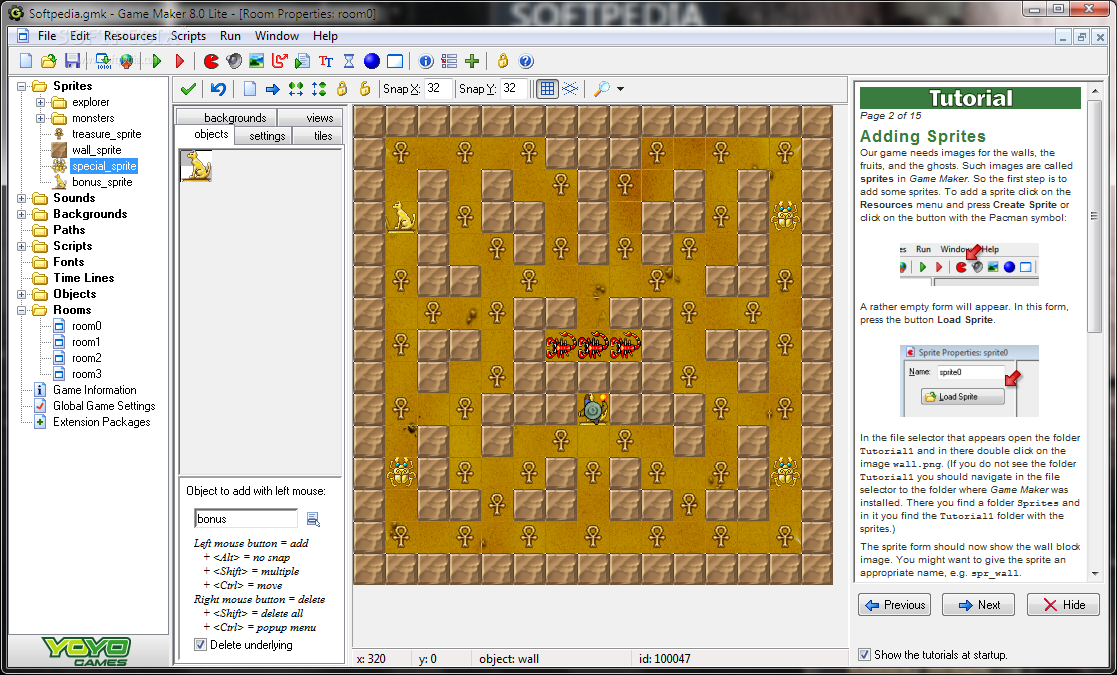
Any game addict has dreamed at least once of creating their own little game. The lack of programming knowledge is a drawback that can be overcome with the aid of software that can help you to design games without having to write a single line of code.
Such a compiler is Game Maker Lite. This software can be used by beginners and professionals alike since it sports a fun and friendly environment that allows users to manufacture simple or complex games without the requirement of prior programming experience.
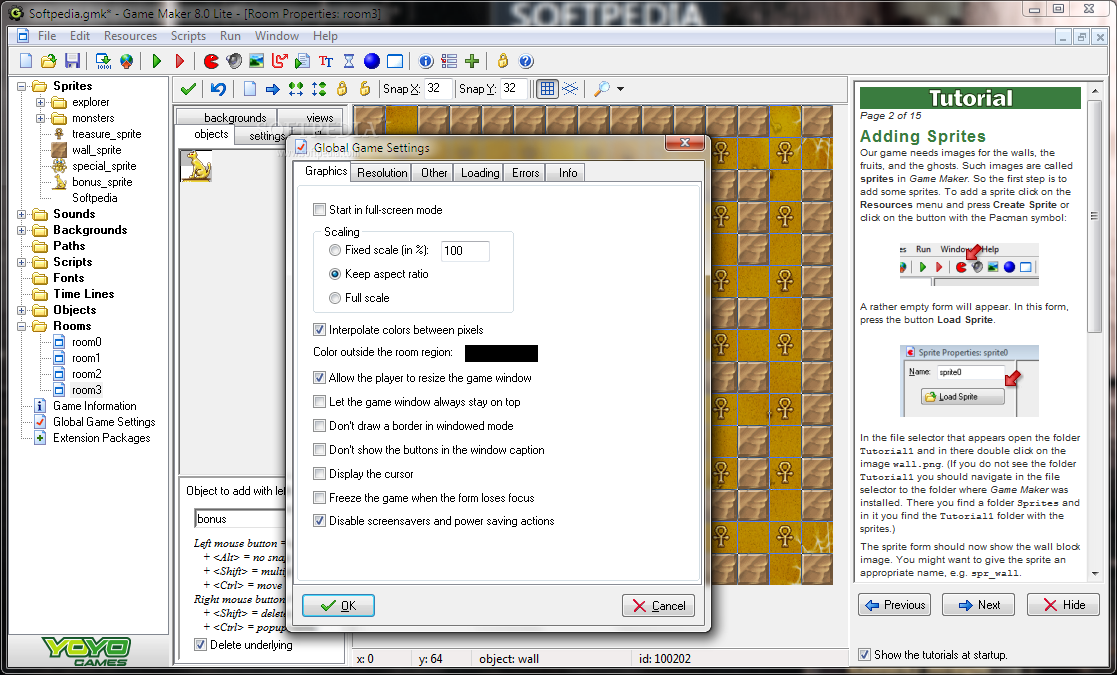
All steps are done through a drag-and-drop technique. Simply provide the software with the command you wish to be executed, and it shall perform it as requested. But if you are keen on learning a gaming programming language, then Game Maker Lite can be switched to Advanced mode.This will allow you to go through more difficult settings and learn a trick or two about how to code a game.
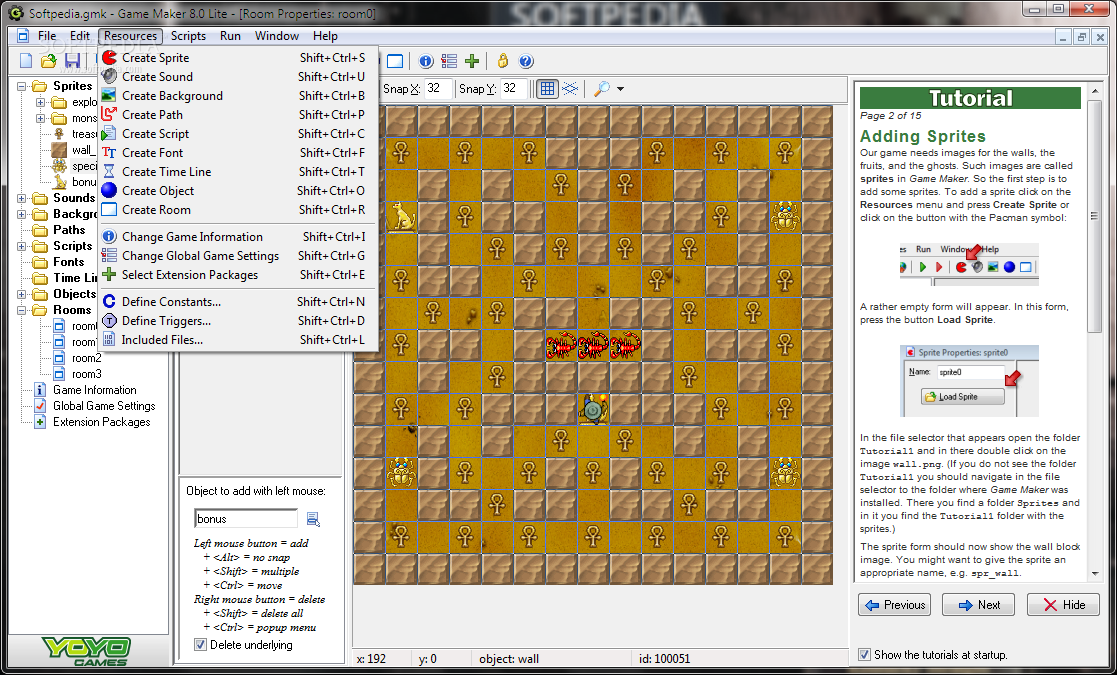
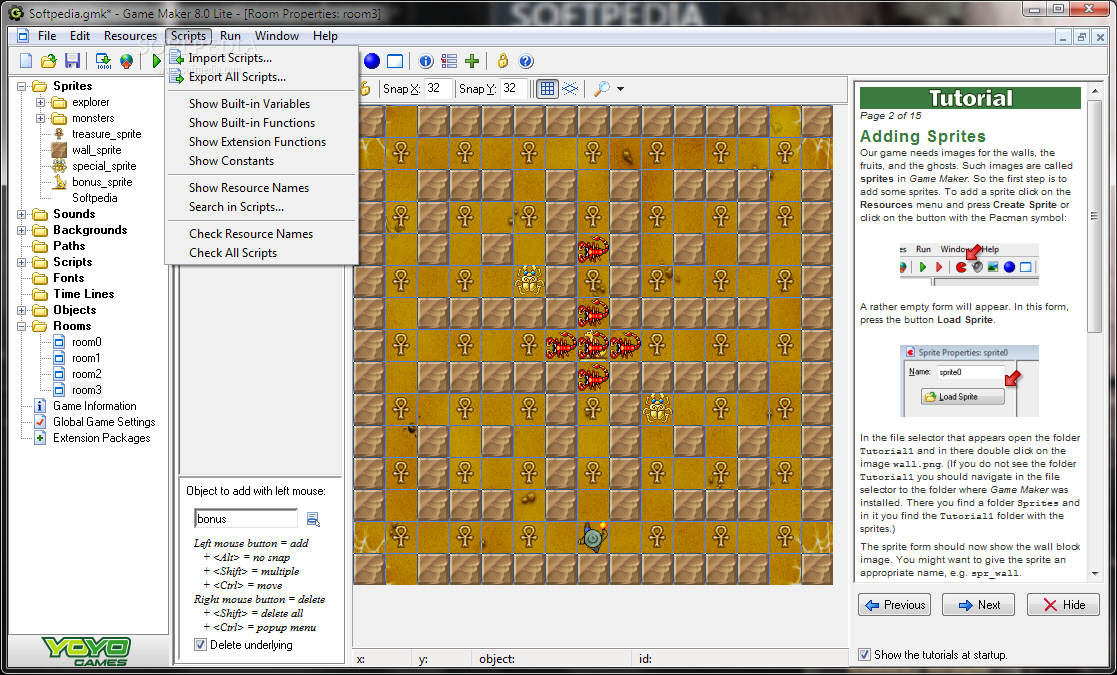
With simple options in easy mode, you can create sprites, sounds, backgrounds, object, and rooms - everything a simple game needs to come to life! More experienced users can also play with paths, scripts, fonts, and time lines, in order to give that extra spark to your own game. Build it in 2D or 3D. Once you created an executable, you can choose to publish your new game online, and share it with the rest of the world.
One small disadvantage of Game Marker Lite is that it uses plenty of system resources. Some first-time users may experience difficulties even in easy mode, if they are not patient enough to perform a "game test".
In conclusion, Game Maker Lite is an excellent software for users who want to build games or learn a new programming language. It's a reliable choice for game enthusiasts who want to introduce themselves in the world of programmers.
Game Maker Lite 8.1
add to watchlist add to download basket send us an update REPORT- runs on:
- Windows All
- file size:
- 12.1 MB
- filename:
- GameMaker-Installer-8.1.exe
- main category:
- Programming
- developer:
- visit homepage
Bitdefender Antivirus Free

Context Menu Manager

calibre

Zoom Client

Windows Sandbox Launcher

7-Zip

ShareX

Microsoft Teams

4k Video Downloader

IrfanView

- Microsoft Teams
- 4k Video Downloader
- IrfanView
- Bitdefender Antivirus Free
- Context Menu Manager
- calibre
- Zoom Client
- Windows Sandbox Launcher
- 7-Zip
- ShareX