
Object-oriented and extensive development package for creating Desktop, Web, Database Access, and Console applications in a friendly environment. #Develop Application #Development Environment #Programming Language #Builder #Develop #Compiler
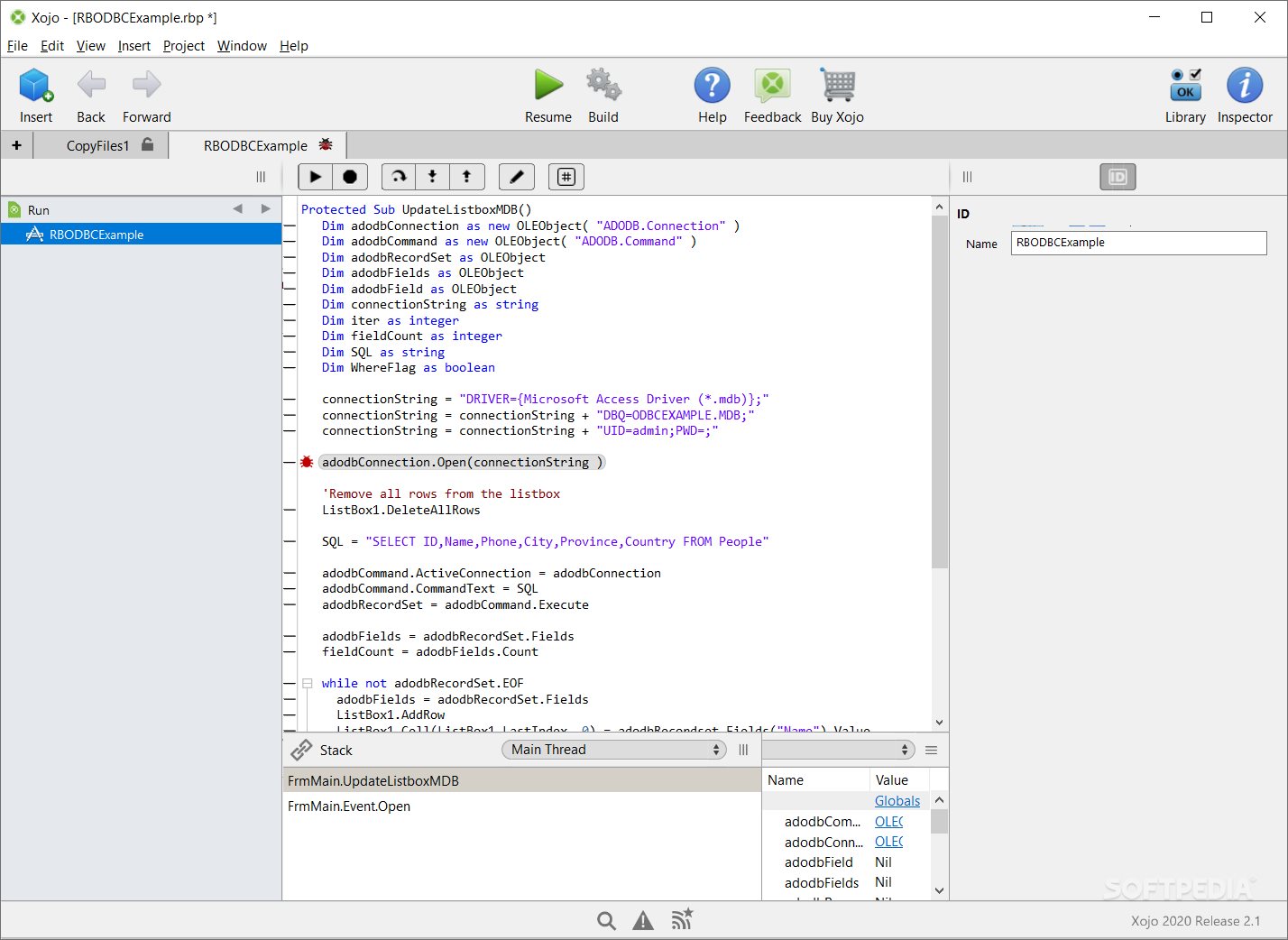
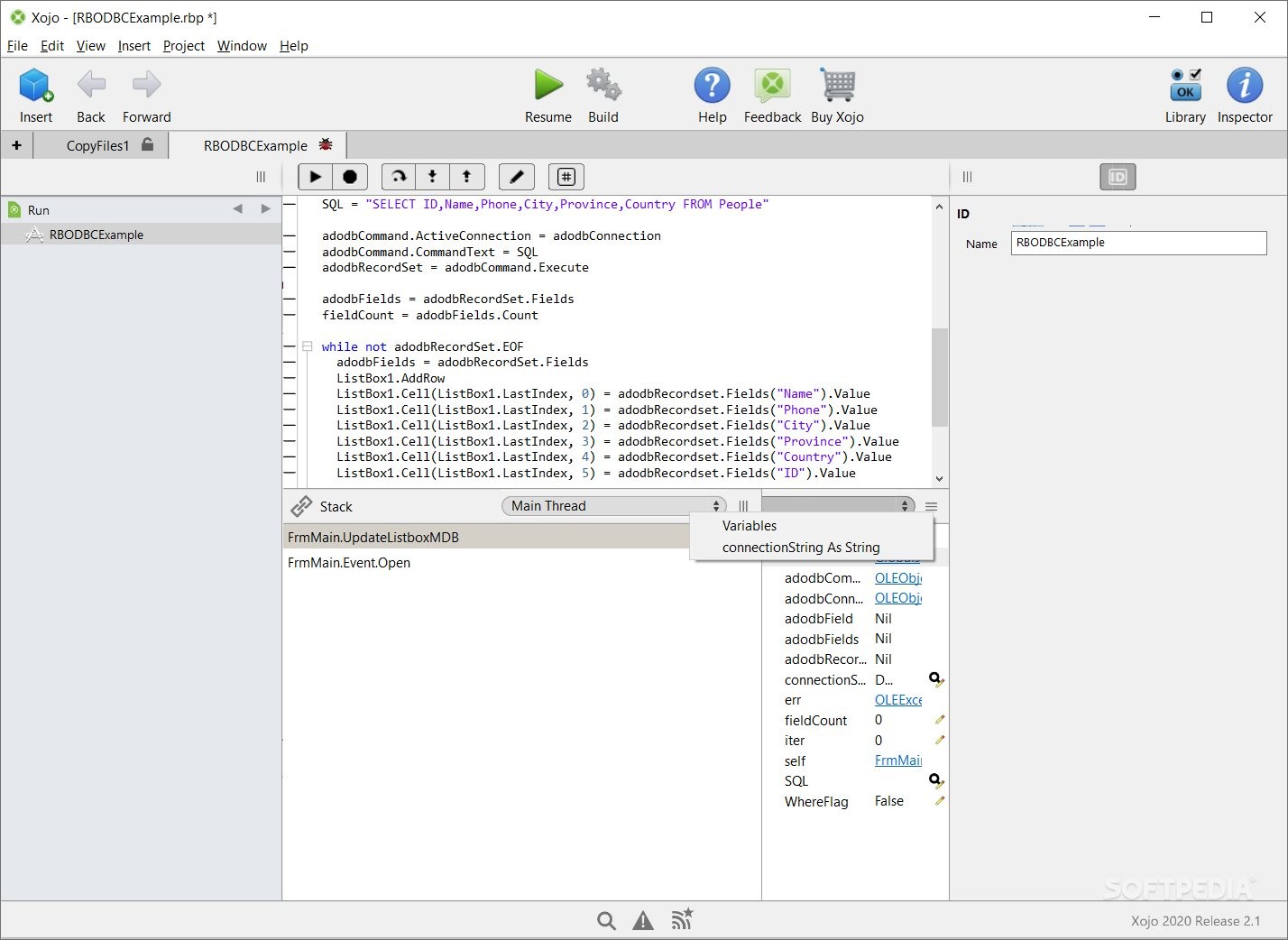
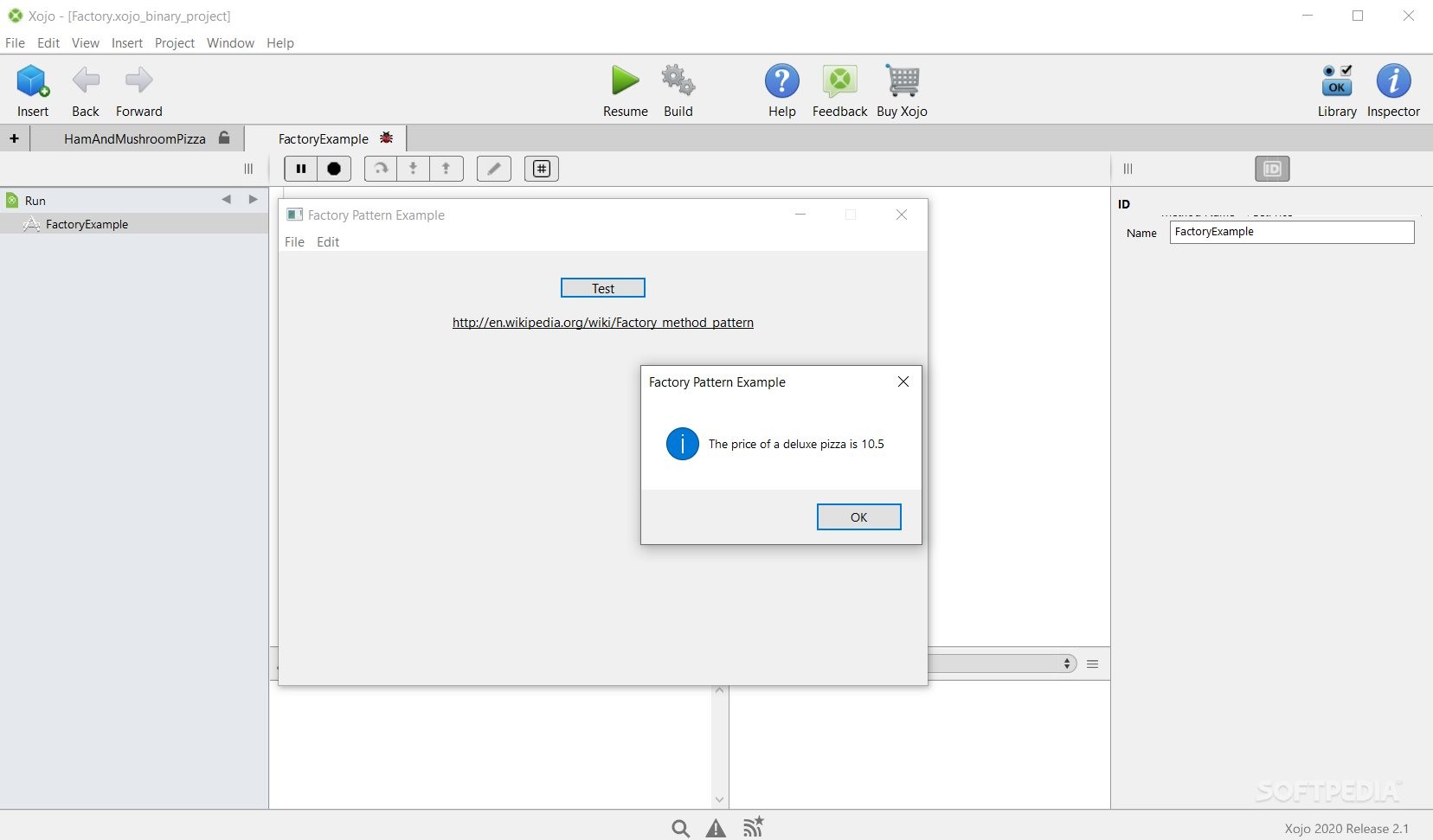
Xojo enables access to an entire suite of tools for creating, running, debugging, and building applications from within the same development environment.
We could start by saying a few things about Xojo. It is an integrated development tool and a programing language in itself. The documentation presents this lightweight programming language as a suite of utilities meant to be built on top of Visual Basic (a programming language under Microsoft's proprietary right) and Java. Xojo is suitable for creating apps that run on Windows, macOS, Linux, iOS, and Raspberry Pi.
However, all the functions offered by Xojo seem to be a bit too good to be true. How does this actually work? First of all, Xojo is a programming language (you can download and review its documentation here). Also, upon downloading Xojo, you will actually be prompted with an entire setup that involves a code editor, an IDE, a debugger, an app front-end creator and editor, and a builder.
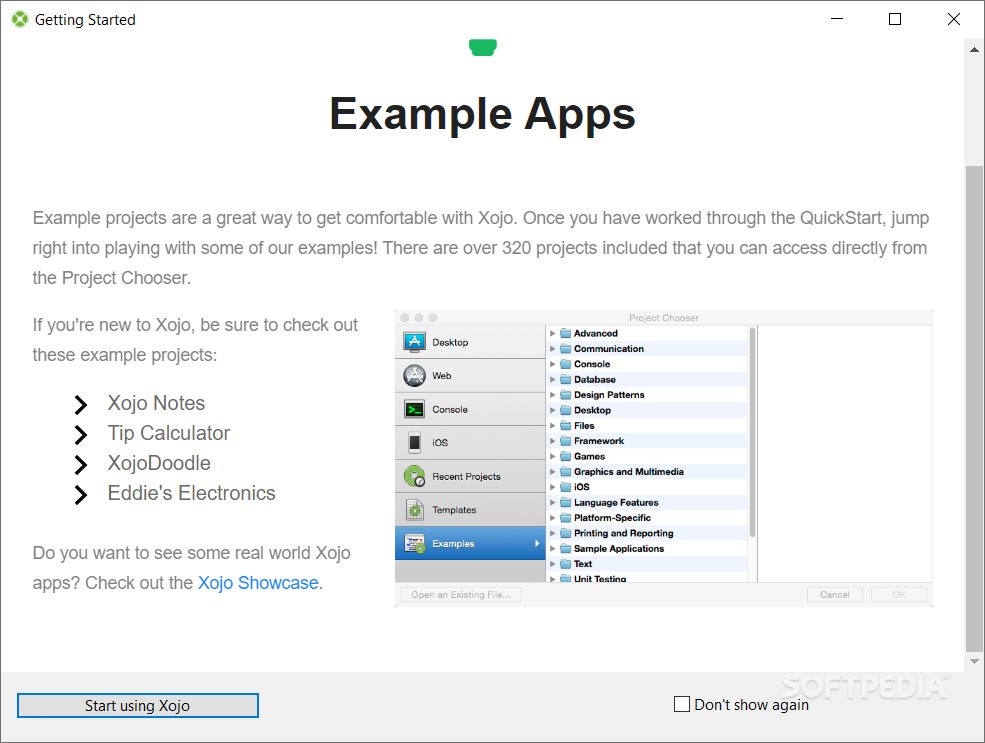
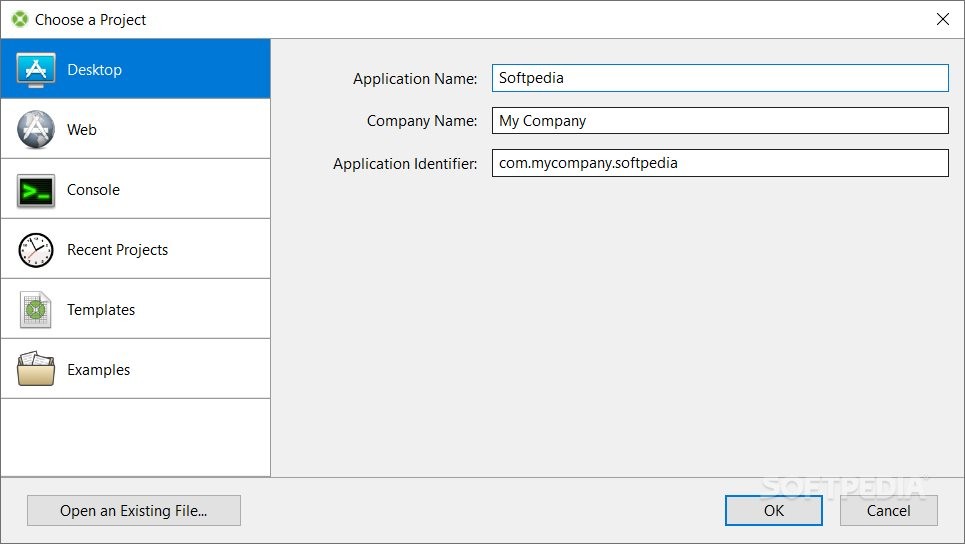
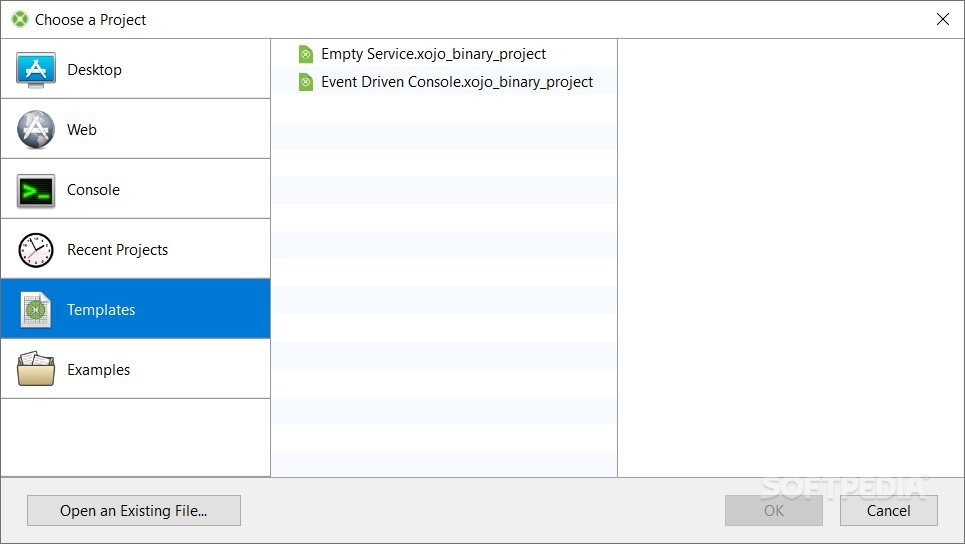
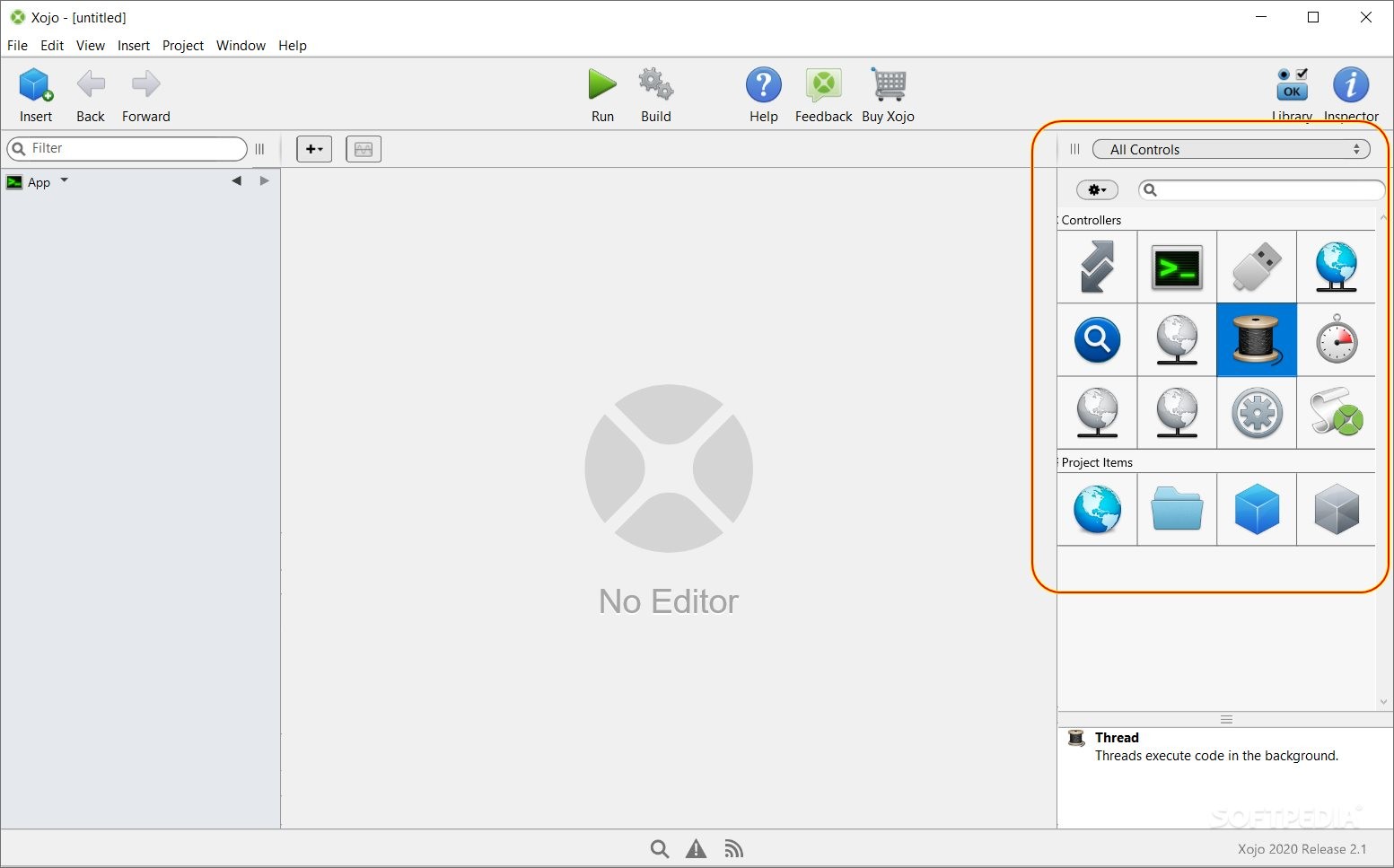
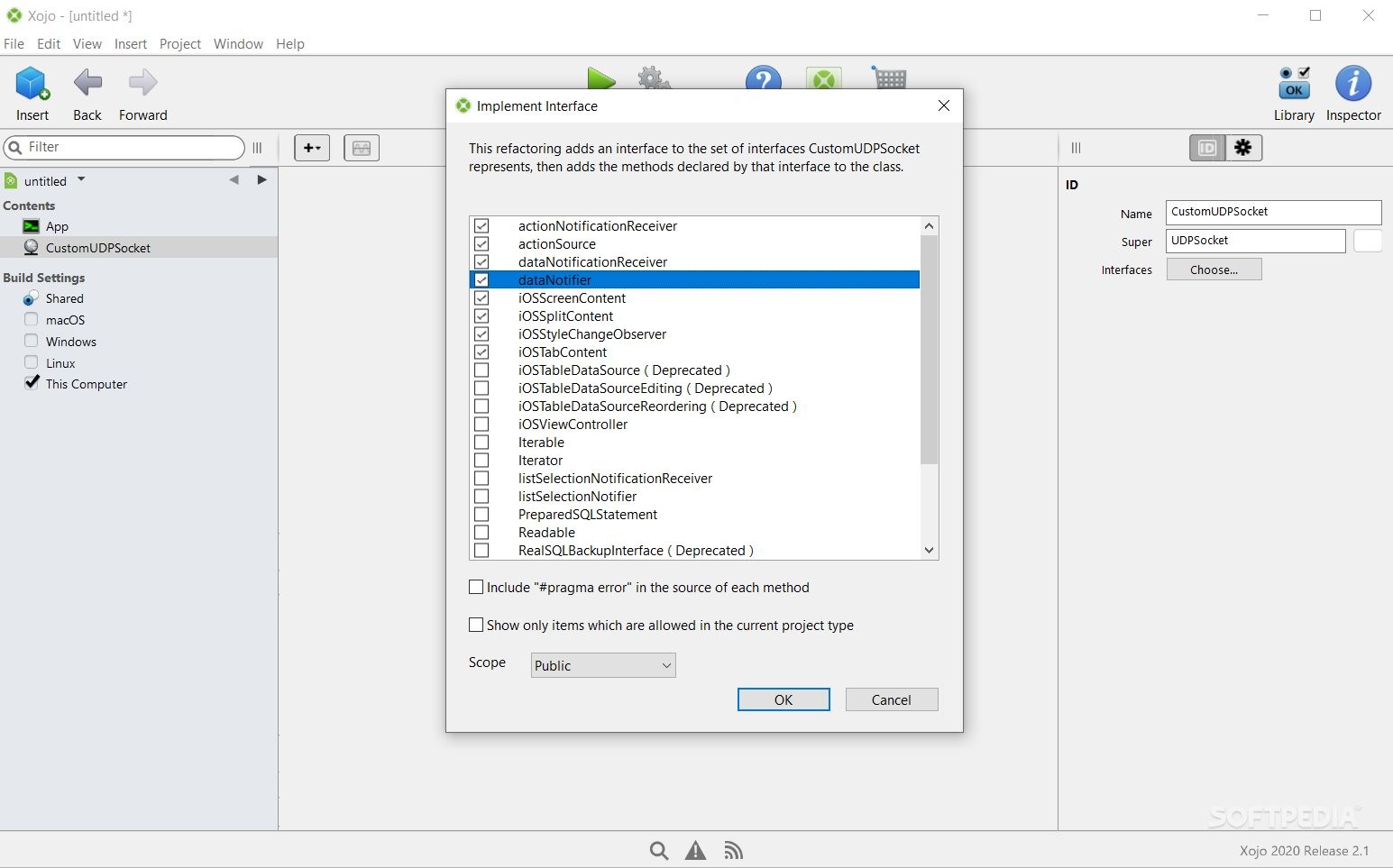
The tool's documentation presents the programming patterns and the object-orientated model you can approach when creating new programs. When opening the Xojo for the first time, you need to select the type of project you are trying to create (e.g. Desktop, Web, Console, etc). After choosing your option, you will be shown a three-container window.
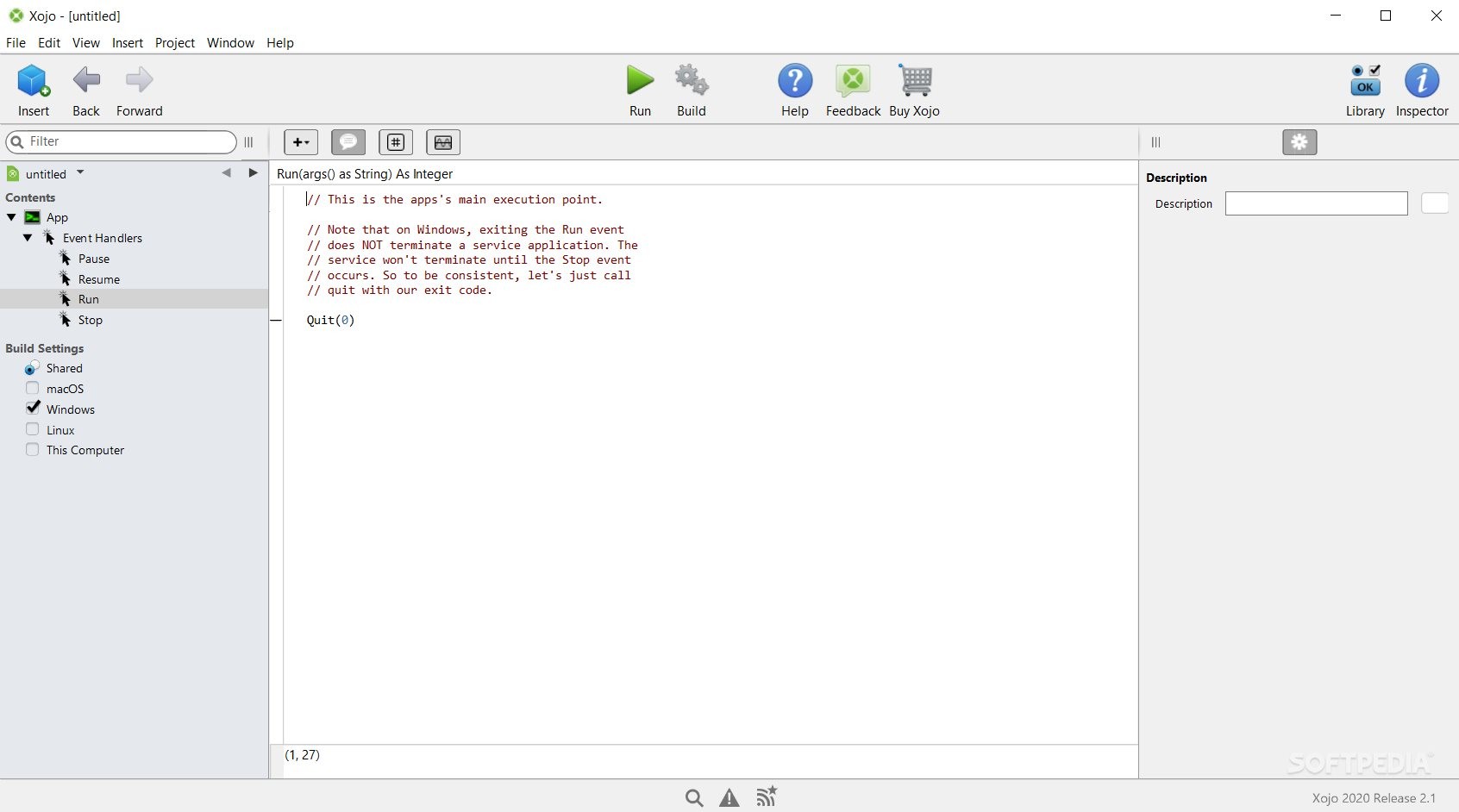
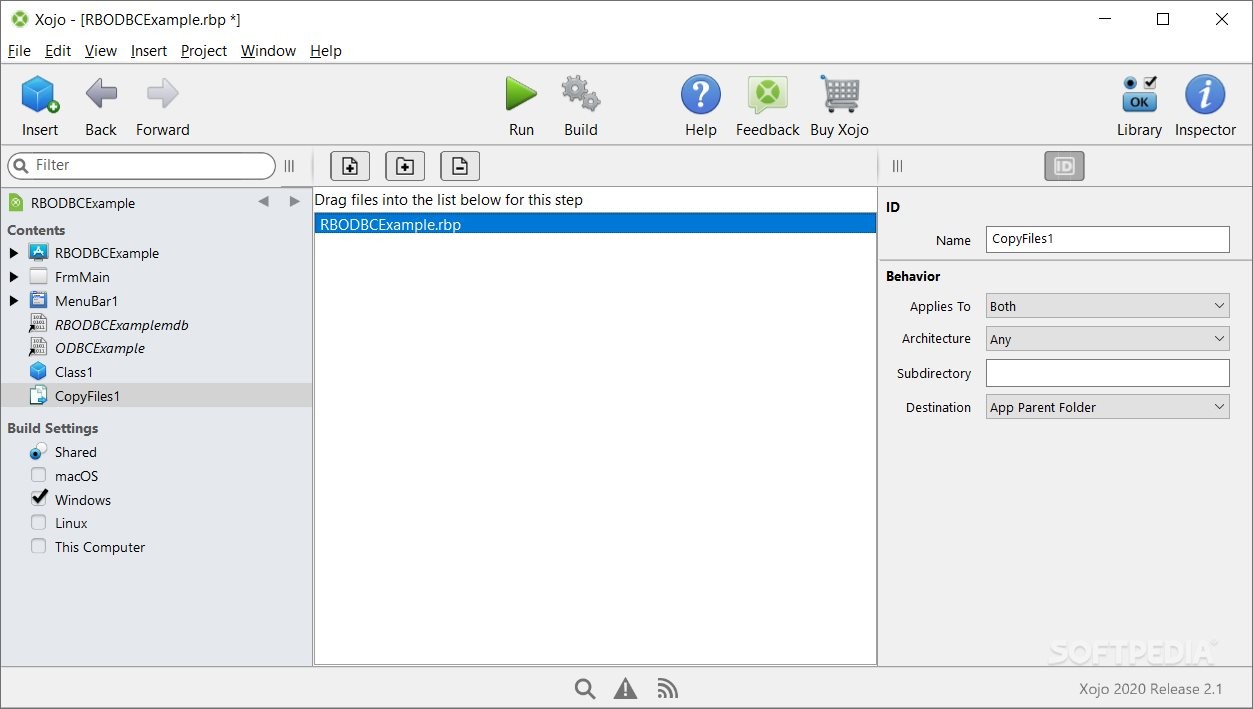
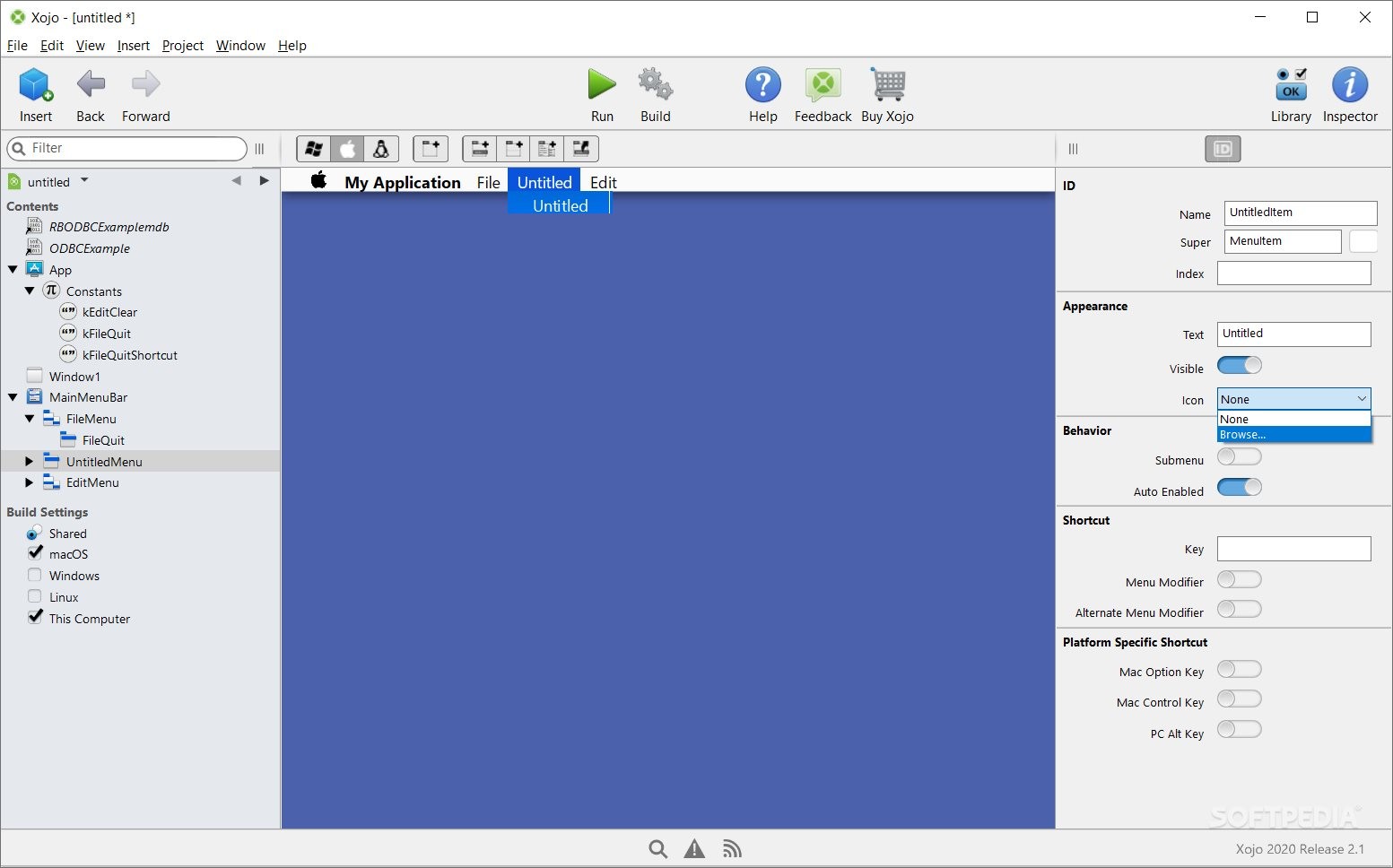
At the center, there will be the pasteboard where you will design the interface of your app. The left panel, called the Navigator, is the place where your project files are going to be displayed, in a tree-like structure. On the right side of your screen, there is the Library; here, you can navigate a list of objects called controllers.
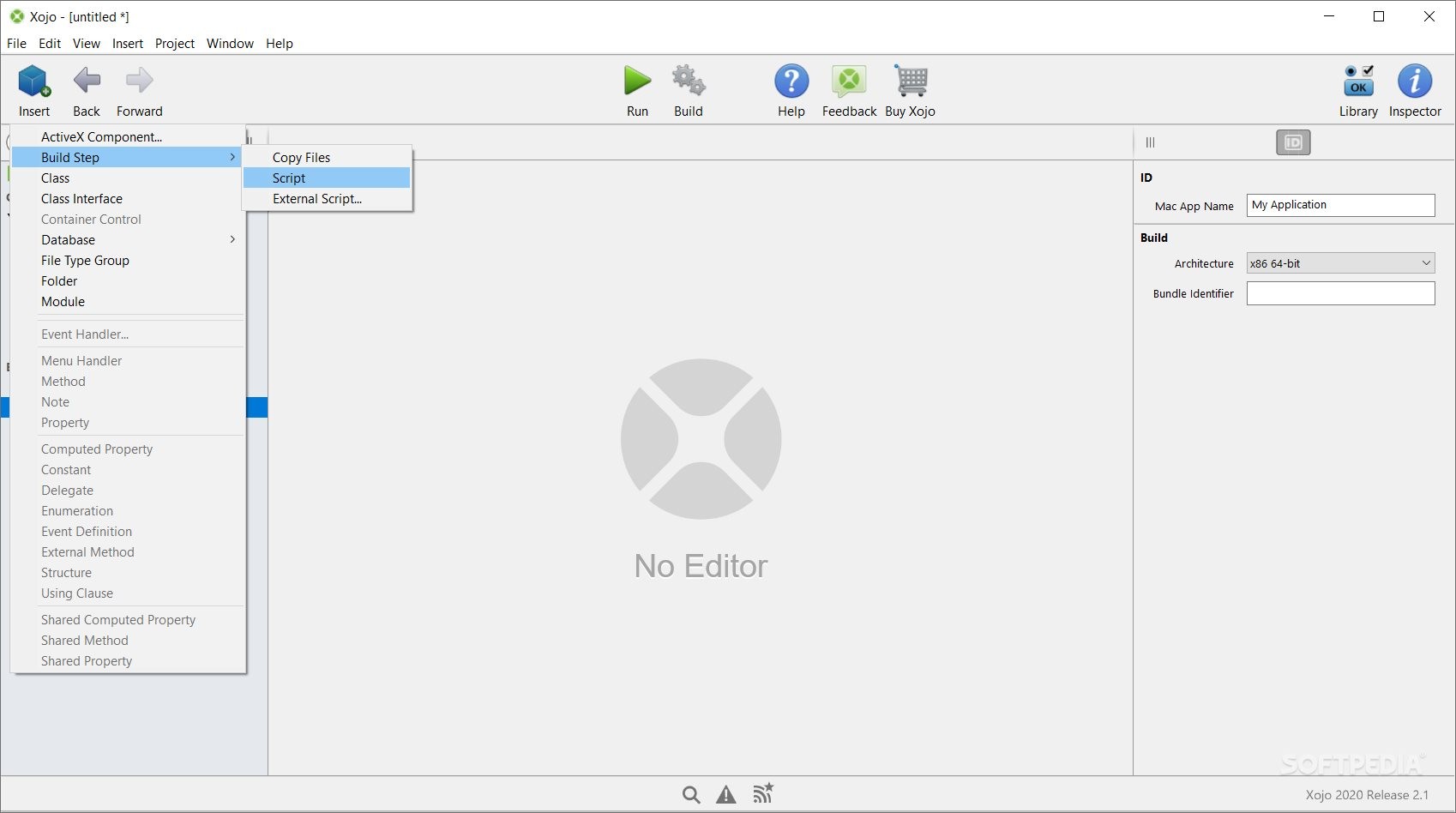
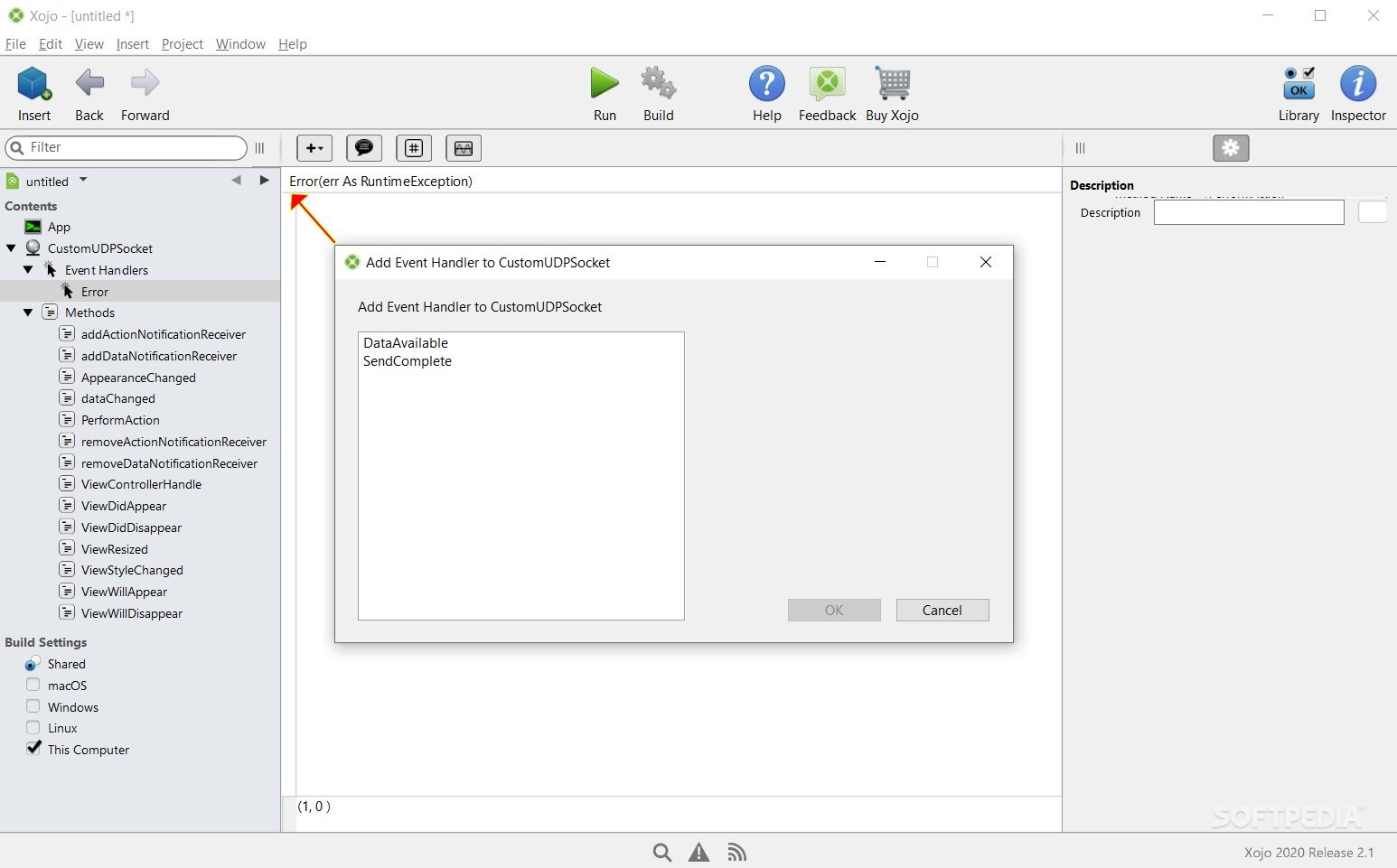
Other important areas are the 'Code View,' where you add your source code, and the 'Layout View' (where you design the GUI of your app). You may start by adding an Event Handler (that will make your app reactive to user input) and continue with a minimal coding example; you can drag an element from the Library window to the pasteboard (e.g. a Default Button). You can continue by modifying the button's name to, for example, 'Hello World' (like a naming given to a variable seen by the developer only). After doing that, you would change the button's caption, for reflecting a certain message to an imaginary end-user.
Finally, you can run your project to display the newly-added button. However, for adding additional functionality to an element, you could click it, and choose from a list of possible (action) events. After accessing a certain action event, you would need to add functionality to that object by inserting the Xojo code in the available code editor.
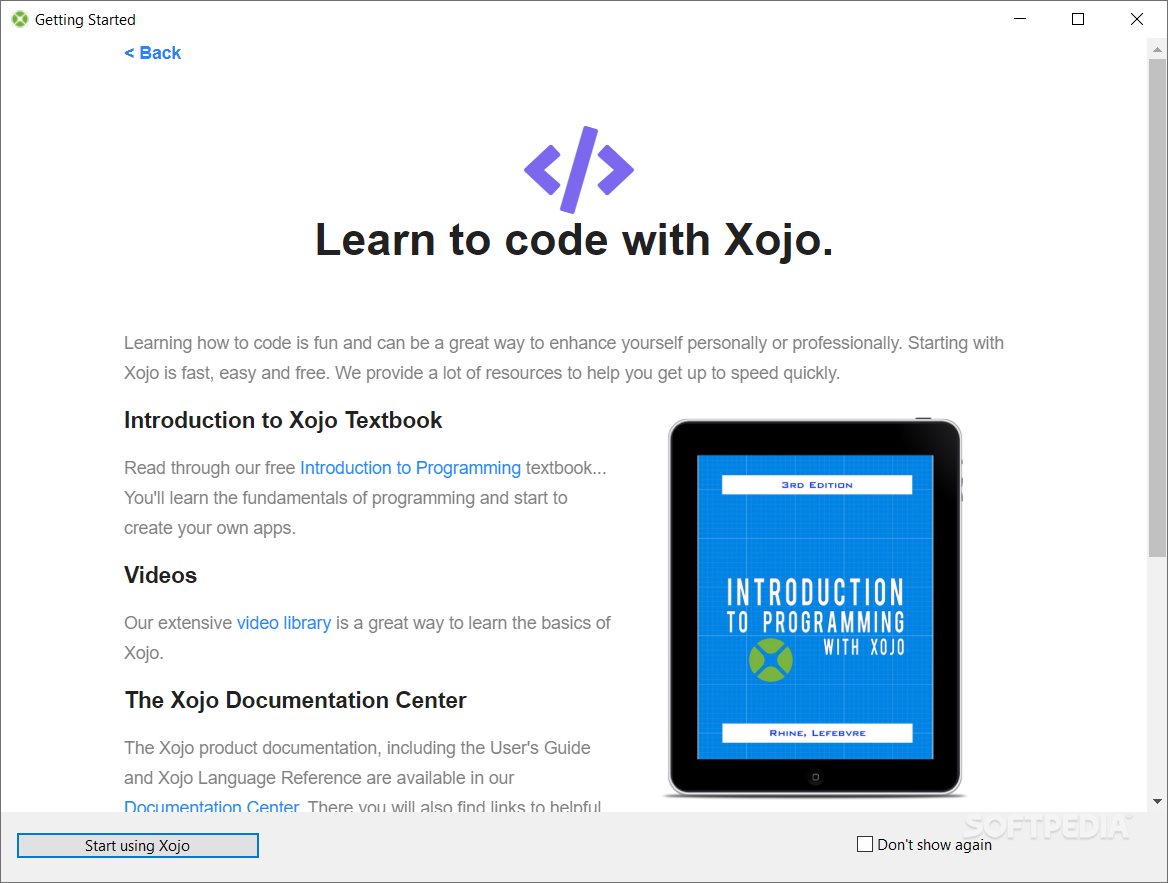
Given the documentation and extensive set of resources, it should be easy for new users to get started with Xojo. Depending on your development needs and coding experience, this set of tools might be suitable or not. However, Xojo has a friendly user interface and a unique implementation of the object-oriented model.
What's new in Xojo 2024 Release 1:
- Highlights:
- Building for Linux is now included in the free IDE
- Lite licenses can now save in Version Control format
- Popovers for iOS, Desktop, and Web projects
Xojo 2024 Release 1
add to watchlist add to download basket send us an update REPORT- runs on:
-
Windows 11
Windows 10 32/64 bit
Windows 8 32/64 bit - file size:
- 1.2 GB
- filename:
- Xojo2024r1Setup.exe
- main category:
- Programming
- developer:
- visit homepage
Windows Sandbox Launcher

Bitdefender Antivirus Free

Zoom Client

Microsoft Teams

calibre

IrfanView

Context Menu Manager

4k Video Downloader

ShareX

7-Zip

- 4k Video Downloader
- ShareX
- 7-Zip
- Windows Sandbox Launcher
- Bitdefender Antivirus Free
- Zoom Client
- Microsoft Teams
- calibre
- IrfanView
- Context Menu Manager