
Menu Creator & Menu Extended (+Menu Designer) create dream menu. #Menu creator #ActiveX menus #Create menu #Menu #Creator #ActiveX
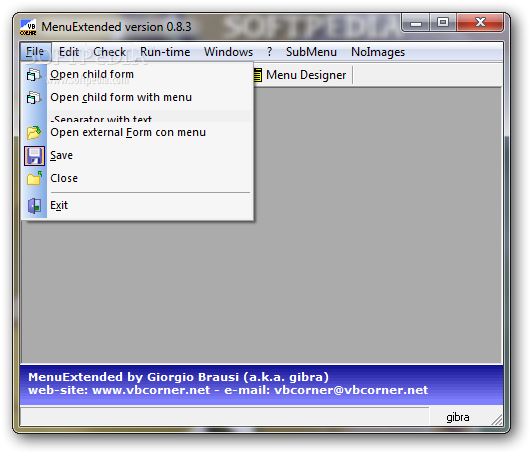
Menu Creator is a development tool that allows you to create menus with enhanced functions for Visual Basic programs. The package includes the required libraries and a sample application for testing the available options.
The add-in is designed for Visual Basic 6 and intends to help you create a complex menu without writing a line of code. The entire process is carried out in the Menu Creator window which allows you to add new menu items, to change icons and to save menu templates in order to be used for other projects.
The visual menu editor enables you to rearrange menu items and to create a complex structure quickly and efficiently. You only need to write the name of each item in order to add it to the menu. Even the name of the file can be instantly filled based on the caption of a menu item.
This tool can improve your productivity by reloading the last session or by creating a list of favorite projects that can be loaded with one mouse click. The capture menu feature enables you to load a menu structure from an external VB file or directly from an executable file.
In order to embed the menu in your application you need to generate the code for the menu options and to save them to a DLL file. This operation is performed by the Menu Creator add-in by simply pushing a button.
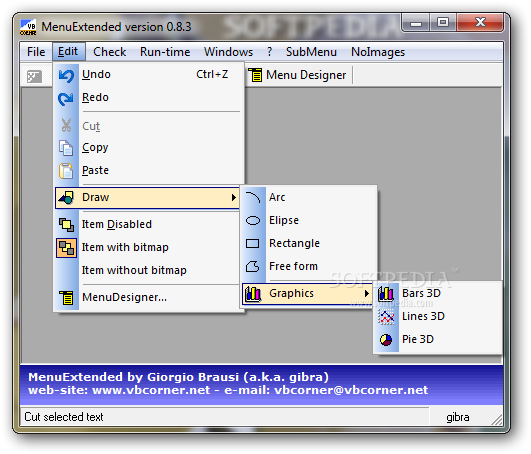
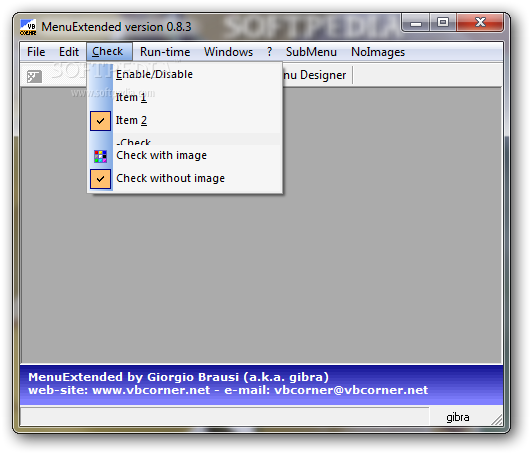
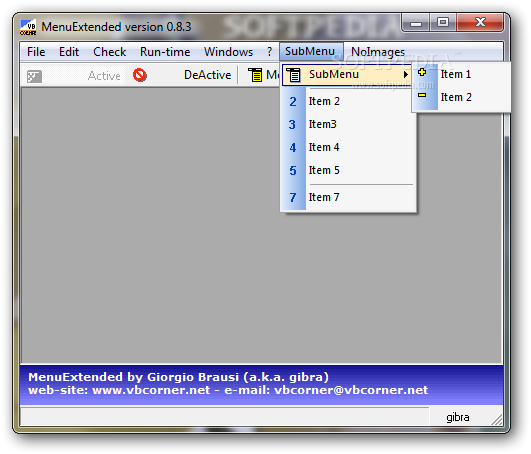
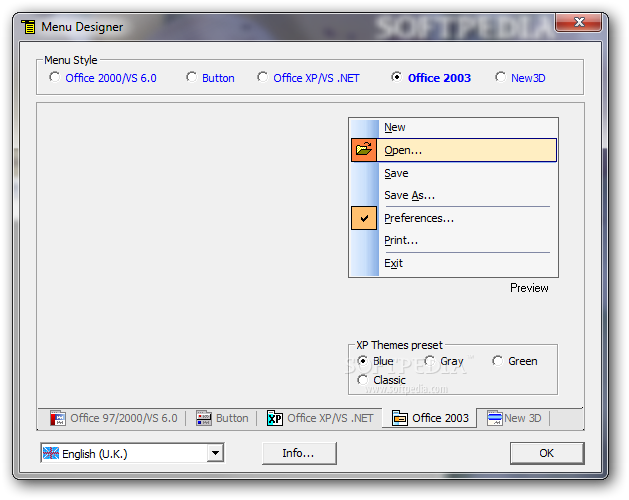
The package also includes the MenuExtended library that allows you to change the aspect of the menu items. It provides you with multiple menu styles that can be easily applied to your project and customized.
The Menu Creator add-in intends to help you create and improve the aspect of a very important element of every application. Since every app needs a nicely designed and easy to use menu, you should try it when creating a new program in Visual Basic.
What's new in Menu Creator 0.8.1:
- The problem resolved on version 0.7.3 some times don't works: if more than a item already exists with same Name property MenuCreator is star to a loop. Now, error will trapped, but Menu Creator continue processing.
Menu Creator 0.8.1
add to watchlist add to download basket send us an update REPORT- runs on:
- Windows All
- file size:
- 2.8 MB
- filename:
- MenuCreator_Setup.exe
- main category:
- Programming
- developer:
- visit homepage
Windows Sandbox Launcher

7-Zip

Bitdefender Antivirus Free

ShareX

Zoom Client

4k Video Downloader

Microsoft Teams

IrfanView

Context Menu Manager

calibre

- IrfanView
- Context Menu Manager
- calibre
- Windows Sandbox Launcher
- 7-Zip
- Bitdefender Antivirus Free
- ShareX
- Zoom Client
- 4k Video Downloader
- Microsoft Teams