
Write, organize and store numerous personal or work-related not only code snippets but also any type of notations, like thoughts, ideas or simple drafts in a simple tree system #Code library #Code snippet #Code database #Source code #Snippet #Collection
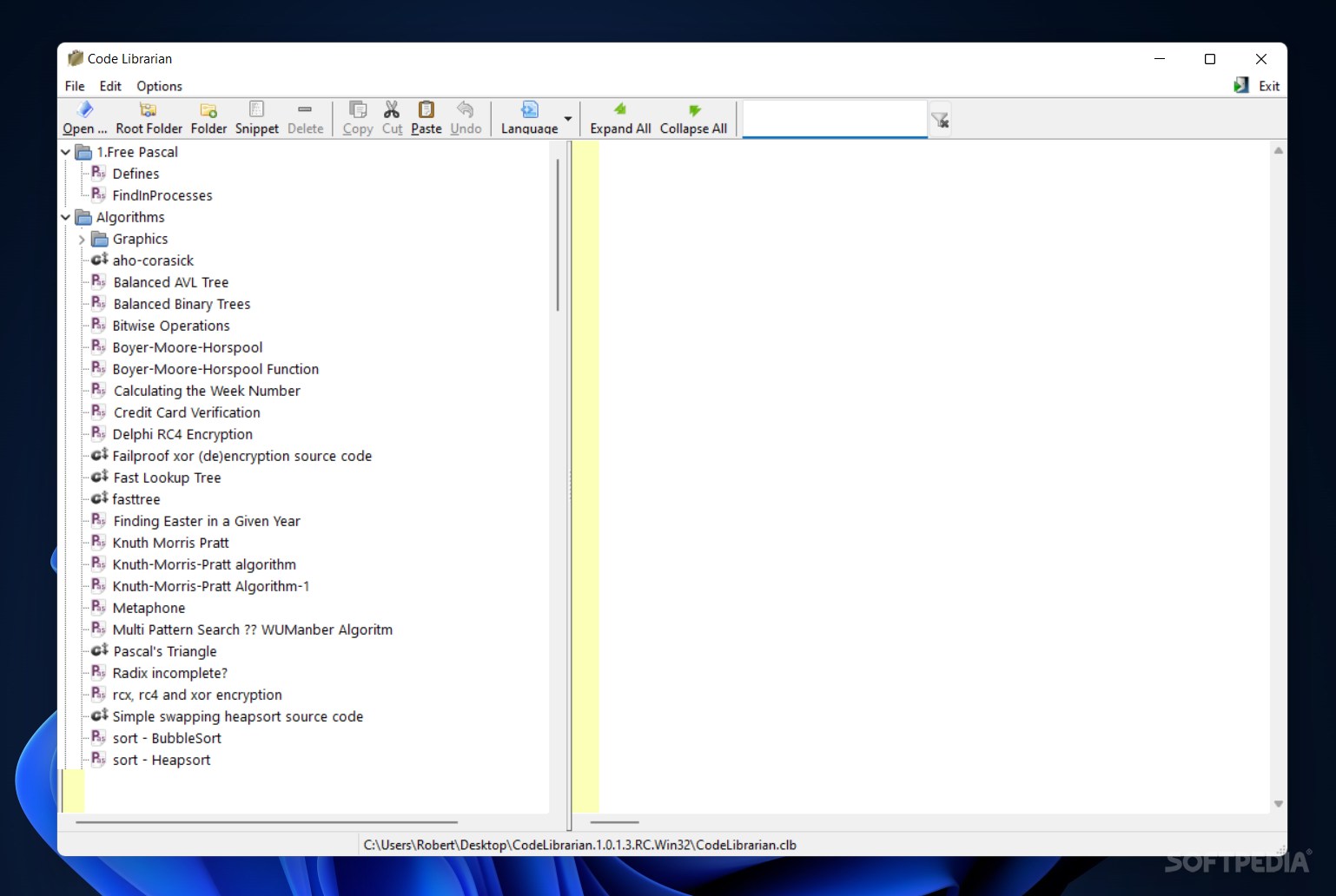
Code Librarian is a small and modern-looking piece of software that helps you arrange and manage all your code snippets in a single place and create an expanding code database. Plus, you don't have to use the app just for storing snippets, as you can copy and paste text from other documents and save daily thoughts or common information.
Once the download is complete, you can take the program for a spin and decide if it fits your needs. Code Librarian can be run directly, as it doesn't require a setup in order to start. This way, you can drop it on an external drive and launch it from any computer.
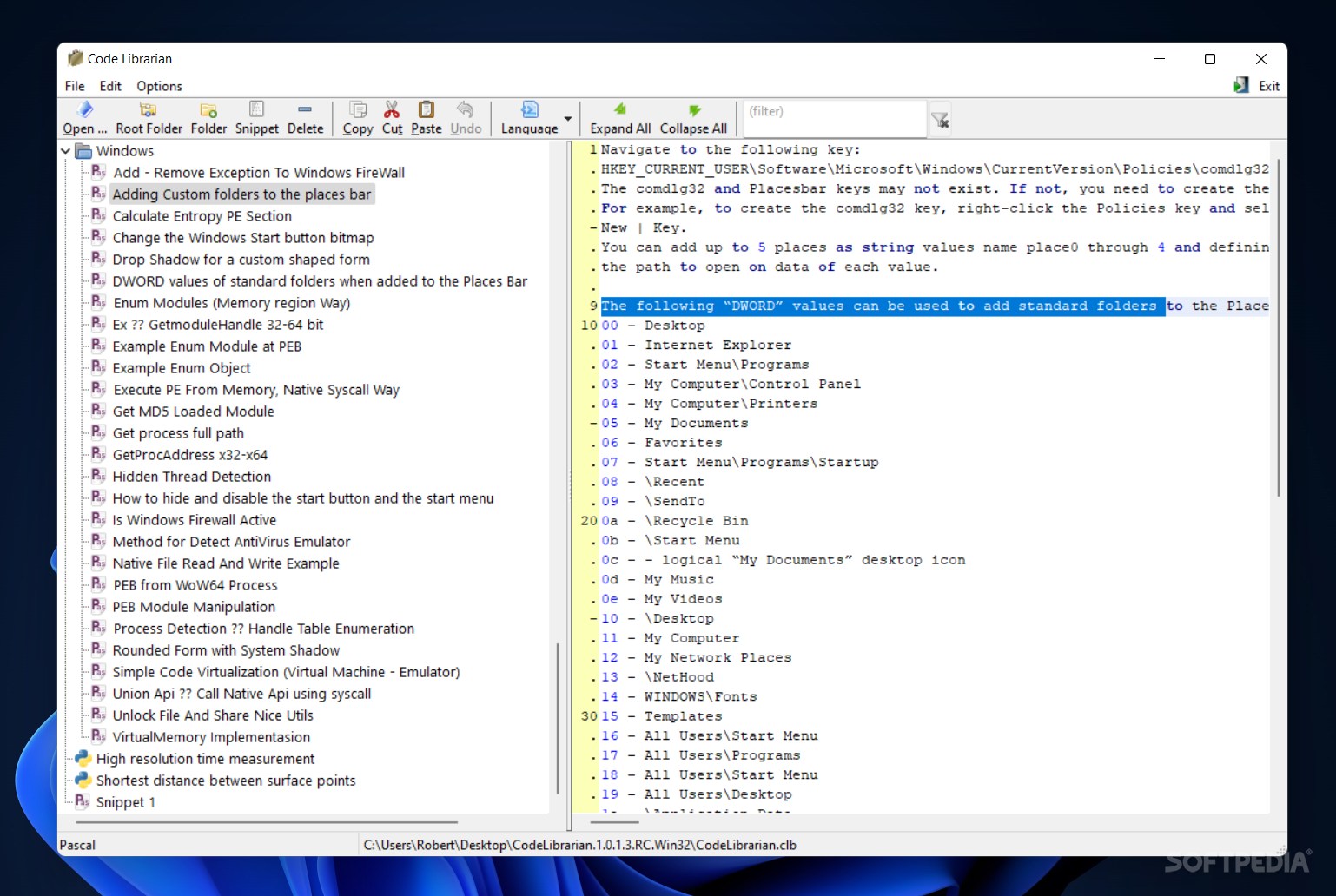
The offered layout is user-friendly and clear, accessible even for novices, and it's divided into a folder and file tree and the editing pad.
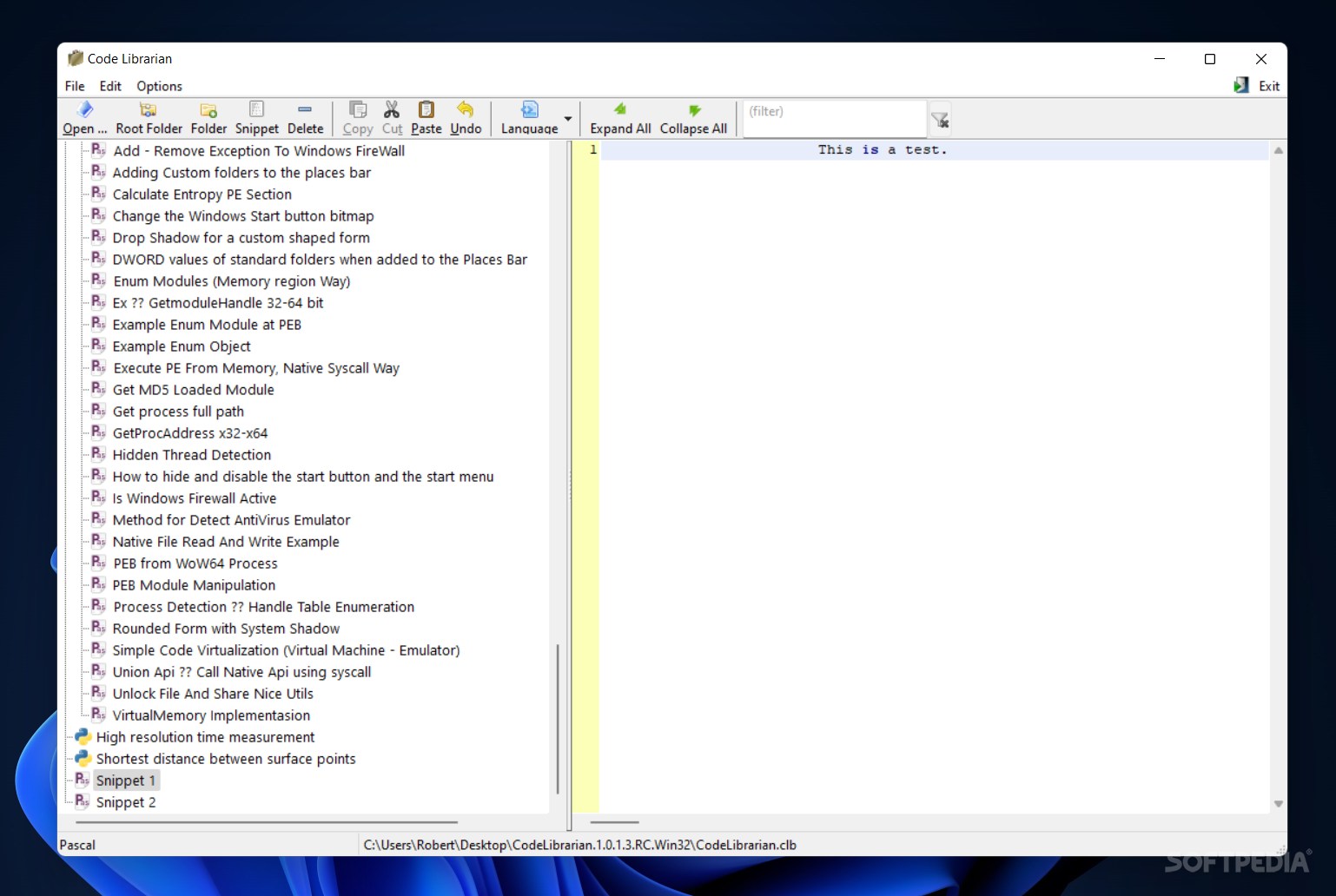
Unfortunately, the tool doesn't have implemented the options to import or open existing files from the PC, so the only way at hand is to copy and paste content from a document into the panel.
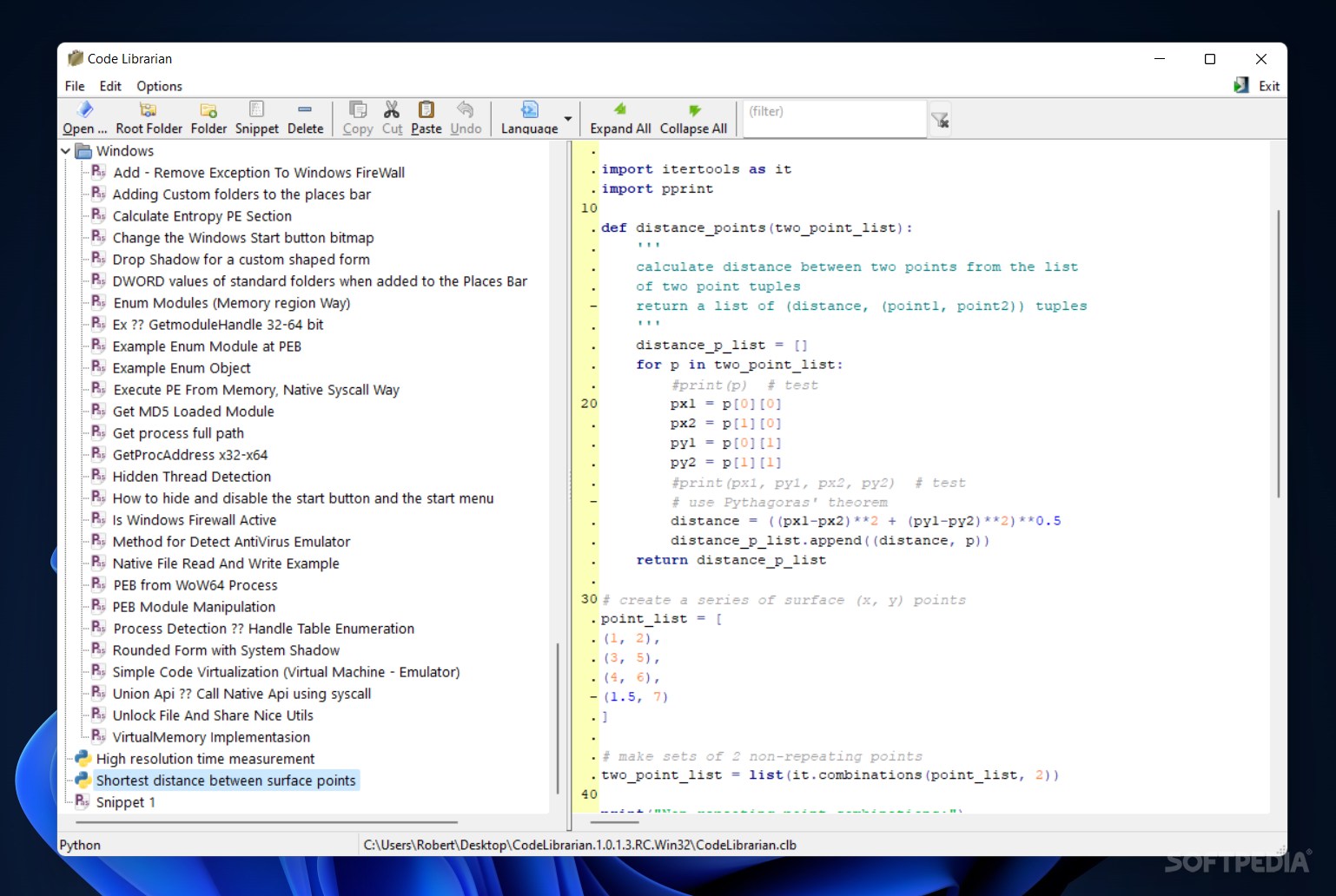
Code Librarian has a built-in syntax highlighting, so whenever you paste an HTML, C++ or JavaScript code, the main tags are automatically recognized.
From the menu, you have the option to make as many directories and files as necessary. You can also name the snippet with a title that represents the content. Plus, it's possible to expand and collapse the tree.
The program could have offered some more customization features, like image, shape or hyperlink insertion, support for text file formats, export to TXT or RTF files and a protection system to secure the data away from being accessed and modified.
The bottom line is that Code Librarian is a basic application designed to help you add and store your code snippets in multiple distinct folders. Thanks to its portability you can have your code snippet database with you anywhere you go.
Code Librarian 1.0.1.3 RC
add to watchlist add to download basket send us an update REPORT- PRICE: Free
- runs on:
-
Windows 11
Windows 10 32/64 bit - file size:
- 1 MB
- filename:
- CodeLibrarian.1.0.1.3.RC.Win32.7z
- main category:
- Programming
- developer:
- visit homepage
Microsoft Teams

Context Menu Manager

Windows Sandbox Launcher

7-Zip

Bitdefender Antivirus Free

IrfanView

4k Video Downloader

calibre

Zoom Client

ShareX

- calibre
- Zoom Client
- ShareX
- Microsoft Teams
- Context Menu Manager
- Windows Sandbox Launcher
- 7-Zip
- Bitdefender Antivirus Free
- IrfanView
- 4k Video Downloader