
A text editor that integrates many tools needed to develop documents with LaTeX commands, but also references such as labels, footnotes and indexes. #LaTeX editor #LaTeX creator #Edit LaTeX #LaTeX #Editor #Math

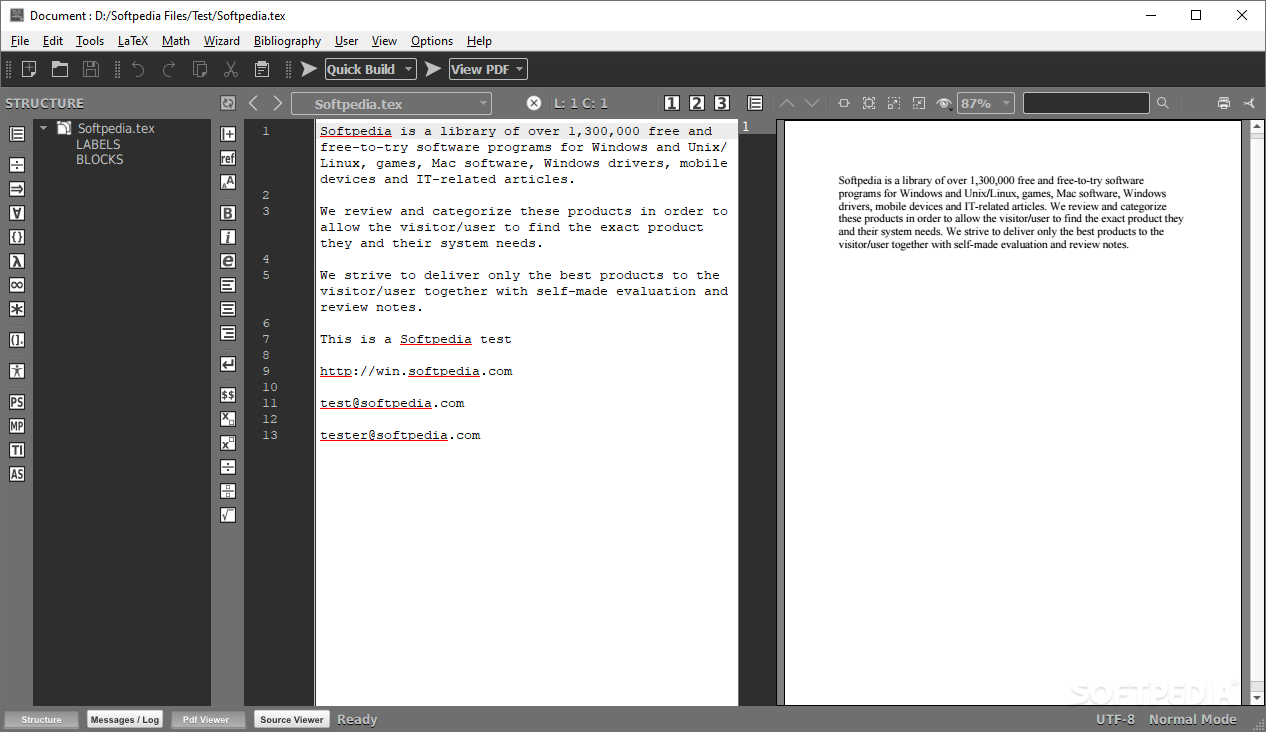
With the advancements in document formatting, preparation and even criteria that are required for certain publications, the emergence of dedicated document handlers, such as LaTeX came as a natural consequence. Its inherent complexity might deter some users from actually benefitting from its entire feature set, and this is where Texmaker comes into play, in order to offer users a viable alternative for developing their documents into a LaTeX environment, without the encumbrance of a potentially too complex approach.
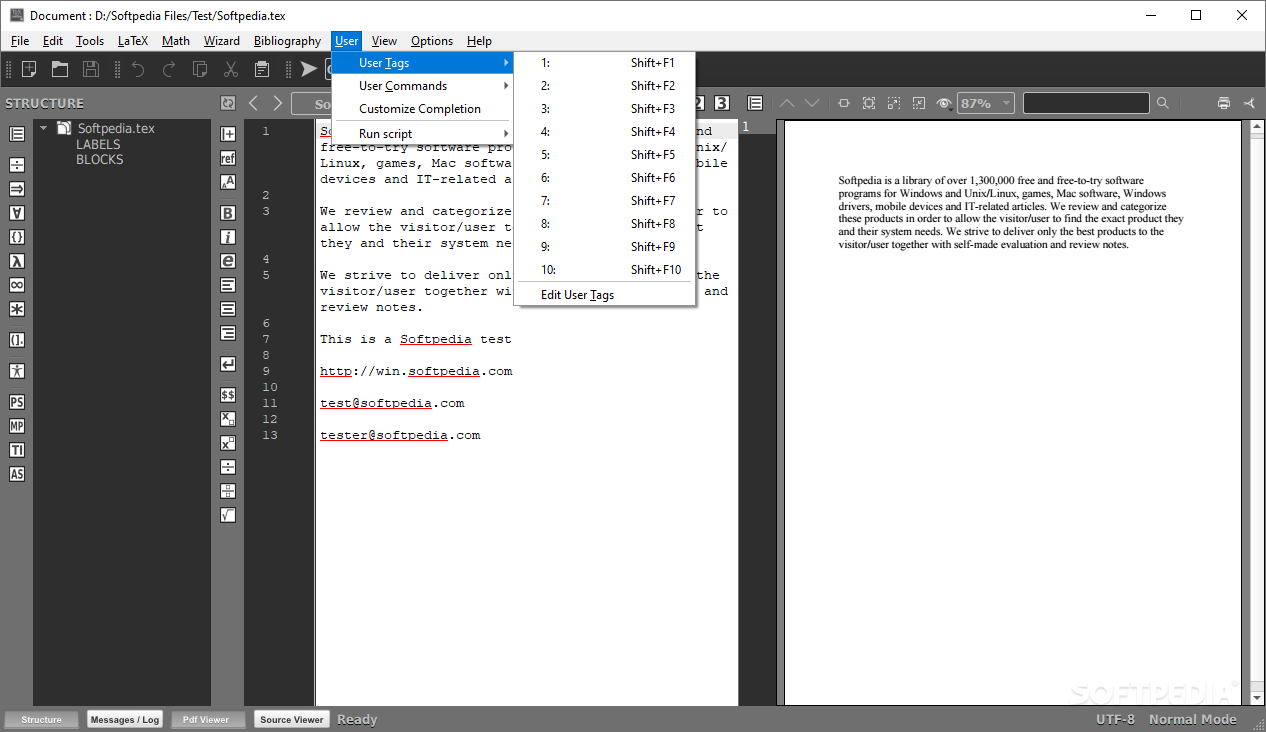
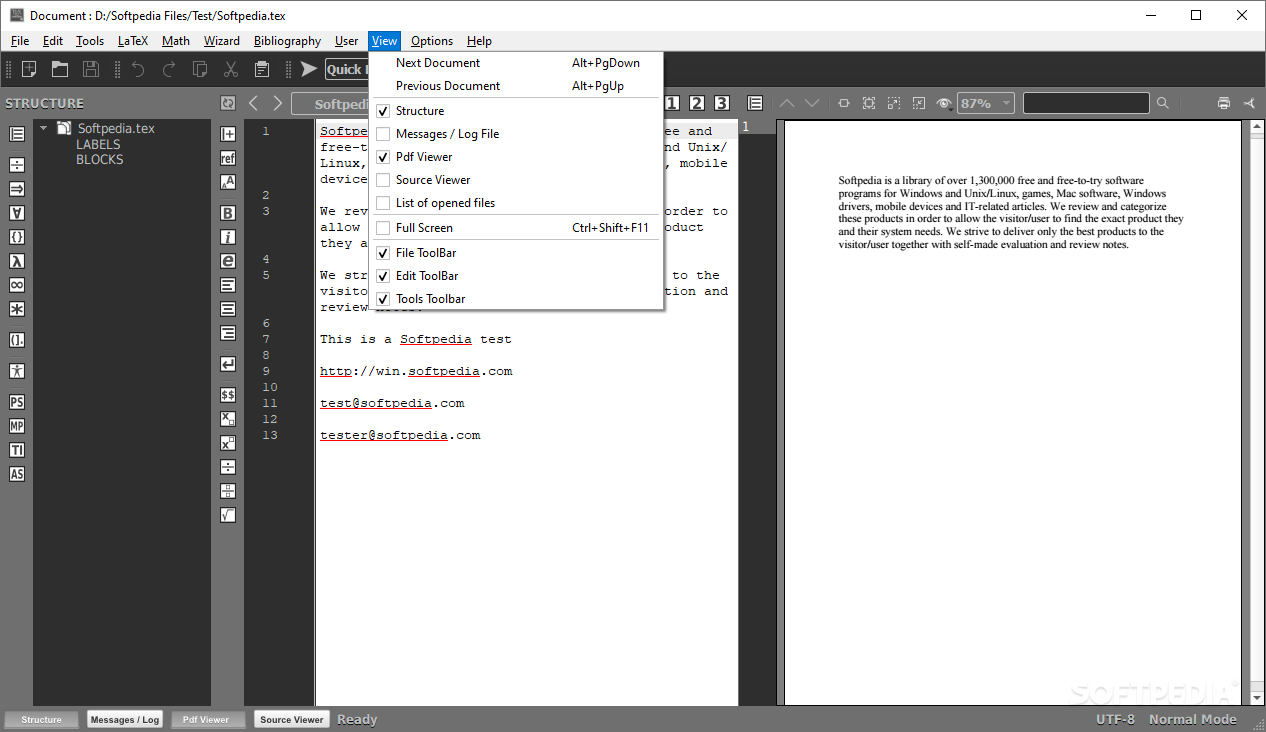
Those who are accustomed to working with documents will likely appreciate the layout present on Texmaker, as it offers both a good viewing area, as well as a multitude of quick-access features, which are represented through multiple buttons.
Both the structure, as well as the contents of the opened document can be previewed, and indentation indexing and a load of other standard features make up the basis for the document editing frame.
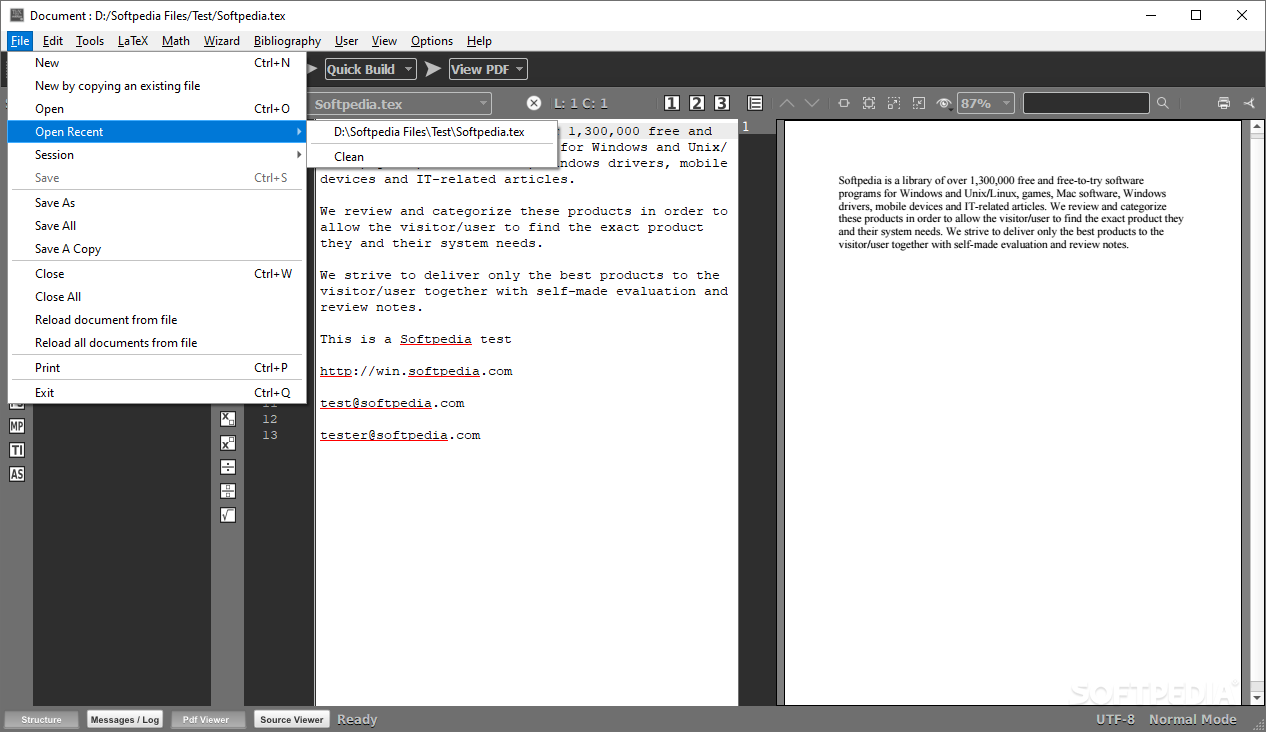
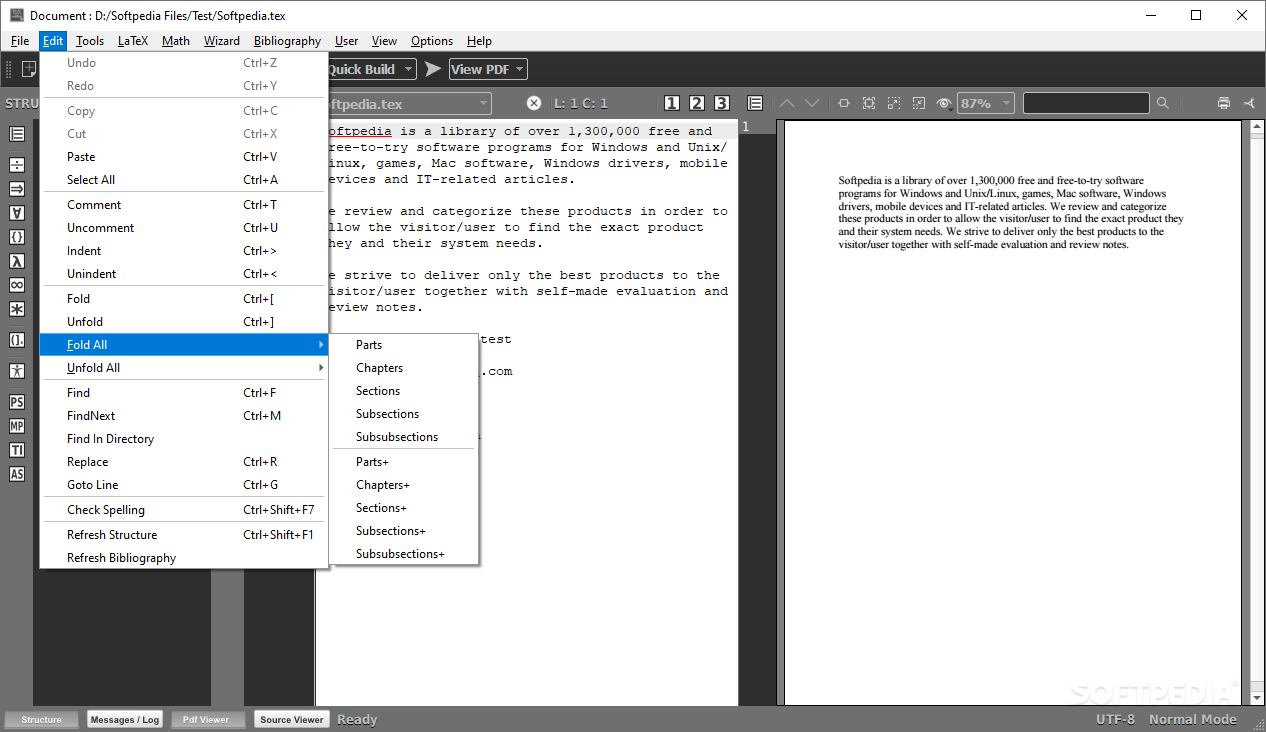
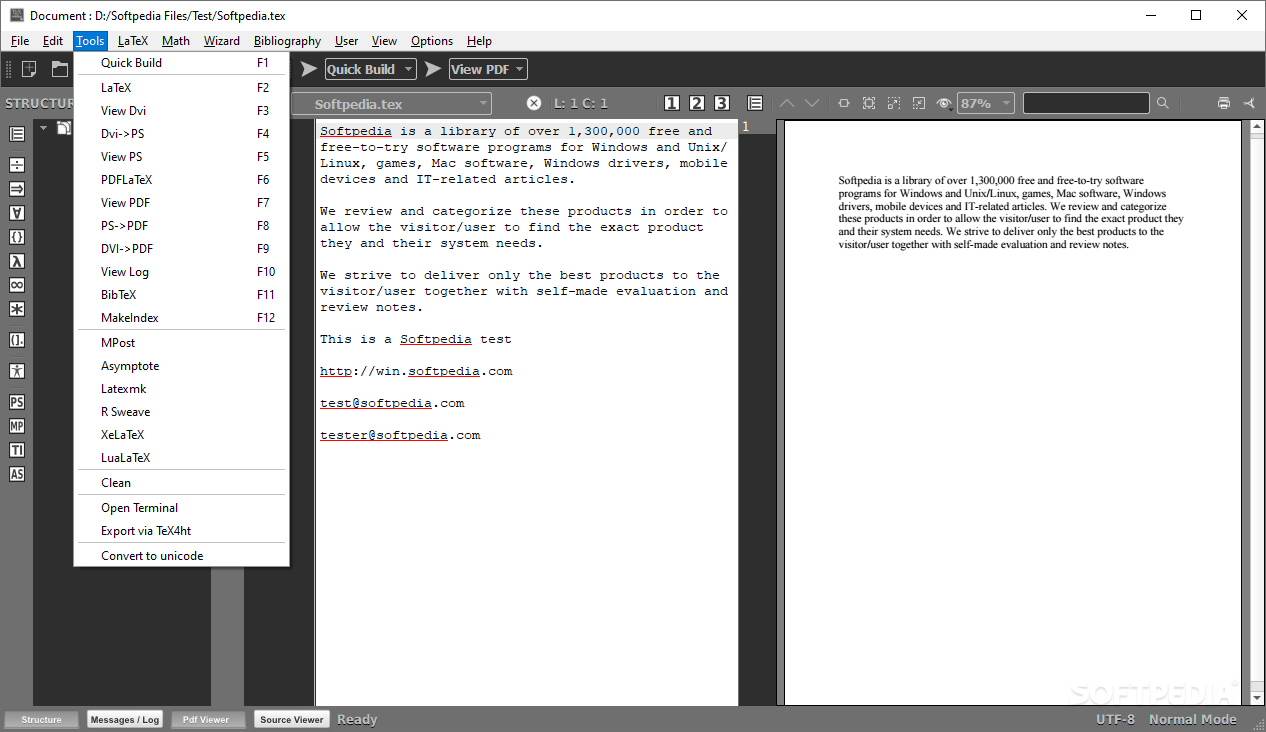
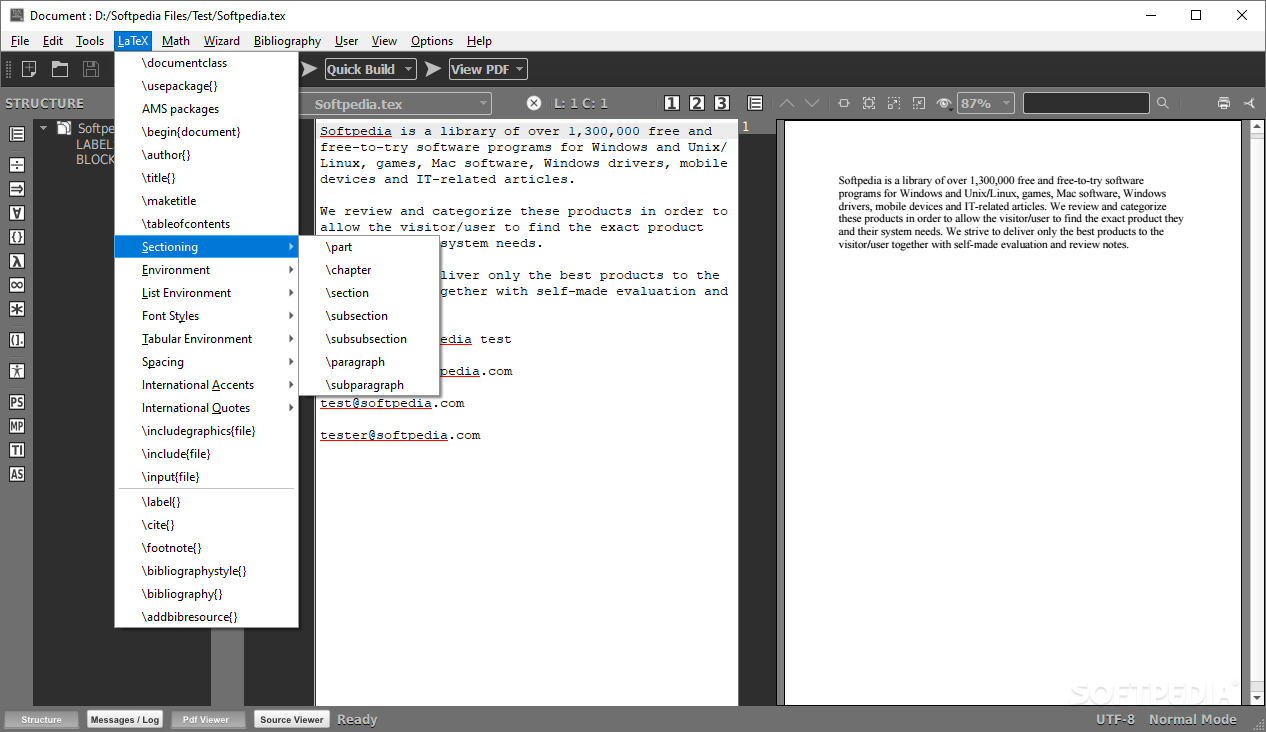
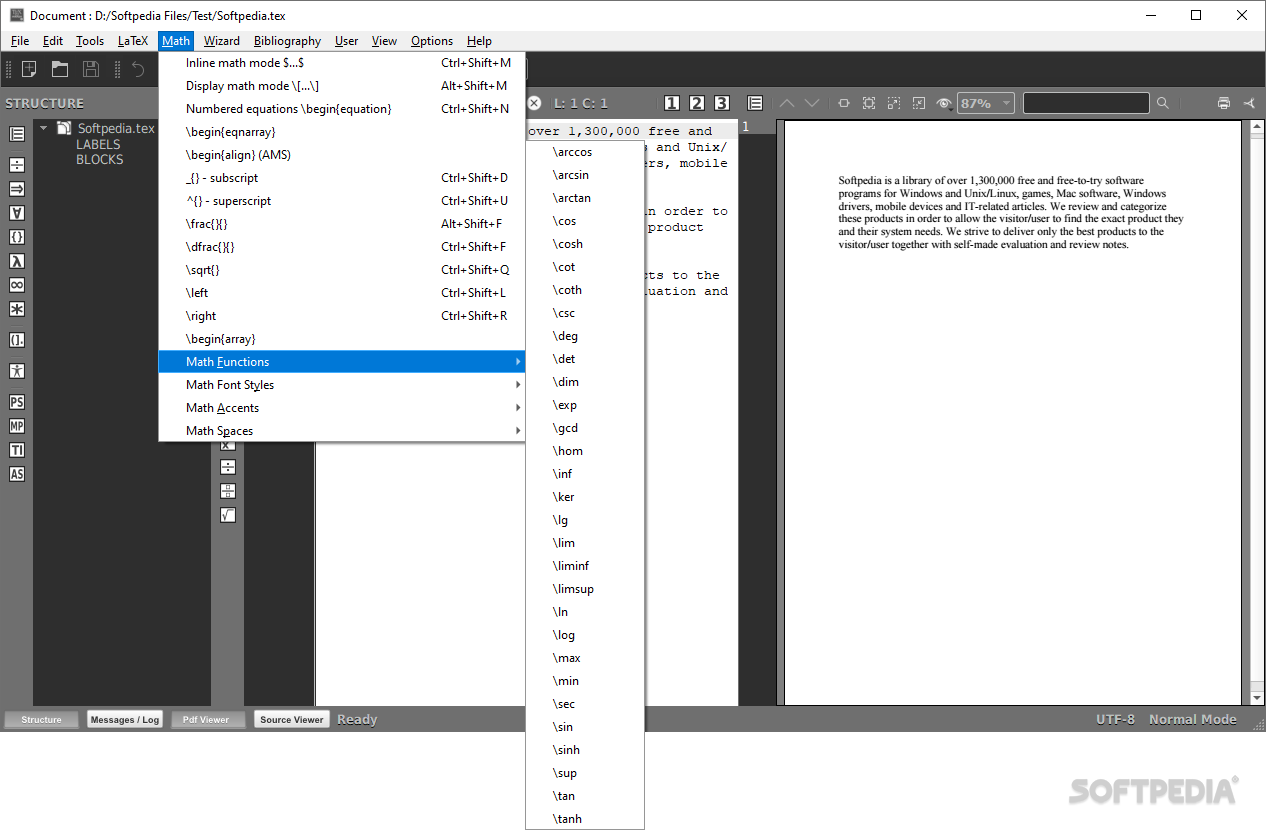
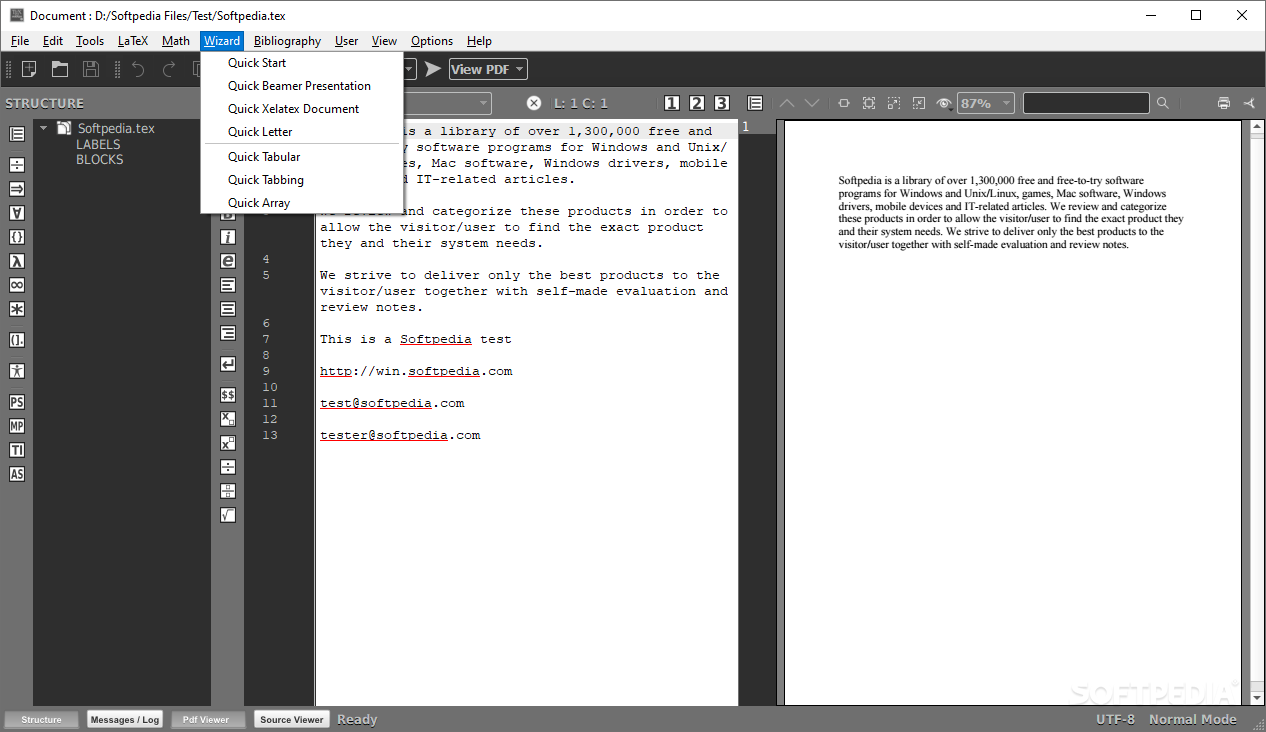
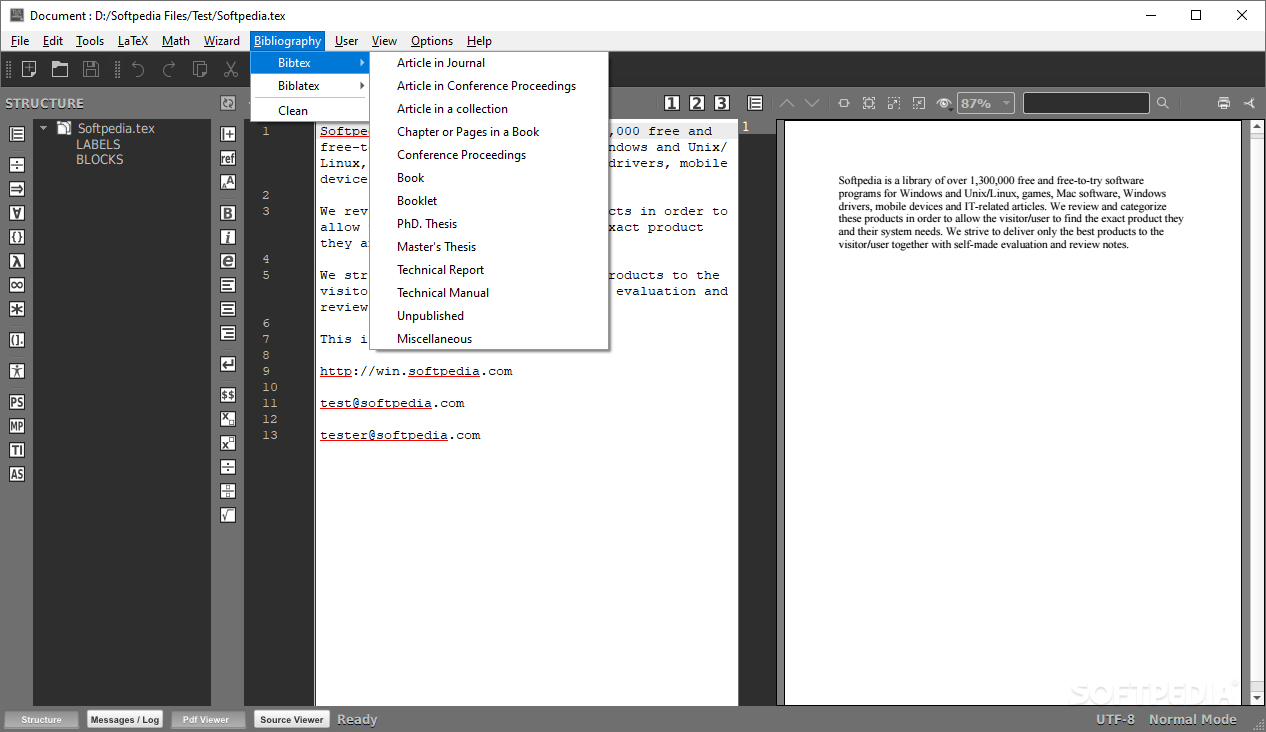
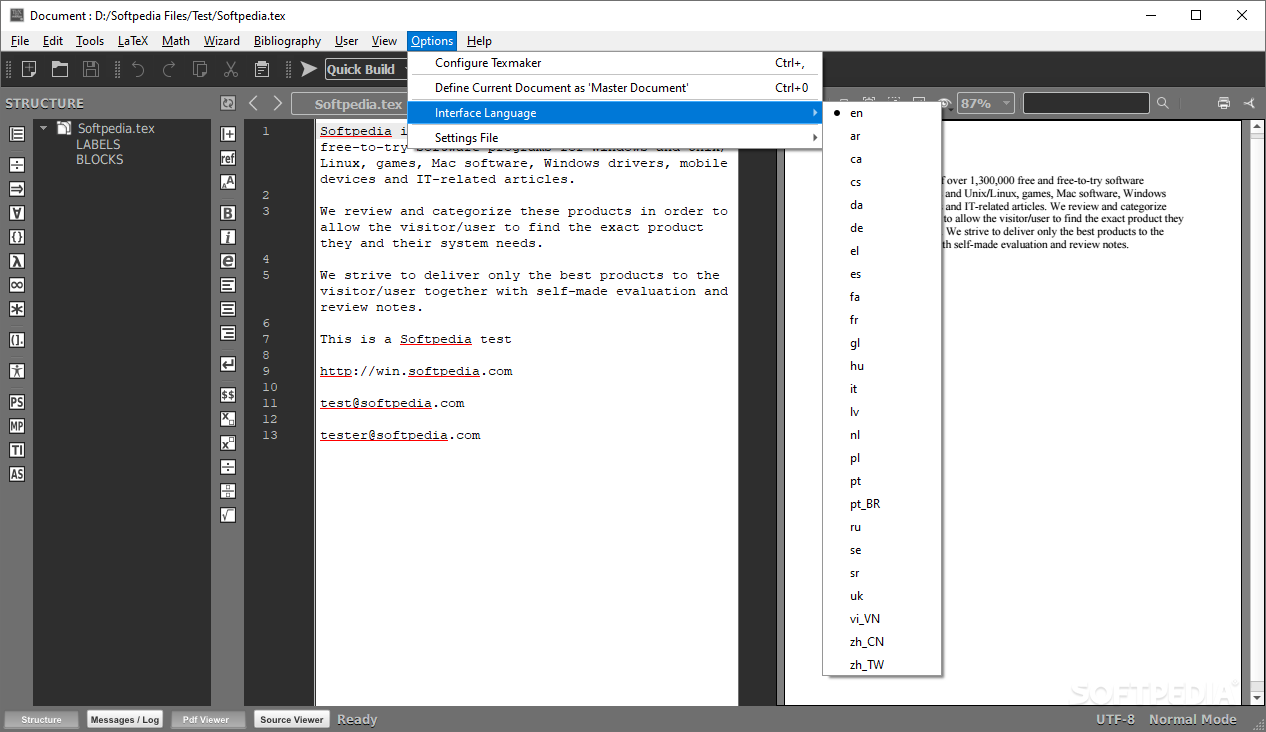
When going past the basics, one will be able to find a myriad of features hidden within all the menus, and despite their impressive numbers, the complexity of the overall handling is kept at bay, ensuring that even novices can have a go.
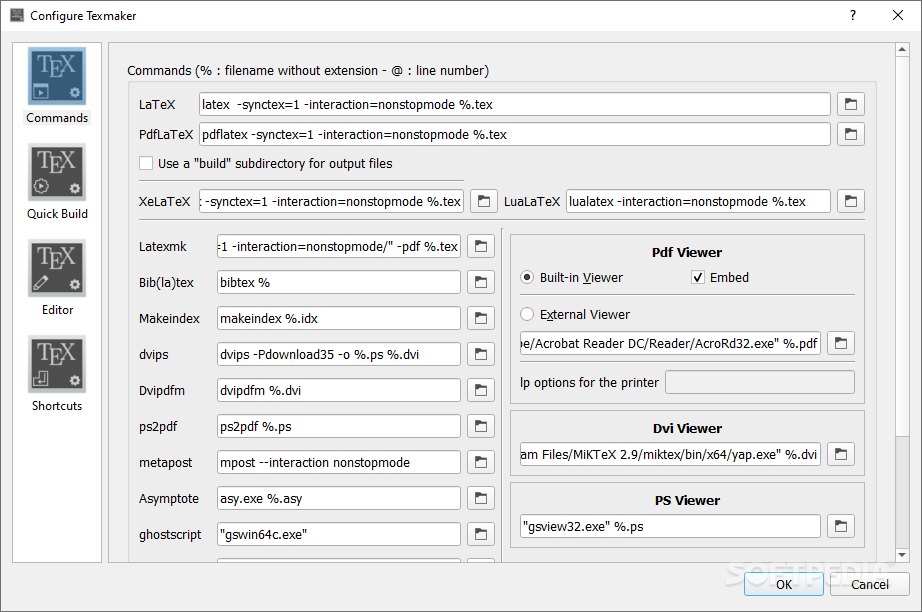
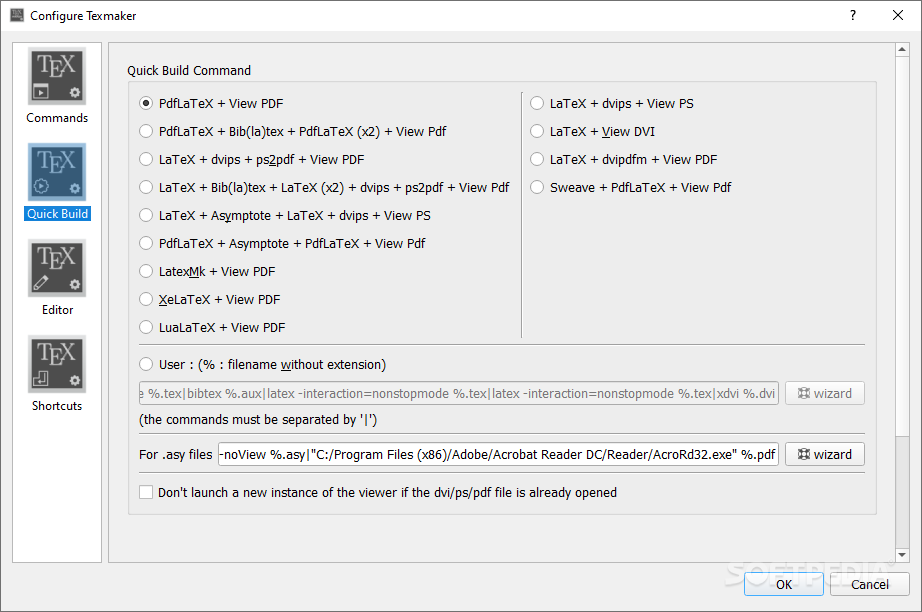
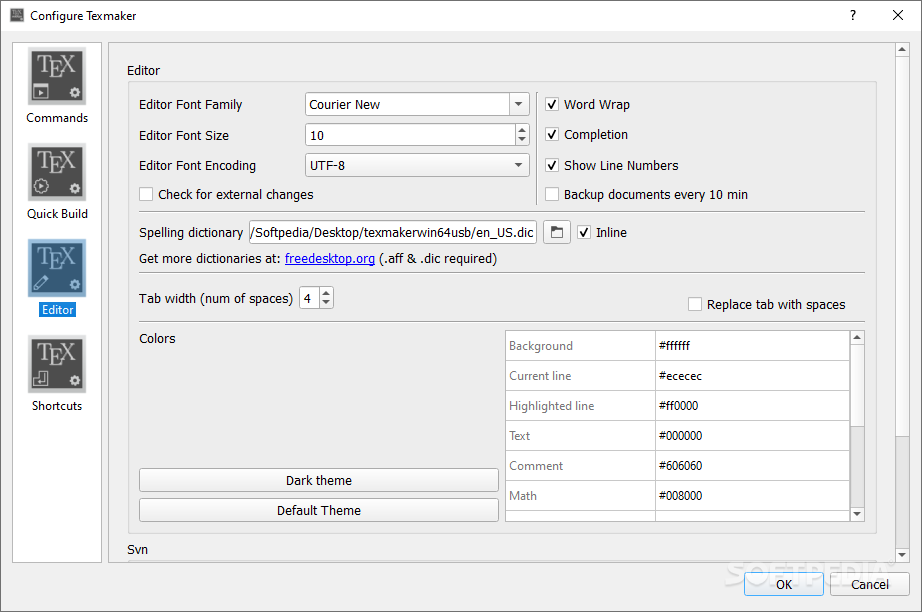
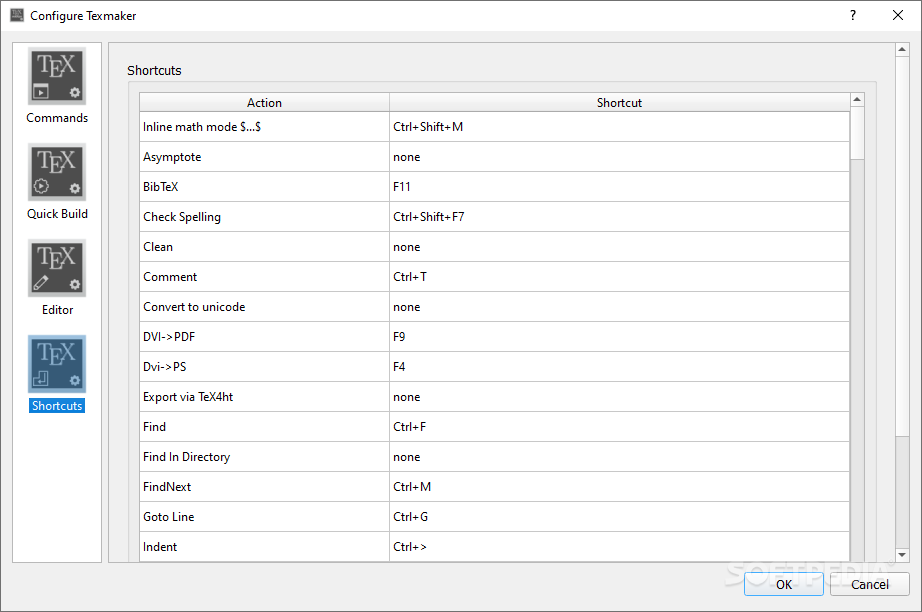
We enjoyed that the settings module takes a different approach, and instead of offering a cluttered, complex set of tweaks, it allows one access to only four modules, each with several distinct items, making the customization process quite easy and accessible.
If the complexity of any LaTeX-driven approaches for processing documents is overwhelming to you, this application can provide a much-welcomed simplification, all that without compromising all the essential features required for such endeavors.
What's new in Texmaker 5.1.4:
- A bug with the contextual menu in the editor with Qt6 has been fixed
- A bug related to replace action with a regular expression has been fixed
- The internal pdf viewer can now zoom to 800%
- "Home" and "End" key shortcuts have been added to the internal pdf viewer (first/last page)
Texmaker 5.1.4
add to watchlist add to download basket send us an update REPORT- PRICE: Free
- portable version
- Portable Texmaker
- runs on:
- Windows 10 32/64 bit
- file size:
- 81.1 MB
- filename:
- Texmaker_5.1.4_Win_x64.msi
- main category:
- Programming
- developer:
- visit homepage
calibre

Bitdefender Antivirus Free

ShareX

Windows Sandbox Launcher

Zoom Client

Context Menu Manager

IrfanView

4k Video Downloader

7-Zip

Microsoft Teams

- 4k Video Downloader
- 7-Zip
- Microsoft Teams
- calibre
- Bitdefender Antivirus Free
- ShareX
- Windows Sandbox Launcher
- Zoom Client
- Context Menu Manager
- IrfanView