
A powerful text editor/IDE designed specifically for software development, with syntax highlighters for popular programming languages. #Highlight syntax #Programmer IDE #Code editor #Development #Programmer #Syntax
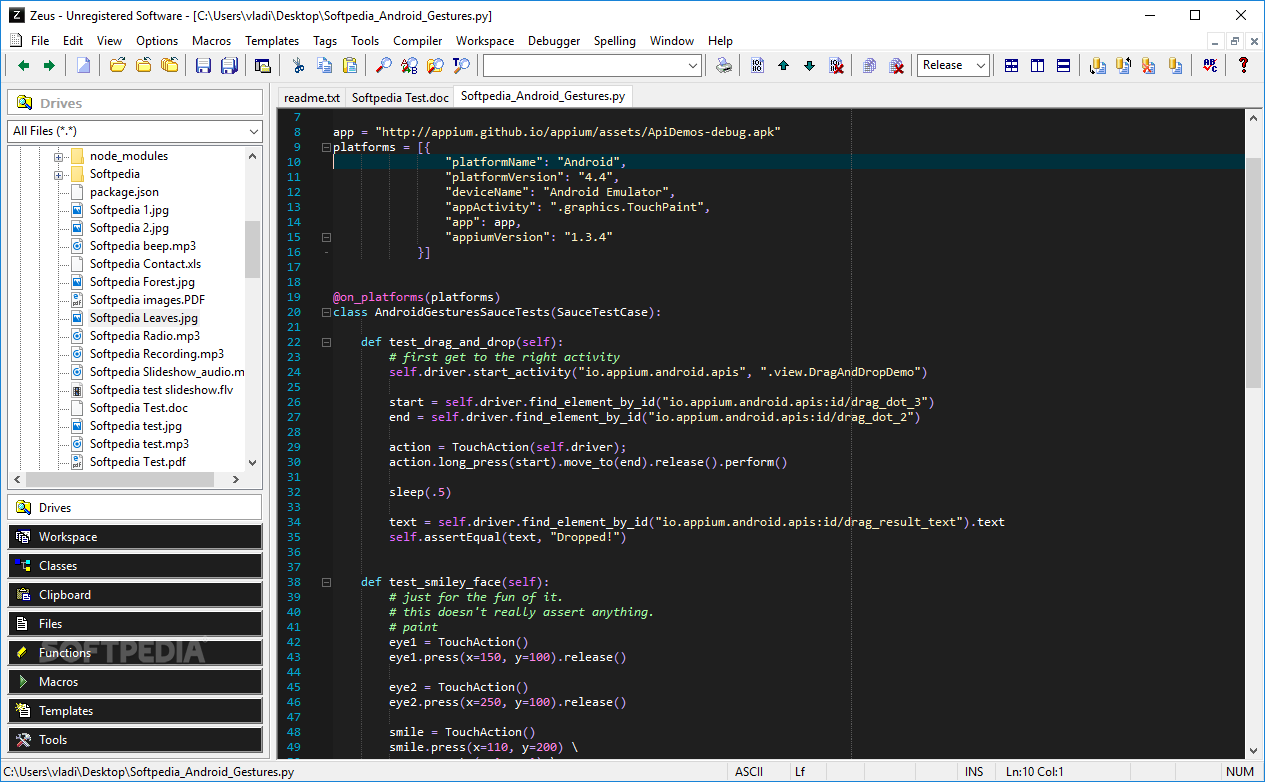
Applications run on a well-written code structure that is more complex with each new trick the program knows how to perform. All this time-consuming process is done with specialized applications, one of them being Zeus for Windows, an IDE compatible with a large variety of commonly used programming languages.
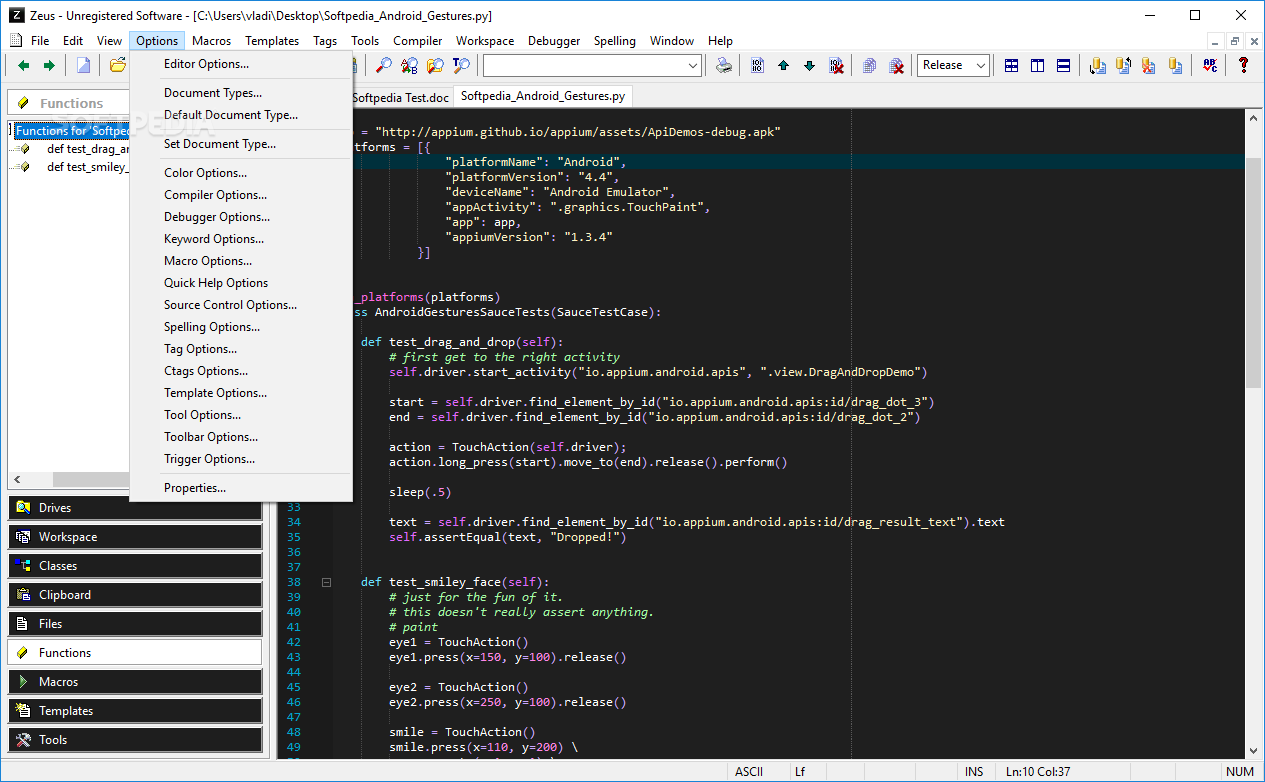
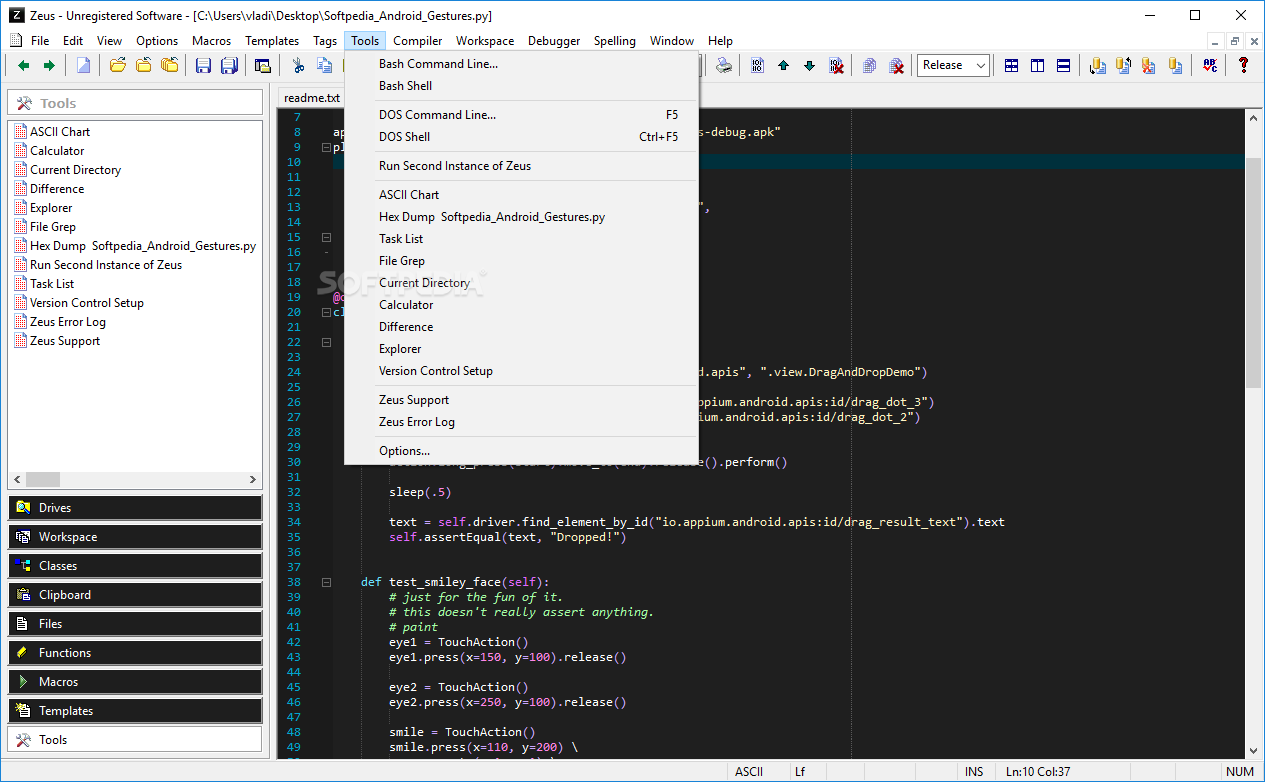
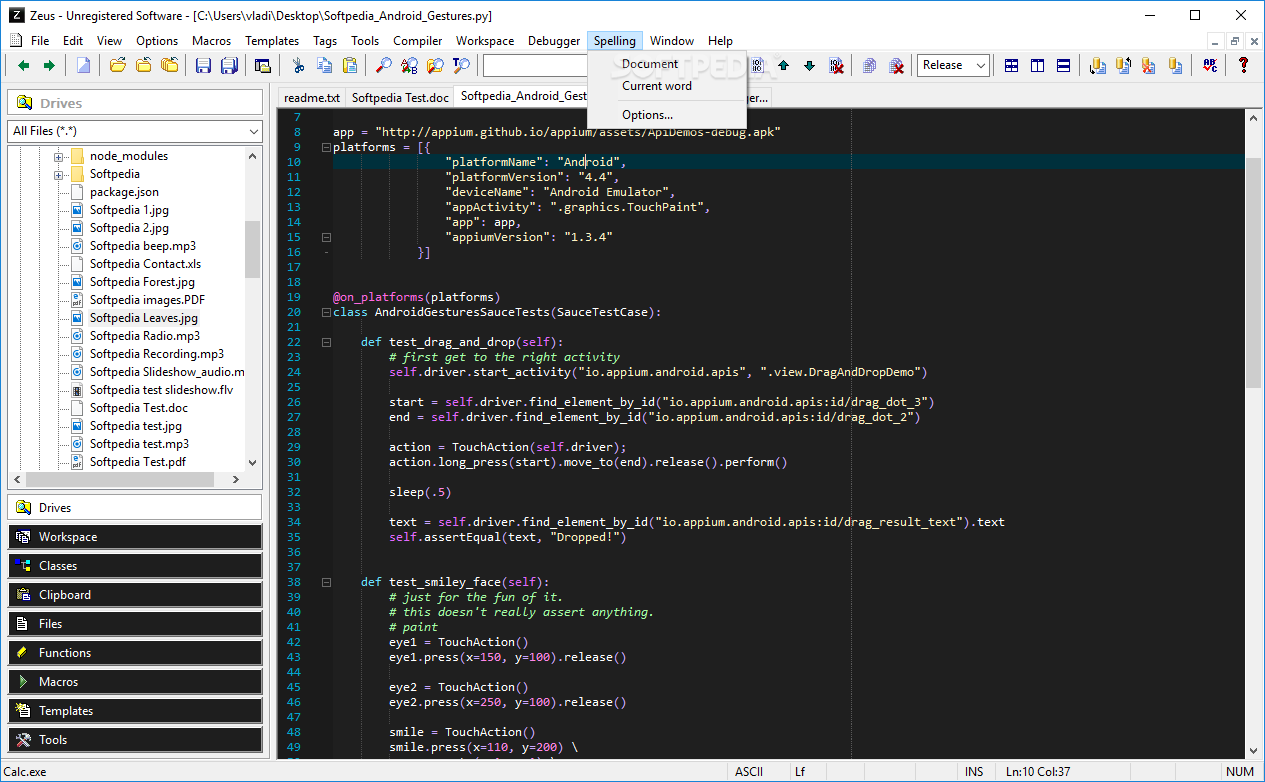
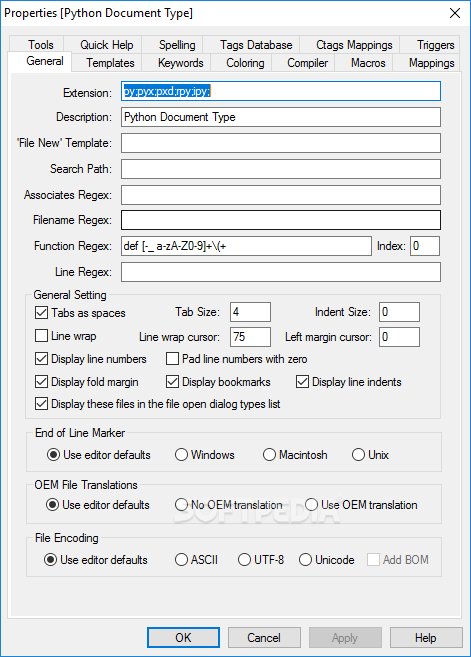
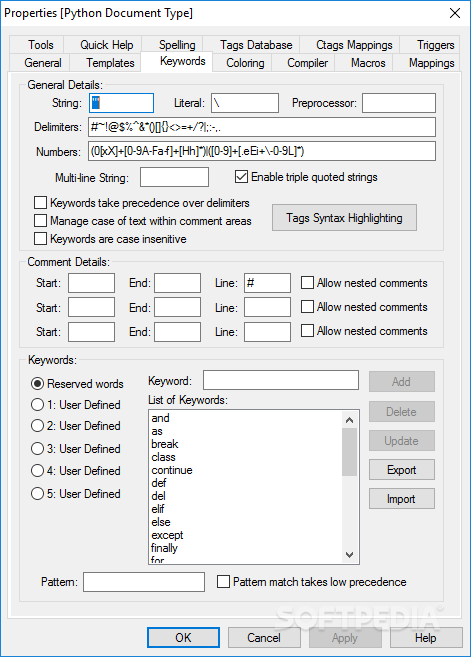
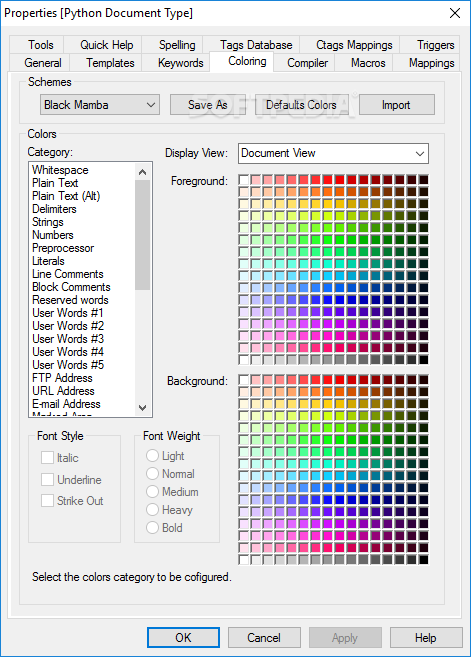
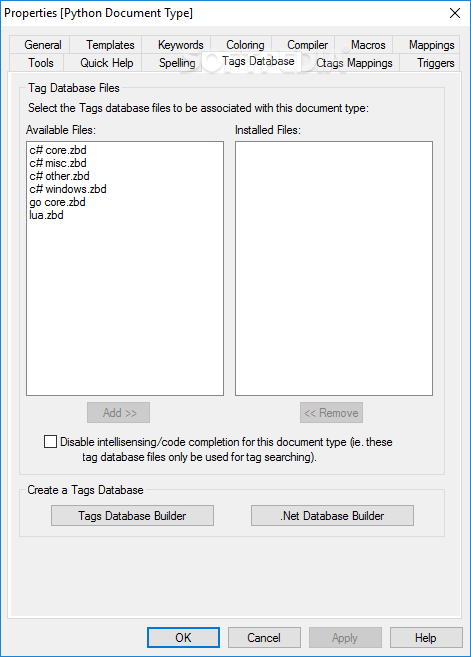
Even though a beginner might find the interface a little crowded and overwhelming, taking a second look reveals that it is actually well-structured, managing to contain and organize all you get to work with. Most of the job is done in the center workspace, which aids you with the help of a syntax highlighter for C++, Fortran, Go, Python and a lot more.
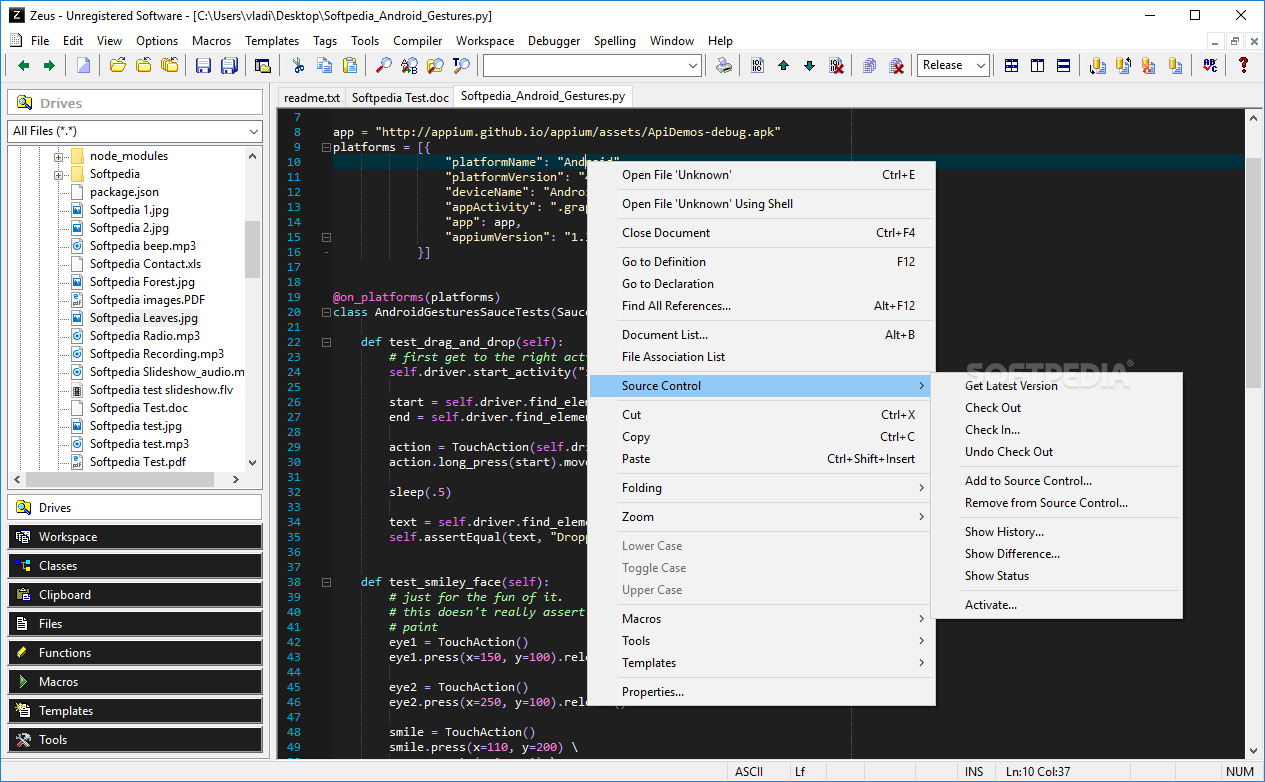
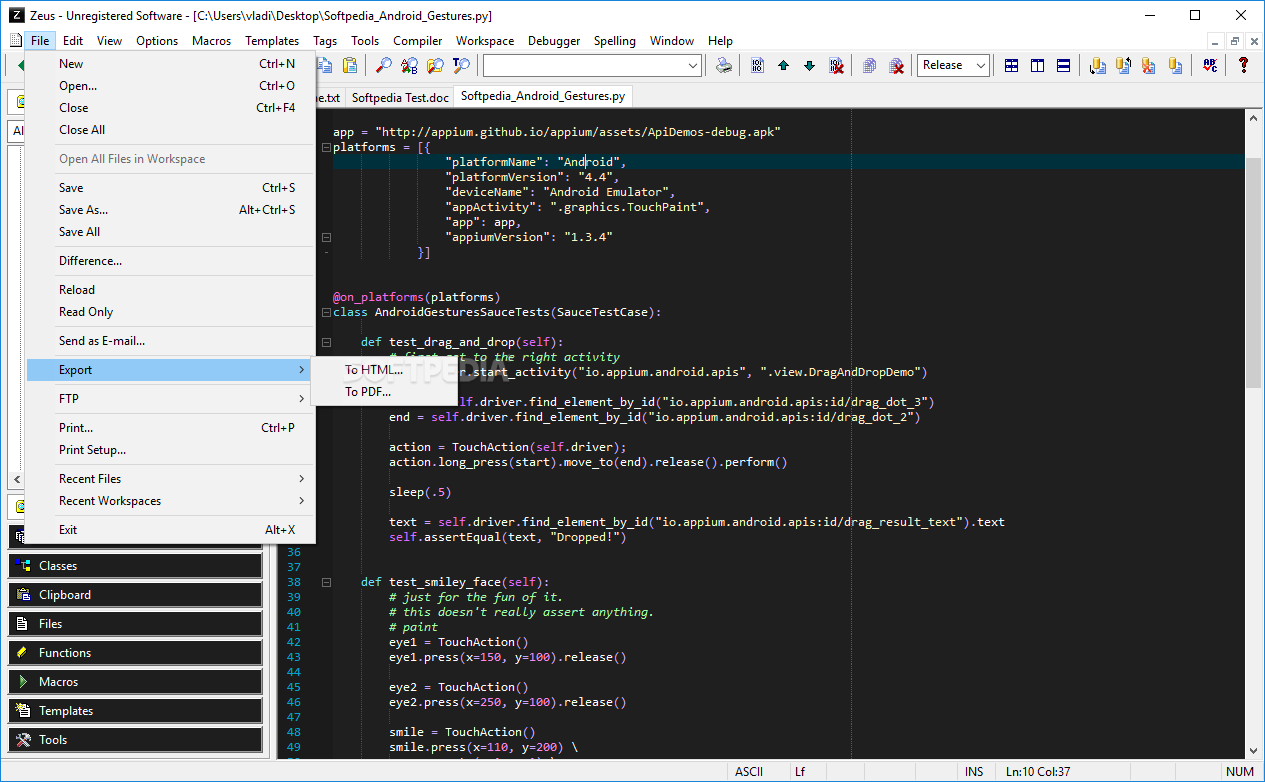
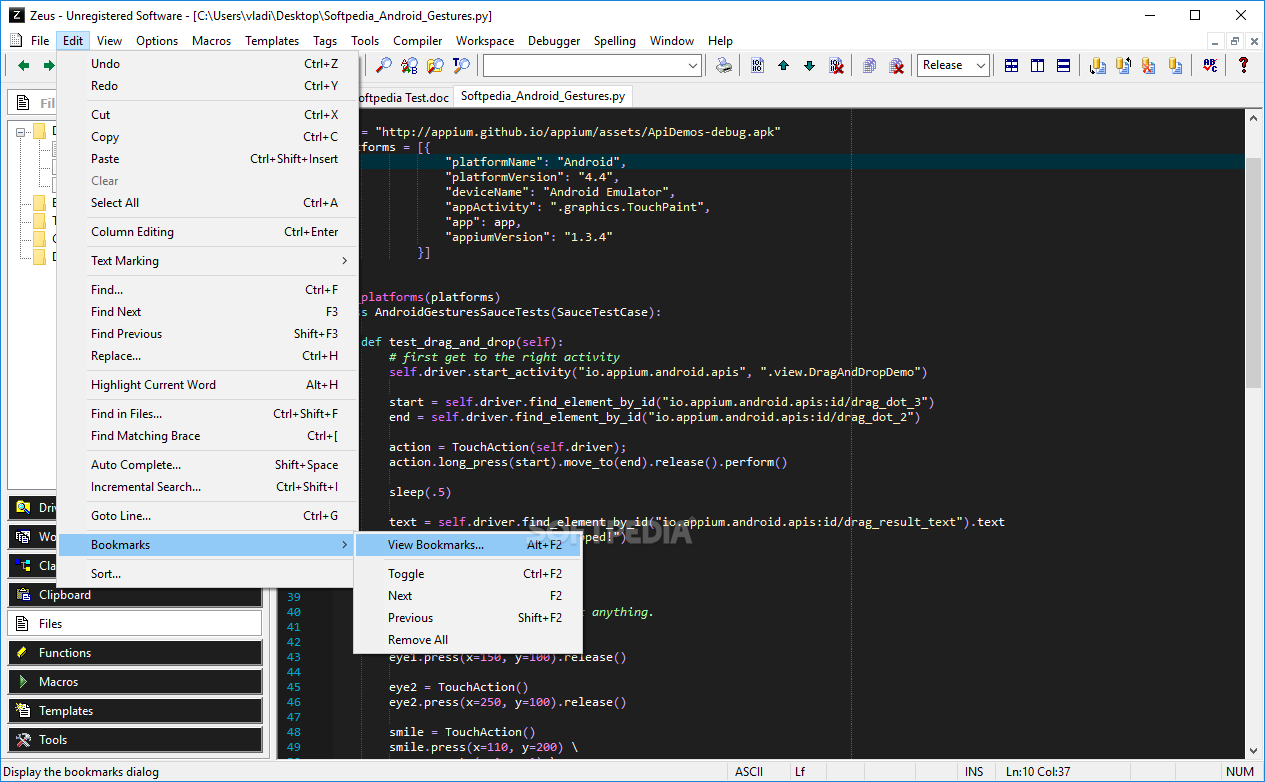
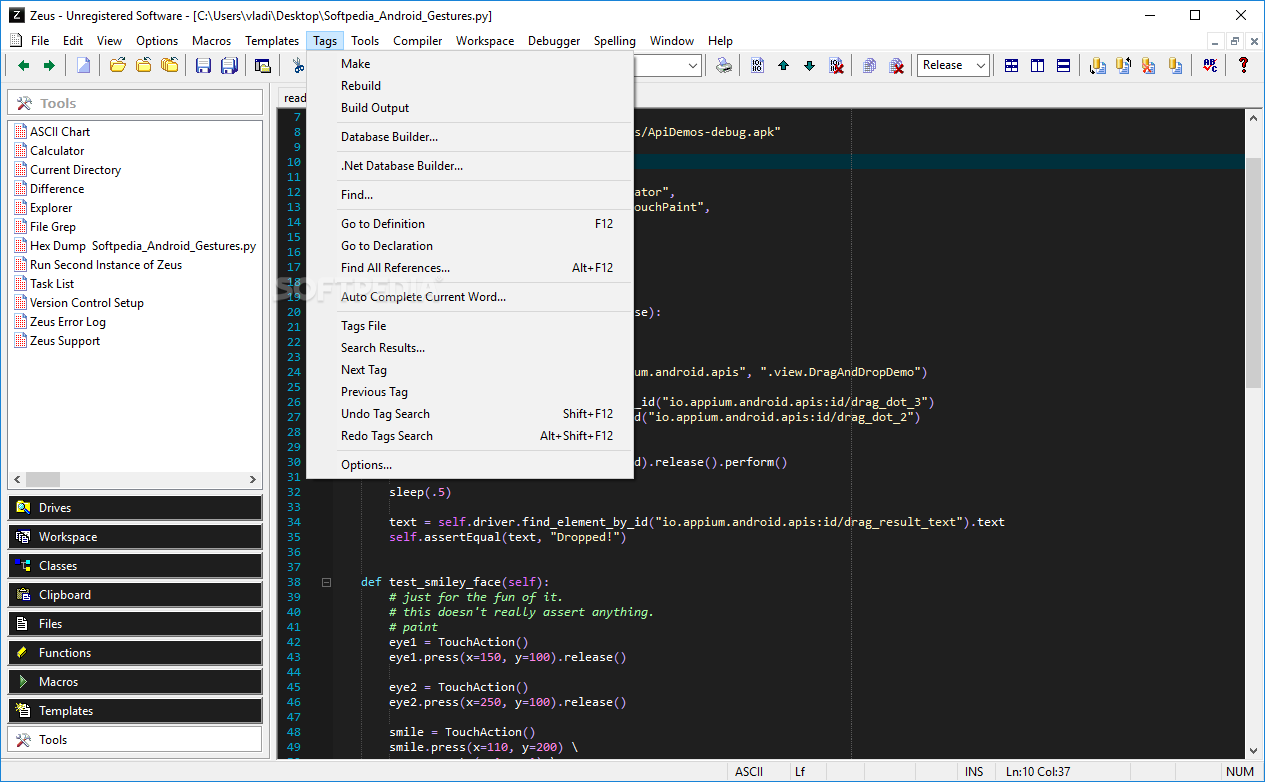
What's more, quick access to project elements is provided by a side panel. Files can also be identified with the help of a file explorer. Accessibility tools don't end here, navigating to the dedicated menu unavailing even more, such as a calculator, or ASCII chart to name a few.
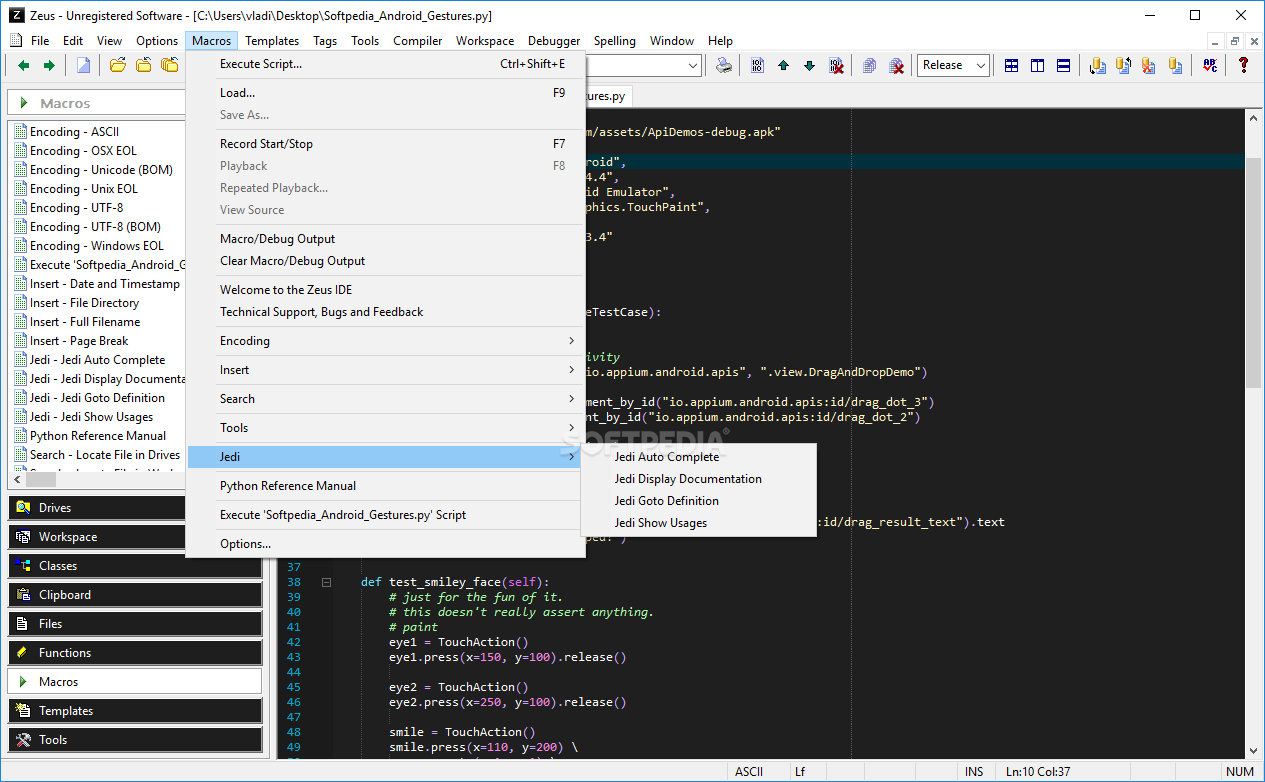
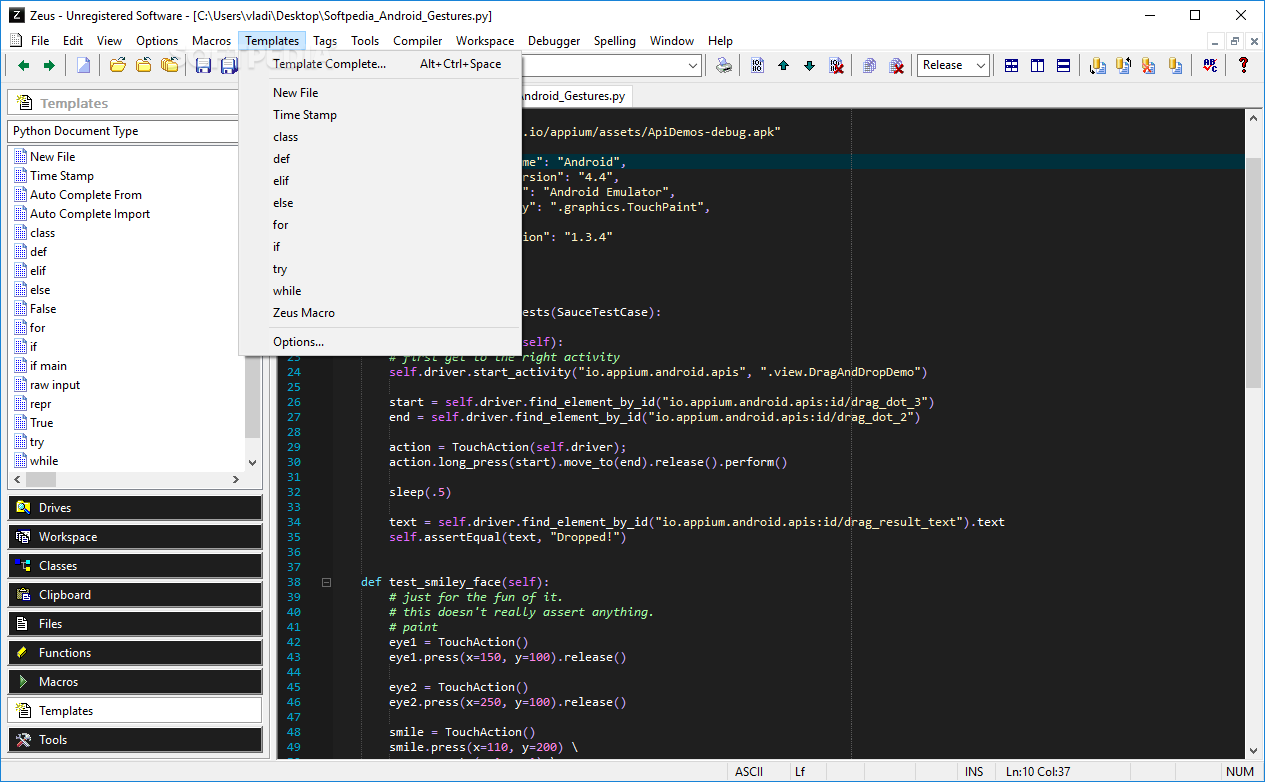
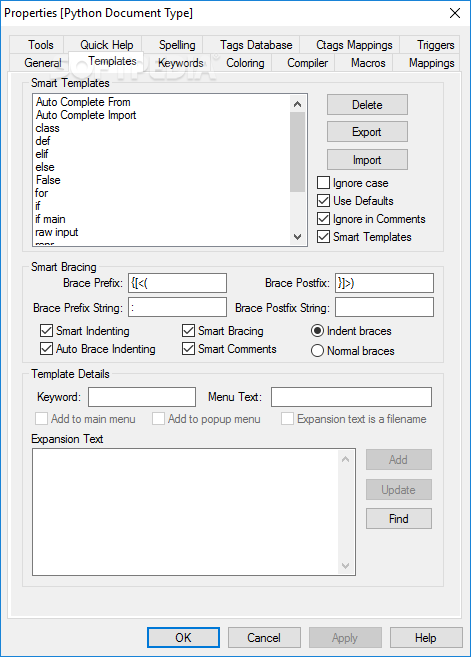
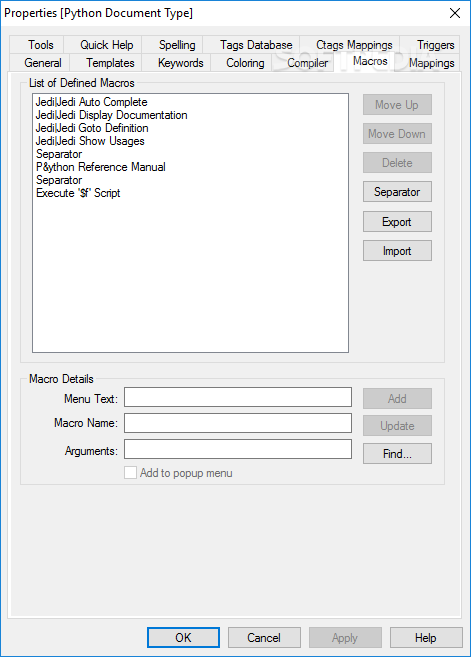
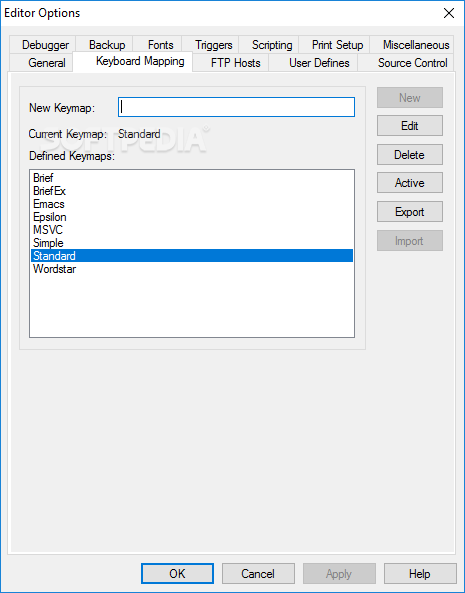
The application lets you create multiple templates that are specially equipped with functions to give you a head start in the projects to come. Macros also enhance your workflow with the possibility to define new ones using both your keyboard and mouse, or make use of already existing ones, dedicated to align text, copy it, or even sum up a marked area.
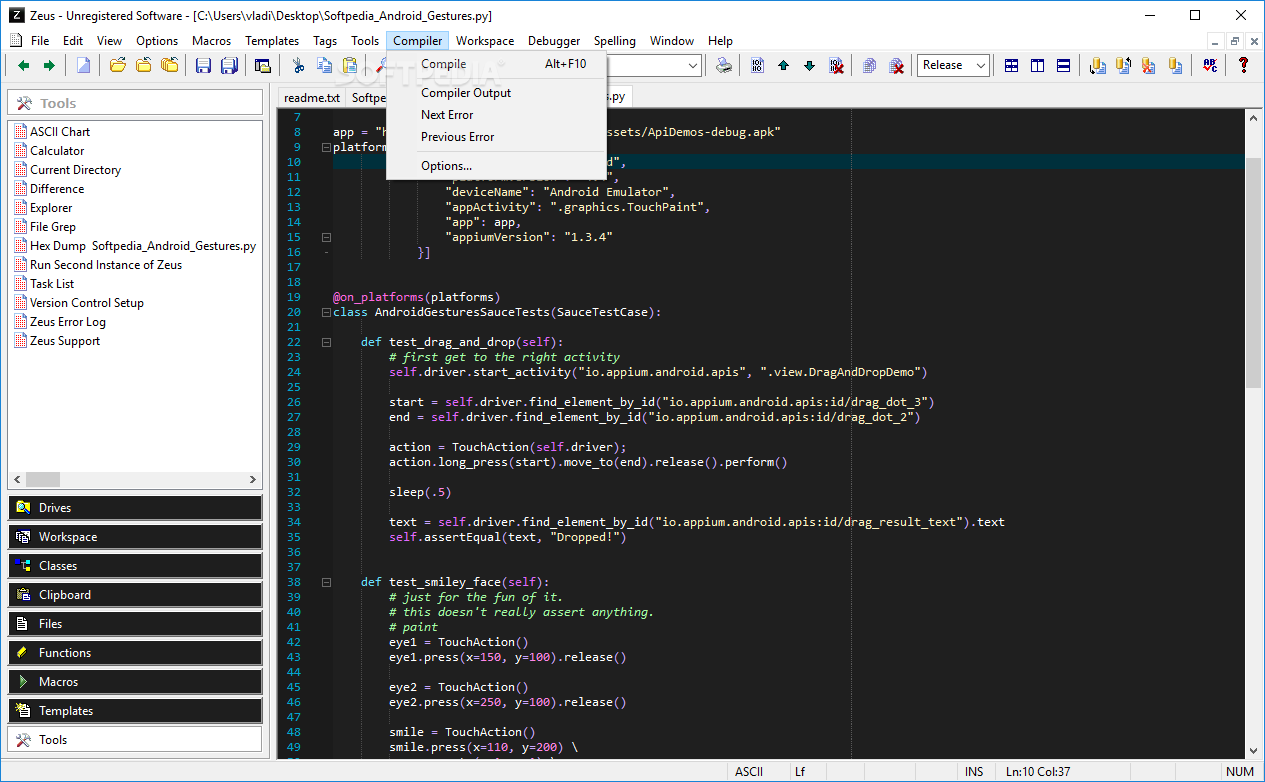
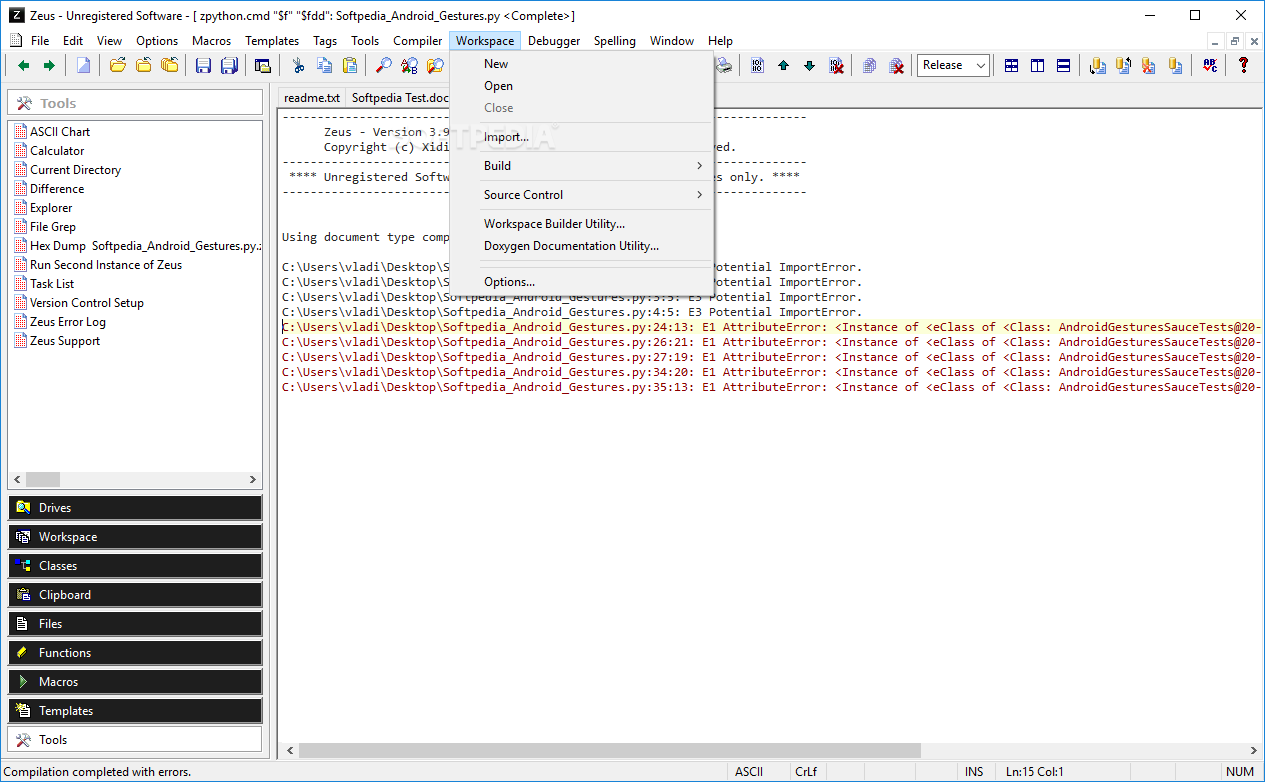
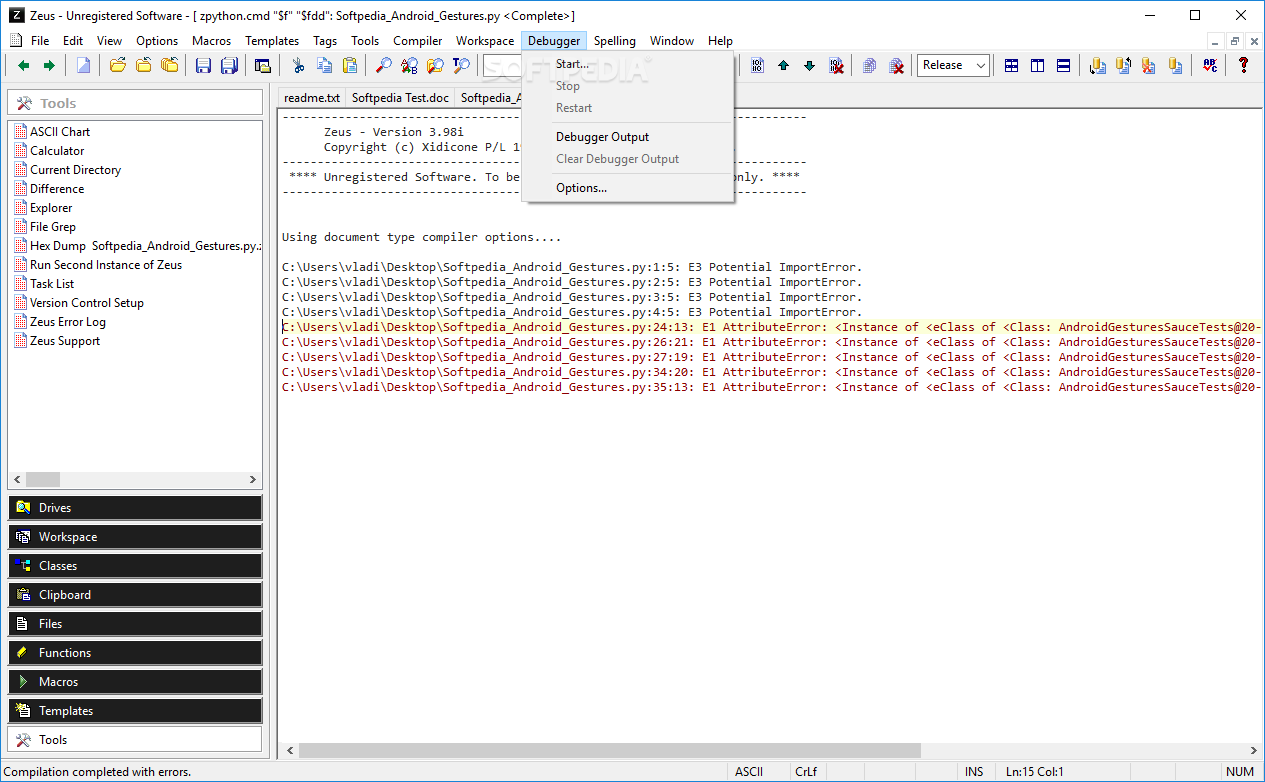
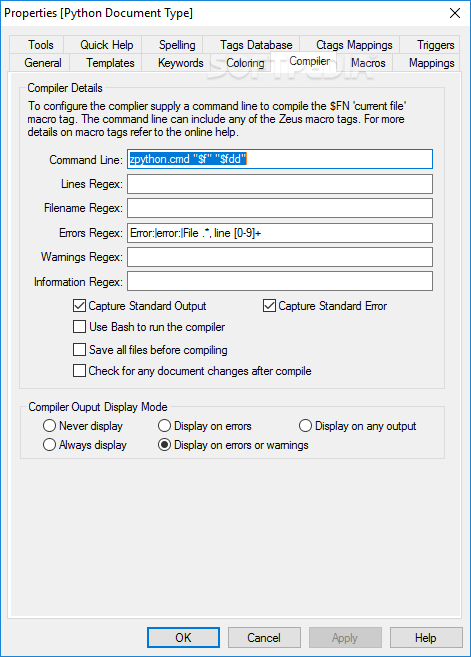
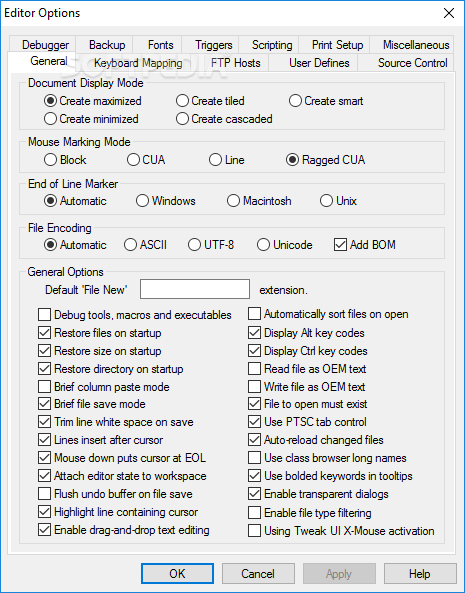
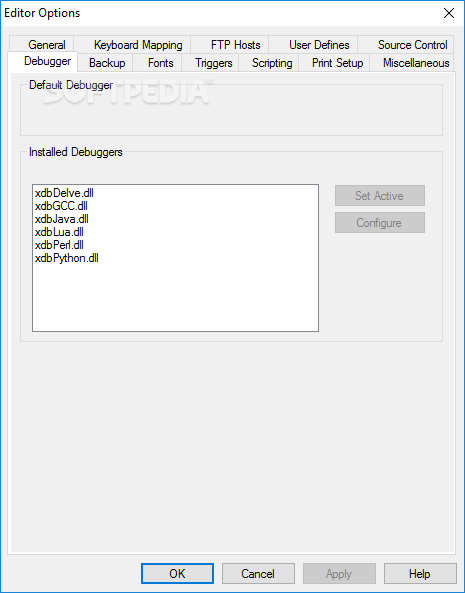
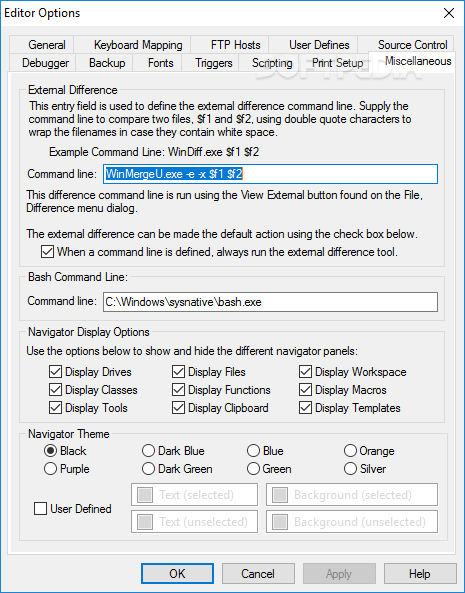
Testing out the code for errors all becomes a little easier thanks to an implemented debugger. From the options menu, the application lets you carefully configure it, as well as use an external one if preferred. When you're done, the project can be taken out for a spin, but not before compiling it, with yet another tool found in this package.
On an ending note, creating an application from scratch is not for everyone and can take some time. You won't achieve the target in considerably less time, but with Zeus for Windows and it's neat compatibility with other programming languages, it opens up a common bridge between developers of all types.
What's new in Zeus for Windows 3.99a:
- Support for Windows Dark Mode.
- Updated to Python 3.10.0 version
- Updated tree sitter syntax highlighting for the C#, C/C++, CSS, Go, HTML, JavaScript, Lua, PHP, Python, Rust, TypeScript languages.
- Lots of other minor improvements
Zeus for Windows 3.99a
 Softpedia Editor's Pick
add to watchlist
add to download basket
send us an update
REPORT
Softpedia Editor's Pick
add to watchlist
add to download basket
send us an update
REPORT
- runs on:
-
Windows NT
Windows 11
Windows 10
Windows 8
Windows 7
Windows Vista
Windows XP
Windows 2K - file size:
- 89.2 MB
- filename:
- ze32v399a.zip
- main category:
- Programming
- developer:
- visit homepage
calibre

7-Zip

ShareX

Context Menu Manager

Bitdefender Antivirus Free

Microsoft Teams

Windows Sandbox Launcher

4k Video Downloader

Zoom Client

IrfanView

- 4k Video Downloader
- Zoom Client
- IrfanView
- calibre
- 7-Zip
- ShareX
- Context Menu Manager
- Bitdefender Antivirus Free
- Microsoft Teams
- Windows Sandbox Launcher