
Lightweight Java embedded compiler that can compile sets of source files to sets of class files, process expressions, blocks and source files in memory #Java compiler #Compile expression #Compile script #Library #Compiler #Bytecode
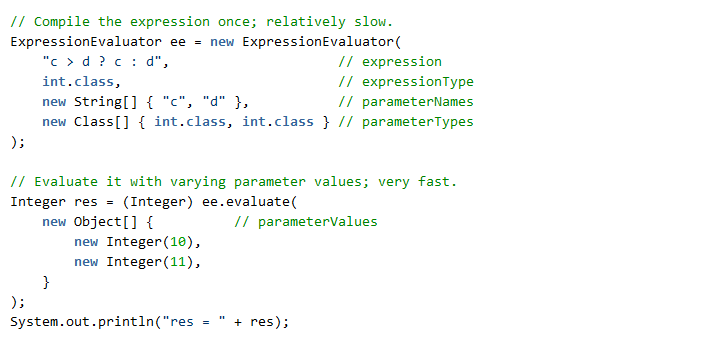
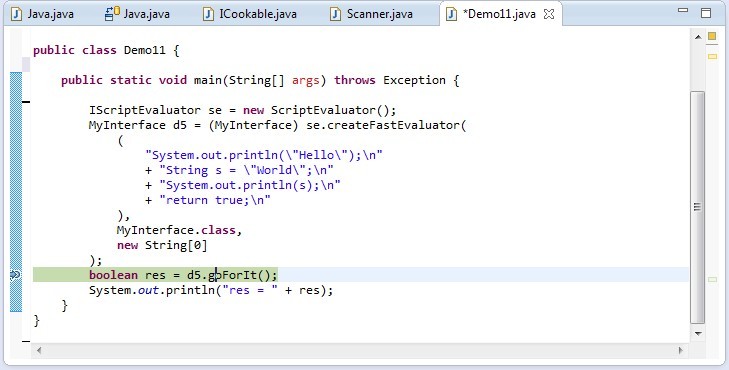
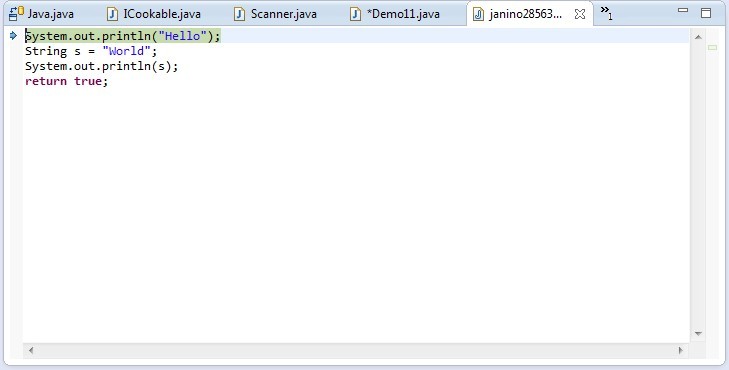
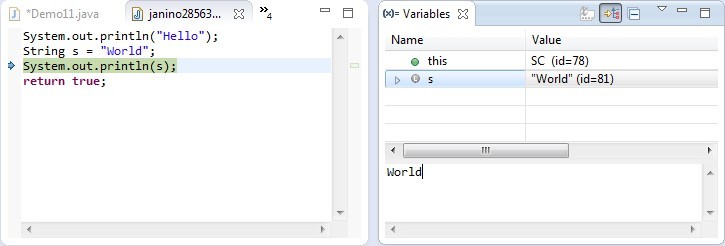
Janino is a lightweight Java-embedded compiler that can perform multiple tasks, including compiling a set of source files to a set of class ones, process Java expressions, class bodies, blocks or source files. It can be used for analyzing static code or manipulating it.
It is worth mentioning that the target computer must have Java SE Development Kit and a suitable IDE installed beforehand. This compiler comes with integration for Apache Commons JCI (which stands for Java Compiler Interface) and also for JBoss Rules or Drools.
It packs a series of Java language features that are categorized by version. You can find features from Java 1.4, 5 and 7. The ones for Java 1.4 include class declaration, interface declaration, package declaration, class initializer, class variable initializer, as well as "if...else", "while", "do...while", "try...catch...finally", "throw", "return", "continue", "switch", "synchronized" and "for" statements.
Some examples of Java 5 language features are the enhanced "for" statement, "enum" declaration, annotation type declaration, annotations, static imports and hexadecimal floating point literals. Binary integer literal, strings in the "switch" statement and underscores in the numeric literals are features that are proprietary to Java 7. Combining features from multiple Java language versions makes the compiler more stable and easier to work with.
System requirements
What's new in Janino 3.1.12:
- Fixed issue #212 "Assignment conversion not possible from type
- Fixed issue #209: Use Java's ServiceLoader instead of org.codehaus.commons.compiler.properties
- Added test case for issue #169 "Problems with varargs and inheritance".
- Fixed issue #210 "CompilerException with static inner classes".
Janino 3.1.12
add to watchlist add to download basket send us an update REPORT- runs on:
-
Windows 11
Windows 10 32/64 bit
Windows 8 32/64 bit
Windows 7 32/64 bit - file size:
- 933 KB
- filename:
- janino-3.1.12.jar
- main category:
- Programming
- developer:
- visit homepage
Microsoft Teams

Windows Sandbox Launcher

Zoom Client

4k Video Downloader

IrfanView

7-Zip

ShareX

Context Menu Manager

Bitdefender Antivirus Free

calibre

- Context Menu Manager
- Bitdefender Antivirus Free
- calibre
- Microsoft Teams
- Windows Sandbox Launcher
- Zoom Client
- 4k Video Downloader
- IrfanView
- 7-Zip
- ShareX
