
Parse and analog log files as well as monitor their contents effortlessly to learn more about the activity of programs or systems #Log viewer #Trace file #Log trace #Log #Trace #Monitor
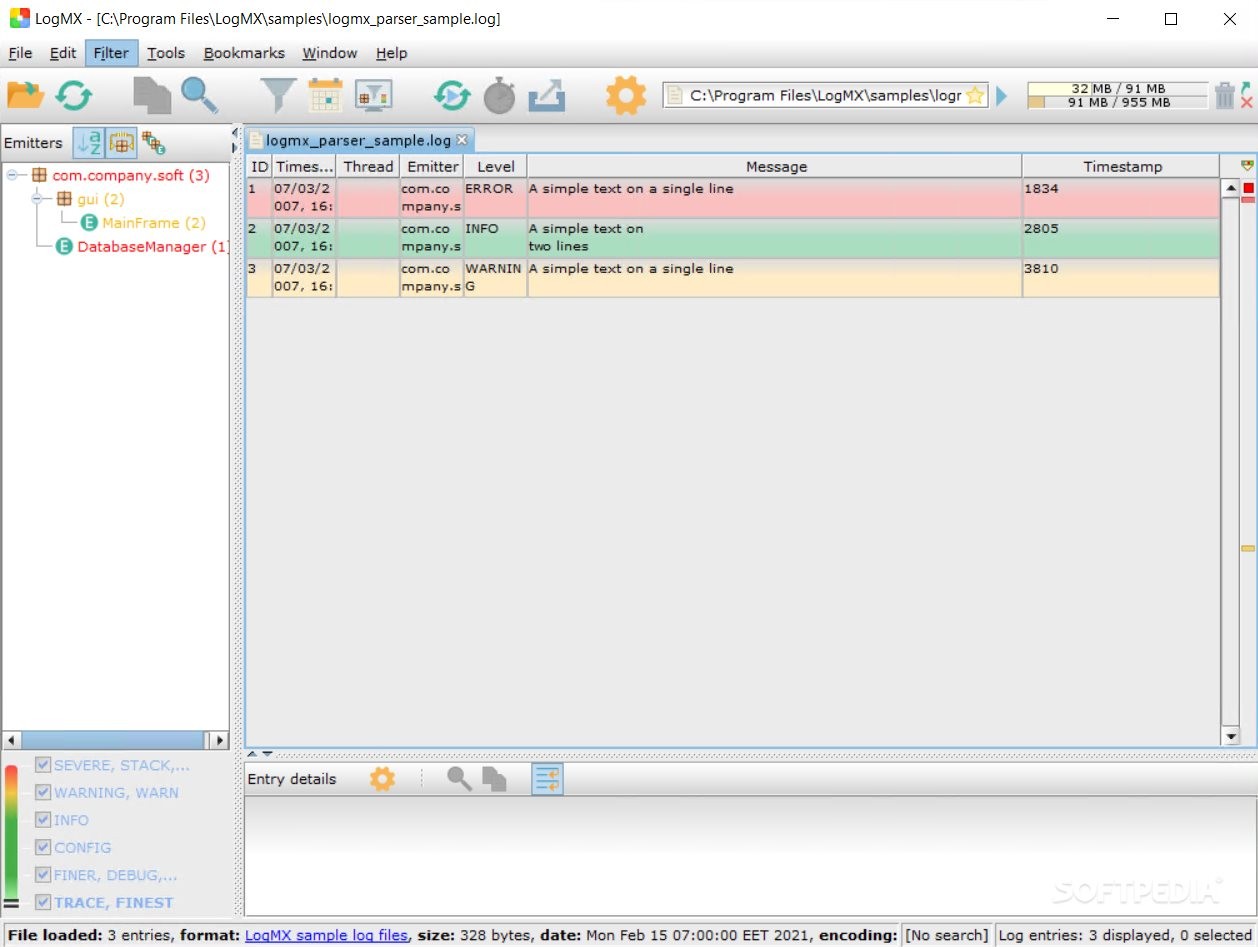
LogMX is a simple but powerful tool designed to help you open, parse, analyze or export log files. The application supports working with a large range of log files formats and allows you to open documents or parse a new file on the spot. You can use the format templates or describe a custom file type. In addition to Windows, the application is available for Mac and Linux.
LogMX is a reliable tool for analyzing and monitoring changes in the system, based on the afferent log files. The program supports opening several formats, including TXT, HTML, LOG or XML.
You can set several options before even opening the log files, such as merge the selected documents for a more effective monitoring process. Moreover, you may set the initial tail size for monitoring, as well as the desired type of encoding.
LogMX works both as a log manager and a log parser, allowing you to decide the method in which your logs are formatted.
LogMX can open files located on the disk drive, on an FTP, SCP or Web servers; it can also read logs from Log4j/Logback Socket Appender through TCP/UDP ports. It supports logs generated by Log4j or Logback frameworks, but it can also work with Java, Unix or Eclipse logs. Alternatively, you can describe custom log formats and specify the parser type and protocol.
The application uses Java class, Regular Expression (Regex), Log4j/Logback or simple log format parsers. Each parser can be set to return the desired results.
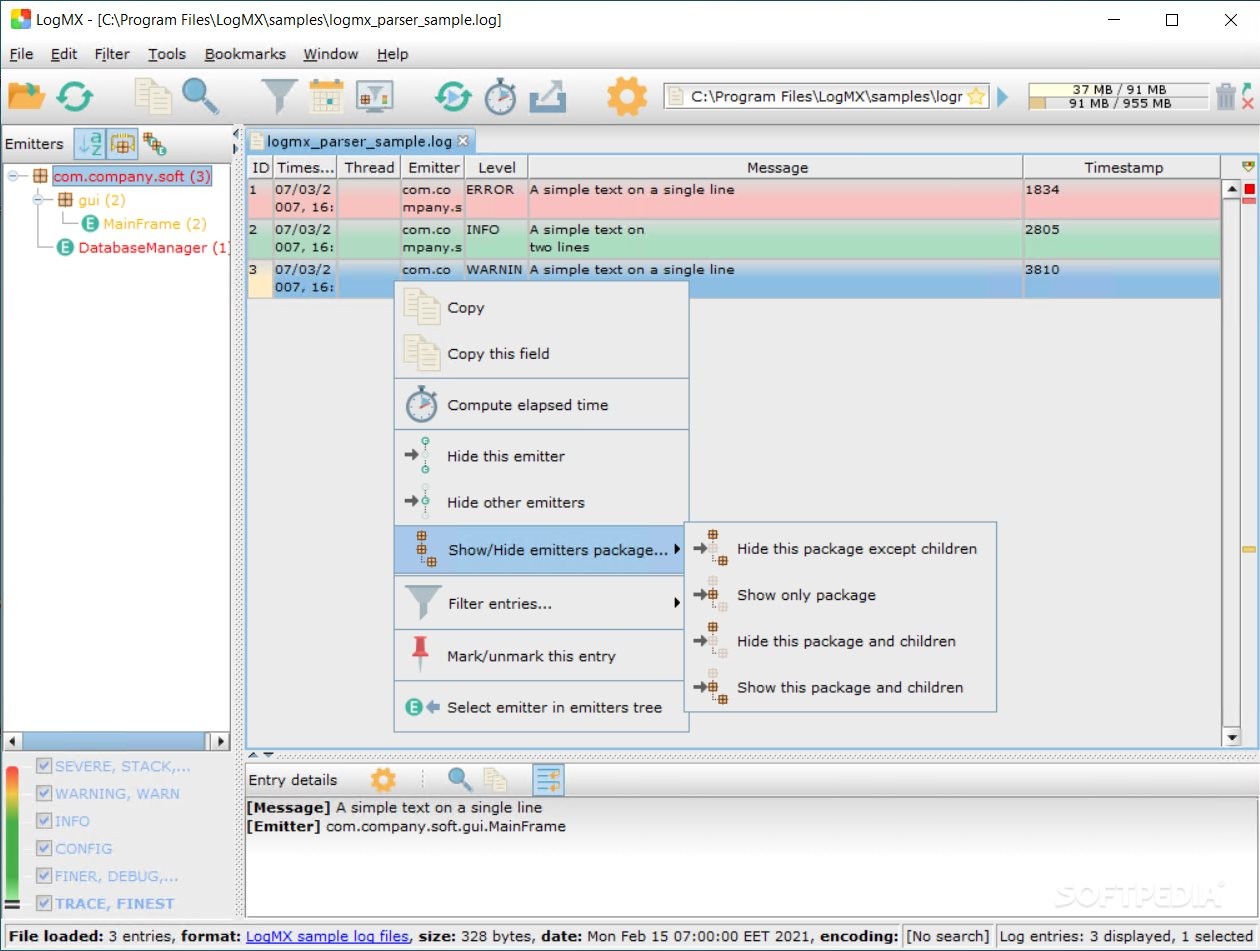
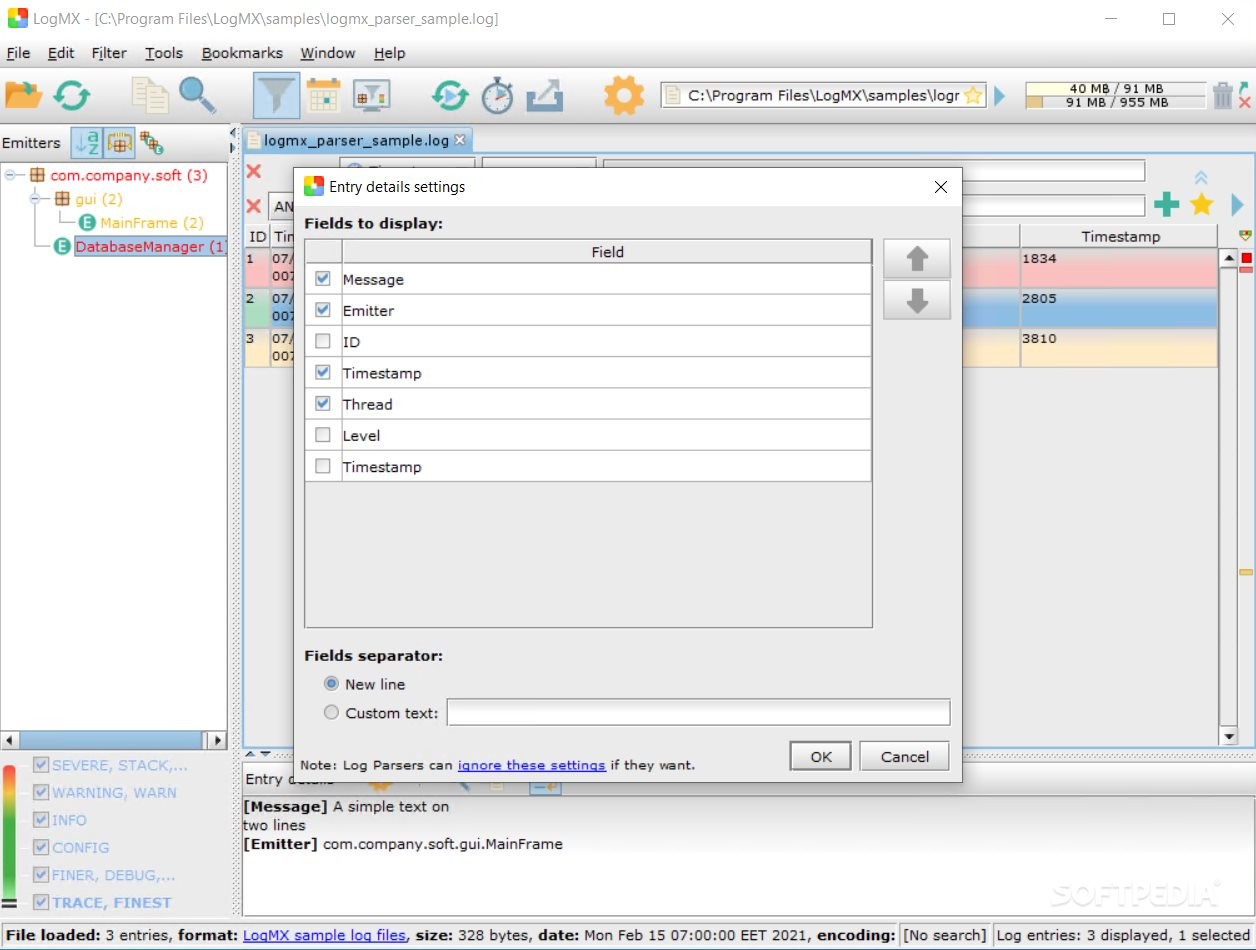
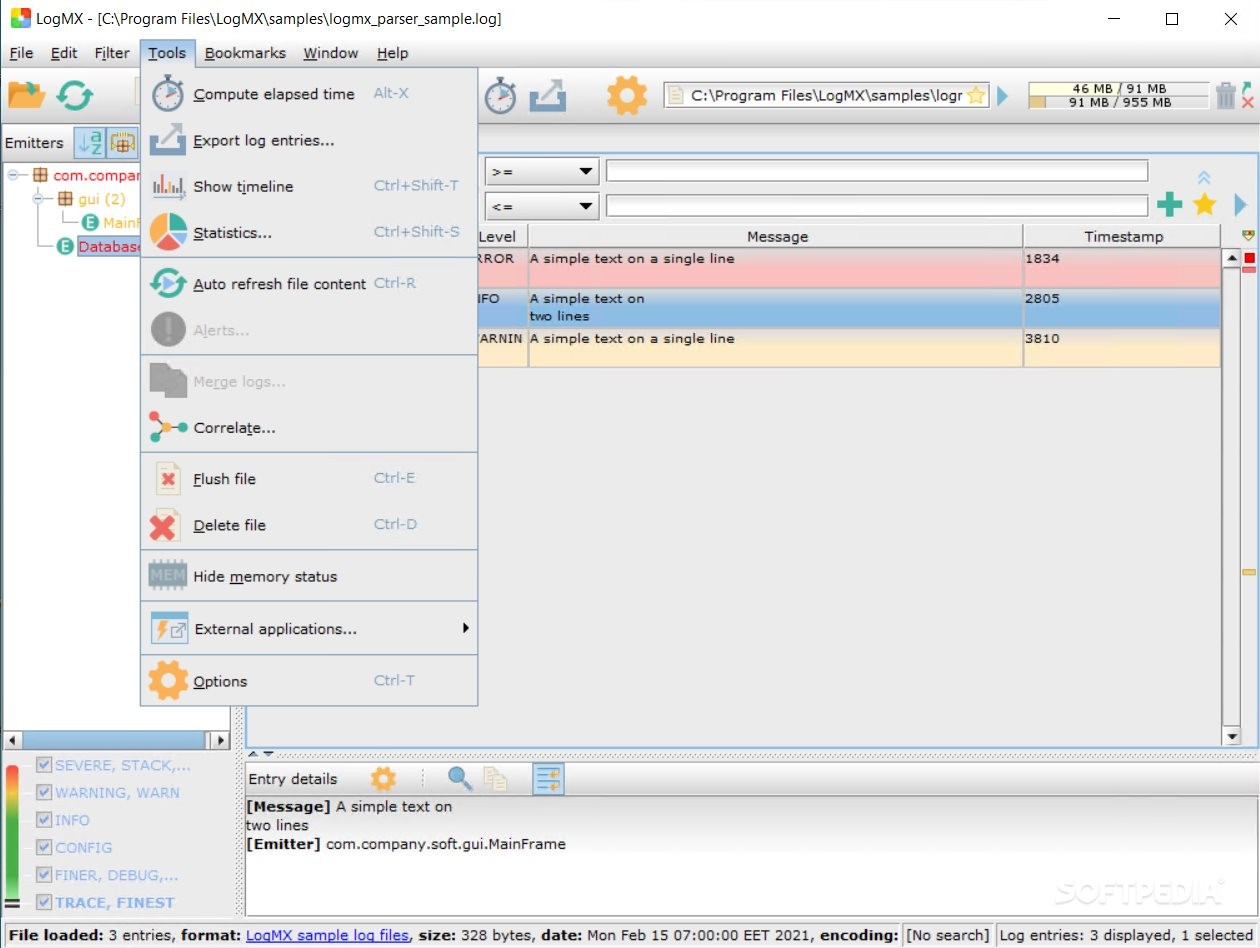
LogMX can return several parameters from each log file you load: the timestamp, thread, emitter, level and logger. It also finds messages, if available and indicates the method used for capturing the information. You may insert new analysis rules, use the advanced filter and view statistical data regarding the activity of the monitored instance. You may export the selected fields to your computer as LogMX tab, CSV, XML, HTML or JSON files.
What's new in LogMX 8.3.0:
- New Features:
- When opening log files from the command line, can now choose a custom UI tab name for each file via the new command line argument "--tabname="
- Changes:
LogMX 8.3.0
add to watchlist add to download basket send us an update REPORT- runs on:
-
Windows 11
Windows 10 32/64 bit
Windows 8 32/64 bit
Windows 7 32/64 bit - file size:
- 8.2 MB
- main category:
- Programming
- developer:
- visit homepage
Zoom Client

7-Zip

Windows Sandbox Launcher

calibre

IrfanView

ShareX

4k Video Downloader

Bitdefender Antivirus Free

Microsoft Teams

Context Menu Manager

- Bitdefender Antivirus Free
- Microsoft Teams
- Context Menu Manager
- Zoom Client
- 7-Zip
- Windows Sandbox Launcher
- calibre
- IrfanView
- ShareX
- 4k Video Downloader