
Build, Debug, Profile and Trace heterogeneous compute and graphics applications using CUDA C/C++, OpenCL, DirectCompute, Direct3D, and OpenGL #GPU debugger #CUDA debug #Development platfrom #CUDA #NVIDIA #Debug

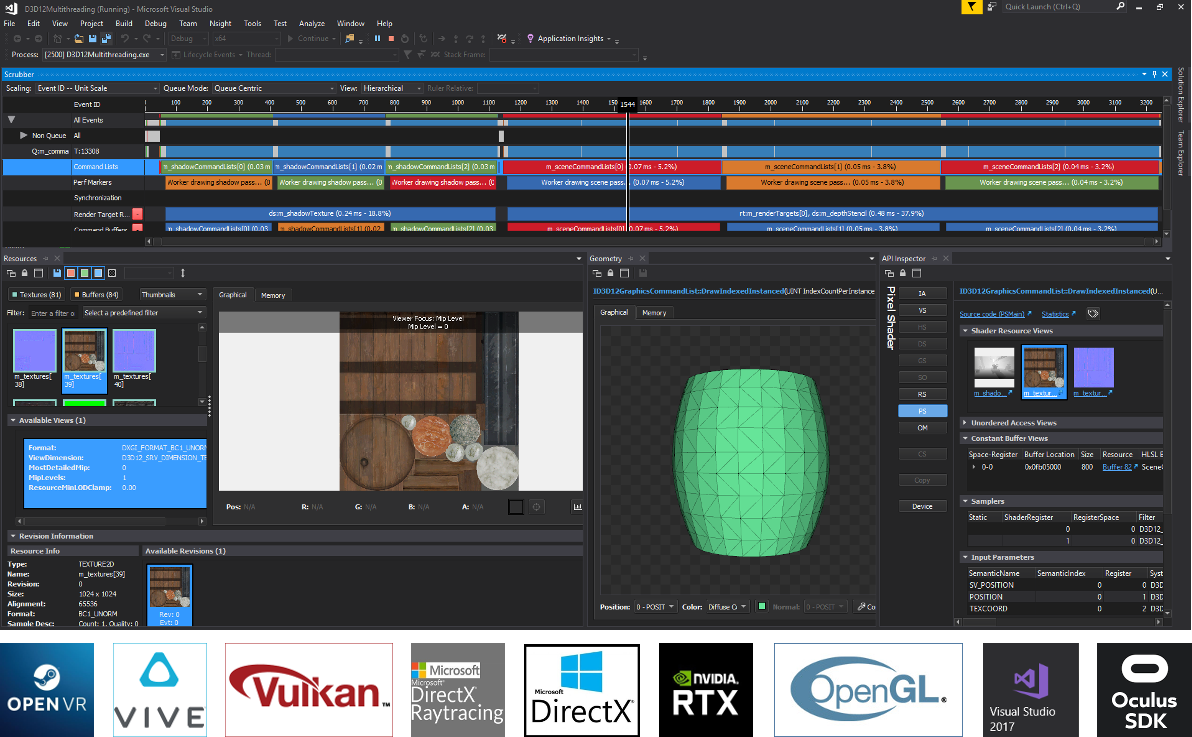
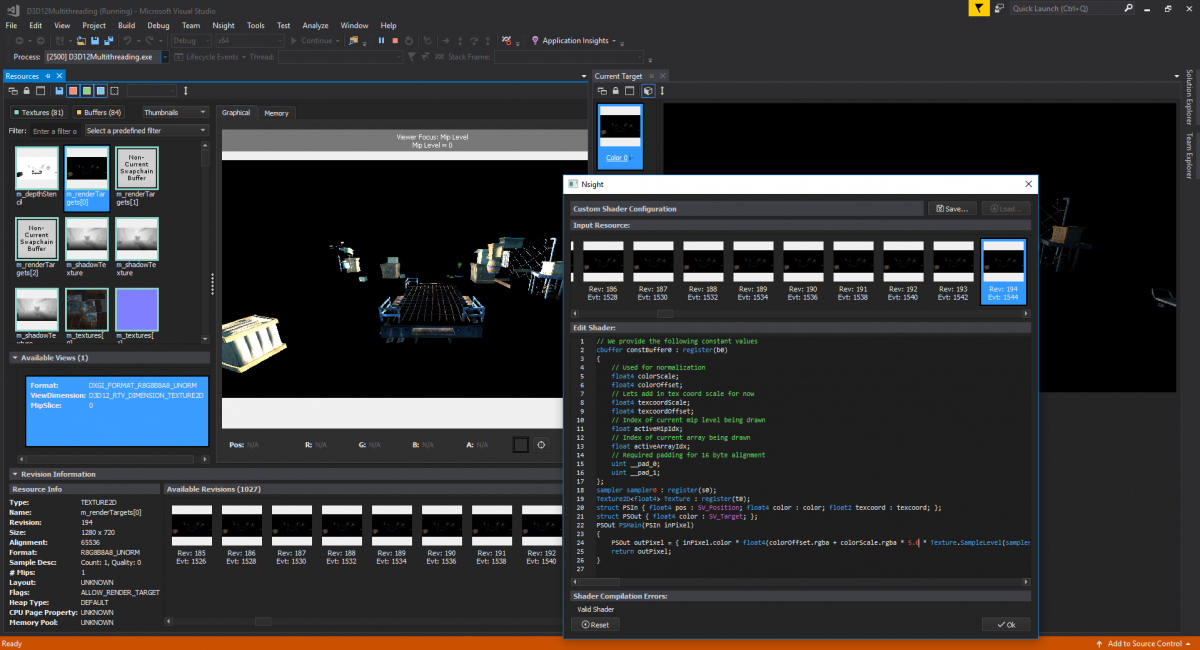
If you are thinking of developing an advanced graphics editor, CAD app or perhaps a video game, then we don't need to tell you more about the importance of fully optimizing the performance of the CPU and GPU. NVIDIA Nsight is a comprehensive, yet intuitive development platform that packs several debugging and profiling tools to help you achieve this goal and provide users with the ultimate experience.
A further noteworthy feature of the platform is the integrated CUDA editor and samples, both of which speed up the generation of code for a wide variety of projects. Not only does the automatic code refactoring allow an effortless porting of the CPU loops to CUDA kernels, but you can also get detailed performance analysis at the same time.
In the eventuality that you happen to run into errors, then the app provides you with a step-by-step guide to help you fix the errors or bottlenecks in the code. Moreover, thanks to the syntax highlighting, you can easily differentiate between the CPU and GPU code.
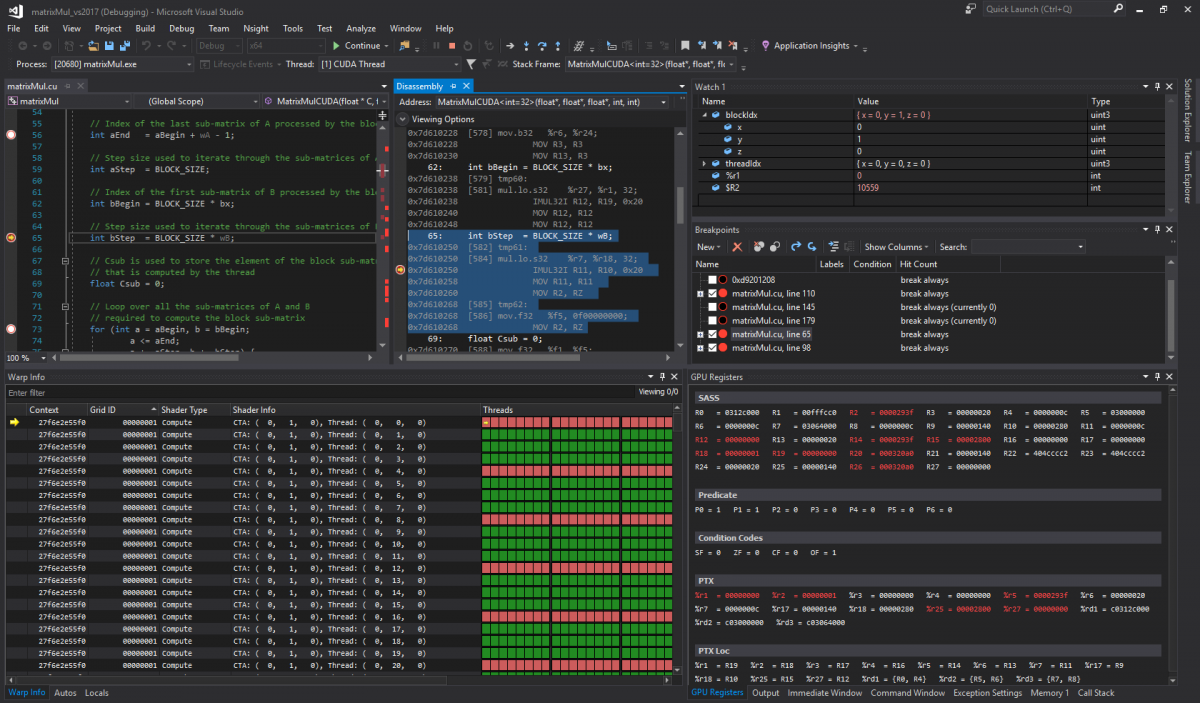
If you already wrote the code or prefer to use snippets for this purpose, then you can take advantage of the debugging tool to check it thoroughly. Thanks to the powerful debugger, you can view the variables across several CUDA threads, view and filter track execution, analyze the execution state, map the kernels and CPU, set breakpoints or include memchecks to help identify memory errors, for instance.
Lastly, it is worth mentioning that the program comes with a profiler that enables you to detect performance bottlenecks various versions of CPU and GPU. The tool can track down potential problems at specific source-lines in the kernels, so you can address them early in the development stage.
Regardless of the type of GPU-accelerated application or project you are working on, NVIDIA Nsight packs a robust set of tools with support for dynamic parallelism and extensive library support for developing apps faster and easier than ever.
NVIDIA Nsight 2023.2.1.23188
add to watchlist add to download basket send us an update REPORT- PRICE: Free
- runs on:
-
Windows 11
Windows Server 2022
Windows Server 2019
Windows 10 64 bit - file size:
- 517 MB
- filename:
- nsight_visual_studio_edition-windows-x86_64-2023.2.1.23188_33045351.msi
- main category:
- Programming
- developer:
- visit homepage
4k Video Downloader

IrfanView

calibre

Windows Sandbox Launcher

Microsoft Teams

Zoom Client

Bitdefender Antivirus Free

Context Menu Manager

ShareX

7-Zip

- Context Menu Manager
- ShareX
- 7-Zip
- 4k Video Downloader
- IrfanView
- calibre
- Windows Sandbox Launcher
- Microsoft Teams
- Zoom Client
- Bitdefender Antivirus Free
